

Step 01
Write one controlled brief
Describe the subject, action, setting, camera movement, style, duration need, and delivery target in the same order for each candidate.

The best text to video ai tools comparison starts with the sentence you want to turn into a scene. This text-first guide compares Kling, PixVerse, and LTX Studio by whether text can begin the workflow, how clearly you can direct motion, what must be verified before choosing, and where VideoAI fits as the publisher's current option.
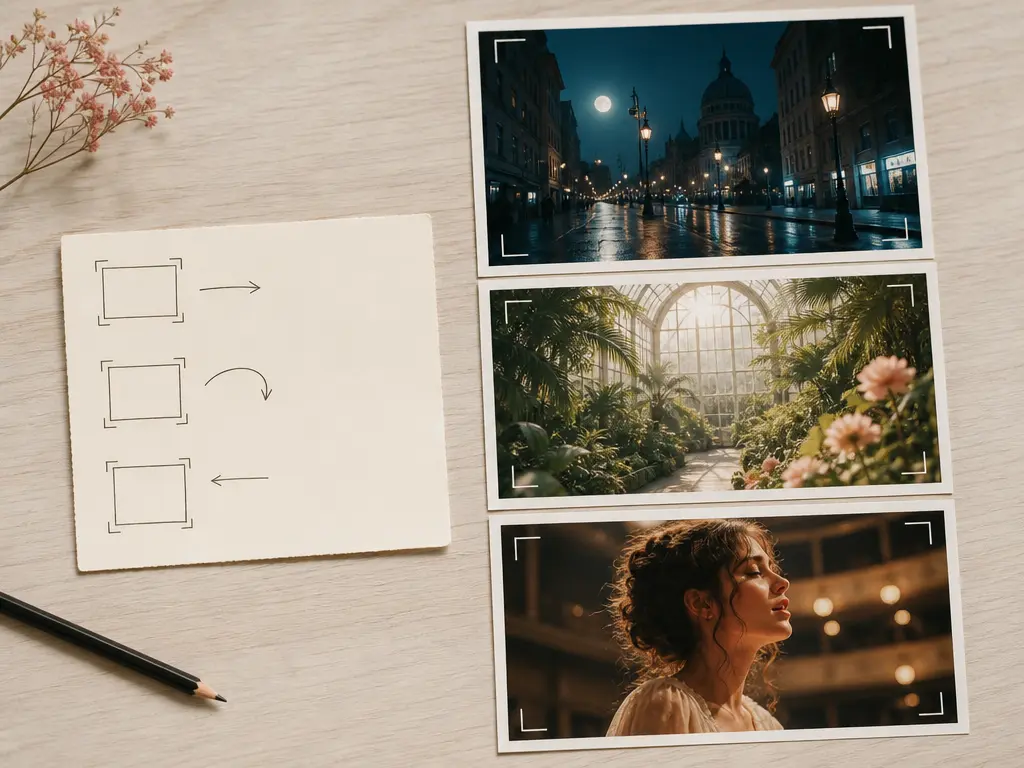
In a best text to video ai tools comparison, the core test is simple: can a person begin with a written scene description and create new moving images? Image references may be optional, but the text-origin path must be visible and documented.
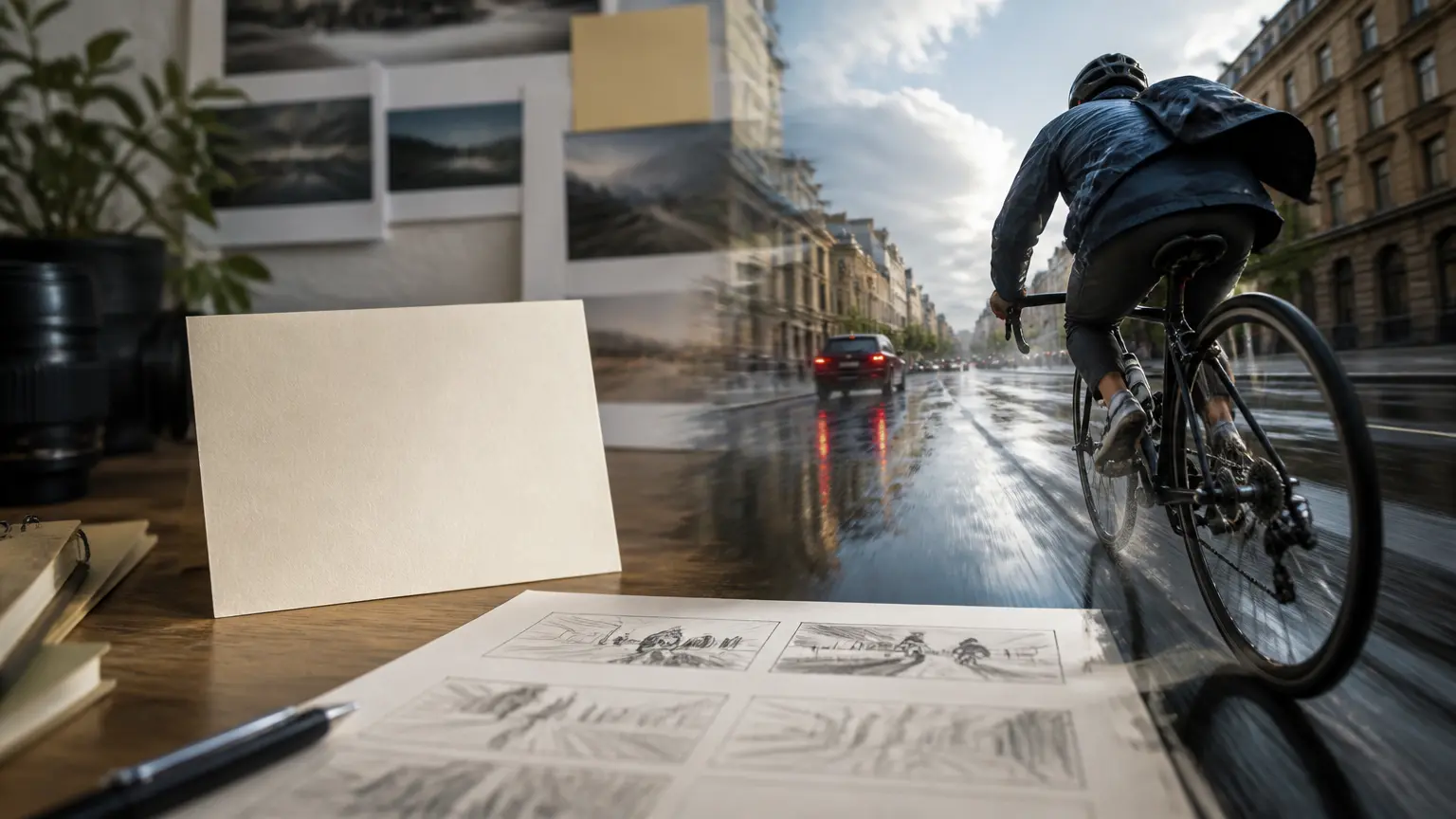
A text to video AI tool should accept a written prompt as a real starting input. A script-to-video service that assembles stock footage, a presenter workflow, or an editor that only changes existing footage belongs in a different category.
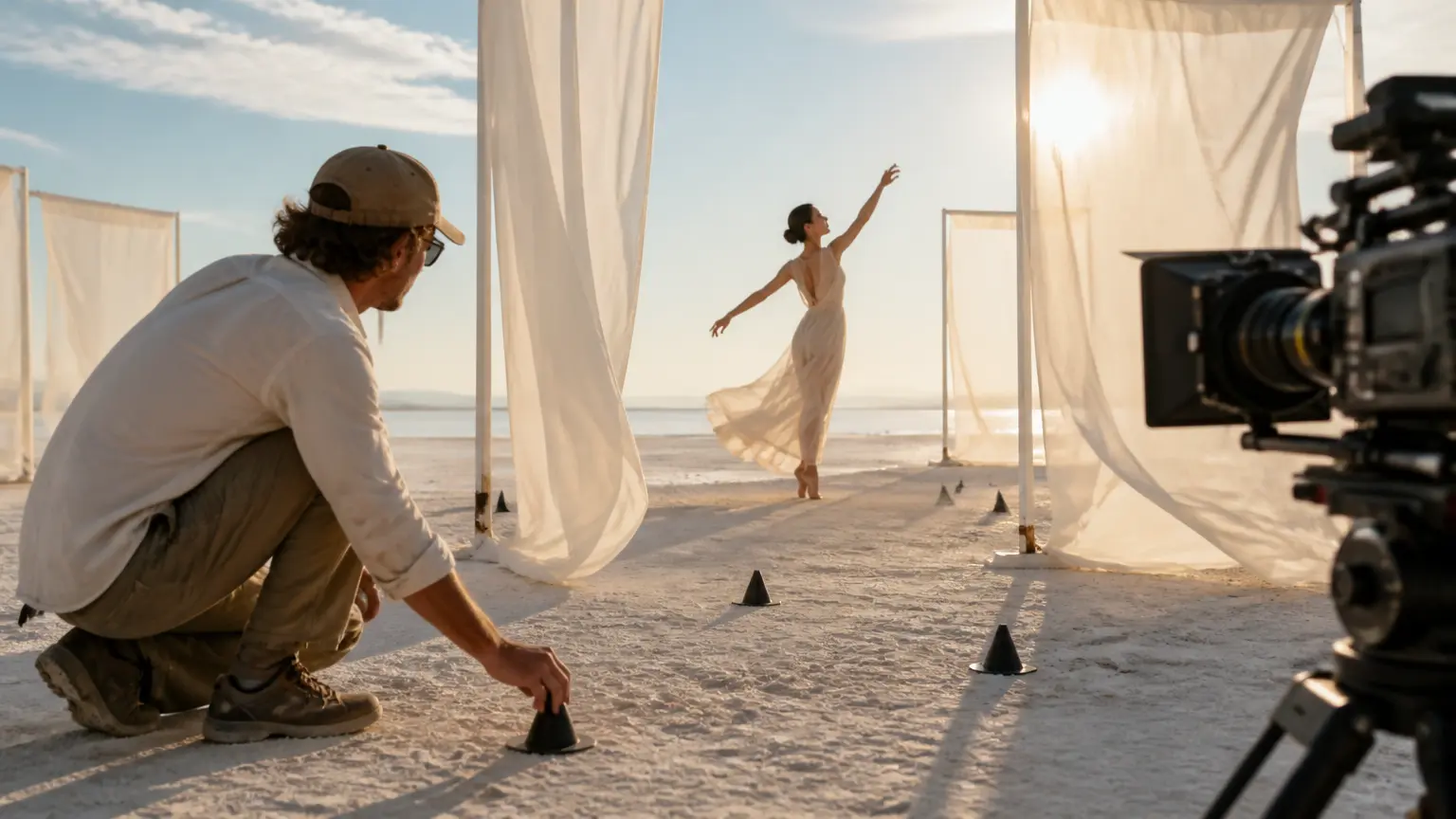
Look for documented ways to describe the subject, action, camera movement, setting, style, timing, or sound. Marketing adjectives do not prove that a tool follows a scene brief.
This best text to video ai tools comparison records what is known about preview, revision, download, account access, credits, watermark terms, and commercial use. Unknown values stay unknown instead of becoming assumed advantages.
The best text to video ai tools shortlist below includes candidates with public text-prompt entry evidence. They are not ranked, scored, or presented as a complete market inventory.
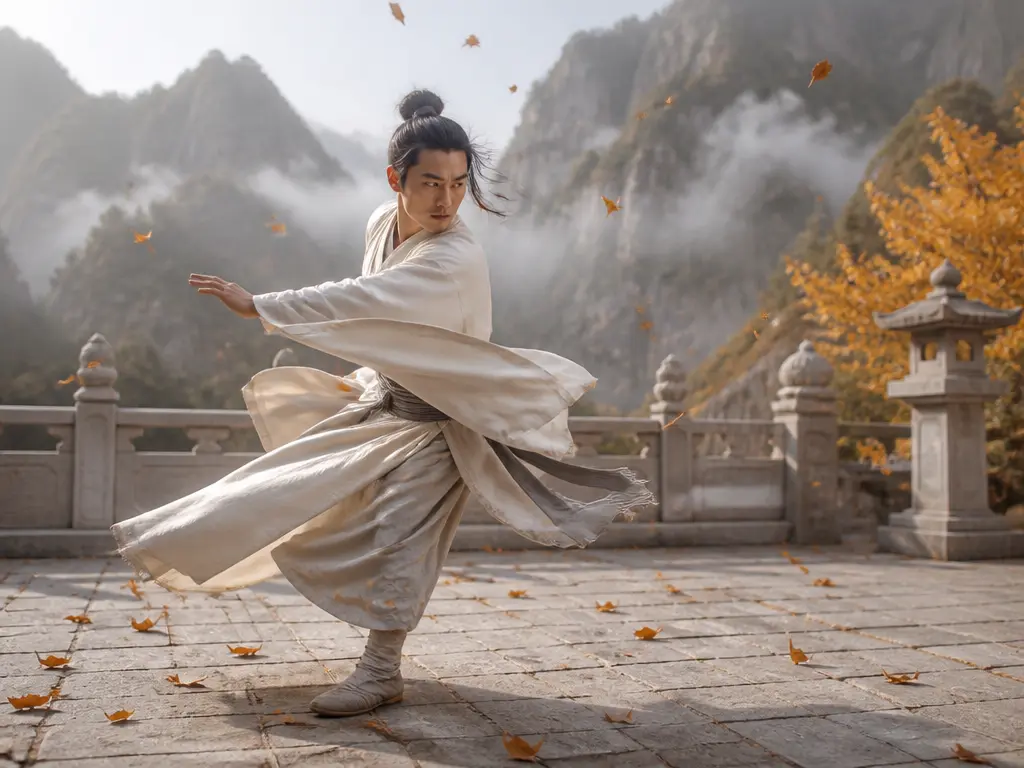
Kling's official AI video generator page says a simple text prompt can start a video and exposes a Text to Video path. Use it as a candidate when a written character, style, or scene brief is the first input. Verify the current model, account route, limits, and export terms before deciding.

PixVerse's official Text to Video product page describes turning text prompts into video. Its vendor-authored comparison separates direct text-to-video generation from script packaging and editing, which helps define the task boundary. Treat its own best-for language as vendor positioning, not independent test evidence.

LTX Studio's official page has a Text-to-Video section and describes generating visuals from text prompts or image references in a creative workspace. Confirm which current model, workspace mode, output path, and plan terms apply to the text-first task you have.
To compare the best text to video ai tools, use the same short brief for each candidate. This page did not run a shared test, so the checklist is for your own evaluation.
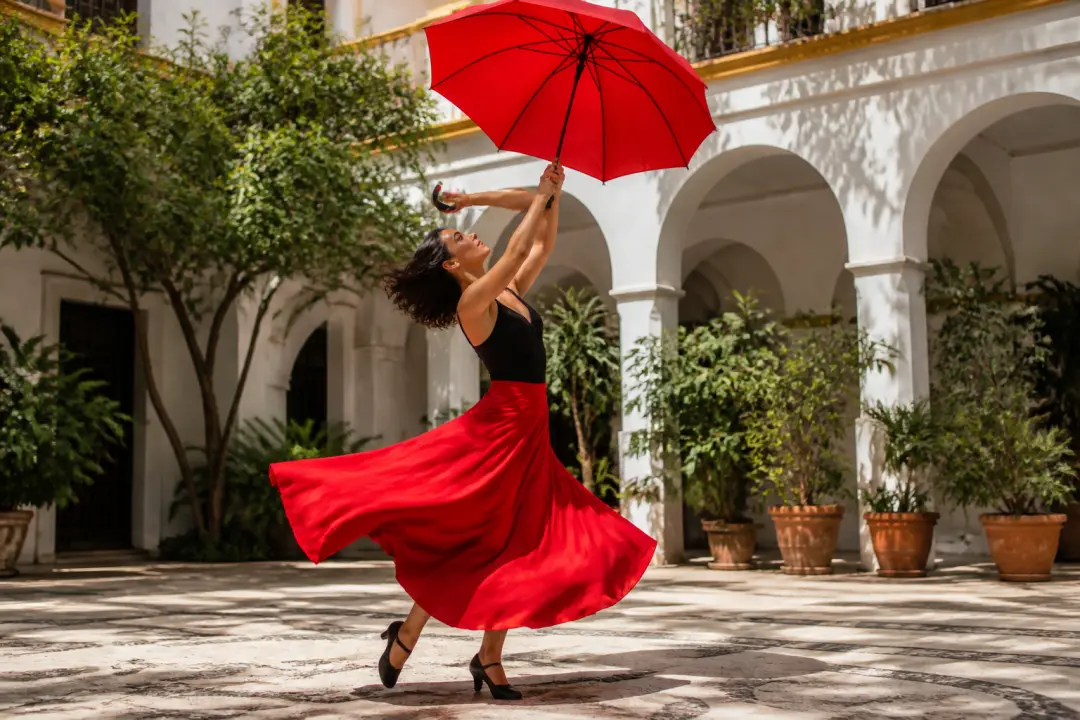
Write one subject, one visible action, and one change of state. Check whether the generated motion follows the order in the prompt and whether the subject remains recognizable.

Ask for one camera move, one setting, and one visual treatment. Record which controls are explicitly documented and which result only appears in a marketing example.
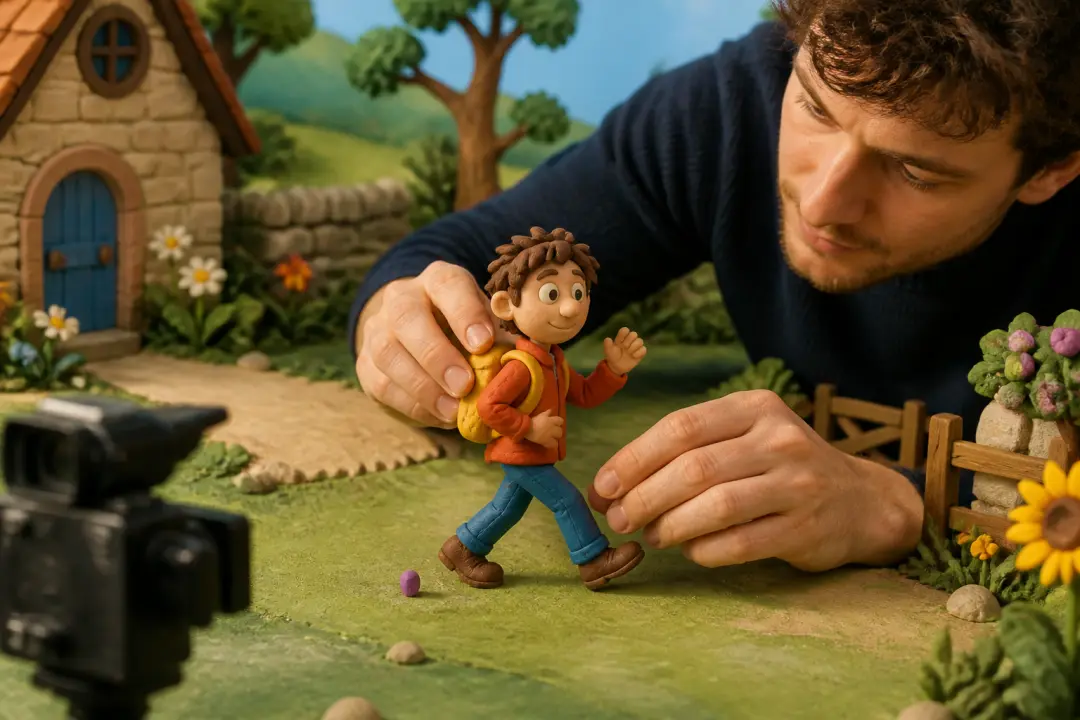
Try one text change after the first preview. Note whether the tool regenerates a new clip, preserves the useful parts, or switches you into a different editing or script workflow.

Use the best text to video ai tools comparison to check duration, resolution, aspect ratio, audio, credits, login, watermark, download, and commercial-use wording for the exact product and version. Do not transfer one provider's policy to another.
Choose among the best text to video ai tools by making the creative job concrete before you compare candidates.
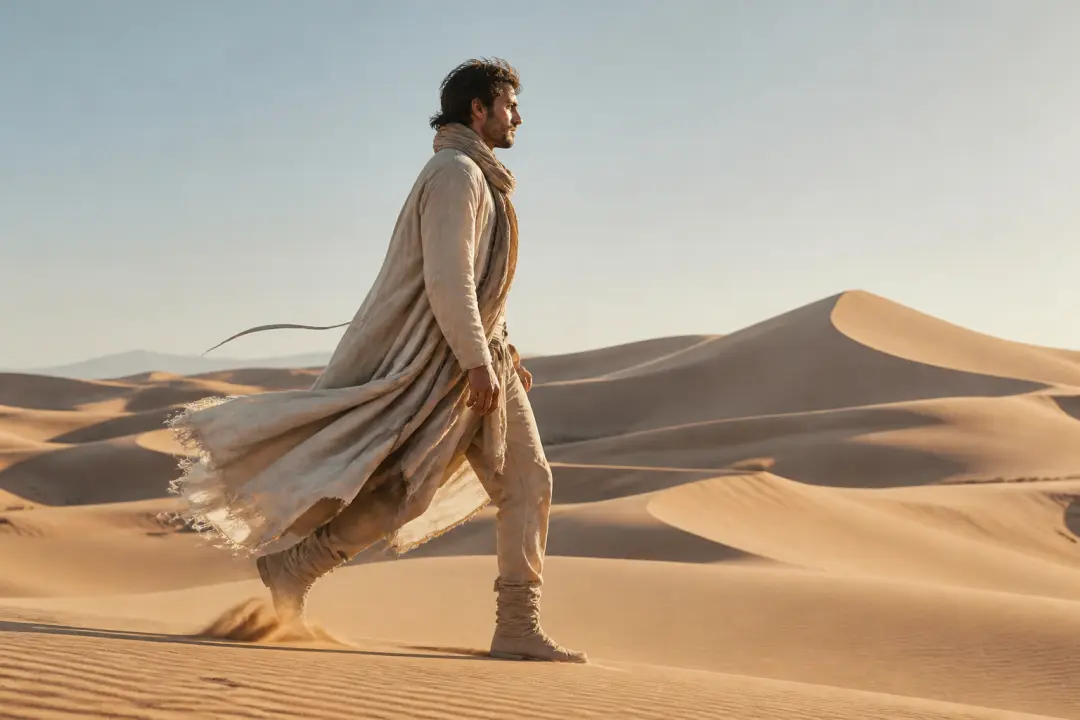
Start with a subject, action, camera move, and visual mood. Choose the candidate whose documented prompt path matches the kind of scene you need to inspect.

Use the same text brief across versions and record the ratio, length, credits, watermark, and revision steps before committing to a recurring workflow.
Keep the written action and delivery requirement narrow. Separate raw text-to-video generation from script-to-stock or avatar packaging when the workflow changes the task.
If the first result is close but not ready, test whether a second text instruction can change the scene without implying manual timeline editing or arbitrary-footage support.
Evaluate the best text to video ai tools with one text-origin brief and the exact product version you can access.
Step 01
Describe the subject, action, setting, camera movement, style, duration need, and delivery target in the same order for each candidate.
Step 02
Confirm that text can start the workflow, then record the documented prompt controls, image-reference requirements, revision path, and any category boundary.
Step 03
Inspect the preview, output format, account and credit terms, watermark language, and commercial-use conditions. Save the date and version because an annual guide changes as tools change.
VideoAI appears separately in this best text to video ai tools guide so the publisher's current workflow is not mistaken for an independent winner or a switchable model catalog.
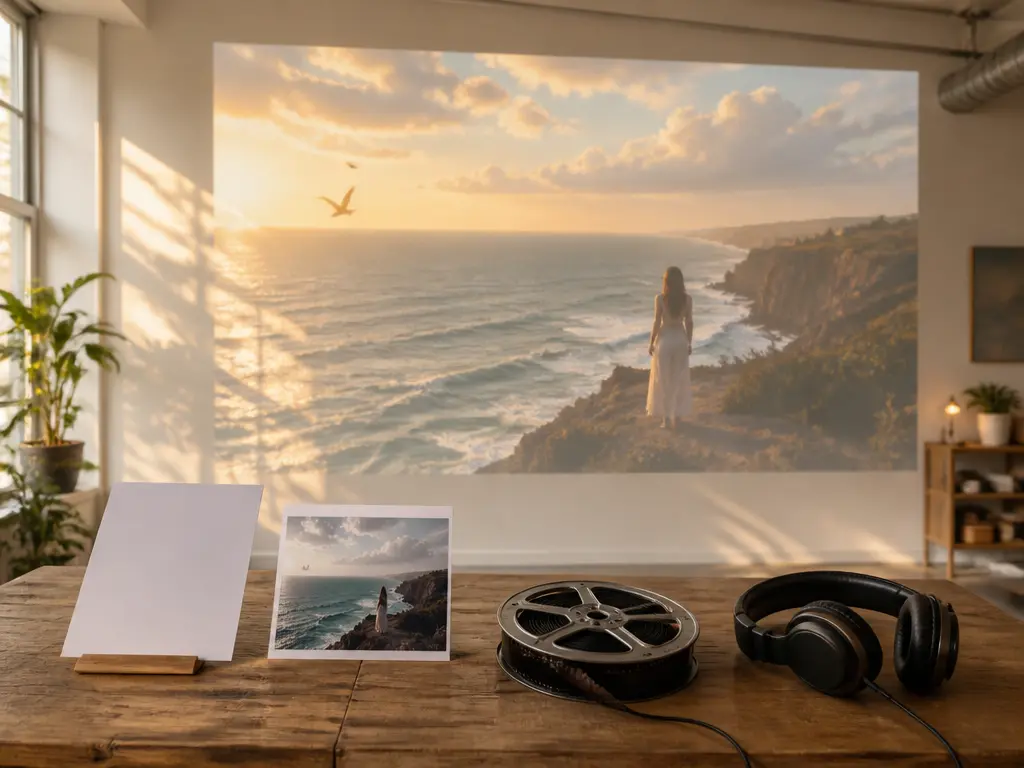
VideoAI can generate a video from a written description, with text, image, video, and audio references available when they help direct a scene. The user chooses the timed scene plan and reference roles.
After previewing a generated result, use a text instruction to request another version. This is prompt-led regeneration, not a claim of manual timeline, trim, split, or frame-level editing.
The confirmed current workflow requires login, starts with 10 credits, supports MP4 output up to 4K, and allows commercial video output without a visible watermark. These claims are current VideoAI facts, not historical 2026 competitor comparisons.

Apply the best text to video ai tools criteria: start with a scene description, review the generated result, and judge the workflow against the same comparison method.
Get Started