

Step 01
Add the Person and the Idea
Describe the recipient, the birthday theme and a short wish. Add photos, clips or a music reference, then use @ to assign each reference its role, such as the subject or soundtrack.

A Personal Wish, Shaped by You
Use VideoAI's birthday reel maker to plan each 9:16 scene with photos, a name and a short wish, then refine the result with text.

Choose the memory you want to lead with, then give your birthday reels a beginning, a personal moment and a closing wish.

When you have a few photos and one thing to say, plan a portrait opening, a shared memory and a closing wish. A happy birthday reel gives those moments a clear order.

Years of photos can become a short story. Assign them to successive time ranges and request a name and age in the final scene for birthday reels that move from then to now.

If you cannot celebrate together, combine a familiar portrait with a spoken birthday message. When you add a gentle music direction, the recipient gets a greeting they can see and hear.
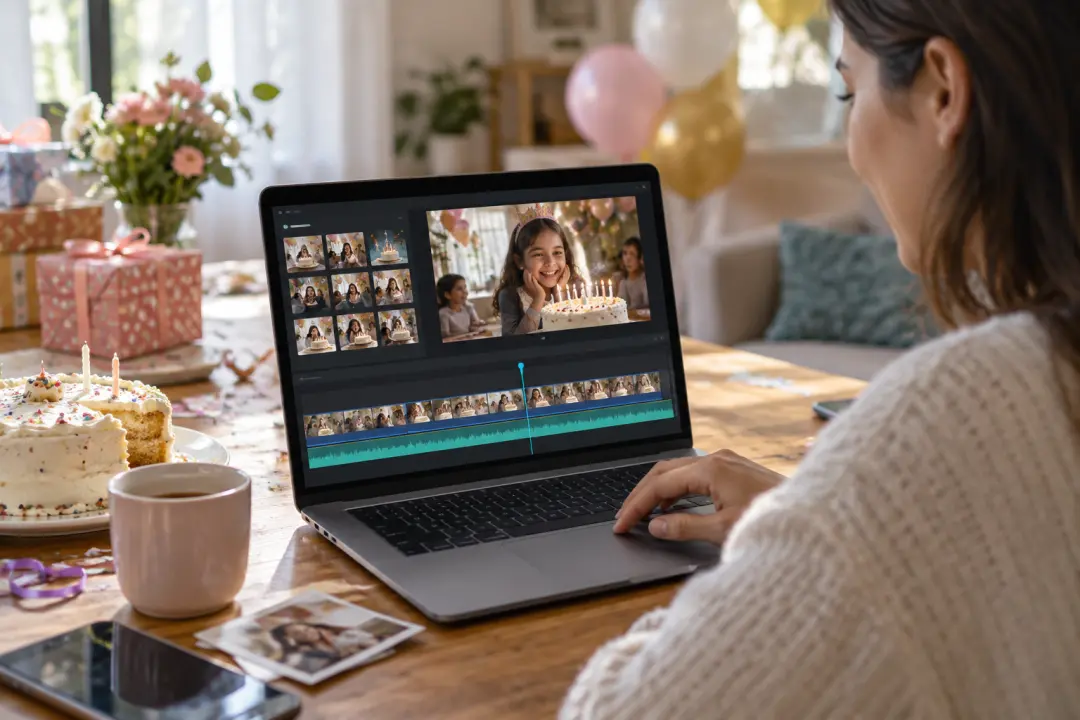
After the candles are out, choose the photos and clips that capture the day. Arrange their order and musical pace to turn birthday reels into a compact memory of the celebration.

Make the recipient the focus of your birthday reels. Start with their photo and a wish that sounds like you, then choose the moment their name appears.
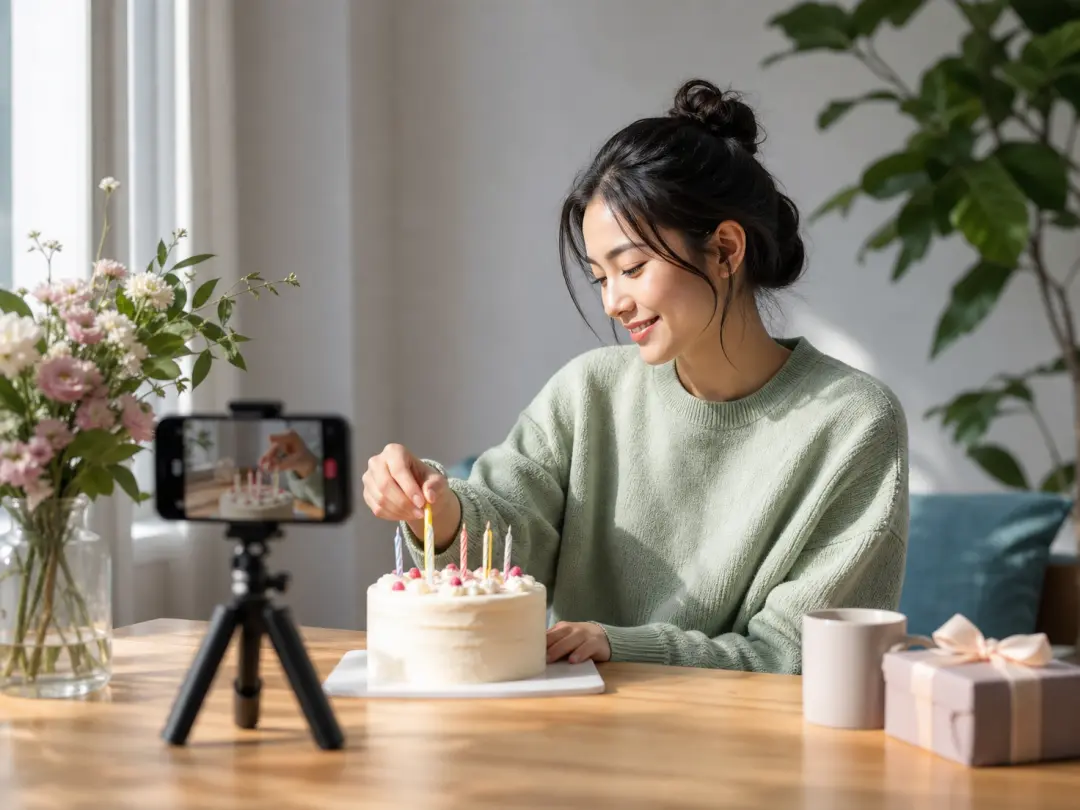
Give happy birthday reels an opening with a clear visual idea. Choose a portrait, a scene or an action, then plan the music cues that carry viewers toward the final wish.
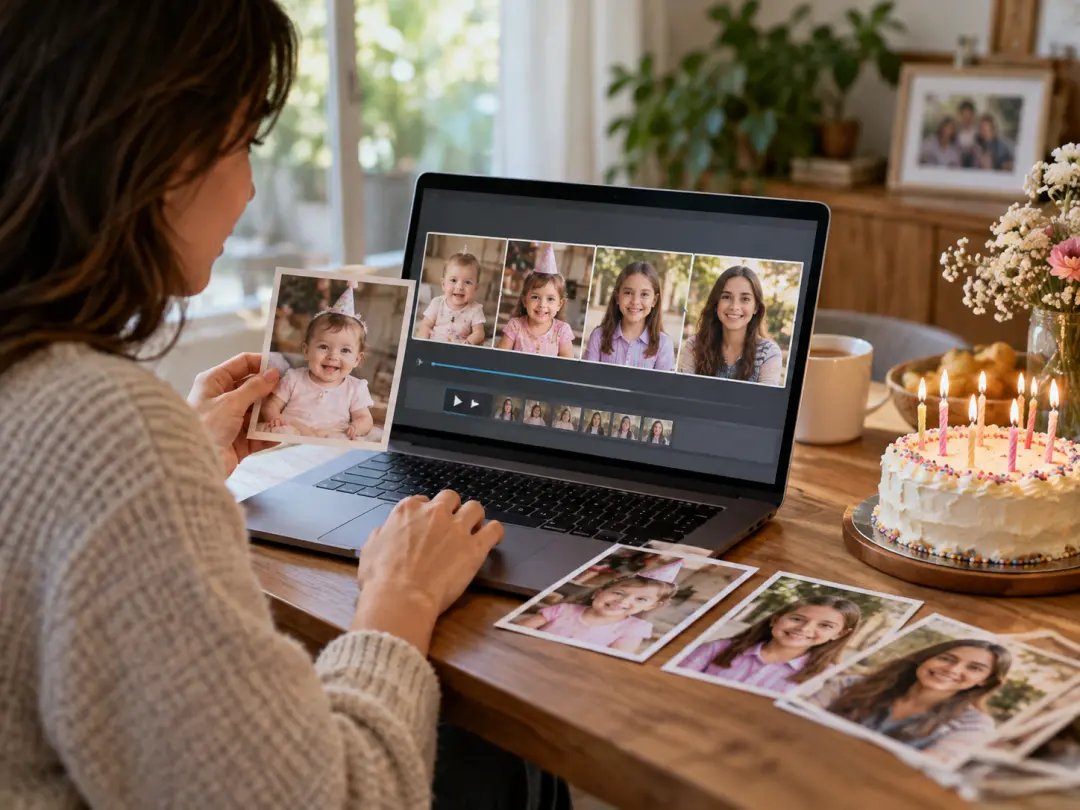
Turn family photos into birthday reels that connect different years. Use selected images as scene references and describe the action for each moment, so the finished video follows the story you chose.
Decide what the viewer should notice in your birthday reels, from the first face to the final wish.
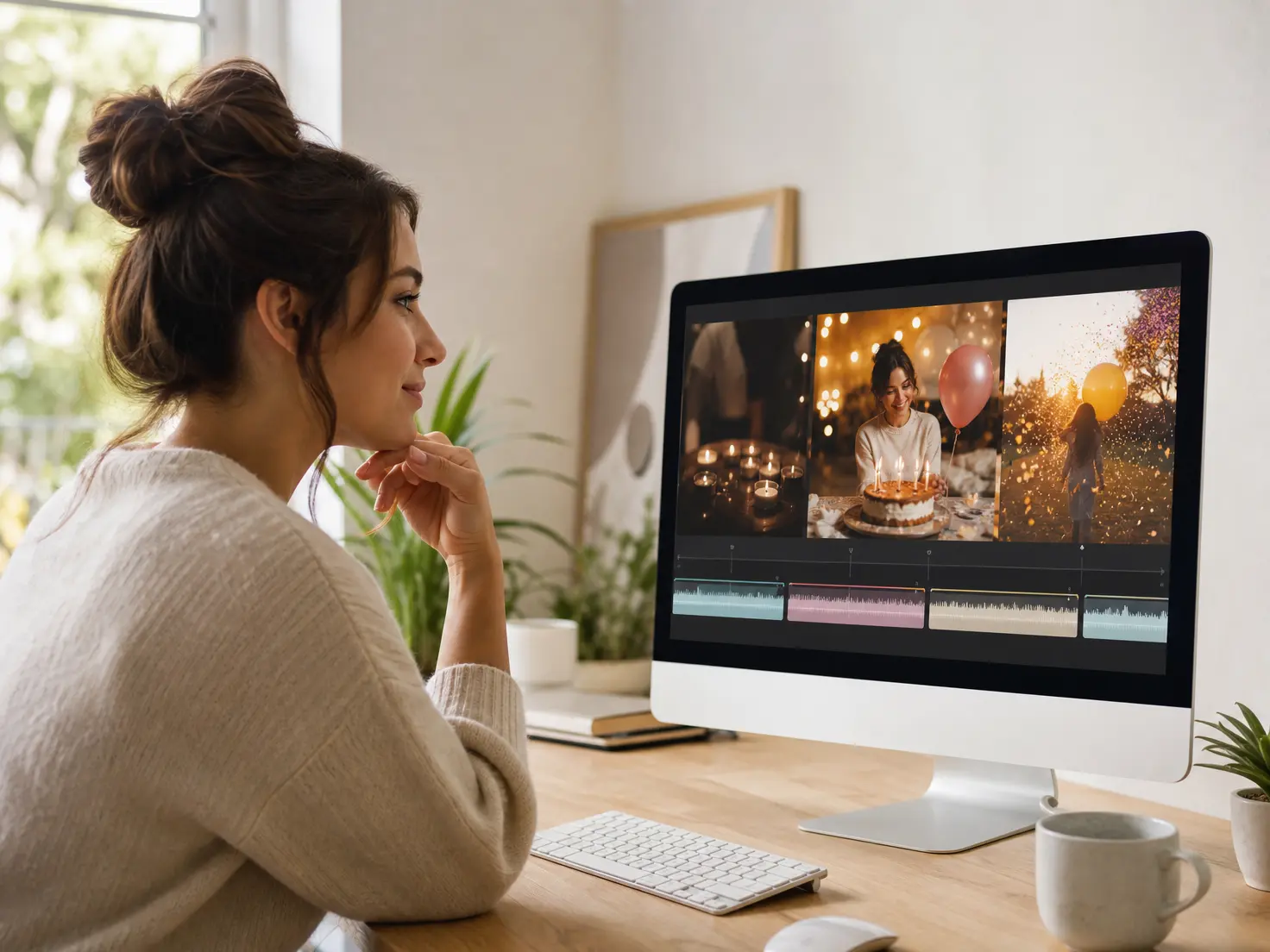
A quiet opening can build toward a brighter birthday finish. Assign photos, clips and music references to time ranges in VideoAI to guide the rhythm of your birthday reels.

Put their name and a short birthday wish into the scene itself. Describe the wording and where it should appear so VideoAI can generate the text with the birthday visuals.

Keep the recipient recognizable as the birthday setting changes. Upload their portrait as the subject reference and describe the key appearance details you want carried into your birthday reels.

Give the first version a calmer opening or a shorter wish. Describe the change in words and generate a revised version of your birthday reels with VideoAI.
Move from an idea to a finished greeting by choosing the material, writing the scene plan and reviewing the result.
Step 01
Describe the recipient, the birthday theme and a short wish. Add photos, clips or a music reference, then use @ to assign each reference its role, such as the subject or soundtrack.

Step 02
Choose 9:16 for vertical birthday reels and select a duration. For each time range, describe the picture, action, music cue and any words to show. Attach a reference image where it helps guide the scene.

Step 03
Generate your birthday reels and preview the scenes, names and wishes. Describe any changes in text and generate again, then download the finished video as an MP4 at up to 4K for a clear picture.
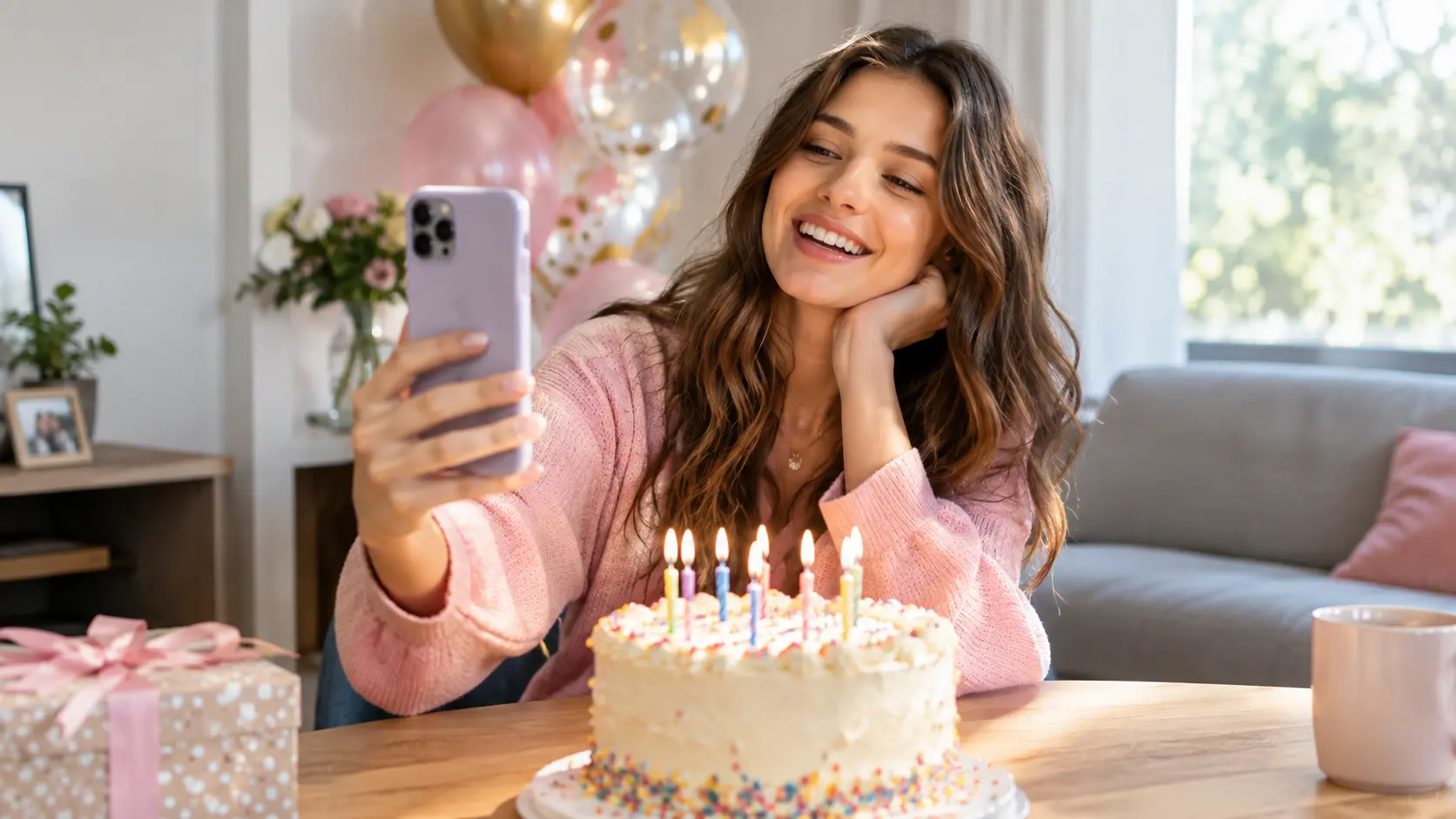
Bring a photo and a short wish to VideoAI, then shape birthday reels around the person, the moment and the music you have in mind.
Get Started