
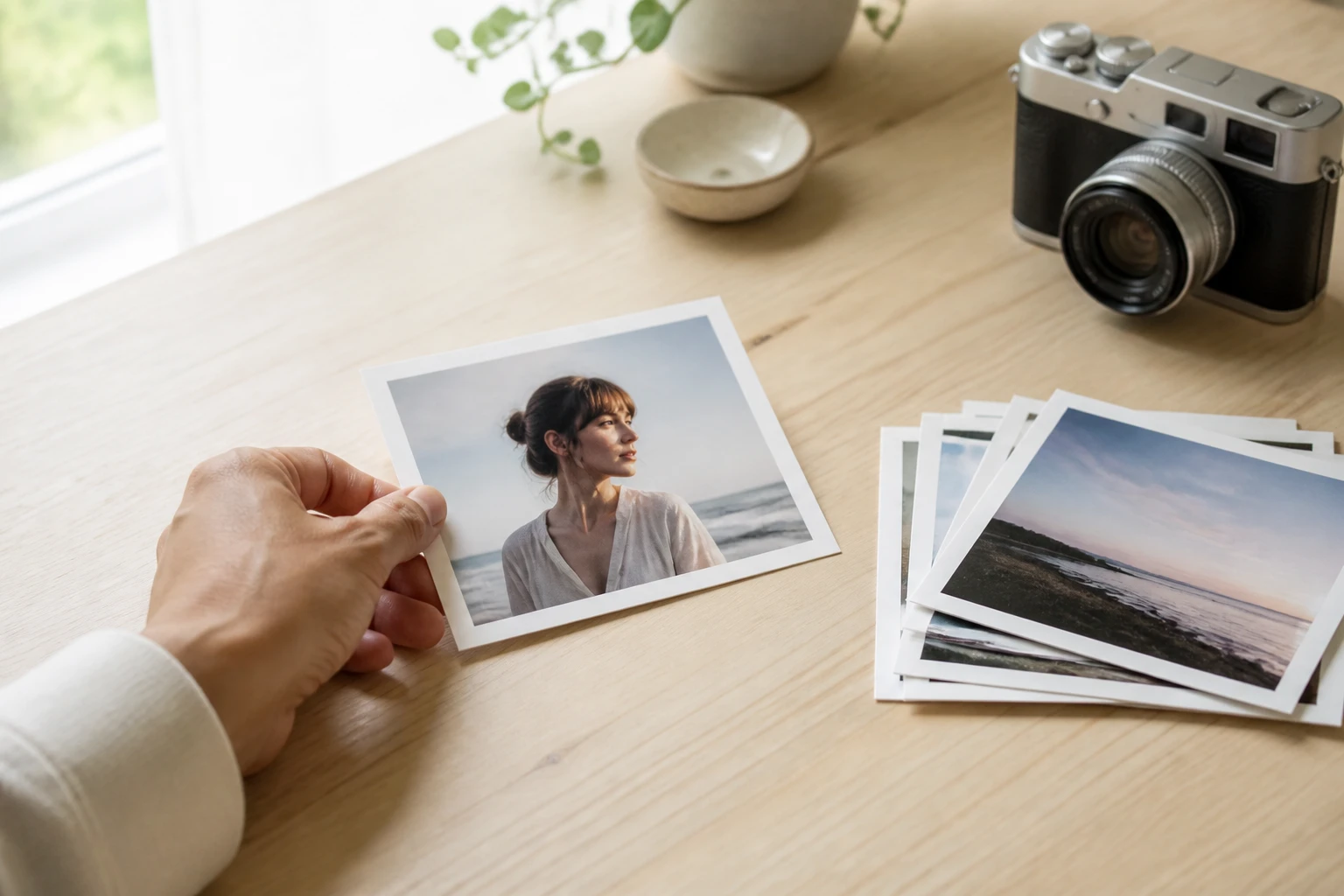
Step 01
Upload photos from your browser
Add a photo in a common image format, or submit up to 30 photos when one shoot needs the same background blur treatment.

Upload a photo to VideoAI, let AI isolate the subject, and get a softer background with the main person or product still clear.

Blur background stays simple from upload to download, so creators can shape a usable image without editing controls.
Step 01
Add a photo in a common image format, or submit up to 30 photos when one shoot needs the same background blur treatment.

Step 02
VideoAI reads the foreground and background automatically, then applies bg blur where the scene should fall back.

Step 03
Review the blurred background, then download a no watermark image at up to 4K for social posts, profiles, client drafts, or product pages.
Use blur background when the photo already has the right subject, but the setting pulls attention away.
When a face shot still feels busy, VideoAI helps blur background detail so the person stays the first thing viewers notice.
When a bag, bottle, or accessory is sharp but the table or shelf feels cluttered, use the background blur tool to keep the visual focus on the item.
Creators often capture useful material before the setting is ready. With blur background online, the shot can move into a post workflow with a cleaner sense of depth.
A batch of headshots can look more consistent when the same automatic background blurrer handles the visual separation across up to 30 photos.

Use VideoAI when the person looks right but the room behind them feels distracting. Blur background keeps the face readable while the setting becomes softer.
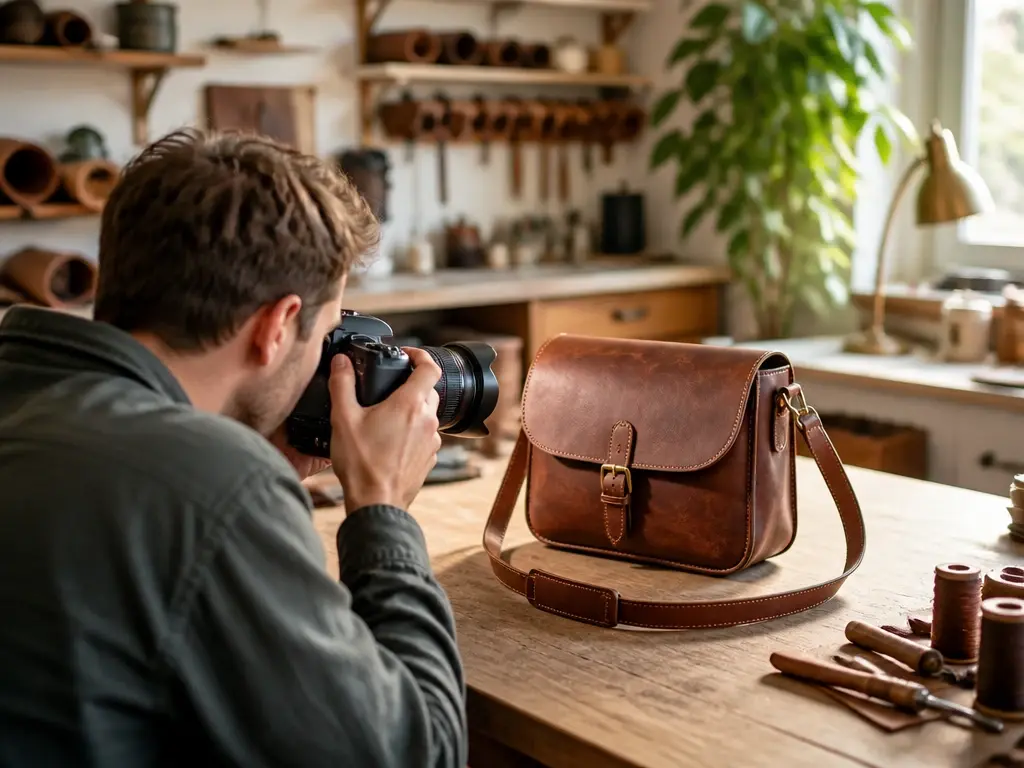
Product photos taken in real workspaces can still support clean listings. Blur background helps the item stand apart from counters, shelves, and packaging nearby.

When campaign stills need a fast polish before layout work, background blur online gives the subject a clearer place in the frame without a studio setup.
VideoAI focuses on what blur background needs most: a clear subject, a calmer setting, and a file ready for the next step.

Faces, products, and key objects stay readable while VideoAI decides where the background should soften. This helps blur image background areas without drawing the subject by hand.

The main subject remains clear, and the surrounding scene becomes softer. Use it when you need to blur the background rather than soften the whole photo.

After preview, download an image up to 4K with no watermark and use it commercially in your content workflow.
Your uploads and results stay in your workspace, so you can return to a photo, reuse it in later creative work, or delete it when finished.

Upload a photo to VideoAI and turn a distracting scene into a clearer subject focused image in seconds.
Get Started