

Step 01
Define the Brand Story
Write who the brand is, what it stands for, and what you want viewers to remember. Begin with a sentence or add your logo, images, video, or audio references.

Shape the story yourself
Use this online brand video maker to turn your story, logo, and references into a brand video, with control over every scene, sound, and moment of emphasis.

This brand video maker keeps creative decisions clear at each stage, from the opening idea to the final MP4.
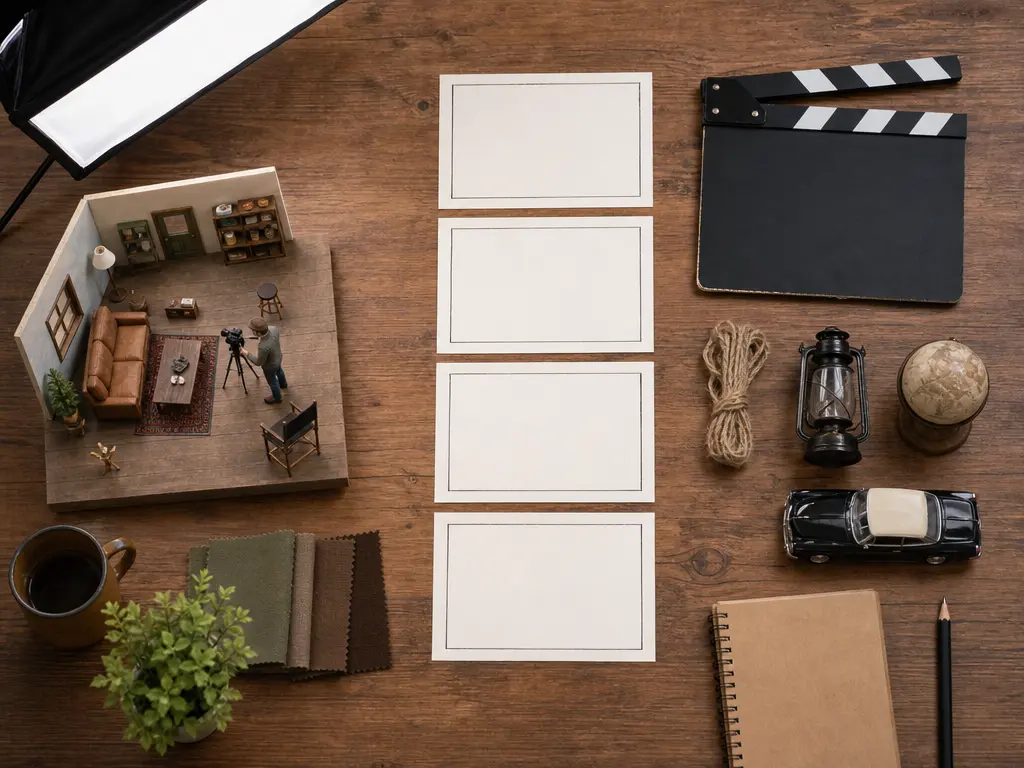
Set the duration, action, pacing, and order for each section of your brand video. Add reference images where a specific visual matters, then review the sequence as your story takes shape.
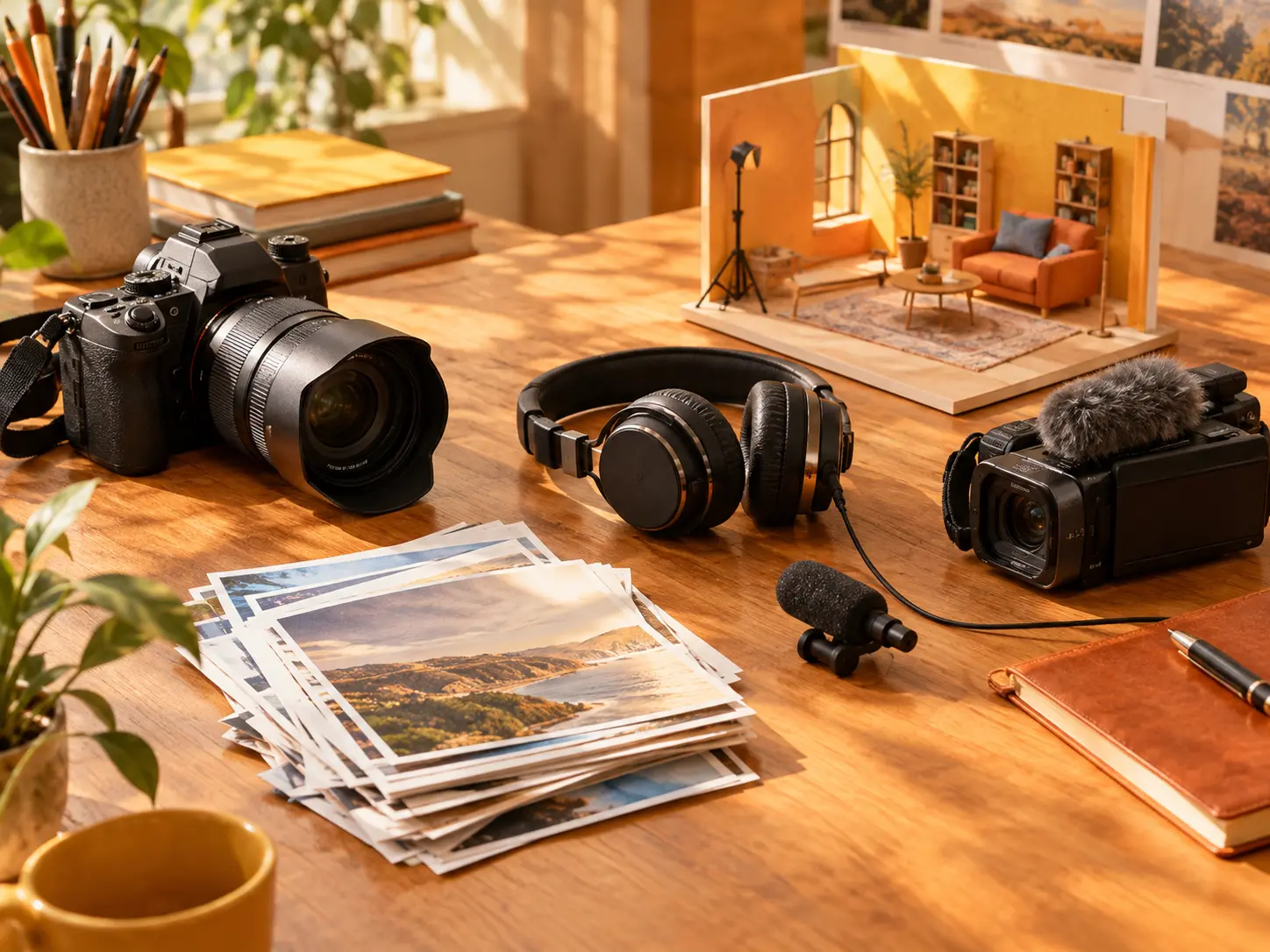
Combine text, images, video, and audio, then use @ to assign each reference a role. This keeps the visual direction and sound of your branded video content connected to one story.

Upload your logo as a visual reference and describe where it belongs in the narrative. After generation, inspect how it appears alongside your brand name and short on screen text.

Choose the narration, voice reference, uploaded audio, music direction, and sound effects that fit your message. The result is an authentic brand storytelling video with a deliberate tone.
Move from a clear brand idea to a reviewed brand video by making the key story choices in order.
Step 01
Write who the brand is, what it stands for, and what you want viewers to remember. Begin with a sentence or add your logo, images, video, or audio references.
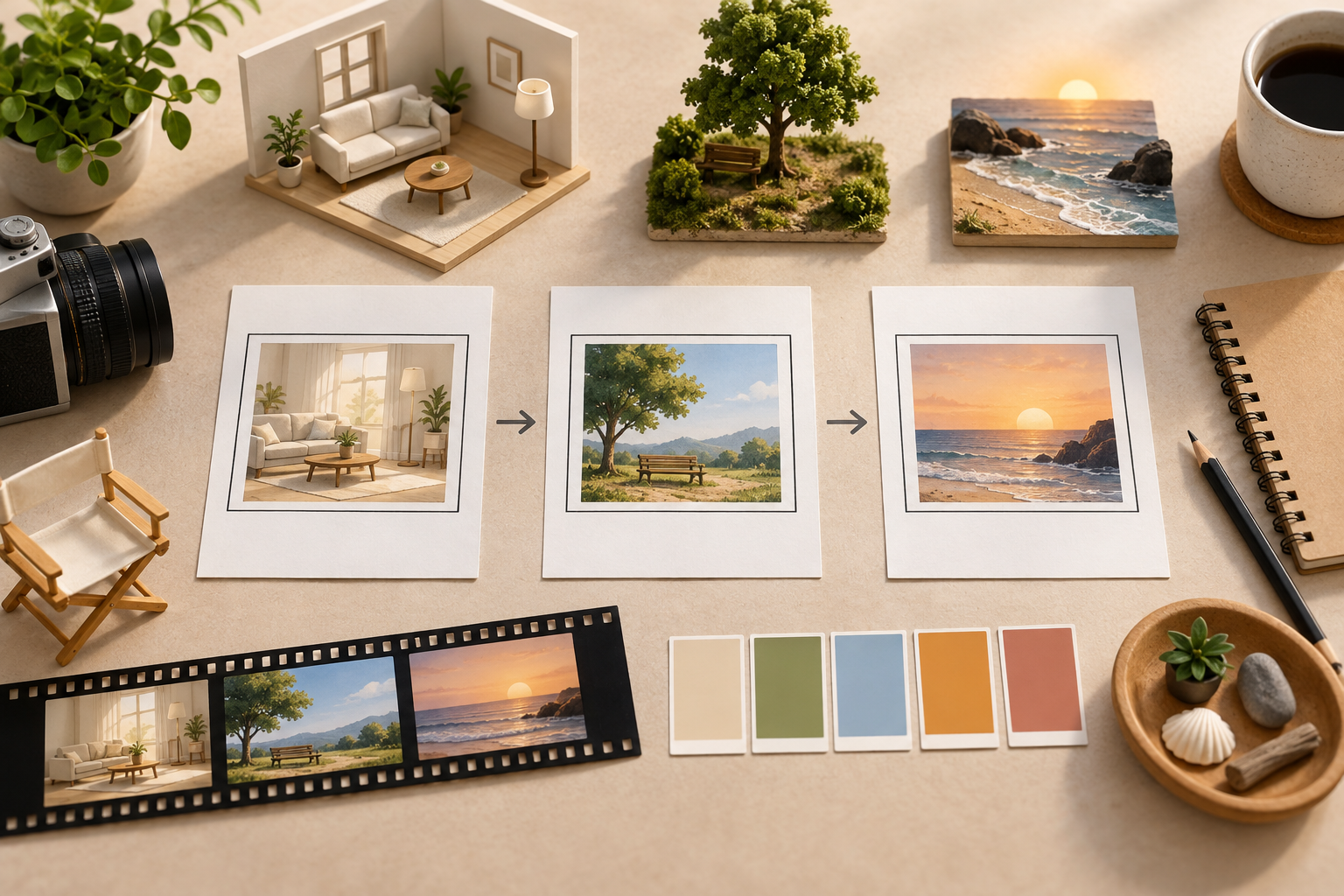
Step 02
Draft starting script text from one idea, then decide each timed scene, action, transition, short screen phrase, narration, and music direction. Choose a template or describe the look from scratch.
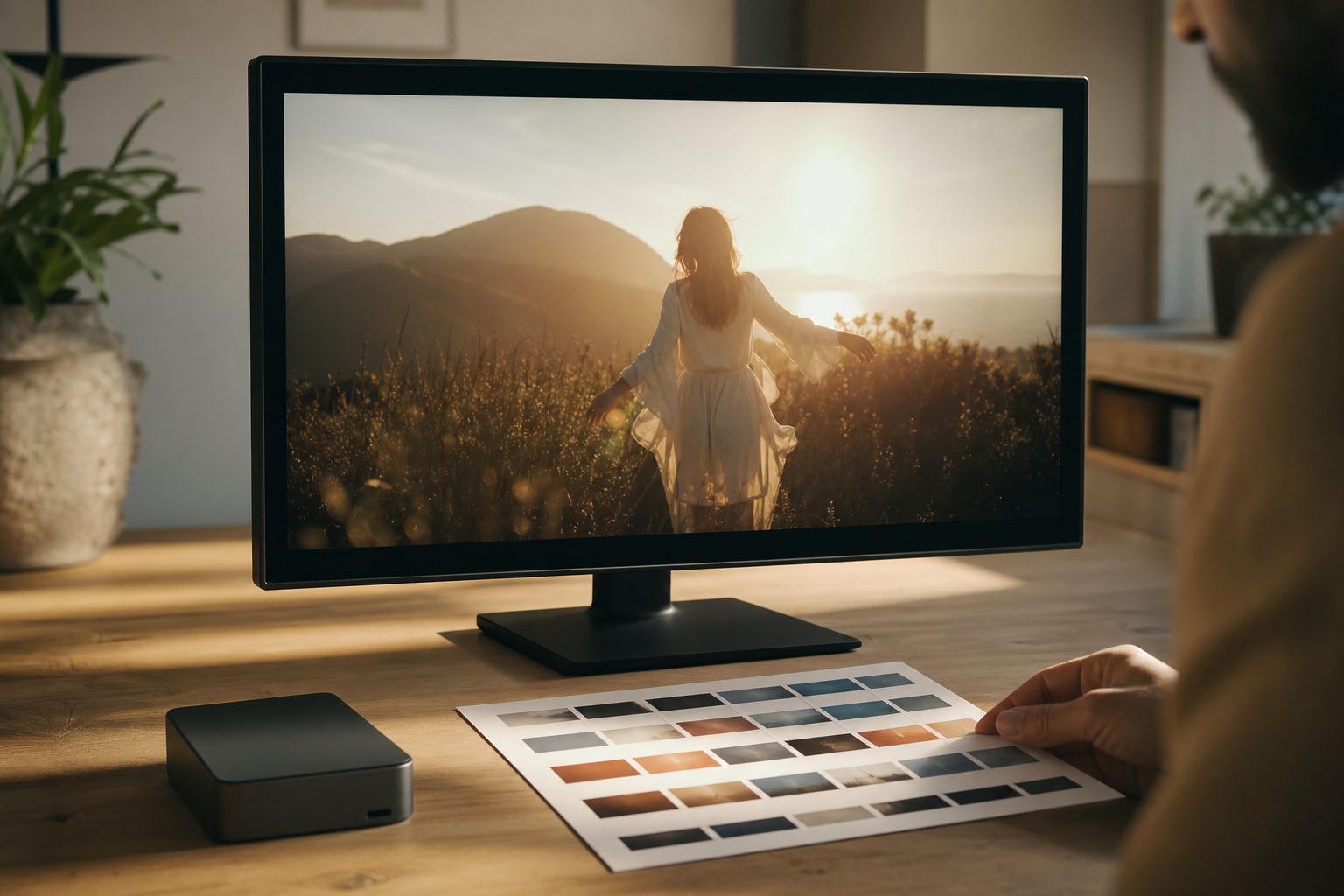
Step 03
Generate the video, inspect the logo, brand name, visual flow, and rhythm, then describe your changes and continue generating. Download the finished MP4 in 16:9, 9:16, 1:1, or 4:5, up to 4K.
Use the brand video maker for each story situation, then shape the references, pacing, and output around what viewers need to understand.

A new brand needs more than a short statement. Use its beginning, central claim, and logo to create a clear brand introduction video that gives first time viewers a reason to understand who it is.

When a company has changed over time, arrange several stages of its story with distinct scenes and actions. This approach suits a brand storytelling video that explains where the idea began and how it developed.

For a team led by its purpose, connect people, work settings, and the central message through voice and visual references. Pick this format when an authentic brand storytelling video should make values easier to grasp.

A website or content channel needs an opening that establishes identity before the main material begins. Arrange a short video for branding with the right logo moment, voice, and ratio for the viewing context.

Startup and growing brand leaders can explain their origin, identity, and central claim to people meeting the company for the first time. VideoAI keeps the story decisions visible from the opening line through the final export.

Small business owners and independent creators can bring a logo and a focused set of references, then decide how their studio, channel, or personal brand should sound and look.

Social content and brand teams can build branded video content around identity, then review the same story in landscape, portrait, square, or 4:5 output for different publishing contexts.

Bring your brand idea, references, and preferred story direction into VideoAI, then review the result as you shape it.
Get Started