


Step 01
Write The Short Phrase
Enter one to six original English words and describe a minimal, high contrast direction. A clear prompt helps the brat generator keep the phrase readable in small placements.

VideoAI turns your own short words into a green or black brat generator image, with color, type, and composition under your direction.


A reaction post has one decision first: which words should fill the thumbnail. The brat generator in VideoAI turns that phrase into a square, readable visual with strong color and open space.
Start with the visible result you want, then use VideoAI controls to refine the wording, color, and layout before download.
Short English wording becomes the main subject of the image. VideoAI renders the text with the background, light, material, and composition in the same generation, so the brat generator result feels like one finished visual.
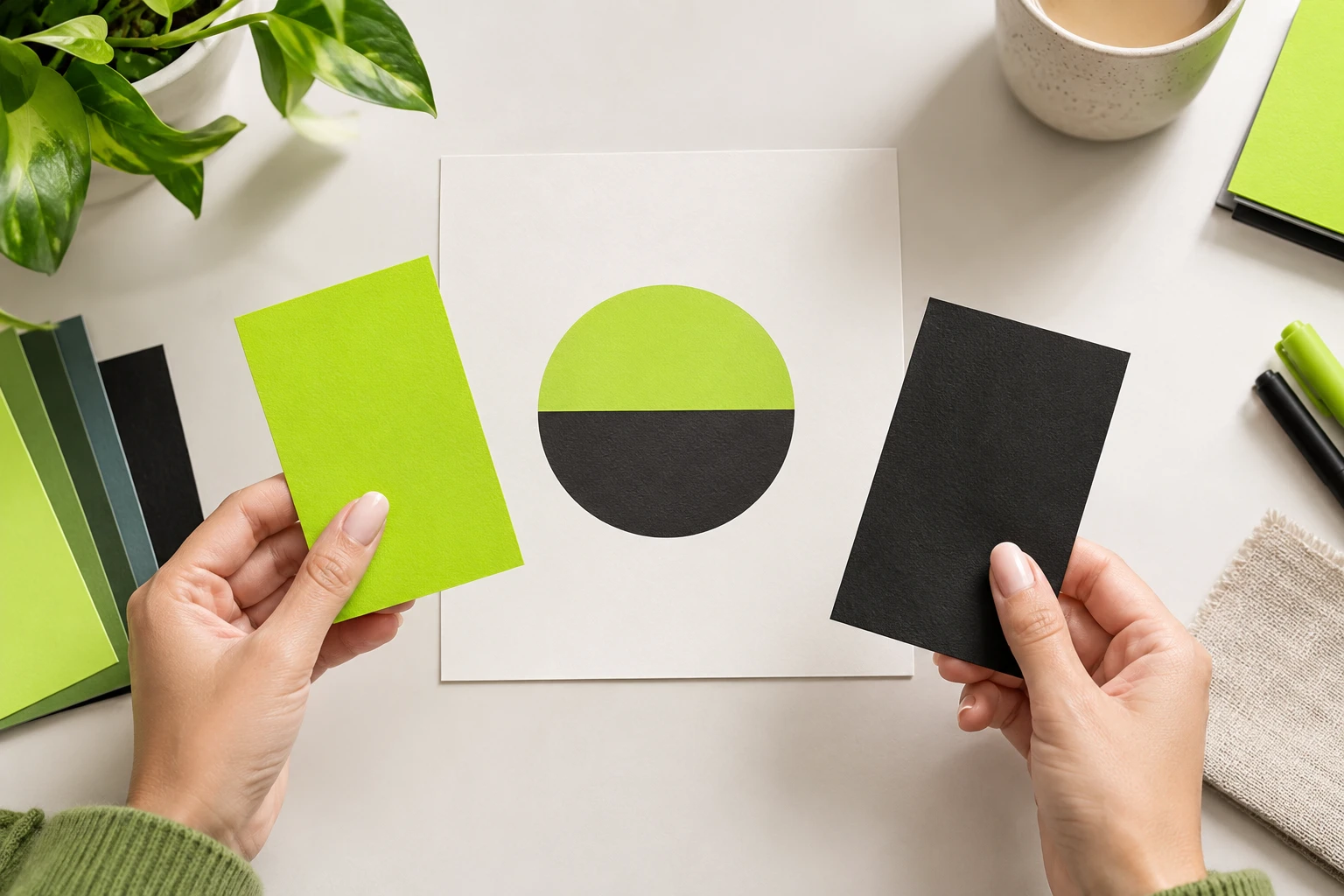
Choose acid green or describe a darker version when the post needs a brat generator black look. Colors can also be adjusted in the visual editor as part of the same creative pass.
Review the image before you choose it. The visual editor lets you adjust words, type, color, and layout, or revise the prompt when another brat generator direction fits better.
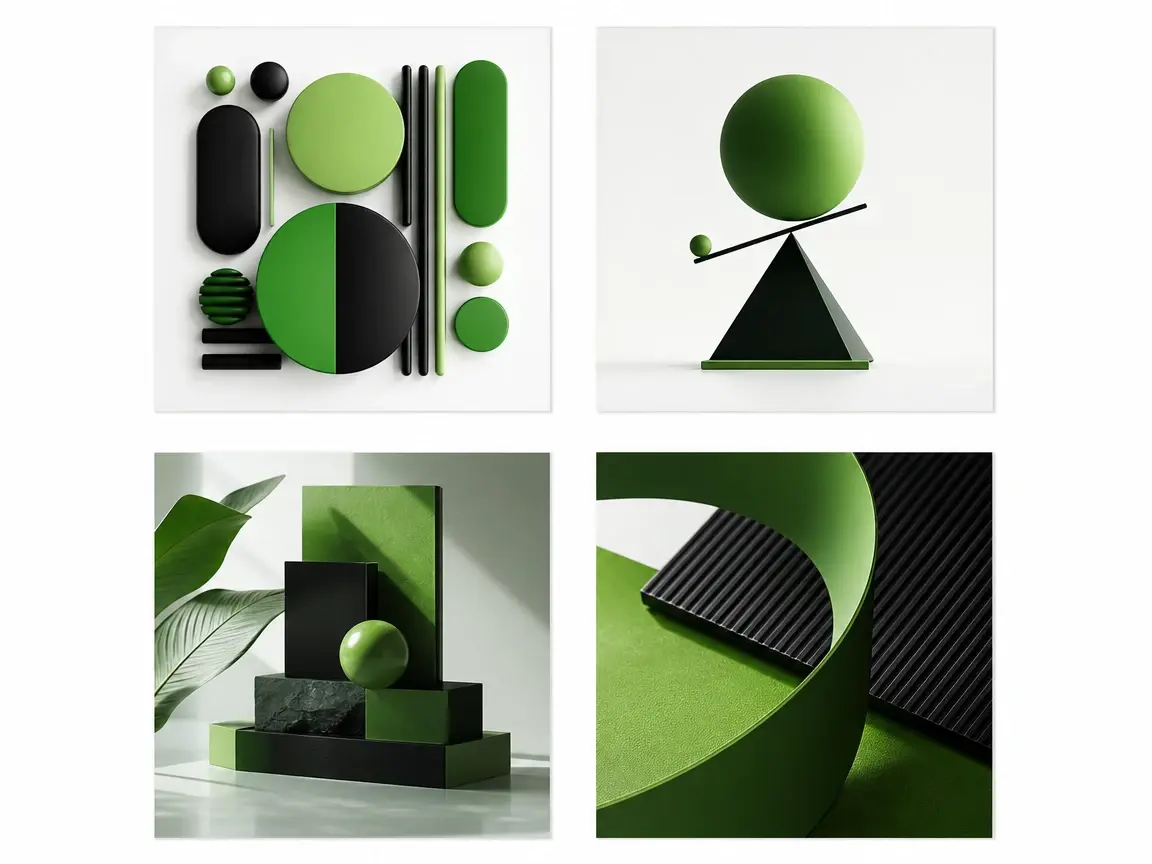
One description can return four different layout and composition candidates. Compare which version makes the short phrase read fastest, then keep the chosen brat generator image for 4K download.
The workflow keeps the creative decision with you: phrase, color direction, review, then final image.
Step 01
Enter one to six original English words and describe a minimal, high contrast direction. A clear prompt helps the brat generator keep the phrase readable in small placements.
Step 02
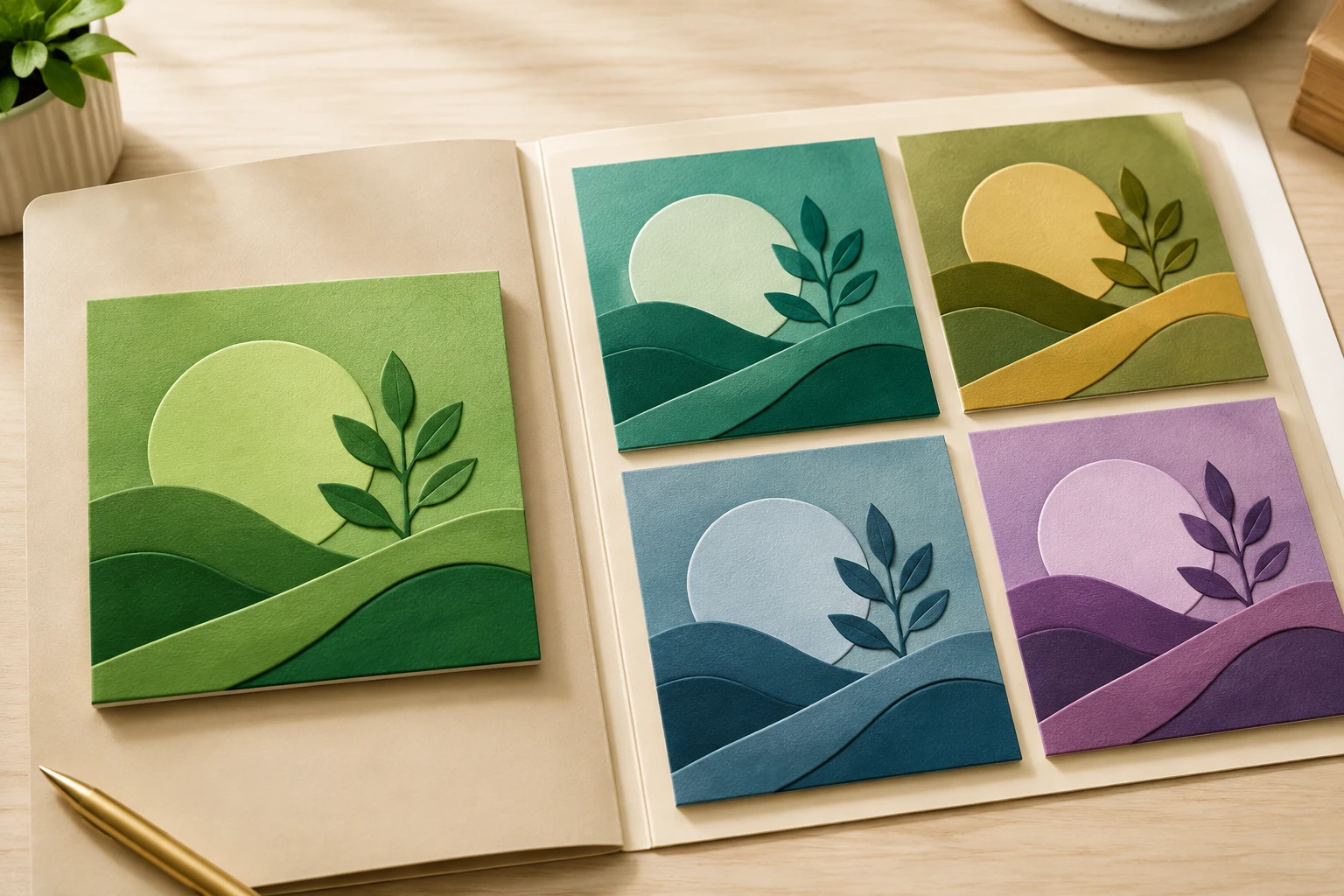
Ask for acid green or black, then check the complete image in the visual editor. Adjust text, type, color, or layout before selecting a final version.
Step 03
Pick a candidate, download the 4K image, and keep the saved work in your workspace. You can return later, change the description, and generate another brat generator version.
Use the same simple input for posts, covers, profile spaces, and campaign visuals that need clear words first.
A quick opinion needs to be legible before the caption is read. Use the brat generator to place your short phrase in high contrast color with enough space around the words for a mobile thumbnail.
A personal playlist or music diary often starts with a title and a mood. Write the title yourself, choose the green or black direction, and create an original square cover in VideoAI.
Two to four words can carry a status when the frame is small. The brat generator keeps the phrase central, with clean spacing that works for avatar and profile positions.
A party invite, group announcement, or client campaign marker may only need one strong line. Turn that line into a minimal visual, then choose the candidate with the clearest composition.
Open VideoAI, write the phrase, choose the color direction, and generate a brat generator image you can refine and download in 4K.
Get Started