
Step 01
Write The Service Theme
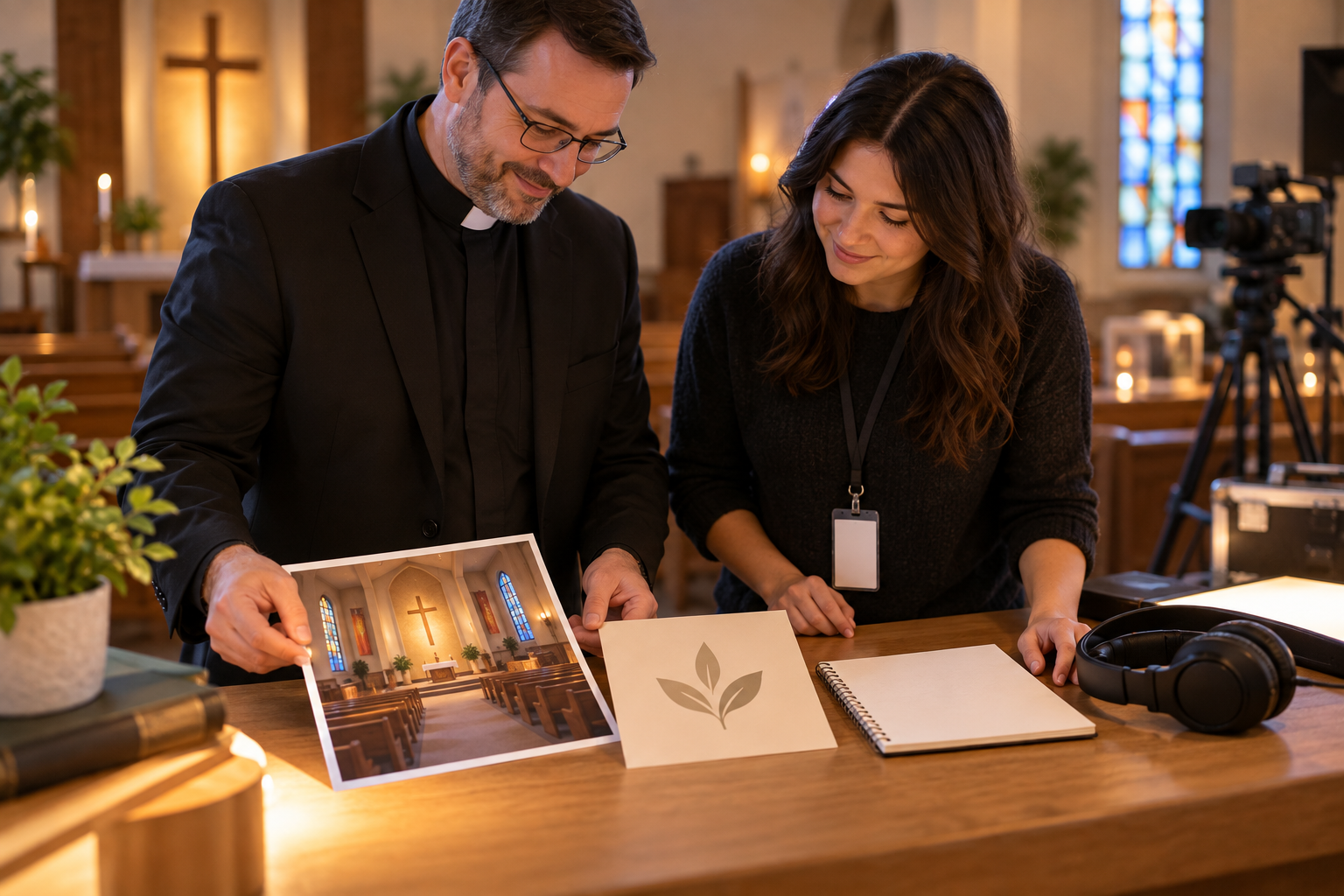
Enter the worship, sermon, or event idea in VideoAI, then upload helpful references such as a logo, background image, video, or audio cue for the workspace.

Worship Openers With Control
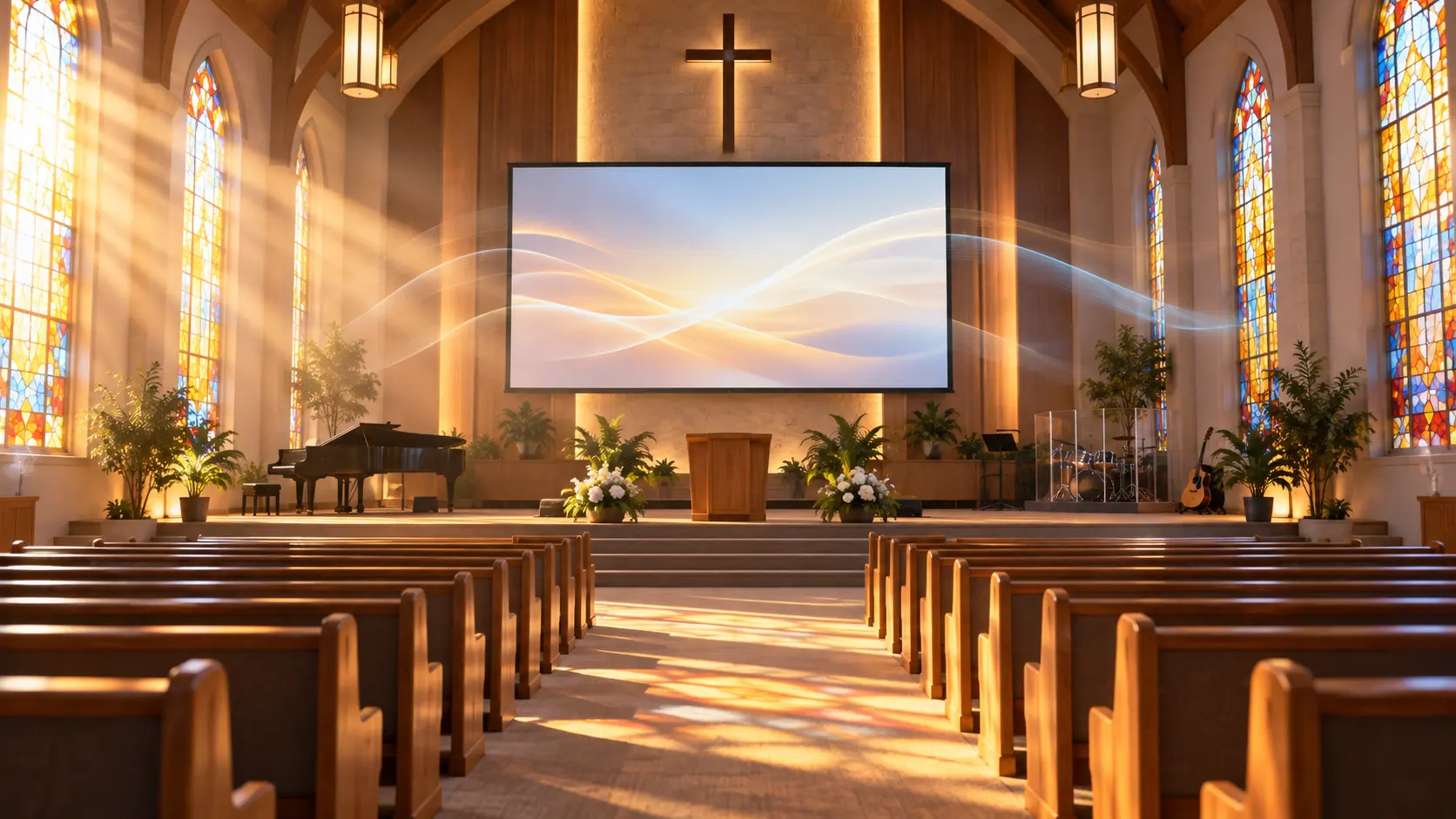
VideoAI helps you shape a worship, sermon, or event opener from prompts, reference media, timed scenes, titles, and logo placement.
Partnering with global industry leaders to power your creativity output


Build openers around the service decision in front of you, then guide the visuals, text, and pacing in VideoAI.
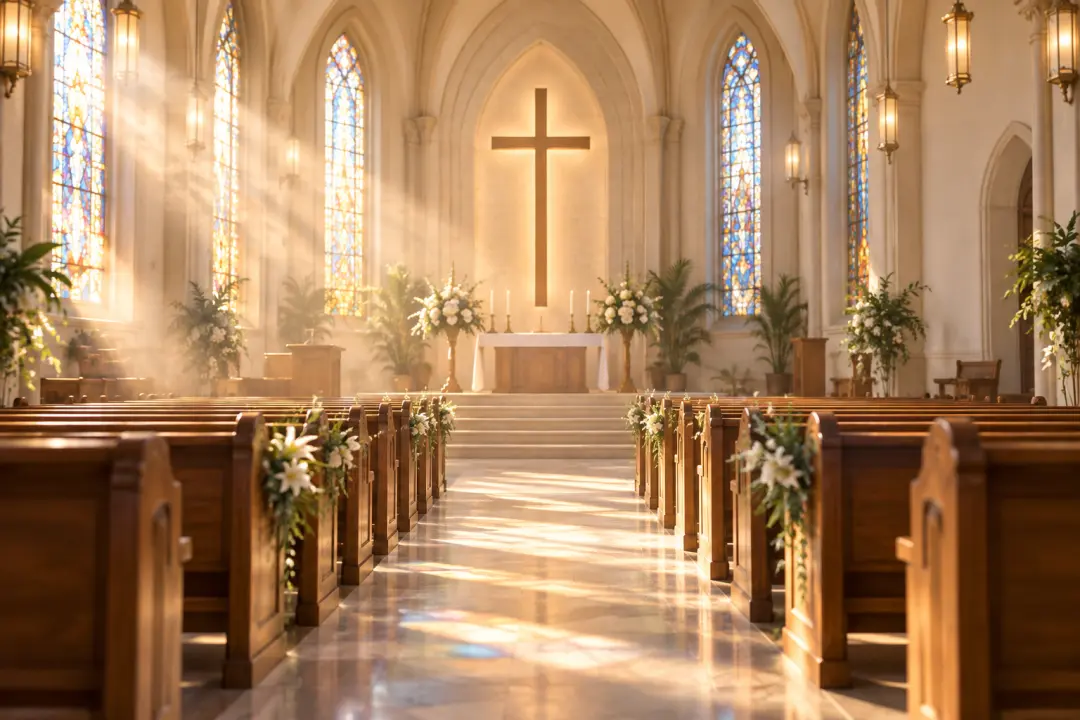
Weekly service openers need a clear theme, readable title, and steady rhythm. Add the worship focus, logo, background image, or music reference, then guide VideoAI toward church intro videos that feel ready for the screen.

A new sermon series often needs a visual tone before the first words are spoken. Use the church intro maker to describe the message theme, set the scene order, and place the series title where viewers can read it quickly.

For youth nights, seasonal gatherings, or volunteer meetings, start with the event name and mood. VideoAI turns your text direction and uploaded references into a short opener with the title and church logo built into the frame.
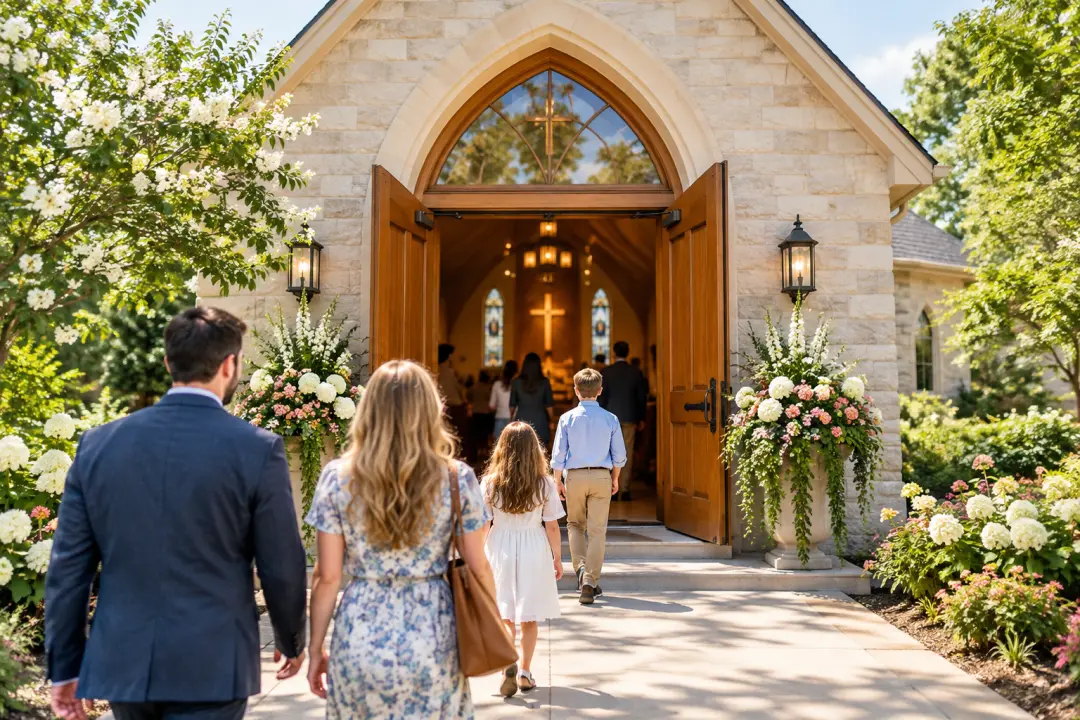
Vertical announcements need a different frame than the main sanctuary screen. Choose 9:16, 1:1, or 4:5 in the church intro maker so the same idea can fit social posts without rebuilding the concept from scratch.
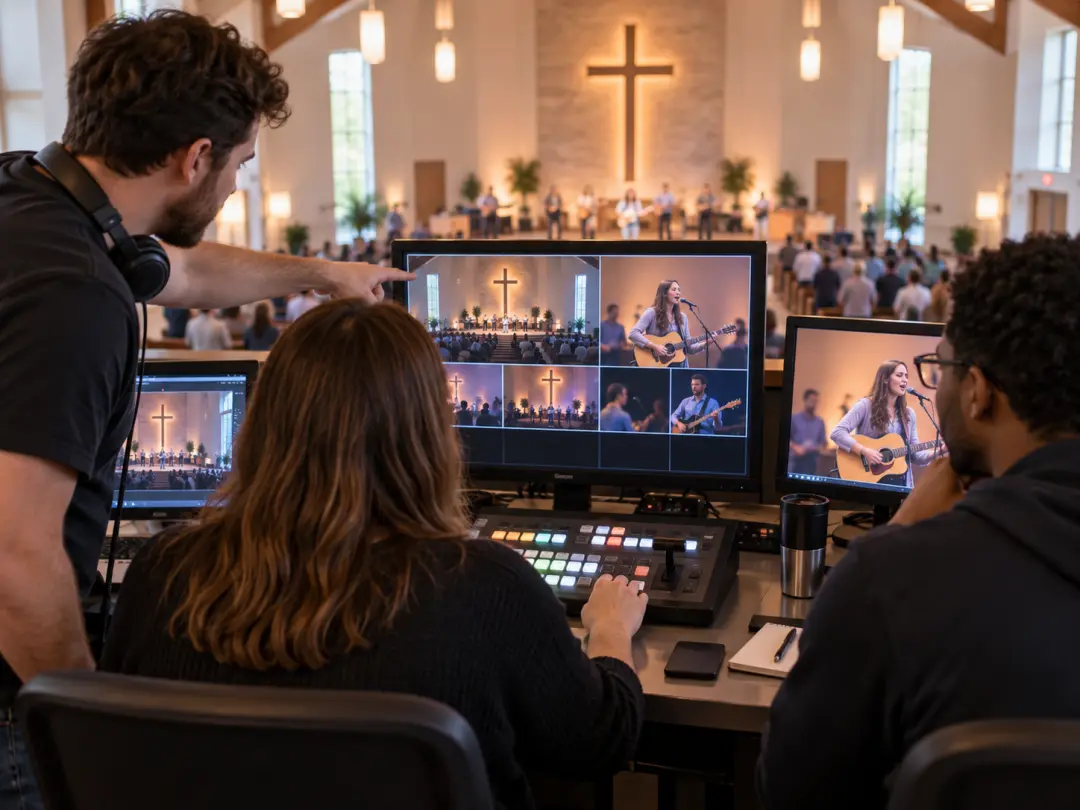
Media teams can start from a general intro template or a custom prompt, then adjust timing, title placement, and logo use in VideoAI before downloading the MP4 for service playback.

Pastors can describe the sermon theme and desired tone, then use the church intro maker to shape a bumper that prepares the room for the message without a full production setup.

Volunteers can turn event details, a logo, and a music reference into a polished announcement clip, then choose a screen shape that matches the channel they need.
VideoAI keeps the creative choices visible, from the first prompt to the final MP4.
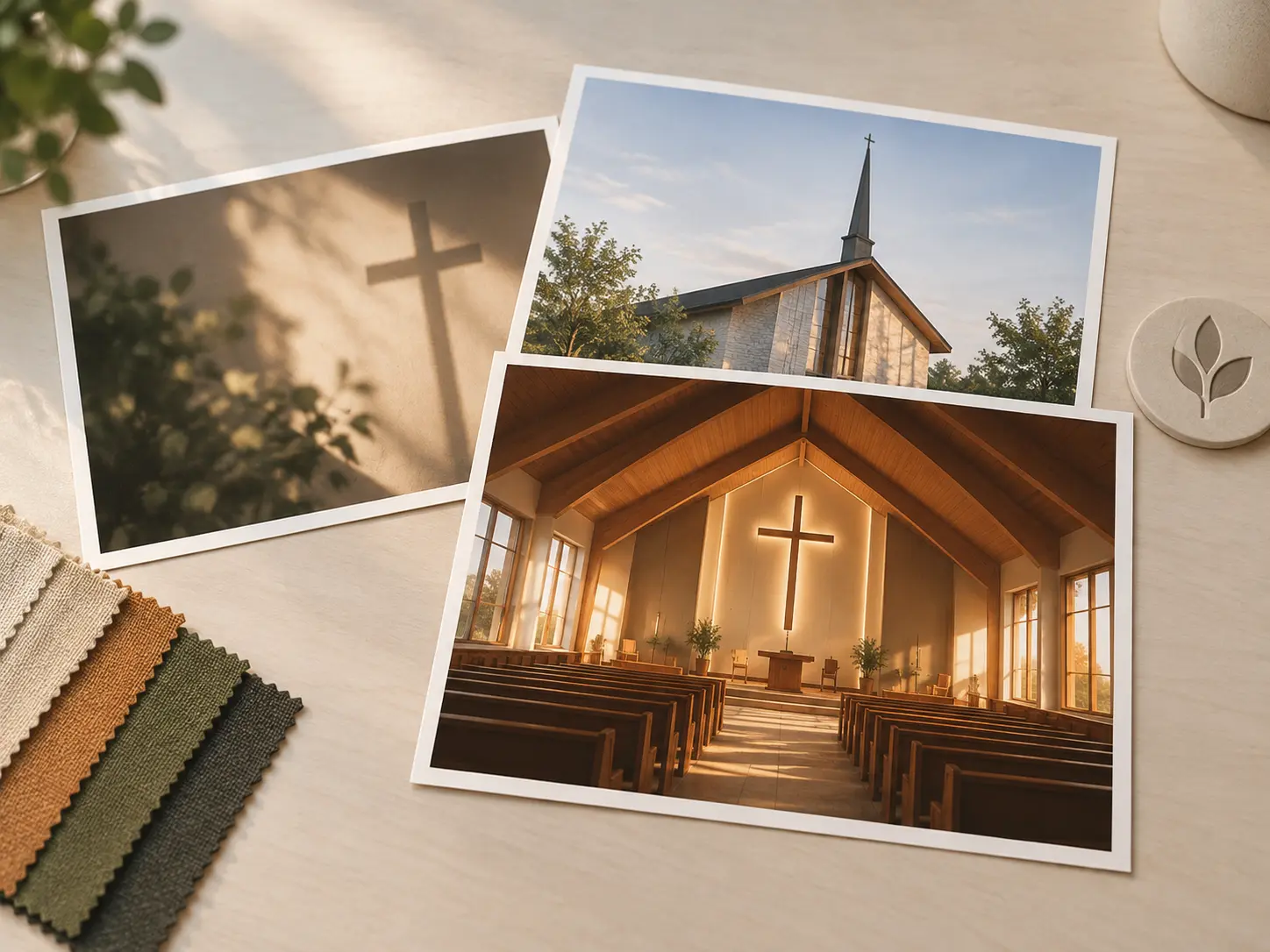
Begin with a general intro template when you want structure, then describe the worship theme, visual mood, title, and movement so VideoAI can shape the opener around your church context.

Clear pacing and ordered moments come from your scene plan. The church intro maker lets you arrange the opener by time so the title, motion, and reveal land where you expect them.
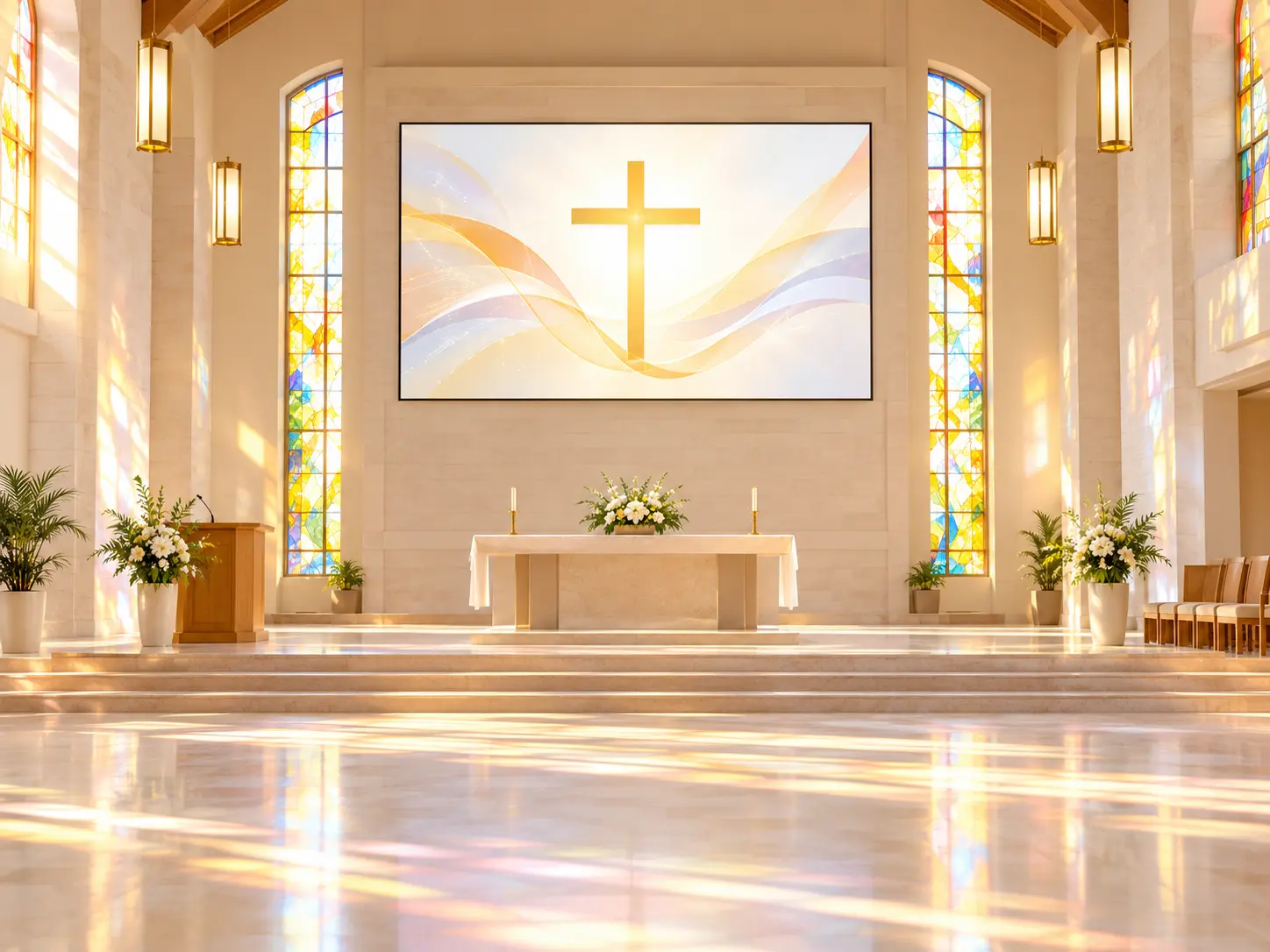
Church names, event titles, and subscribe prompts can appear inside the generated video. Upload a logo reference so VideoAI can include it as part of the visual composition.
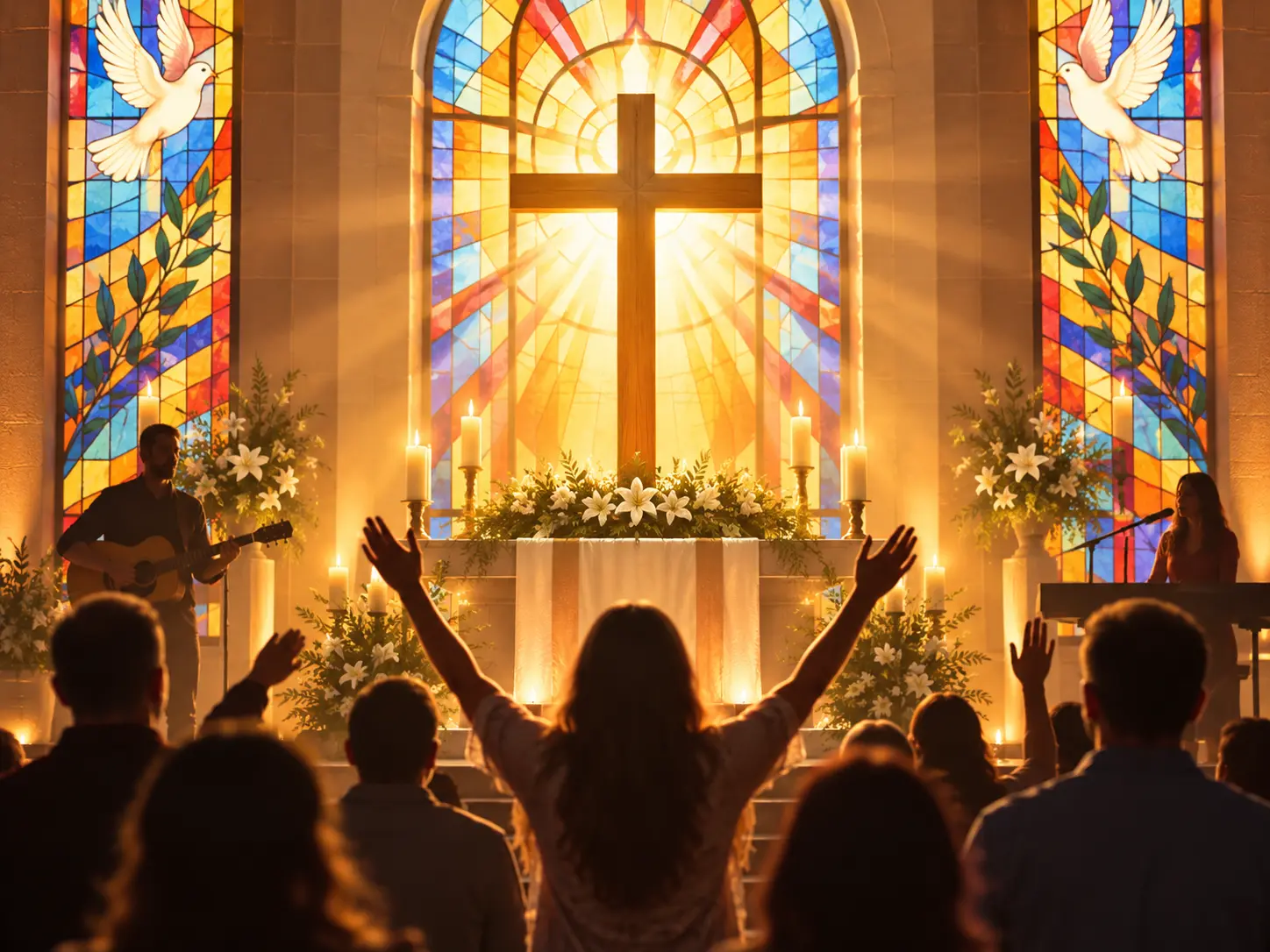
Download the finished opener as a 4K MP4, with 16:9, 9:16, 1:1, and 4:5 options for sanctuary screens, social feeds, and square placements.
Move from service idea to downloadable opener with prompt direction, reference media, and text revisions.
Step 01
Enter the worship, sermon, or event idea in VideoAI, then upload helpful references such as a logo, background image, video, or audio cue for the workspace.
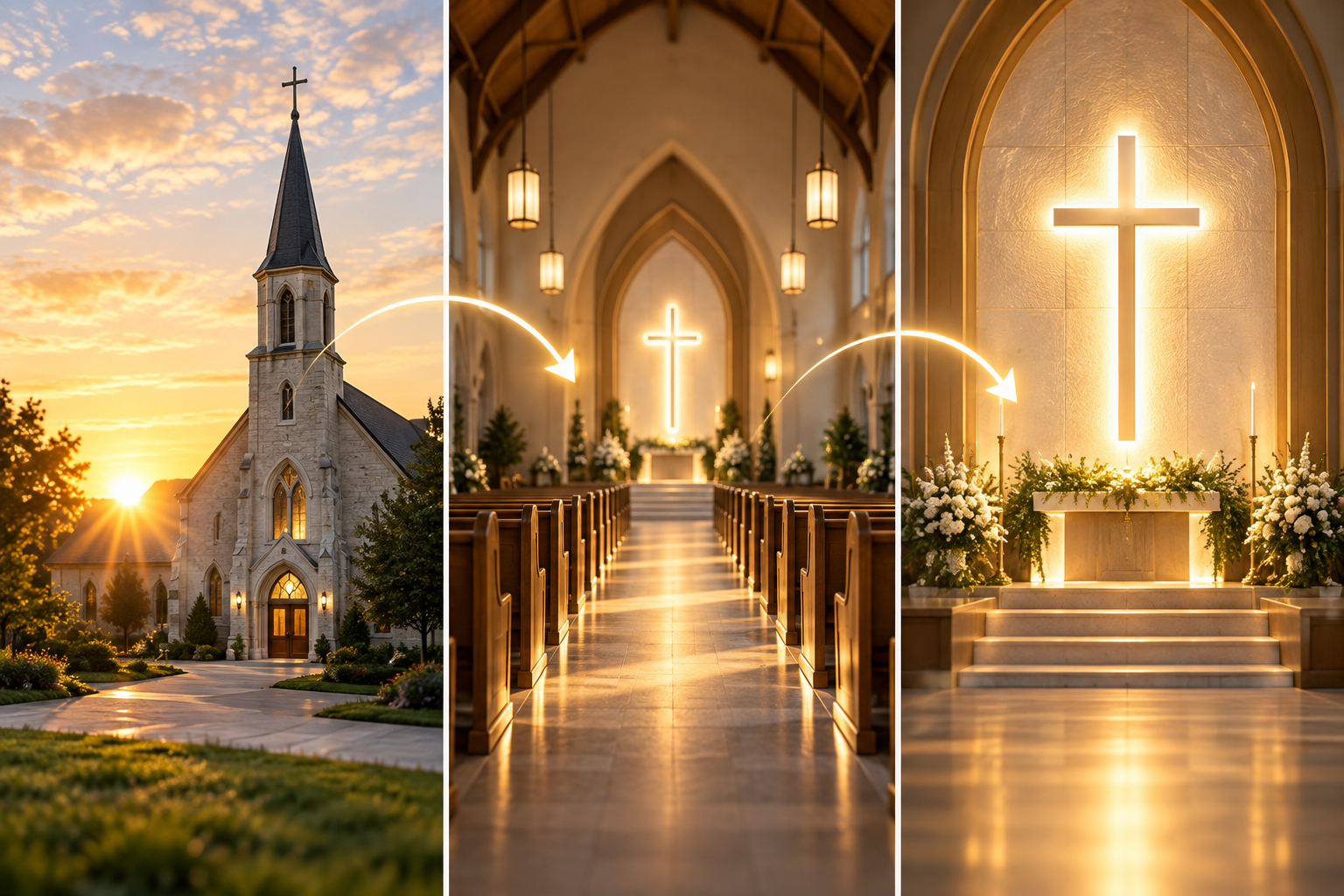
Step 02
Choose a general intro template or describe the rhythm, scene order, title text, and movement in detail. The church intro maker follows your direction as the opener is generated.
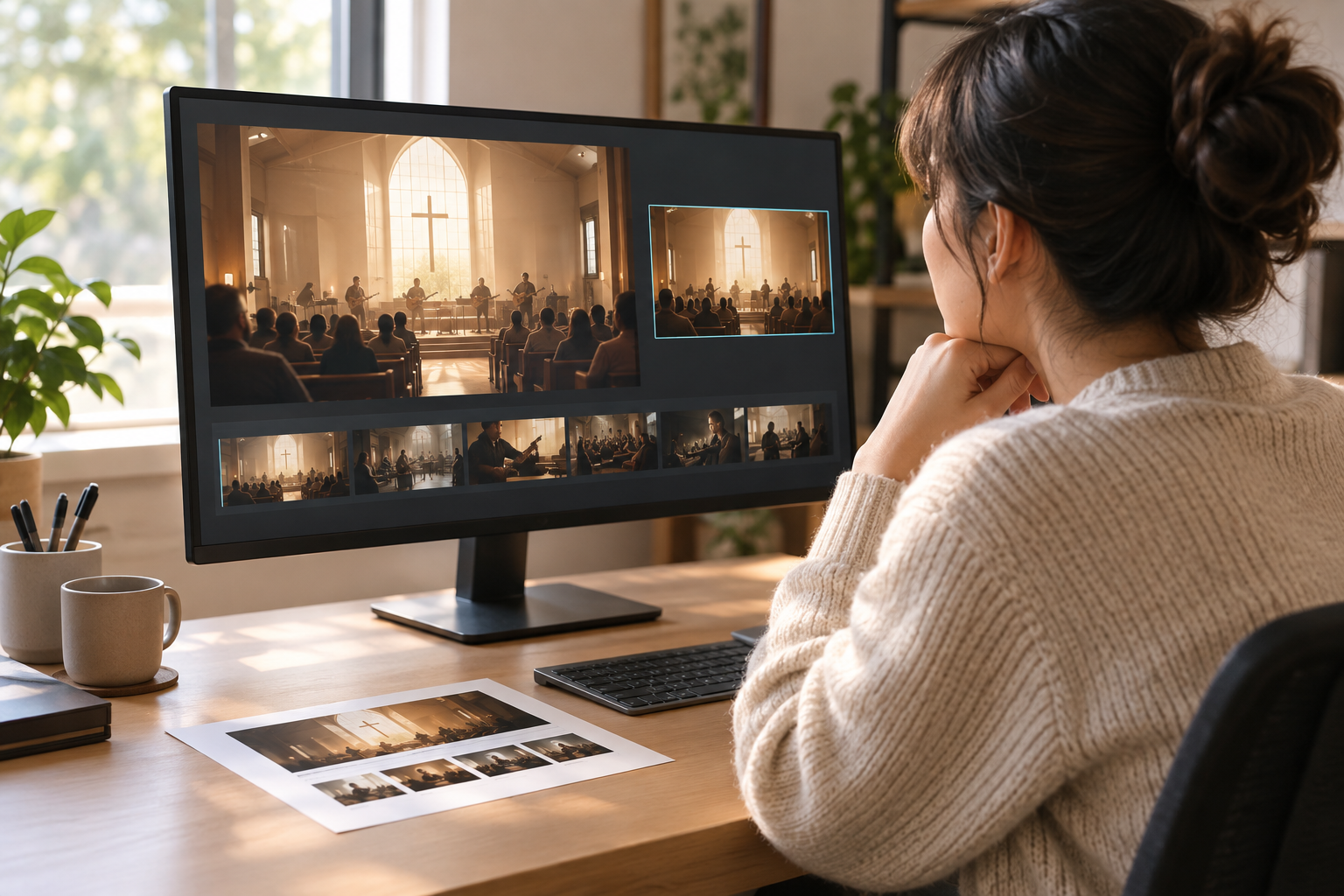
Step 03
Review the generated opener, then revise it with text instructions when the pacing or wording needs adjustment. Export the final VideoAI result as a 4K MP4.

Bring your worship theme, logo, and scene direction into VideoAI, then create a 4K MP4 opener for the screen you need.
Get Started