


Step 01
Write the Project Goal
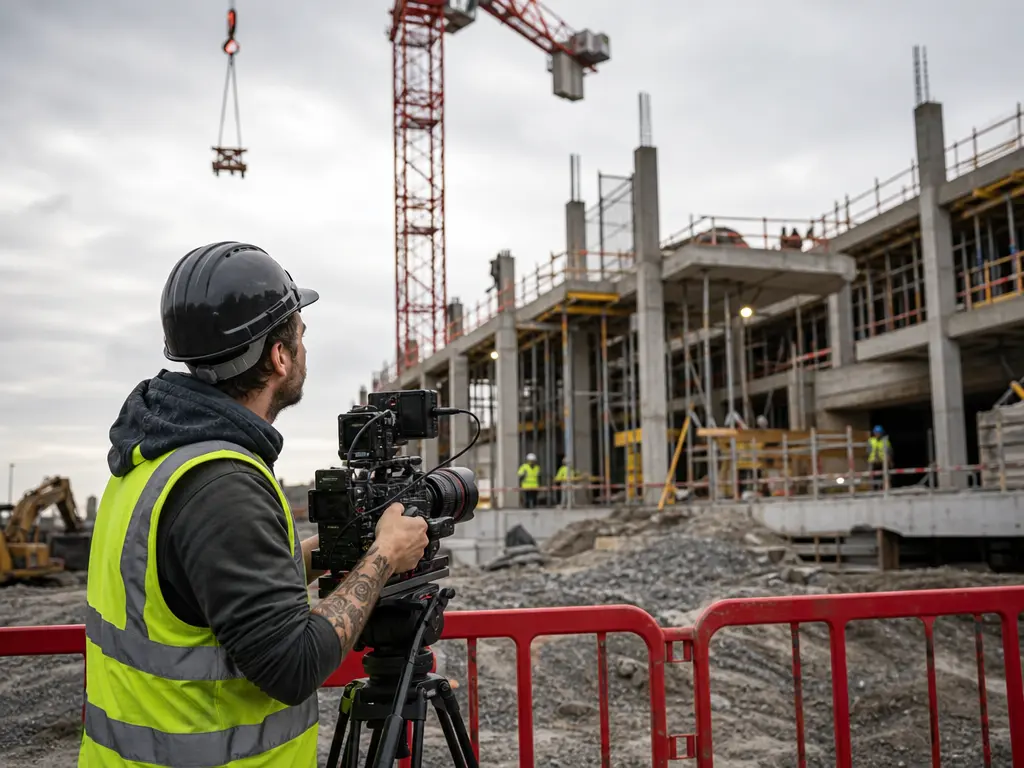
Name the project, service, milestone, audience, tone, and any short text you want visible. VideoAI uses that direction as the base for the first video draft.

Construction Video Marketing Tool
Use VideoAI to turn project goals, references, and timed scene notes into a construction video marketing draft you can inspect, revise, and export.

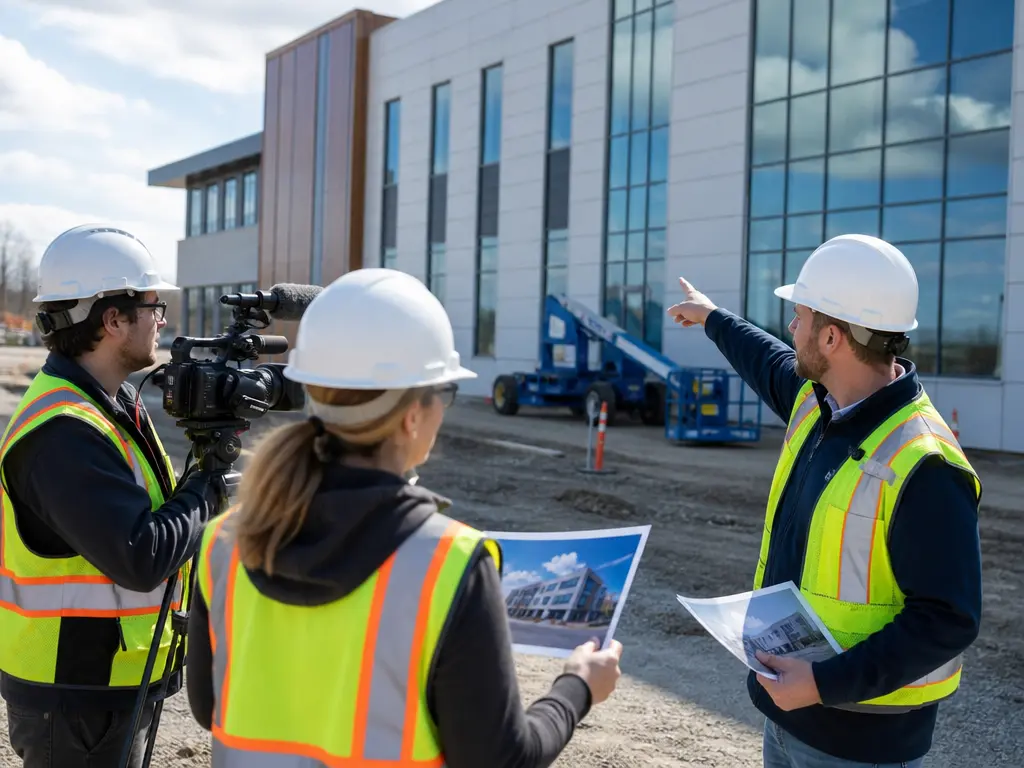
When a project milestone needs a video direction, write the audience, message, and short text, then let VideoAI generate a draft from your own references.
VideoAI keeps the construction video marketing decision in your hands: reference choice, scene timing, visual direction, voiceover, music, and revision notes.

Add text, project images, existing clips, and audio direction in one path. Use @ mentions to assign each reference to the subject, setting, motion, or sound role.
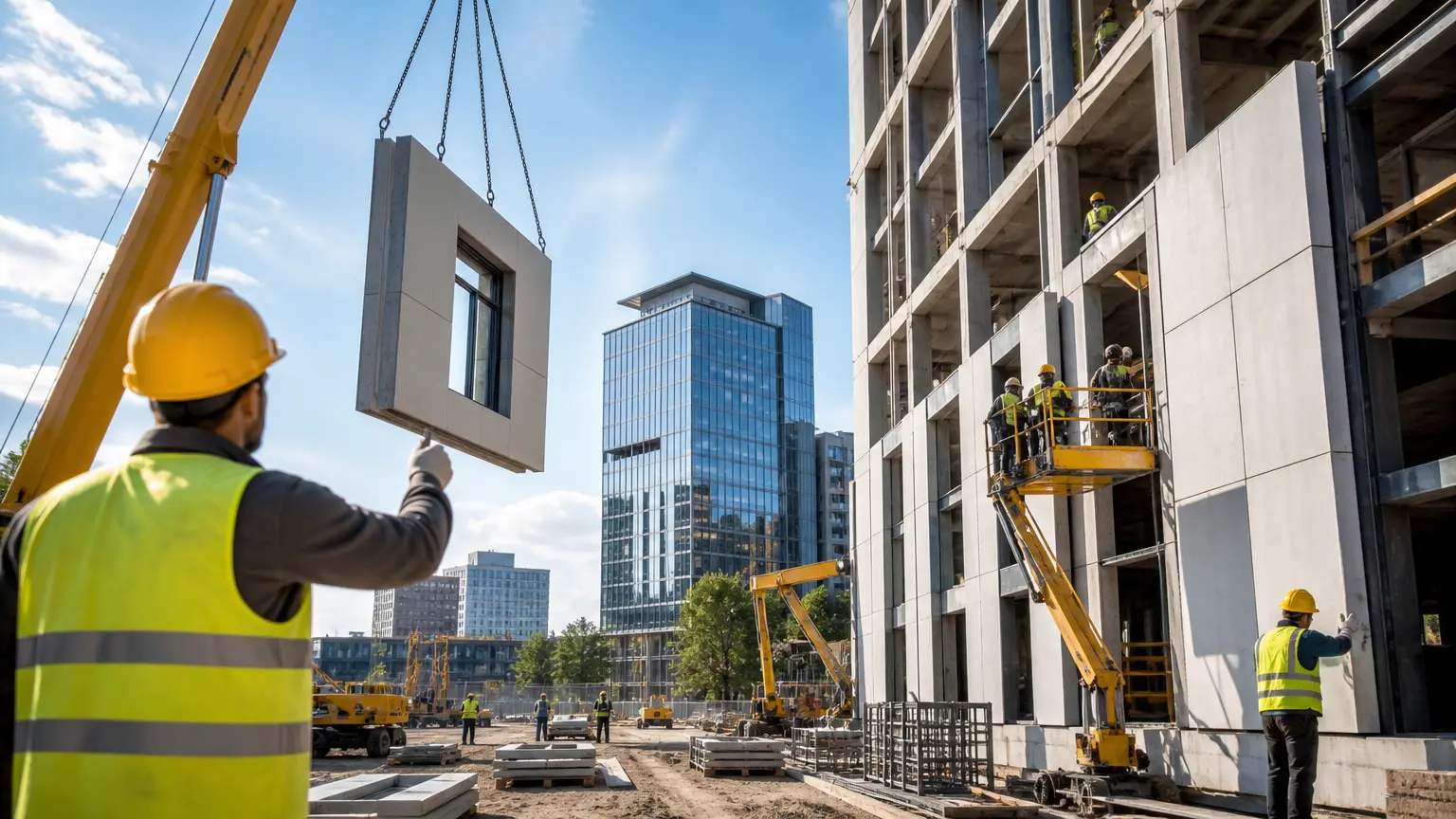
Write what happens in each time range, from the opening project view to the service point or progress moment. Clear scene notes give construction video marketing drafts a visible order.

Start from text and references, then choose confirmed animation, cartoon, or illustration directions when those fit the campaign. The result can be shaped around social posts, client updates, or service explainers.
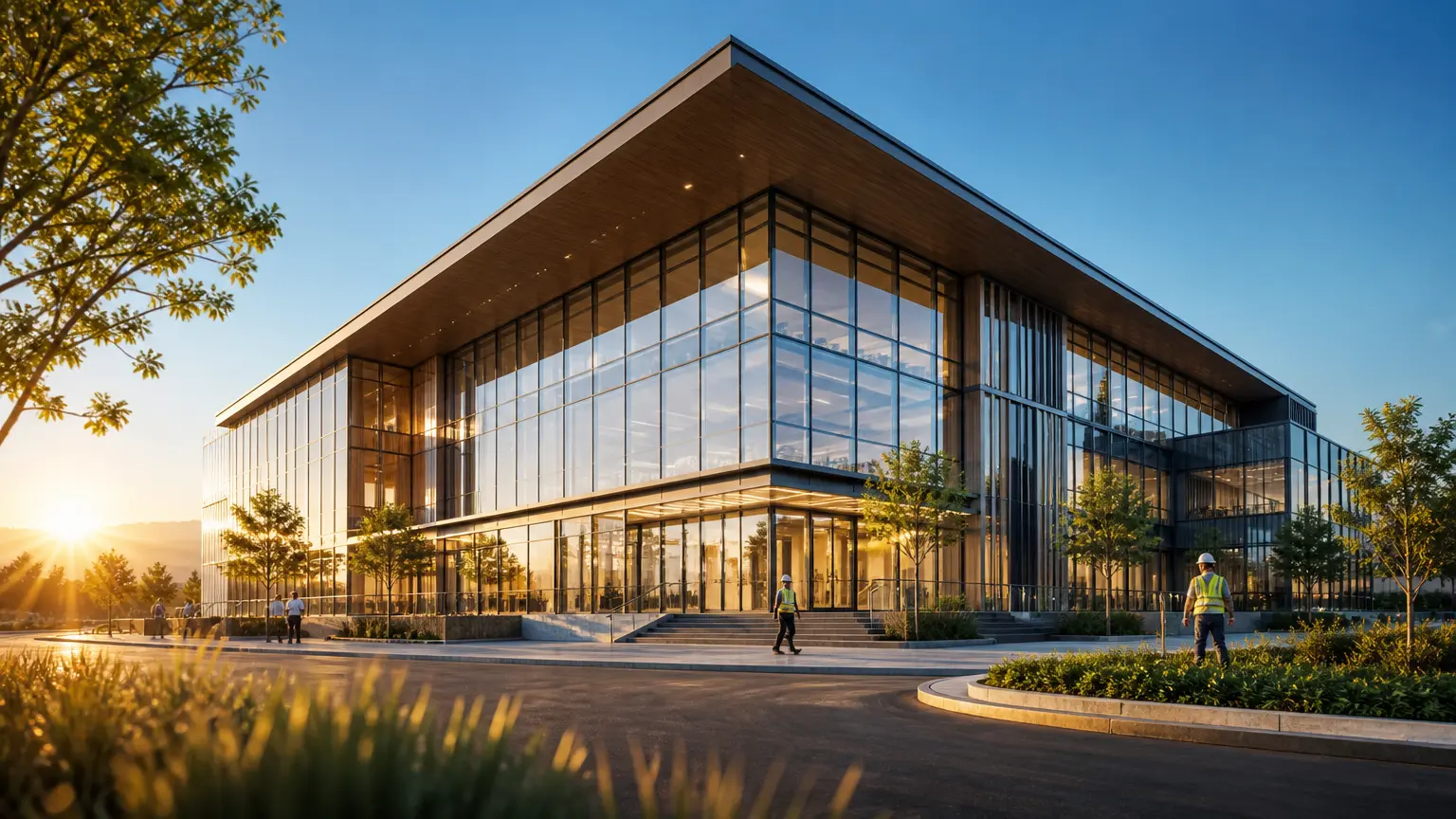
Download MP4 output in confirmed aspect ratios, with no watermark and up to 4K quality. Finished generated videos can be used commercially, and VideoAI lets you revise before export.
Use the same flow from first prompt to download, with the project decision made in each timed segment.
Step 01
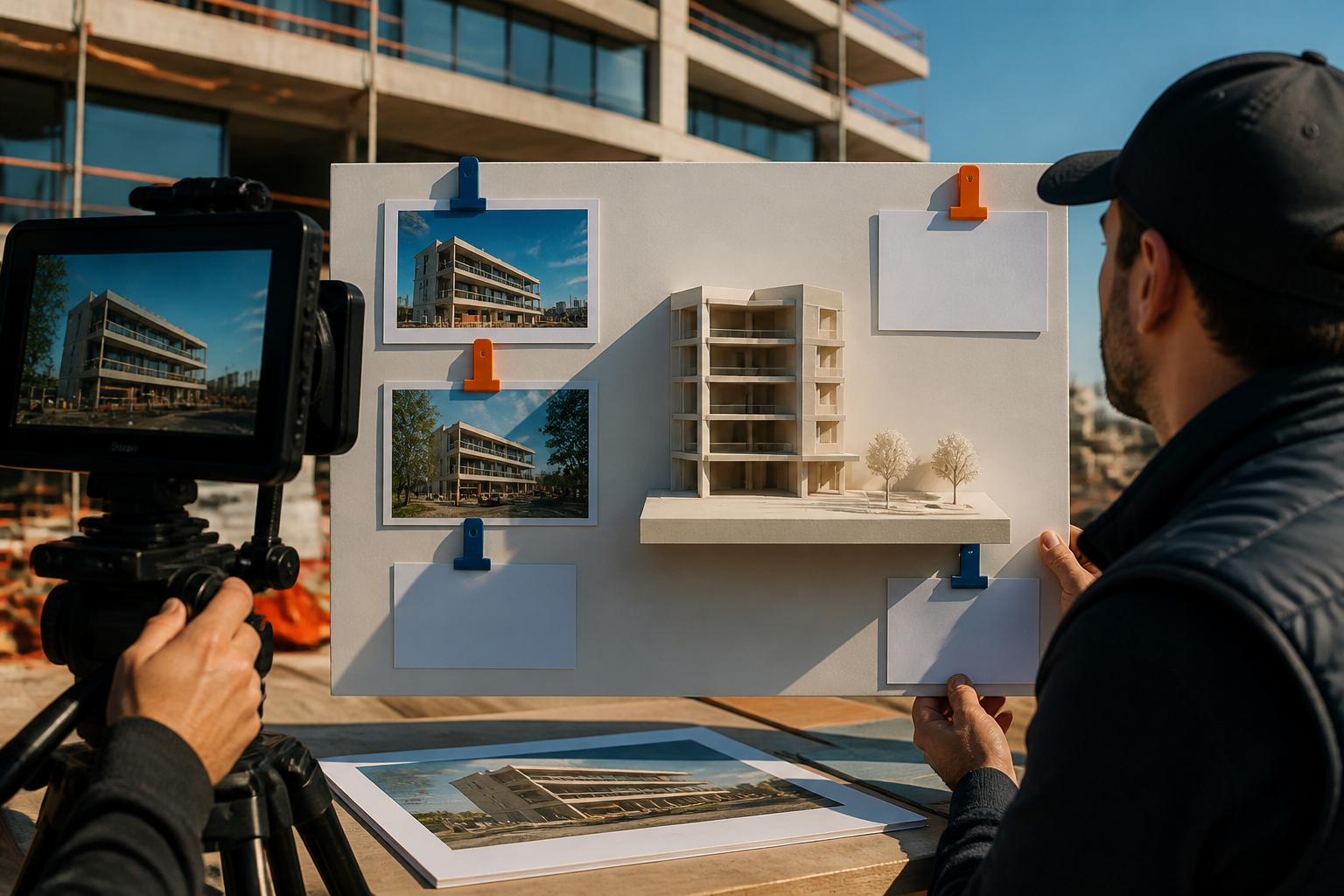
Name the project, service, milestone, audience, tone, and any short text you want visible. VideoAI uses that direction as the base for the first video draft.
Step 02
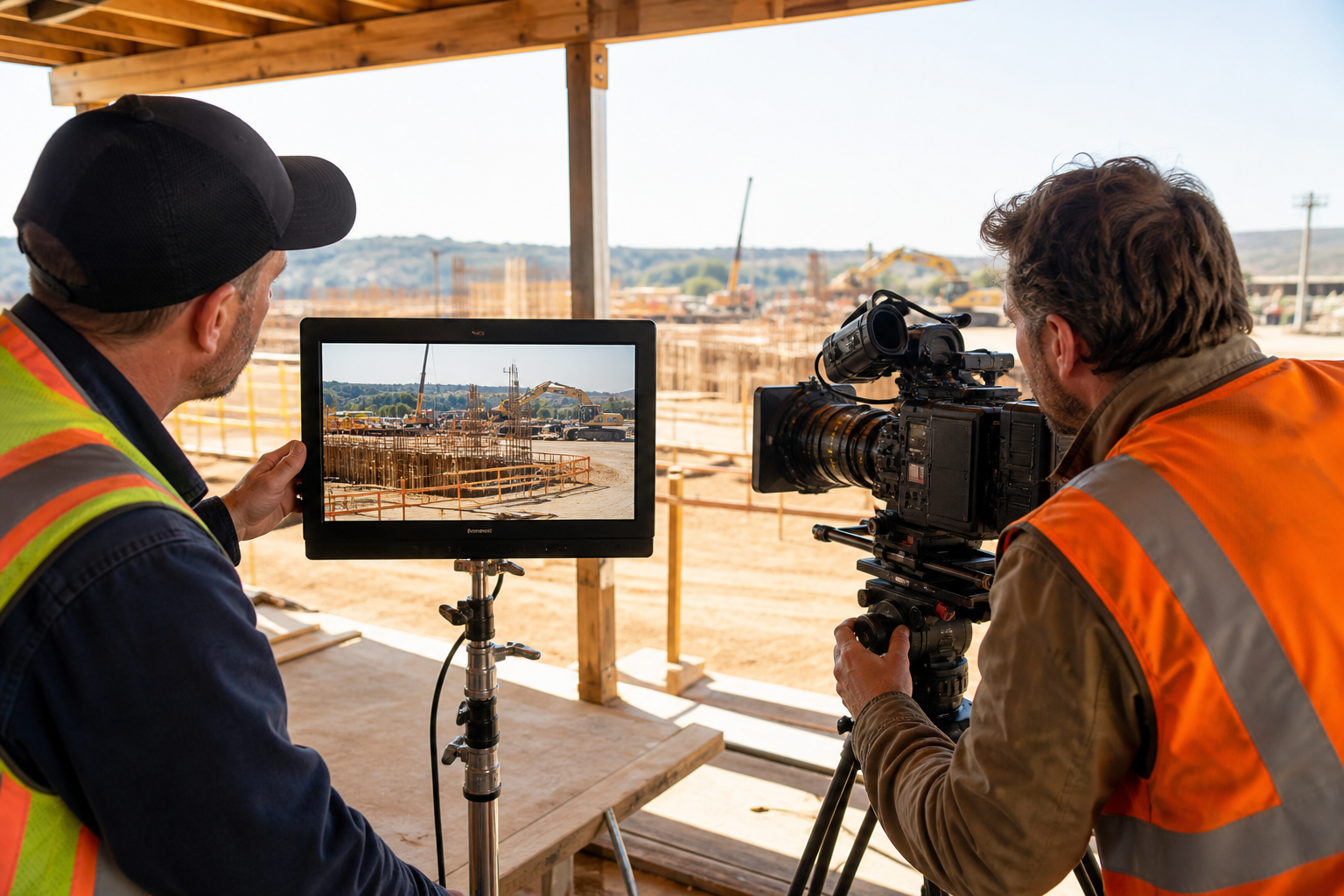
Add project images, video clips, and audio references, then use @ mentions to say which asset should guide the subject, scene, camera movement, or sound.
Step 03
Generate the construction video marketing draft, check the subject, scene, text, and sound, then write precise revision notes for the next VideoAI version.
Use construction video marketing when a project, service, or milestone needs a clear first video draft.
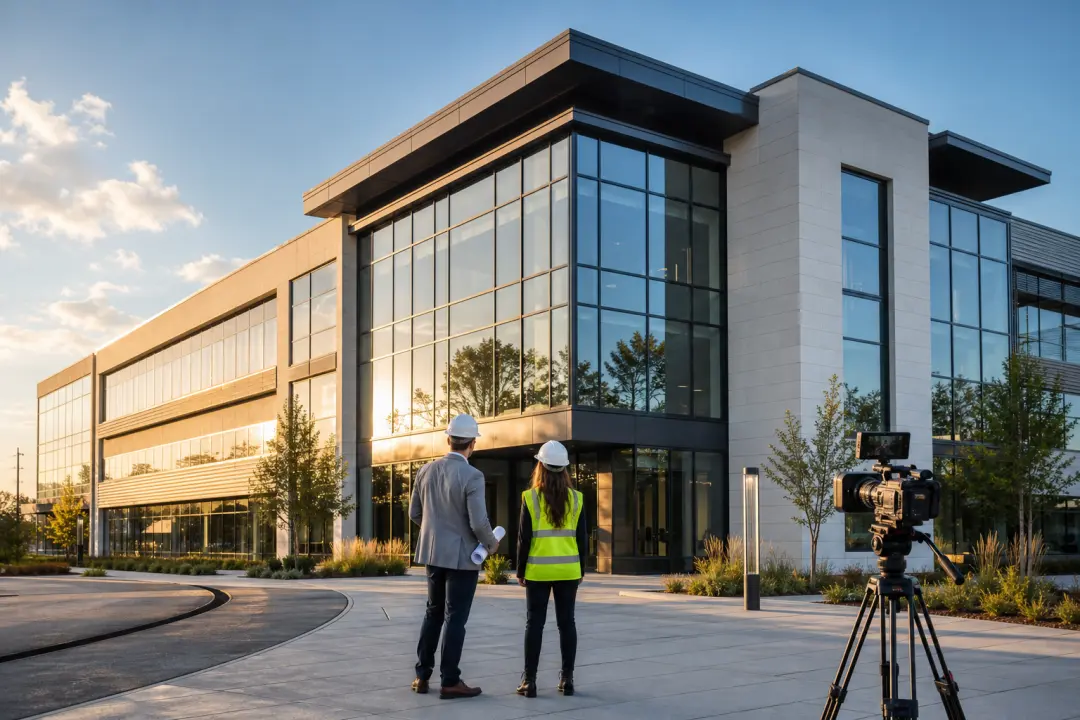
A finished phase needs a concise story for clients. Combine project photos, site clips, and highlight text, then arrange the viewing order so the draft feels ready for review.

A milestone needs a visual update before the next meeting. Add stage images, write the time ranges, and use VideoAI to turn the change into a short draft for discussion.

A team needs to explain a process or service without a heavy production setup. Describe the steps, subject, voiceover, and visual style so the video follows your own outline.
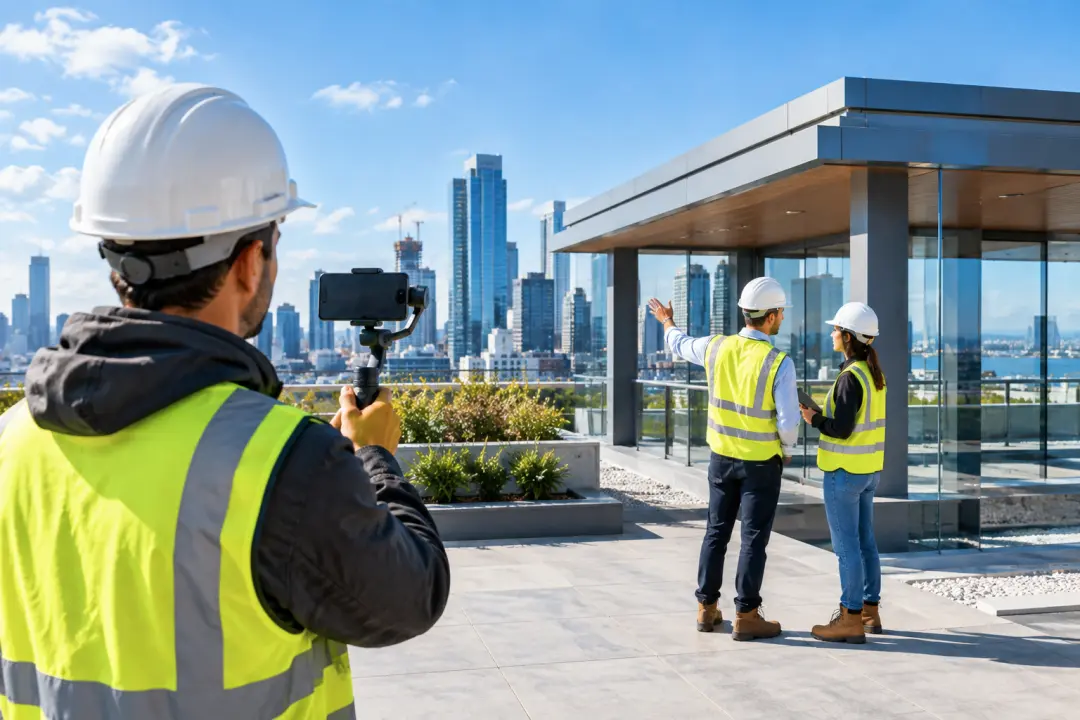
A project announcement needs a short version for social placement. Focus the prompt on one milestone, choose the aspect ratio, and regenerate until the pacing supports the message.

Start a construction video marketing draft from your project goal, references, scene timing, and sound direction.
Get Started