
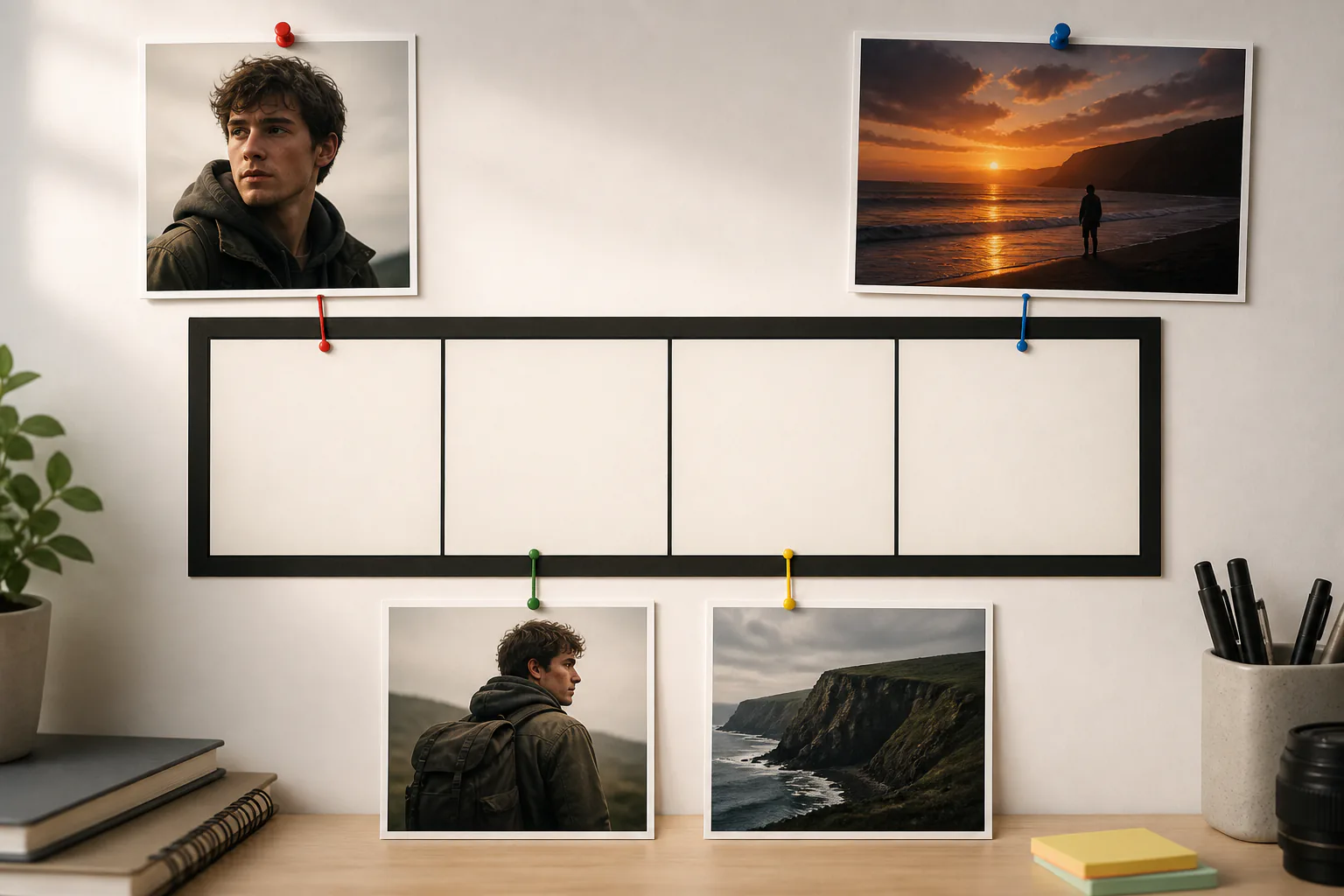
Step 01
Upload Photos And References
Add one or more photos, prepare their order, and assign images as a first frame, subject, scene, or end frame when needed.

VideoAI helps you arrange existing photos, describe each motion choice, and turn them into one paced video with sound.
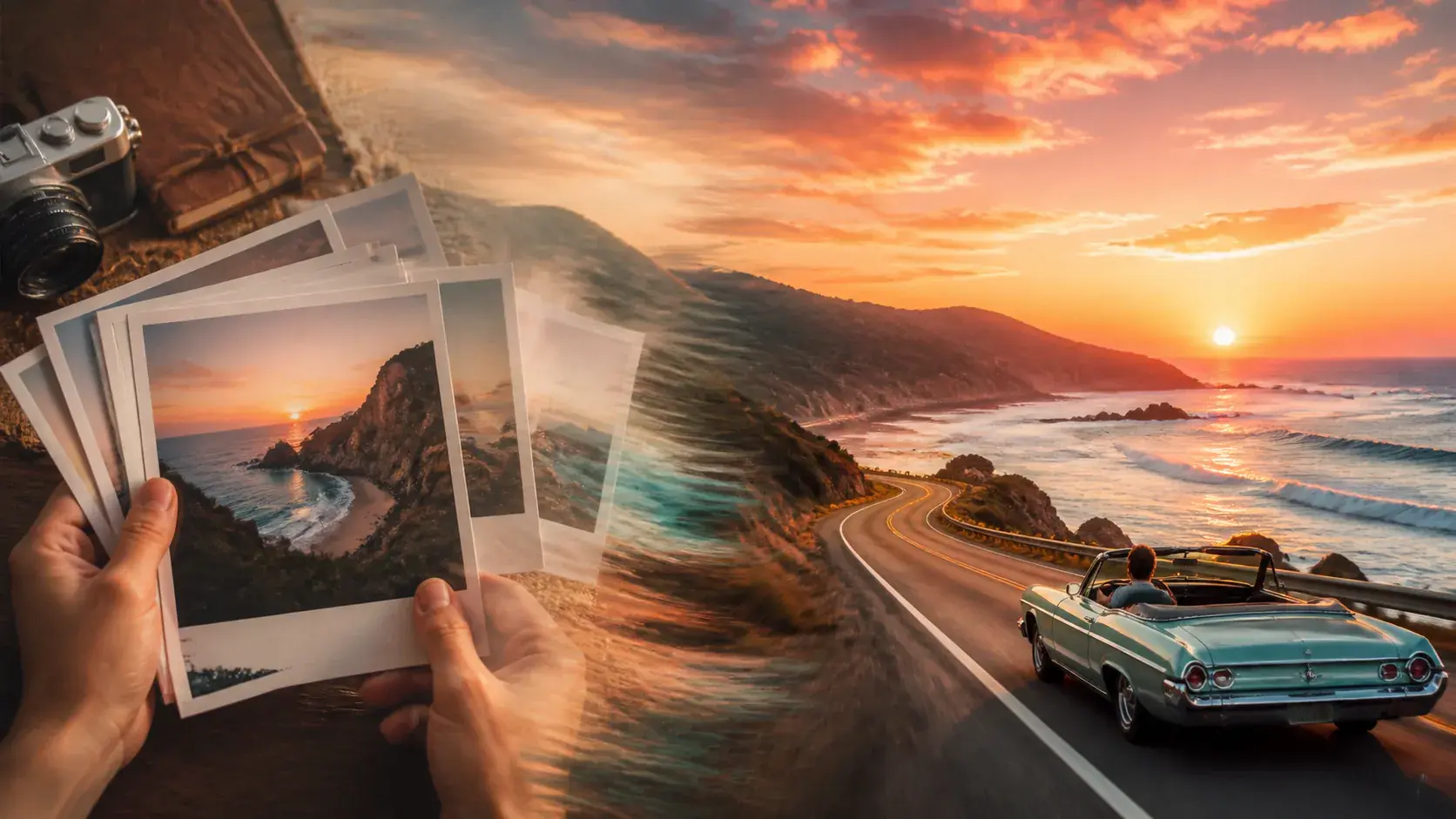
Shape the order, motion, sound, and output choices before VideoAI generates the finished MP4.
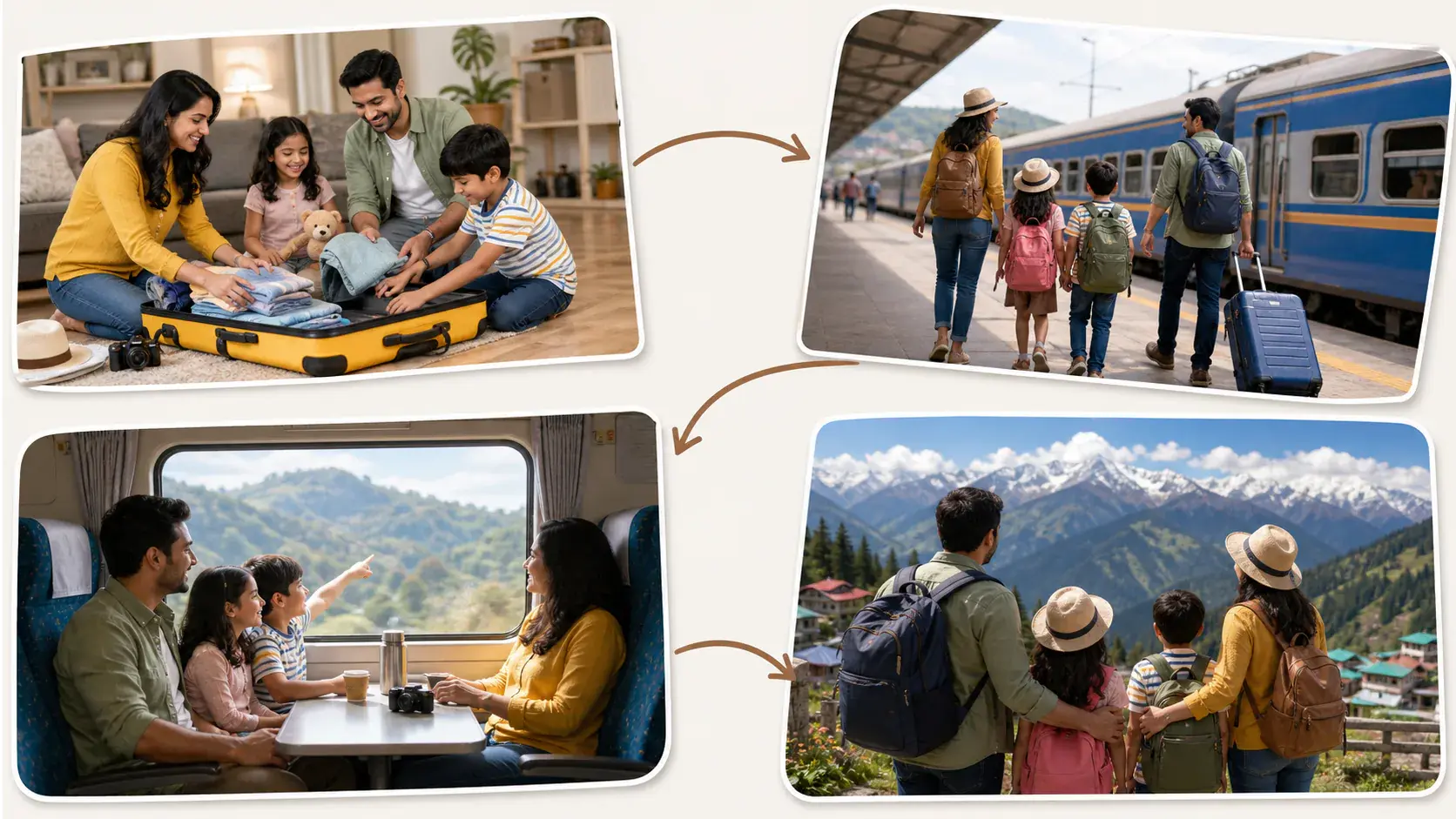
Place several photos in the story order you want, then create video from images with shots, transitions, and rhythm instead of a plain static collage.
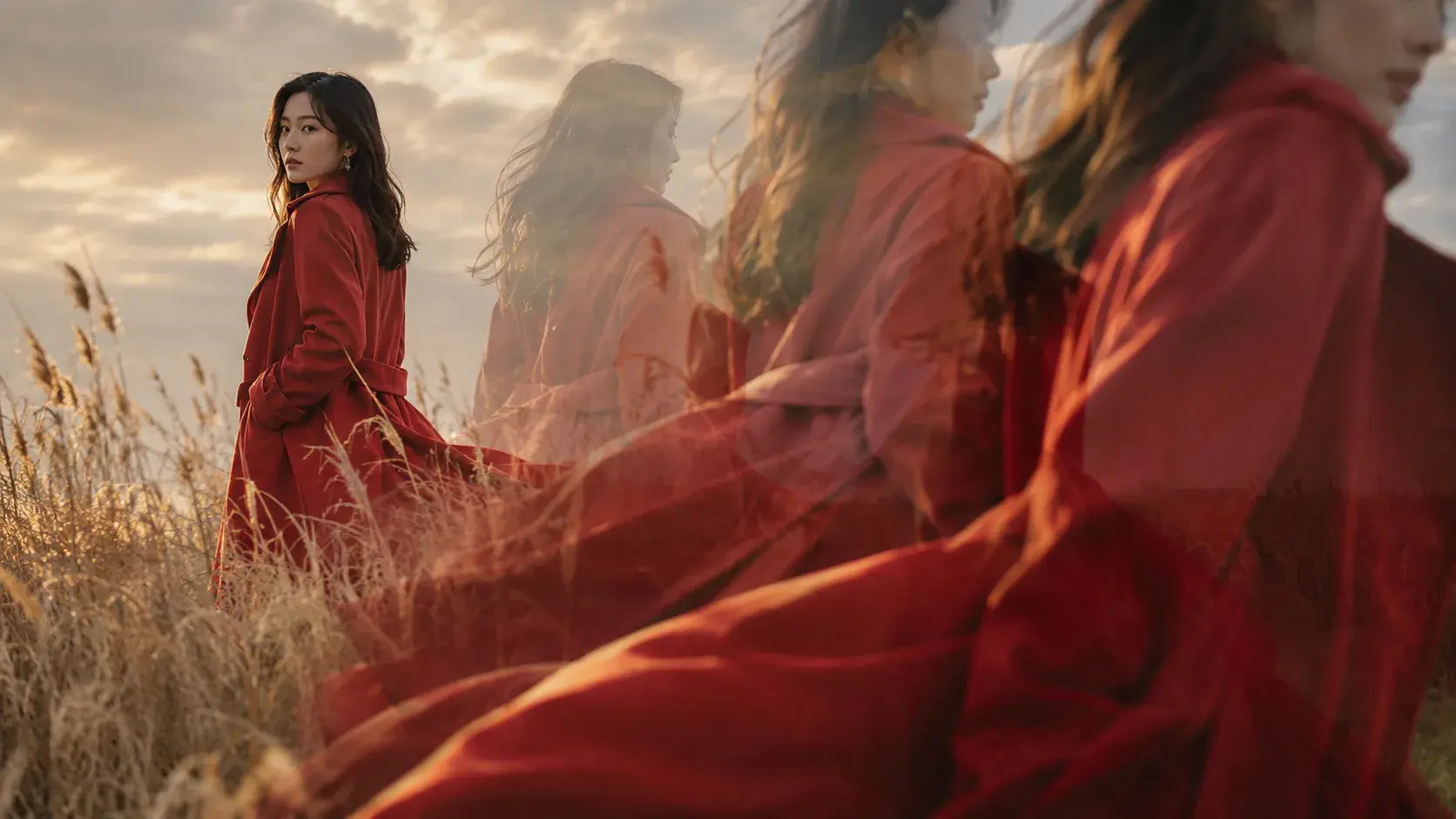
When you need to create video from single image, use the photo as a first frame, subject, or scene reference and describe the movement you want.
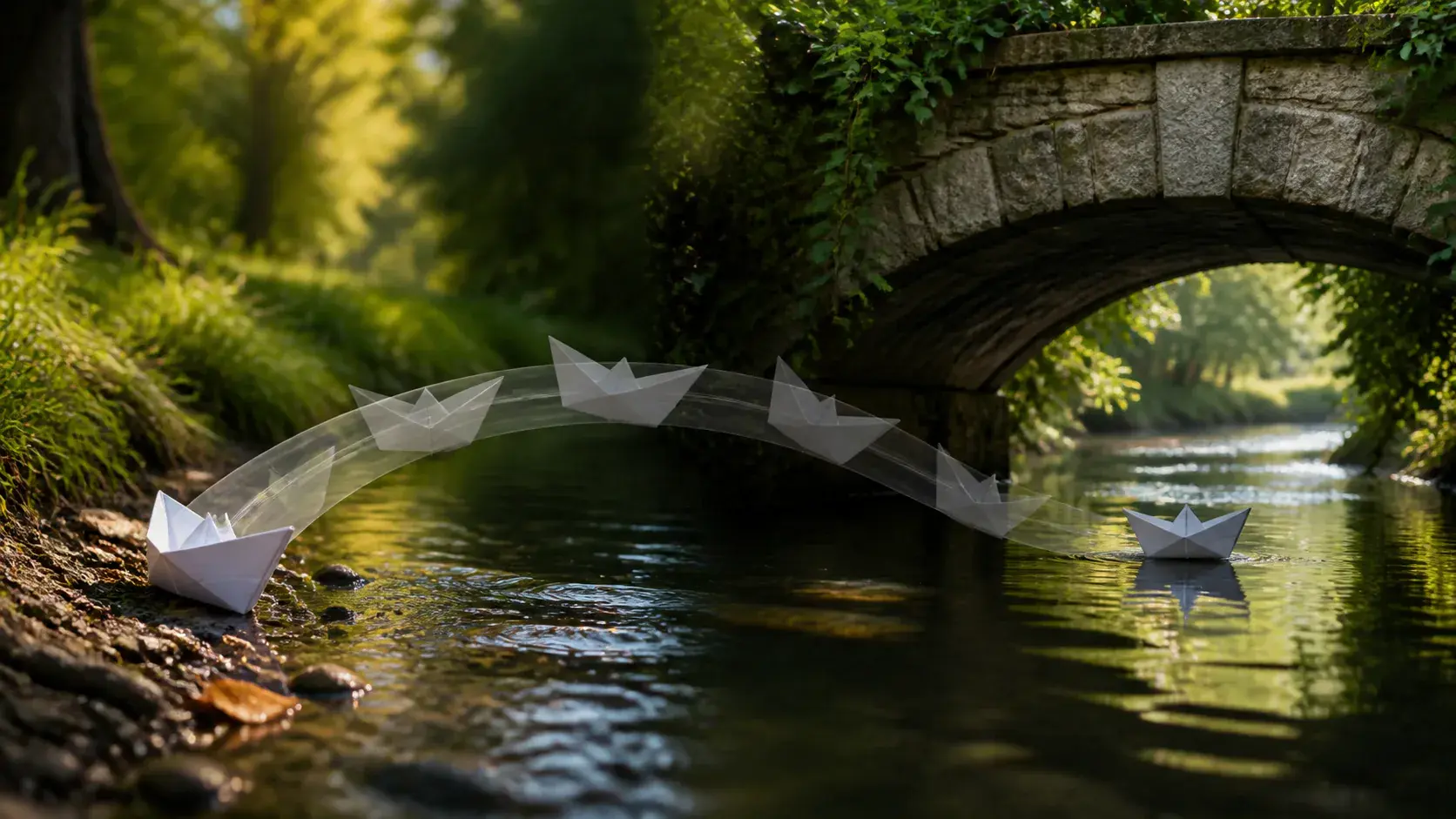
Give VideoAI a start image and an end image, then create video from image ai so the change follows your creative direction.
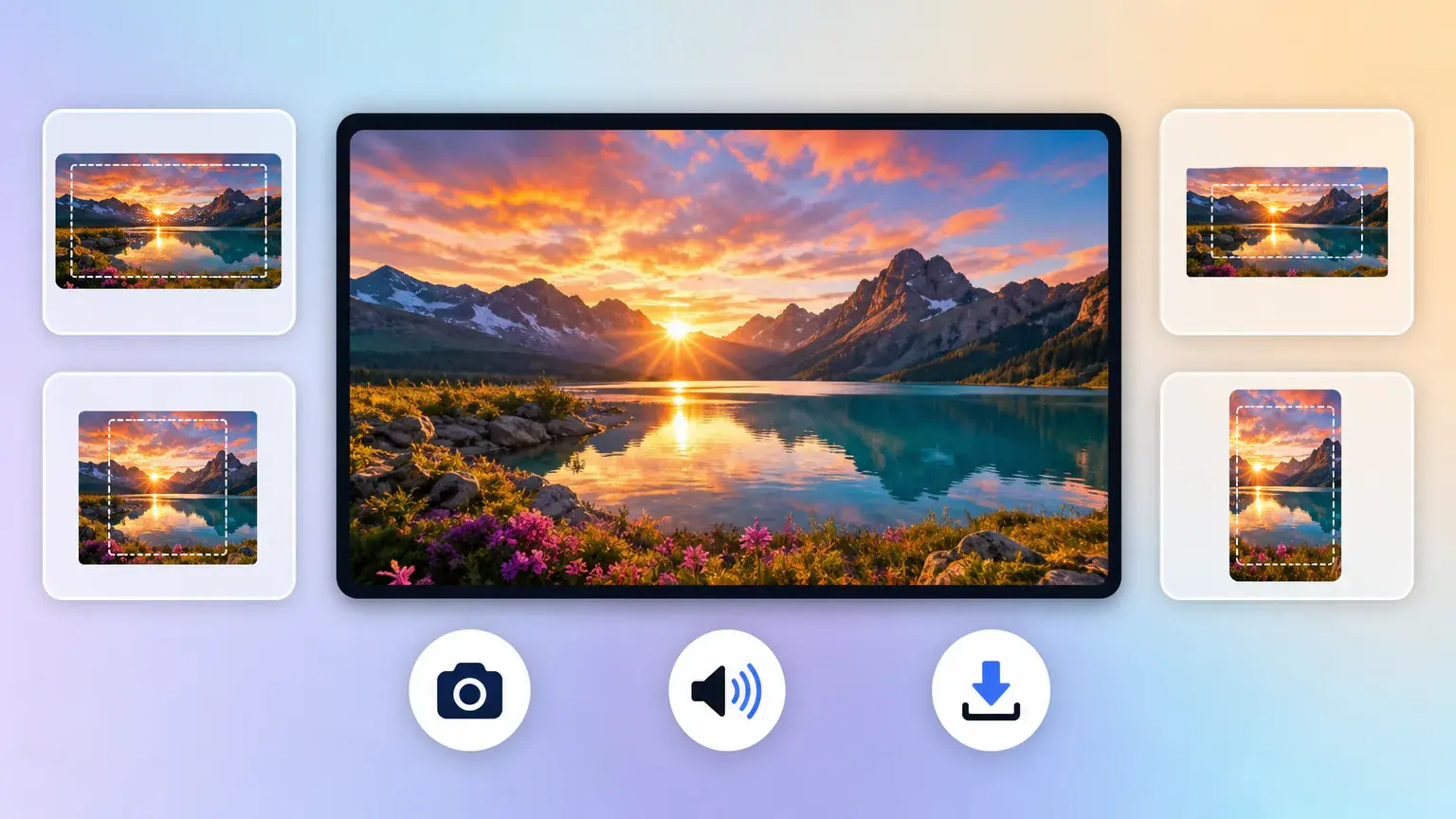
Add narration, background music, or sound effect direction, then export MP4 up to 4K in 16:9, 9:16, 1:1, or 4:5.
The workflow starts with your photos and keeps each creative decision tied to your prompt.
Step 01
Add one or more photos, prepare their order, and assign images as a first frame, subject, scene, or end frame when needed.
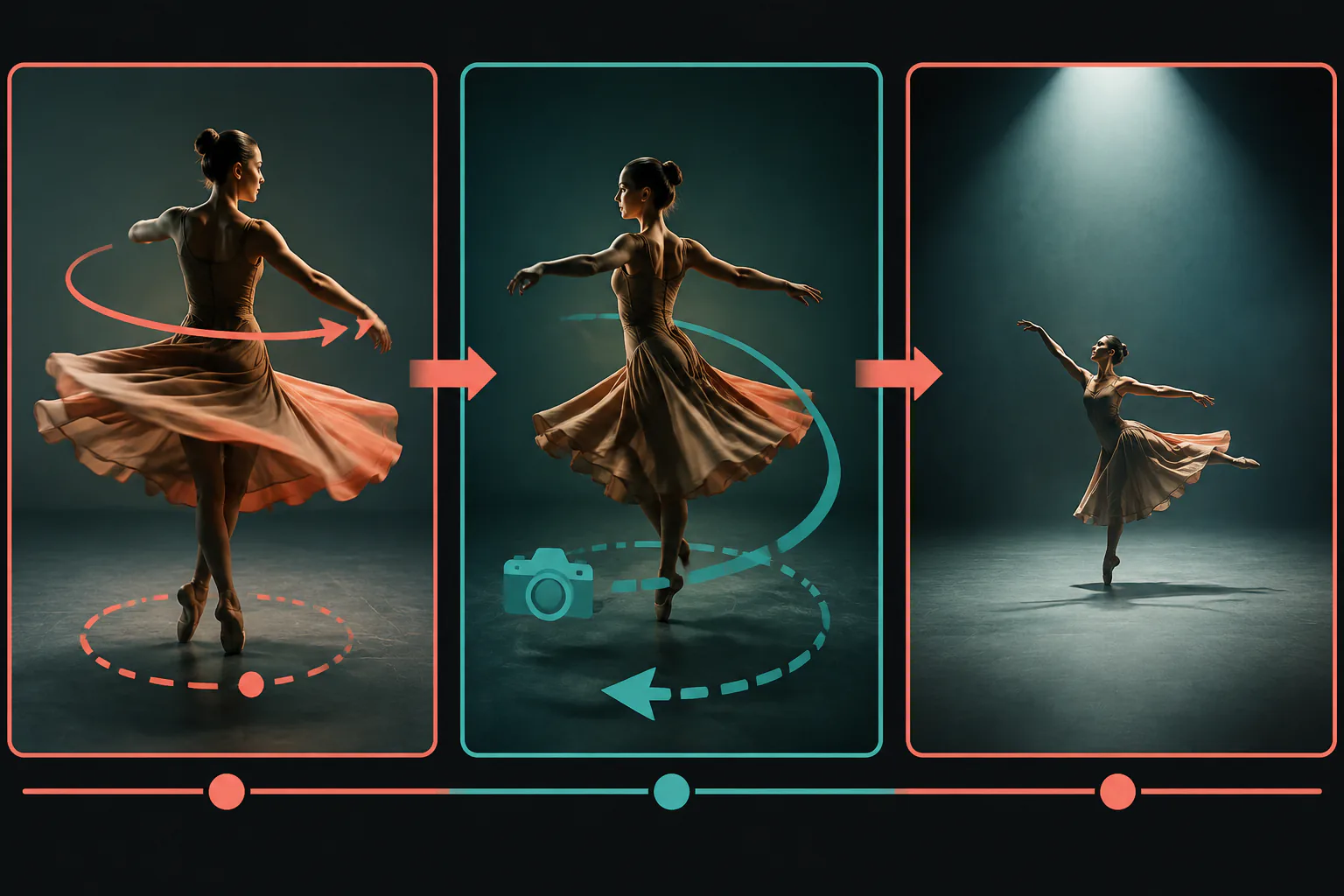
Step 02
Write what appears in each segment, how the subject moves, where the camera goes, and how narration or music should support the beat.
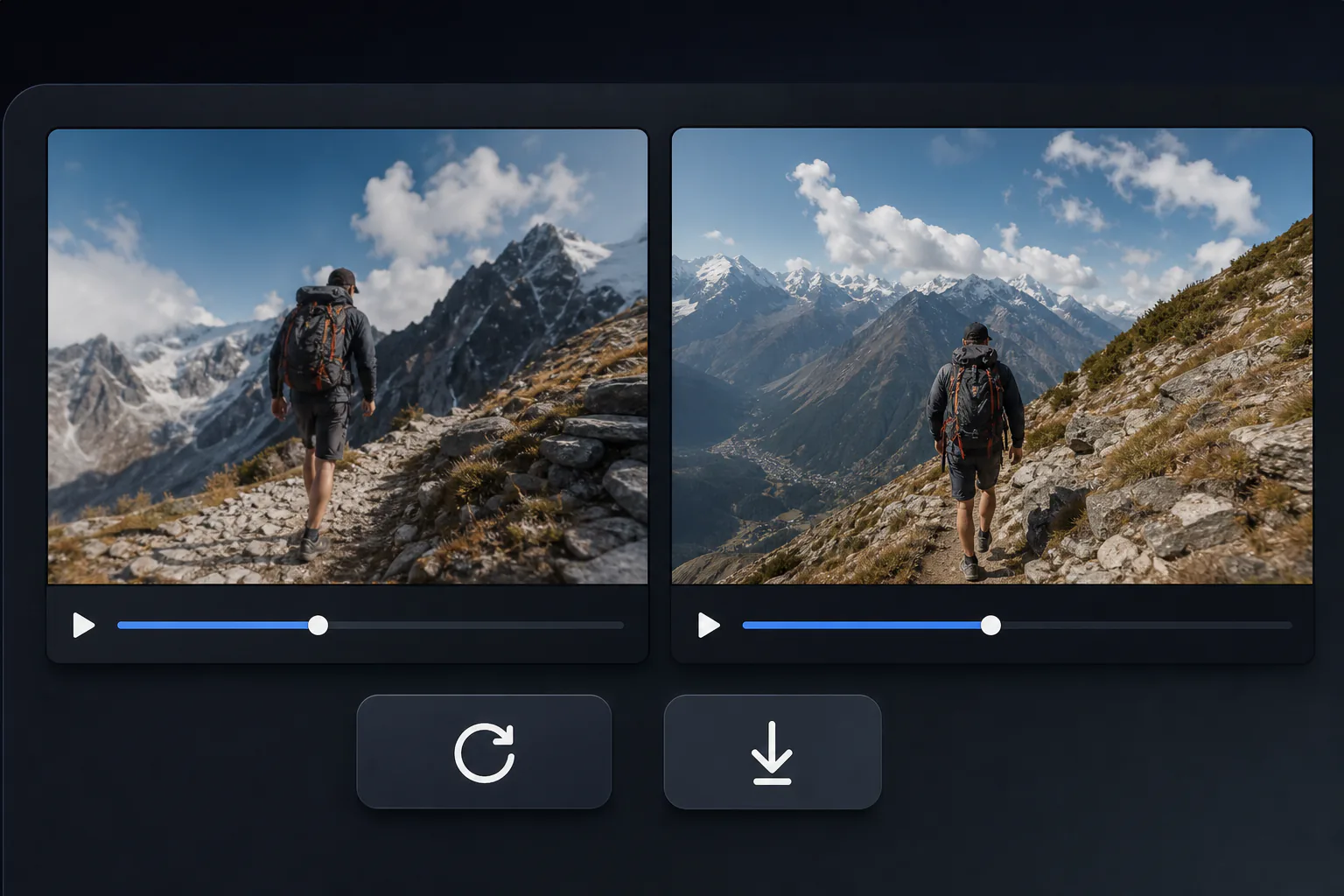
Step 03
Generate the video, refine it with text instructions in VideoAI, choose the target aspect ratio, and download the MP4.
Use the same photo to video creator for memory edits, campaign assets, explainers, and visual transitions.
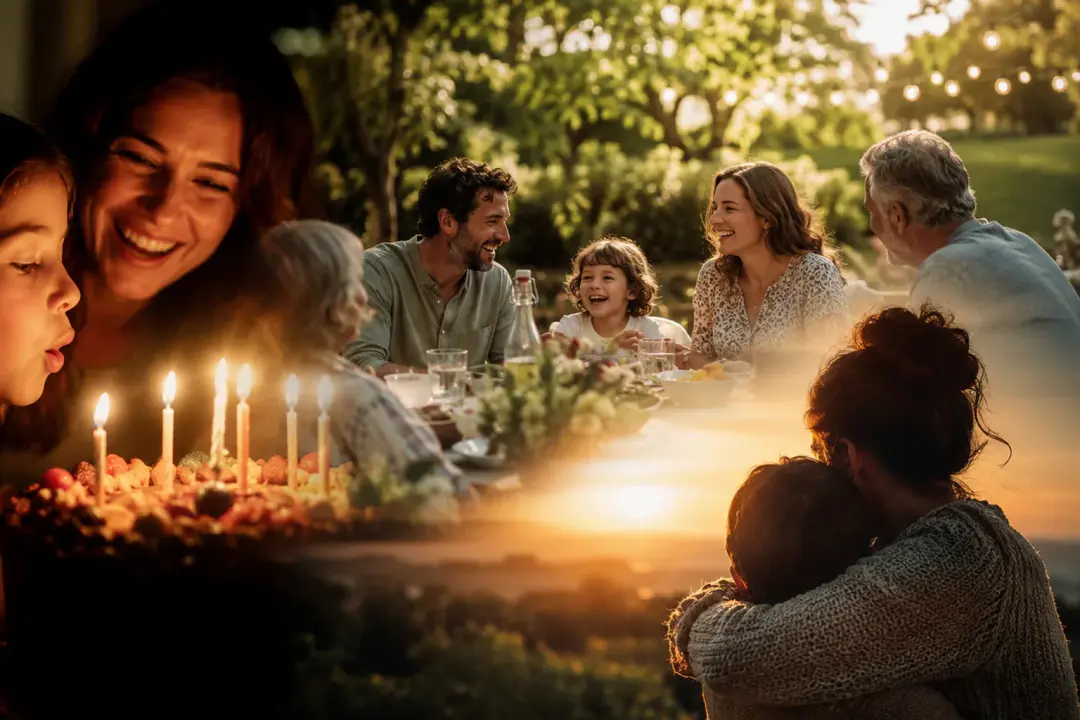
Turn trip, birthday, or event photos into a paced memory video by setting the order, adding gentle motion, and matching the sound to the moment.
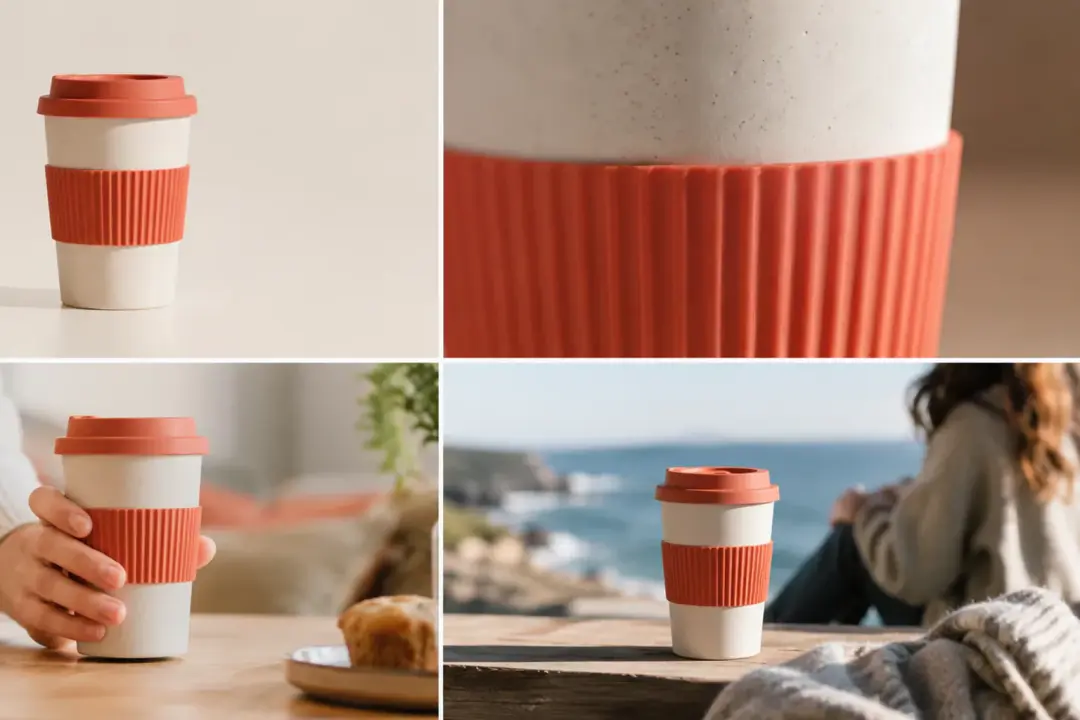
Use front, detail, and lifestyle product shots to create a video from photos that guides attention from the main item to its use context.
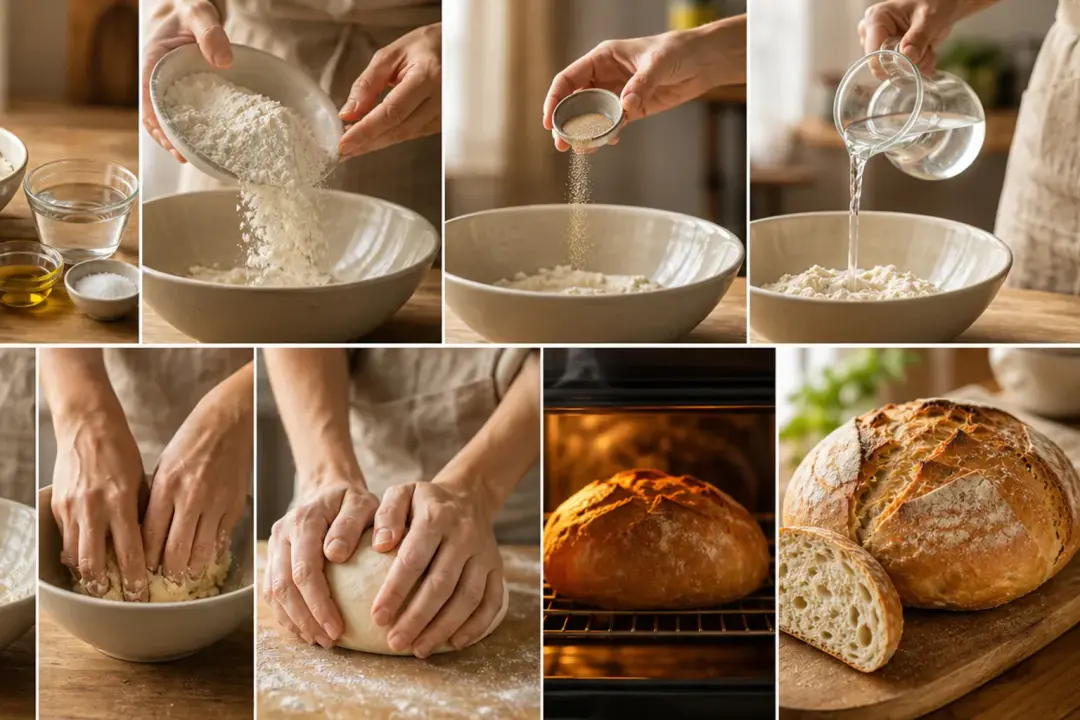
Arrange screenshots, diagrams, or chapter images in teaching order, then add narration so viewers can follow the process as a video.
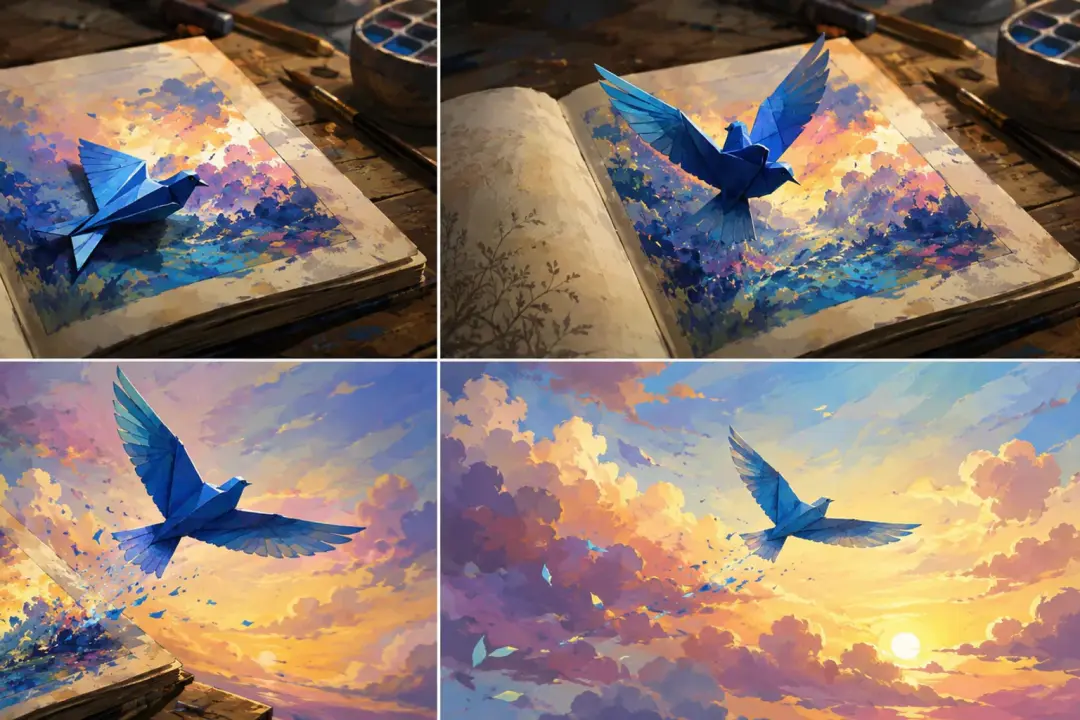
Start with an illustration, concept image, or character design and create ai video from image prompts that describe subject action and camera movement.
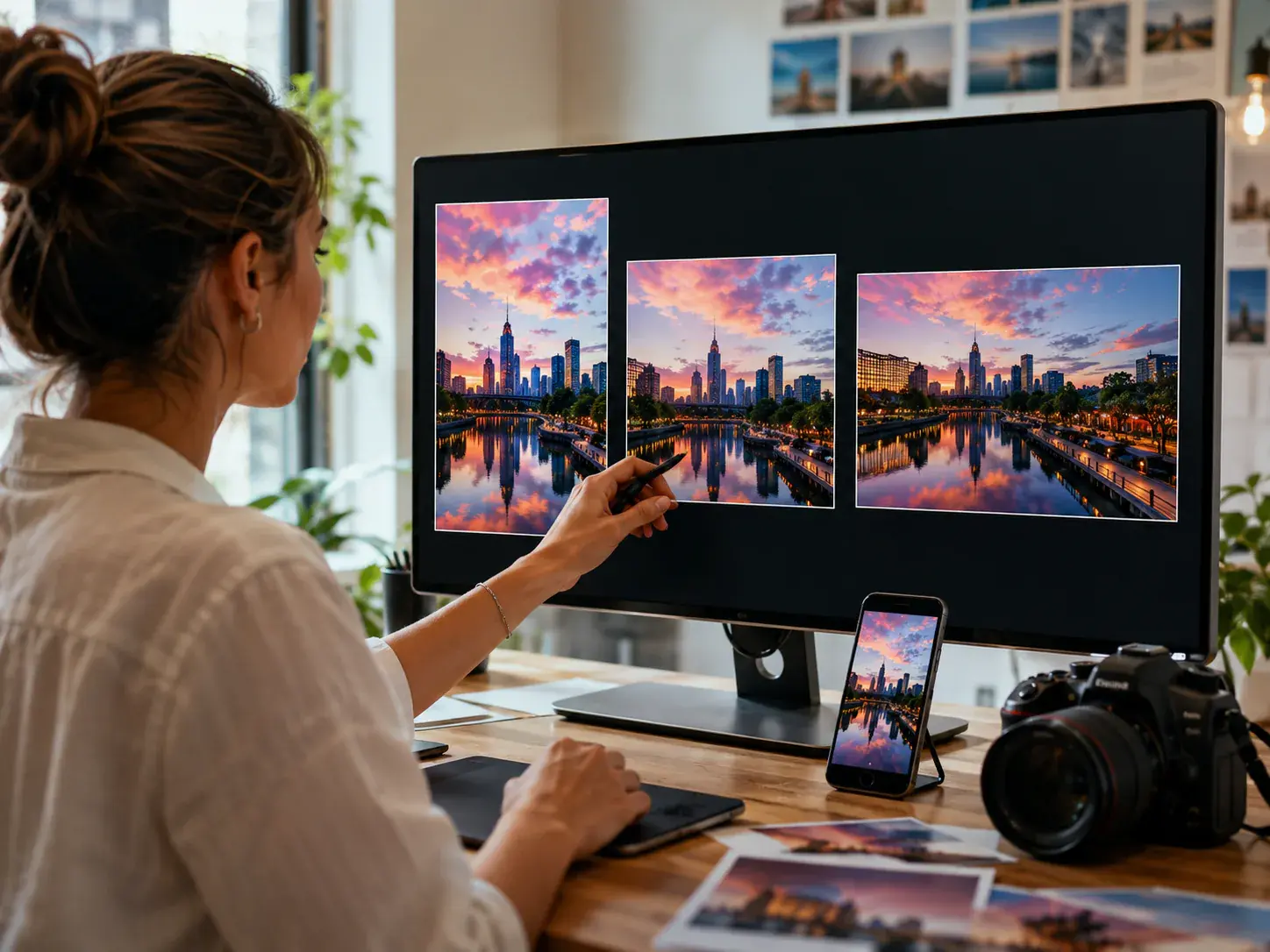
VideoAI helps social creators create videos from photos for vertical, square, feed, and landscape placements while keeping motion decisions prompt led.
Bring your photo set into VideoAI, define the motion and sound, and generate a finished MP4 for your next creator workflow.
Get Started
