

Step 01
Set the subject and starting point
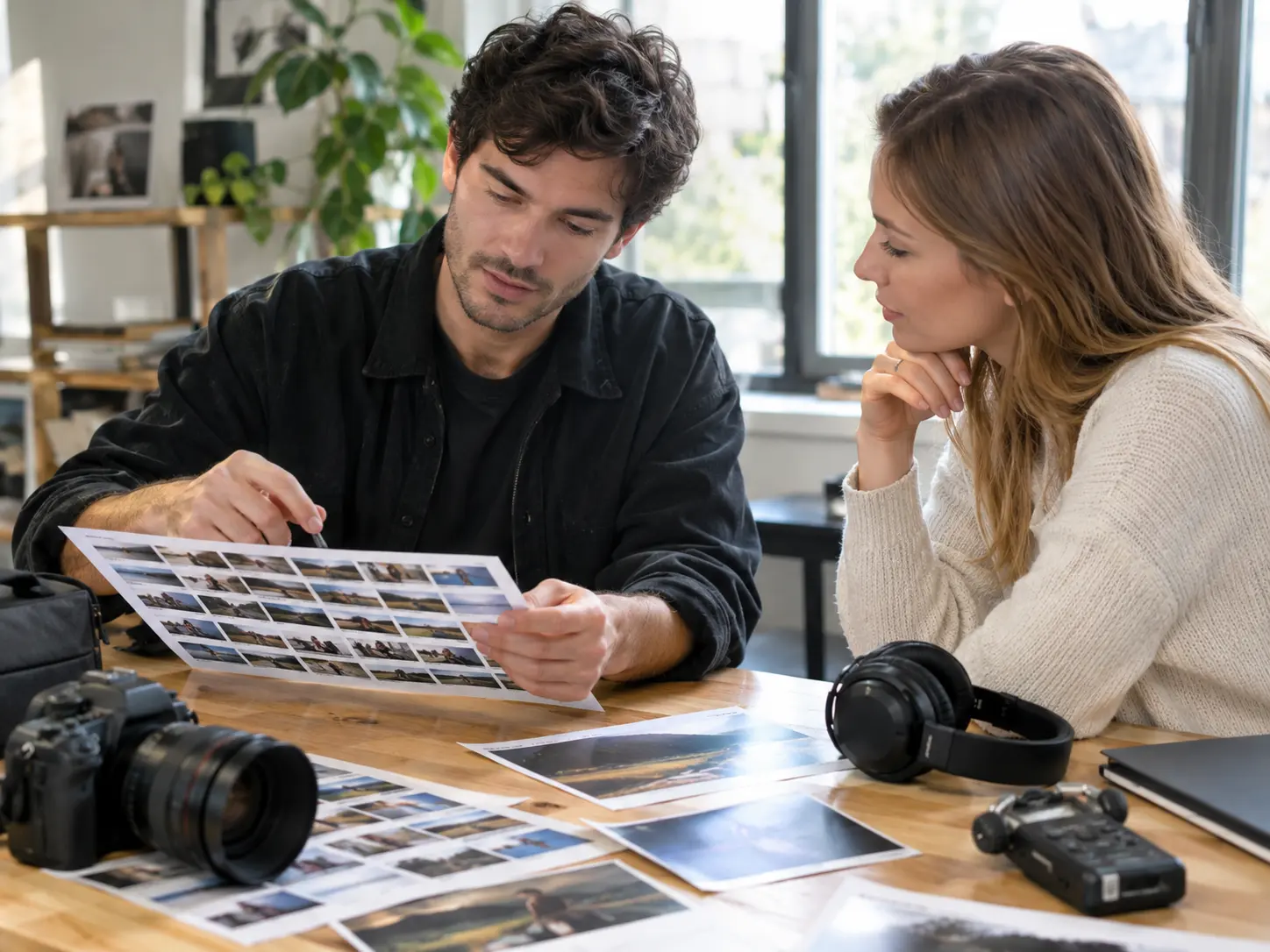
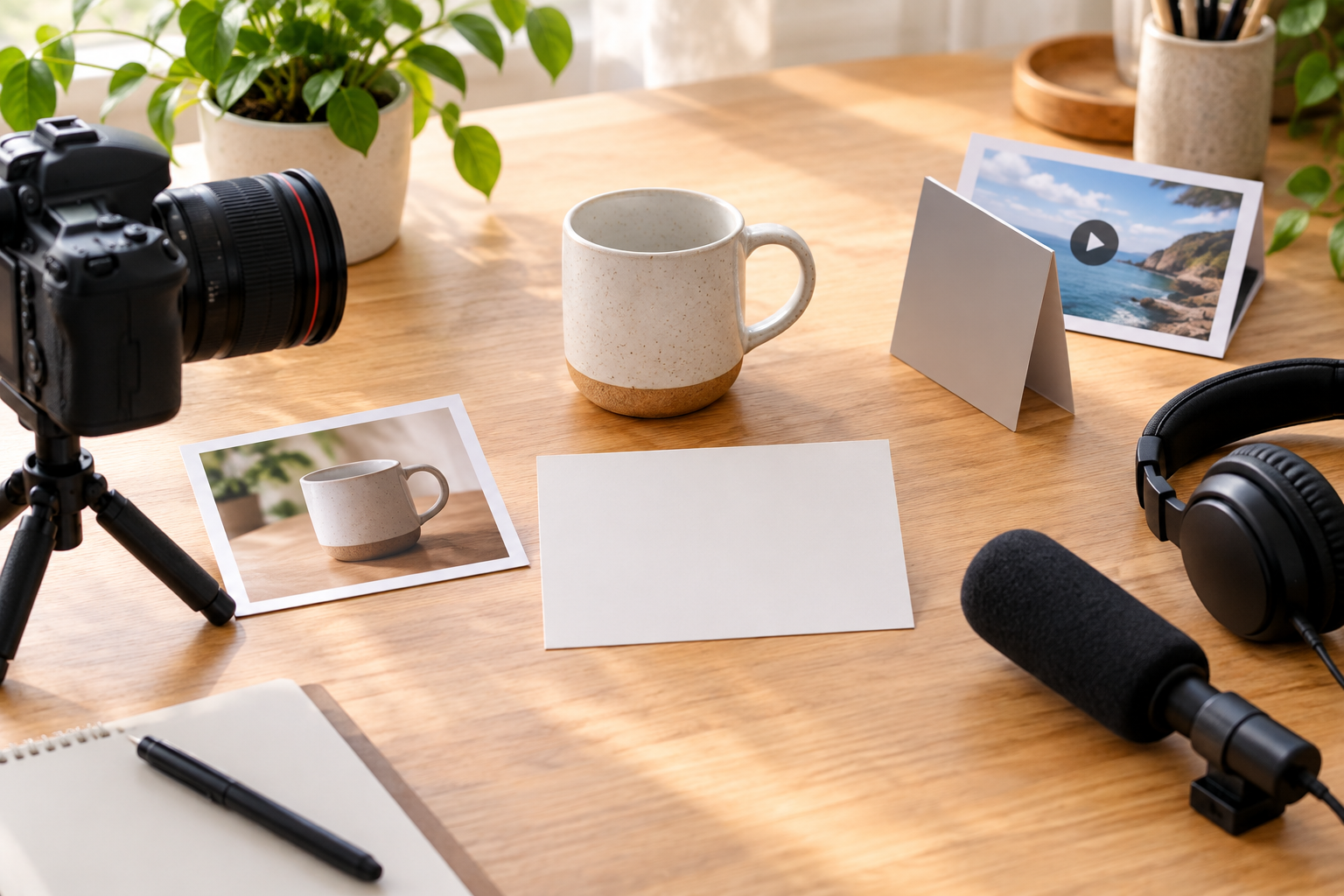
Write who the video is for and the message it should communicate. Begin with your own description or choose a template, then upload any images, video, or audio you want to use as references.

Your story, scene by scene
Use VideoAI to turn your idea into your custom video, choosing each scene, action, and sound direction.

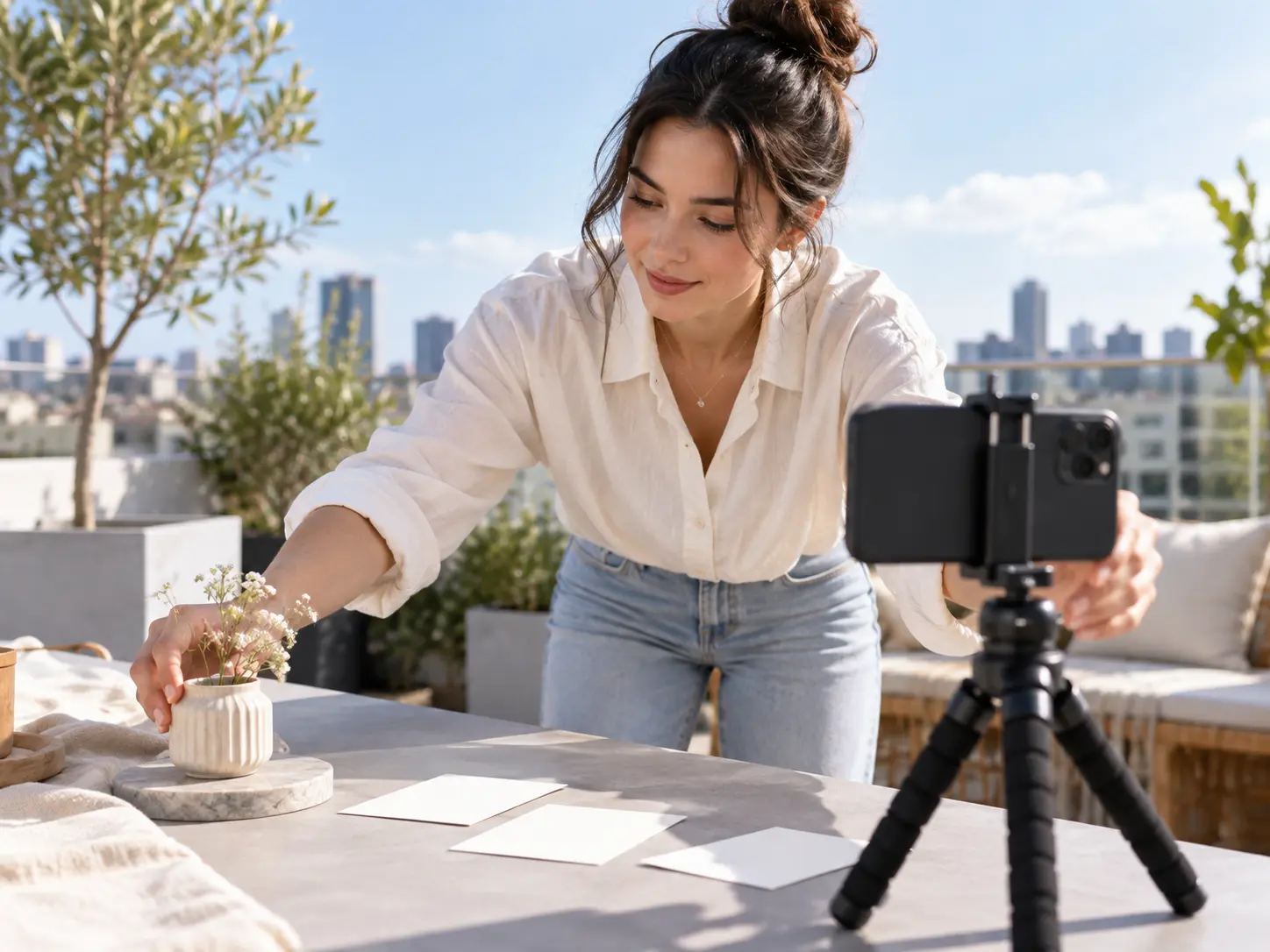
Give your next post an opening that introduces the subject clearly. Describe the subject and movement for your custom video, then choose an aspect ratio that suits its placement.
Decide what viewers see first, how the scene moves, and which references guide the result.

Build the progression from opening shot to closing moment. Choose a duration and write the visuals and actions for each time segment so VideoAI can shape your custom video from the scene order and pacing you define.
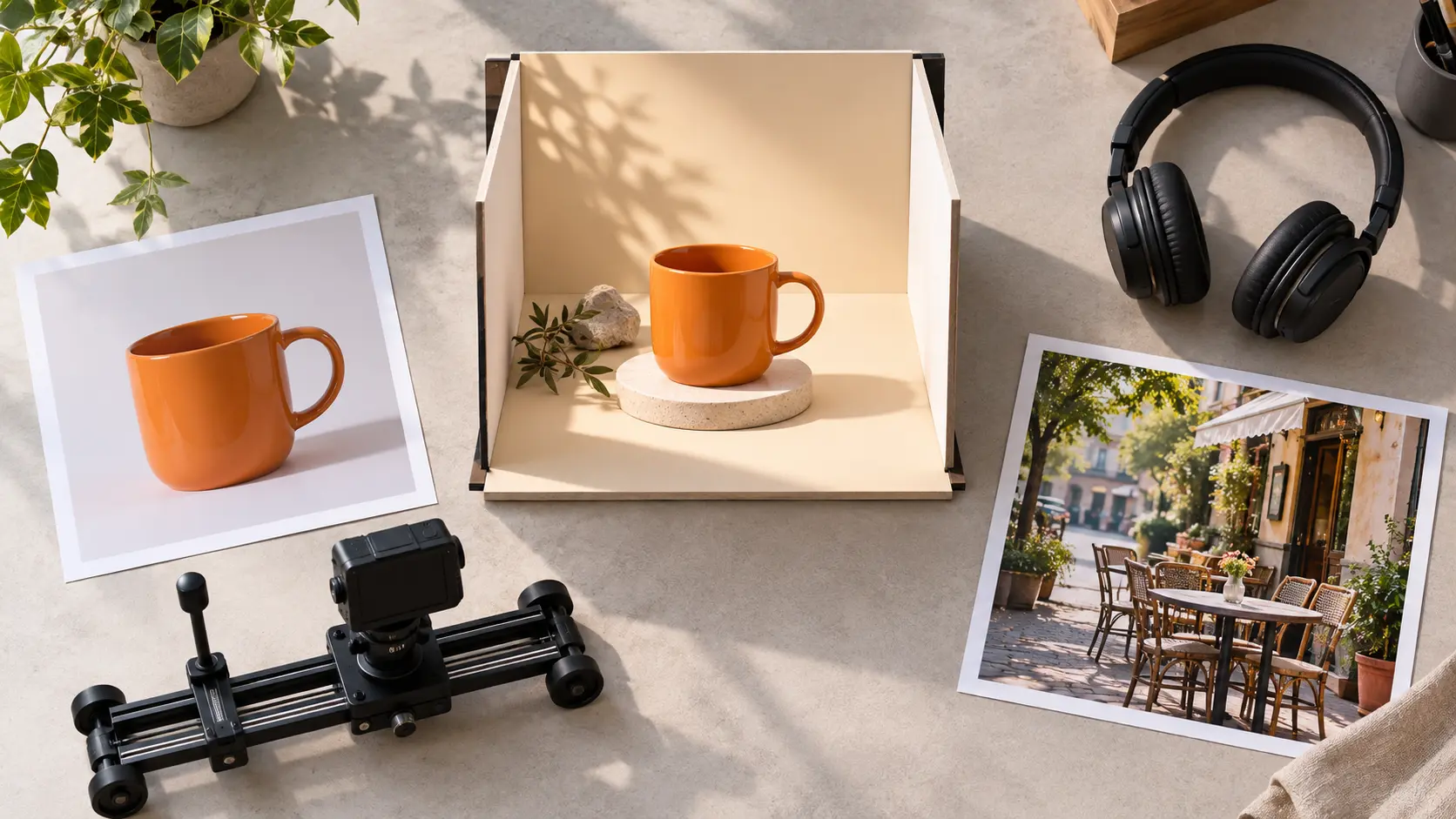
Give your custom video a specific visual starting point. Upload images, video, or audio and use @ to assign references for the subject, setting, camera movement, or music.
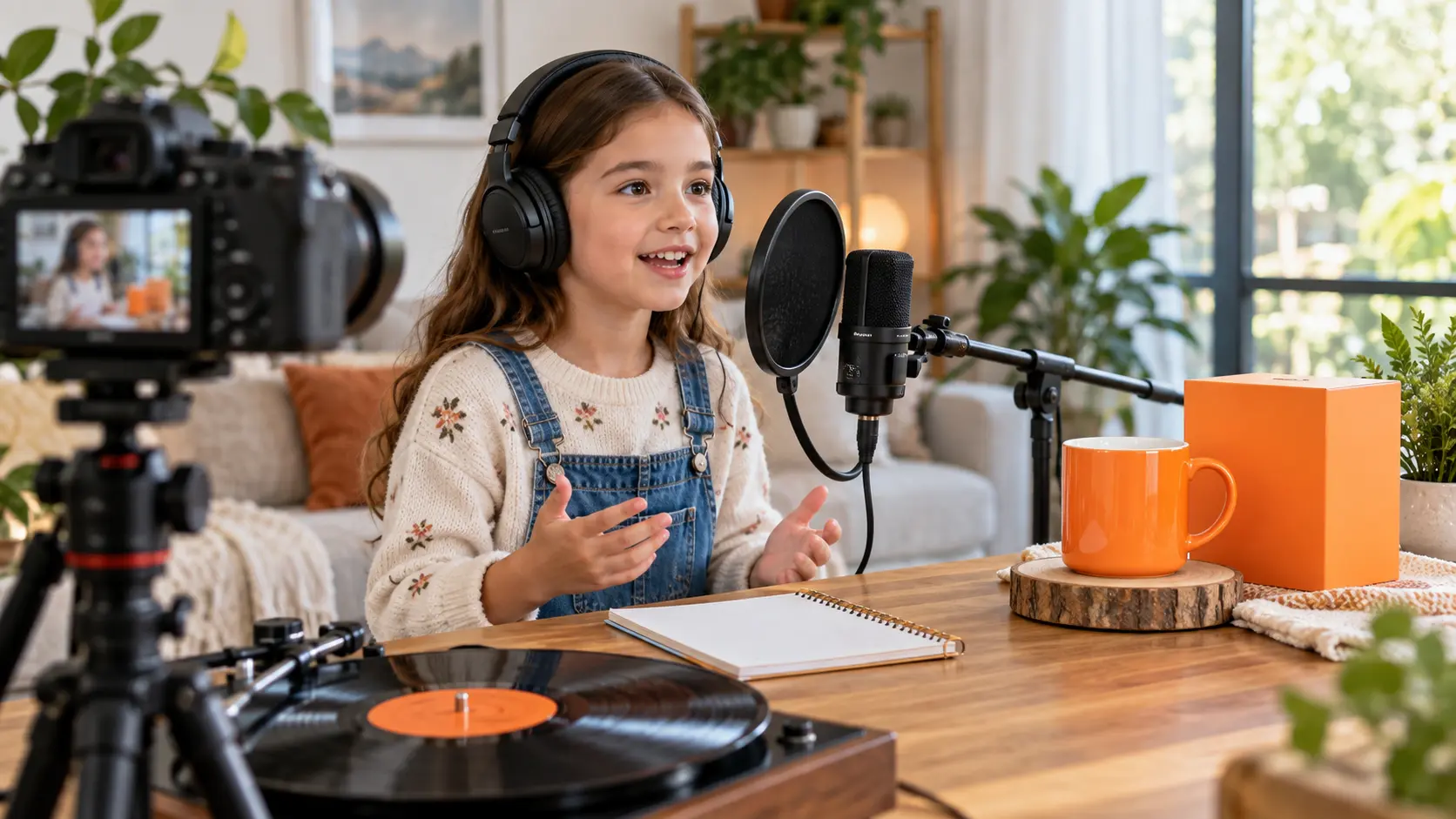
Set a quieter mood or describe a rising musical rhythm. Specify narration and voice references, add background music direction, or upload audio to guide the sound of your custom video.
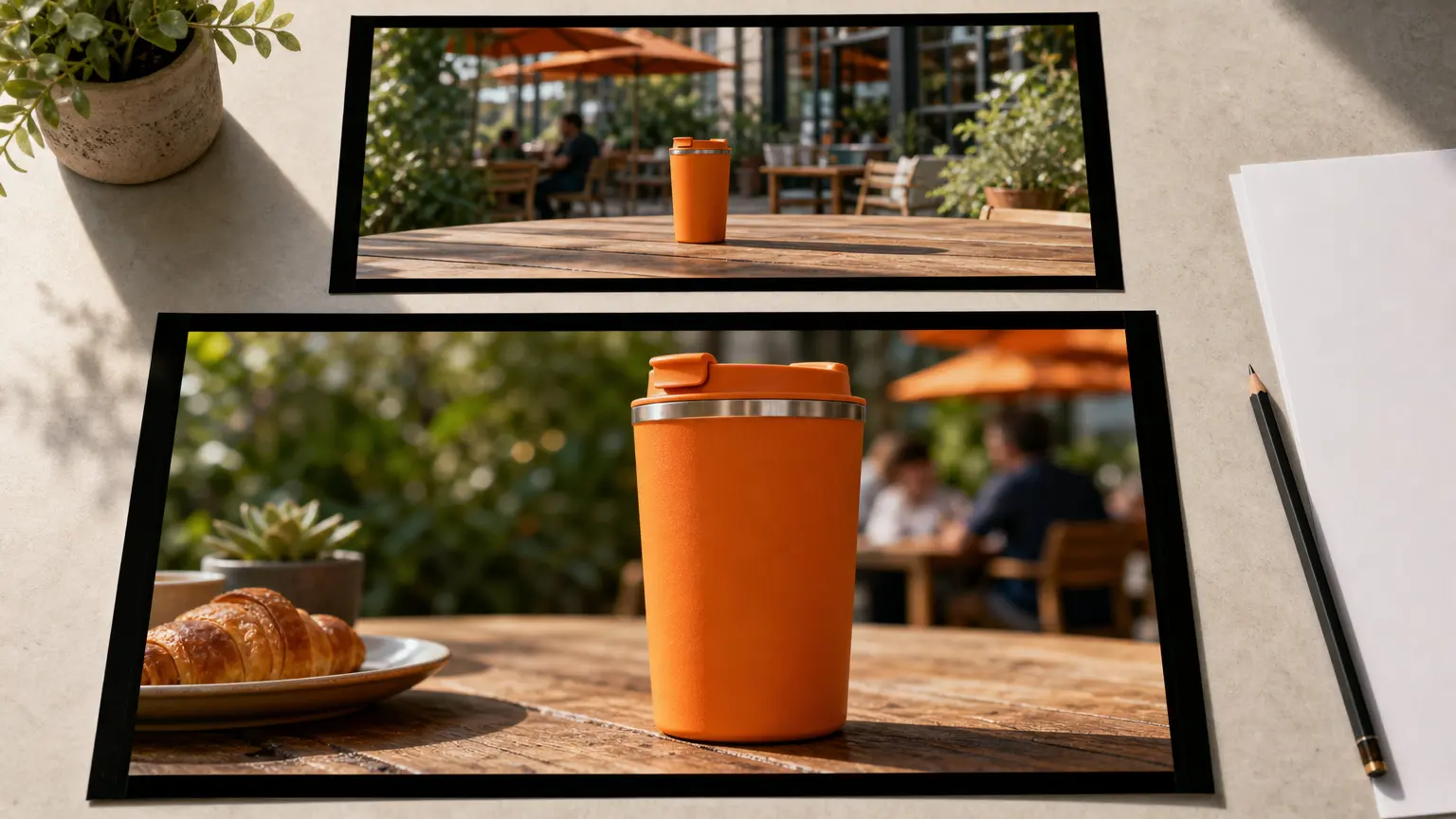
Refine the movement or pacing after you watch the result. Tell VideoAI what you want to change in plain text, then generate another version of your custom video.
Start with a clear message, describe the sequence, and use the generated result to decide what comes next.
Step 01
Write who the video is for and the message it should communicate. Begin with your own description or choose a template, then upload any images, video, or audio you want to use as references.
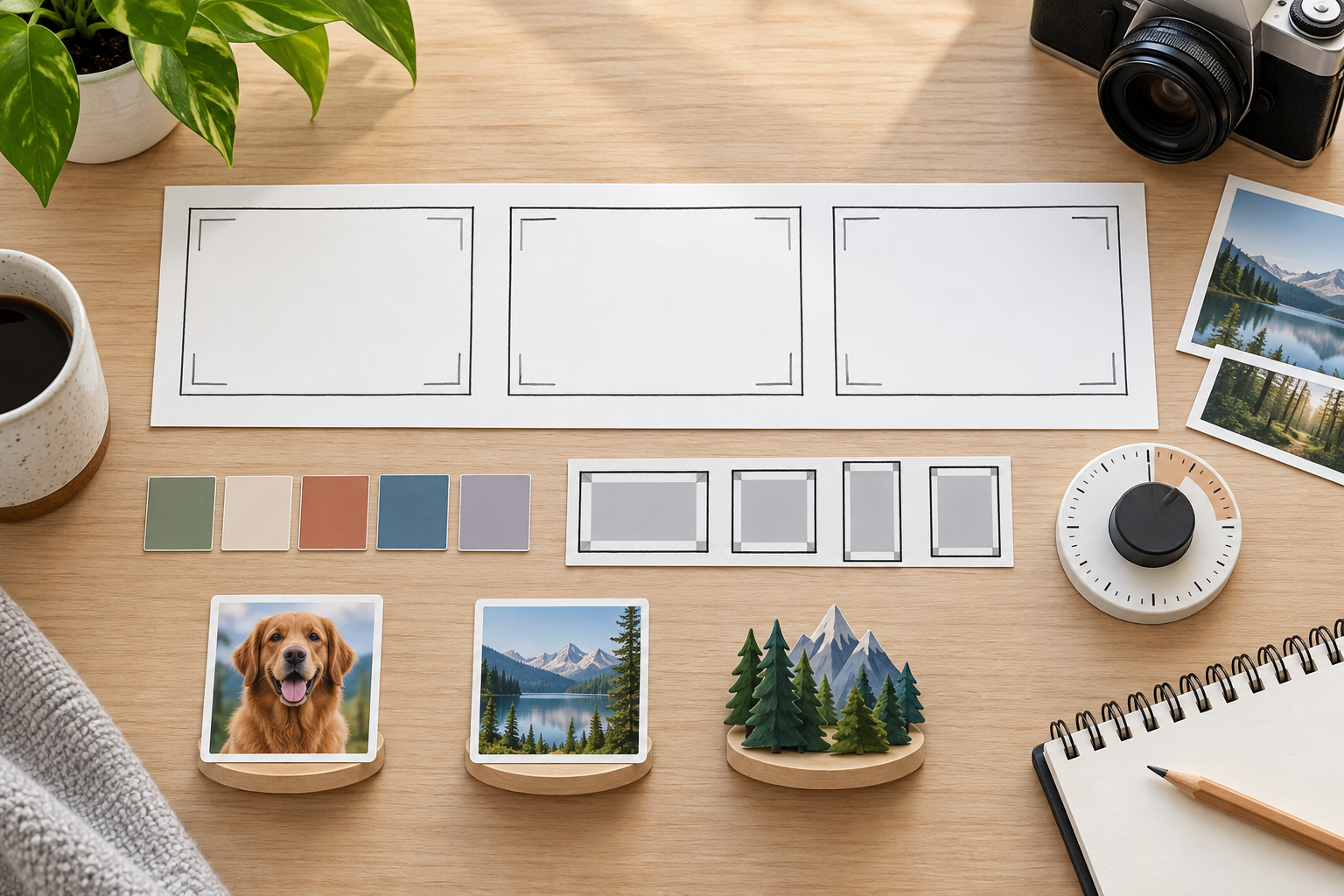
Step 02
Choose the style, aspect ratio, and duration for your custom video. Write the visuals, actions, and sound direction for each time segment, and use @ to assign reference roles before generating.
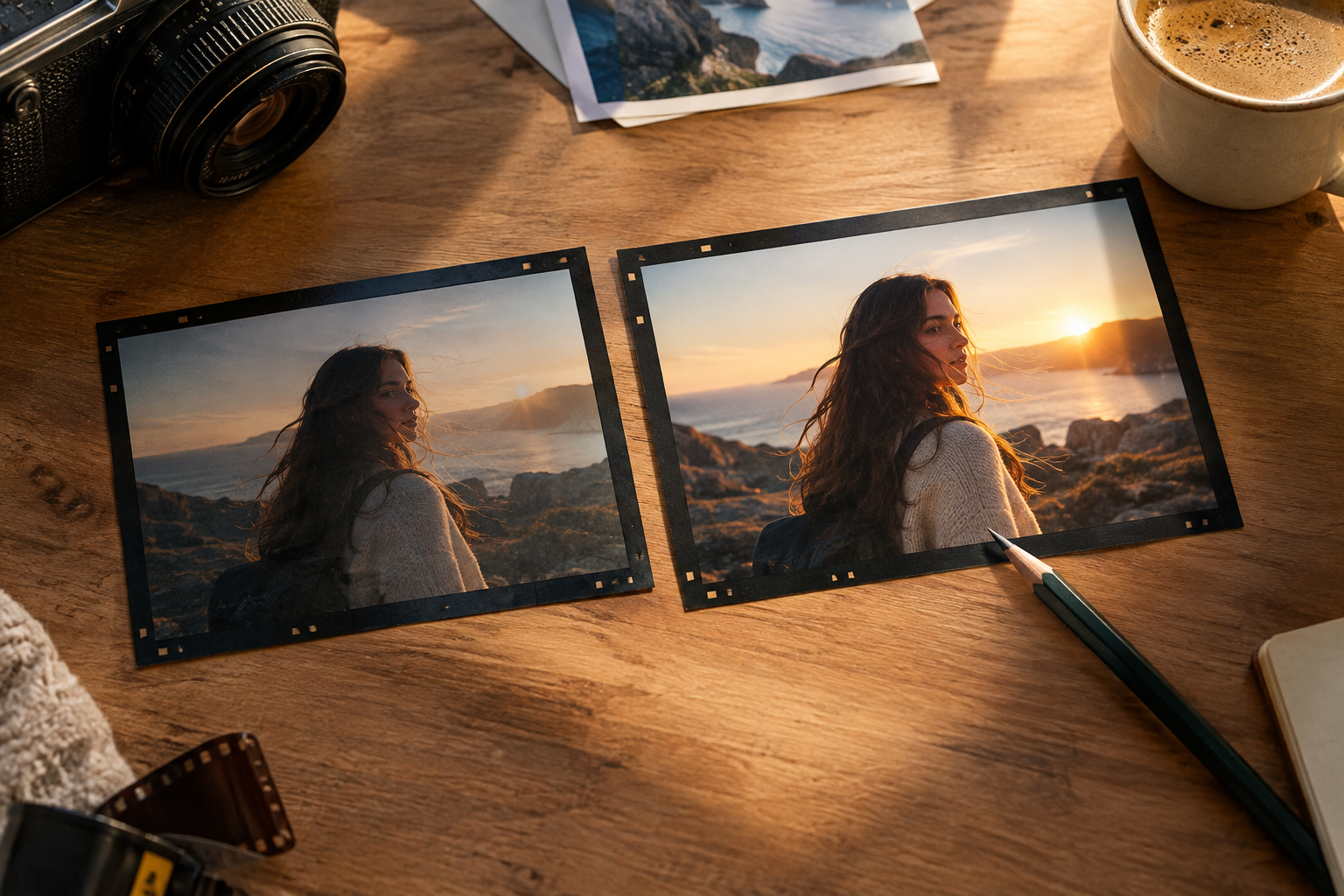
Step 03
Watch the scenes to assess their movement, pacing, and sound. Describe any changes in text and generate another version, then download your chosen result as an MP4.
Give custom videos a clear purpose, whether you are introducing a product or explaining an idea through illustration.

A new announcement needs an opening that shows the subject immediately. Describe the first shot and the action that follows to create your custom video draft you can review for your post.
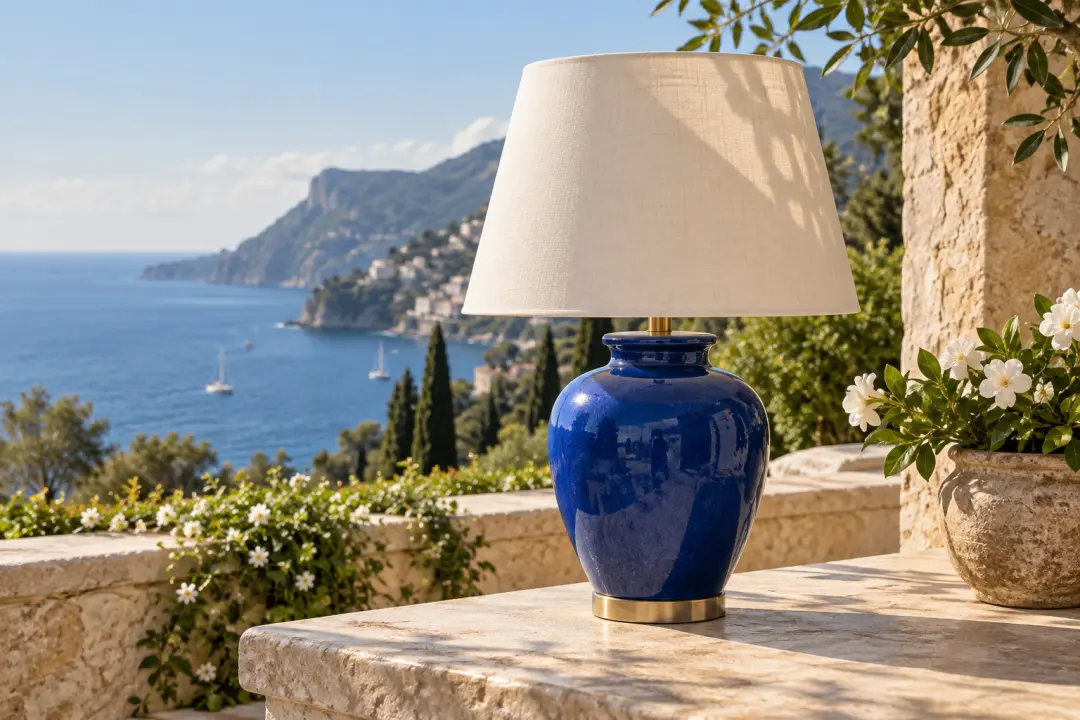
When a campaign calls for a different setting, start with your product image and describe the surrounding scene. Review the generated result to choose the visual direction for your customized videos.
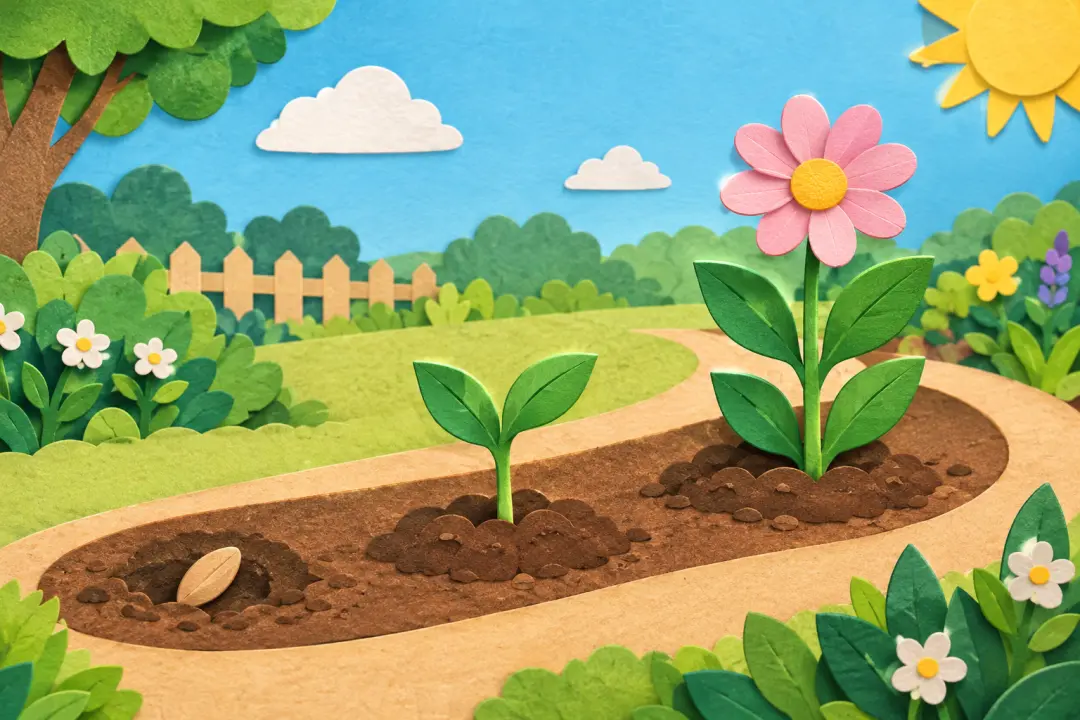
An abstract idea can be easier to discuss as a sequence of images. Choose an illustration style and describe each action to build a custom animated video that makes your explanation visible.

Before a client settles on a concept, turn their authorized references and your scene descriptions into a custom video draft. The result gives you a visual starting point for discussing changes.
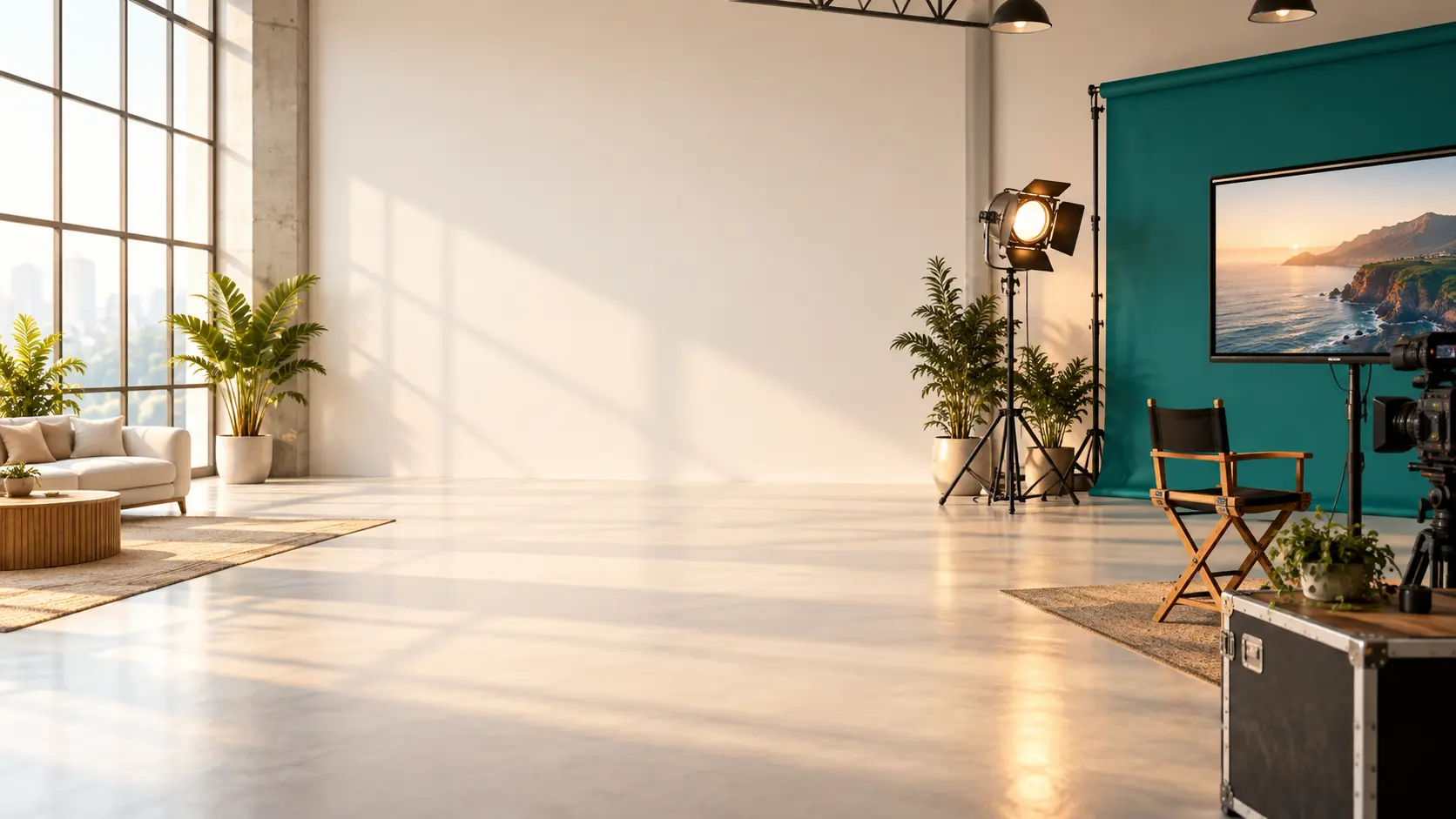
Bring your idea and references to VideoAI, describe the scenes, and generate your custom video as a first version you can review.
Get Started