
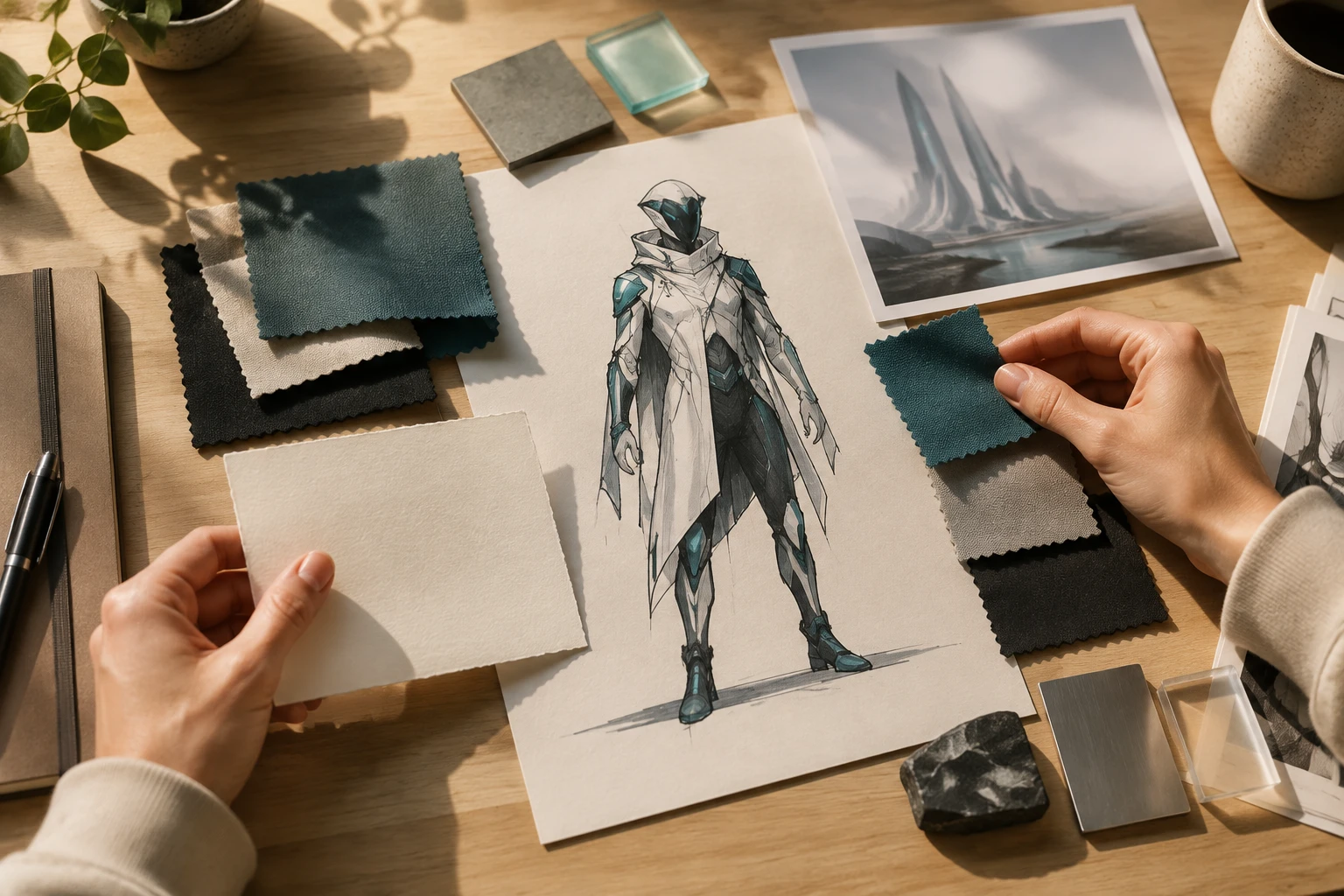
Step 01
Describe The Character Direction
Start with identity, body shape, face, clothing, materials, environment, and atmosphere. You can also add a reference image to guide style or composition.

VideoAI turns your character description into an original futuristic image while you control appearance, clothing, setting, and mood.
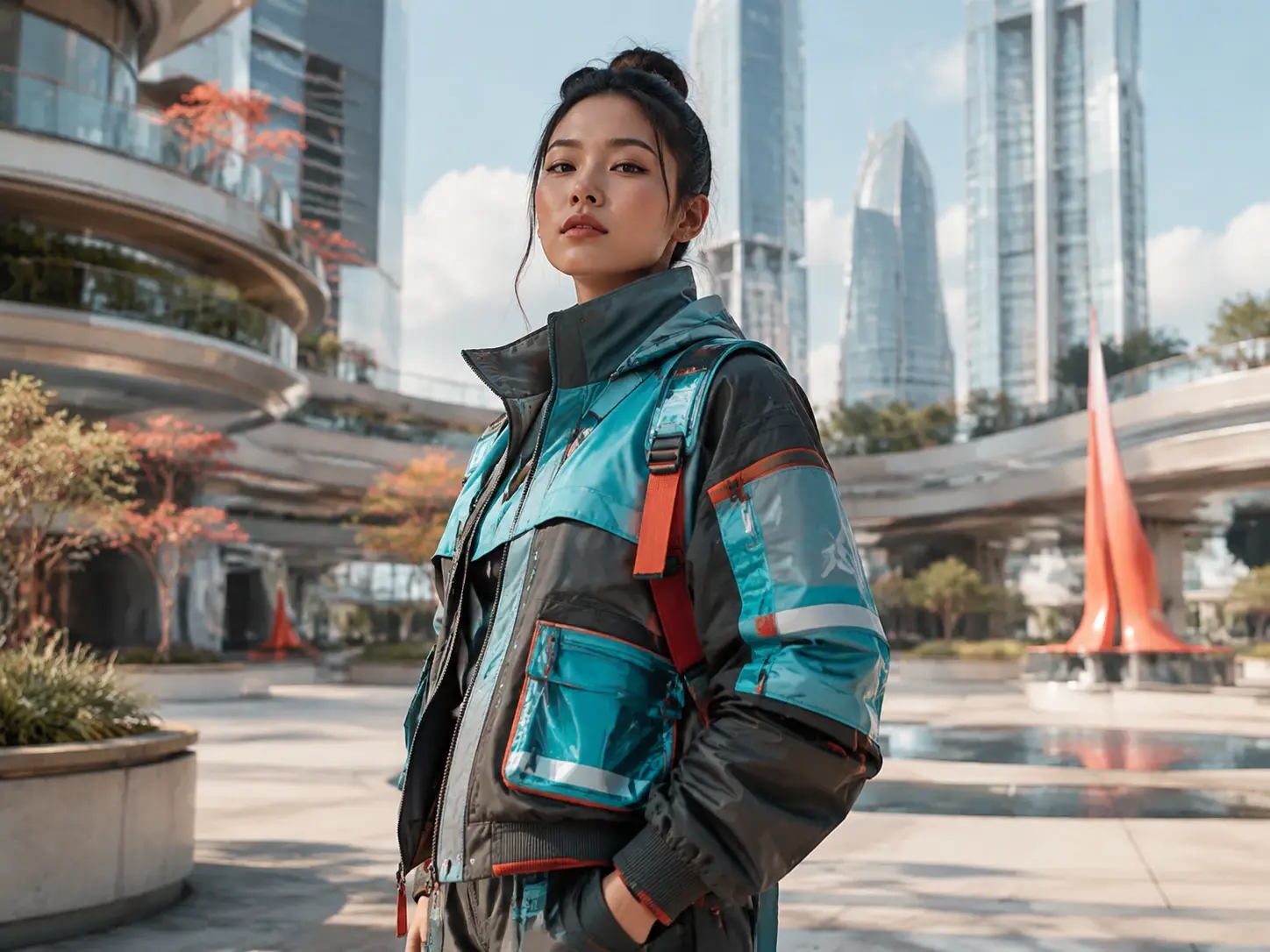
Shape the visible result first. In VideoAI, your prompt can define identity, face, outfit, materials, lighting, and scene direction.
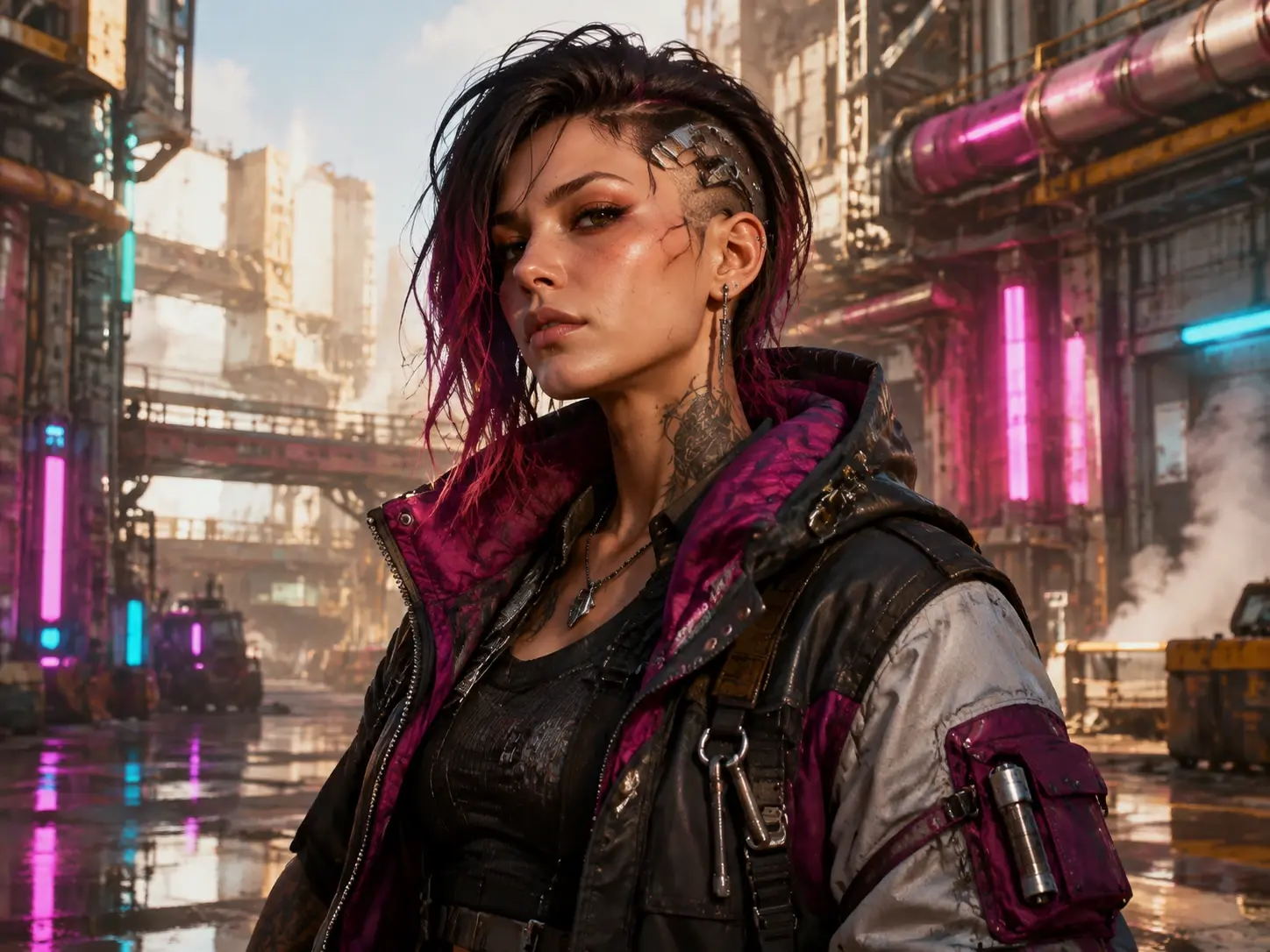
Write the role, silhouette, clothing, environment, and mood you want. The cyberpunk character creator uses those details to generate an original character image you can refine.
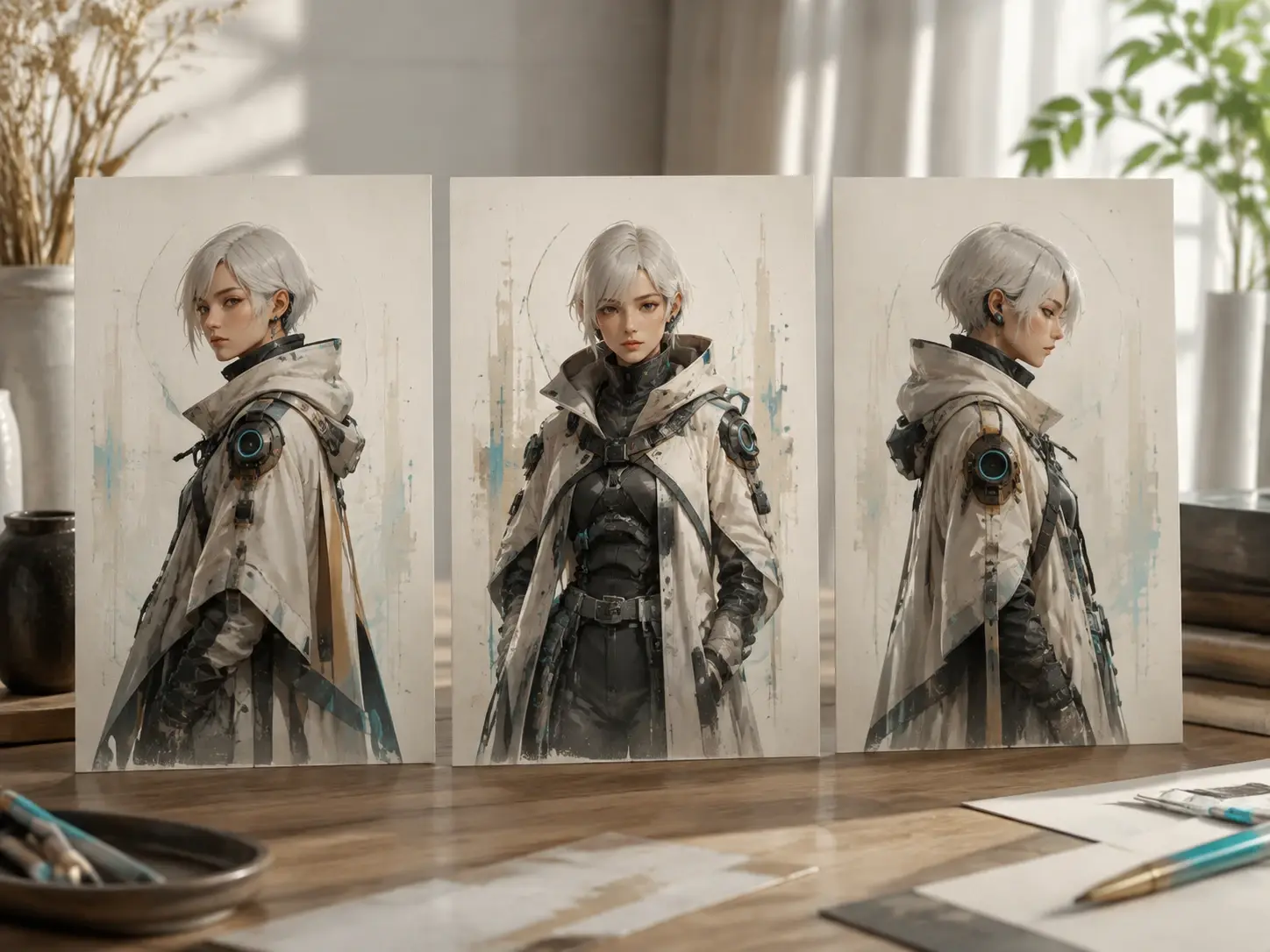
Keep the same original character across multiple static images, then explore new poses, camera angles, settings, or story moments without restarting the concept.
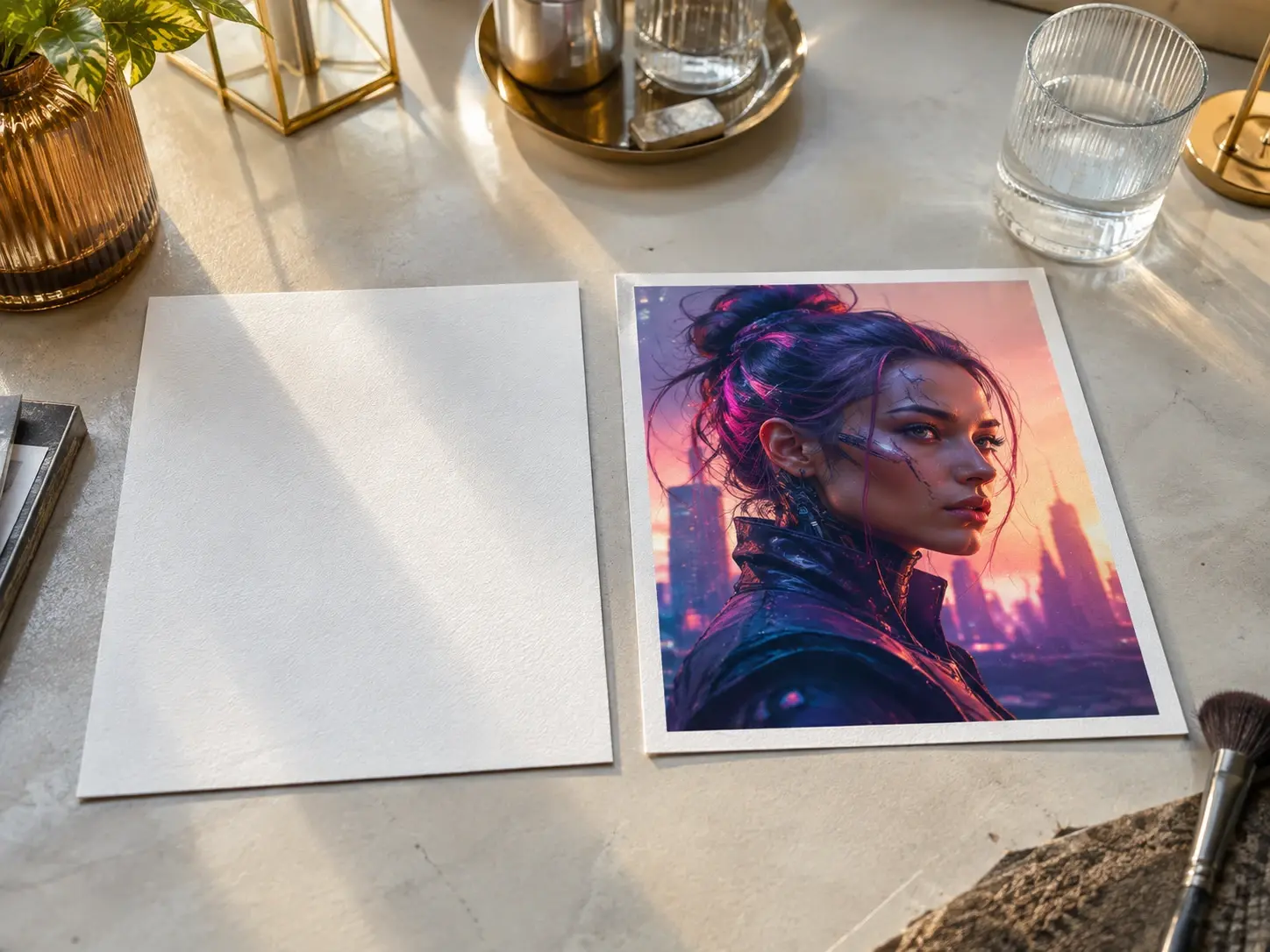
Upload a common image format when you want a style or composition guide. Your text still carries the character idea, while the reference helps steer the frame.
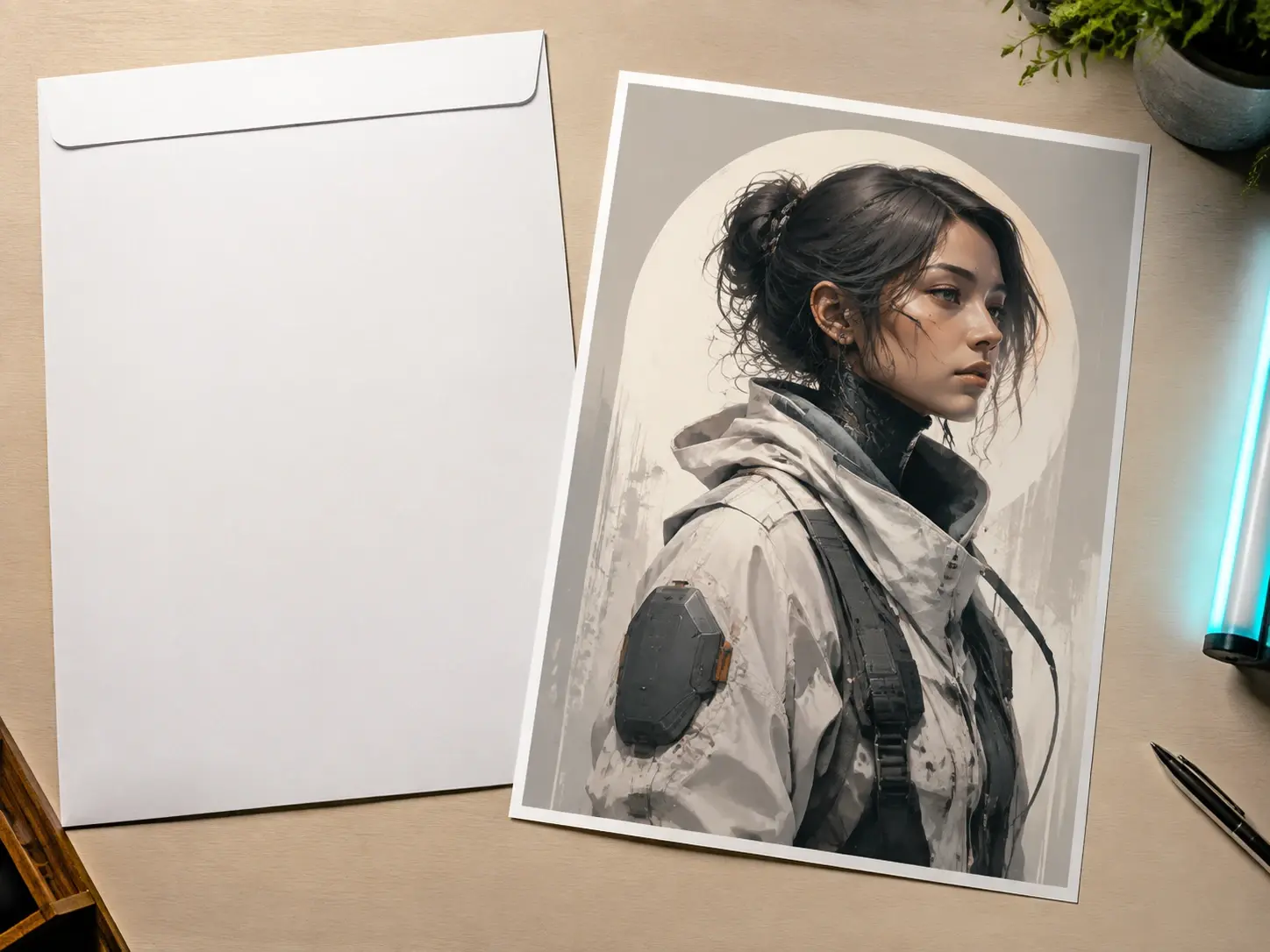
Download finished images up to 4K with no watermark. Original generated results can be used commercially, and project materials stay available in your workspace.
Move from intent to output through description, generation, review, and revision.
Step 01
Start with identity, body shape, face, clothing, materials, environment, and atmosphere. You can also add a reference image to guide style or composition.
Step 02
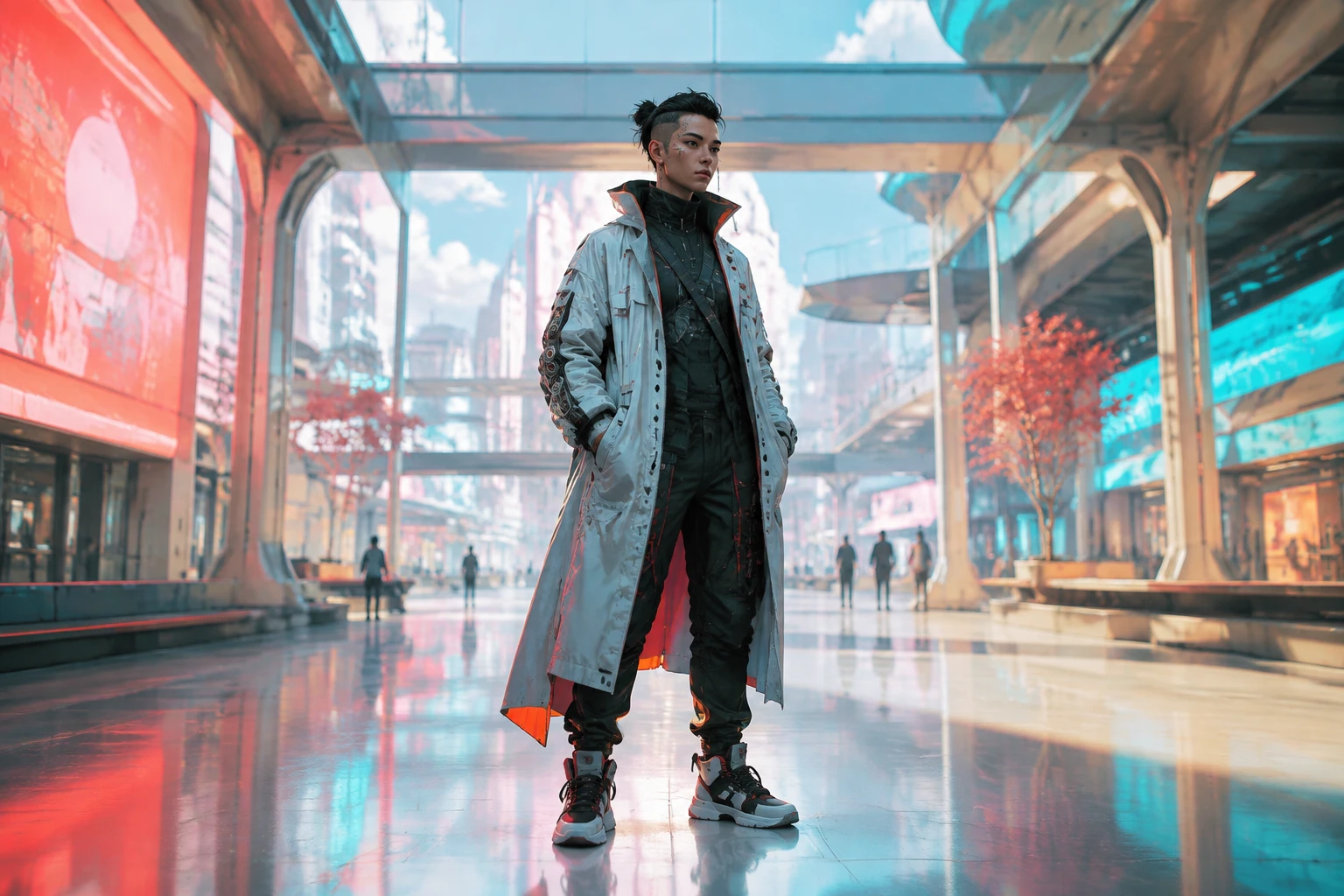
Use prompt language such as cyberpunk, synthwave, dystopian, or a photorealistic visual direction, then generate and compare the composition with your intent.
Step 03
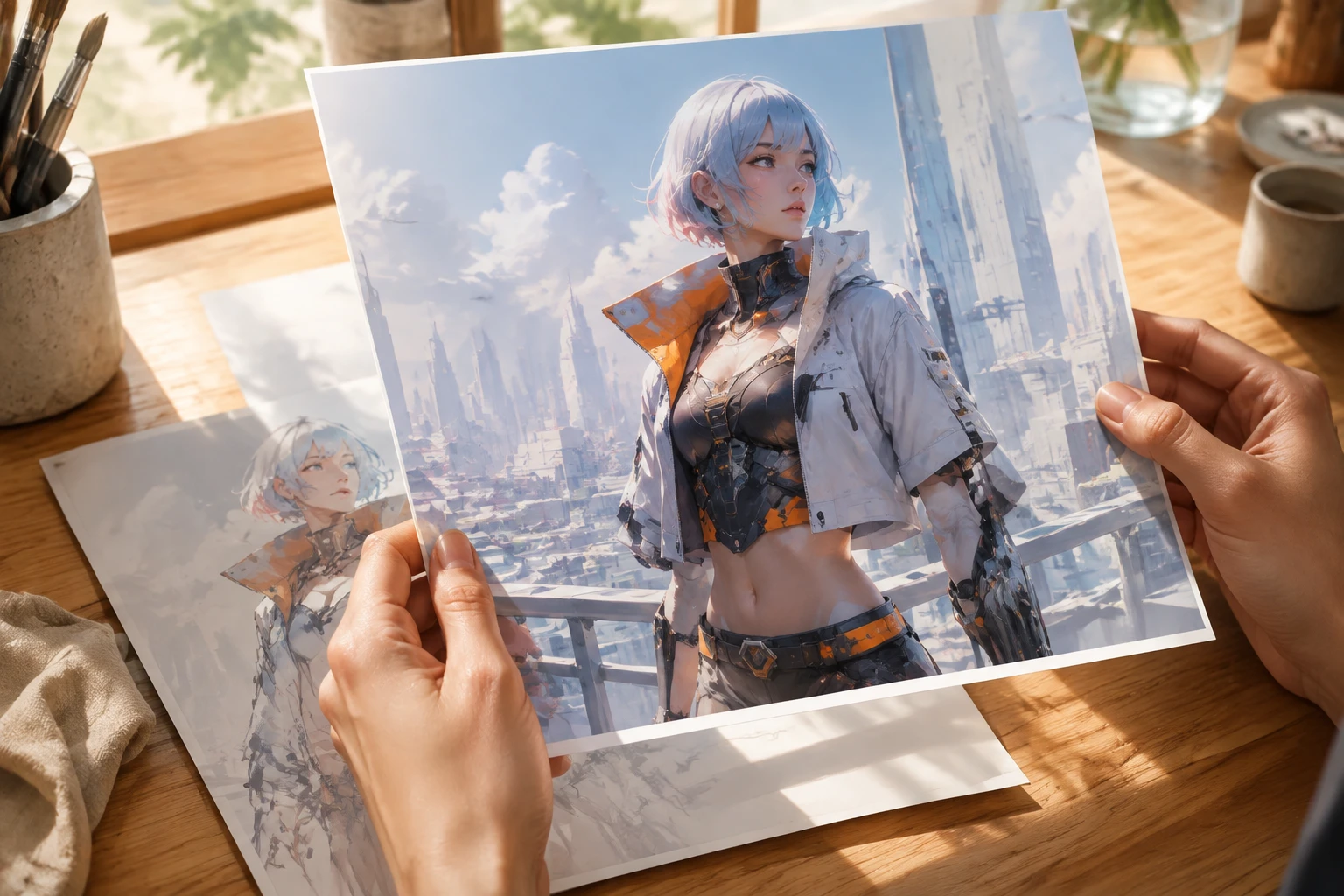
Adjust the wording after you inspect face detail, clothing, pose, and setting. Reuse the character direction when you need more images, then download up to 4K.
Use the page when a clear character idea needs a visual version before heavier production work begins.
A creator may need to compare several character directions for a new project. With VideoAI, the prompt becomes a set of visual options with faces, outfits, and environments to review.
A writer can turn a character from a scene into a visual reference. The result helps align tone, costume, and setting before sharing the idea with collaborators.
When the setting matters as much as the person, describe industrial spaces, crowded streets, or barren districts. Dystopian ai art direction can place the character inside that pressure.
For campaigns or client boards, keep one original character moving through related images. You can test new scenes while preserving a recognizable design direction.
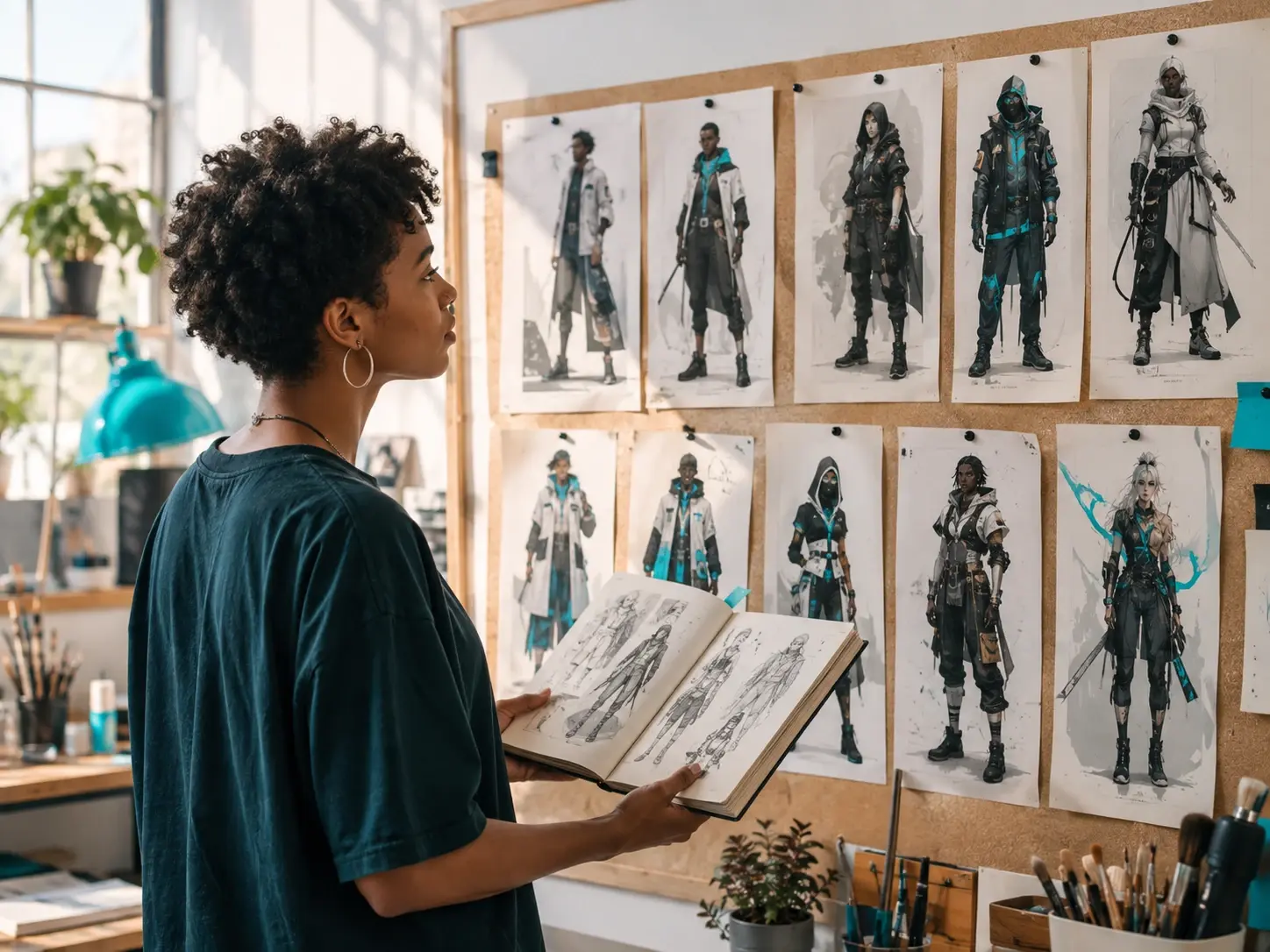
Use cyberpunk character creation to explore an original persona before committing to a final visual route. VideoAI helps compare face, outfit, pose, and environment choices.
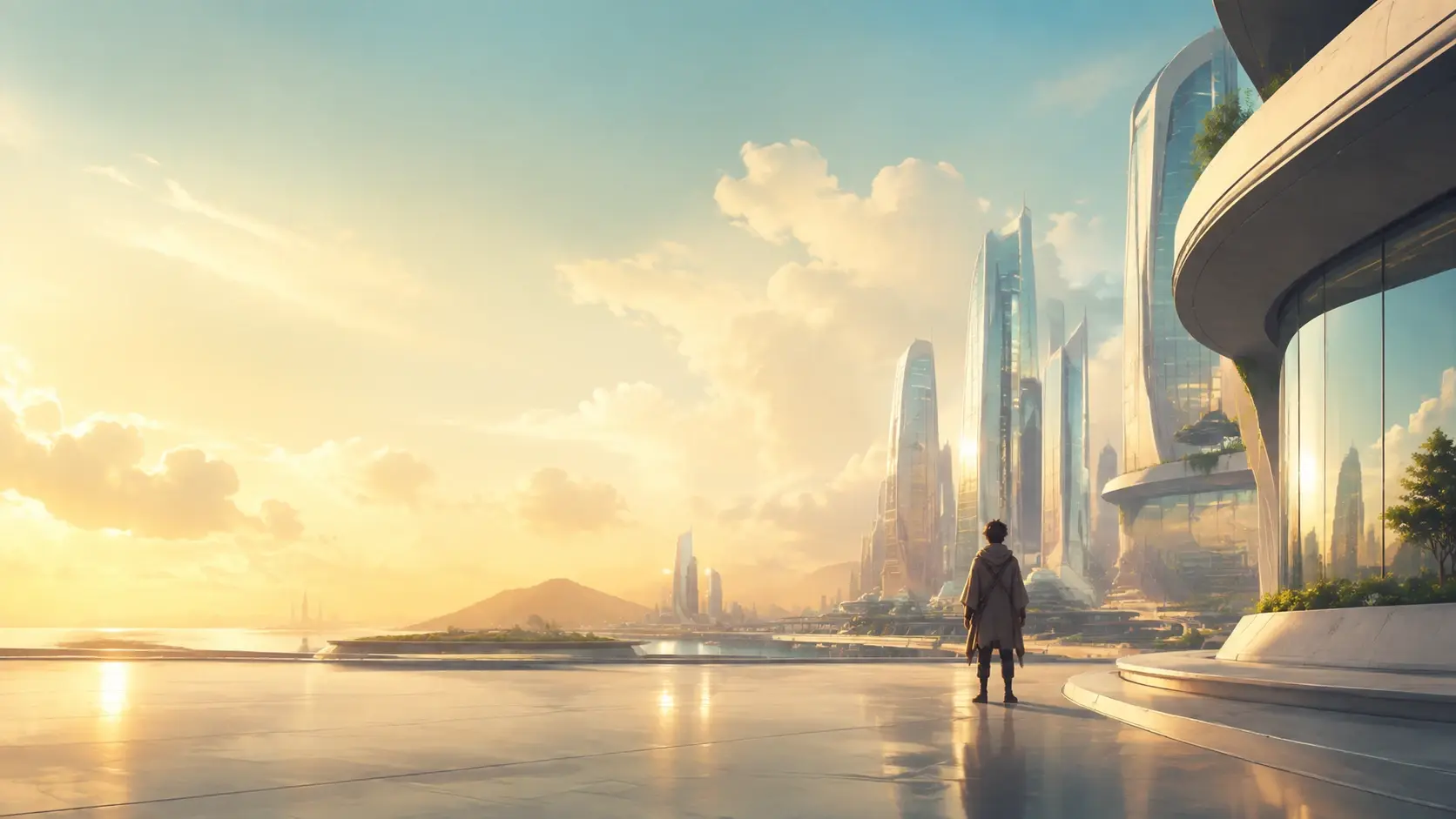
Use VideoAI to turn your cyberpunk character creation idea into an original image you can review, refine, and download.
Get Started
