
Step 01
Define the product story
Sign in and define the audience and main value for your demo video. Add product images, footage or audio as references, then ask VideoAI for a script draft if needed.

Product stories, directed by you
Use VideoAI's online demo video maker to choose each demo video scene, action, and spoken message.
VideoAI brings your script, references, and scene instructions together so you can direct each product demo video.
Give your demo video a clear narrative starting point. VideoAI can draft script text from your audience, product value and chosen talking points; you confirm the facts and arrange what each segment shows.
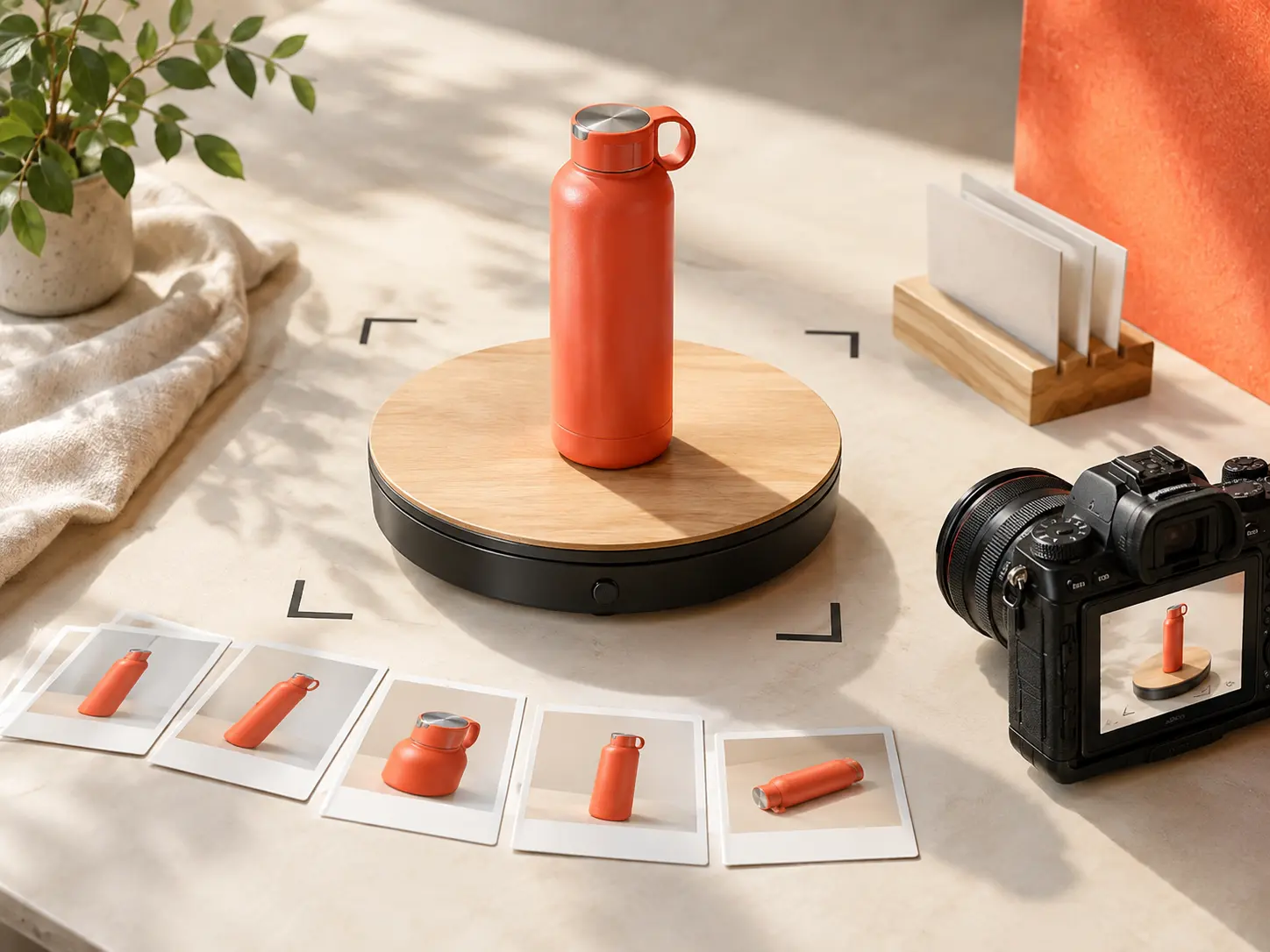
Put the key action where it belongs in the story. Specify time ranges, product views, movement, short text and sound directions for each scene, so your demo video follows the sequence you have planned.
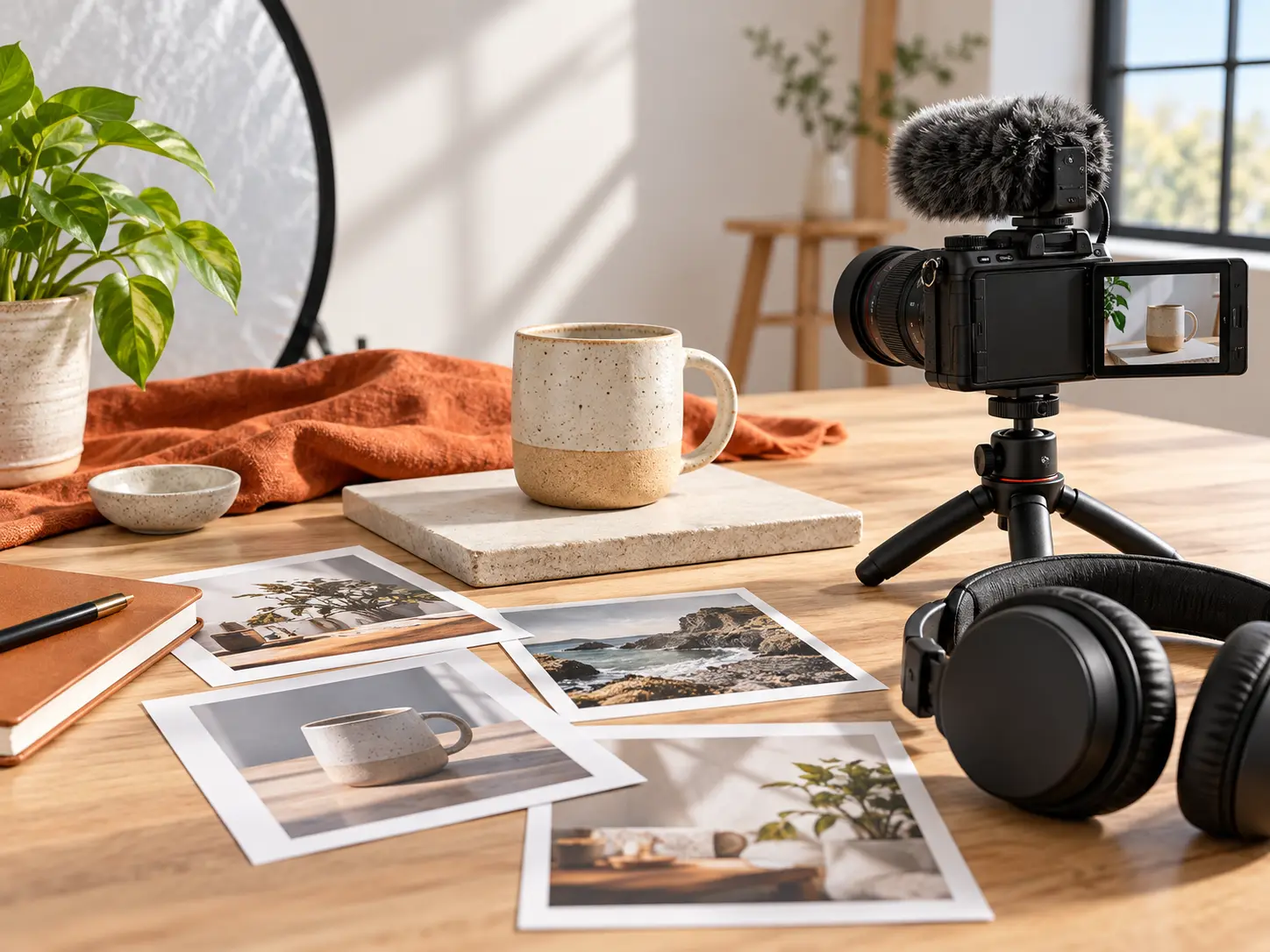
Give each scene a concrete visual starting point. Combine product images, existing footage and audio, then use @ to assign references to the subject, setting, first frame, camera movement or sound.
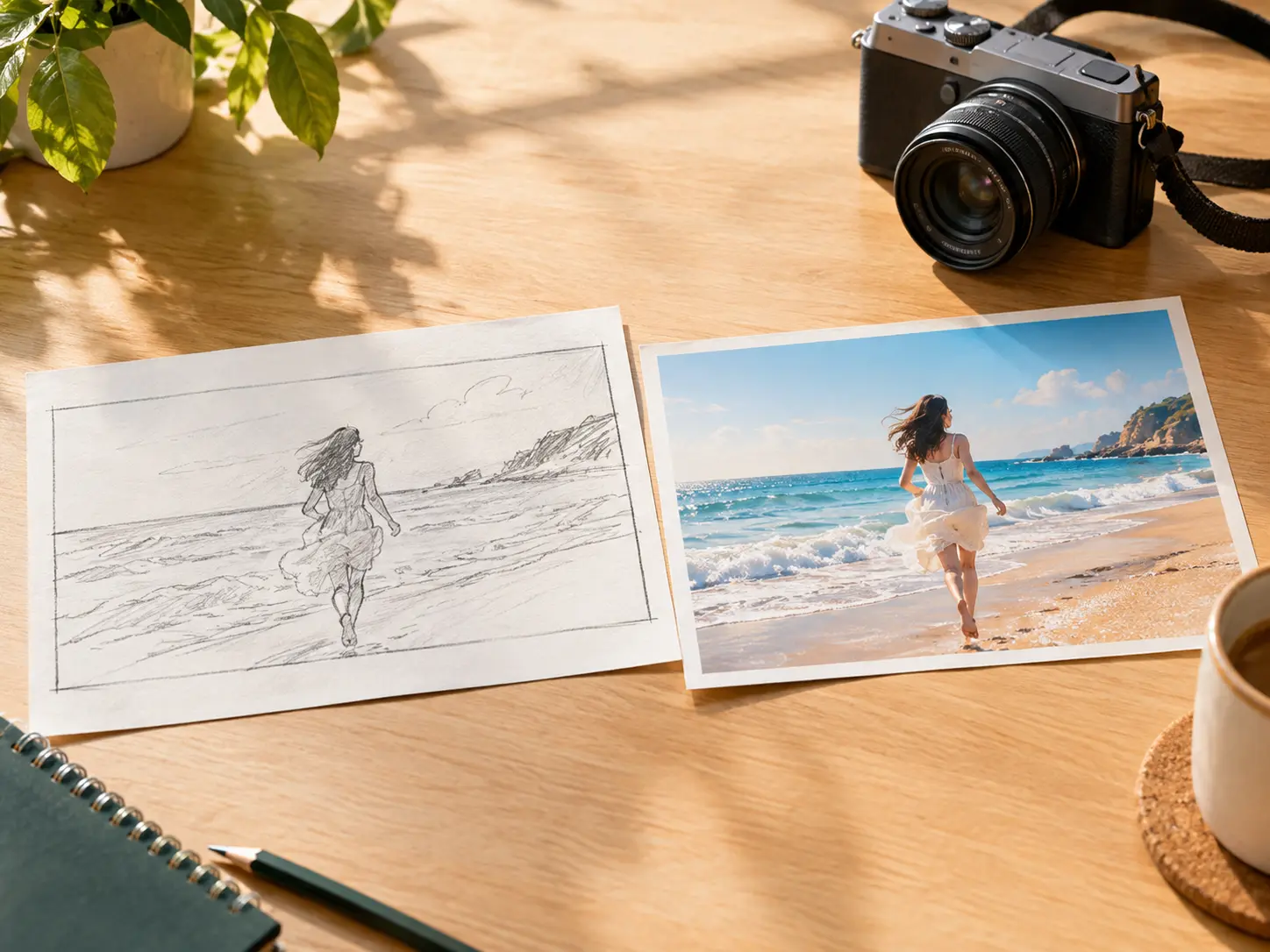
Keep your demo video aligned with a new product message. Open a saved video, describe scene or narration changes in text and regenerate using references from your workspace.
You choose the content and timing; VideoAI generates the video from your instructions and references.
Step 01
Sign in and define the audience and main value for your demo video. Add product images, footage or audio as references, then ask VideoAI for a script draft if needed.
Step 02
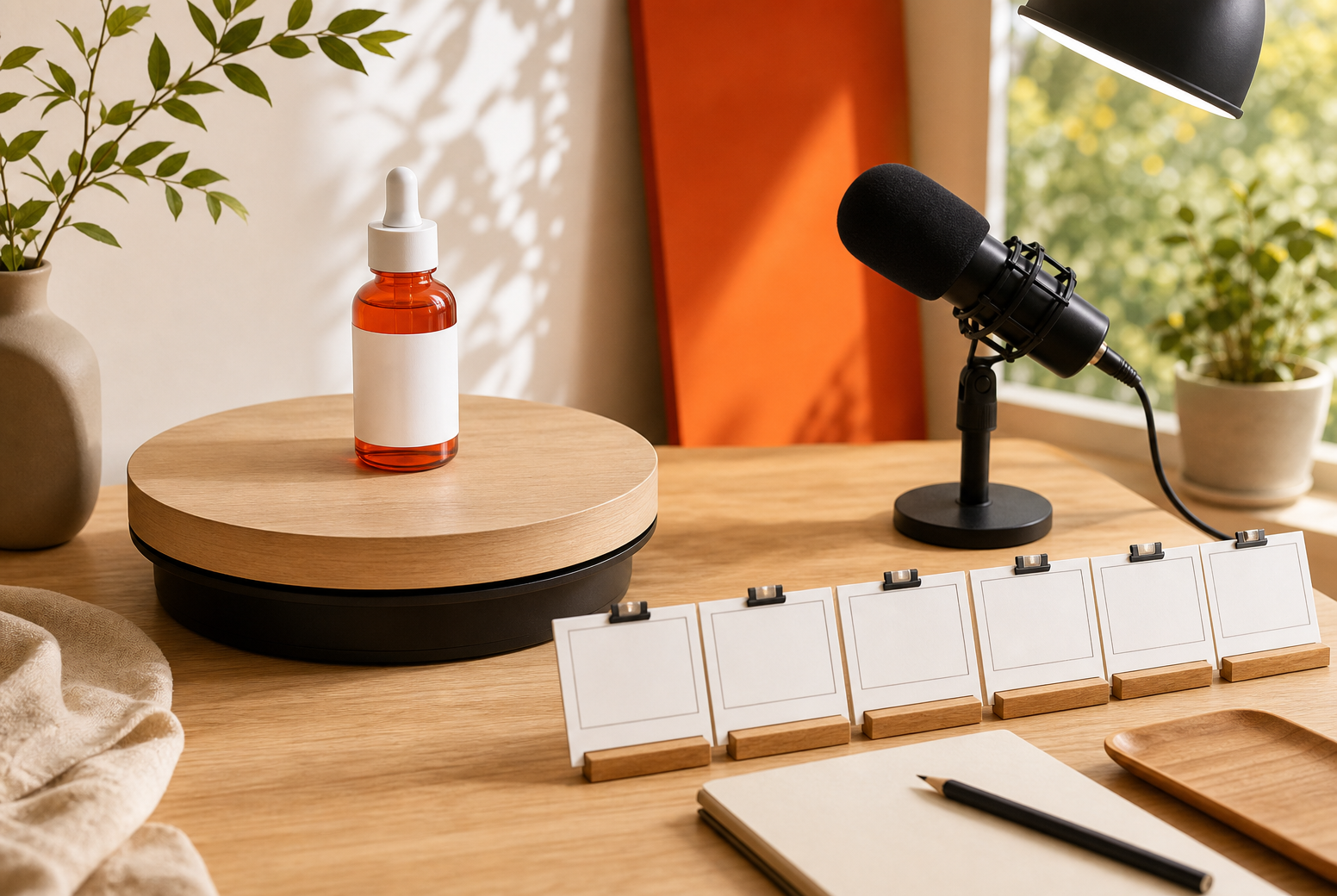
Choose 16:9, 9:16, 1:1 or 4:5 to suit the intended placement. Set a duration of up to 30 seconds and assign each scene a time range. Describe its action, short text, narration and sound, then attach relevant references with @.
Step 03
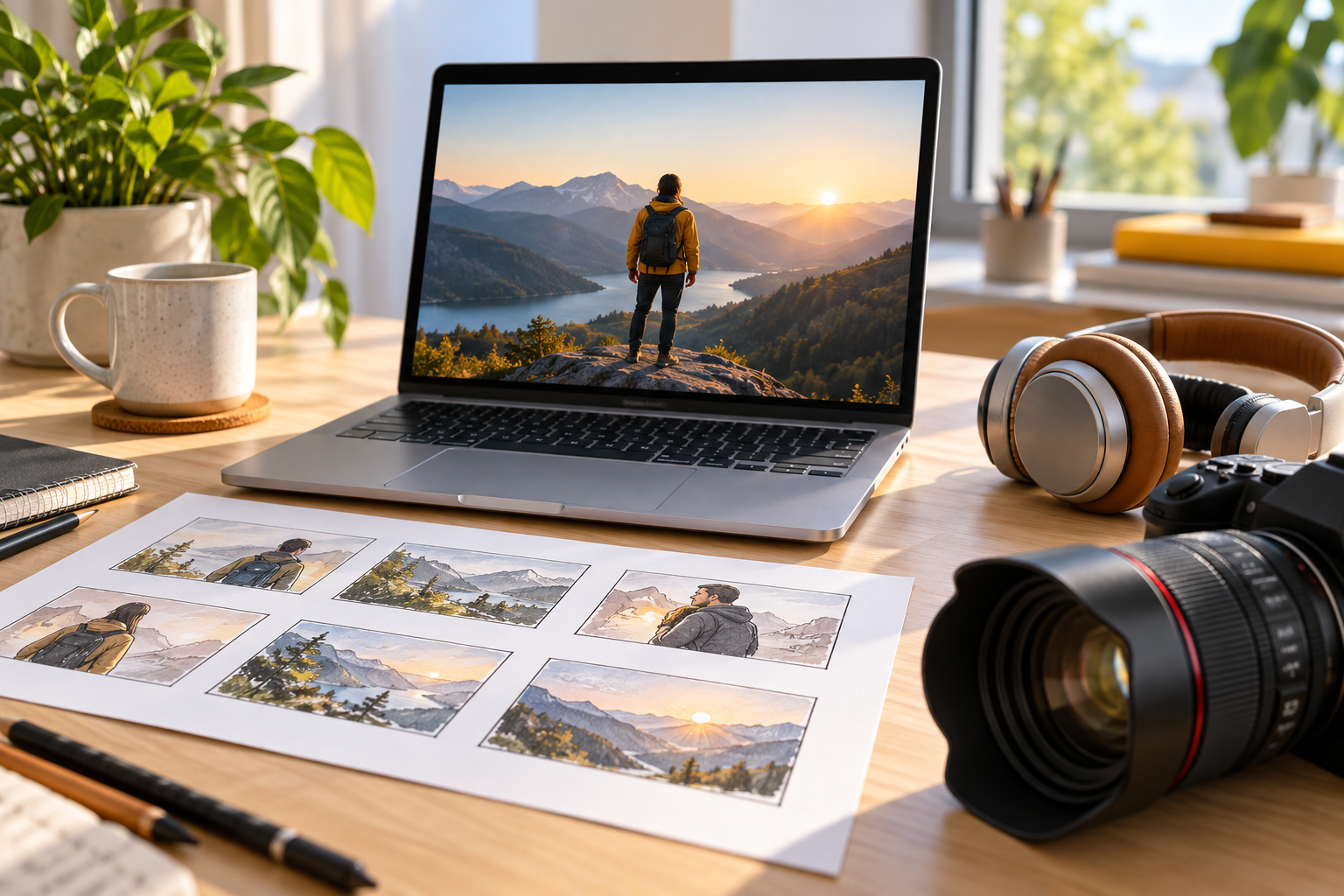
Generate your demo video and check the product details, pacing, narration and visible text. Save the result and request changes in text before regenerating. Extend the video if the story needs more room, then download the finished version as an MP4 at up to 4K.
Choose the question your viewer needs answered, then build the scenes around it.
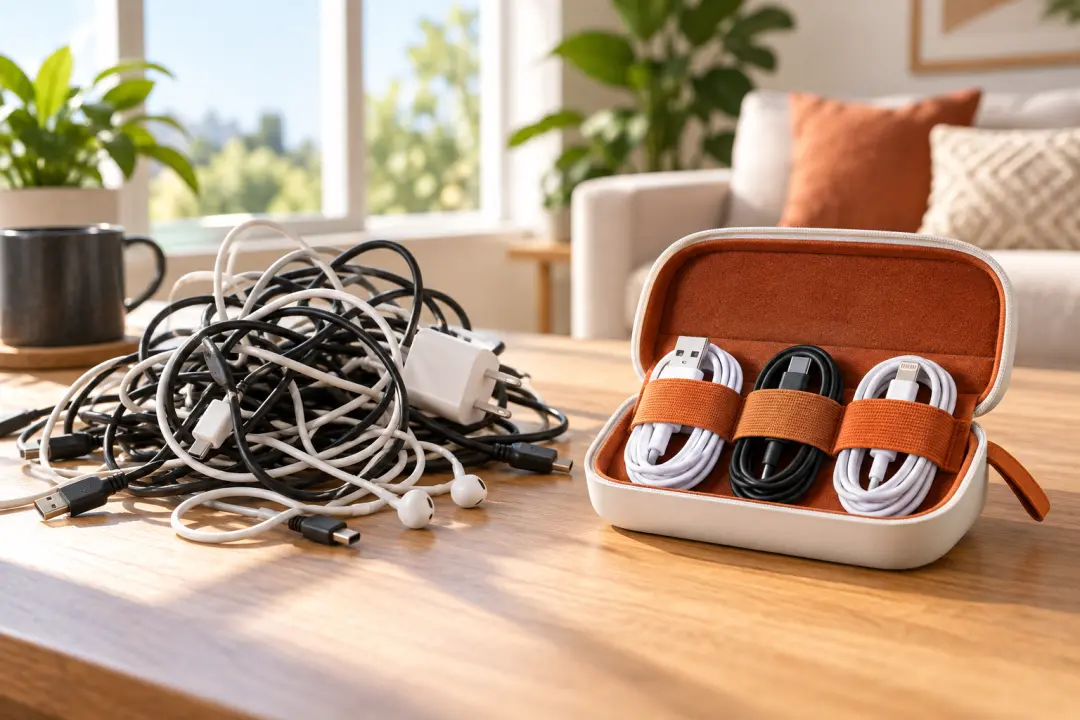
When a launch has several selling points, give each product demo video one clear focus. Pair a product reference with a scene showing the need it addresses, so viewers see the value you want to explain.

An unfamiliar process needs a clear order. Arrange the actions, narration and short text for each segment of your product demonstration video, giving the explanation a beginning, a next step and a visible result.
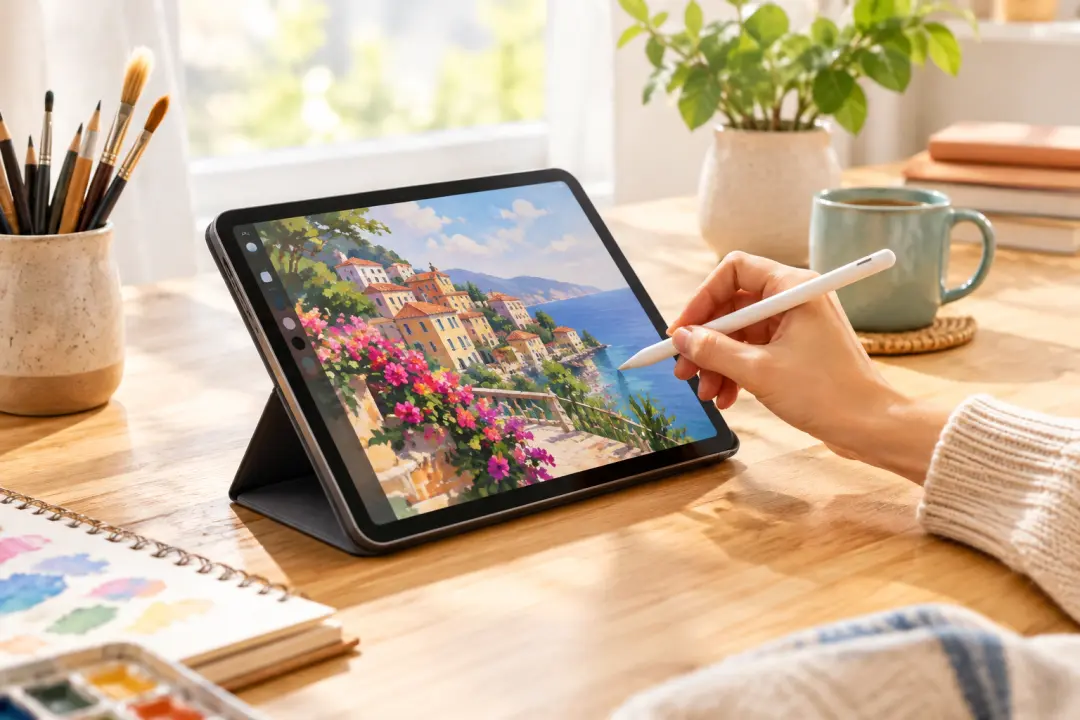
When a campaign shifts to a different buyer need, reuse your saved product references in VideoAI. Describe the revised demo video scenes and regenerate a version built around the new message.

For a social post about one feature, keep the video demo centered on a single action. Choose a vertical or square format and direct a short scene that shows the feature in context.
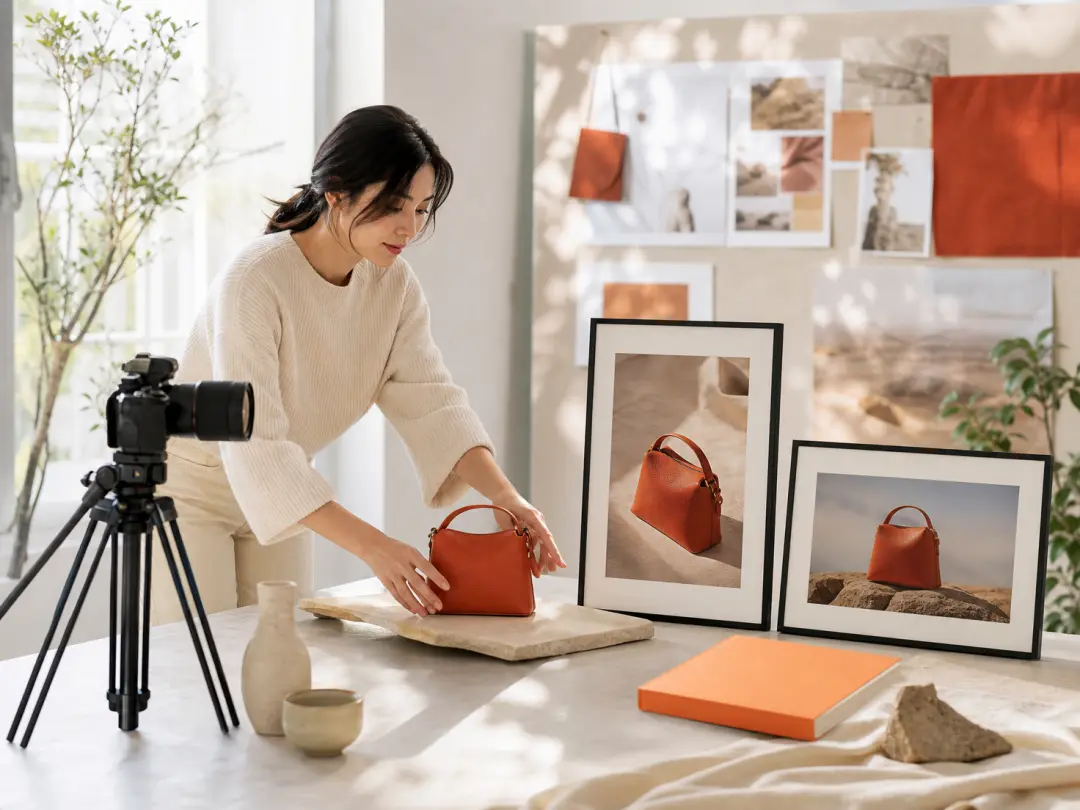
Product marketers can build product demo videos around a defined audience and selling point. Choose 16:9 for a wide composition or 9:16 for a vertical composition to match the planned placement.
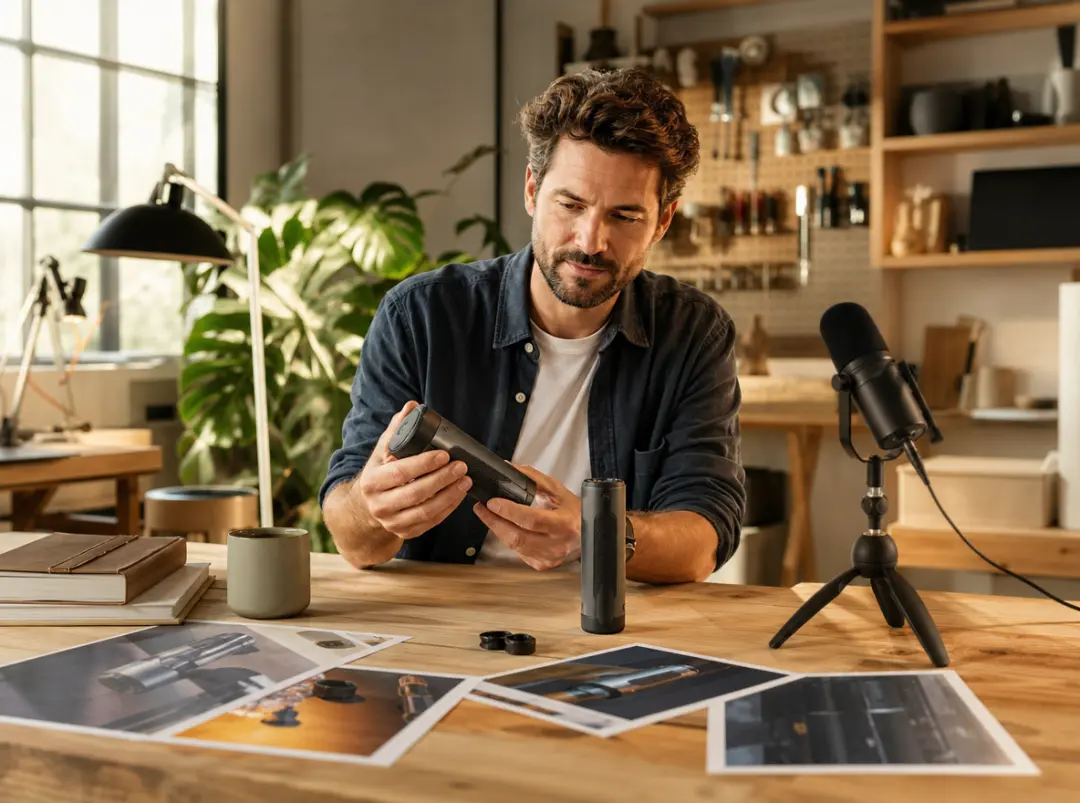
Founders can create demo videos from existing product images and a short description of the value they want to show. Review the first version, then describe changes to the scenes or narration.
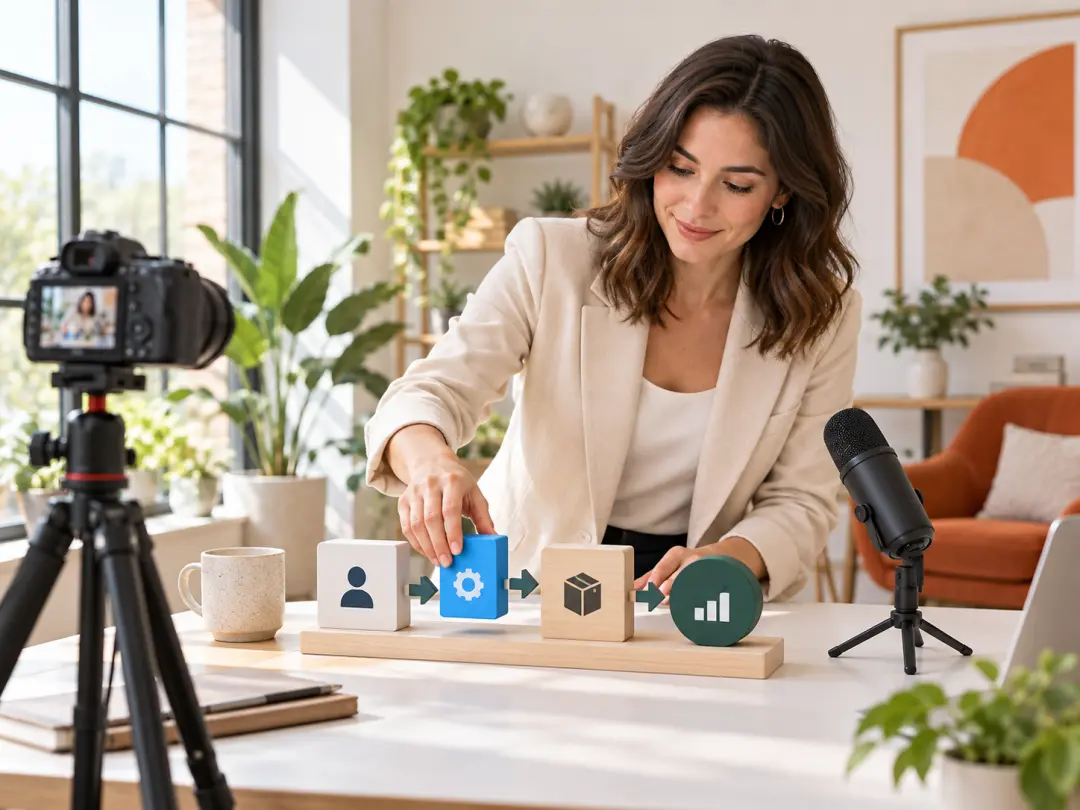
Sales enablement specialists can prepare product demonstration videos that explain a use scenario or sequence of actions. Direct the narration toward the question a buyer is likely to ask.
Bring your product idea and references to VideoAI, then direct the scenes that show what matters.
Get Started