
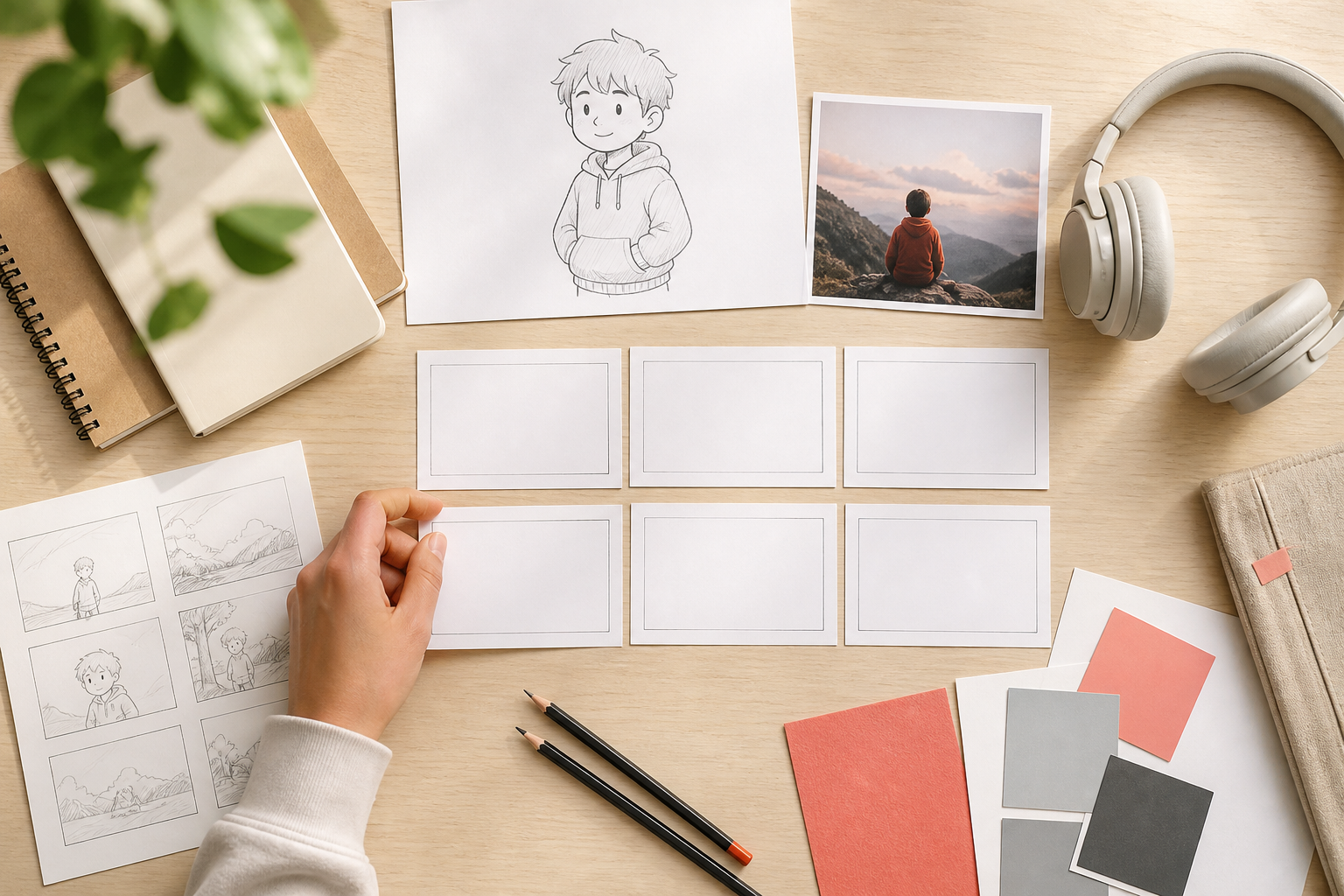
Step 01
Write The Topic And Inputs
Describe the subject, tone, action, and short text you want to appear. Add your own image, video, or audio references when they help show the intended result.

Shape The Video Before You Generate
VideoAI turns a clear idea into a generated video while you choose the references, scene timing, motion, and sound direction.
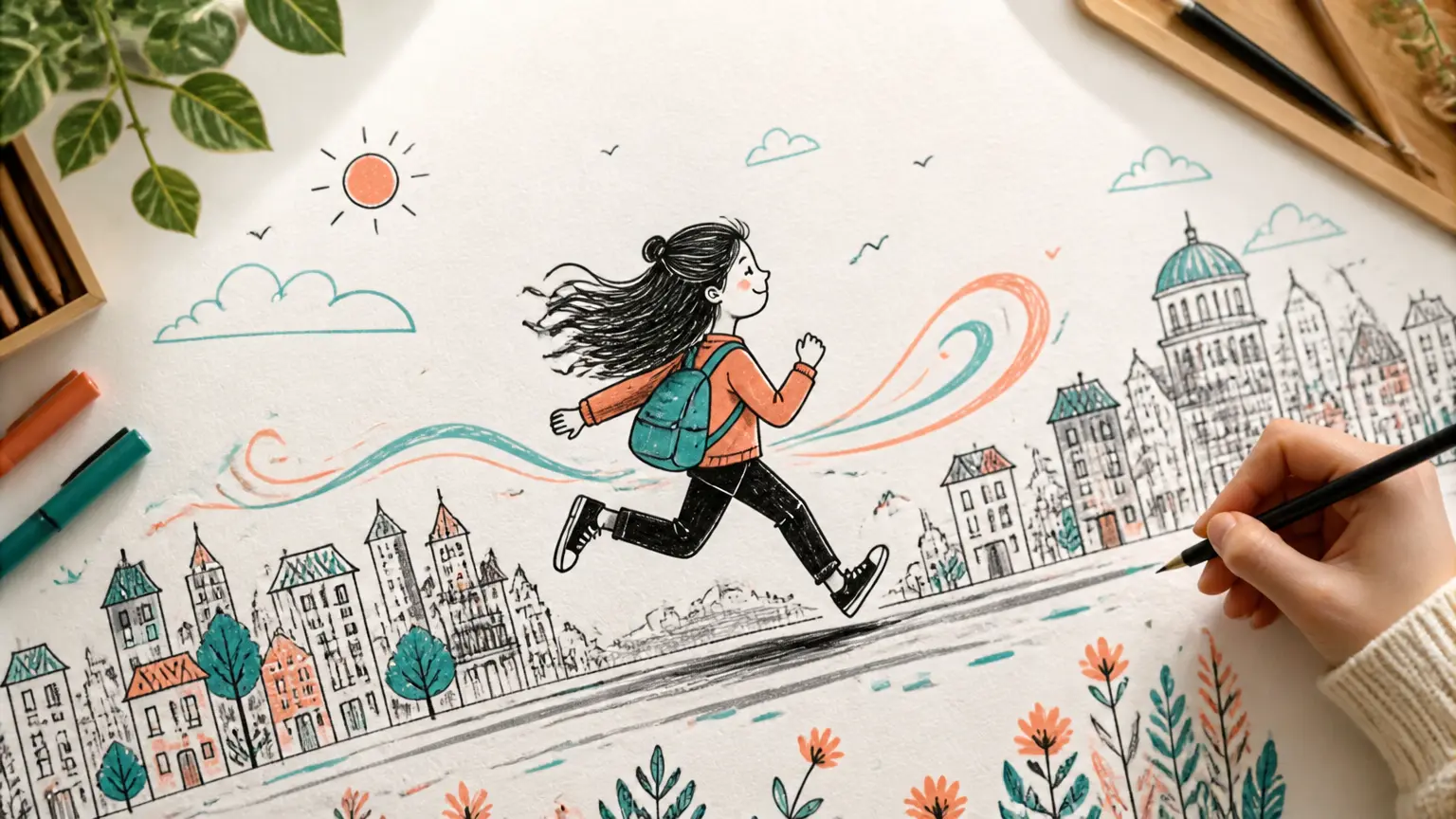
Give each segment a purpose, review the first result, and decide what to refine next.
Step 01
Describe the subject, tone, action, and short text you want to appear. Add your own image, video, or audio references when they help show the intended result.
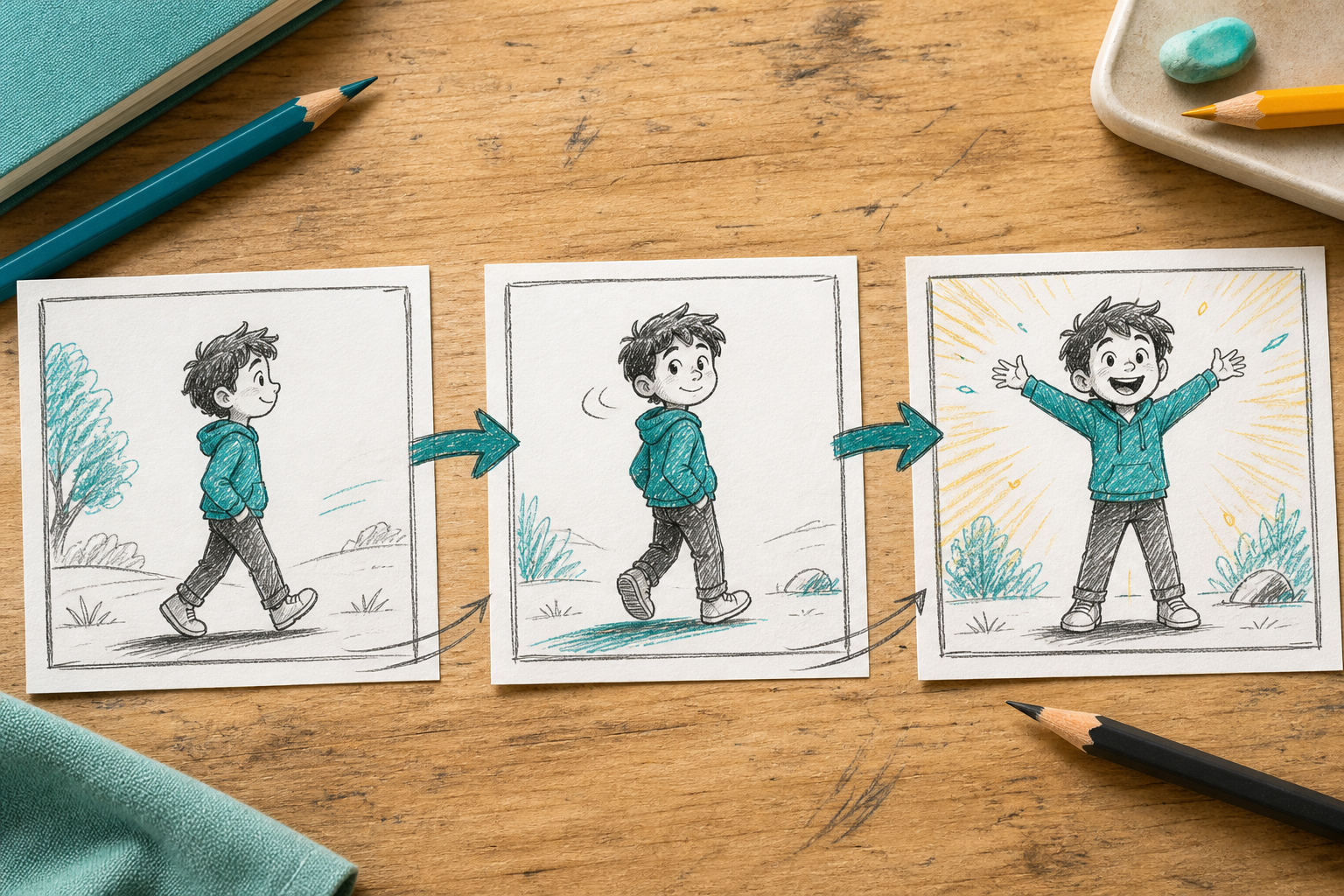
Step 02
Arrange the story by time segment, describing the image, movement, camera direction, and sound for each part. Use @ to assign a reference to its purpose, then choose an animation, cartoon, or illustration direction.
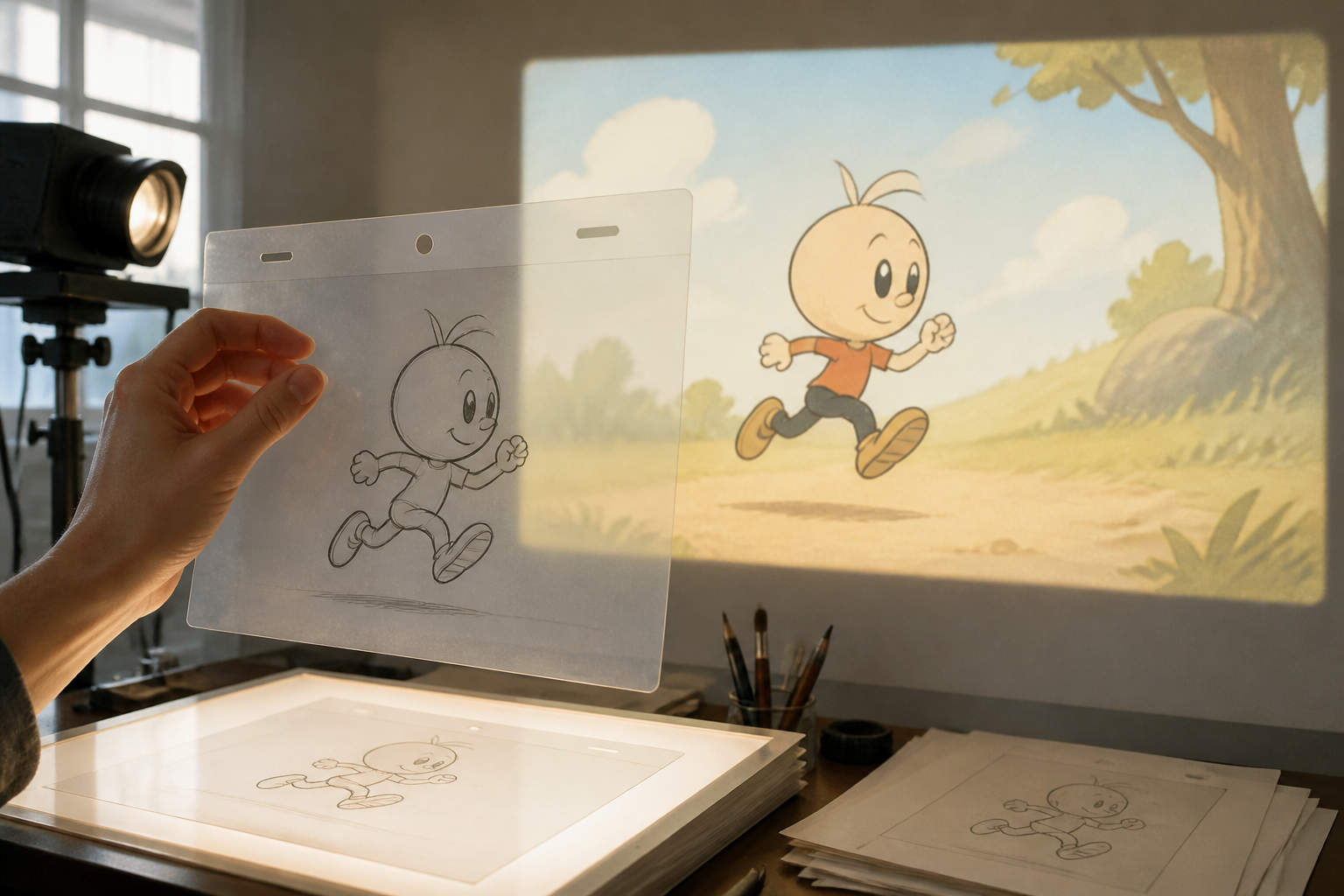
Step 03
Generate the video, check the subject, scenes, short text, and sound, then give a specific text instruction for the next version. Download the finished MP4 when the direction is right.
Start with the viewer decision, then shape the sequence around the information they need.
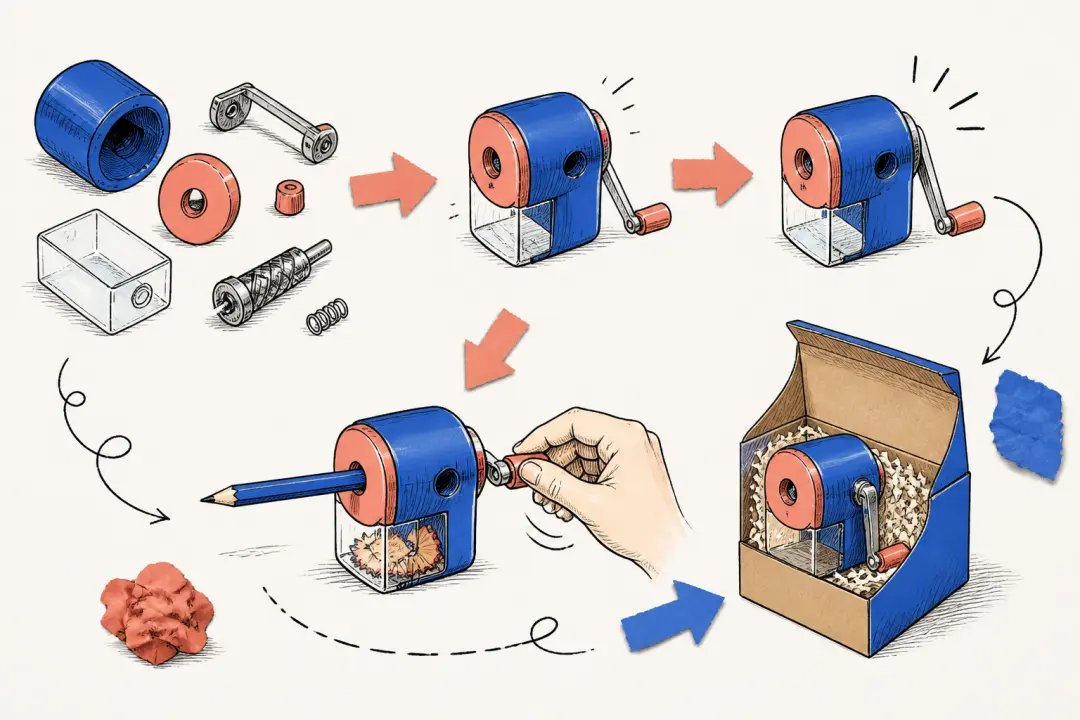
When a product has too many steps for one paragraph, map the process into timed scenes with clear actions and short text. A doodle video creator workflow gives viewers a focused path from the first step to the final result.
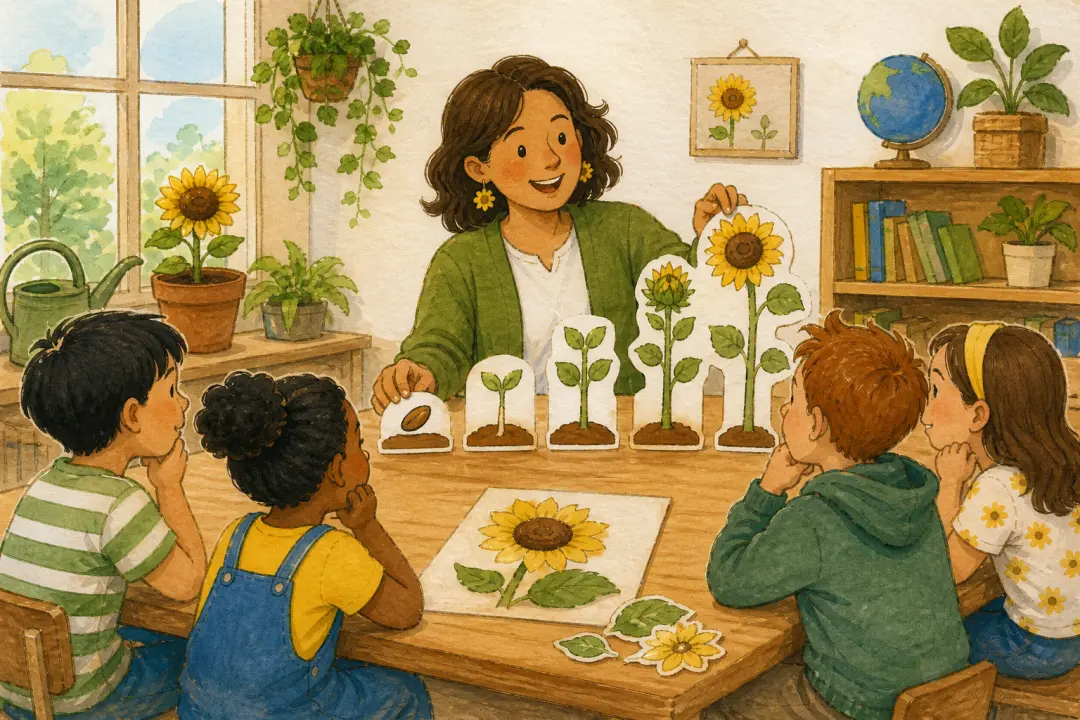
When a lesson needs a visual sequence, describe the concept, example, and action you want learners to see. For a doodle animation concept, choose an animation or illustration direction and shape a doodle animation video around the explanation.
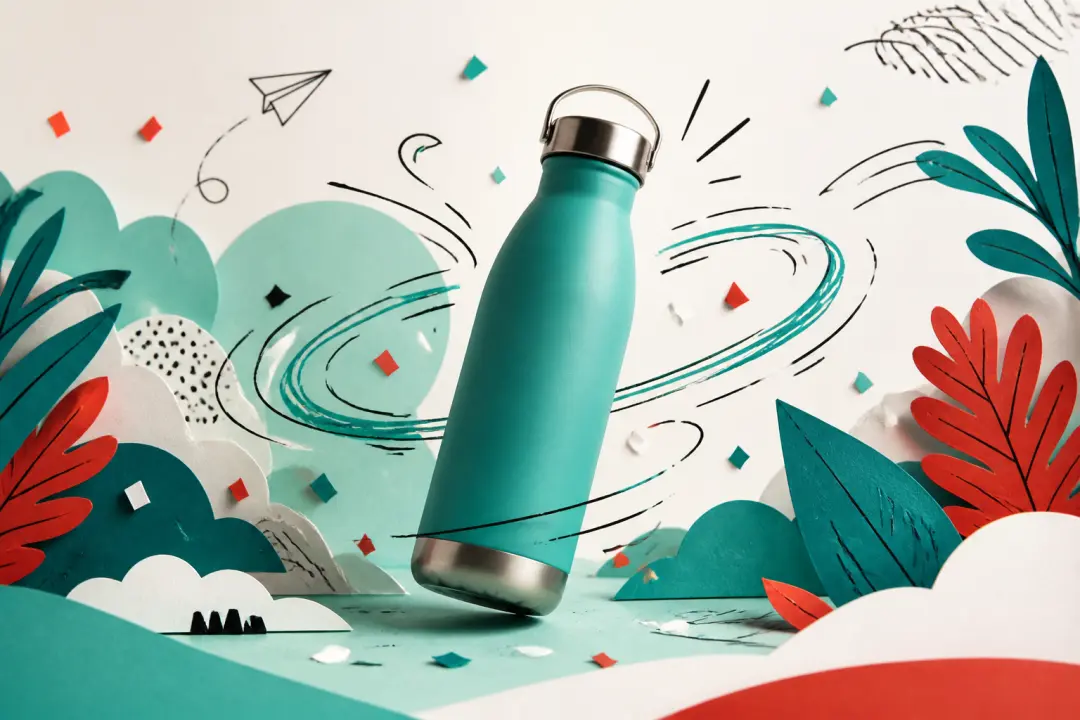
When a product, campaign, or public interest idea needs a clear first concept, combine reference media with timed scene instructions. VideoAI supports doodle video creation by giving you a result to inspect and refine for a social or campaign video.

When you want to share a personal story with your own images and voice direction, set the subject, mood, and sequence before generating. The result is a personal video for your doodle video project, ready for another text prompt.

Turn a process or concept into a short video by writing the key action, arranging scene timing, and choosing an animation, cartoon, or illustration direction. This gives the lesson a visible sequence to review and refine.

Test a product explanation, campaign idea, or social video direction by combining references with timed scene instructions. See an early generated result, then decide which text or motion direction deserves another version.

Set the subject, camera direction, sound, and short text yourself, then inspect the generated result. VideoAI turns those decisions into a video you can revise with text and download as MP4.
Choose the parts that shape the result you need to inspect, from scene timing to the final MP4.
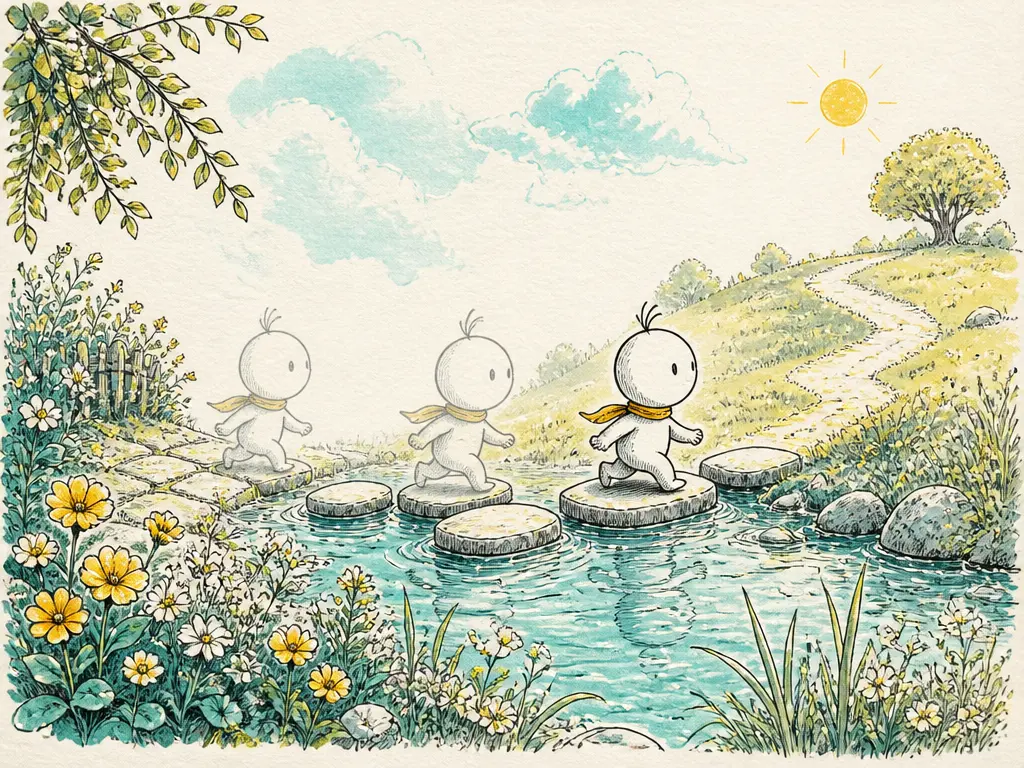
A doodle video creator starts with a clear sequence. Describe what appears, what moves, how the camera behaves, and what sound supports each time segment, so VideoAI has a precise direction to generate from.
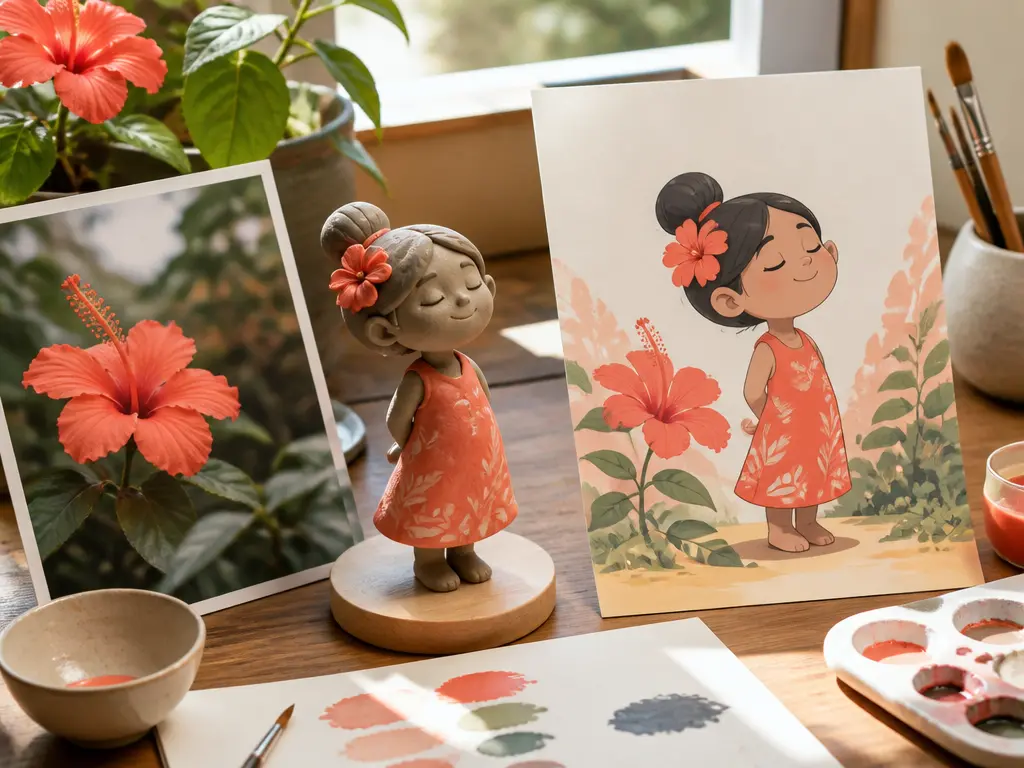
Bring an image, video, or audio reference into the plan, then use @ to assign its purpose. In VideoAI's online doodle video creator workflow, references provide a clear subject, movement, or sound anchor before generation.
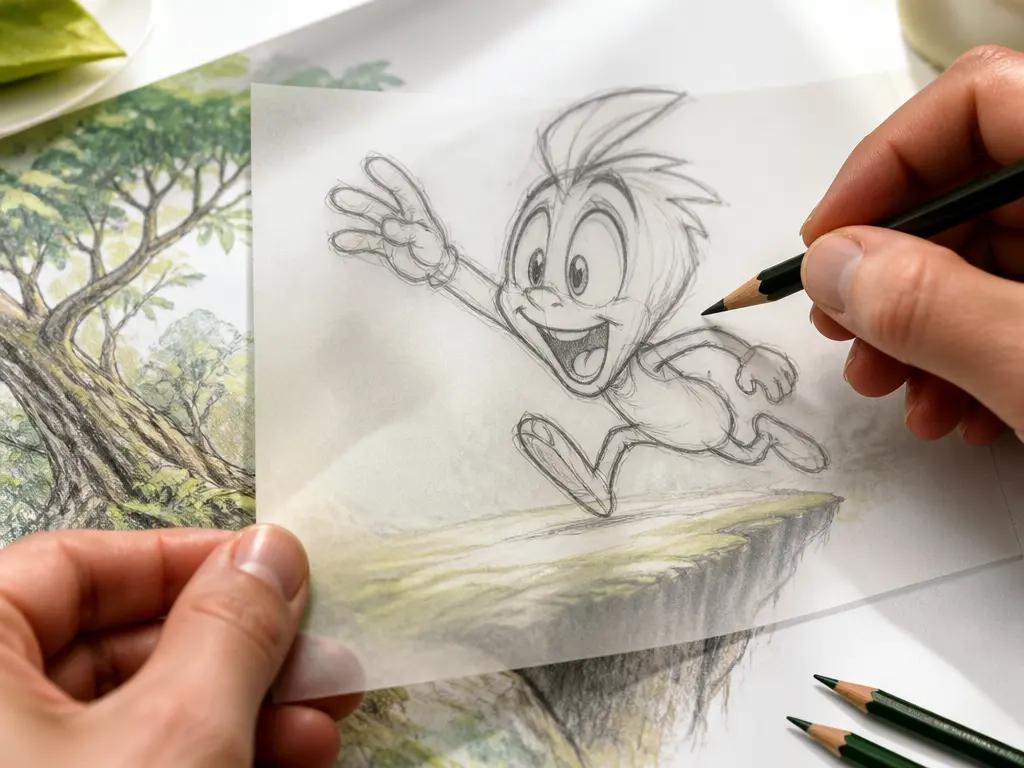
After you inspect a result, describe the change in plain text, such as a different action, camera move, short phrase, or sound direction. VideoAI regenerates the next version, so the online doodle video creator workflow stays centered on review and choice.

Your finished output is a generated video file in MP4. VideoAI supports confirmed aspect ratios, output up to 4K, no watermark, and commercial use, giving a doodle video maker a clear file to download.
Bring a topic, reference media, and clear scene direction to your first generated video with VideoAI.
Get Started