Step 01
Describe the learning goal
Start educational video production with your audience, objective, and key points. Add image, video, or audio references, and ask for script text if you need a draft.

Your lesson, your direction
Create educational video production with VideoAI's online educational video maker, with control over each segment's visuals, timing, and narration.
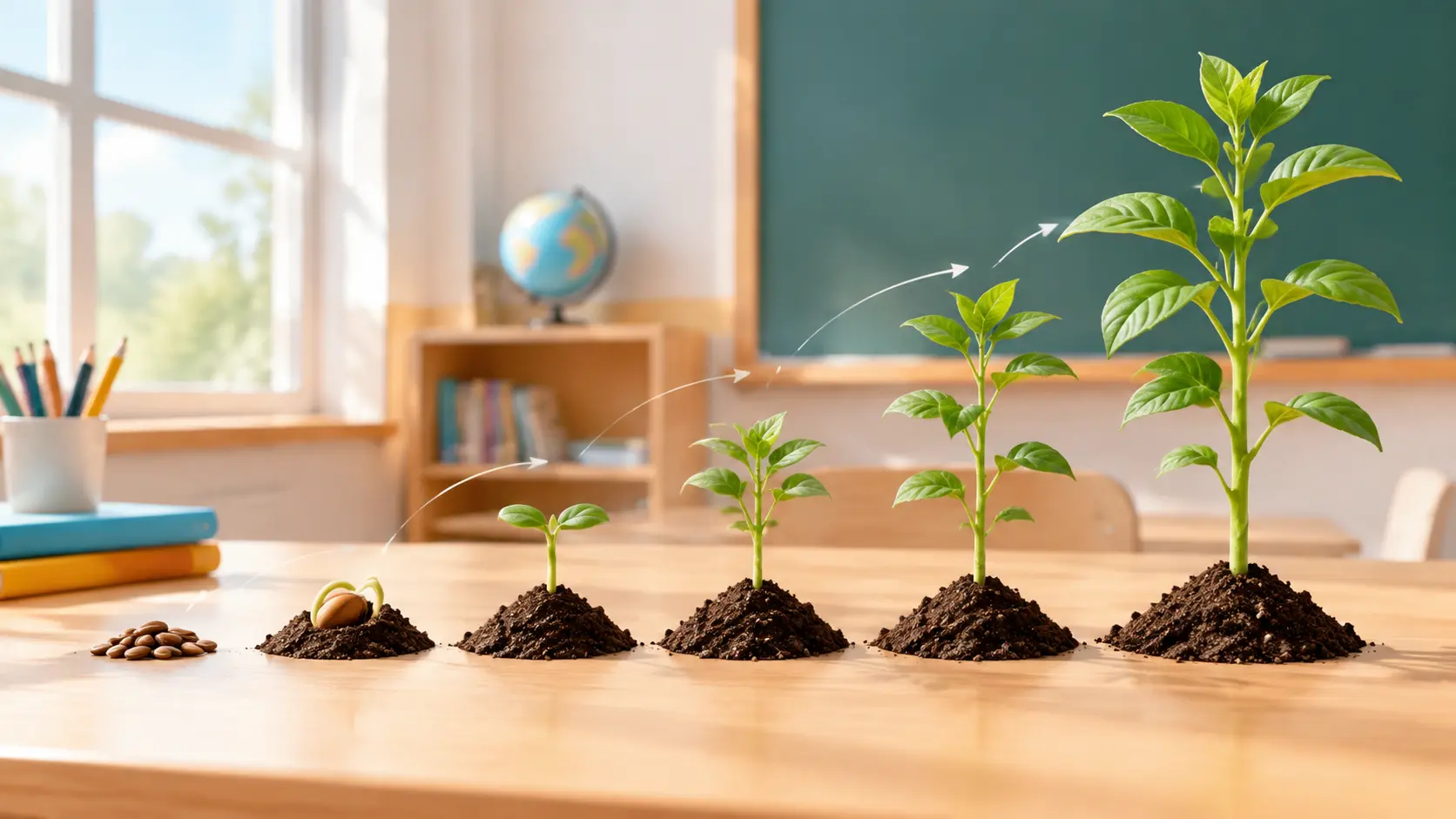
Keep educational video production focused on the explanation you want learners to see and hear.
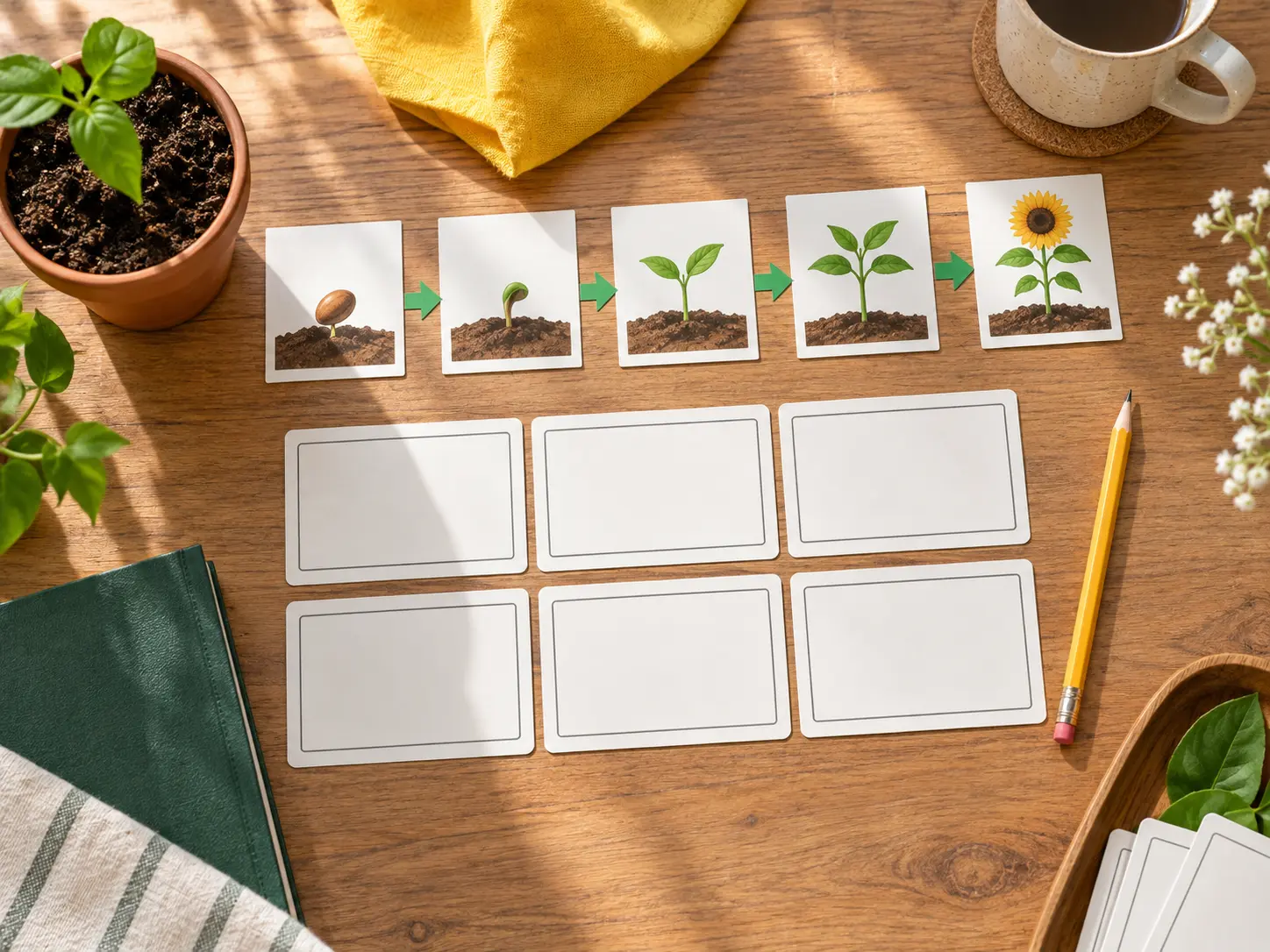
A focused script gives your lesson a starting point. VideoAI can expand one teaching topic into script text for educational video production, while you decide what each segment covers.
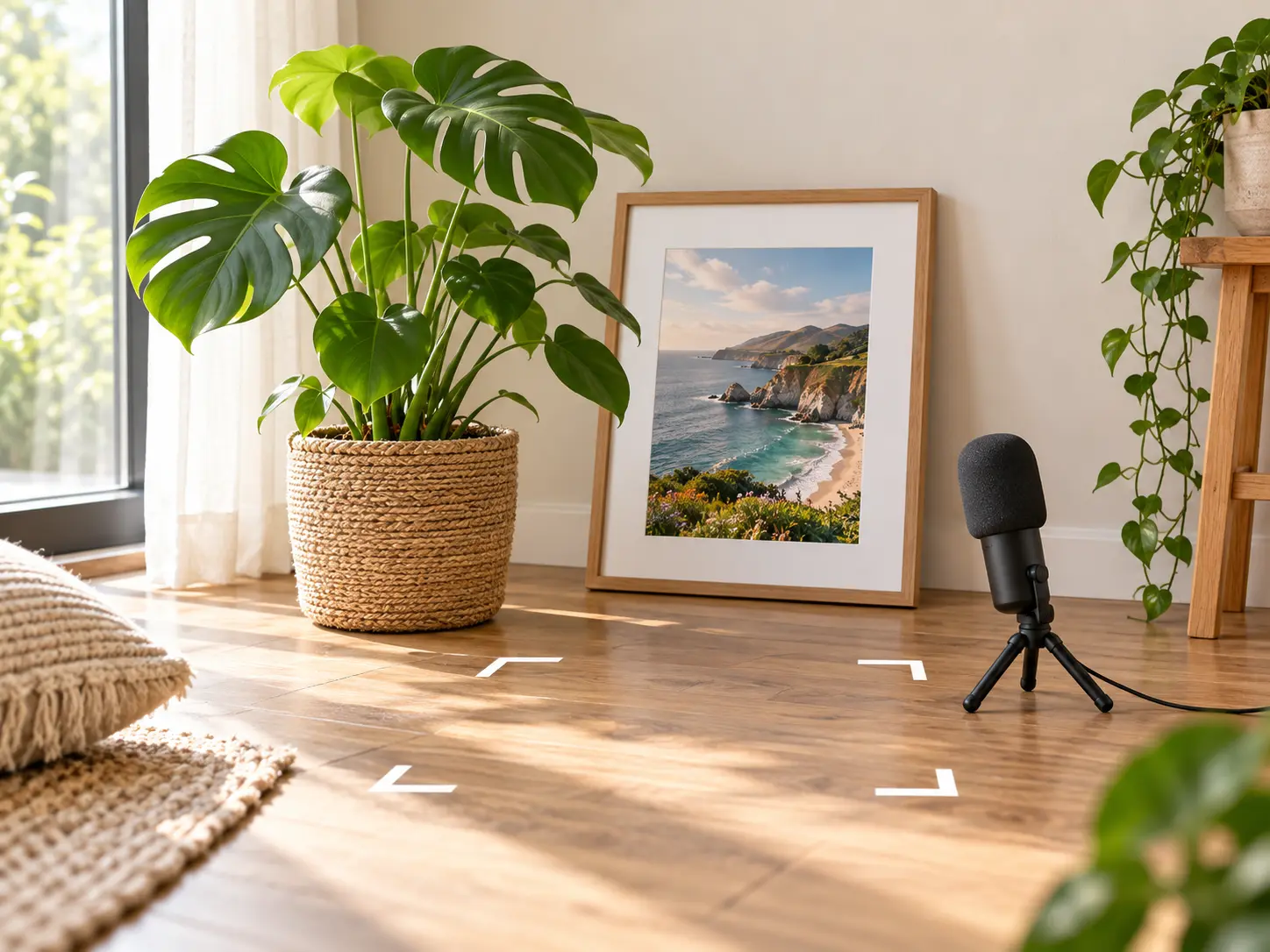
Decide when a key idea appears and what accompanies it. Write the visuals, actions, and sound for each time segment, then use @ to assign references to subjects, scenes, or camera movement.
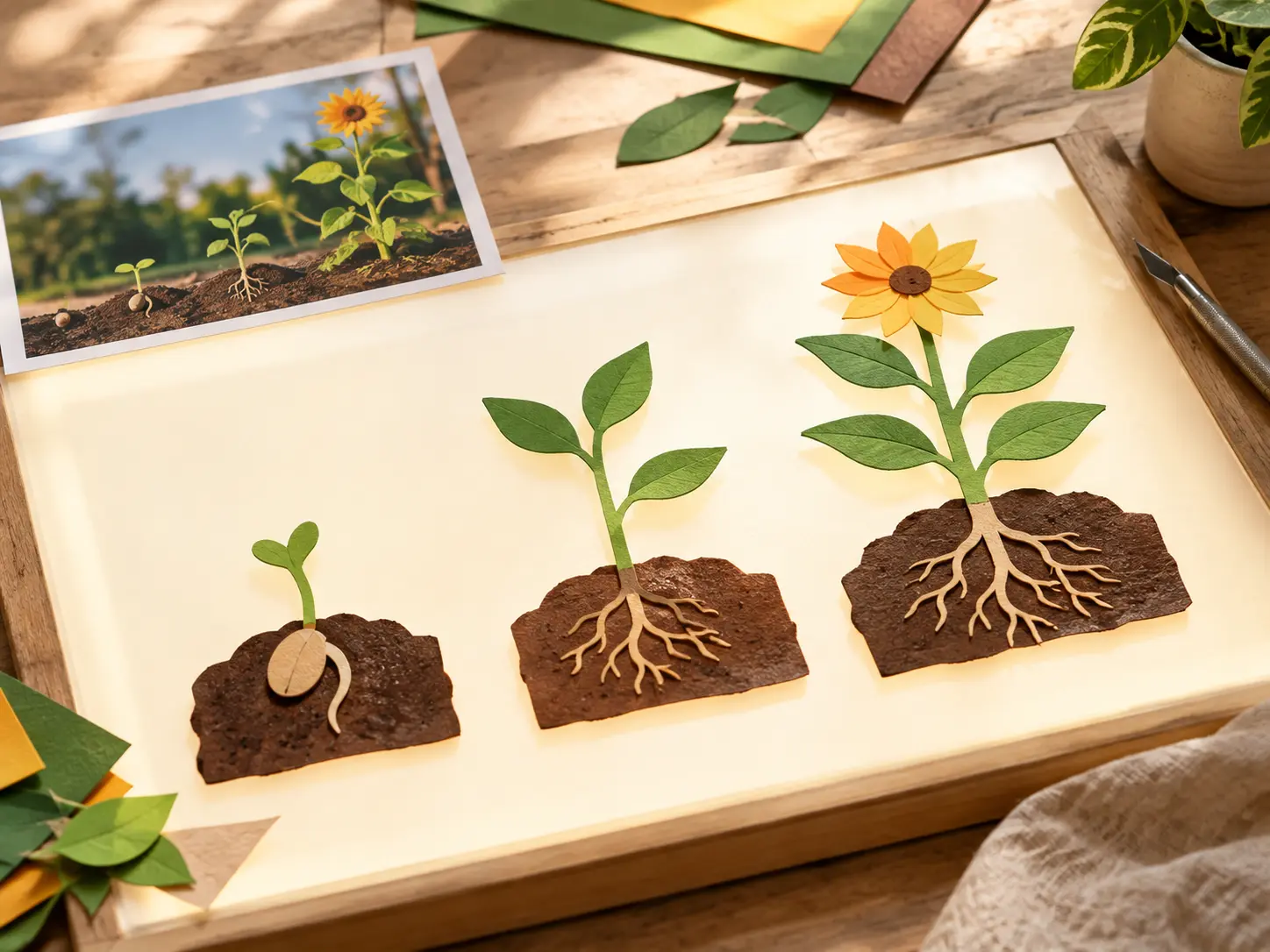
For education animation, choose preset video styles, templates, or stock material as your starting point. Shape the result with your own content, reference images, and directions for each segment.
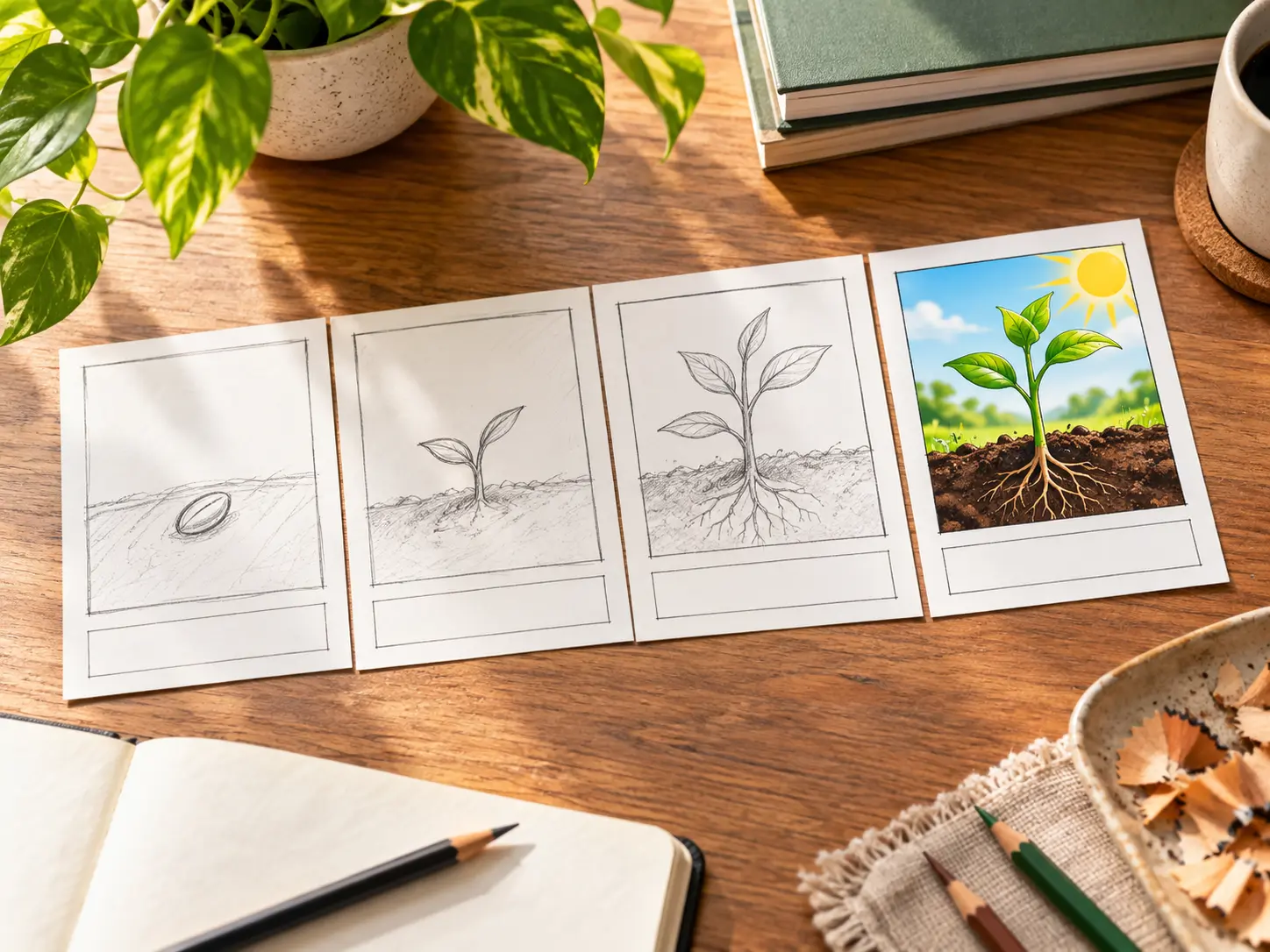
Keep educational video production moving when an explanation changes. Reopen saved work in VideoAI, describe the revision in text, and generate a new version using references from your workspace.
You set the teaching sequence; VideoAI generates the scenes from your directions.
Step 01
Start educational video production with your audience, objective, and key points. Add image, video, or audio references, and ask for script text if you need a draft.
Step 02
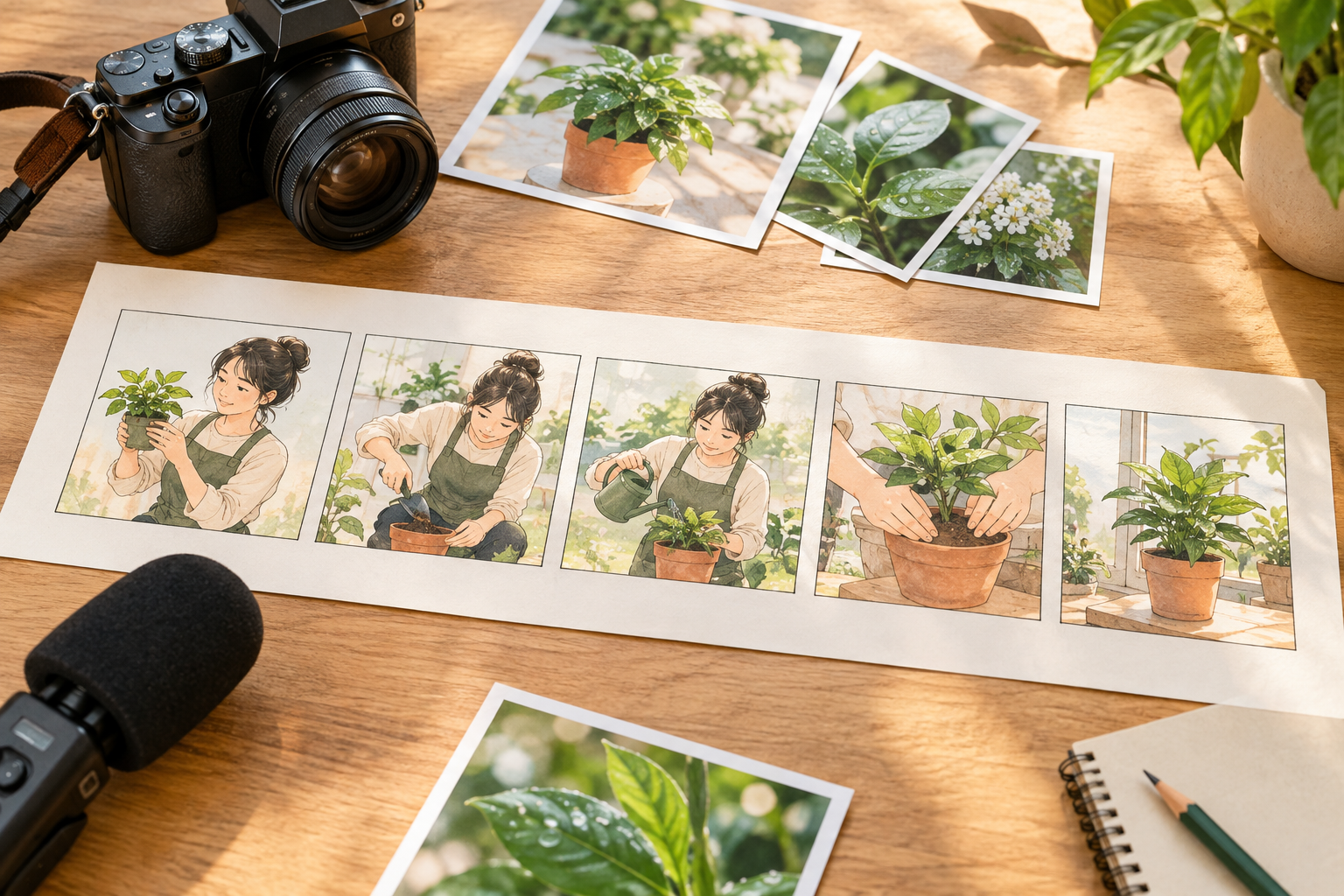
Choose an aspect ratio for your intended display. Set a generation length up to 30 seconds to create a segment you can review. Specify visuals, actions, narration, and reference roles using @ for each time segment.
Step 03
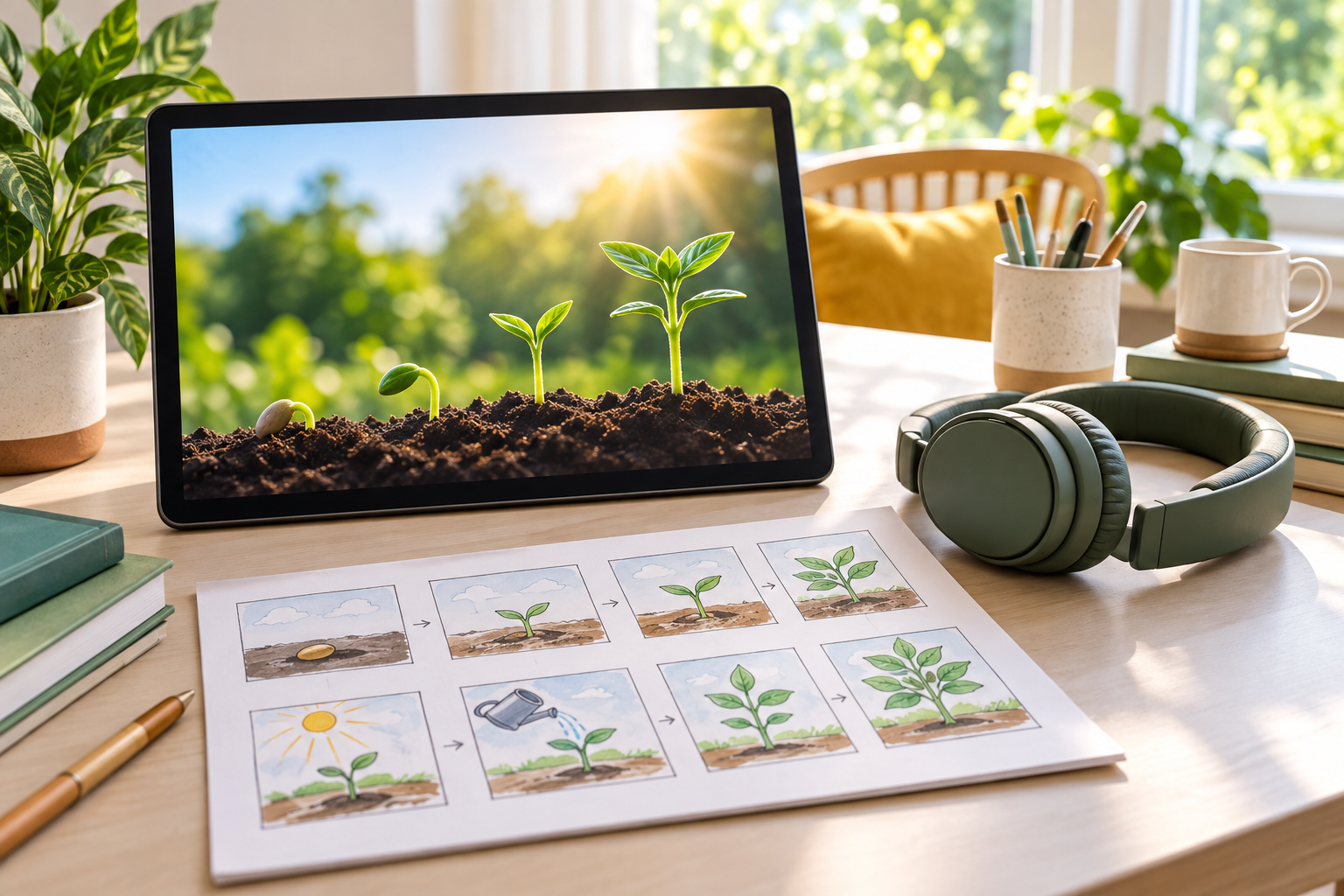
Generate the video and check the explanation, visuals, sound, pacing, and short text generated within the scenes. Refine it with text instructions or extend it, then download your chosen version as an MP4 up to 4K.
Your educational video production choices should follow what each lesson needs to show.
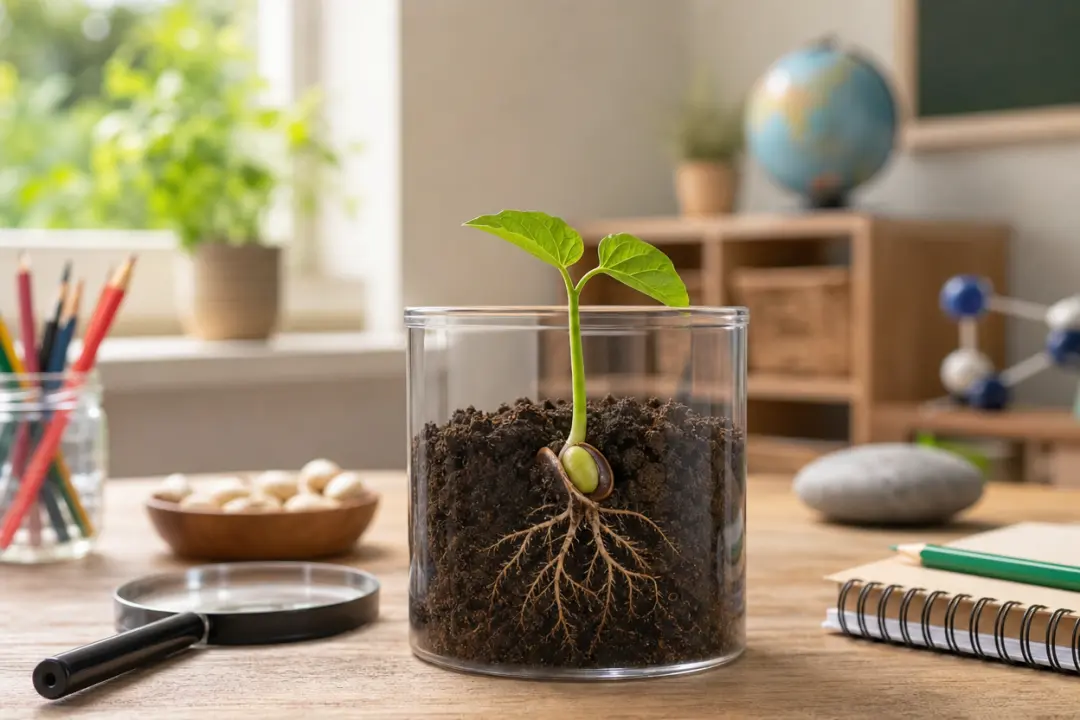
A plant growth lesson can follow one visible change at a time. Arrange reference images, narration, and short key phrases into segments for an educational video you can review before class.

A new course chapter needs an introduction to its central question. For e learning video production, turn that question into script text and direct a narrated opening with relevant reference images.
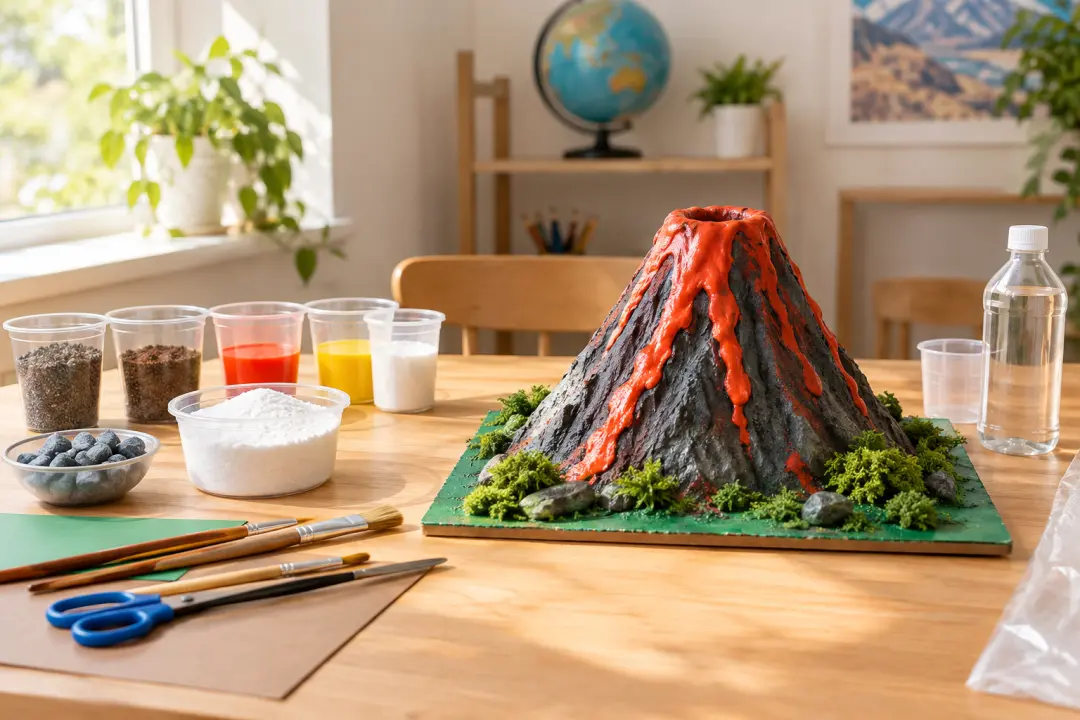
School project introductions can begin with the teacher's explanation and images of the subject. Guide education video production toward a short, narrated overview for the class, with the sequence you choose.

When a concept needs visible movement, plan how each scene should change. Build educational animations from preset styles and your references, then check the generated motion against your explanation.
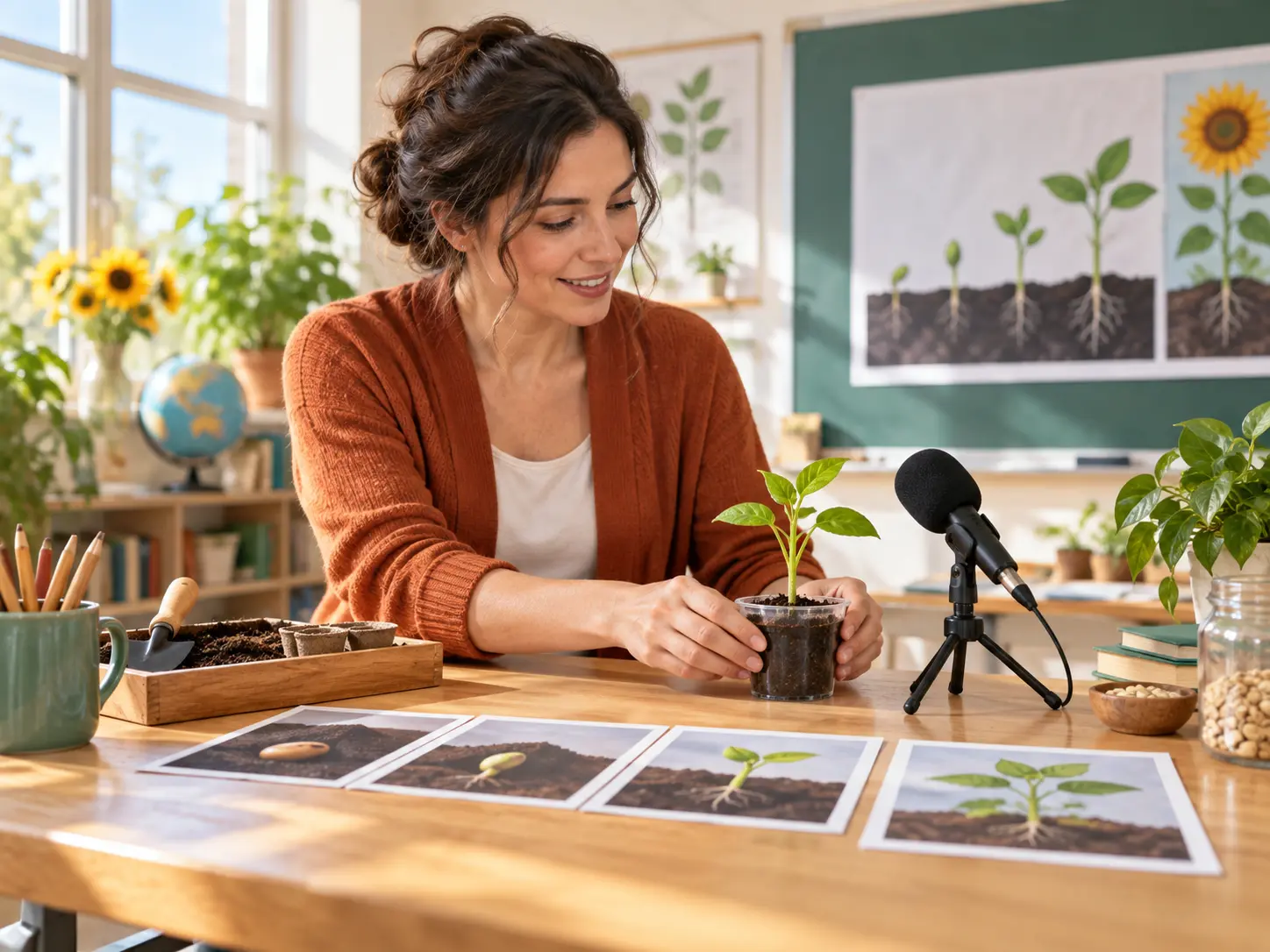
Teachers can turn a single lesson objective into reviewable video segments. Keep educational video production tied to your classroom explanation by specifying each scene and revising the wording after generation.

Give VideoAI your next learning goal and shape the scenes, narration, and pacing into a lesson video ready for your review.
Get Started