

Step 01
Describe The Message And Add References
Start with the topic or script, then upload the images, videos, or audio that should guide the result. Uploaded images and videos stay available in your workspace for reuse.

Plan Every Scene With Purpose
Shape an explainer video around your message, reference media, chosen style, and sound direction while keeping control of every scene.

Decide what each moment should show, sound like, and communicate before VideoAI turns your direction into a usable video draft.
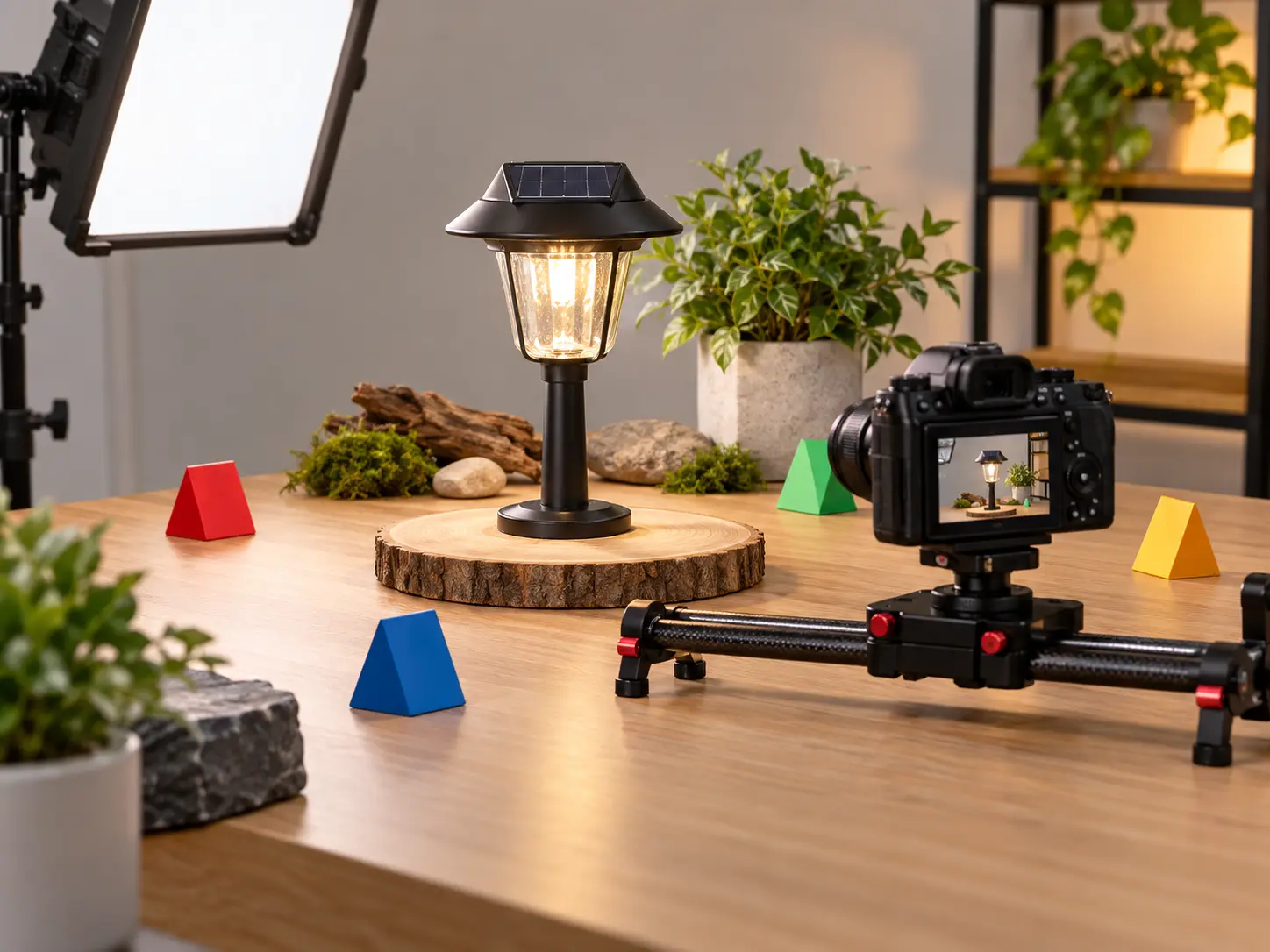
Arrange each explanation point by seconds, then describe the scene, movement, and intended focus. This gives your explainer video a clear order shaped by your message.

Choose animation, cartoon, realistic, or illustration styles to match the idea you need to explain. An animated explainer video can make a process easier to follow at a glance.

Describe narration, select a voice reference, and add background music or sound effects. The result is an explanation video with visual and audio cues working to the same rhythm.

Combine text, images, video, and audio, then use @ to assign each reference to a subject, opening frame, setting, camera move, or music direction.
Bring your intent into the workspace, direct each scene, and refine the generated result until the explanation is ready to share.
Step 01
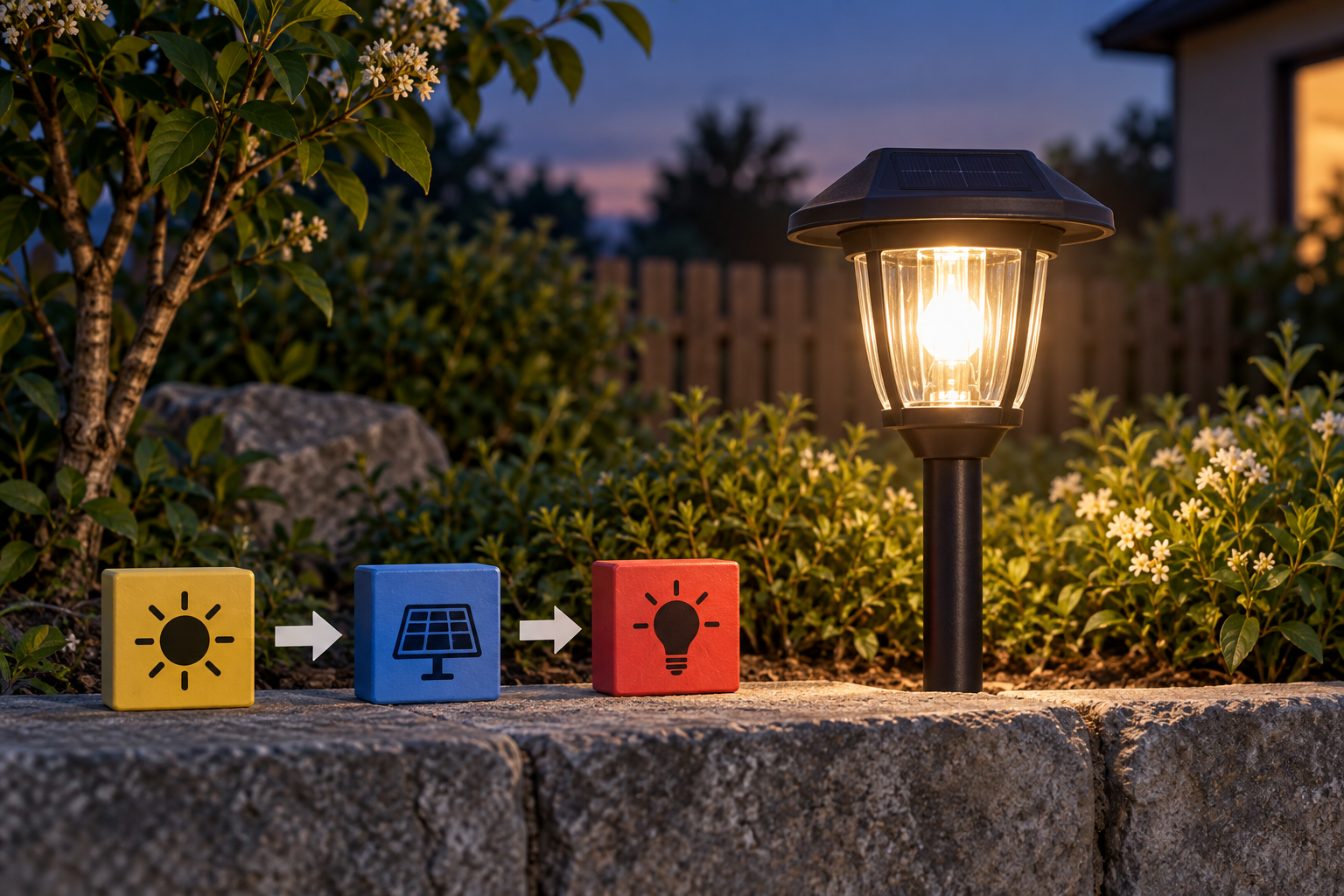
Start with the topic or script, then upload the images, videos, or audio that should guide the result. Uploaded images and videos stay available in your workspace for reuse.
Step 02
Plan each time segment with its own visual action, use @ to identify how references should guide the scene, and set the visual style, narration, music, or sound effects.

Step 03
View the result in your works area, give a new text instruction when a scene needs another direction, extend the video when needed, and download the final 4K MP4.
Choose a scenario where a clear sequence, visual reference, and deliberate pacing can make the message easier to understand.
A campaign team needs to present product value in a clear order. They arrange the key points by scene, add product references, and select a fitting visual direction so the finished explainer video gives viewers a focused path through the offer.
When a new product has several features to introduce, a product team can describe the interface, upload visual references, and guide each moment with scene instructions. The resulting explainer videos give customers a structured introduction to the product.
A training creator needs to clarify an internal process with more than static notes. They combine a written outline with reference media, choose an explainer animation style, and build a visual sequence that keeps each step connected.
For a company update, the communications team can organize the announcement into timed scenes, support it with images or video, and add narration and music cues. The final ai explainer video gives the update a concise visual structure.

Marketing teams can map product value to timed scenes, add campaign references, and select a visual style that keeps the explainer video aligned with the intended message.
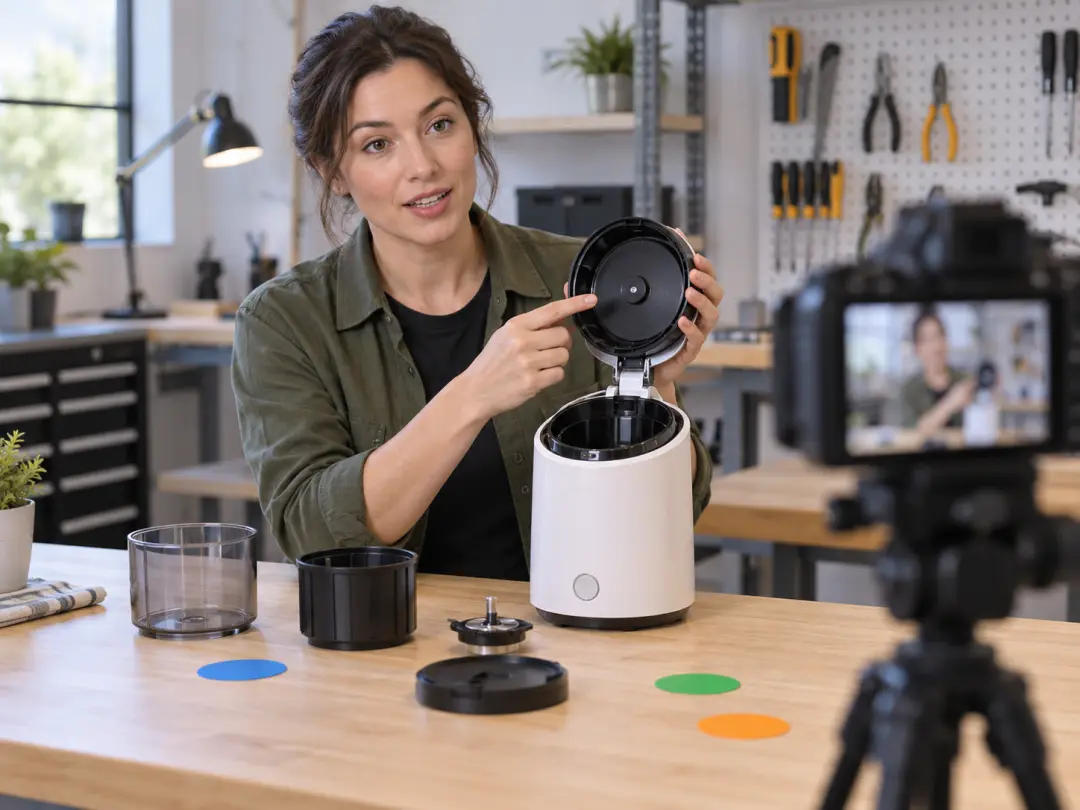
Product managers can explain an app or service through specific scene directions, reusable images and videos, and a chosen style that makes the product flow easier to present.

Training content creators can turn a process outline into an ai explainer video by arranging actions in order and adding narration, music, or sound effects to support the visual sequence.

Bring your message, references, and scene direction into VideoAI, then shape the result into a video ready for your next presentation, campaign, or client brief.
Get Started