
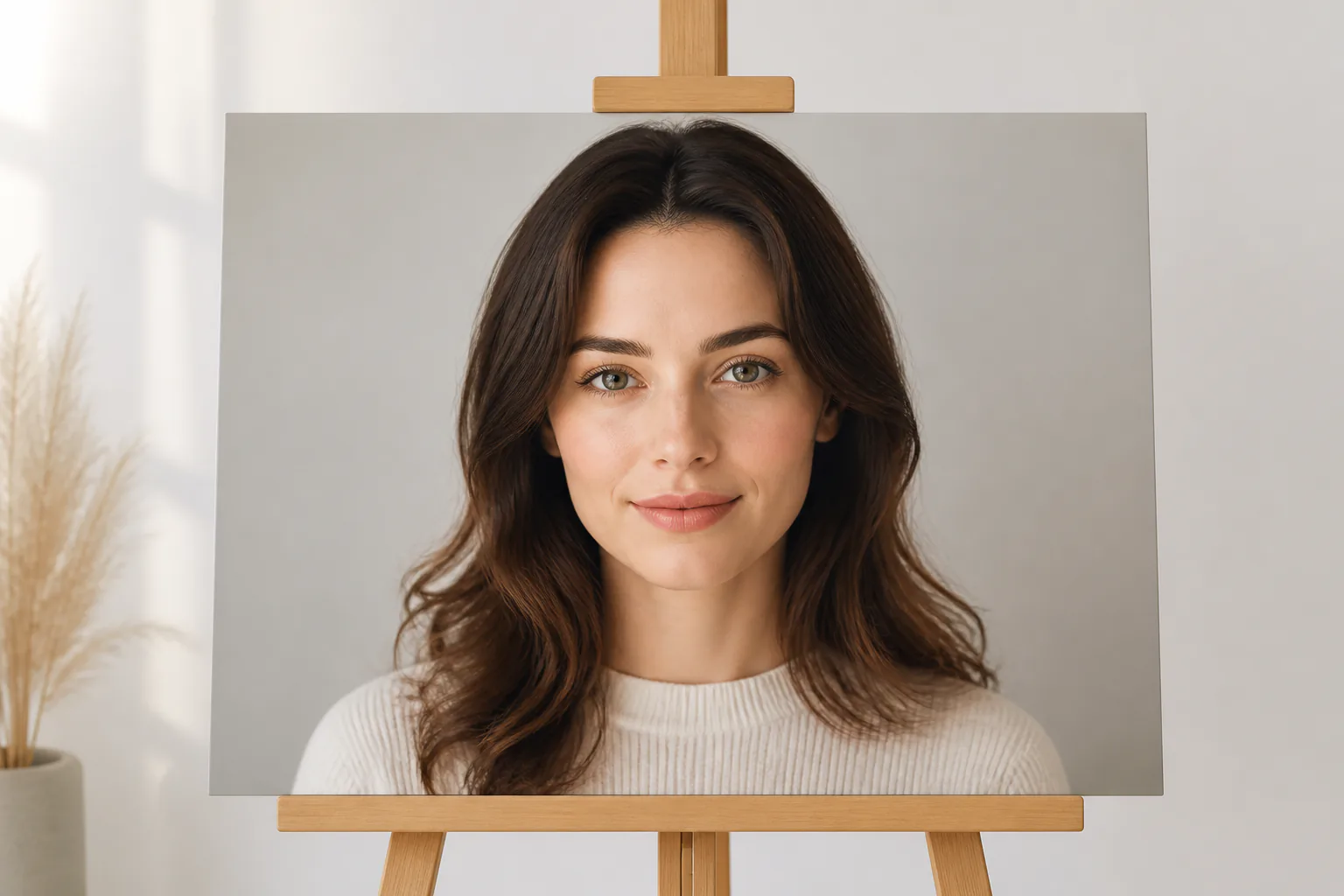
Step 01
Mark The Portrait As Subject
Upload a clear selfie, portrait, or subject photo in a common image format, then use @ to mark it as the person or character for the clip.

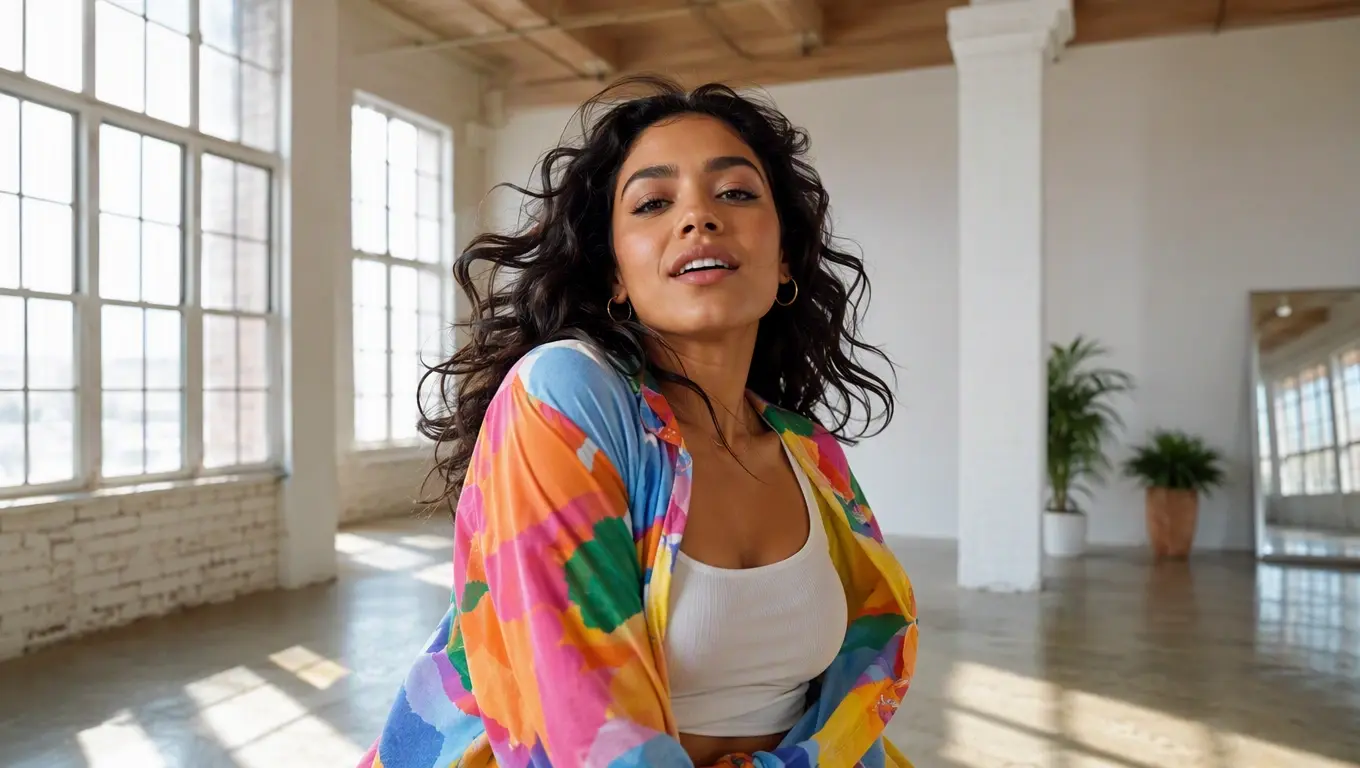
Turn a clear portrait into a dancing video by choosing the motion reference, voice input, and output shape in VideoAI.
Partnering with global industry leaders to power your creativity output


VideoAI gives creators the control points that matter when they make photo dance clips for social, campaign, explainer, or client work.
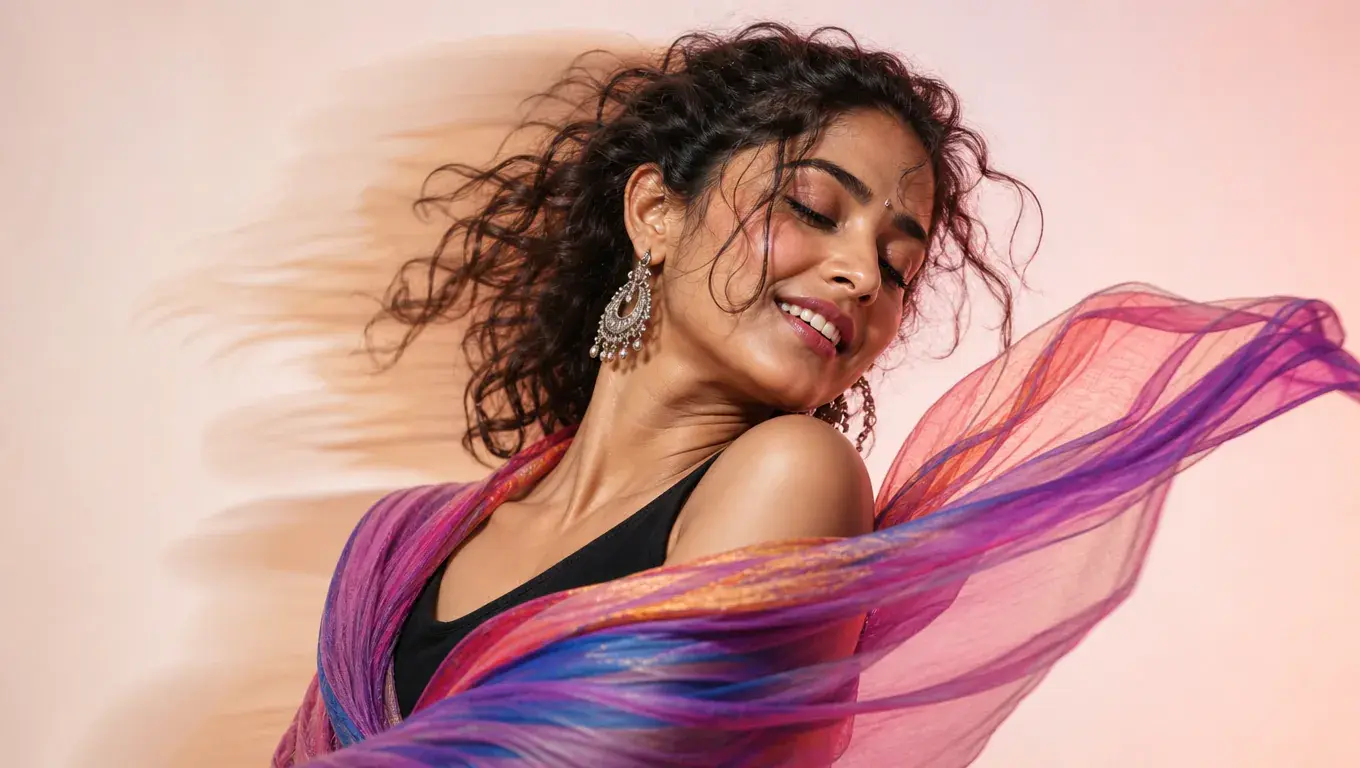
Your reference video guides the face dance movement, so you decide which action the portrait should follow before VideoAI generates the MP4 preview.
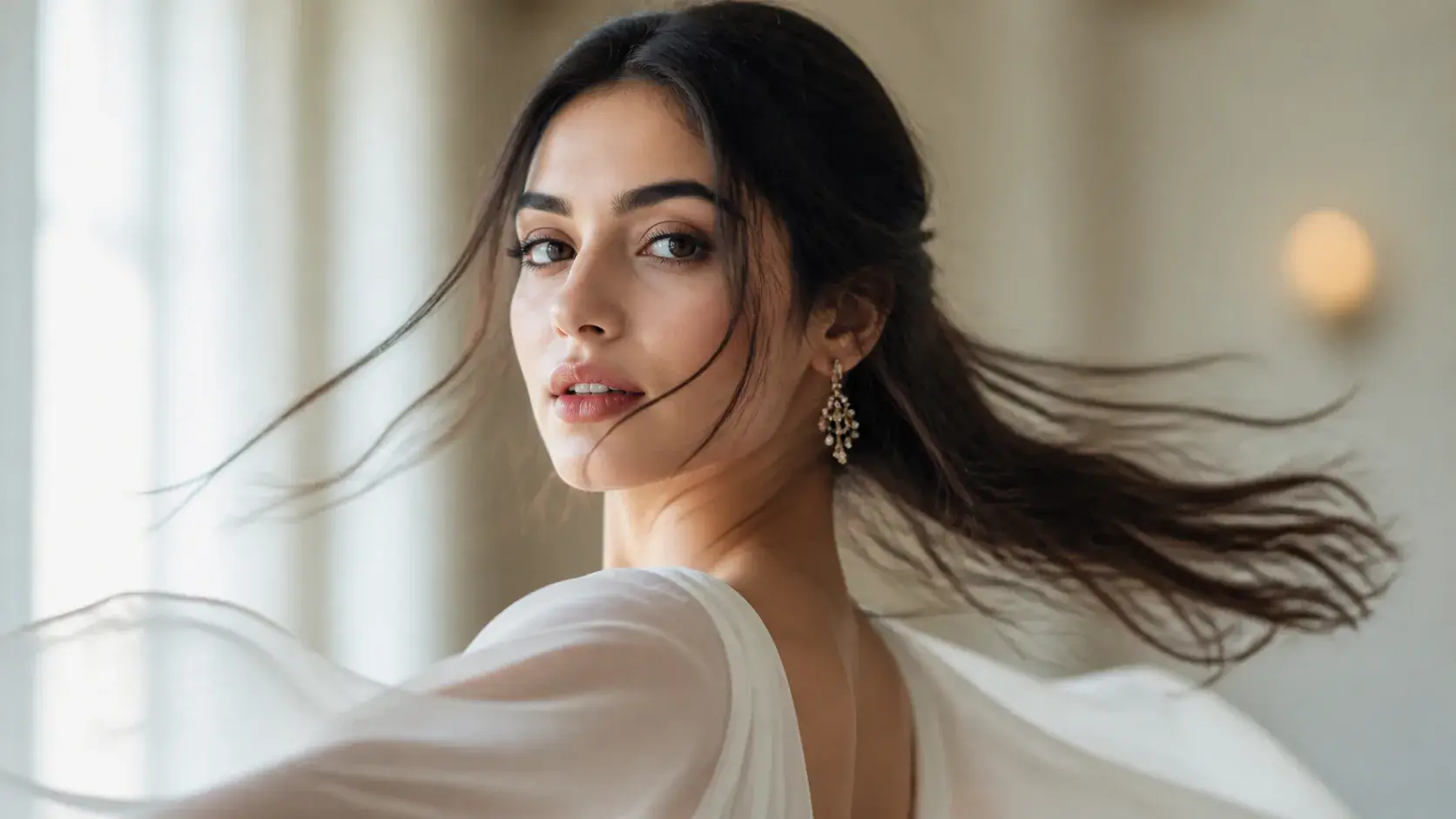
The uploaded person stays identifiable through key facial and appearance details, which helps an ai photo dance keep the original portrait as the focus.
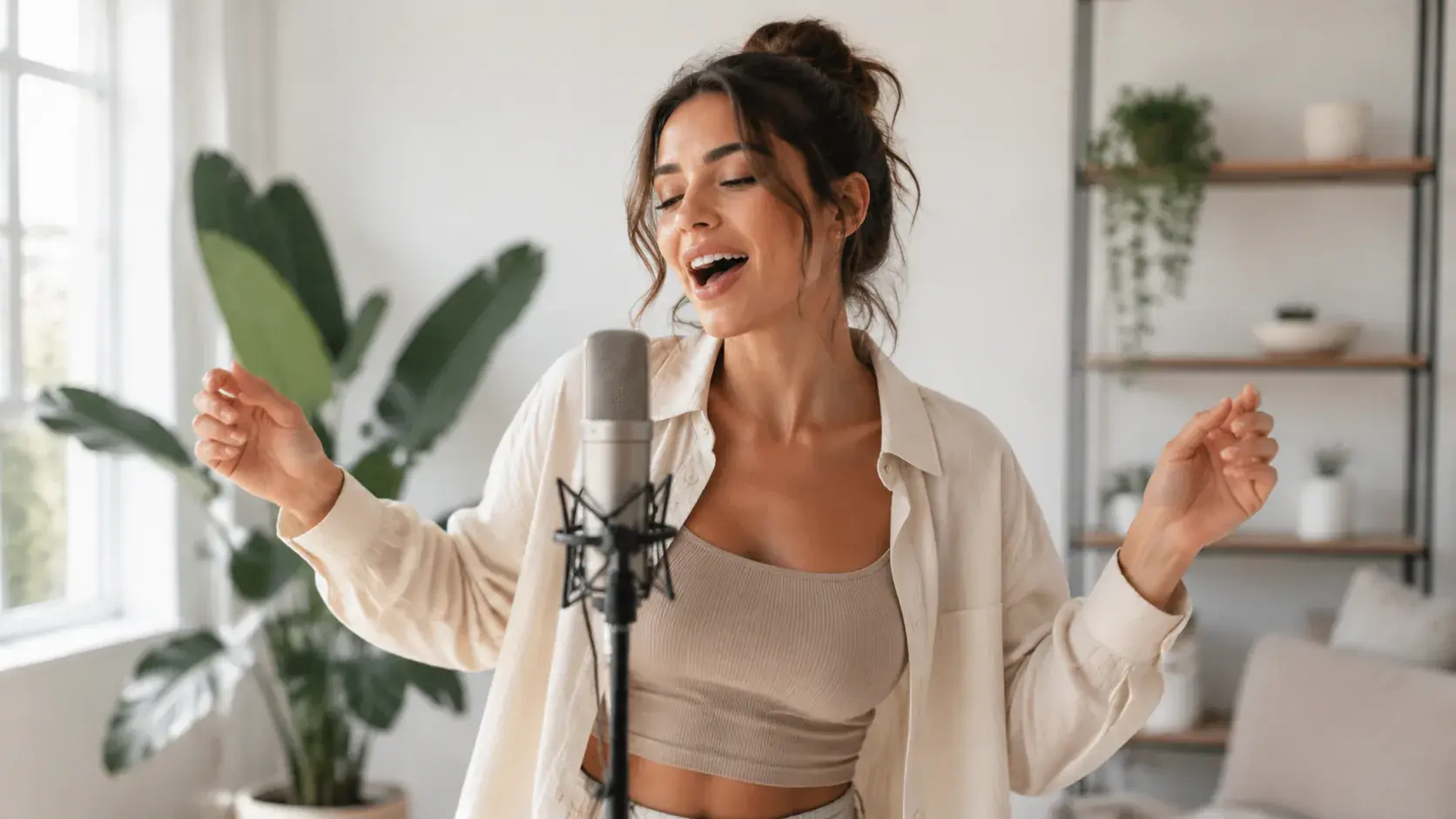
Dialogue, narration style reference, or uploaded audio can guide mouth movement while the face dance follows the selected action reference.
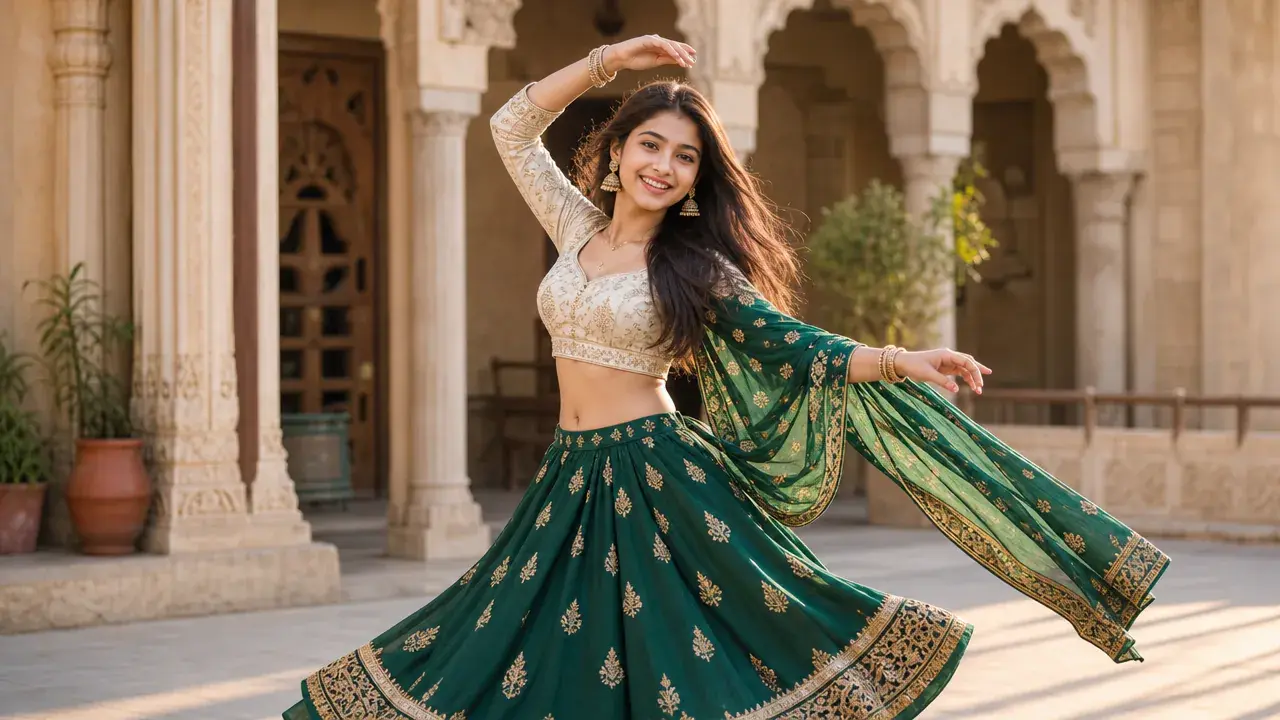
Download no watermark MP4 results up to 4K in 16:9, 9:16, 1:1, or 4:5, with each face dance generation up to 30 seconds.
The process stays centered on your creative decision: the photo, the motion, the sound, and the revision note.
Step 01
Upload a clear selfie, portrait, or subject photo in a common image format, then use @ to mark it as the person or character for the clip.
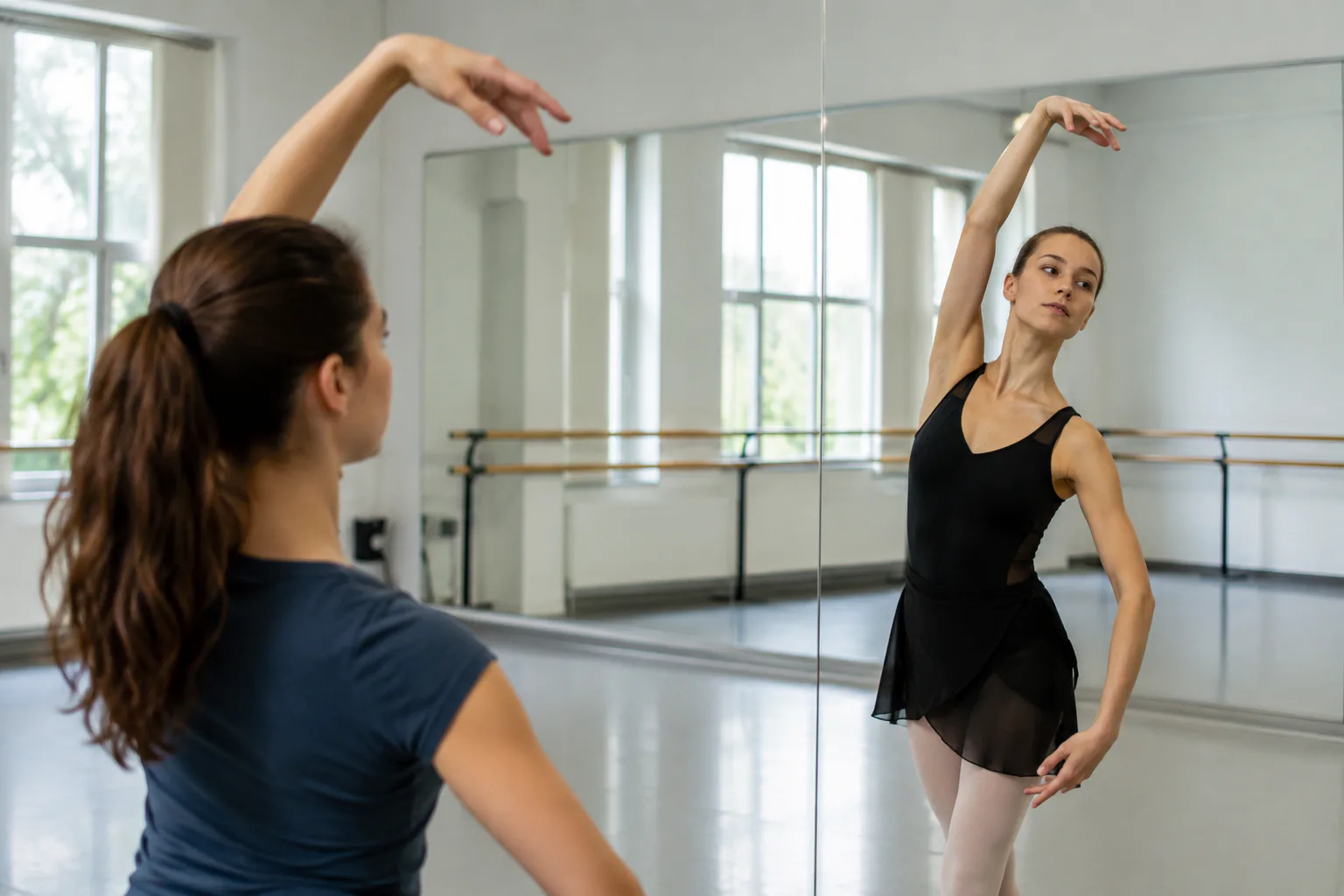
Step 02
Add the action video you want to reference, describe the desired image dance look, and include dialogue or audio when the clip needs speech.
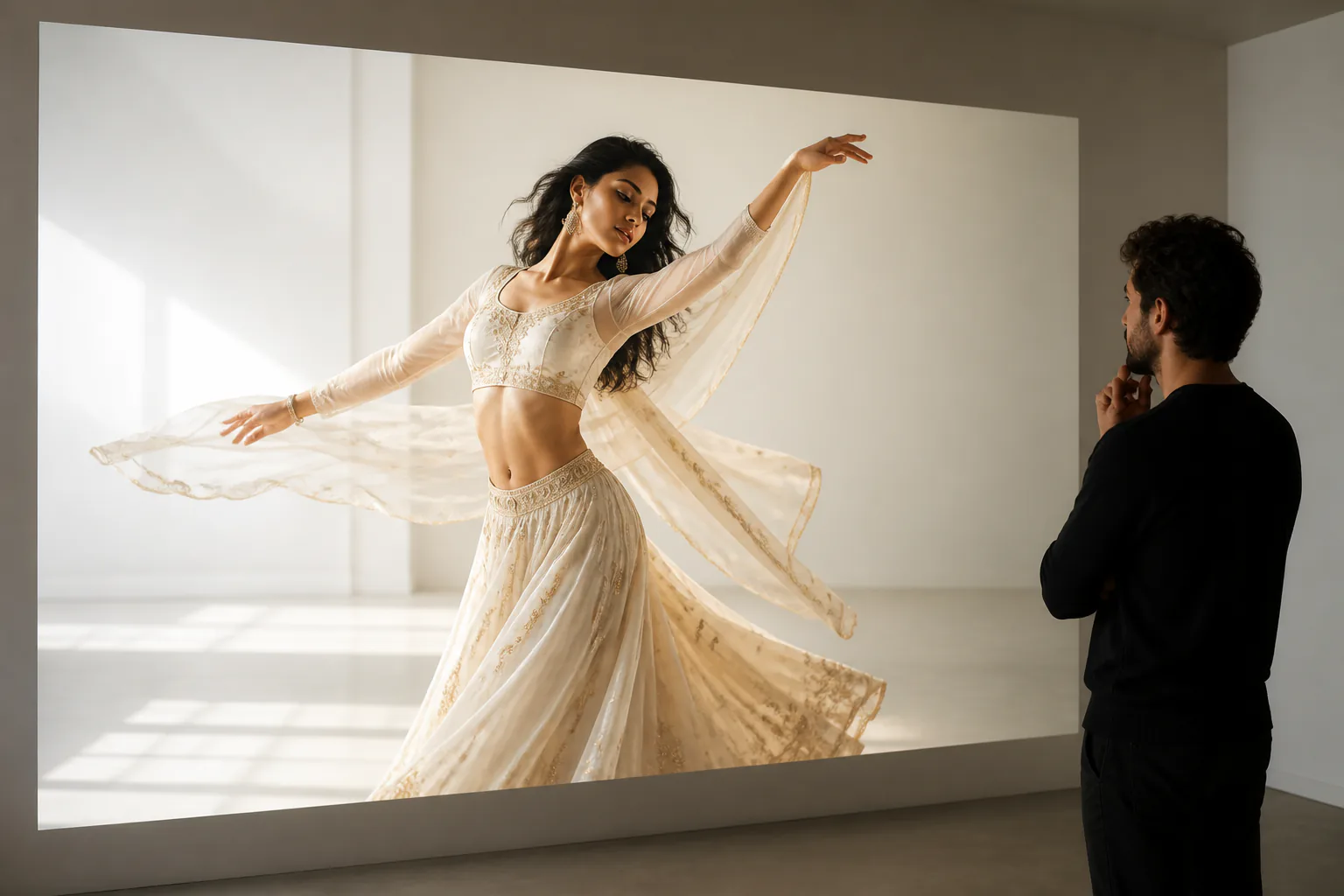
Step 03
Generate a face dance preview in minutes, revise it with a text instruction, extend from the current result when needed, and download the MP4.
Use VideoAI when a static portrait needs a specific movement choice and a finished clip for real publishing work.
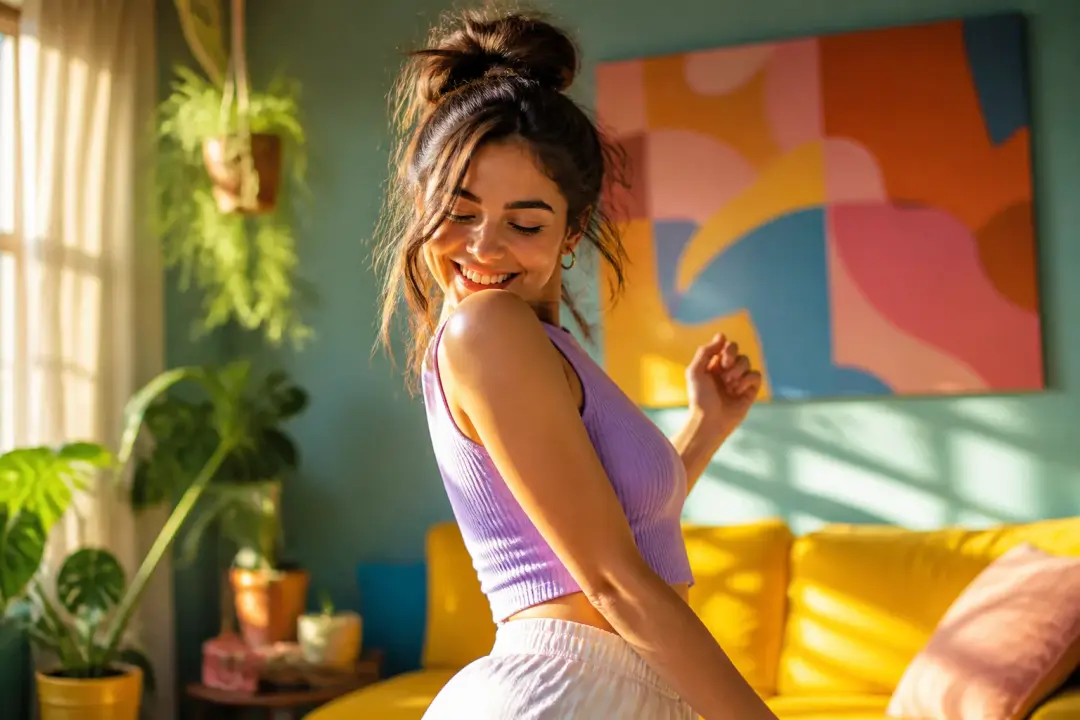
A creator who already picked a movement can make picture dance online by uploading that motion as the reference instead of trying to describe every beat from memory.
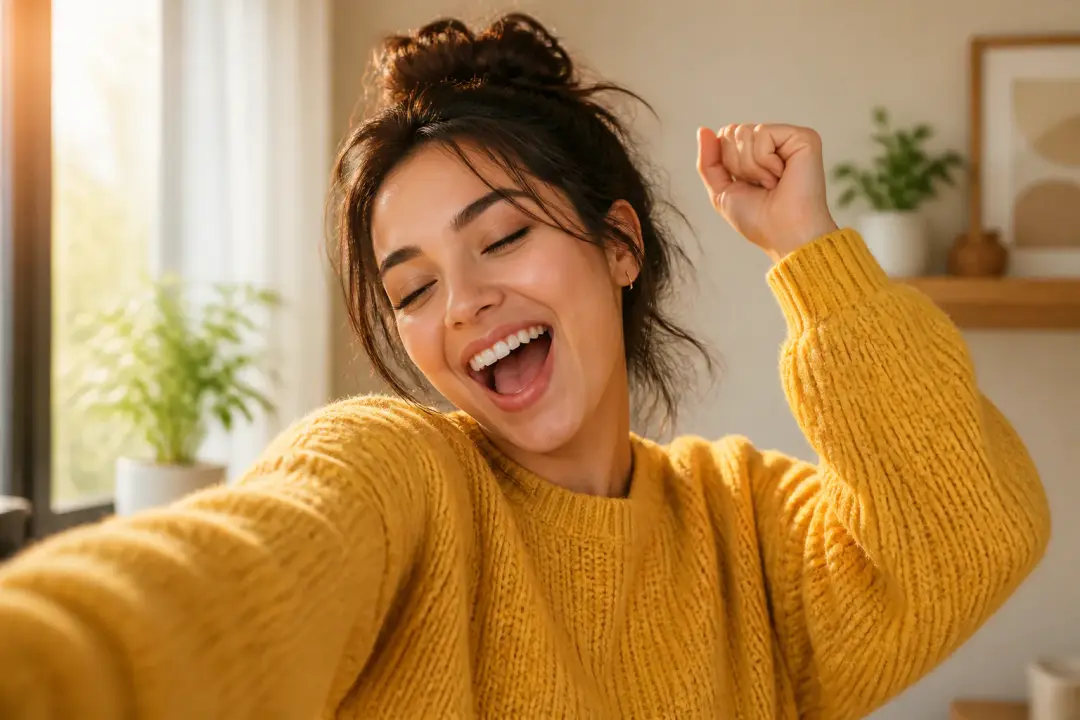
A serious selfie can become a short reaction moment when you make a picture dance with a controlled motion reference and preview the result before using it.
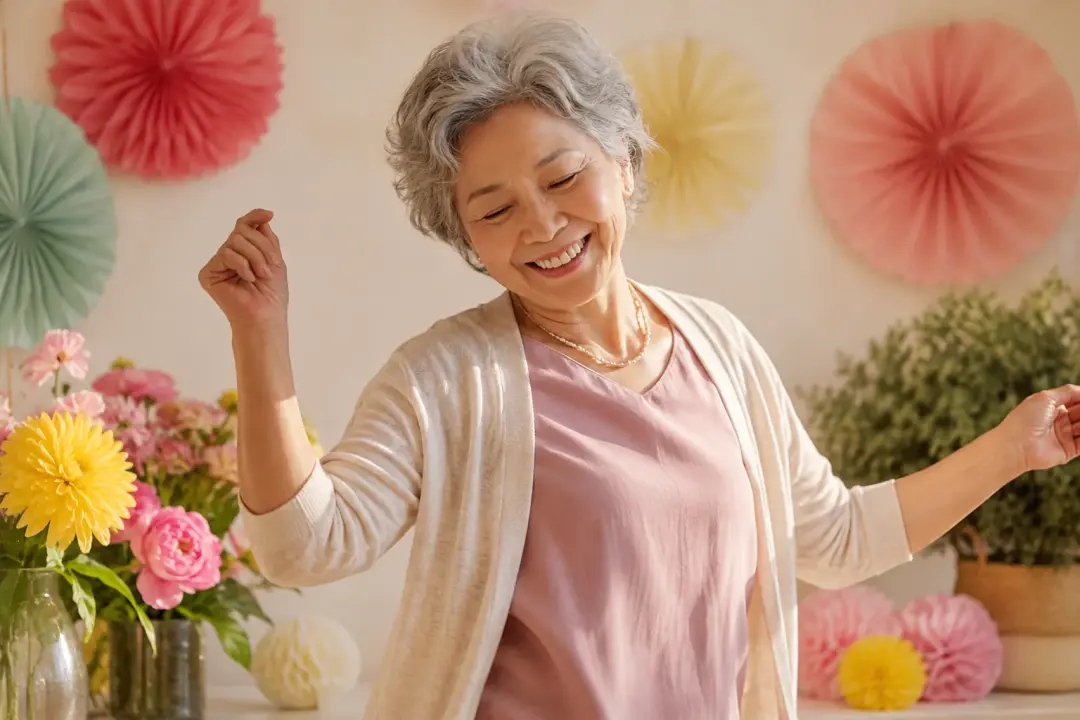
A clear family portrait works for a warm photo dance when you add a simple action, optional spoken line, and downloadable MP4 output.
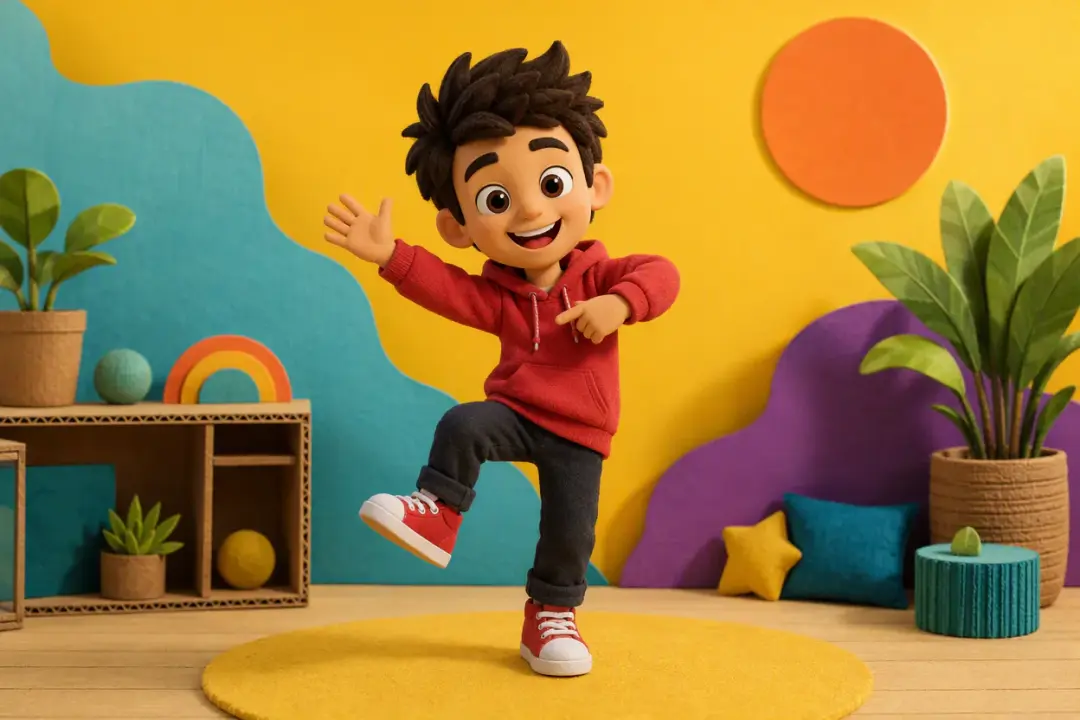
For an avatar or host image, make image dance with a chosen opening move, then select a ratio that fits a horizontal video or vertical short.
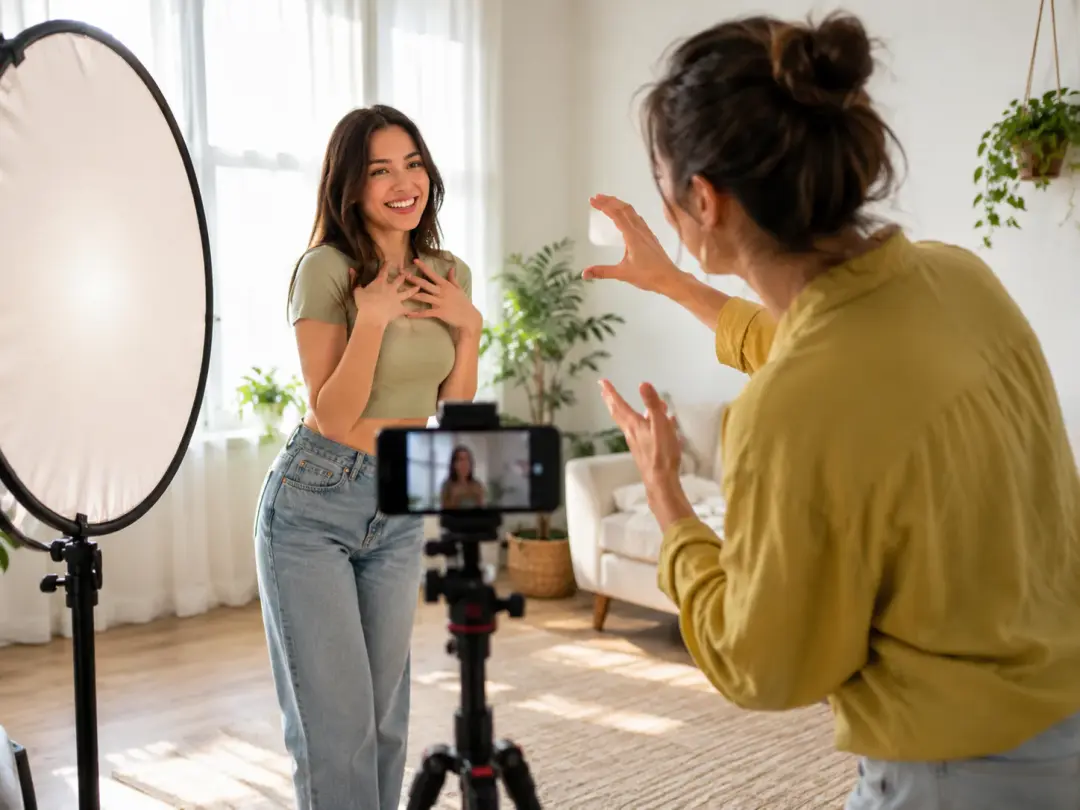
Creators following a photo-to-dance workflow need fast iteration on a chosen reference, and VideoAI keeps the action decision in their hands.
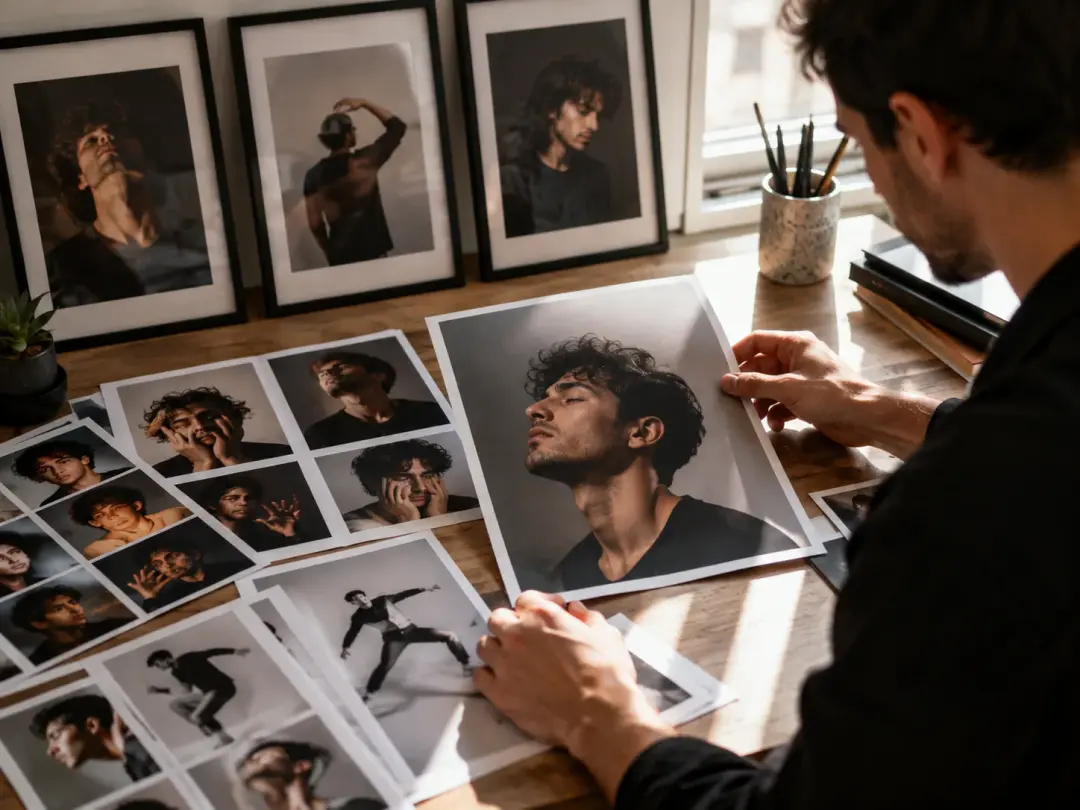
Editors can make a photo dance from a familiar selfie, compare the preview, and use a text instruction to regenerate the face dance with a clearer gesture.
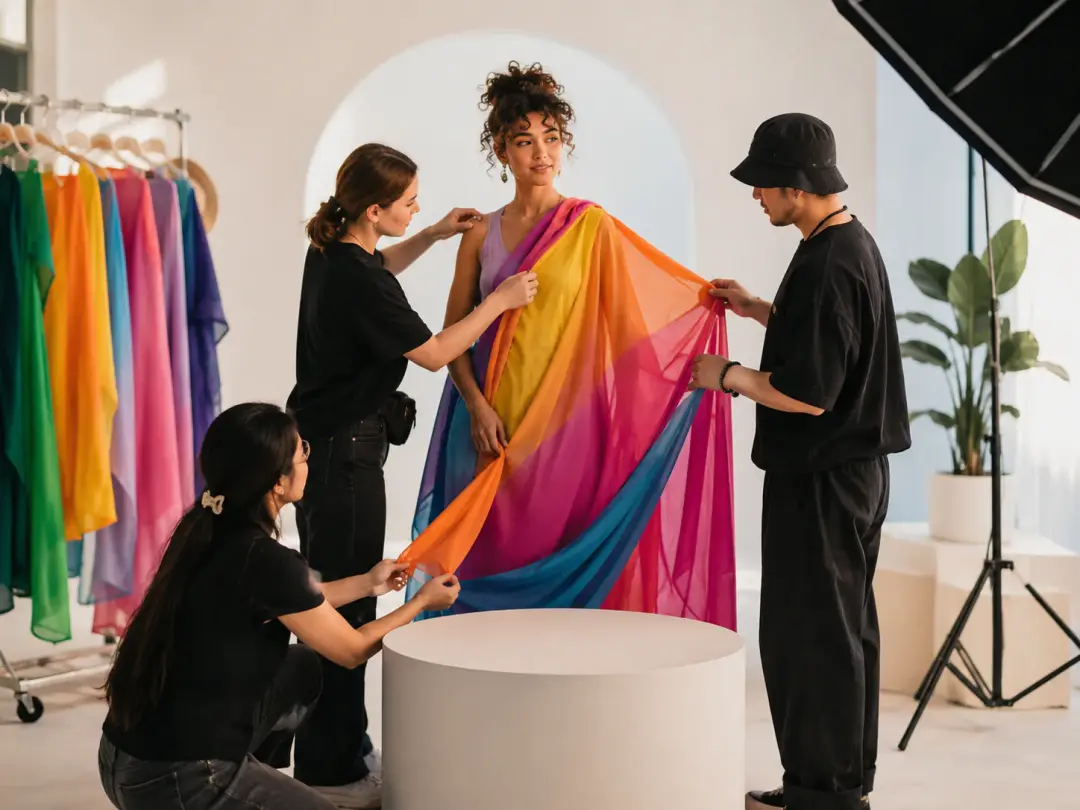
Teams with portrait or character assets can use VideoAI to create dynamic MP4 variations that keep the subject recognizable and ready for campaign layouts.
Upload the portrait, choose the action reference, add sound if needed, and make an image dance ai clip in VideoAI.
Get Started