
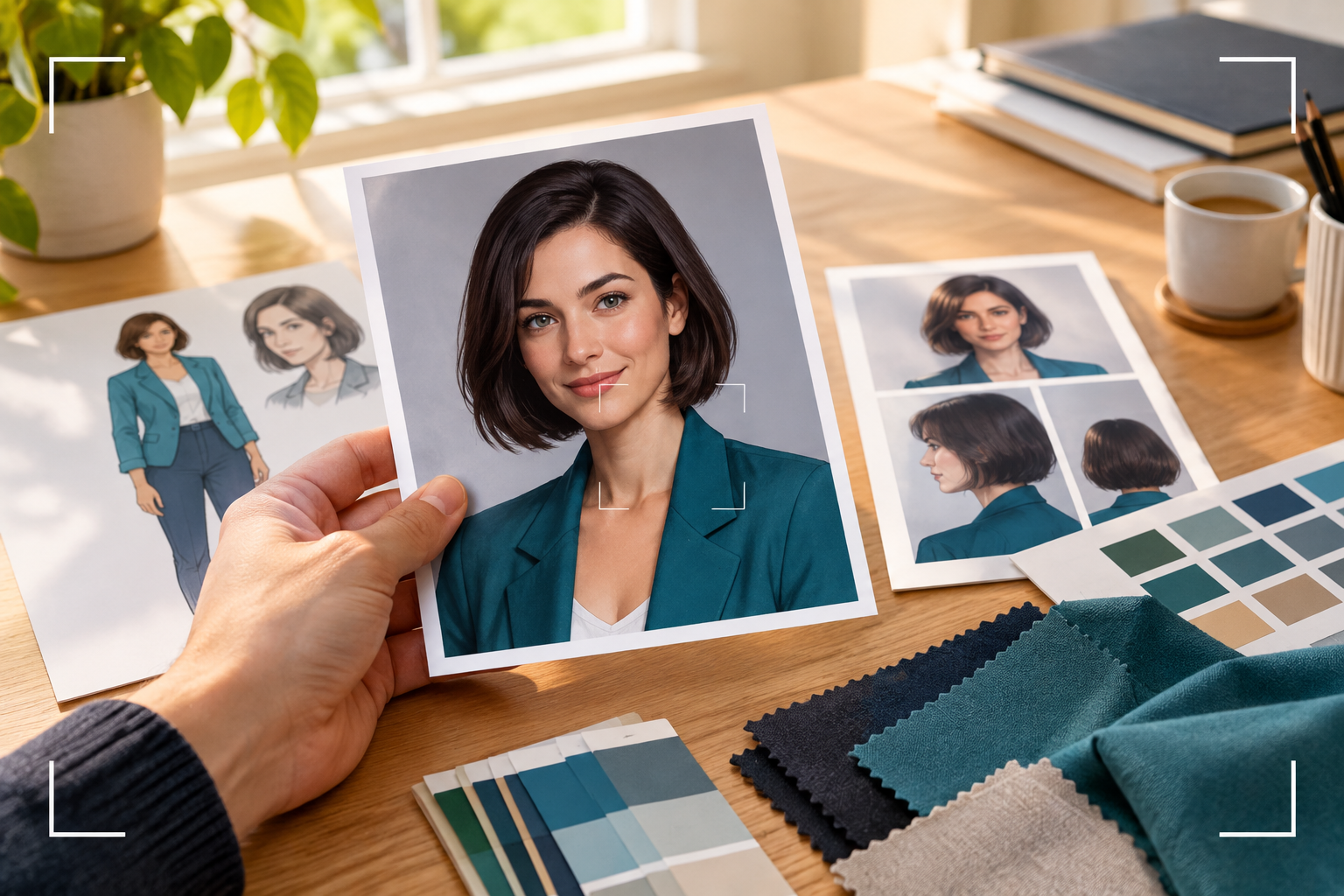
Step 01
Set The Character Direction
Write the original female character's look, or add a permitted reference image that gives VideoAI a visual starting point for the clip.

Original Character Video
VideoAI helps you create a short video of an original adult female character from a written description or a reference image you have permission to use, with motion, scene direction, and voice planning.

Start with the visual idea, decide what happens on screen, then review the MP4 before you download it.
Step 01
Write the original female character's look, or add a permitted reference image that gives VideoAI a visual starting point for the clip.
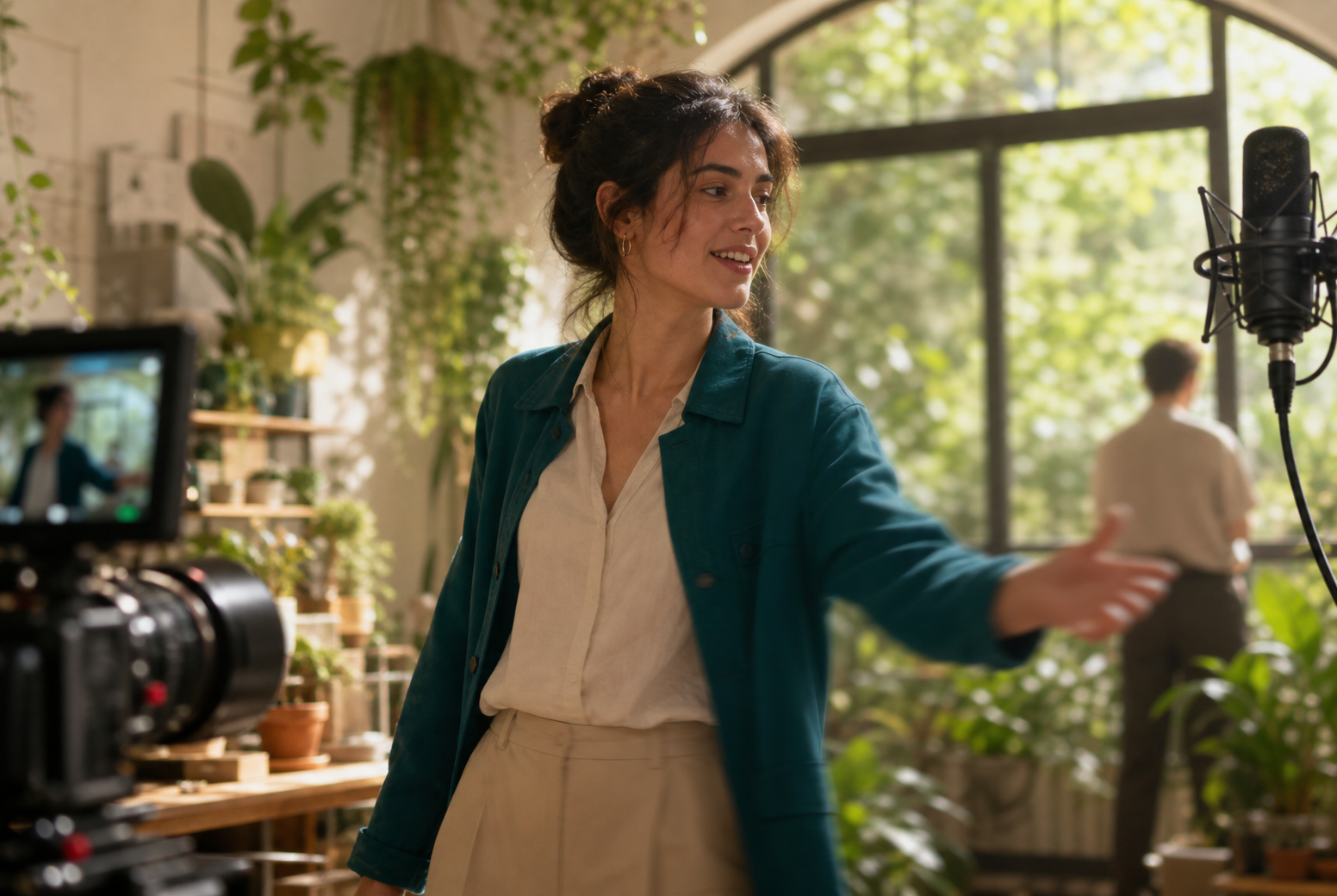
Step 02
Describe the scene, camera moments, actions, dialogue, narration, or audio direction by time segment so the generated clip follows your intent.
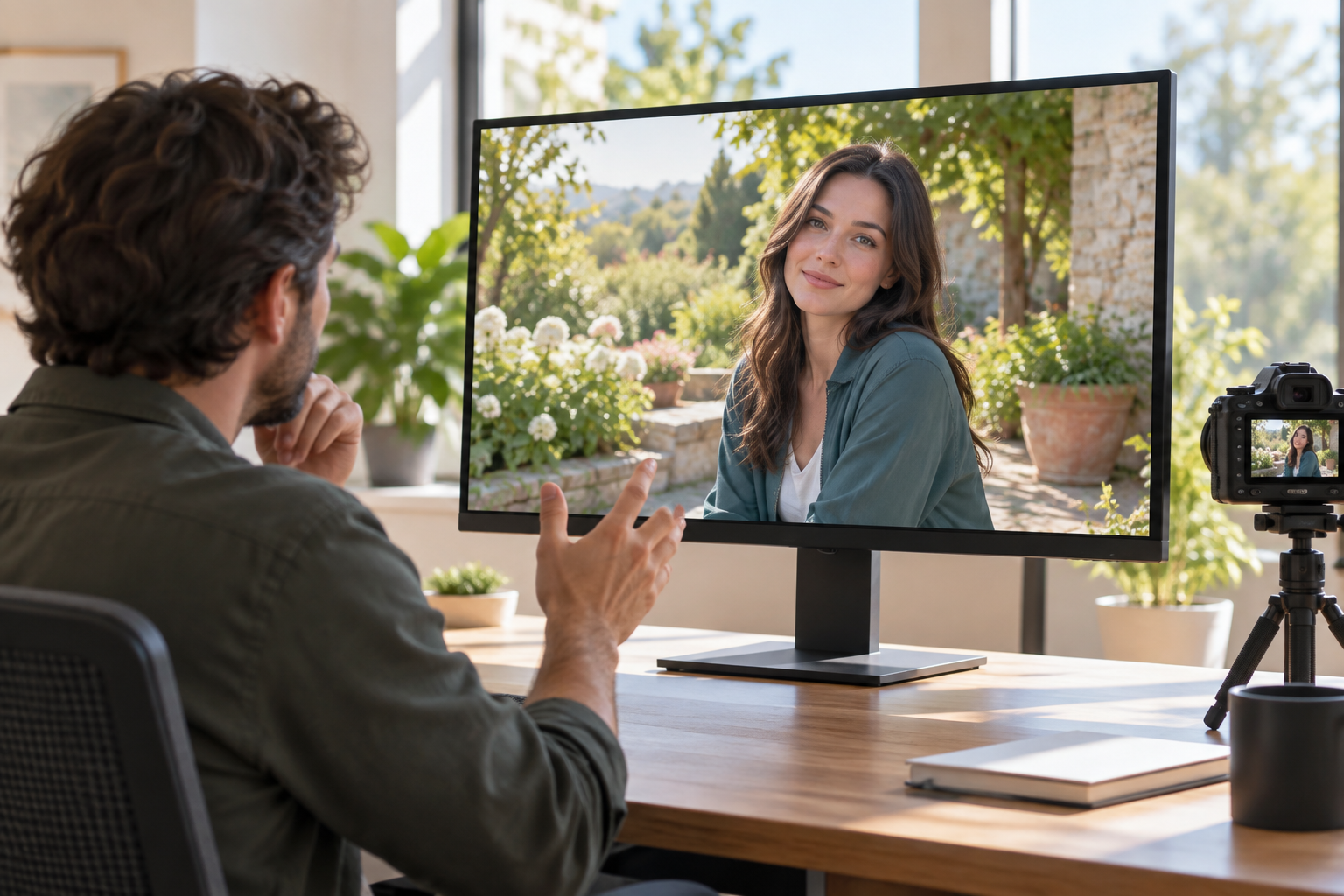
Step 03
View the result, write the change you want, generate another version, and download the finished MP4 when the clip matches the scene.
Use VideoAI when a static design needs timing, movement, and a clear viewing result.

A character sheet can feel flat until the audience sees posture, expression, and movement. Build a short ai girl video around an intro moment so the design has a visible first appearance.
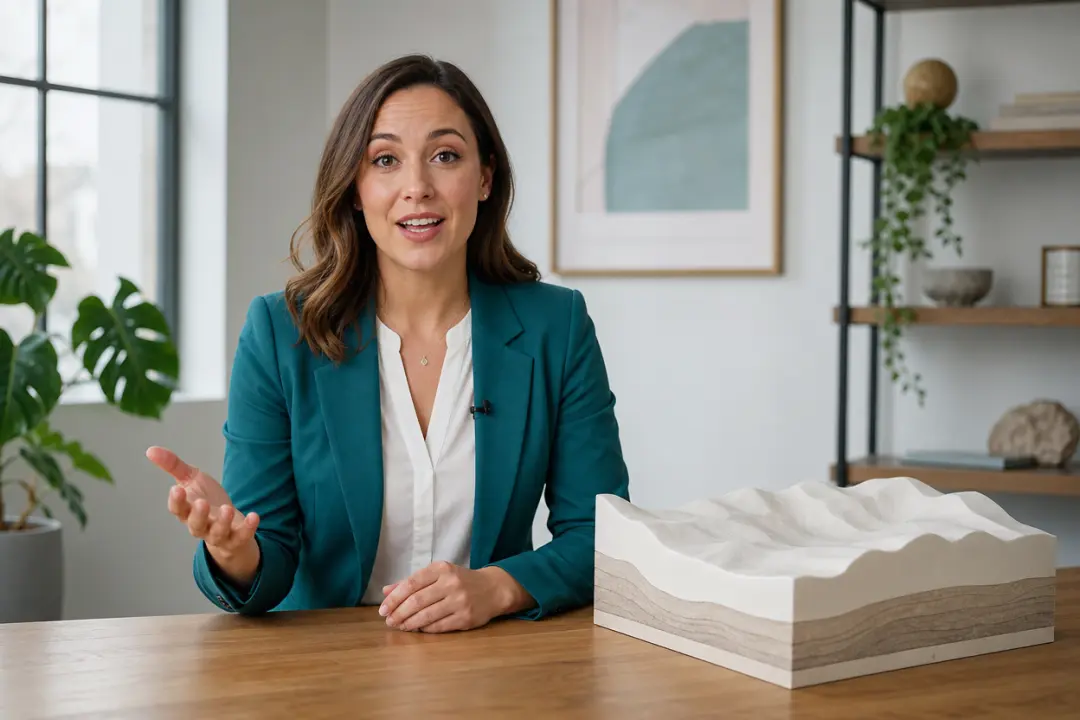
When a presenter character needs to introduce a topic, describe the setting, action, and spoken line. The viewer gets a short clip that carries the message beyond a still avatar.

Plan one original adult female character scene for a social post, naming the action, setting, and a short line of dialogue. VideoAI turns the idea into one watchable clip for quick review.

Before committing to a longer edit, place the character inside one scene and test how the action and dialogue sit together. The result helps you judge the scene as video.
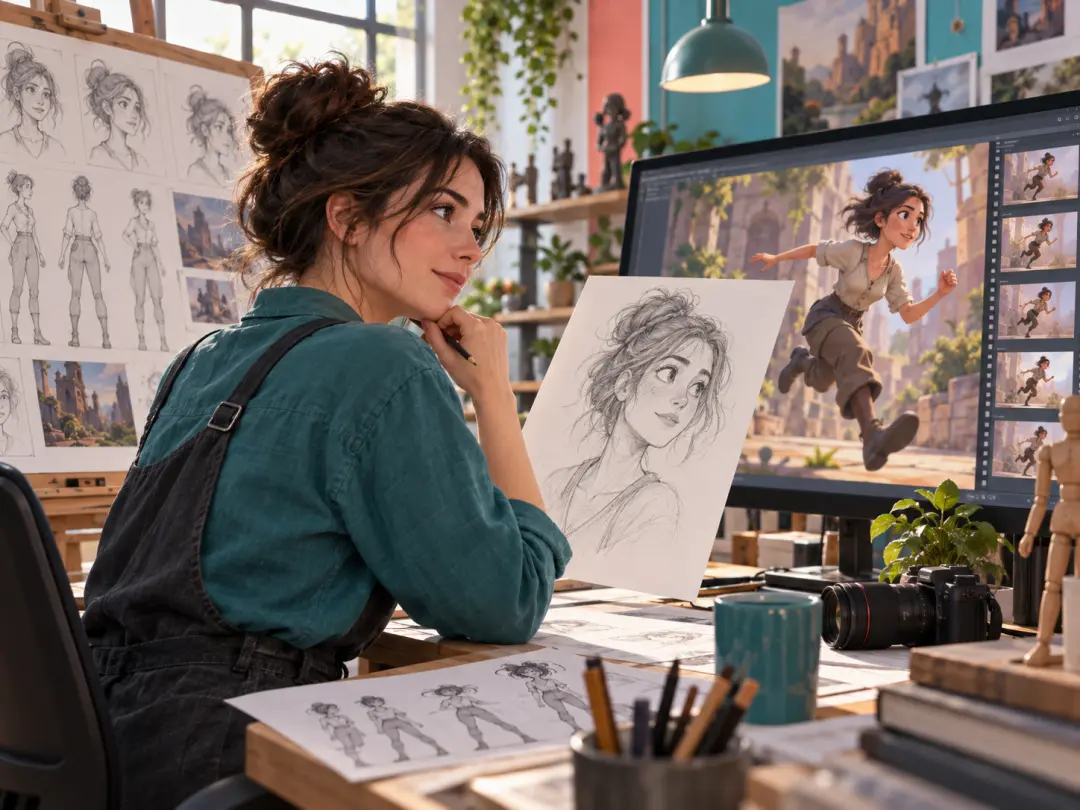
Use VideoAI to test whether a female character reads clearly once she moves, reacts, and appears inside a scene rather than on a single still frame.
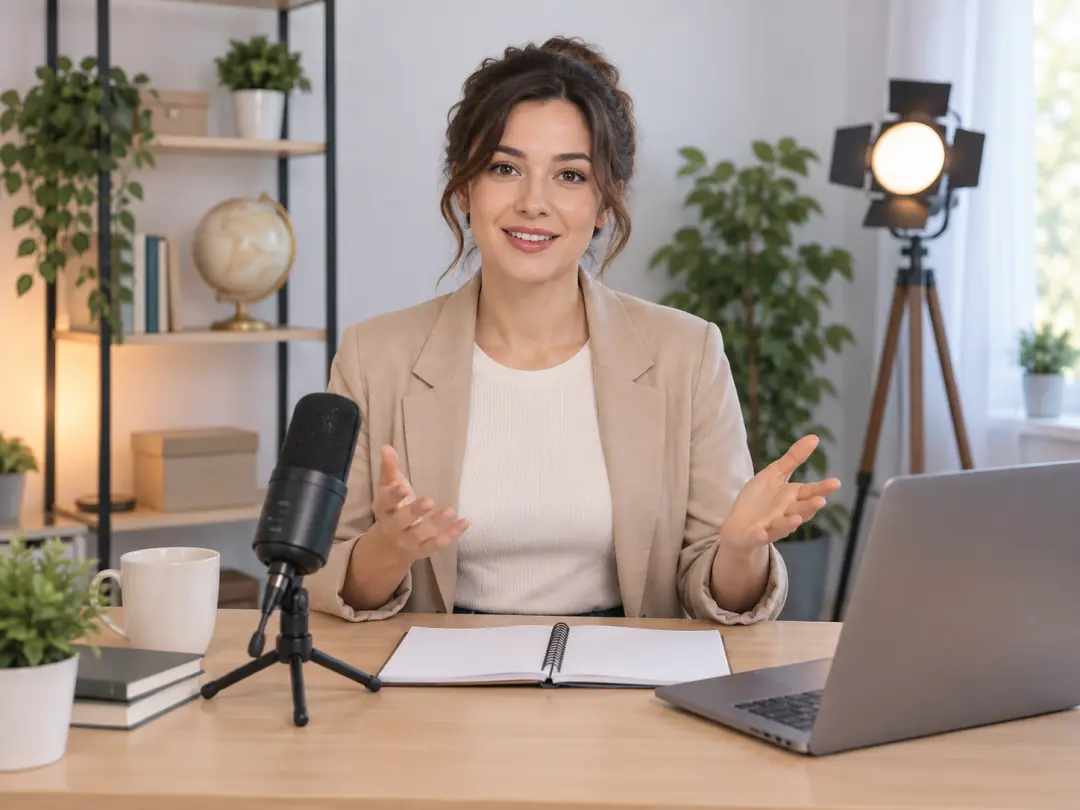
Write the role, setting, and line the character should deliver. The ai girl video generator creates a short speaking clip you can review against the lesson opening.
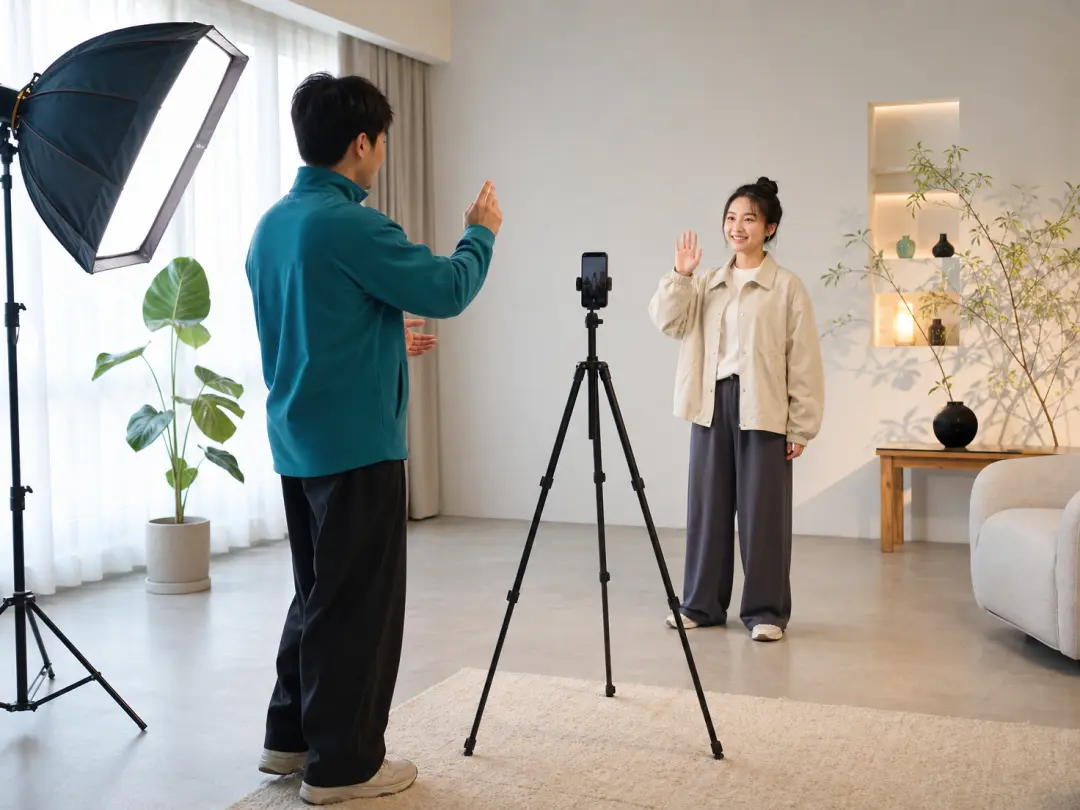
Plan one character action, one scene, and one audio direction for a short post. The payoff is a focused clip without a heavy production setup.
VideoAI keeps the creative decision visible: character source, scene timing, motion, and revision all come from your prompt choices.
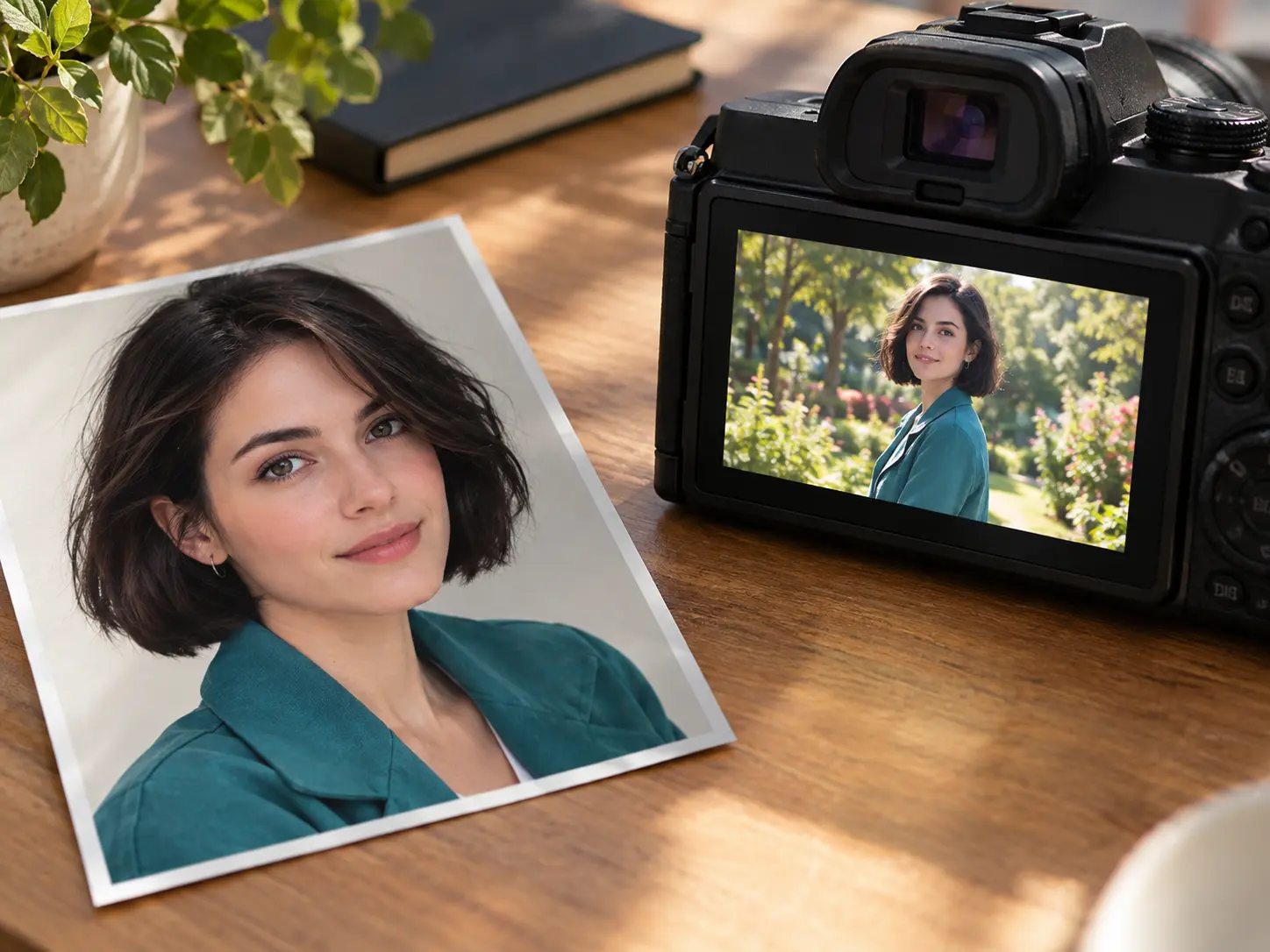
Start from a written character description, or add a permitted reference image when you want the visual direction to stay consistent inside the clip.
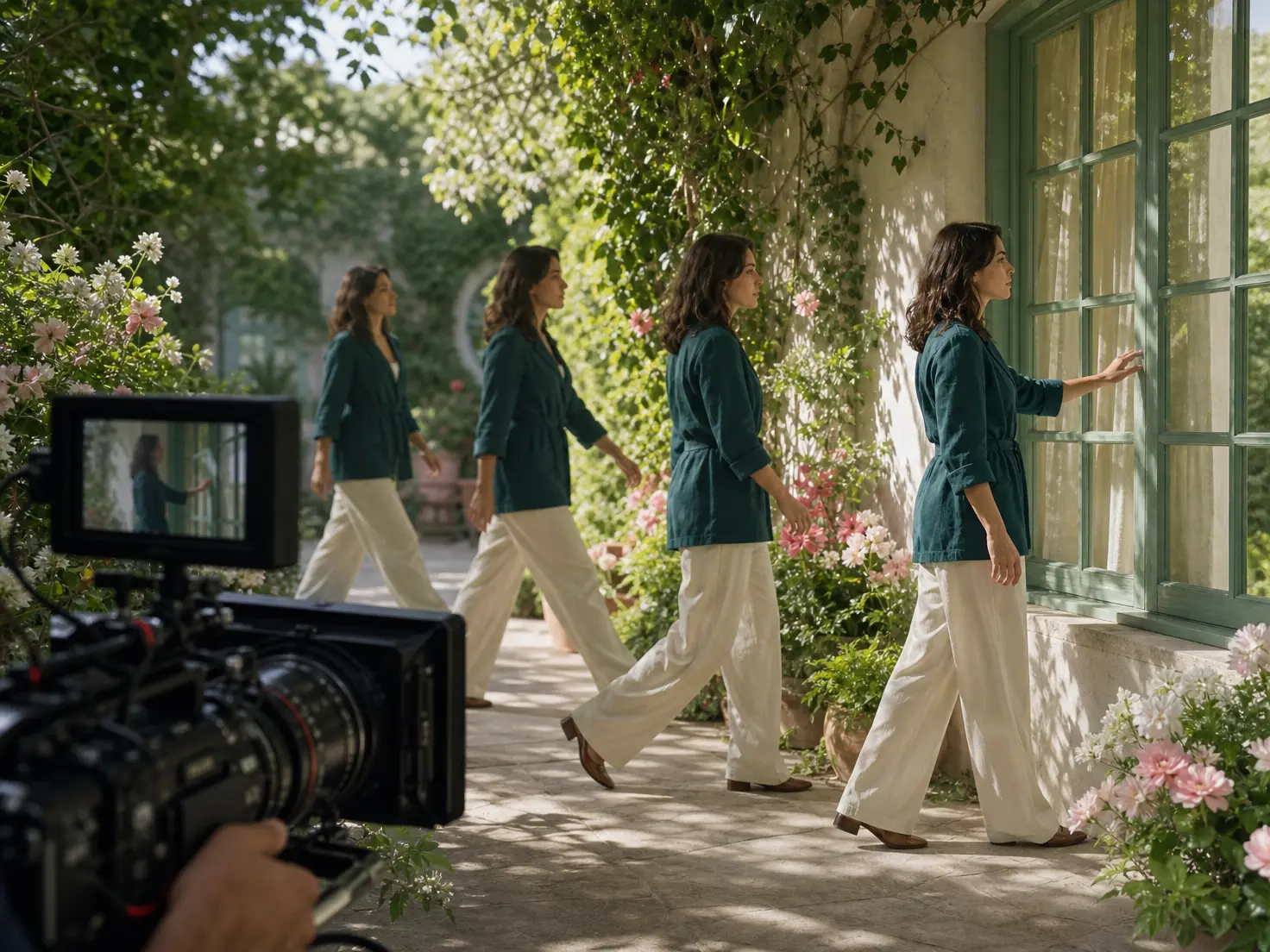
Map the scene by time segment, then name the action, setting, dialogue, and audio direction. Clear timing gives VideoAI a practical order to follow.
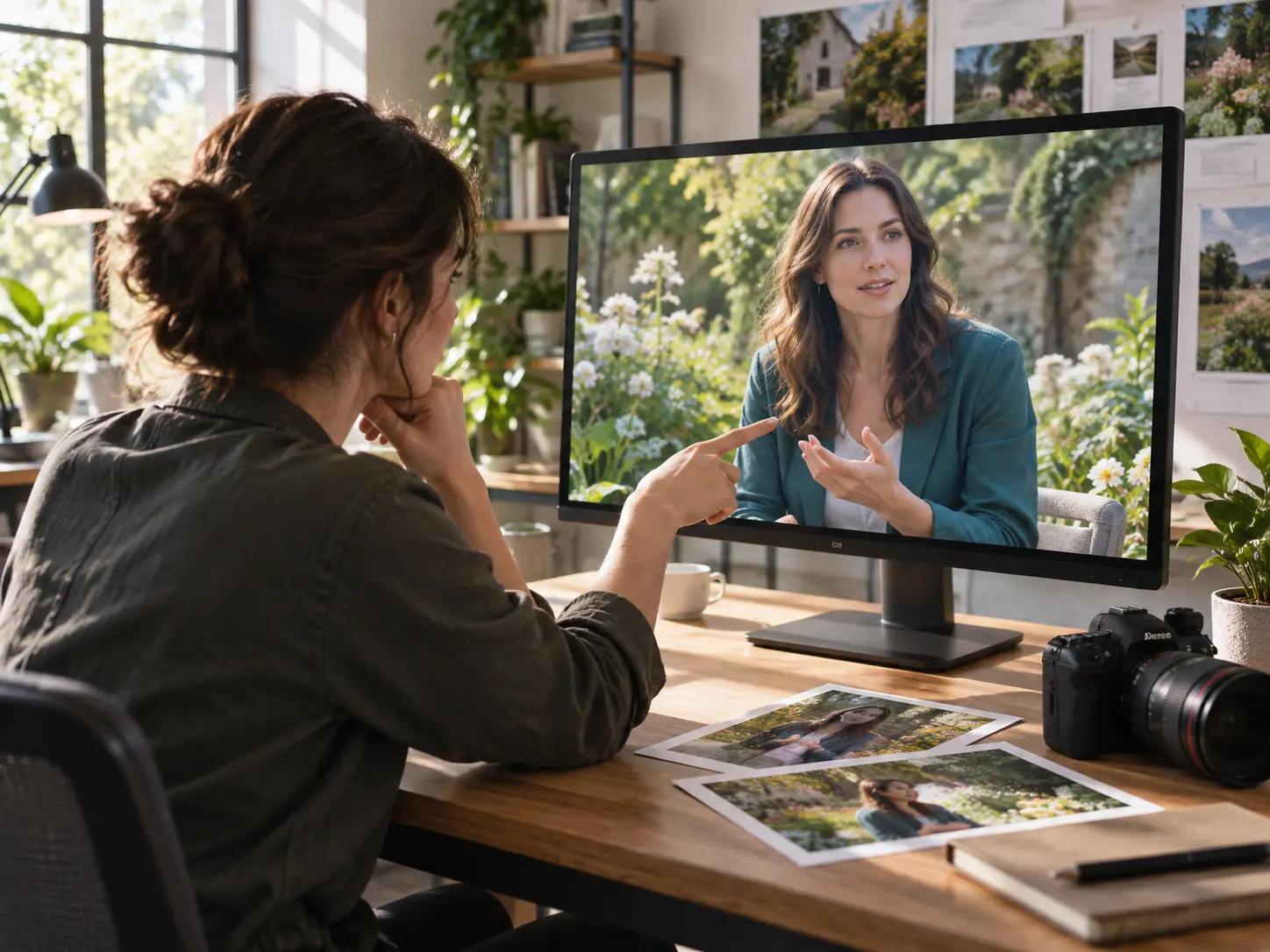
After the first result appears, write the adjustment in plain language. VideoAI can produce another version so motion, scene, or speech better match your plan.
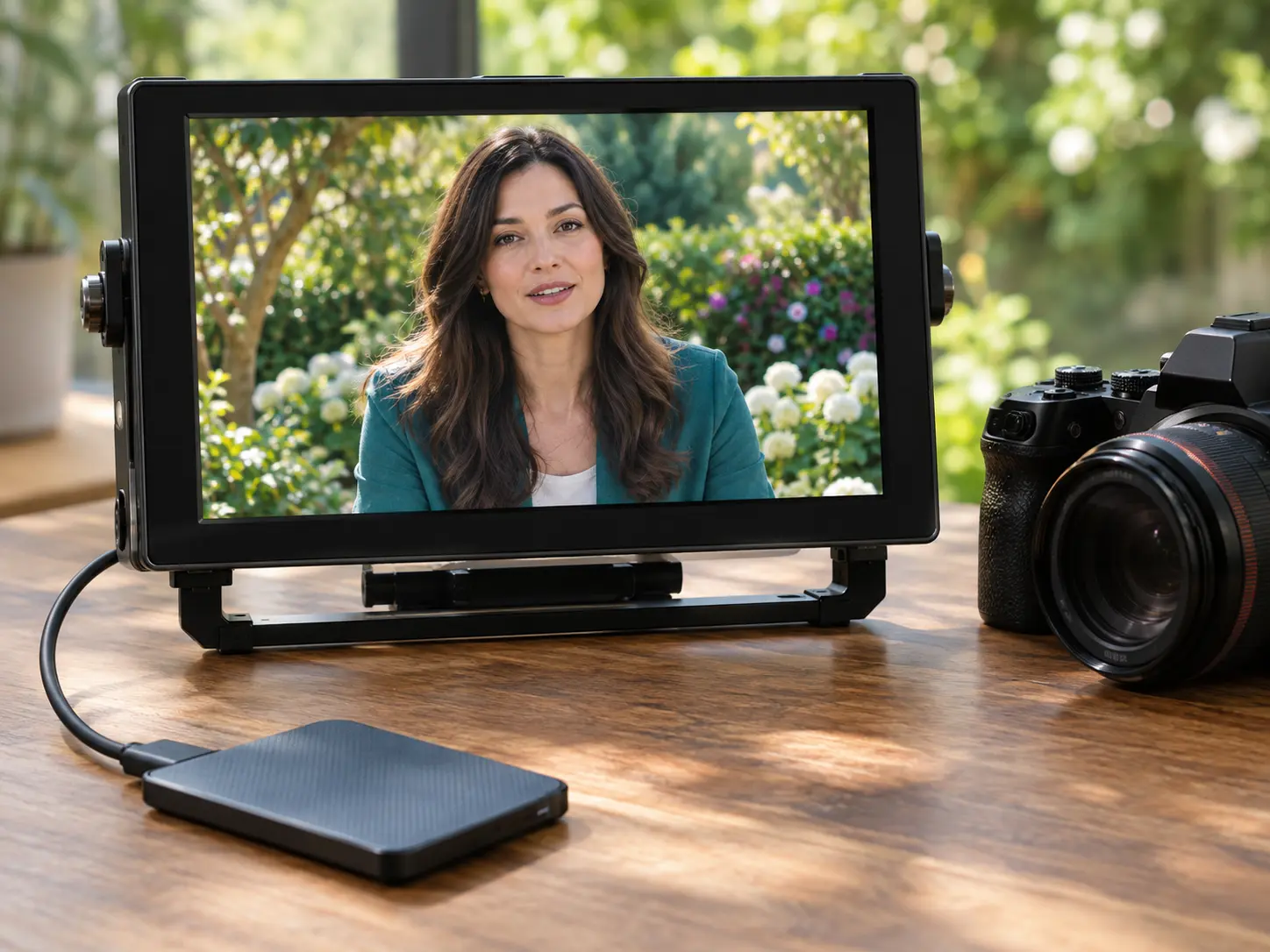
Download the finished video as an MP4. Output can reach up to 4K, and each single generation can be up to 30 seconds for one focused character scene.
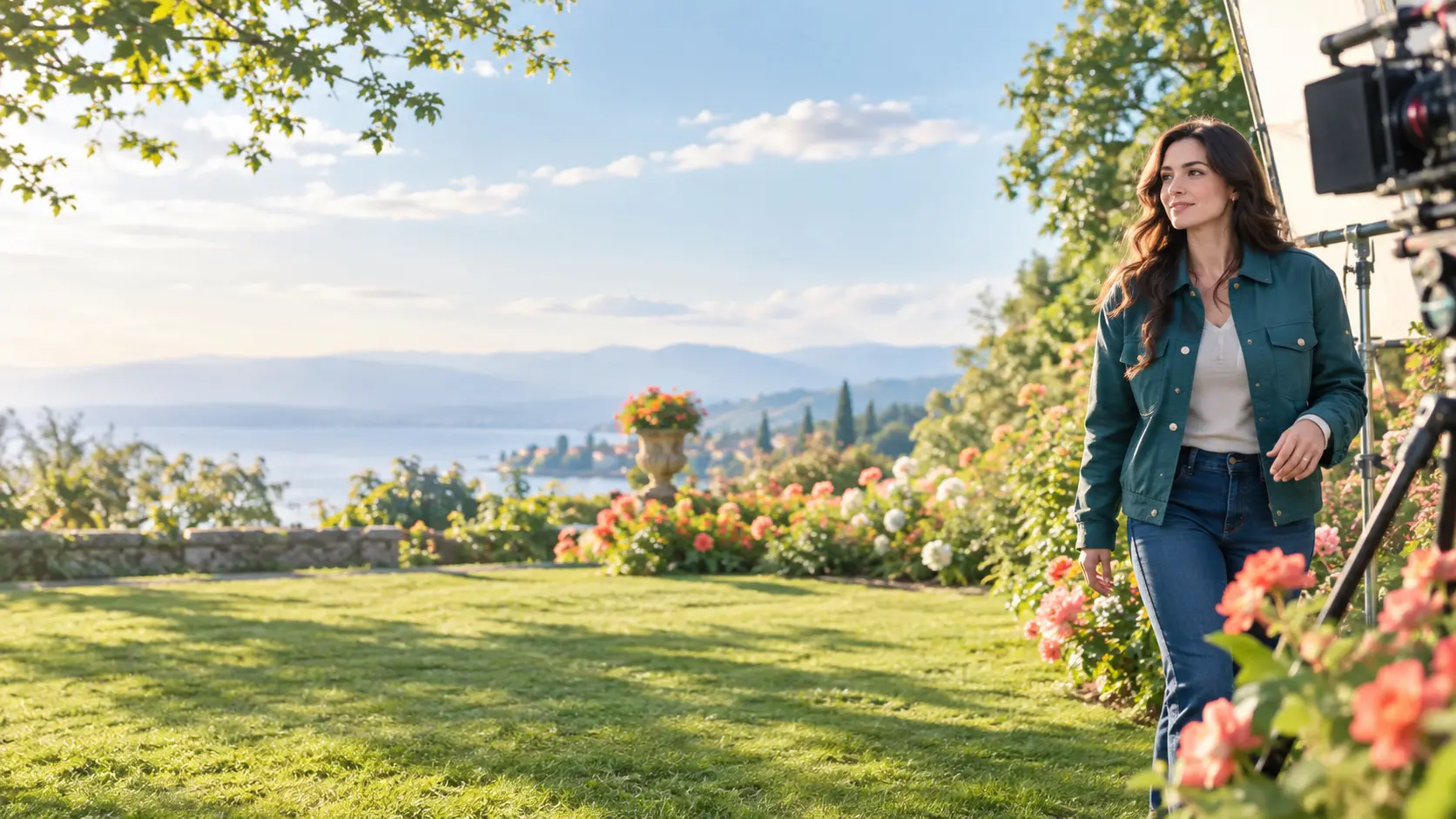
Log in to access the Free plan, which currently lists 10 credits. Create an original adult female character clip from a description or permitted reference image, guide the scene, then refine the MP4.
Get Started