
Free Business Video Maker

VideoAI turns a business idea or existing media into a timed video where you choose the opening, demonstration, and closing message.

Bright business video scene showing a product presentation, supporting visuals, and a closing message

Try an example

Shape Beats With Free Business Video Maker

Direct the sequence, references, sound, and delivery choices that define the finished business video.

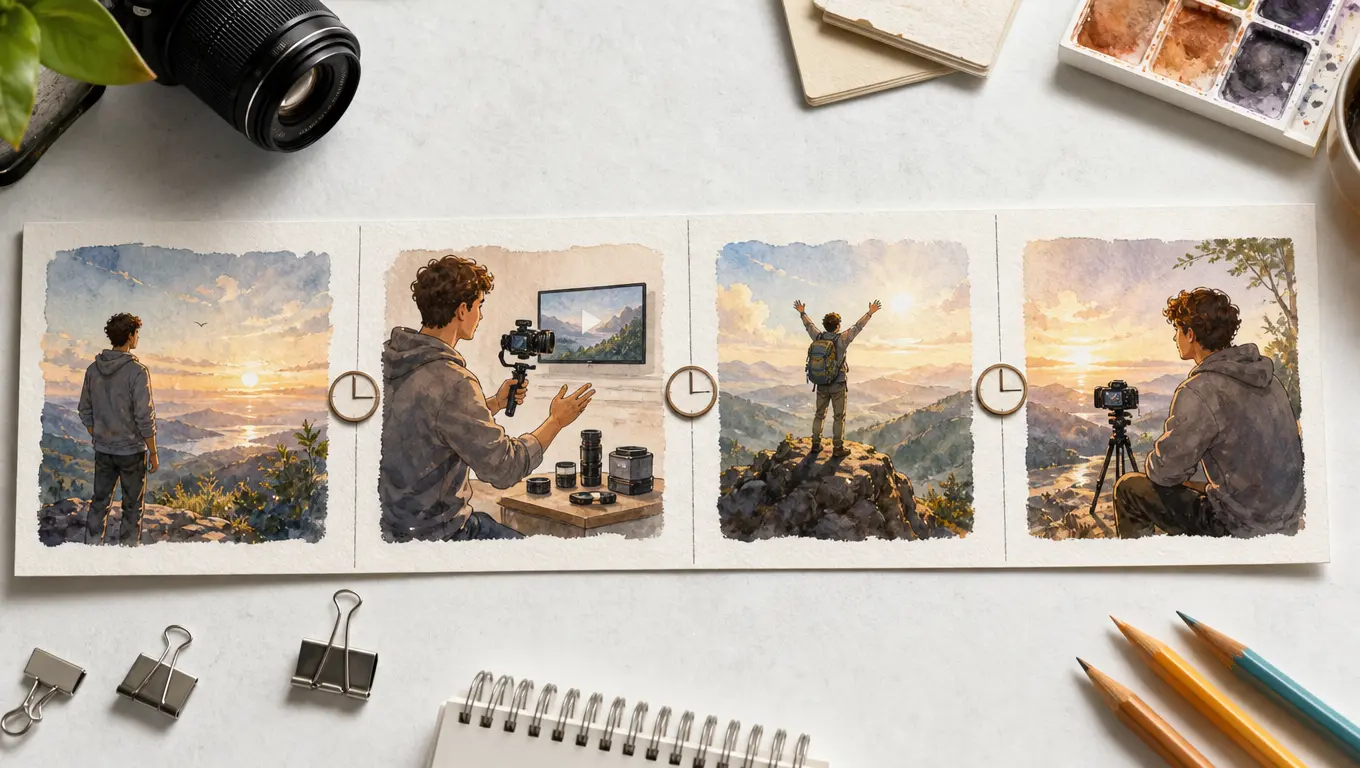
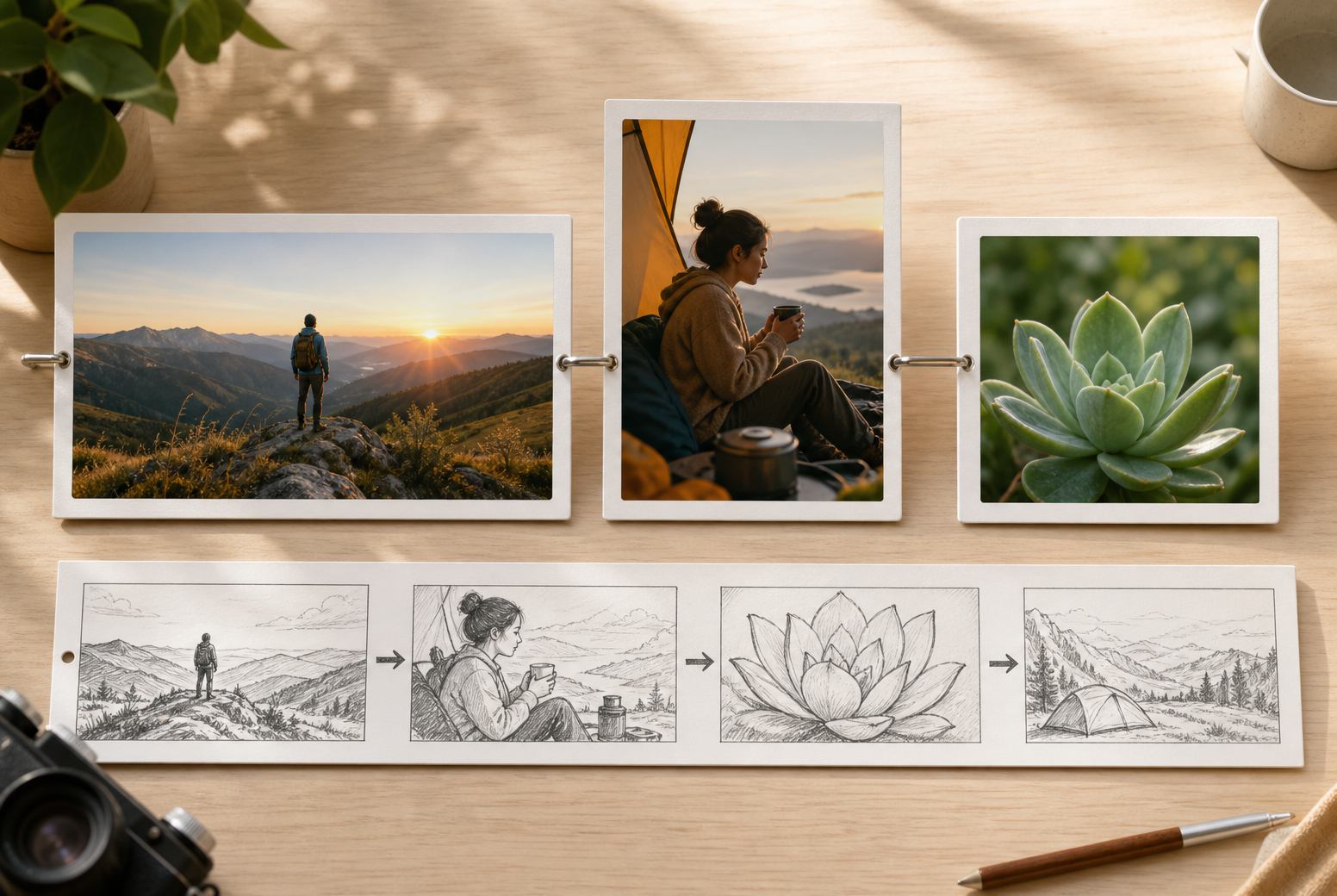
Timed storyboard showing an opening, product demonstration, proof, and closing message

Write The Story In Time Ranges

Set the opening context, product or service moment, supporting explanation, and closing message in explicit time ranges. VideoAI follows the sequence you describe so each beat has a clear job.

VideoAI workspace with product image, logo, existing clip, audio, and reference roles

Assign Roles To Your Media

Combine text, images, existing video, logos, and audio, then use @ to identify each reference as a subject, scene, first frame, camera movement, or music direction.

Business video scene guided by narration, music, sound effects, and a visual style

Guide Voice And Sound

Describe narration, add a reference voice, and direct background music, sound effects, or a music beat alongside the visual plan. A built in presenter can support spoken business content.

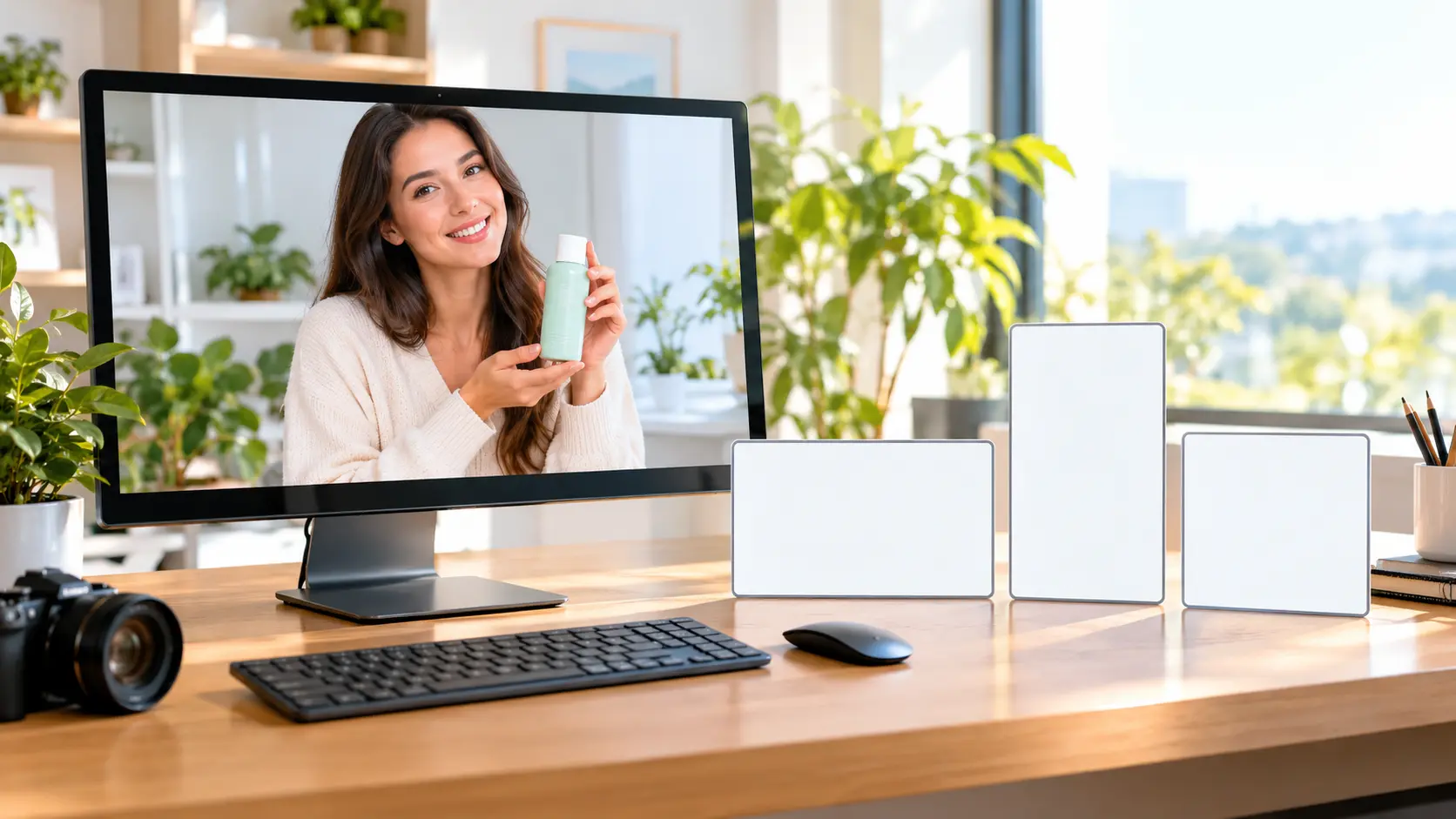
4K MP4 business video preview in vertical, square, and landscape ratios

Download A Clear Delivery File

Preview the finished sequence and download a 4K MP4 in 16:9, 9:16, 1:1, or 4:5. The generated video is watermark free and commercially usable under the confirmed policy.

Bring The Goal, Then Shape The Sequence

Follow the same practical path from business message to reviewed video output.

Business goal with product photos, existing video, logo, and audio references

Step 01

Bring The Goal And References

Sign in, describe the product, service, announcement, or internal message, then add available images, existing video, a logo, or audio. Start from a template or stock asset, and keep uploaded video references available in the workspace for reuse.

Timed video plan with ratio choices, reference roles, voice, music, and text

Step 02

Set The Ratio And Timed Beats

Choose 16:9, 9:16, 1:1, or 4:5 before generation. Write the opening, demonstration, supporting information, and closing message in time ranges, then use @ to assign reference roles and add voice, music, presenter, text, or visual style direction.

Generated business video preview ready for text revision and 4K MP4 download

Step 03

Generate, Review, And Download

Generate the requested sequence, preview the result, and describe a revision or continuation with another text instruction when needed. Download the reviewed 4K MP4 for commercial use.

Plan With A Free Business Video Maker

Shape a clear business story from the materials, message, and format you already have.

Introduce A New Product shown as a finished business video scene

Introduce A New Product

A small business has product photos and a new product to introduce. Use a business advertisement video maker with timed beats to set the opening, product demonstration, and closing offer, then review the focused result.

Explain A Service Clearly shown as a finished business video scene

Explain A Service Clearly

A service team needs to explain a problem, present its offer, and guide viewers to the next step. Set each beat yourself and shape the video around the intended message.

Frame A Limited Offer shown as a finished business video scene

Frame A Limited Offer

A promotion needs clear wording and supporting visuals before its final date. Plan the offer with a business promo video maker, add a short in frame message, and close with the offer details you want viewers to remember.

Announce An Event shown as a finished business video scene

Announce An Event

An event team has a logo, venue reference, and date to bring together. Start from a template or describe the timed sequence, then finish with a clear event announcement.

Choose Your Free Business Video Maker Audience

Small business owner planning a product video with photos and a closing offer

Small Business Owners

Bring an offer, product image, logo, or existing clip into a timed plan, then decide what each moment should show. This small business video maker workflow helps owners shape a repeatable message for a product or service.

Start Confidently With Free Business Video Maker

Start by signing in, describing your business goal, and adding available images, existing video, a logo, or audio. Set a timed plan for the opening, main message, supporting information, and closing, then generate, review, revise, and download the result.

VideoAI provides a 10 credit allowance after login. Use those credits to create a business video from your goal, references, timed sequence, and selected output ratio.

Bring text, images, existing video, audio, or a logo, then use @ to assign each reference a role such as subject, scene, first frame, camera movement, or music.

Choose 16:9, 9:16, 1:1, or 4:5 before generation, then write the message and closing beat for the destination you selected.

The result is a 4K MP4 with up to 30 seconds per generation, and the video can be extended when the sequence needs more time.

Describe the narration you want, add a reference voice when useful, and direct background music, sound effects, or a music beat through the prompt or reference path.

Preview the first result, then give VideoAI another text instruction to revise or continue it. Generated videos and uploaded references remain available in the workspace for reuse.

Generated video is commercially usable and the exported file is watermark free under the confirmed policy.
Bright creative studio table with product samples and a finished business video frame

Turn Your Business Idea Into Video

Bring your goal and references, shape each beat, then review the finished message in VideoAI.

Get Started
Free Business Video Maker - Business Video Creator - VideoAI