
Step 01
Add Text Or Reference Image
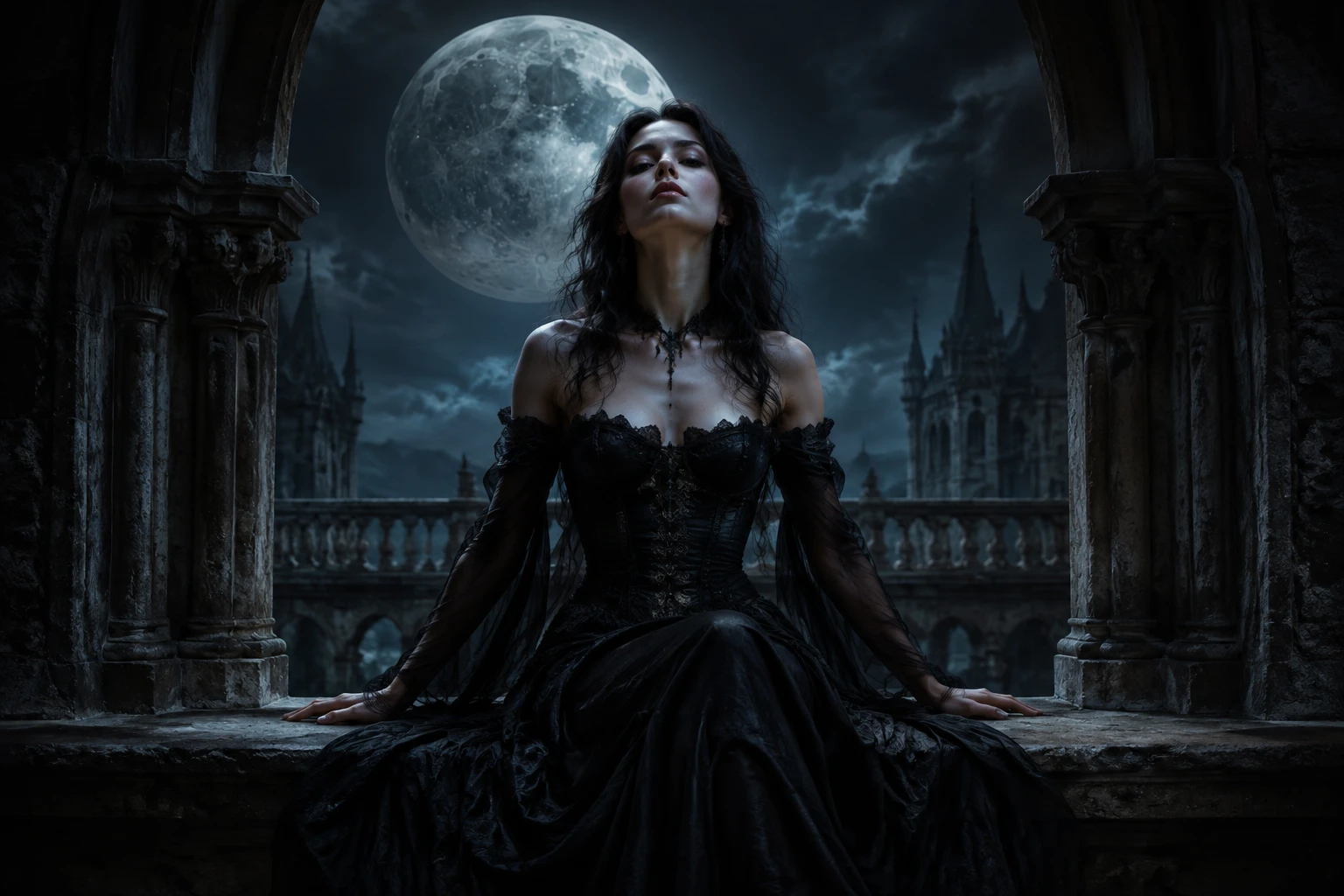
A moonlit courtyard scene, a reference image, or both give VideoAI clear guidance for the subject, composition, and gothic mood.

Goth AI turns a dark scene description or reference photo into gothic artwork you can compare, refine, and download in VideoAI.
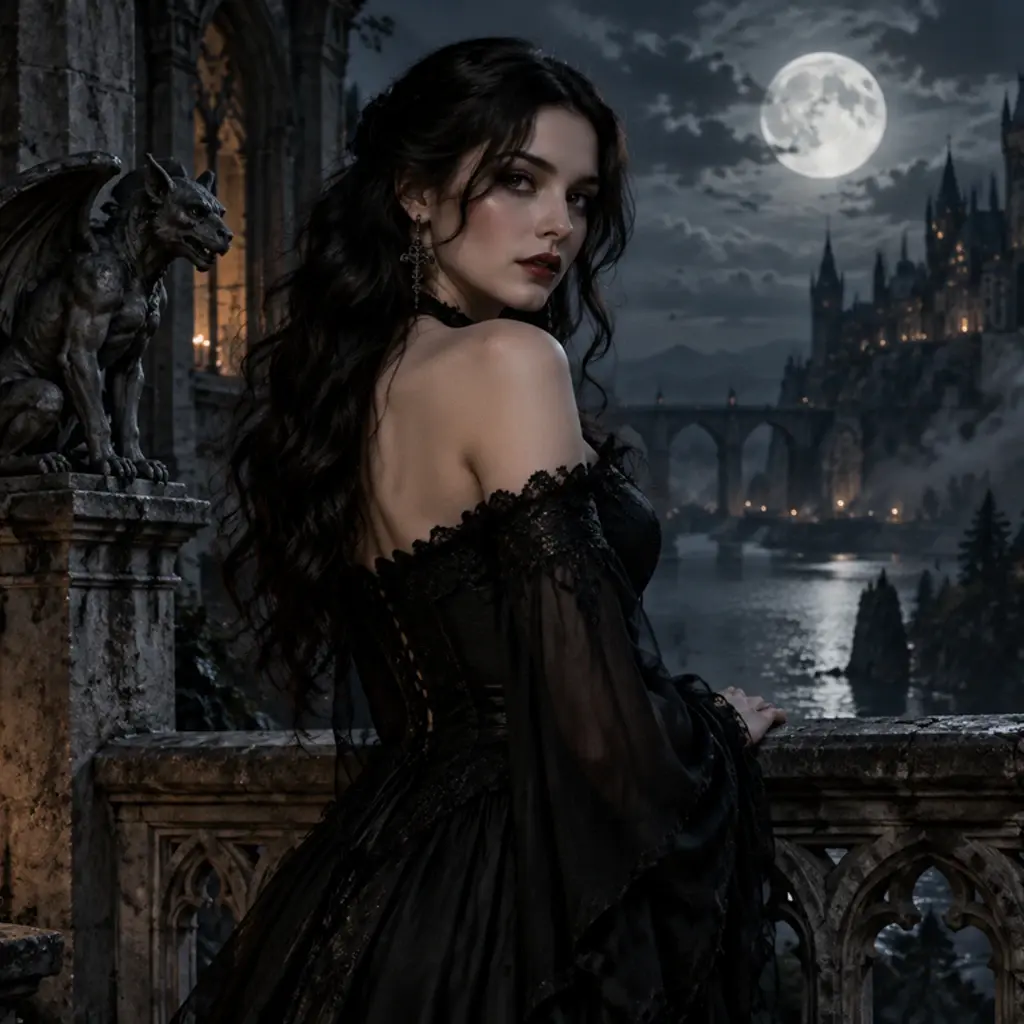
VideoAI helps creators begin from text or a reference photo, define the subject, setting, and mood, then compare image directions before downloading a selected result.
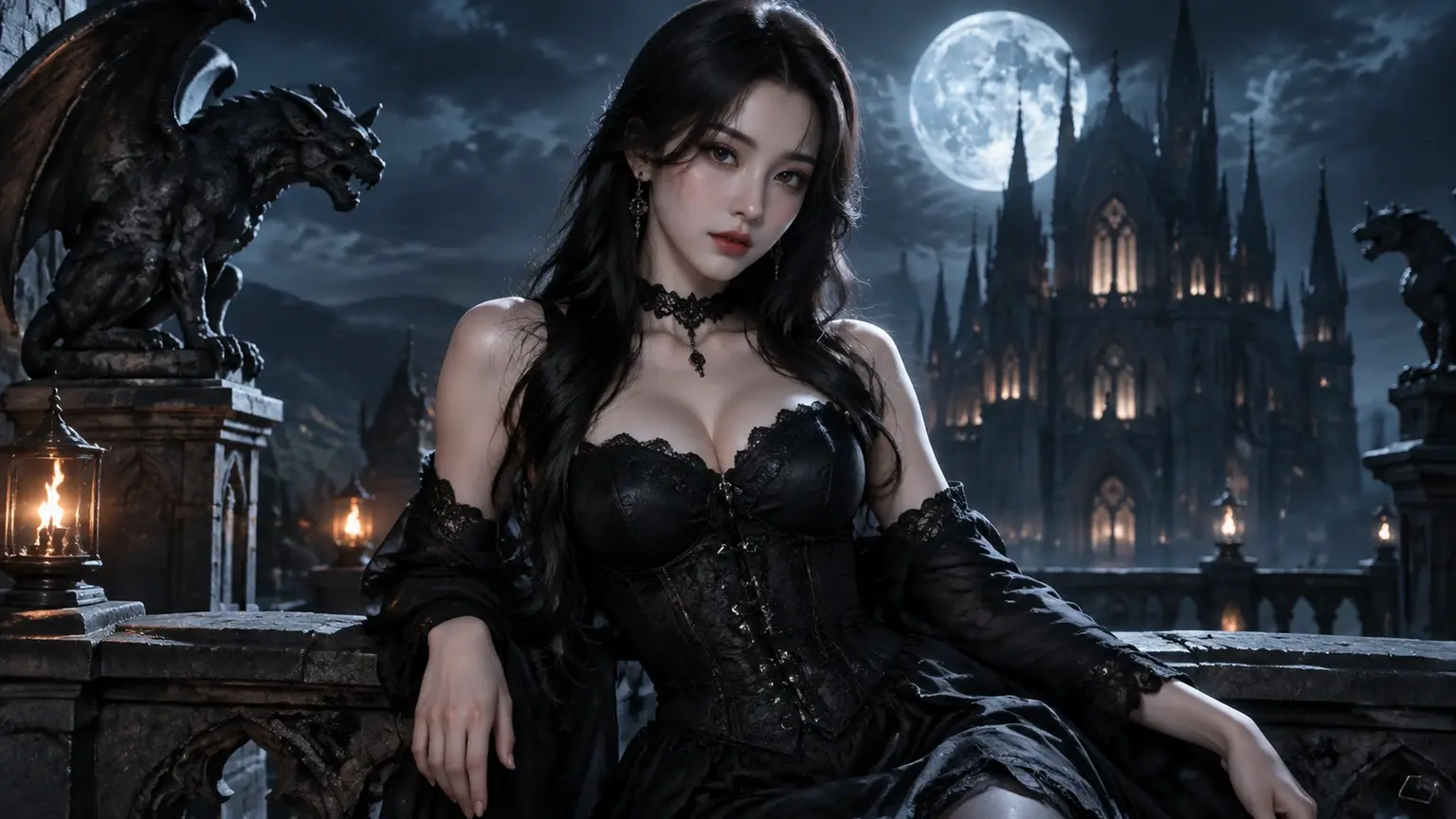
When your idea is still in your head, write a text prompt for the subject, setting, and mood, or add a reference photo to guide the composition and visual direction.
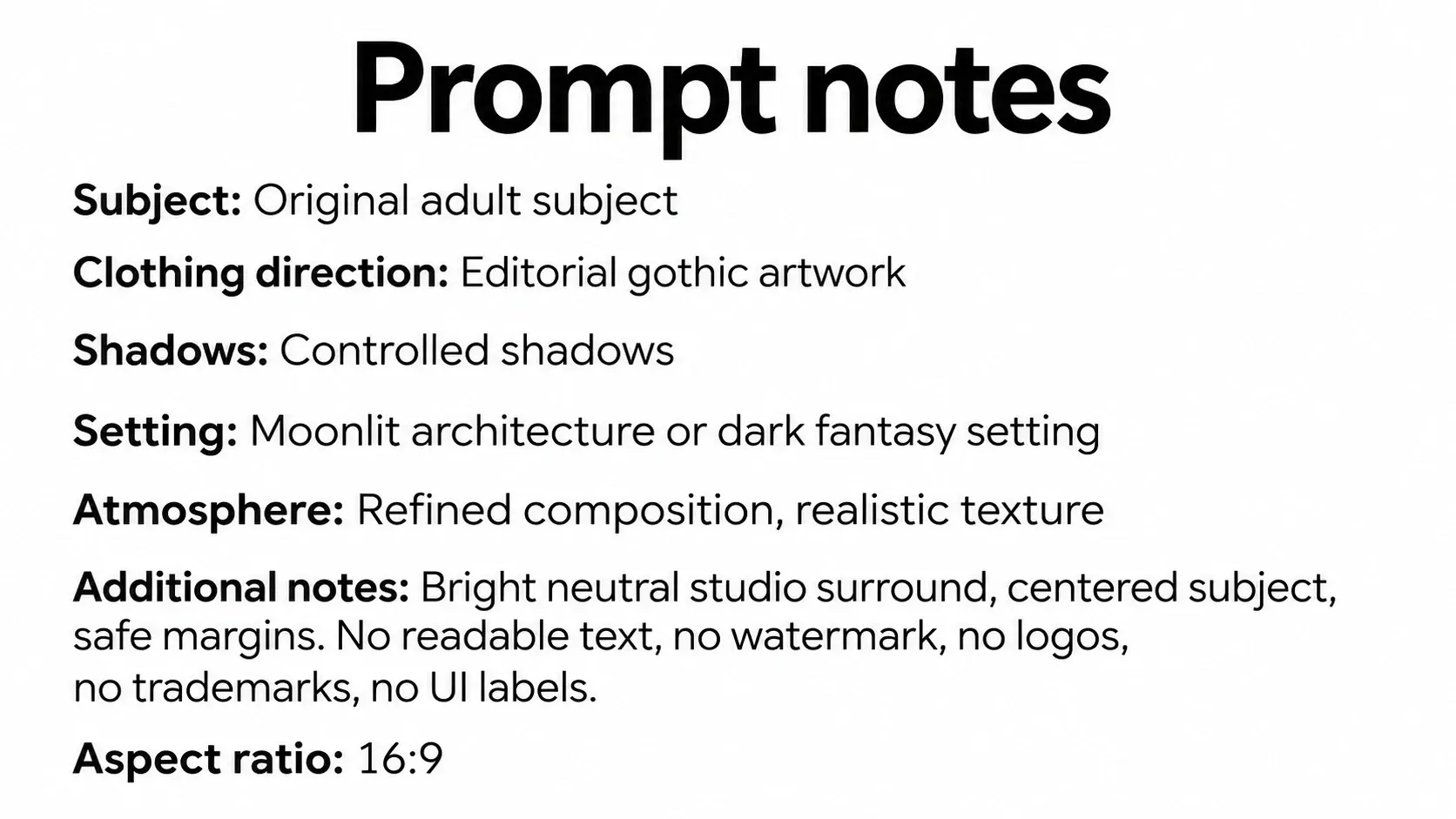
If the image needs a stronger gothic mood, describe the subject, clothing direction, shadows, setting, and atmosphere so VideoAI can generate around your creative direction.
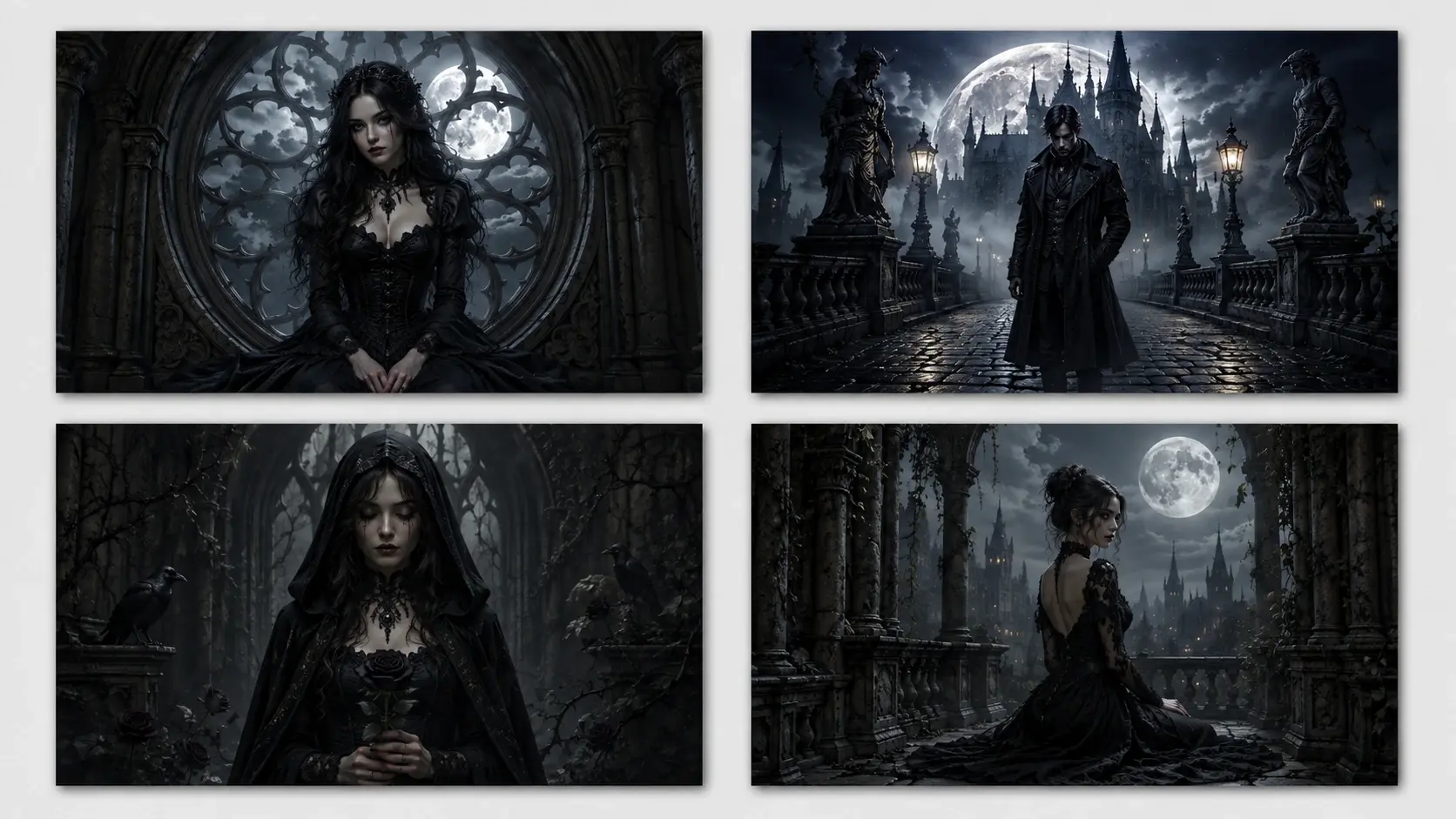
When the first results appear, compare four candidate images, choose the mood that fits best, revise the wording, and keep moving toward the final artwork.
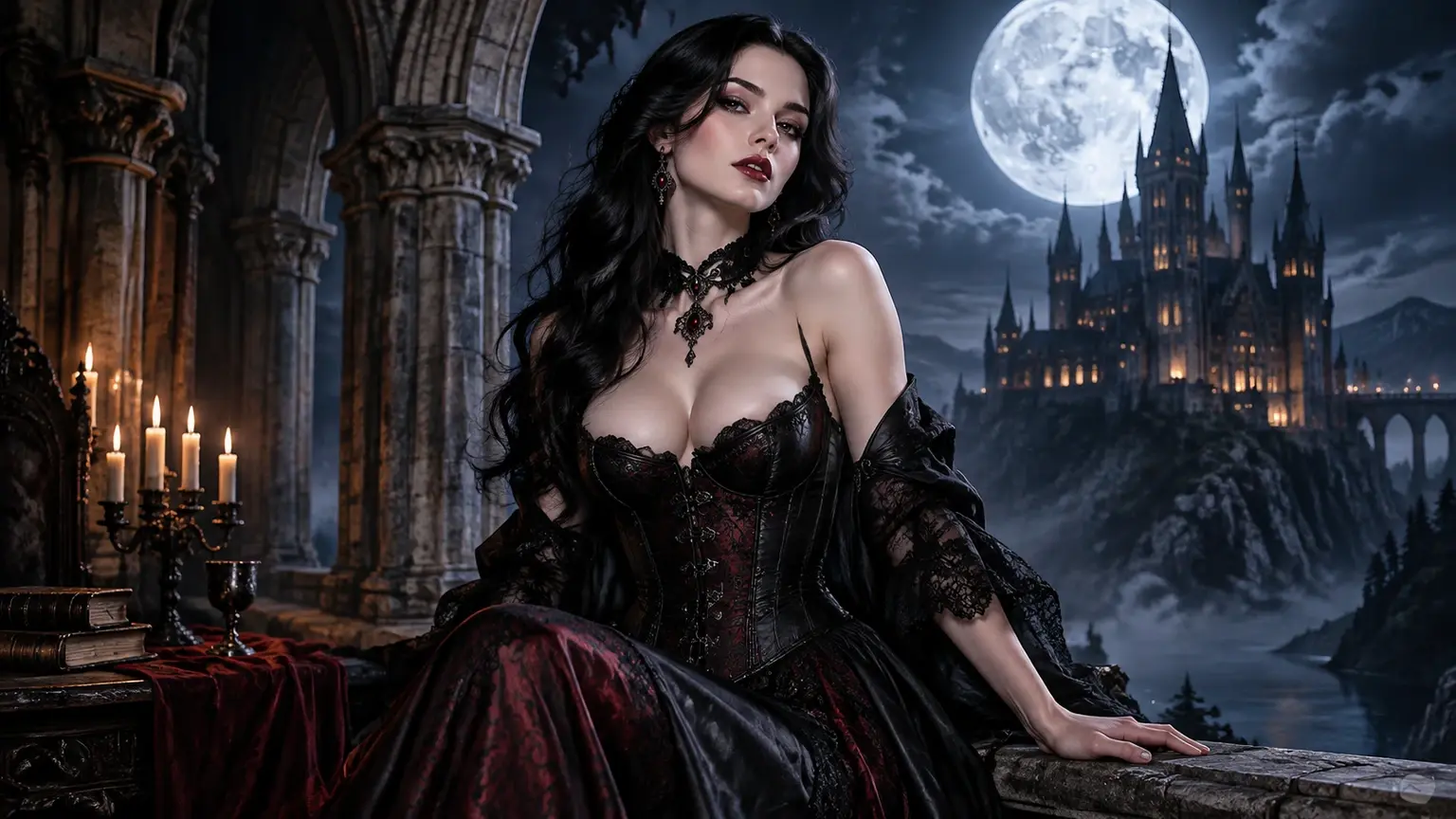
Select the image that works for your project and download it up to 4K with no watermark for layout, presentation, or later creative work.
Turn a loose visual idea into selected artwork by giving VideoAI a clear input, creative direction, and revised prompt.
Step 01
A moonlit courtyard scene, a reference image, or both give VideoAI clear guidance for the subject, composition, and gothic mood.
Step 02
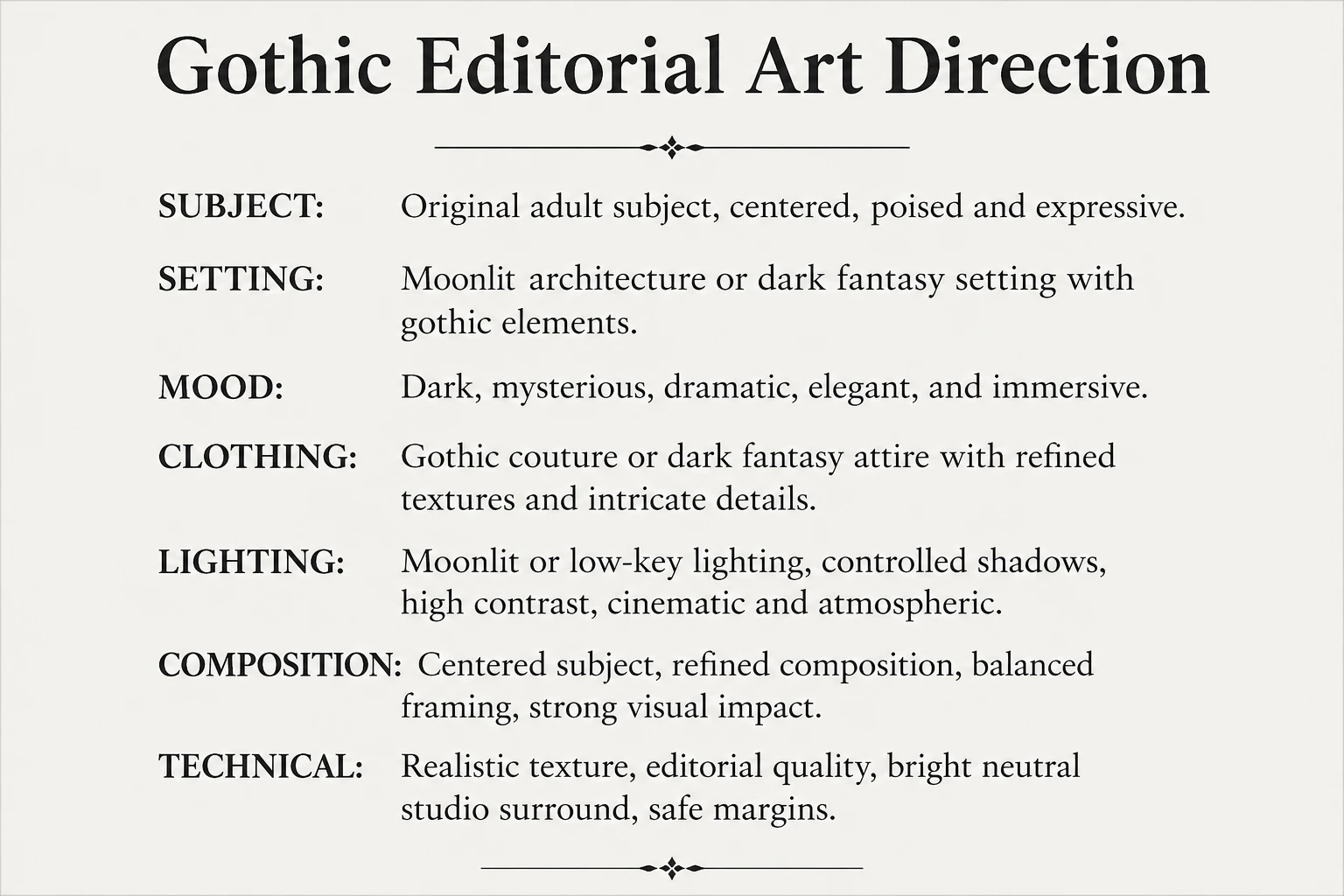
Name the subject, setting, mood, clothing direction, lighting, and visual cues you want VideoAI to follow before it creates a new gothic image.
Step 03
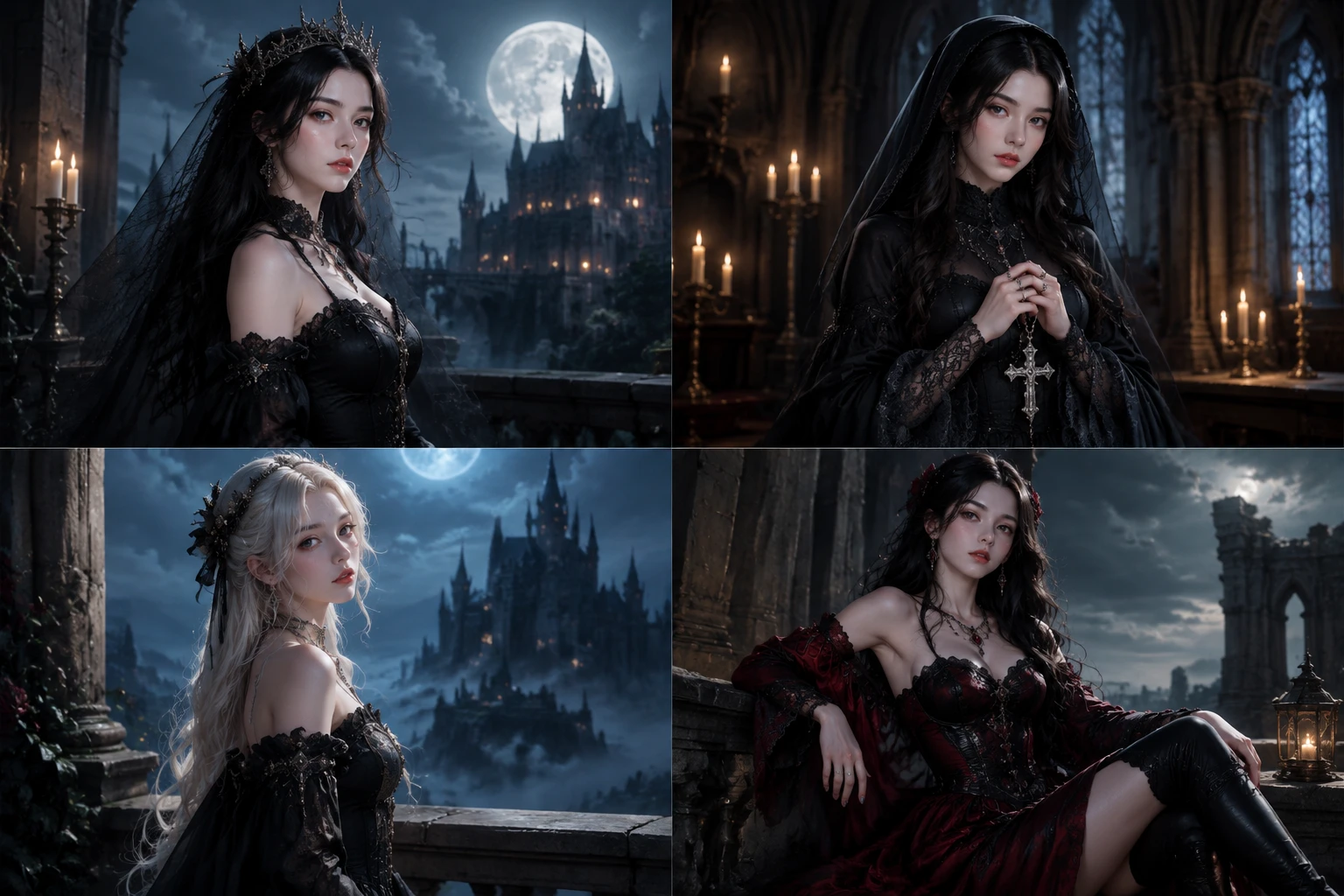
Review four Goth AI candidates, choose the direction that fits, revise the prompt, and download the finished image up to 4K.
Use VideoAI when the project needs a dark visual direction before production, layout, or client review.
A goth fairy concept can combine wings, forest shadows, moonlight, and dark clothing in one prompt, making it useful when you need an original fantasy character direction before polishing the scene.
An ai generated goth girl image starts from an original character description or a reference photo, then focuses on face framing, mood, wardrobe direction, and gothic lighting for a new portrait idea.
Profile artwork needs a clear face, readable silhouette, and controlled atmosphere, so goth ai works well for testing a darker personal visual before choosing one image to refine.
Original fiction or tabletop projects often need mood before final design, and VideoAI can turn a character role, setting, and shadow language into image drafts for discussion.
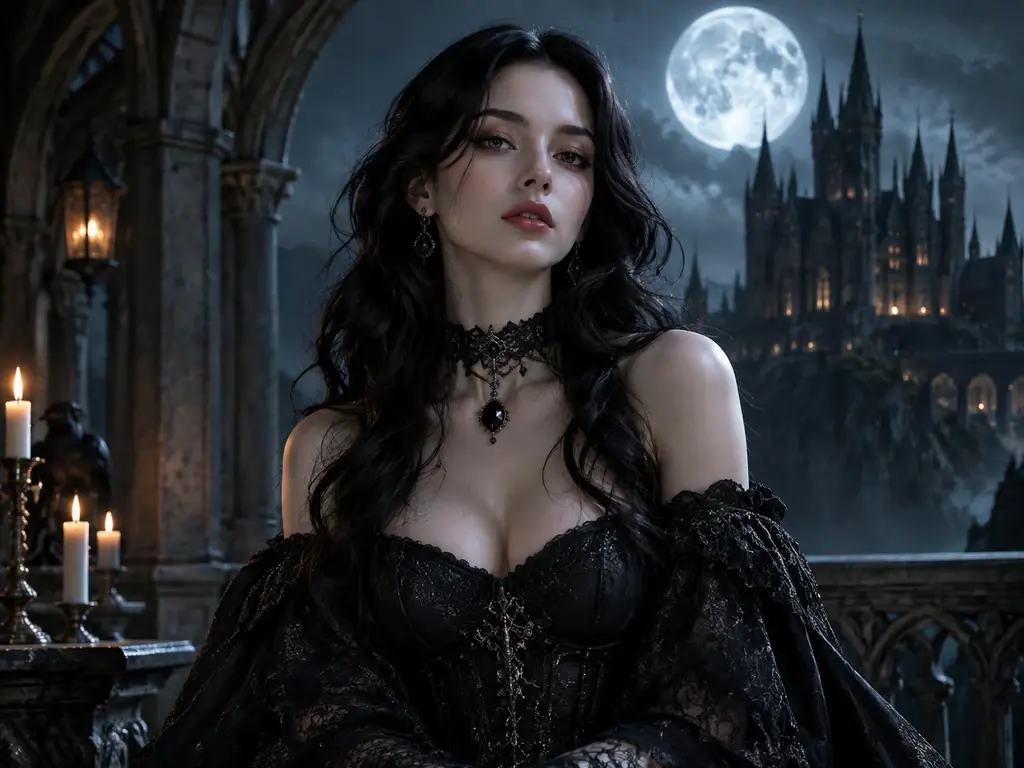
Creators making social, campaign, or client visuals can use VideoAI to test goth ai subjects, settings, and atmosphere before committing to a final direction.
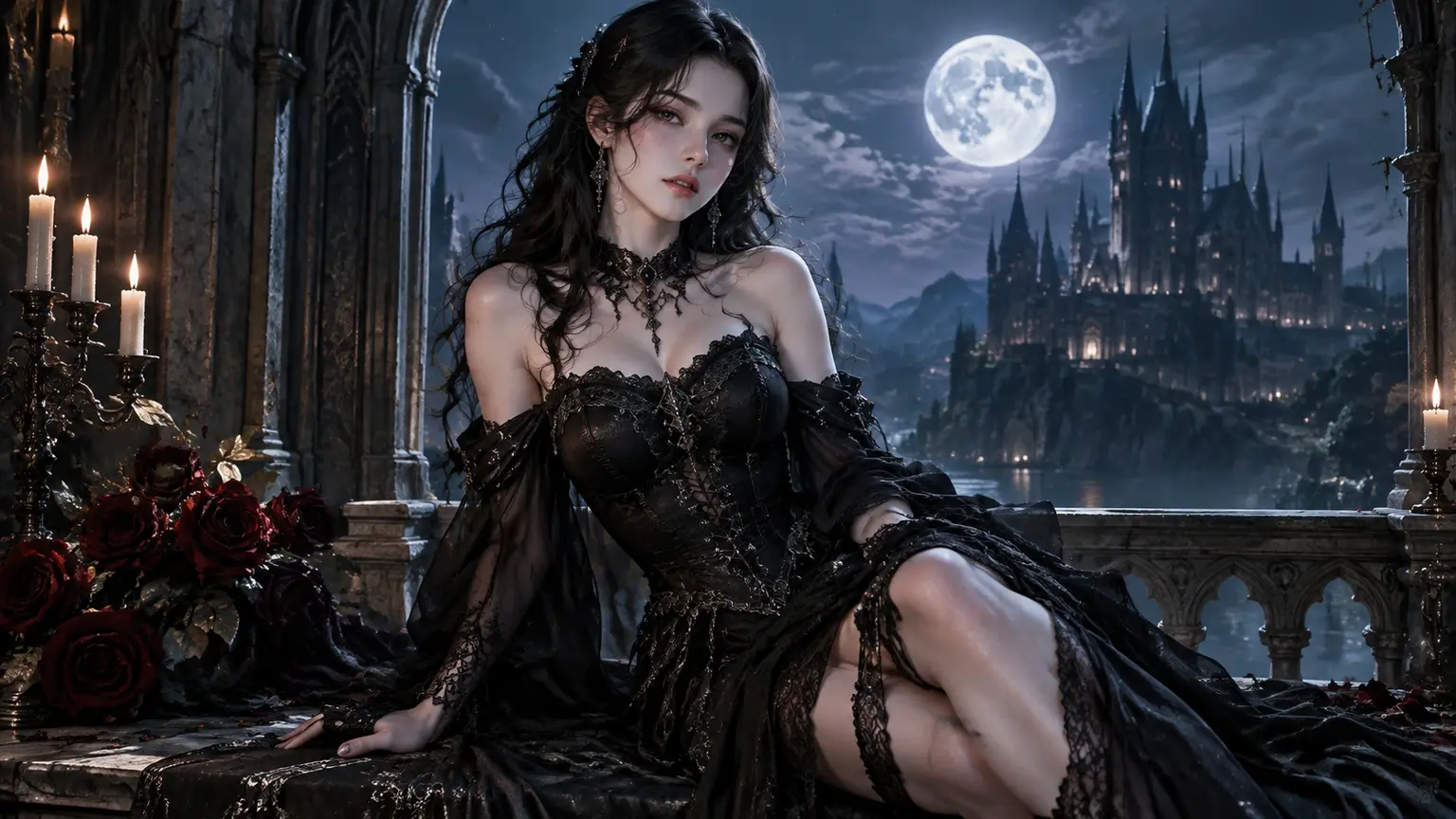
Start with a dark scene, a character idea, or a reference image, then compare four gothic drafts and refine the one that fits.
Get Started
