

Happy Birthday Poster Maker
Use the happy birthday poster maker to turn a recipient's favorite colors and party theme into celebration artwork. Start from an idea or an authorized reference image, and leave space for a name or personal wish. Review the result before sharing or adding final lettering in a layout editor.
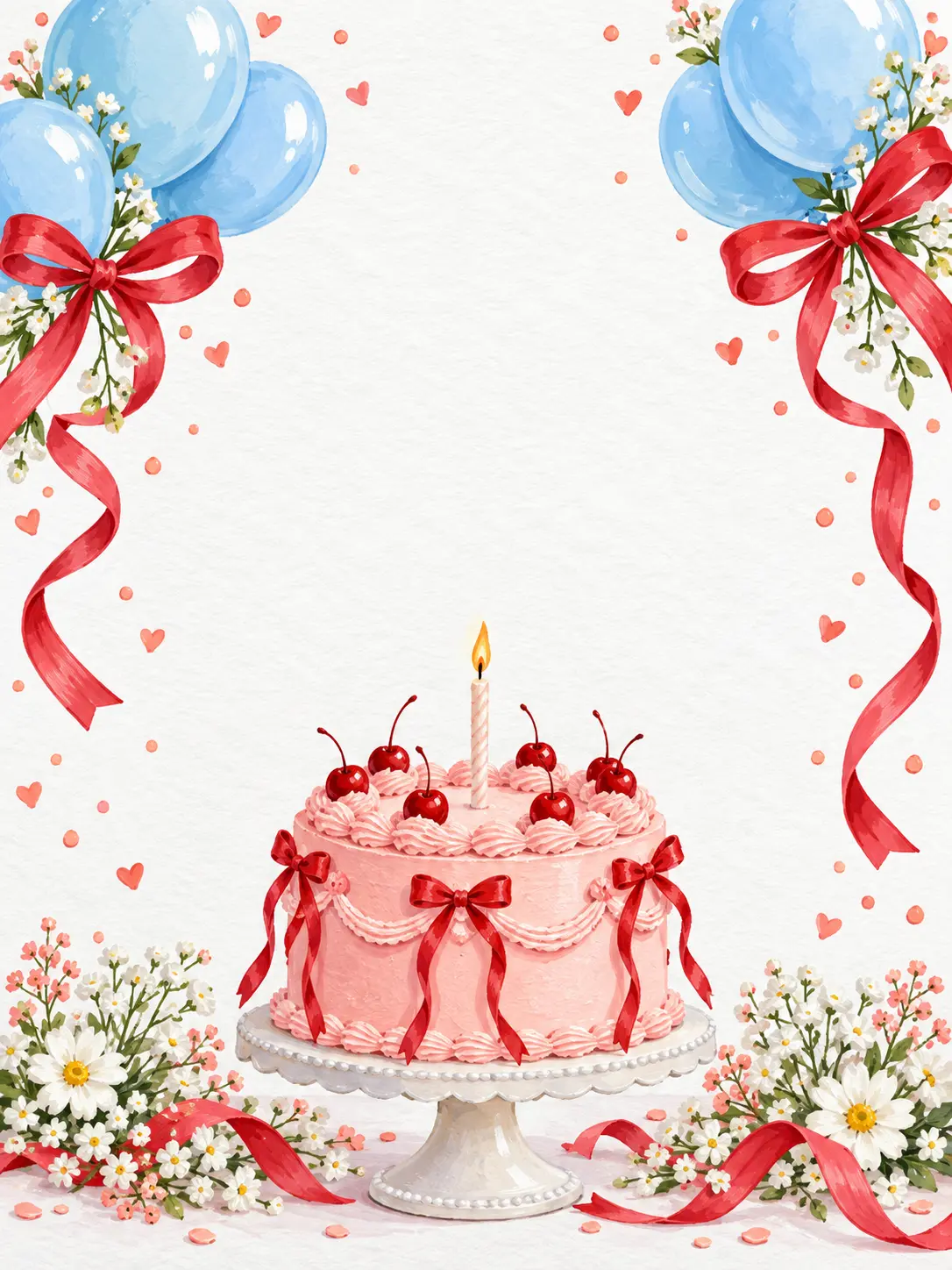
Make the Birthday Artwork Feel Personal
Choose the celebration mood, reserve space for your wishes, and compose for the place the image will appear.
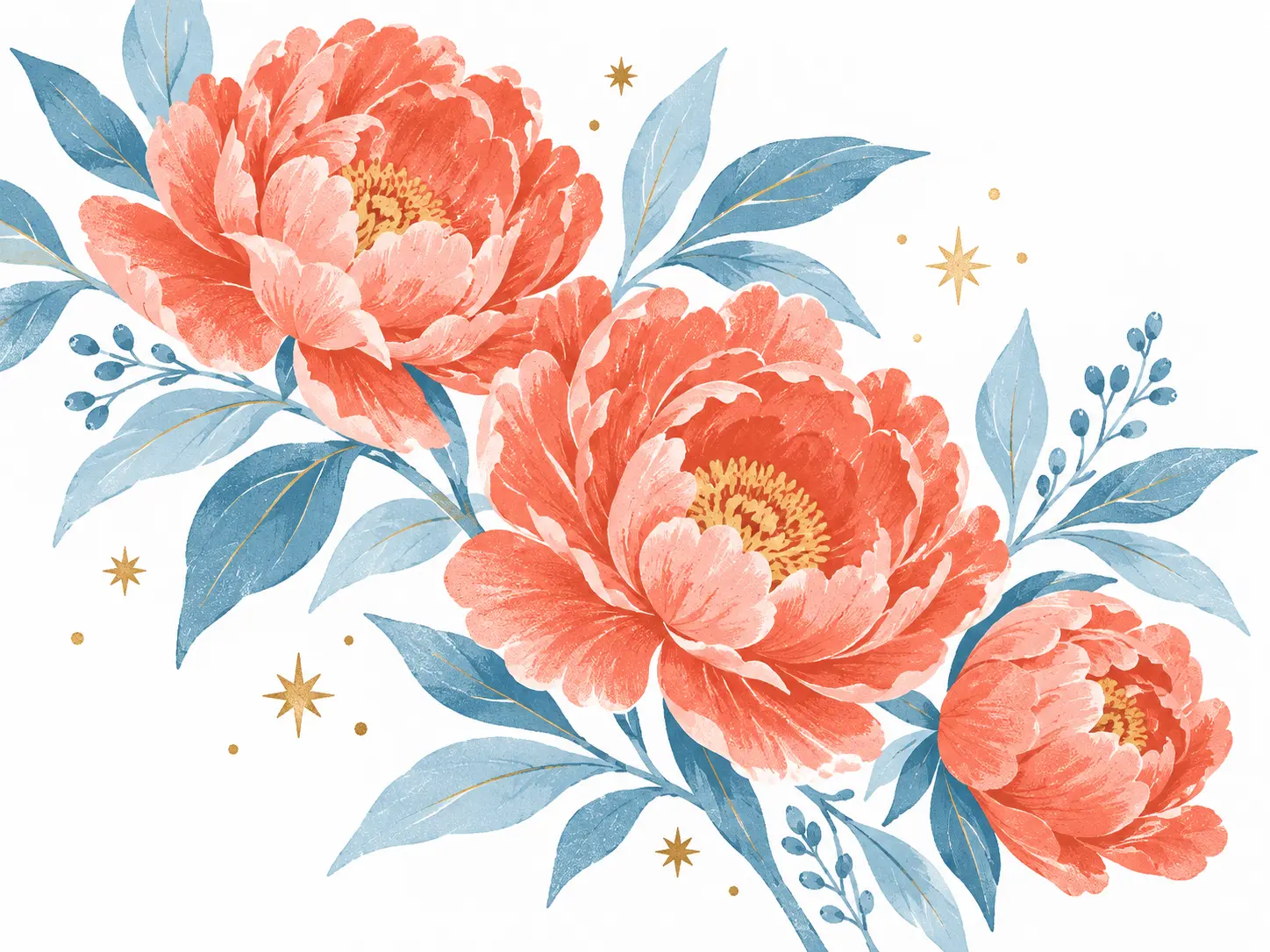
Build a Theme Around the Recipient
A birthday graphic feels more thoughtful when it reflects the person receiving it. Describe a favorite flower, hobby, color combination, or party theme instead of listing every possible decoration. For a modern happy birthday female design, specify the actual mood you want, such as crisp floral illustration, playful collage, or elegant sparkle. The happy birthday poster maker interprets your brief into a visual direction; compare the details rather than expecting an exact template.
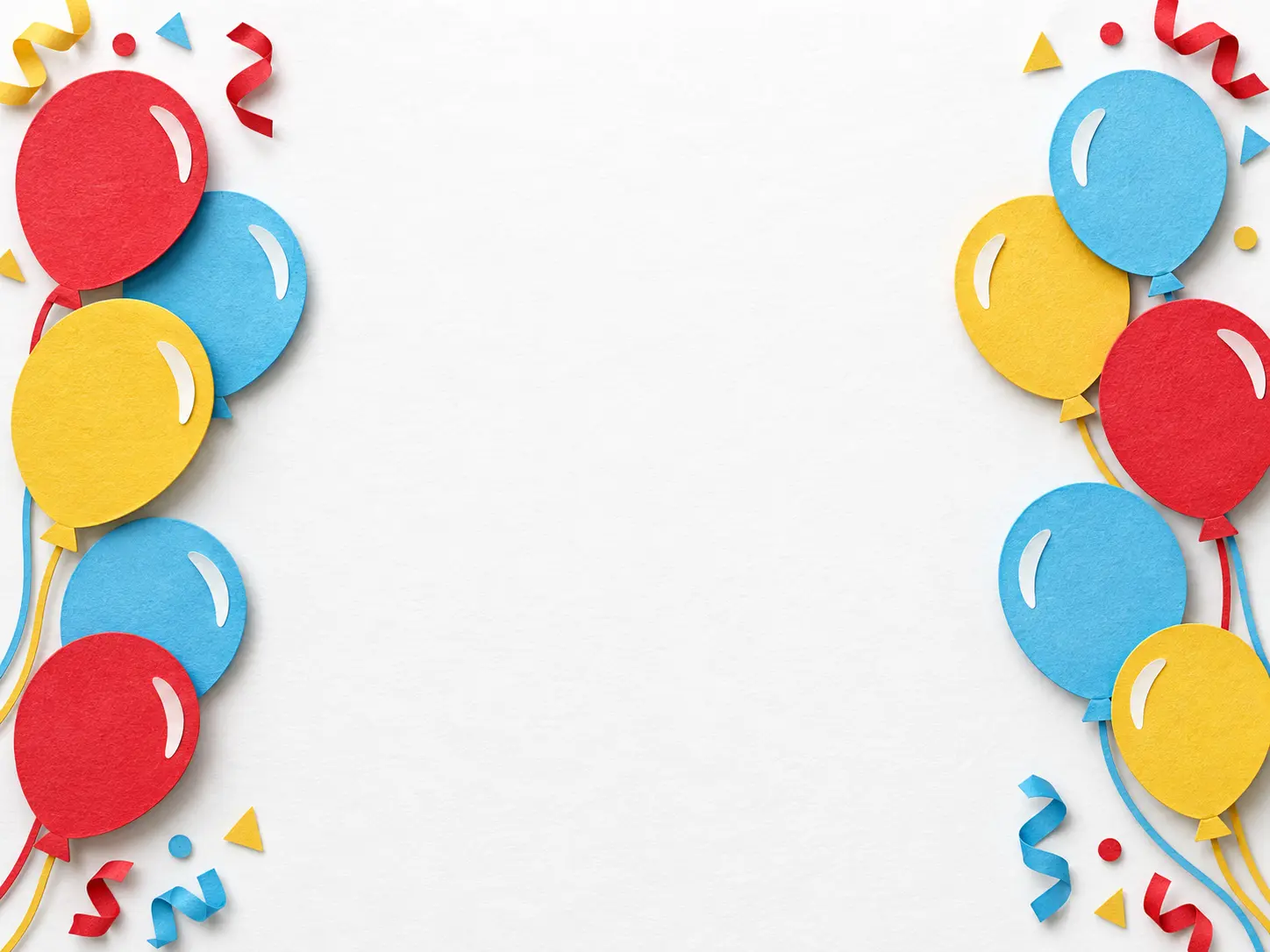
Leave Room for Names and Birthday Wishes
If you want happy birthday wishes images or happy birthday images with a name, plan the message area before generating. Ask for a quiet center or a clear top margin so decoration does not compete with the words. Add the recipient's name, age, and exact wish in a layout editor afterward for reliable spelling and spacing. Generated lettering needs review, and this happy birthday poster maker is not a drag-and-drop text editor.
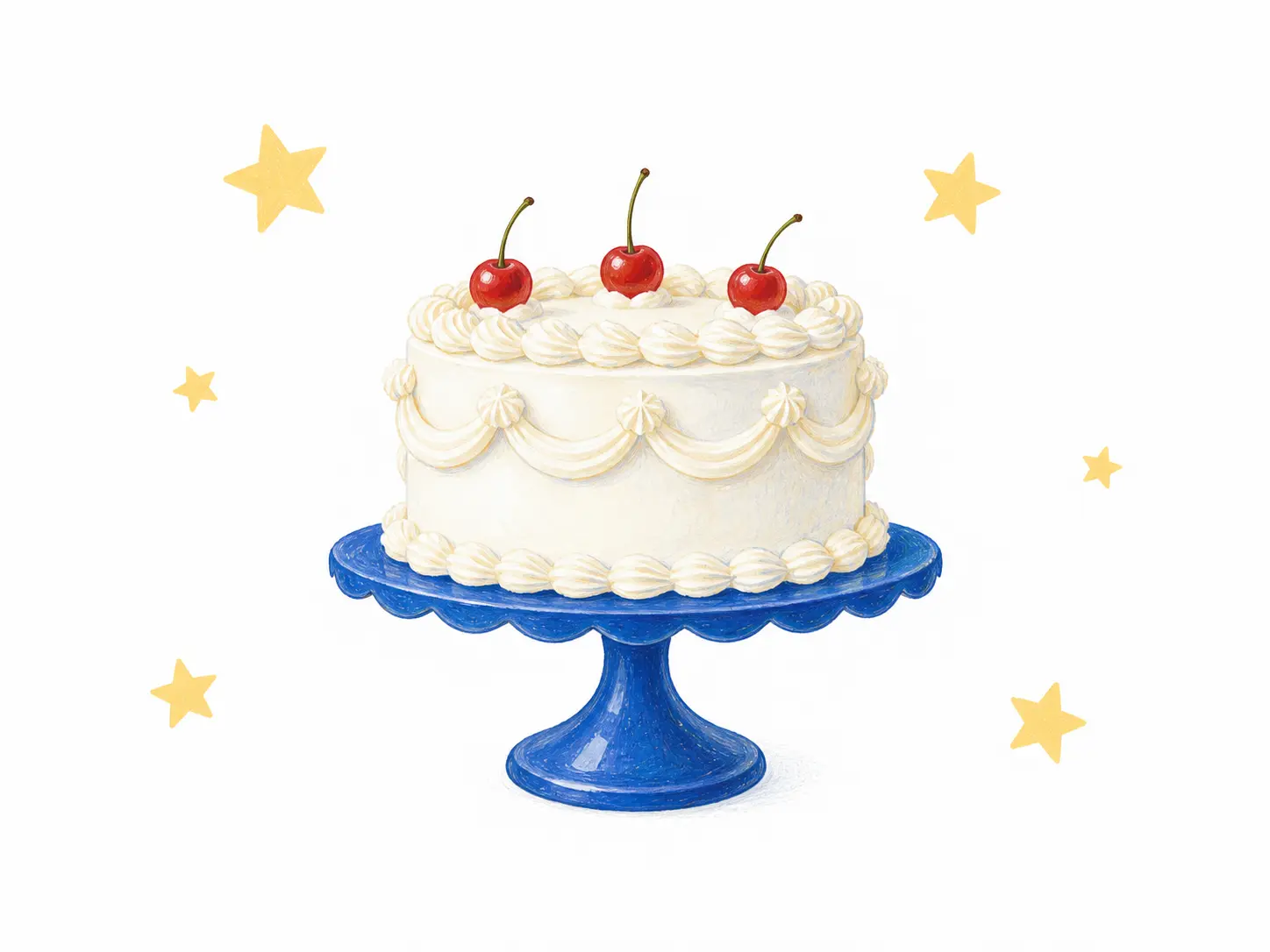
Compose for a Post, Card, or Poster Board
Choose the image shape before you generate: portrait for a birthday poster board concept, square for a social post, or landscape for a greeting shared in a chat. Keep the cake, flowers, or main illustration away from the edges to make later cropping easier. A happy birthday card design needs a clean focal area, while a larger display also needs sufficient final pixel dimensions. Check the downloaded file and your printer's requirements before ordering a physical print.
How to Make a Happy Birthday Poster
Brief the artwork first, then finish the message and delivery format.
Describe the Celebration
Name the theme, palette, focal illustration, and intended use. Add an authorized reference if you want to guide the visual style. Choose a portrait, square, or landscape ratio to suit your destination.
Generate and Review the Artwork
Open the creation panel and review the generation settings before creating. Check the decorations, any referenced details, and the open message area. Revise the prompt if the composition feels crowded.
Finish the Wish and Share
Download the chosen image and add exact wording in a layout editor if needed. Verify names and dates, preview at the size people will see, and check resolution before printing.
Birthday Artwork for Different Celebrations
A Personal Birthday Greeting
Create a warm illustration for a friend or family member, then pair it with a wish that sounds like you. Keep personal details out of the artwork unless you have permission to use them.
A Party Welcome Display
Develop a happy birthday poster that matches the cake table or party palette. Add the final name and age separately, and check the print size with your supplier.
A Social Birthday Post
Make a square bday graphic with one clear subject and enough contrast to read on a phone. Keep the longer greeting in the caption rather than crowding the image.
A Card Design Starting Point
Generate decorative artwork for a birthday card cover. Complete the typography, fold dimensions, and print layout in a dedicated design tool.
Happy Birthday Poster Maker Questions
Create Artwork for Their Birthday
Bring a theme, a few favorite colors, and a personal wish to your next happy birthday poster.
Get Started