
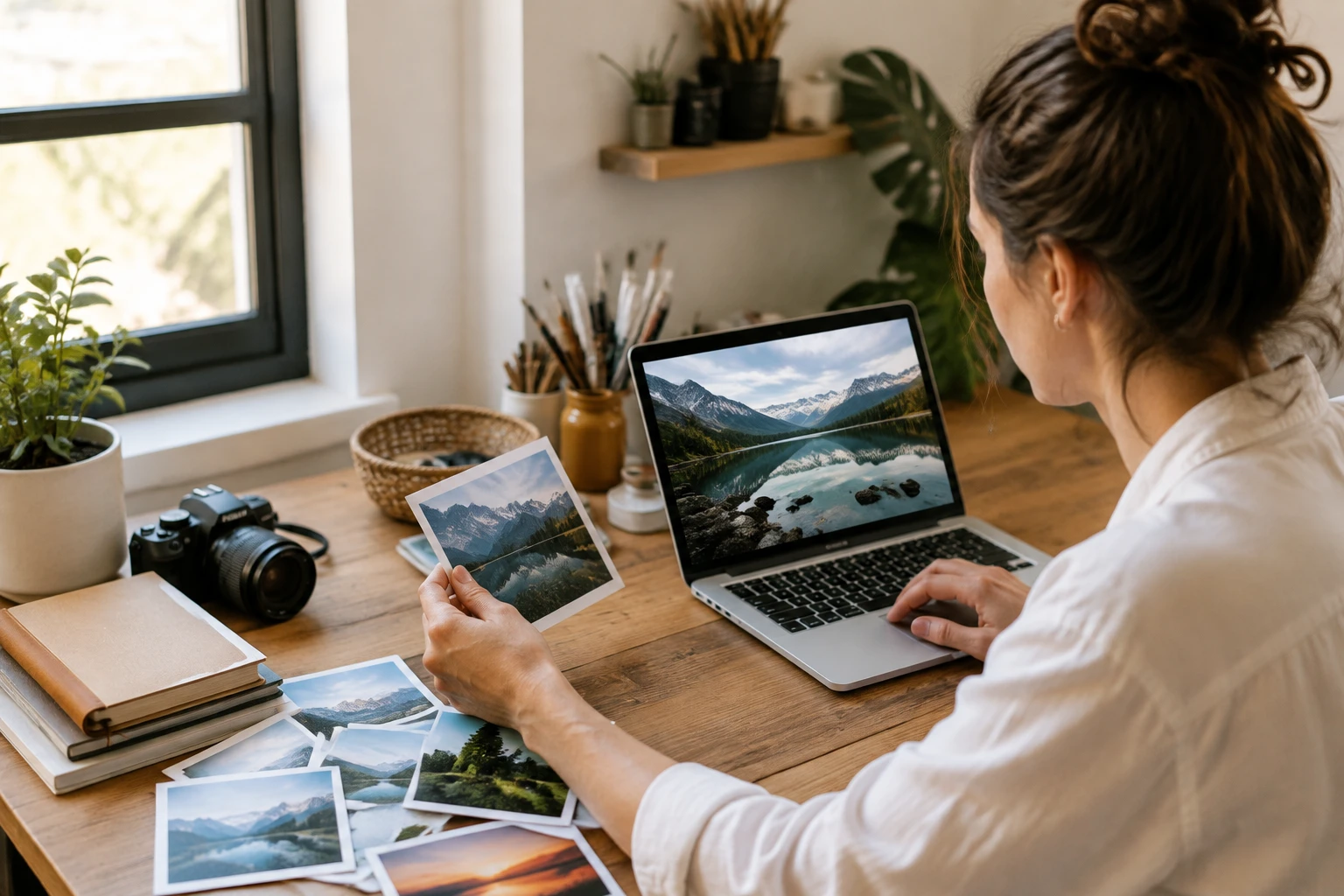
Step 01
Add your photos
Upload two or more common image files and keep them in your workspace so the same sources stay ready for another pass.

AI photo fusion for creators
Turn separate photos into one balanced scene in VideoAI, while your prompt or preset keeps each source role clear.
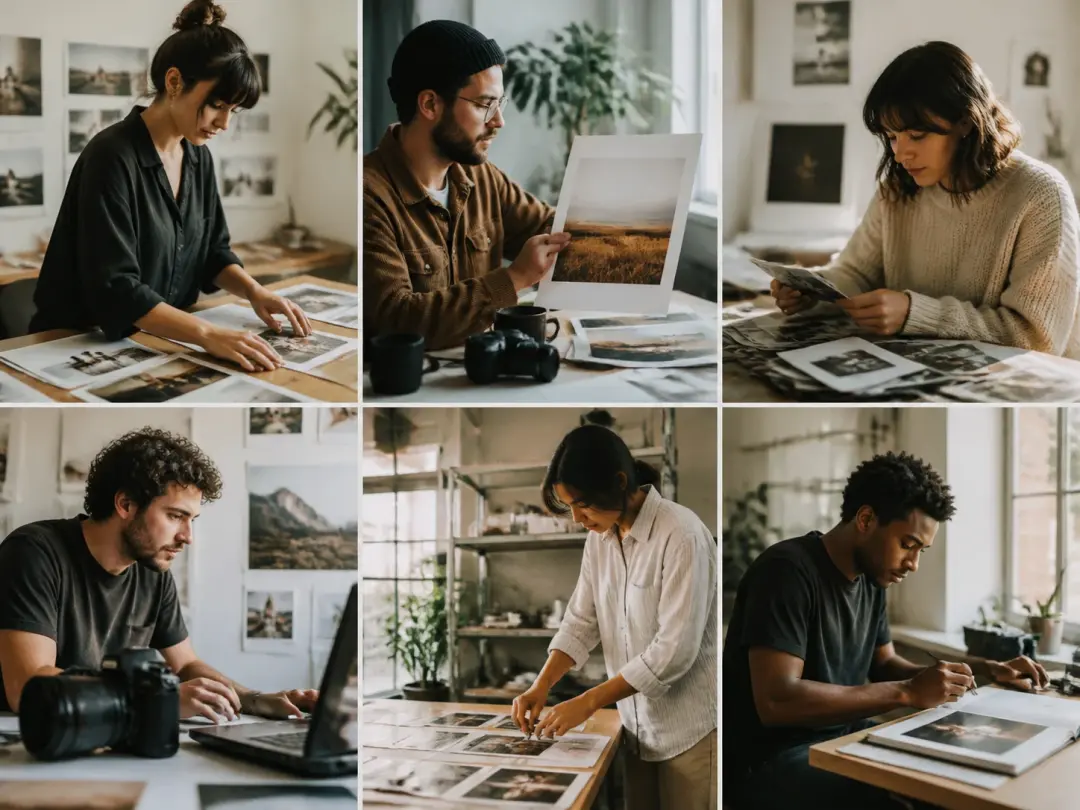
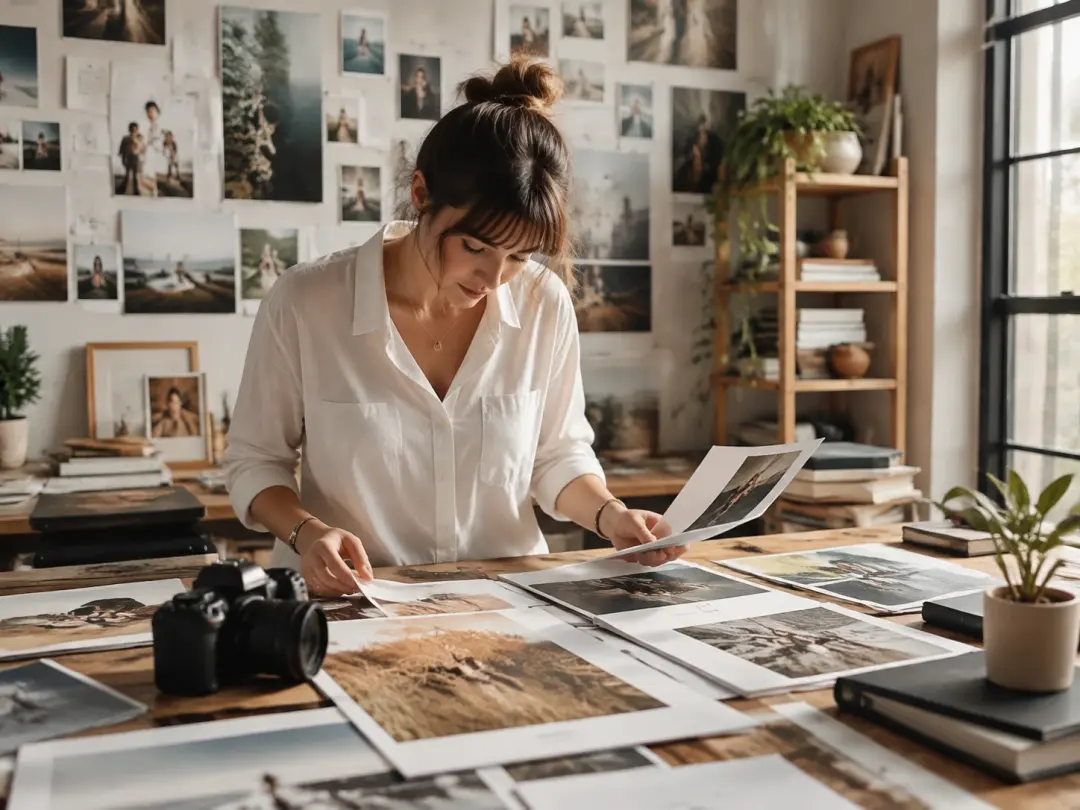
For wedding or portrait work, the image combiner can add photo to photo and bring two people into one natural scene for client review.
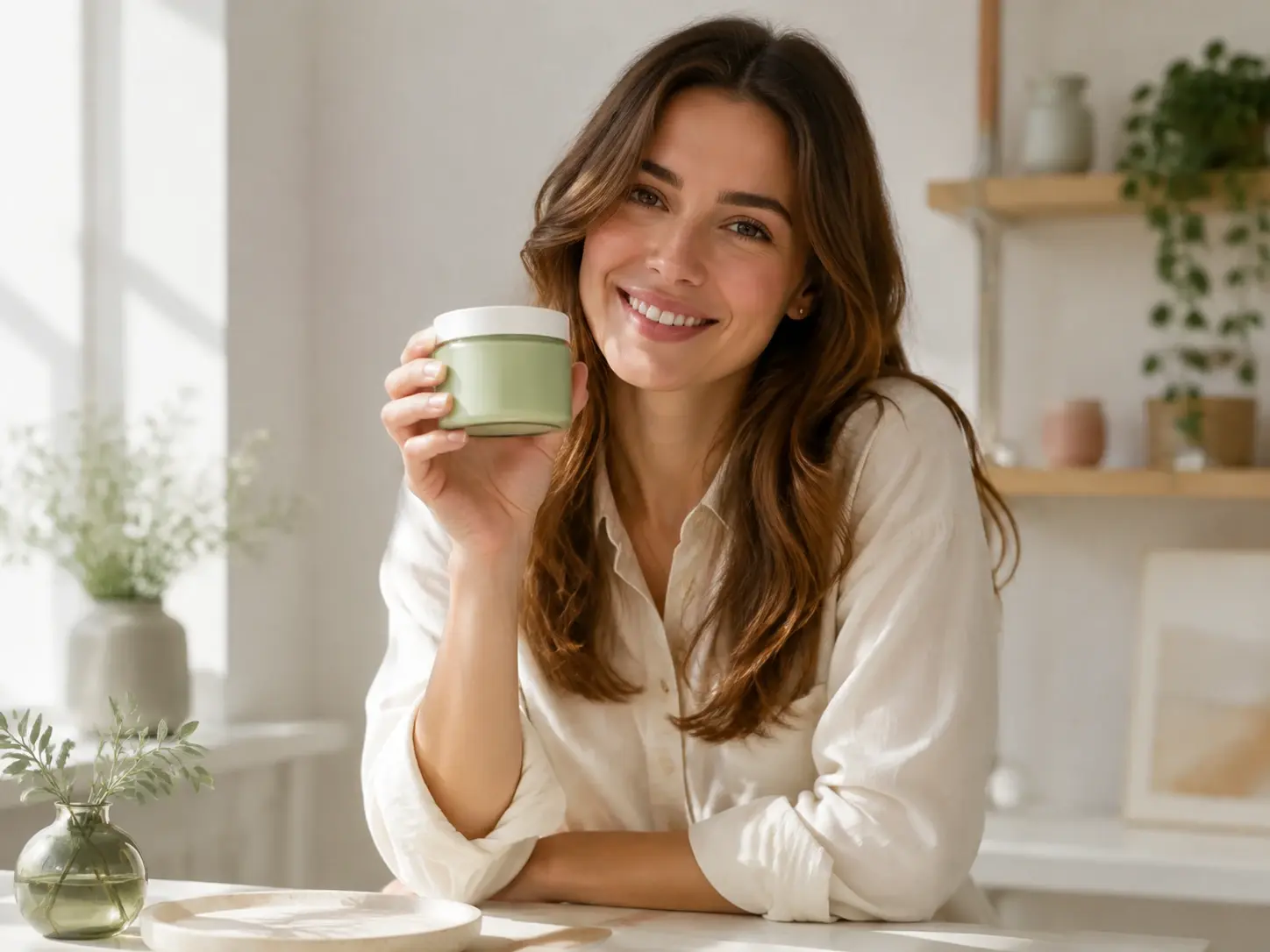
Brand teams use the photo combiner to move a product into a lifestyle backdrop, so campaign mockups and social posts feel ready to use.
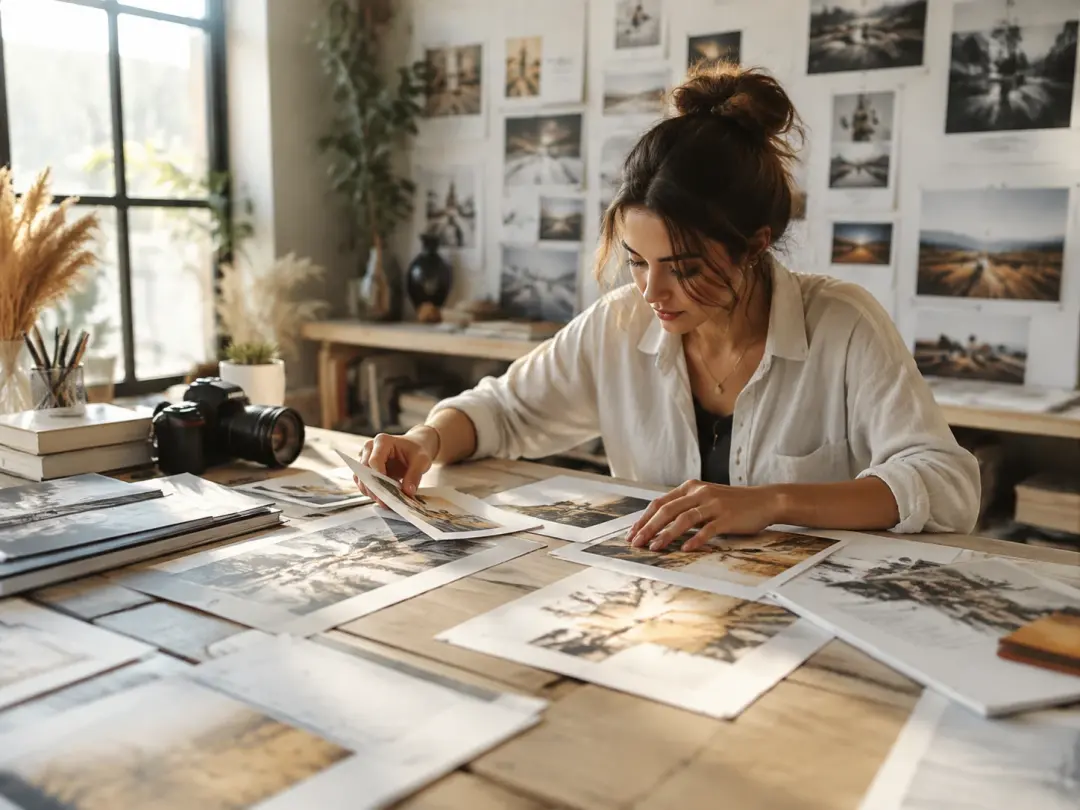
Content creators can use the ai image combiner to join a subject shot and a style reference into one visual for posts, covers, and blogs.
When you choose a preset or write how each source should contribute, review a 4K image in VideoAI.
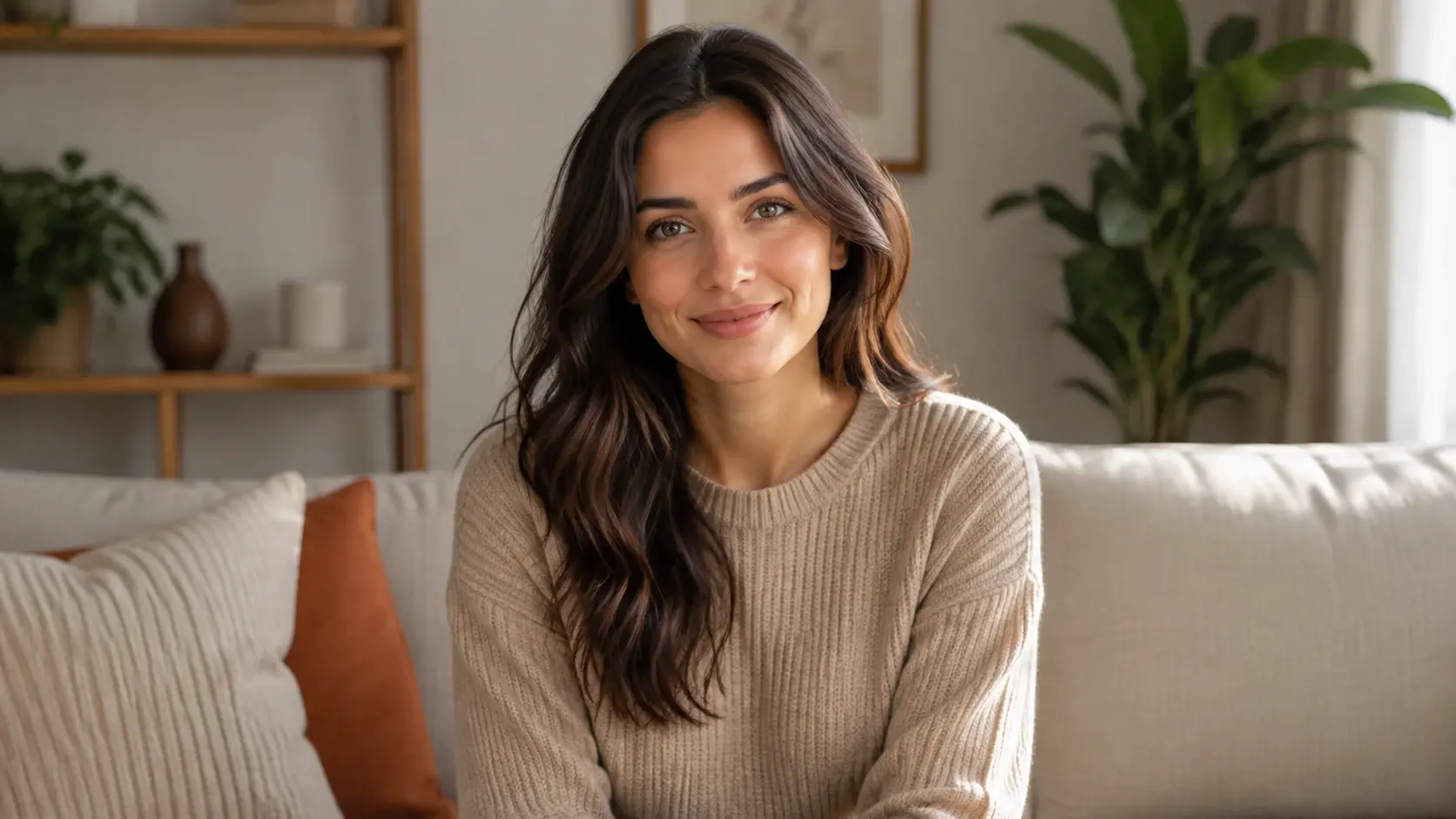
The photo combiner blends portraits, products, and backdrops into one scene, so the result reads like a single shot.
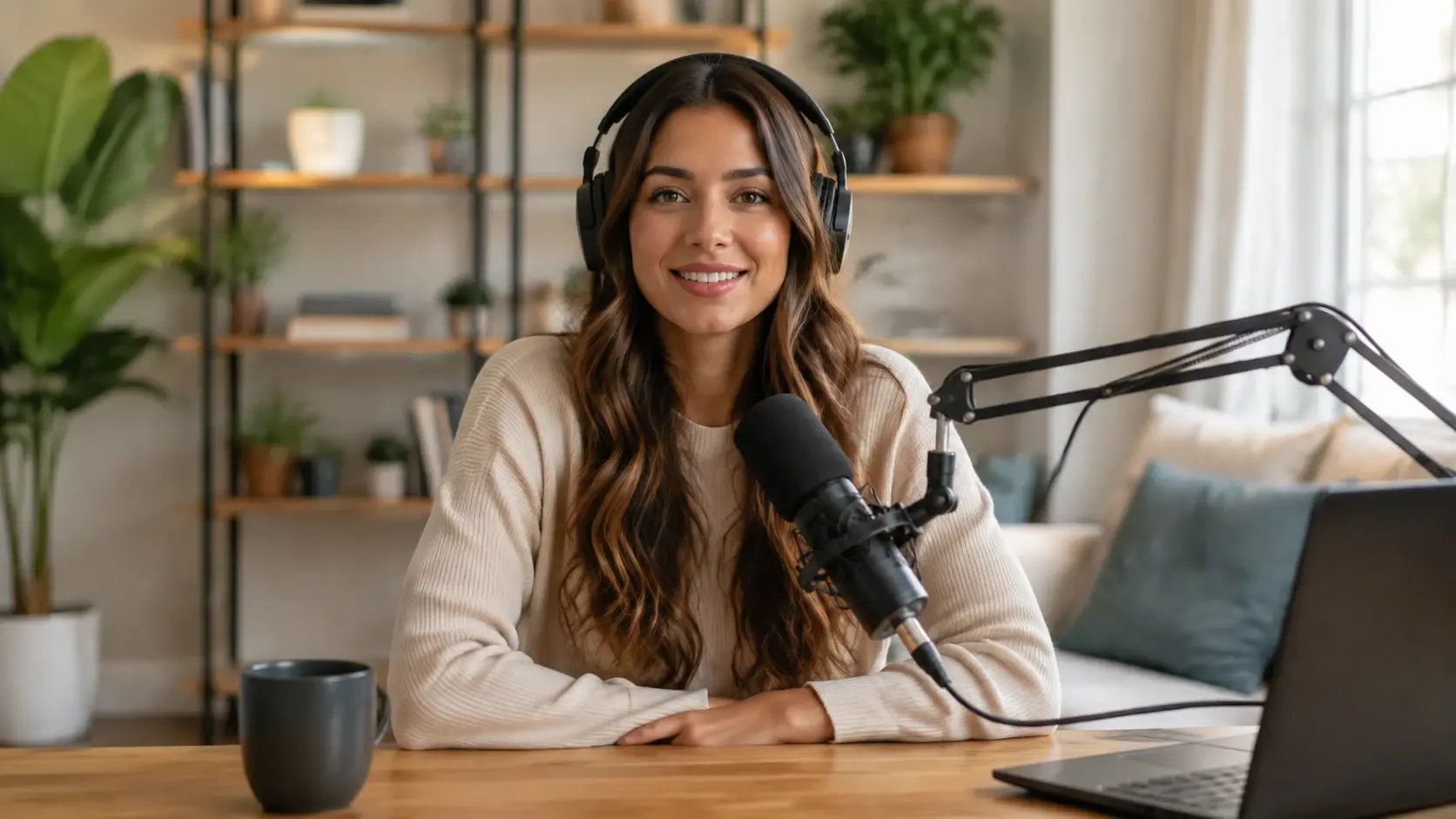
This ai photo combiner follows your prompt or preset so each source has a clear job in the final frame.
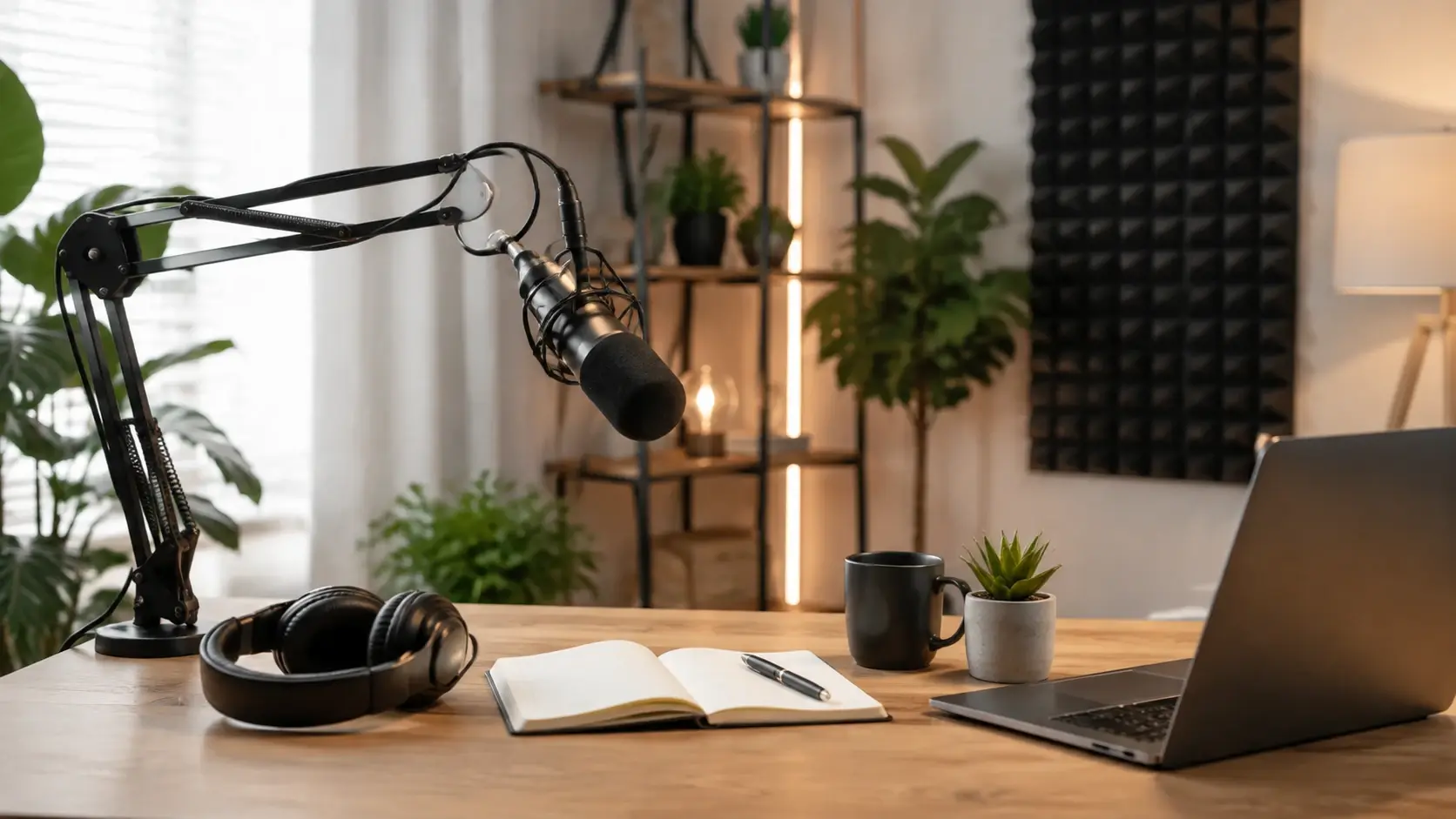
Use it to combine image sources into one frame while faces, outlines, and key product features stay recognizable.
The ai picture combiner sends your finished image to your workspace for reuse, and you can download the 4K result without a watermark.
Start with two or more images, set each source's role, then review the new scene in VideoAI and save the 4K version.
Step 01
Upload two or more common image files and keep them in your workspace so the same sources stay ready for another pass.
Step 02
Tell VideoAI which photo should lead the person, the product, the background, or the style, and use the preset when you want a faster start.
Step 03
Run the merge, check the result, then download the 4K image or return to your workspace and refine the prompt.
Use the same workflow when the photos start apart and the finished image needs one clear scene.
When people were photographed separately, image combiner can add photo to another photo and shape one shared frame for weddings, reunions, or distance stories.
A clean product image and a lifestyle backdrop become one marketing scene, which helps product pages, ads, and social posts feel composed for the brief.
A portrait and a location shot turn into one cover image for travel notes, event recaps, or a creator profile.
The picture combiner can use one image for subject matter and another for visual direction, so blog art and thumbnails feel consistent.
Upload the sources, set each role, and get a 4K result from VideoAI that is ready to download and reuse.
Get Started