
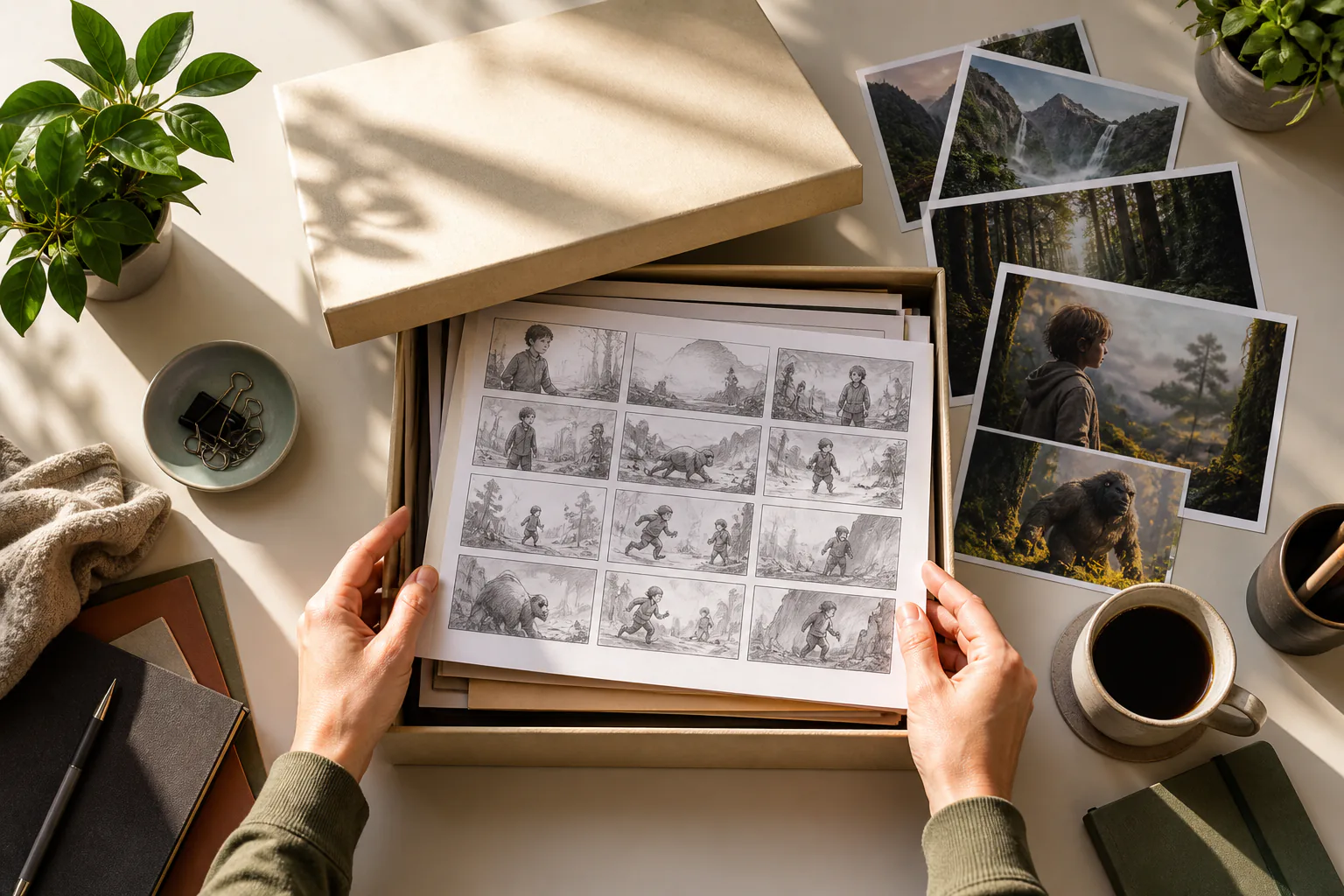
Step 01
Open the saved project
Choose a generated VideoAI video from your workspace when the project needs a new direction. Your storyboard choices and reference material stay available for the next version.

Return to a saved VideoAI project, describe the next version by segment, and generate an MP4 for Reels, Stories, or feed.

An instagram video editor keeps the work in your workspace, so each revision starts from the project, references, and creative direction you already shaped.
Step 01
Choose a generated VideoAI video from your workspace when the project needs a new direction. Your storyboard choices and reference material stay available for the next version.
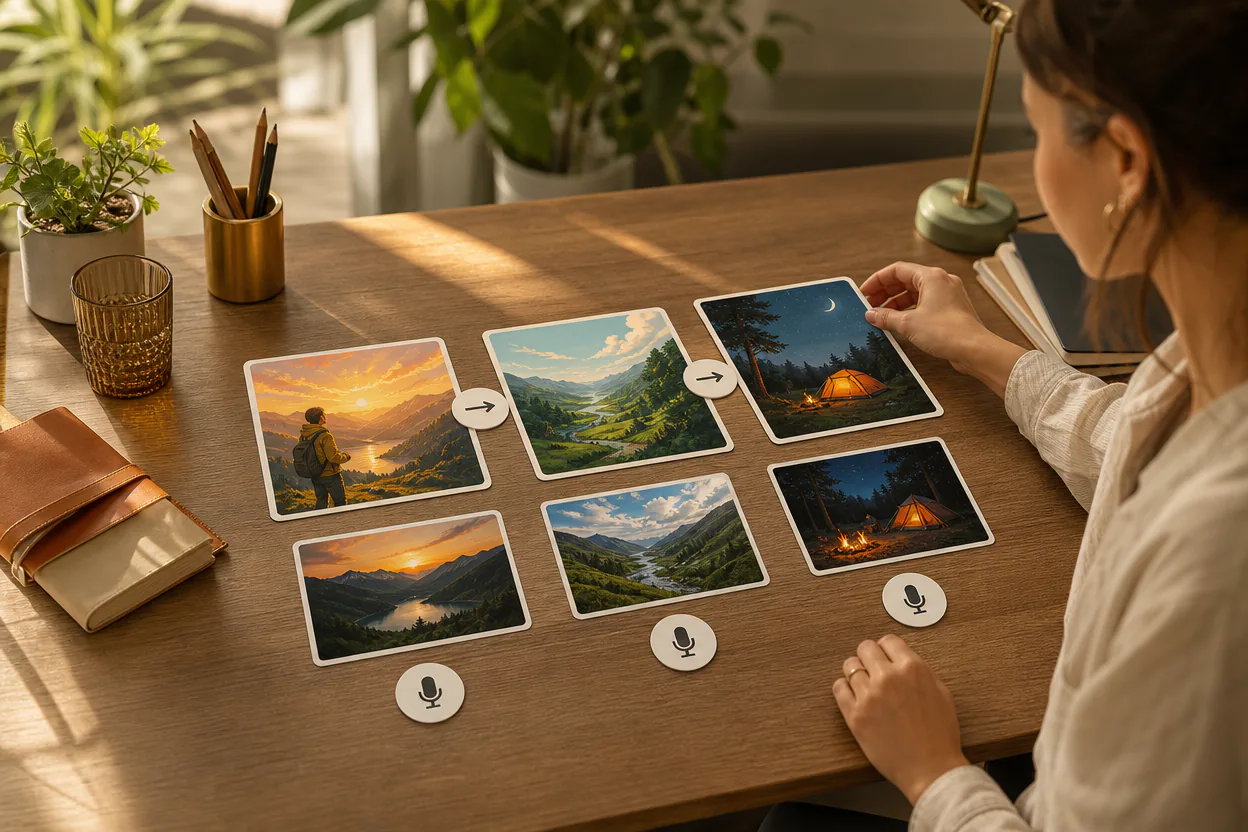
Step 02
Write what should change in each time segment, then use @ to assign images, video, audio, or text as the first frame, scene, action, camera movement, or music reference.
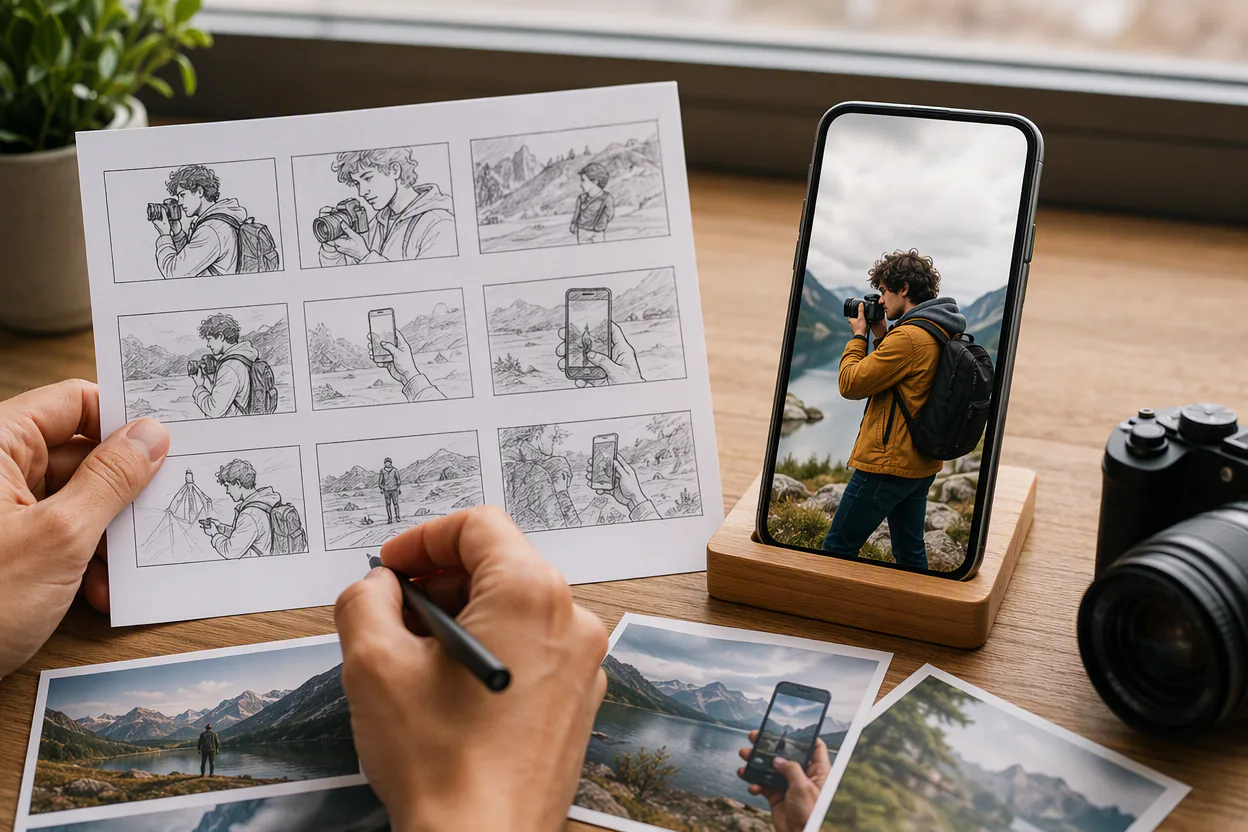
Step 03
VideoAI creates a new version for review. Continue revising the description, then download an MP4 in 9:16, 1:1, 4:5, or 16:9 with output up to 4K.
Use an instagram video editor when a finished direction is close, but the next Instagram version needs clearer pacing, sound, references, or framing.

A Reel may need a stronger opening shot or a different motion path. Return to the VideoAI project, rewrite the affected segments, and generate a 9:16 version with the same creative base.
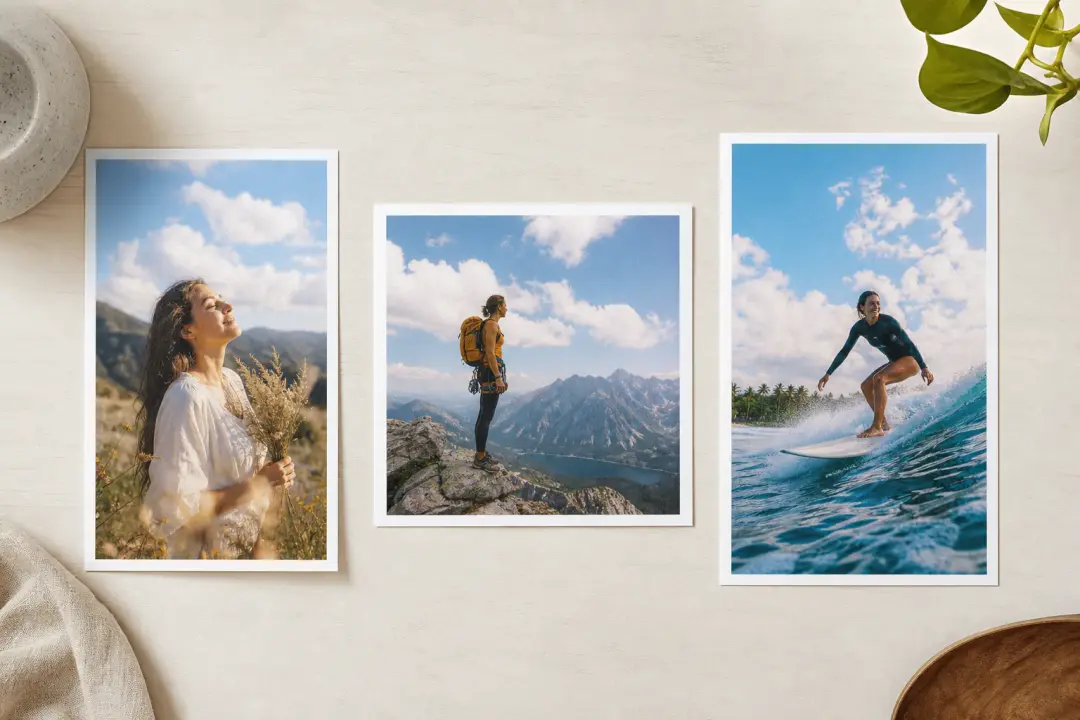
One campaign often needs vertical, square, and 4:5 outputs. Use this video editor for instagram to keep the project context while preparing versions for Reels, Stories, and feed placements.

When a launch message changes, the video direction should change with it. Edit video for instagram by revising the selling point order, scene notes, and assigned references inside the existing workspace.
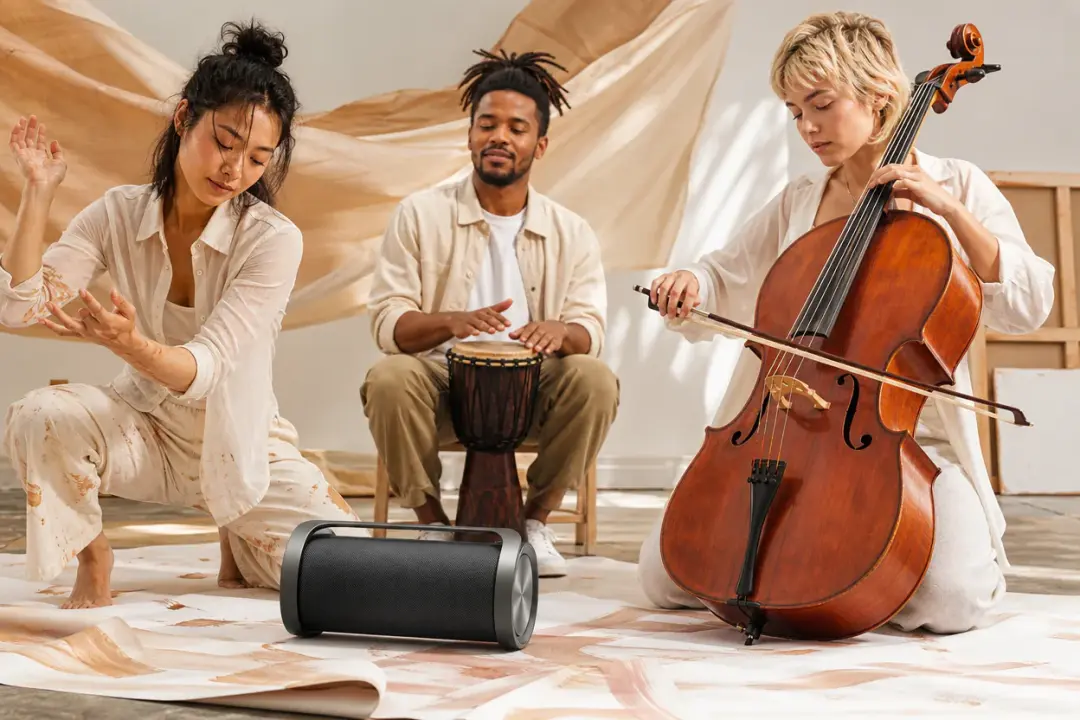
A client may ask for a calmer voiceover, a different music mood, or sound effects that fit the action. VideoAI lets you describe that audio direction during generation instead of rebuilding the project.
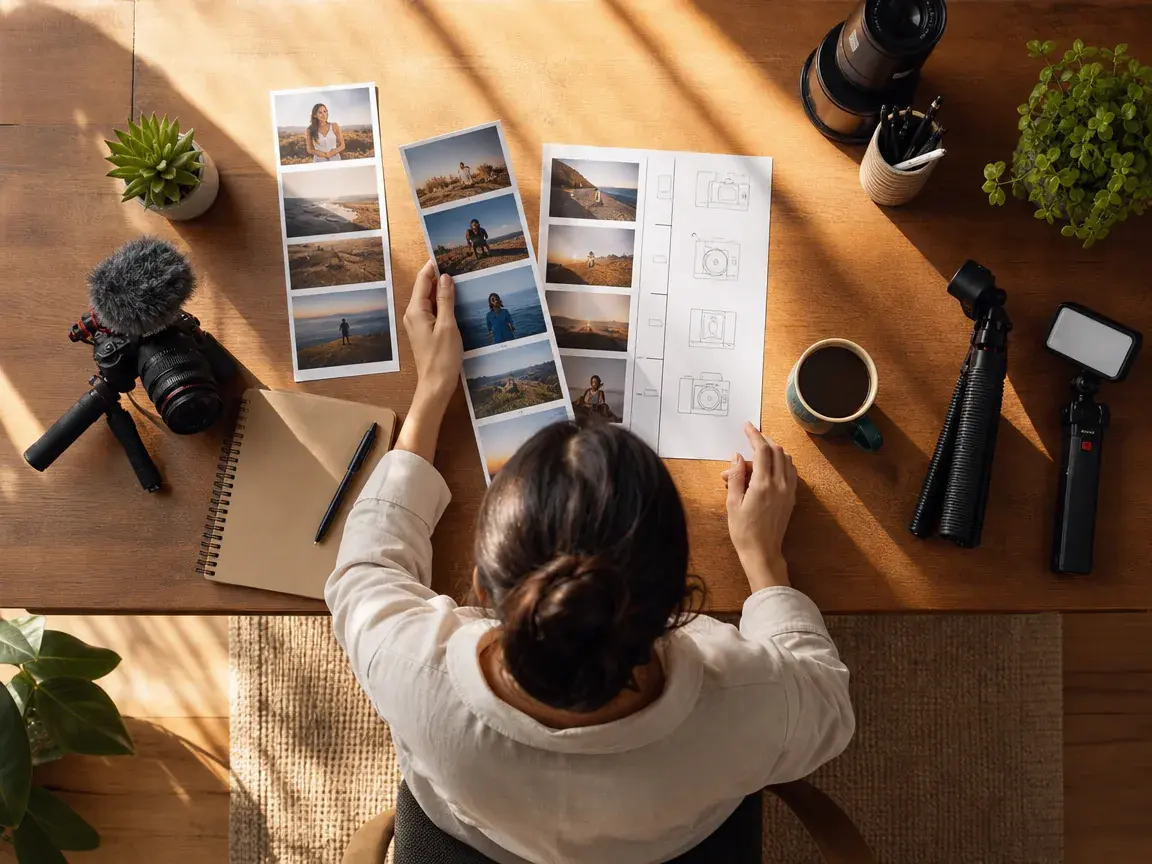
Creators can keep control over every second of a Reel idea. As an instagram reel editor, VideoAI helps shape the next version through segment notes, visual references, and output ratio choices.
An instagram video editor focuses on directed regeneration, so the creator decides the segments, references, audio intent, and output shape before each new version is made.
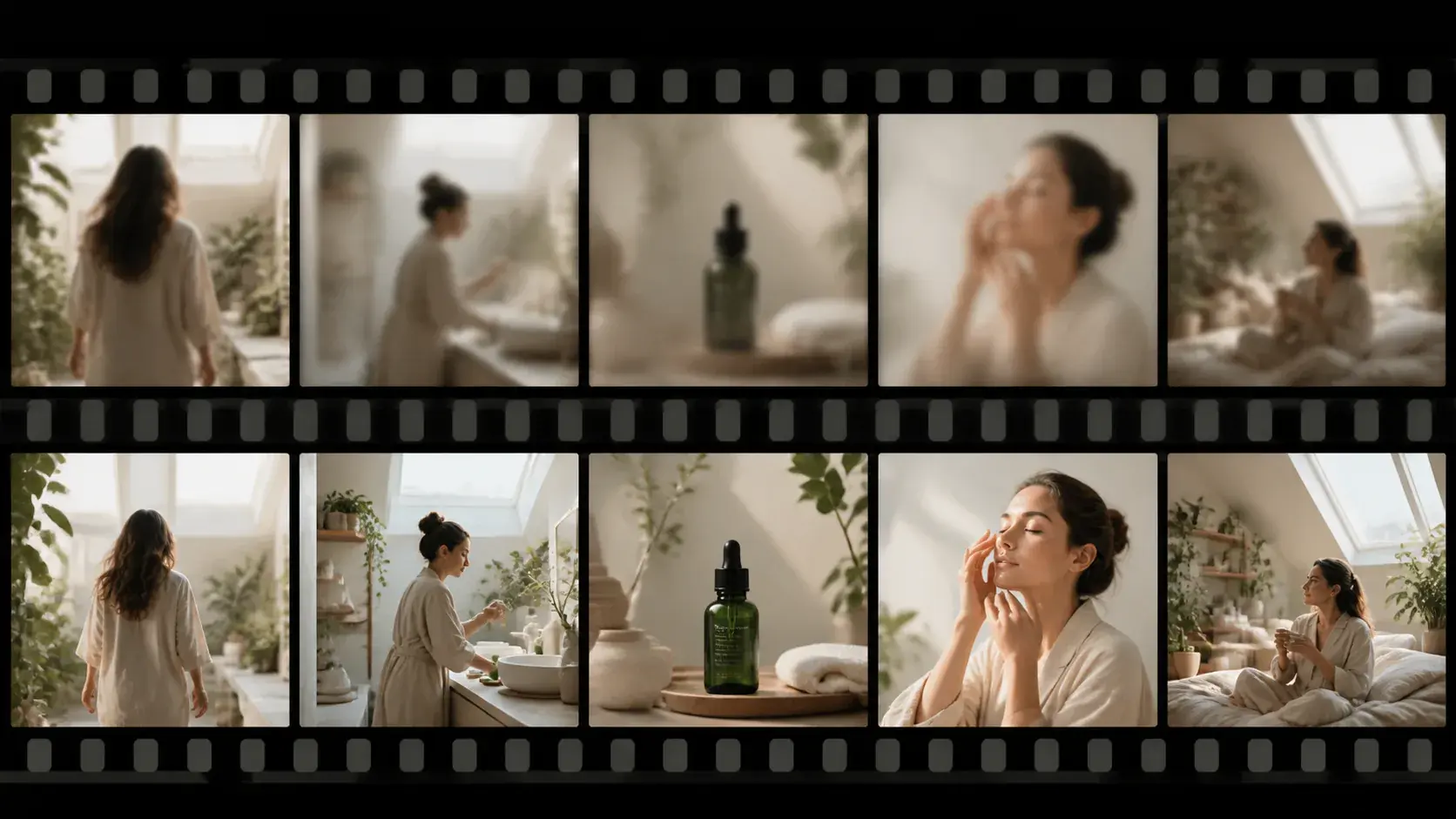
Sharper scene order, clearer product focus, and better pacing start with your written direction. VideoAI reads the new prompt against the saved project and generates a revised version.
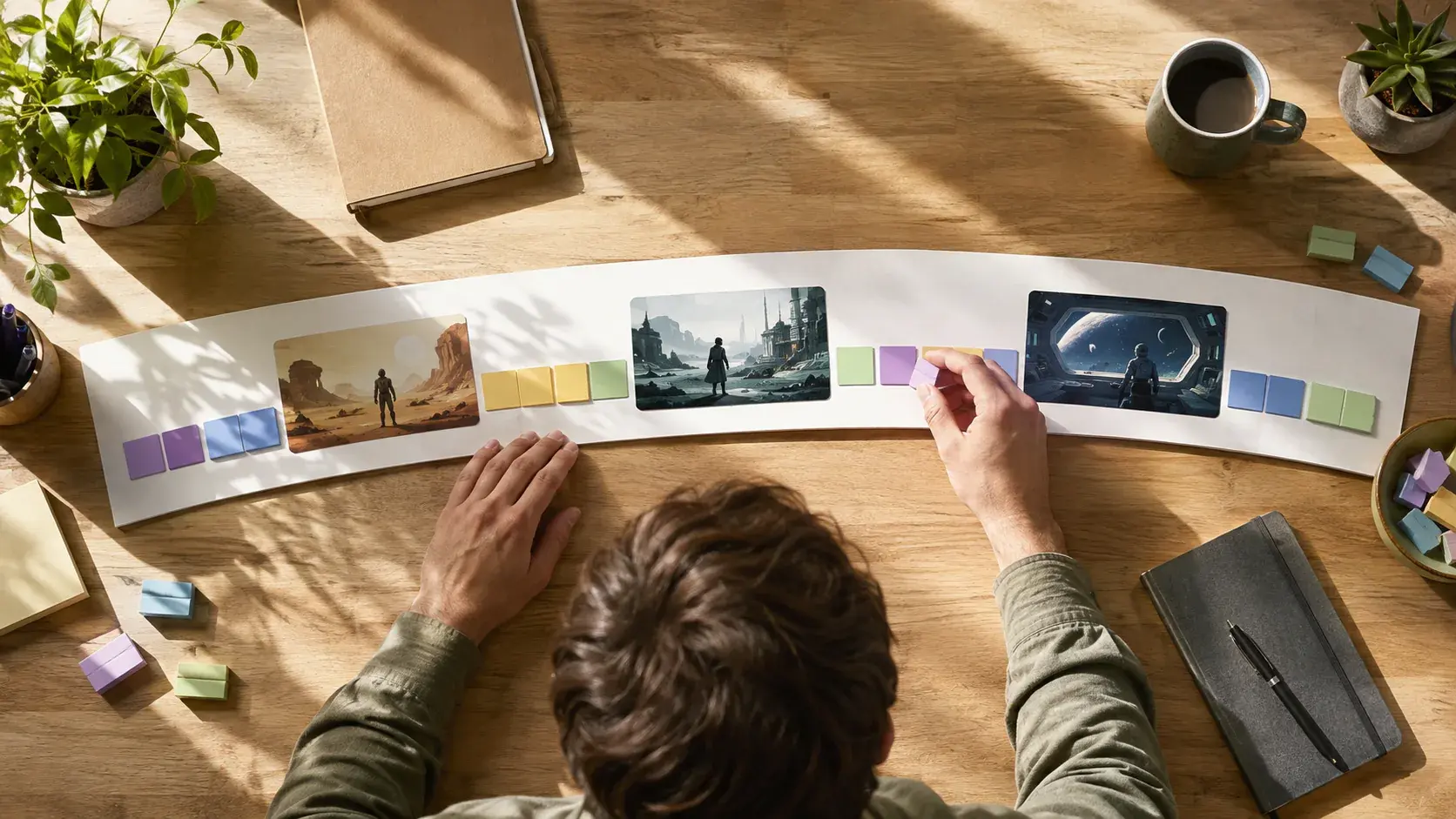
Each segment can carry its own picture, action, and motion instruction. That makes instagram video editing more intentional when a creator already knows what should happen on screen.
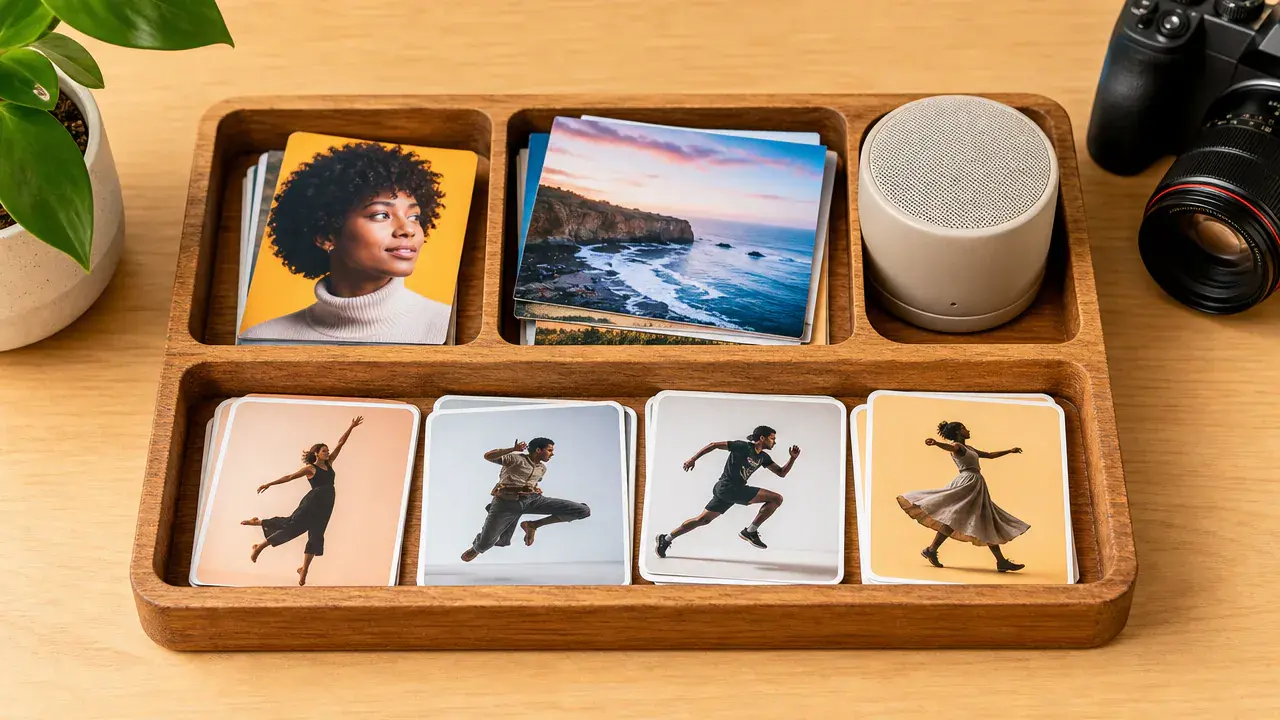
Use @ to point VideoAI toward the subject, scene, action, camera movement, voiceover, background music, sound effect style, or beat reference that matters for the next version.

Clean MP4 delivery, no watermark, and ratios for 9:16, 1:1, 4:5, and 16:9 help you edit instagram video projects for Reels, Stories, feed, and wider campaign use.
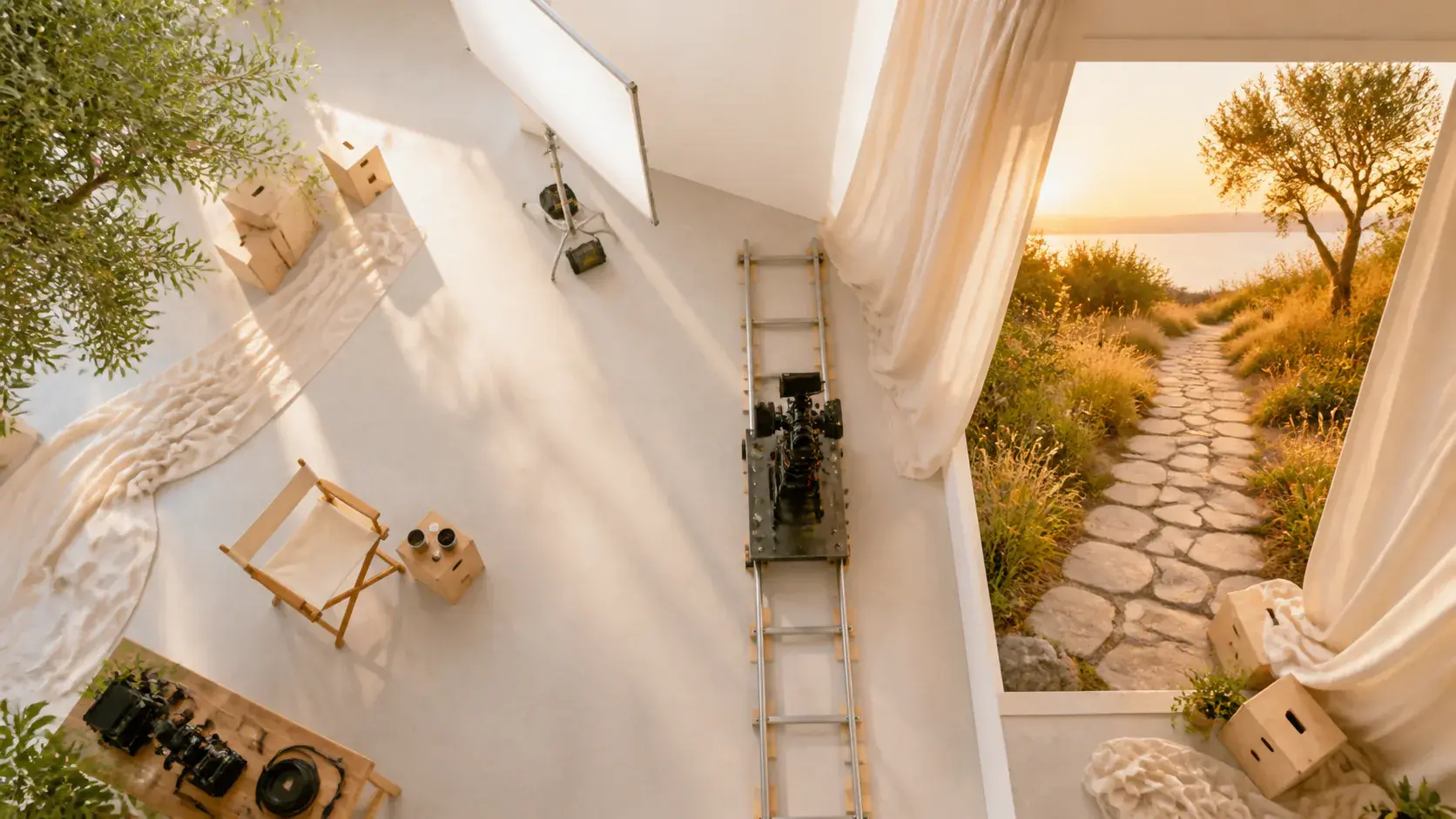
Open a saved VideoAI project, describe the revision by segment, and generate a fresh MP4 for the placement you have in mind.
Get Started
