
Step 01
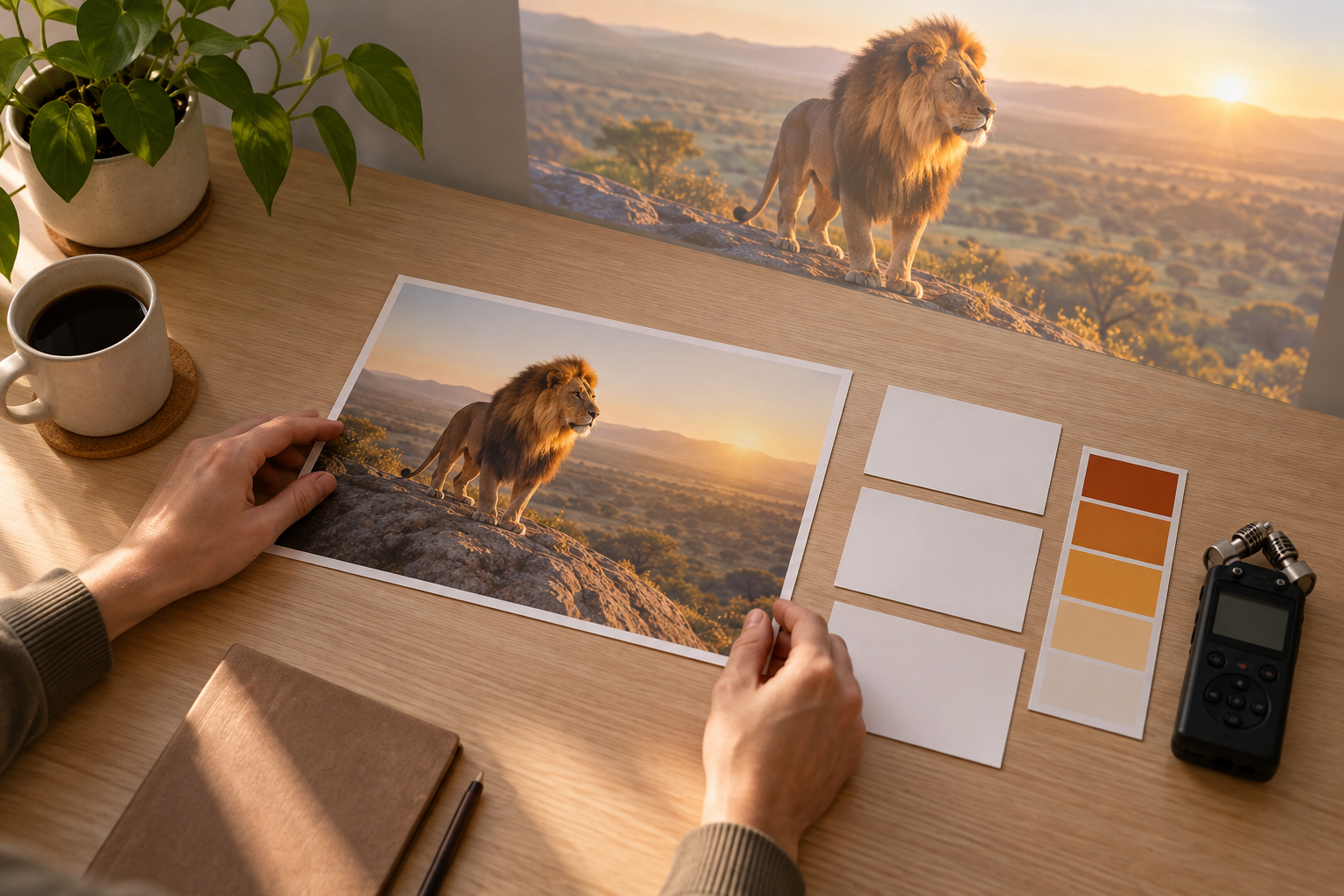
Start from concept or template
Write an original lion intro idea, begin with a preset intro template, or add your own images, video, audio, and Logo references. The lion intro maker can use those inputs to form the first version.

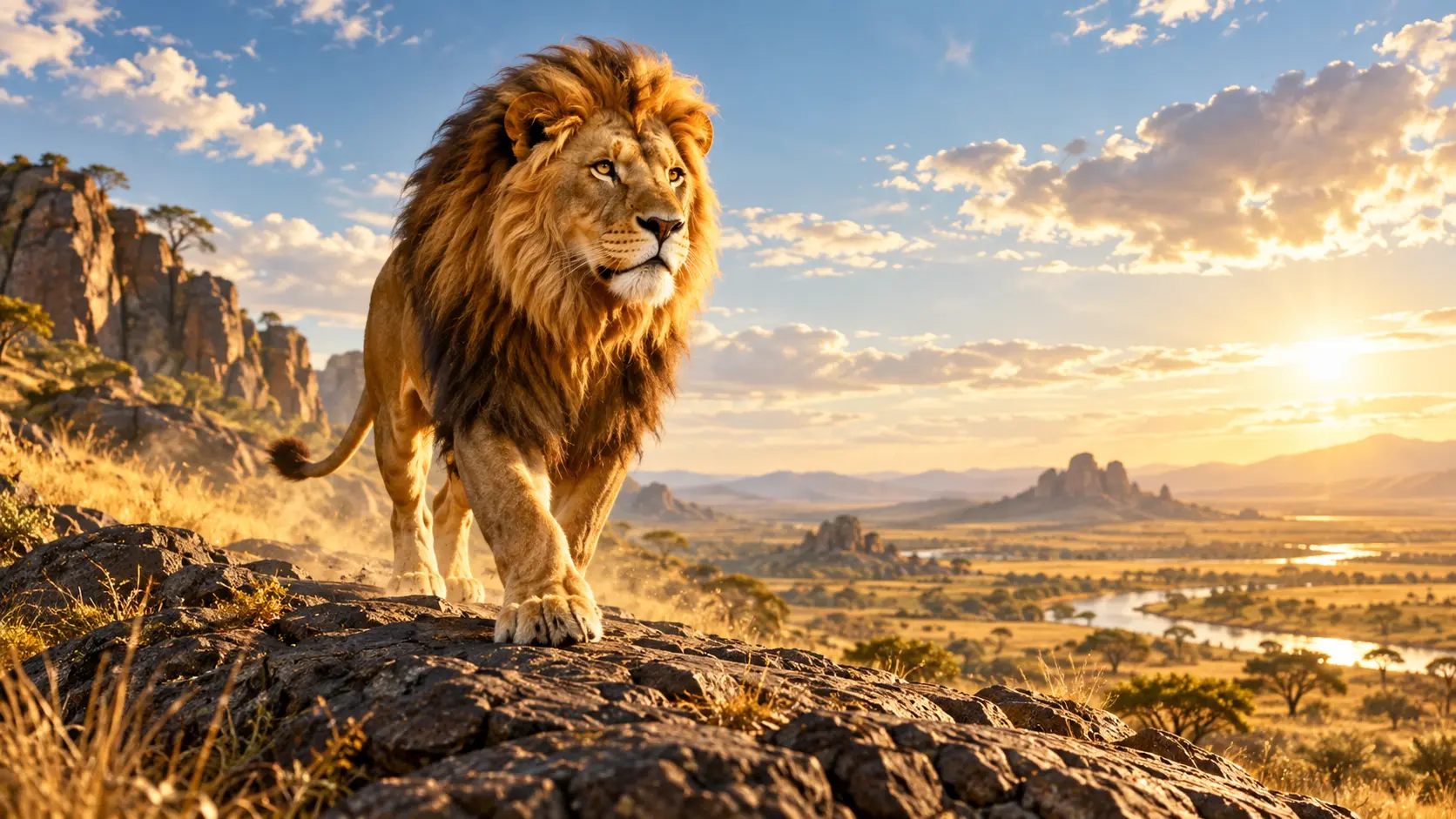
lion intro maker helps you plan an original lion intro by seconds, shape the scene with references, refine it with text, and download a 4K MP4.
Partnering with global industry leaders to power your creativity output


Build the visible opening first, then use VideoAI controls to guide how the lion, camera, title, Logo, and sound come together.
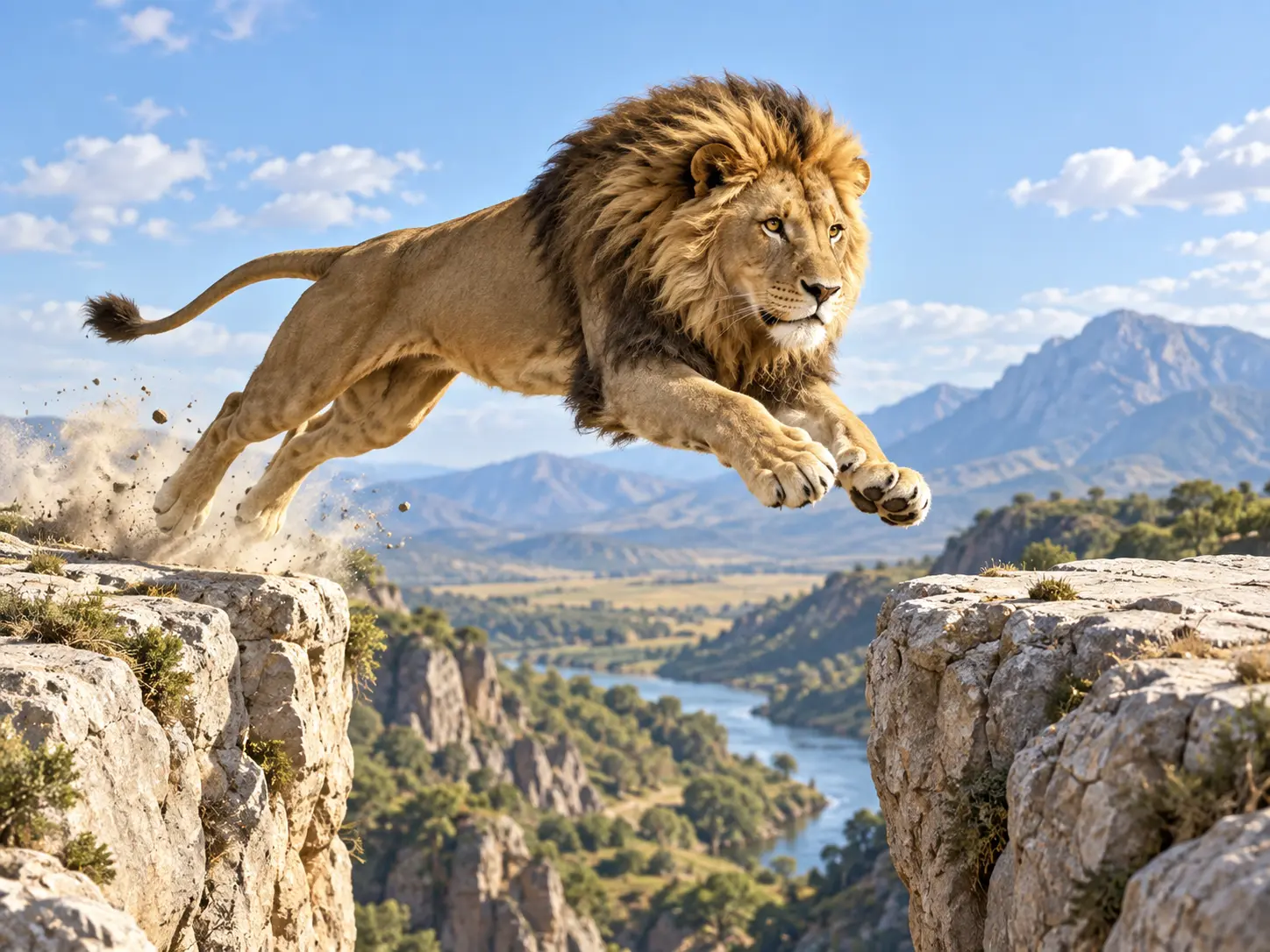
Decide when the lion appears, how it moves, where the camera pushes in, and when the short title enters. The lion intro maker follows the structure you write instead of locking you into one fixed opening.
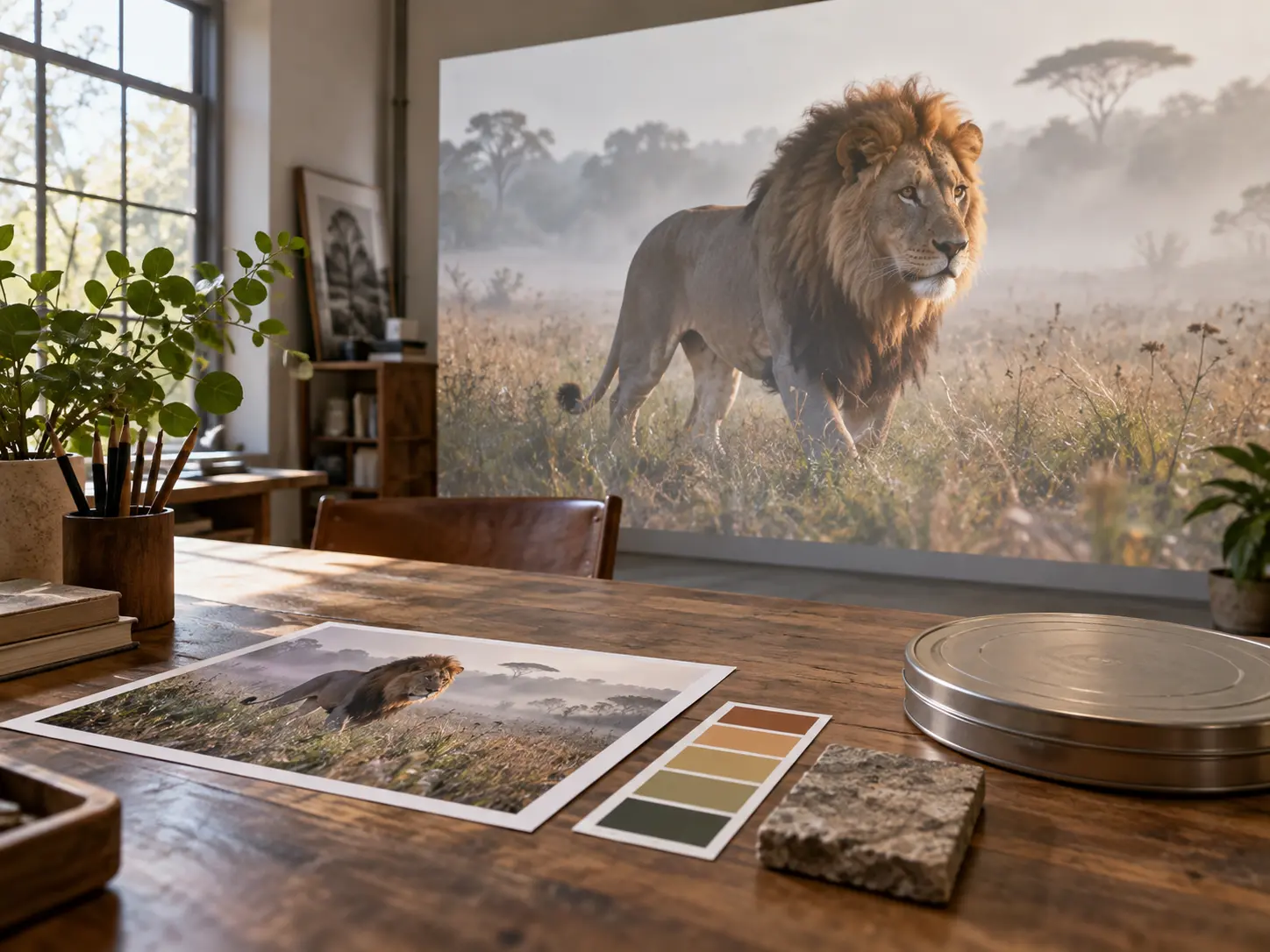
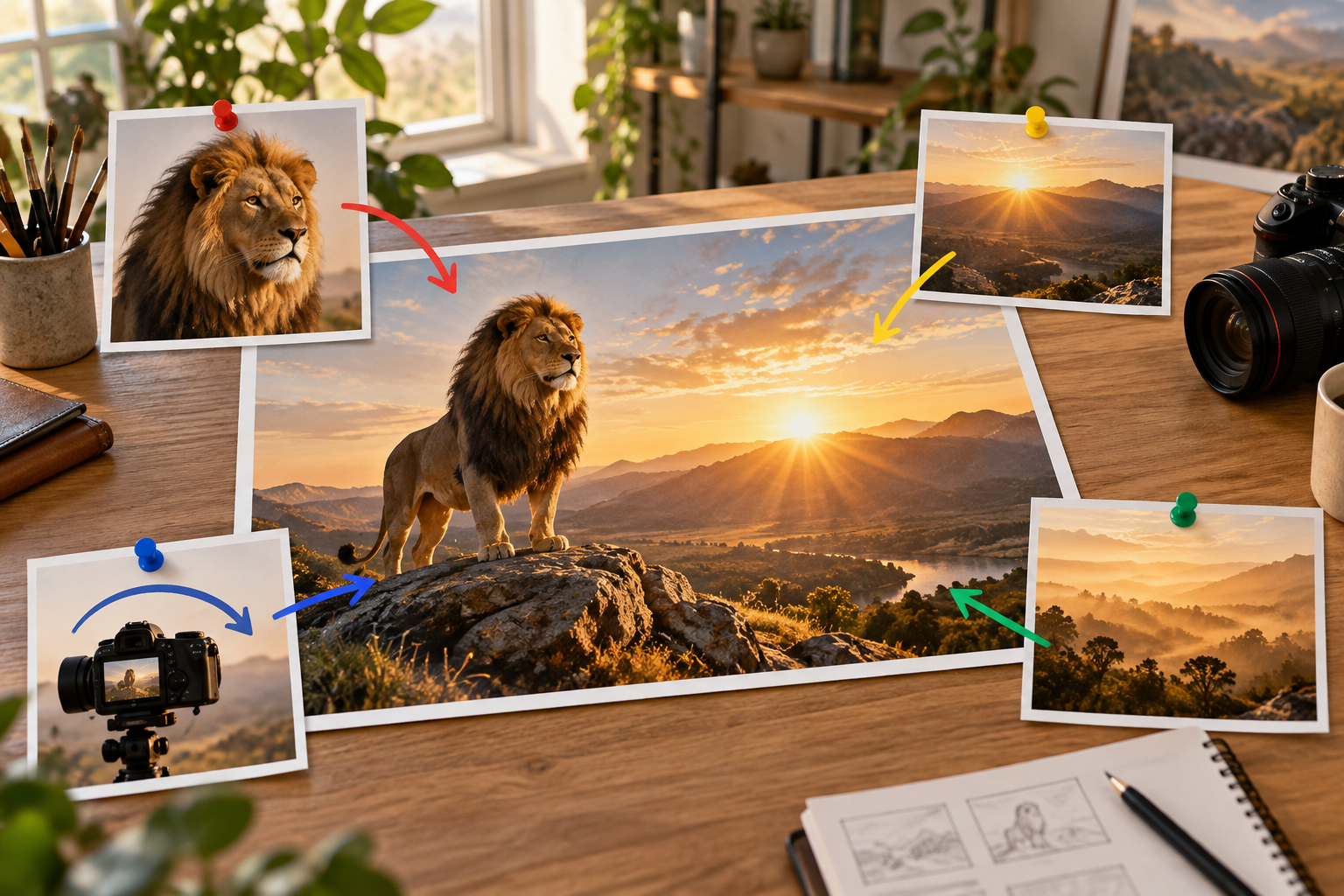
Combine text, images, clips, audio, and your own Logo, then use @ to mark each item as subject, scene, movement reference, camera reference, or music direction. VideoAI keeps those roles clear while generating the intro.
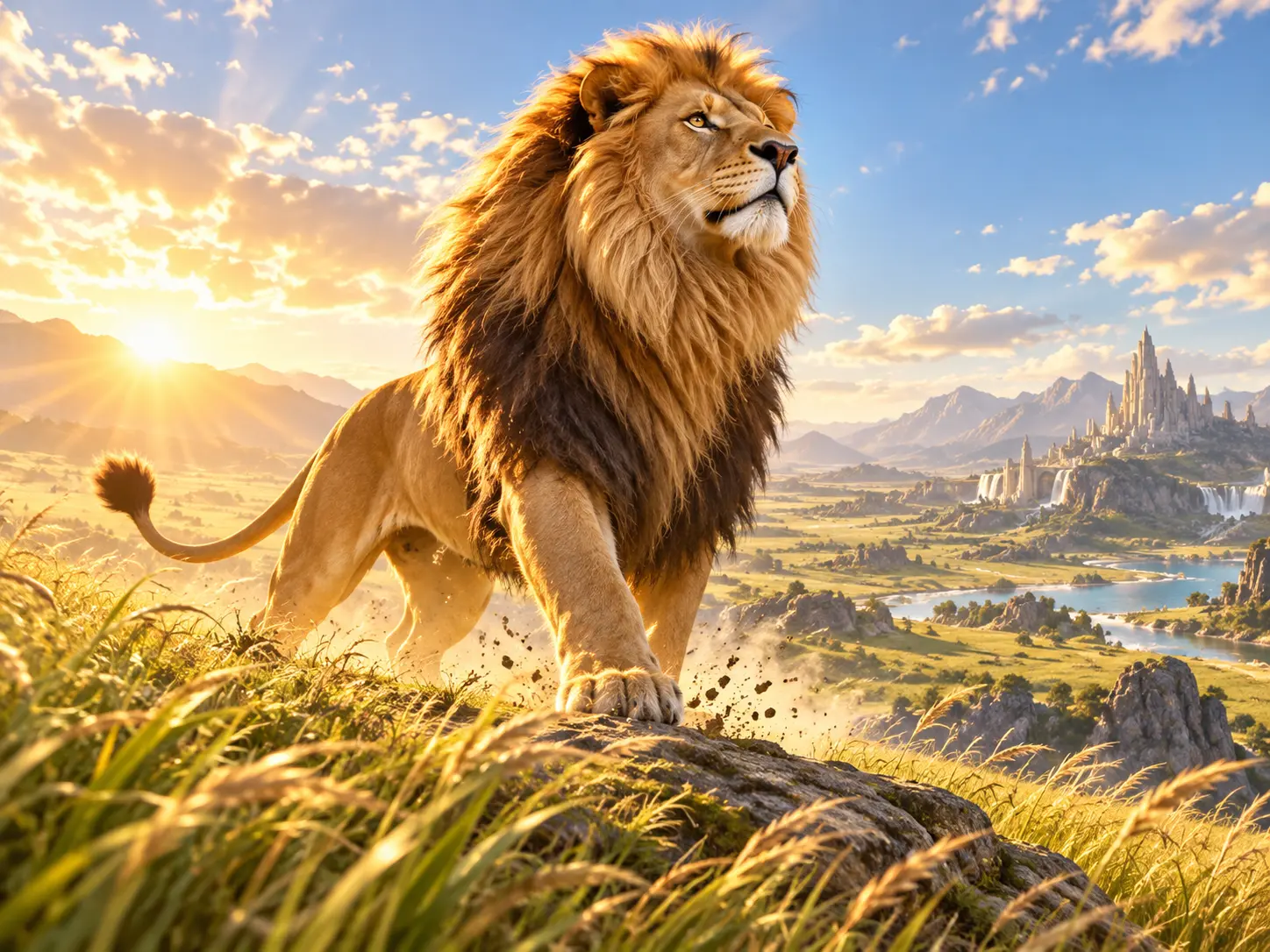
Describe the lion look, action, habitat, fantasy setting, light, composition, movement, music, voice, and impact sounds. The lion intro maker turns those choices into one original opening with your creative direction visible.
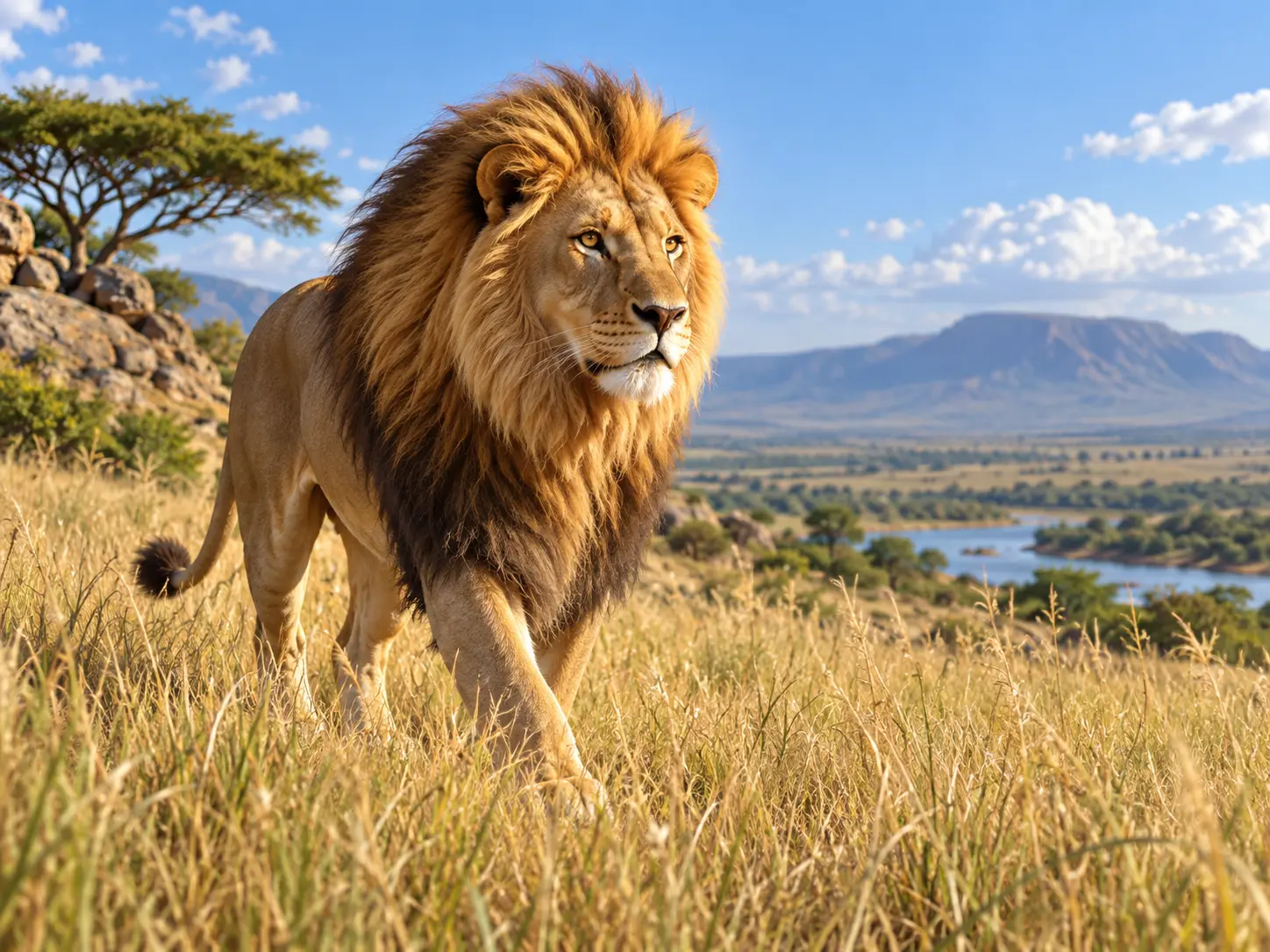
Choose 16:9, 9:16, 1:1, or 4:5 for the place the intro will appear. After previewing, adjust the motion, title, Logo timing, or sound with text, then download a no watermark 4K MP4.
The workflow stays prompt led from first concept to final file, so the creative decisions remain yours.
Step 01
Write an original lion intro idea, begin with a preset intro template, or add your own images, video, audio, and Logo references. The lion intro maker can use those inputs to form the first version.
Step 02
Choose the aspect ratio and visual style, then write the lion action, environment, camera, title, Logo, voice, music, and sound by time segment. Use @ to tell VideoAI what each reference should guide.
Step 03
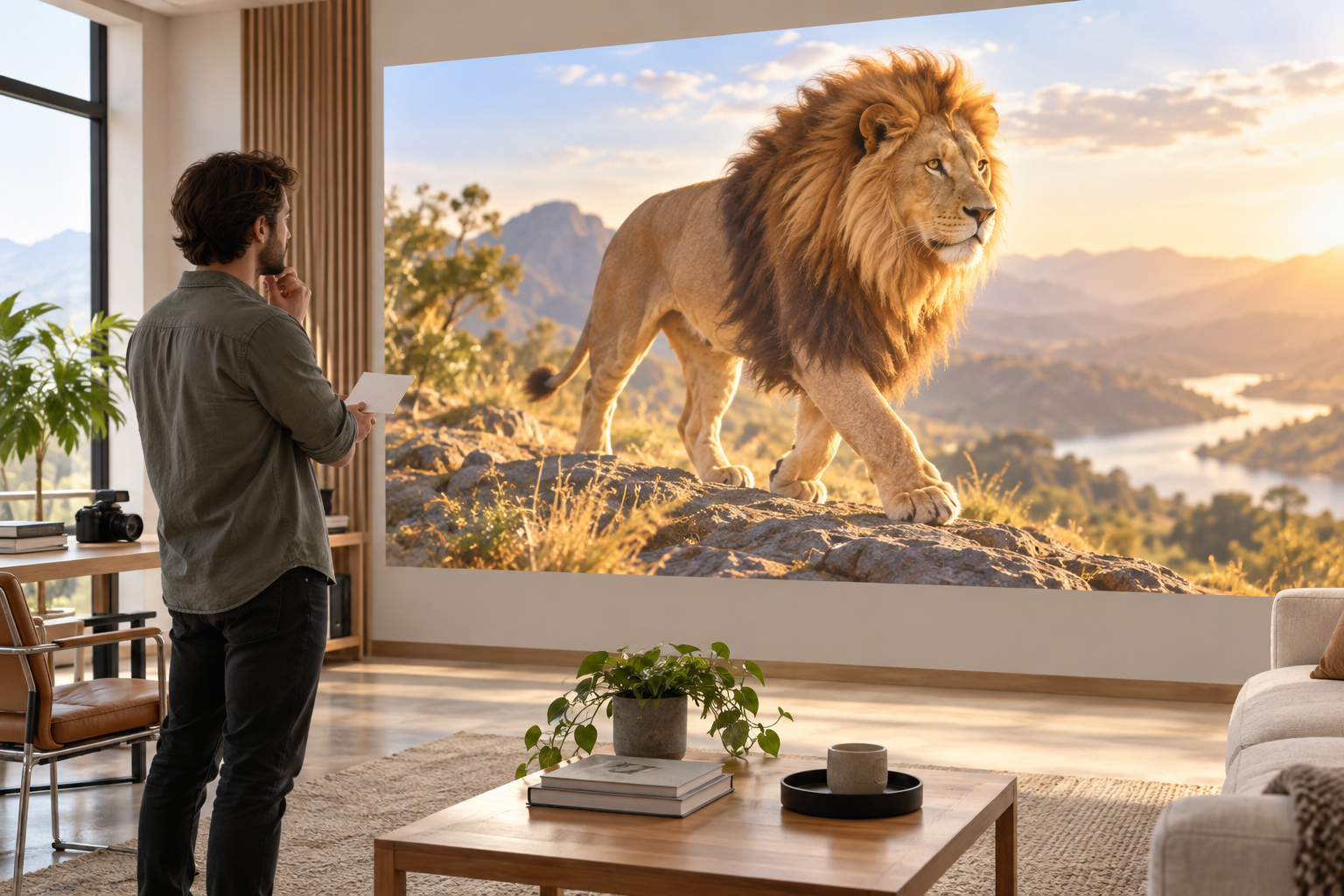
Generate the intro, watch the result, and ask for changes with text when the lion action, camera, short words, or sound needs another pass. Download the finished 4K MP4 when it fits your project.
Use lion intro maker when an opening needs a lion motif, controlled pacing, and a finished file for your edit.
A wildlife or animal channel needs an opening that shows the lion theme immediately. Set the habitat, title timing, ambient sound, and camera approach so the first seconds feel specific to the series.
A team video can use an original lion motif to signal power and focus. Add your name and own Logo as references, then direct the stance, lighting, and sound so the result fits the group identity.
An independent creator can open a video with an original lion scene, add short brand text, and export a 4K MP4 for later editing.
A story, game concept, or event video can open with a lion in a created world. Direct the environment, camera move, voice, music, and title so the chapter begins with a defined tone.
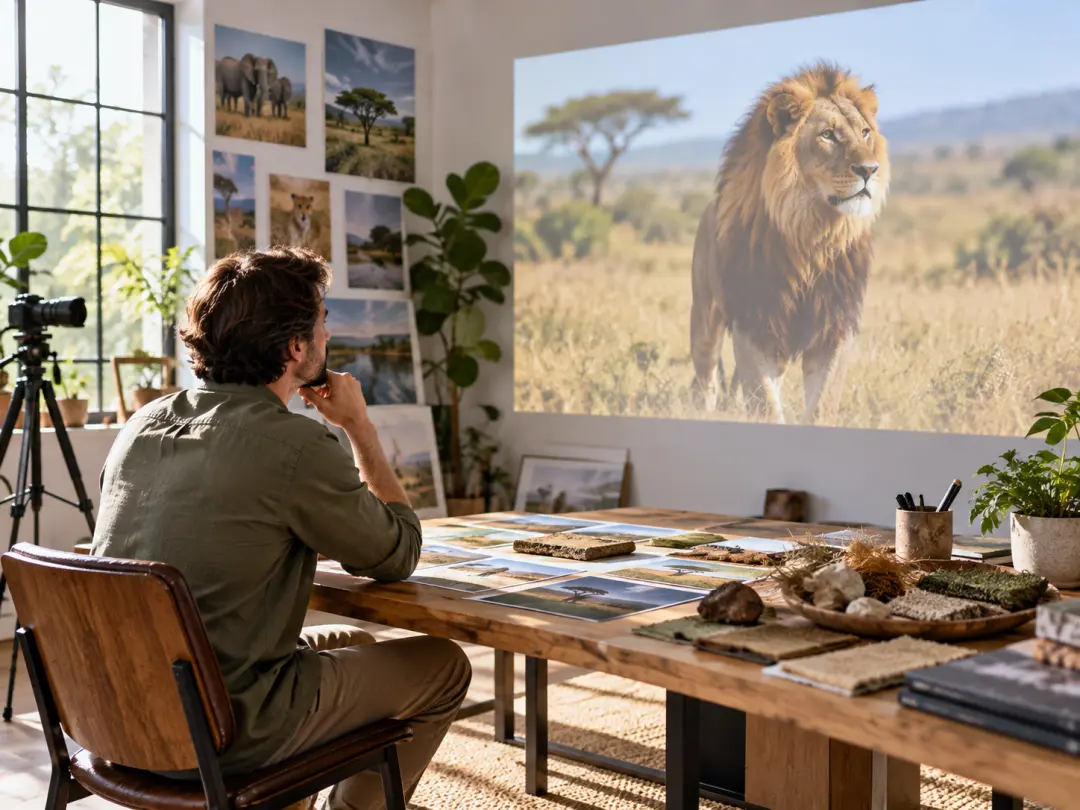
Creators making animal focused videos can use VideoAI to set the lion, setting, camera, title, and atmosphere before the full episode begins. The result gives the opening a clear subject and format.
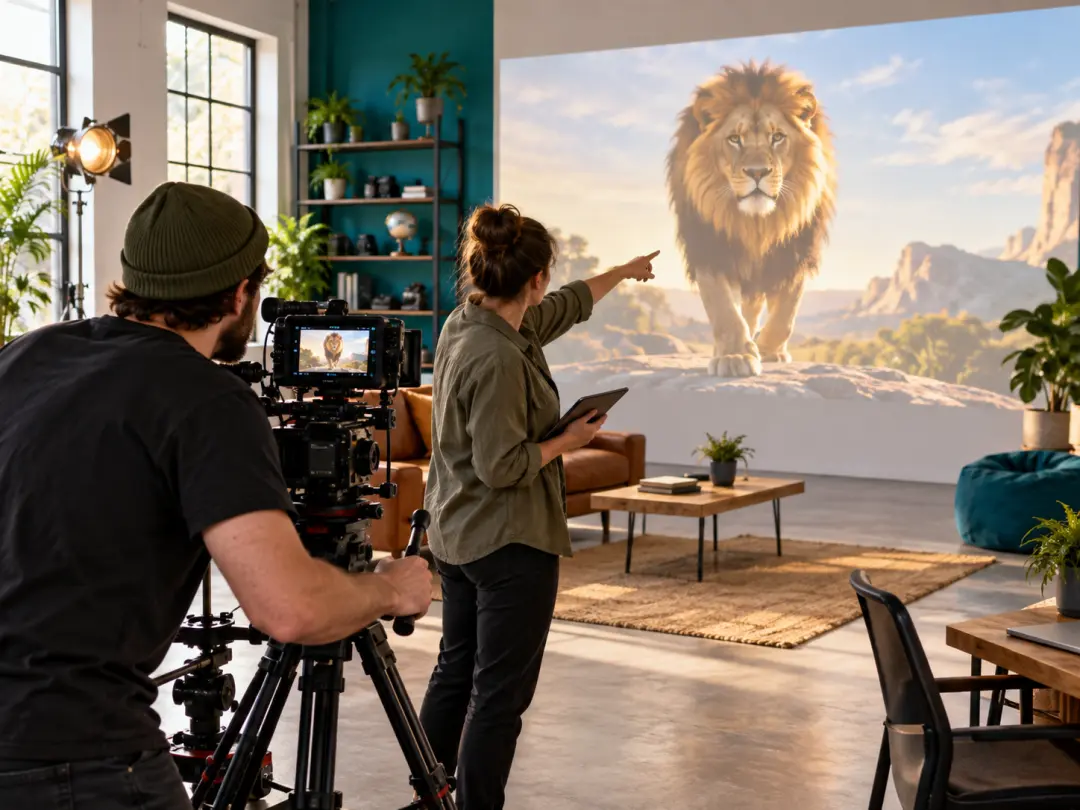
Producers working on team content can place an original lion concept beside their own name or Logo. The lion intro maker helps define the entrance, scene mood, and sound cue from a written plan.
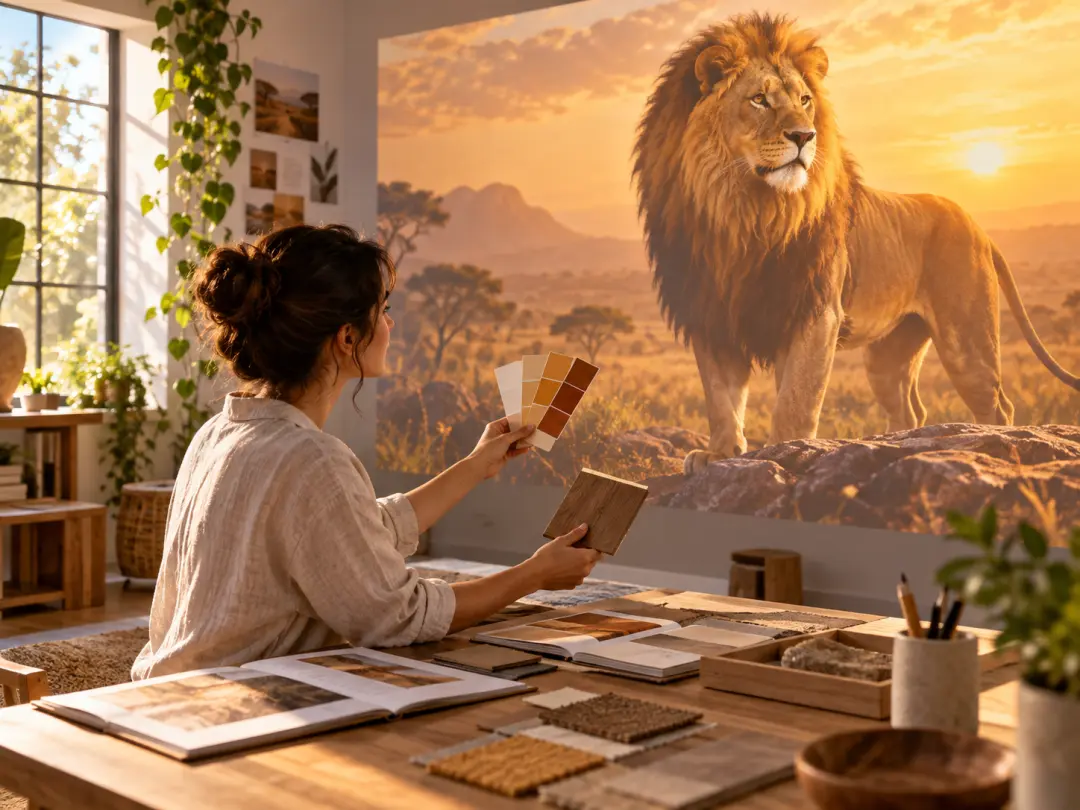
Small teams and solo creators can begin with a prompt or template, then refine the lion action and title until the opening fits their campaign, explainer, or client video.

Turn an original lion concept, your references, and a clear time plan into a 4K MP4 intro with VideoAI.
Get Started