

Step 01
Start from a Wish or Template
Write the Eid greeting or scene you want, or begin from a confirmed video template entry. Add family photos, community clips, or audio references when they help define the result.

Eid Video Maker
The Eid Greeting Video Maker turns your Eid wish, scene idea, and reference media into a downloadable greeting video while you choose the message, visuals, and pace.

Create an Eid greeting video for a greeting, channel opener, or small brand message with the format and references you choose.

A simple Aidilfitri line can feel flat as plain text. Describe the greeting, choose a square or vertical frame, and generate a paced video that carries the wish with family, food, or mosque scene references.

When the message needs familiar faces or a shared venue, upload photos, clips, or audio as references. Use @ to tell VideoAI how each reference should guide the visuals or sound.

Creators preparing a channel intro can combine a short title, Eid wish, and 9:16 or 16:9 framing. The result is an Eid Mubarak video shaped for the feed or video page.

For a campaign post, start with a concise greeting and provided brand reference media. VideoAI generates a greeting video you can preview, revise by text, and download as MP4.

Use this Eid video maker when you already know the wish but still need the scene, motion, and aspect ratio to fit a Reel, Short, or channel post.

Build a greeting around a gathering, meal, or local celebration by adding your own visual references and describing the opening, message, and closing moment.

Turn a brief seasonal message into a video prompt that includes title text, soundtrack direction, and the frame size your publishing channel needs.
The Eid Greeting Video Maker gives you direct choices for input, timing, text, sound, and export so the result follows the greeting you intended.
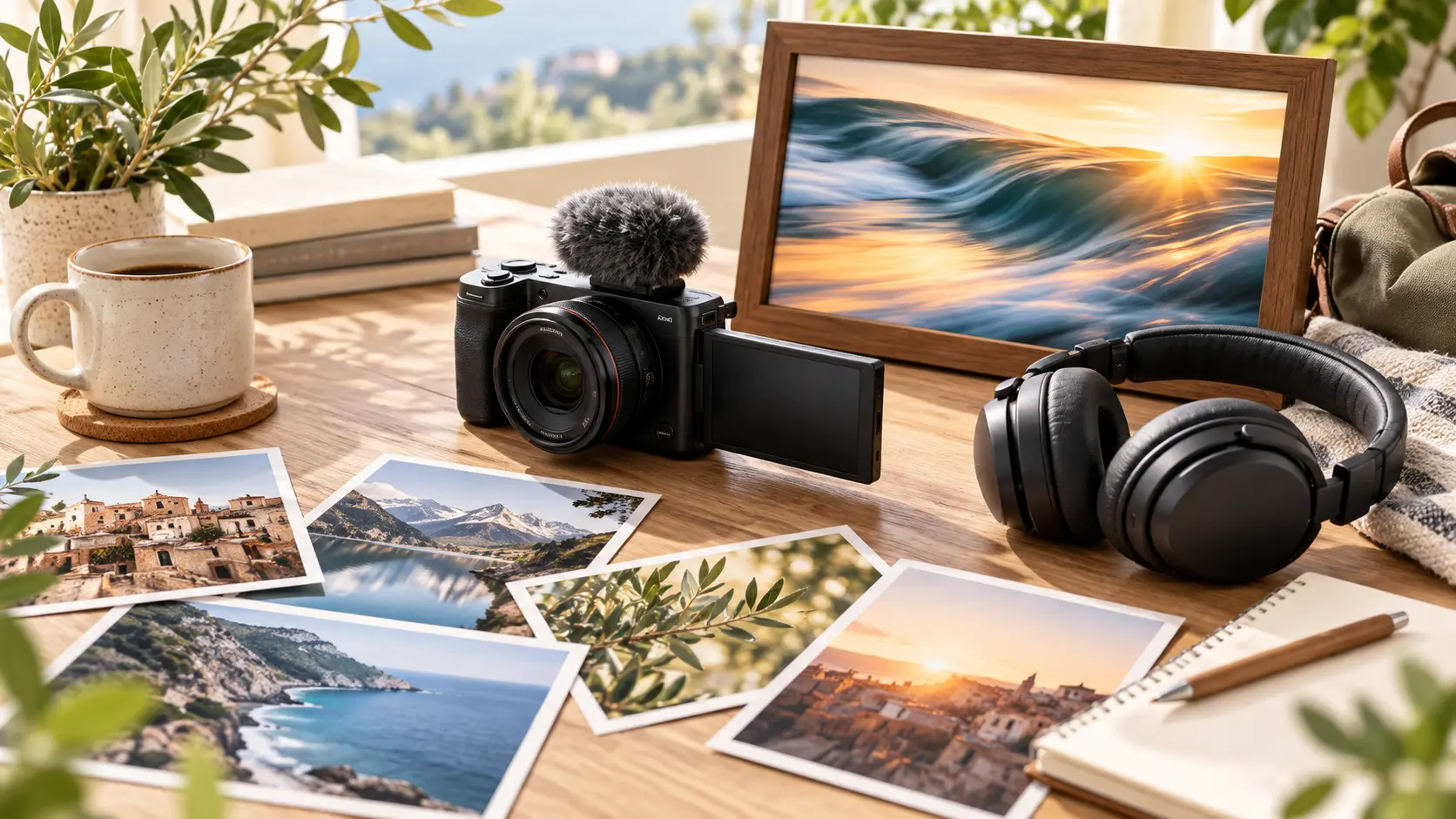
Start with a short Eid wish or scene description, then add images, video, or audio references. Use @ to point VideoAI toward the exact role each file should play.
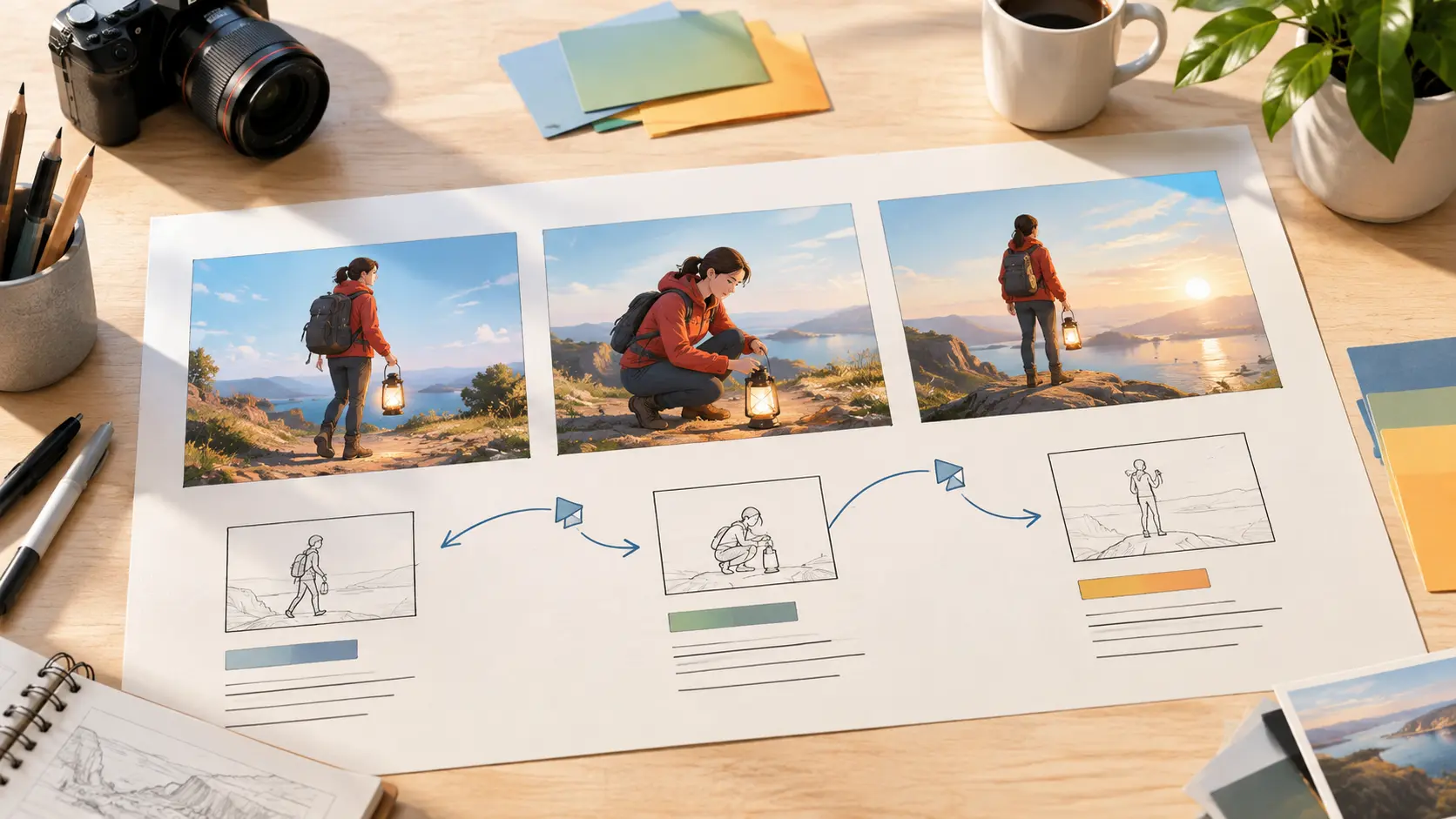
Plan the opening, greeting text, action, and ending by time segment. That choice keeps the video pace tied to the moment you want viewers to notice.
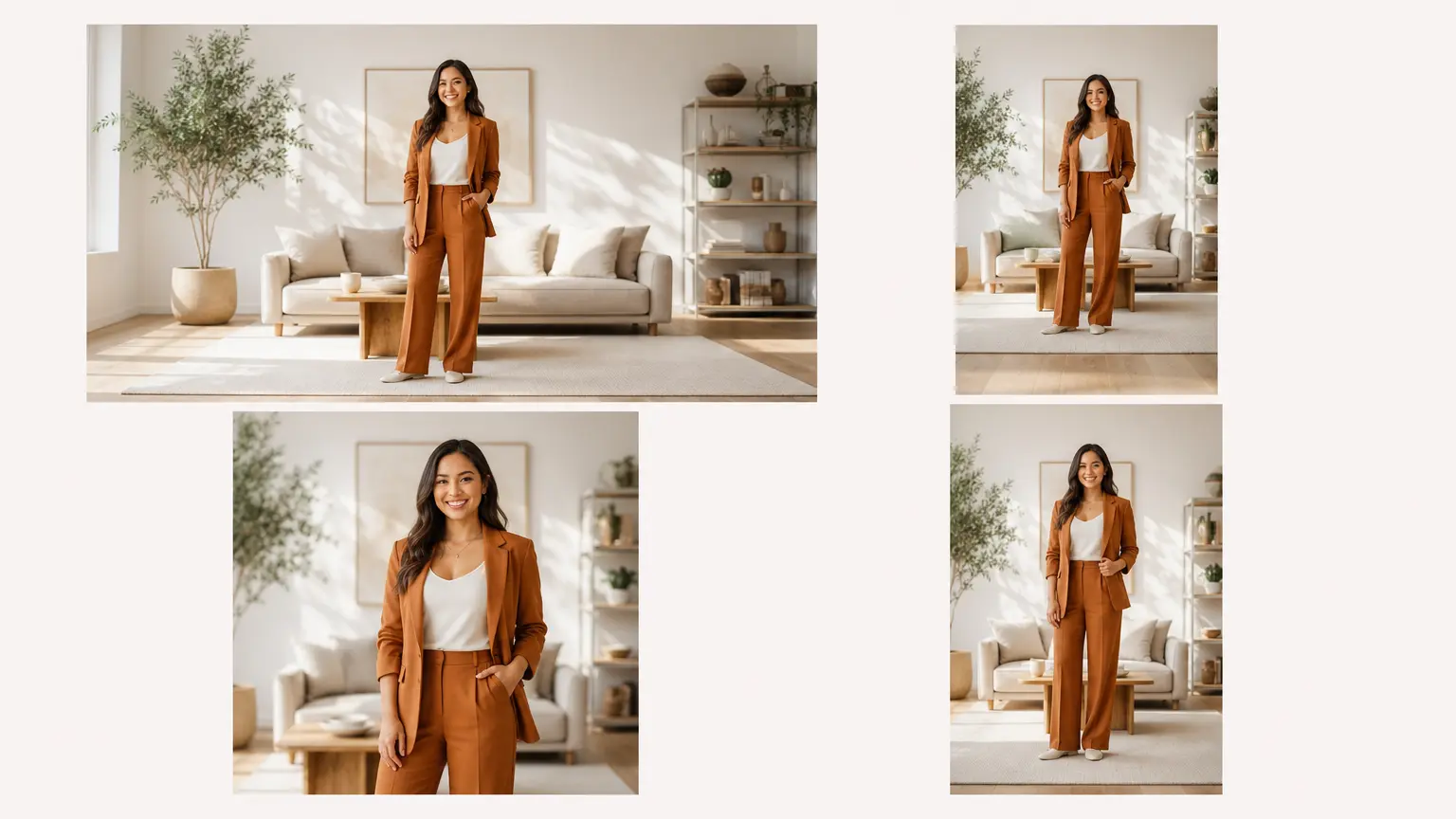
Add a brief Eid message, channel name, or title in the prompt. Check the preview after generation when exact wording matters for a public greeting.

Generate 16:9, 9:16, 1:1, or 4:5 video, with up to 4K as an option. A single generation can be up to 30 seconds, then you can extend or refine before downloading MP4.
The workflow stays close to your creative decision: describe the wish, assign references, preview the result, and refine by text.
Step 01
Write the Eid greeting or scene you want, or begin from a confirmed video template entry. Add family photos, community clips, or audio references when they help define the result.

Step 02
Describe the opening, greeting text, motion, sound direction, and ending in order. Use @ to connect each reference to its purpose, then choose 16:9, 9:16, 1:1, or 4:5.
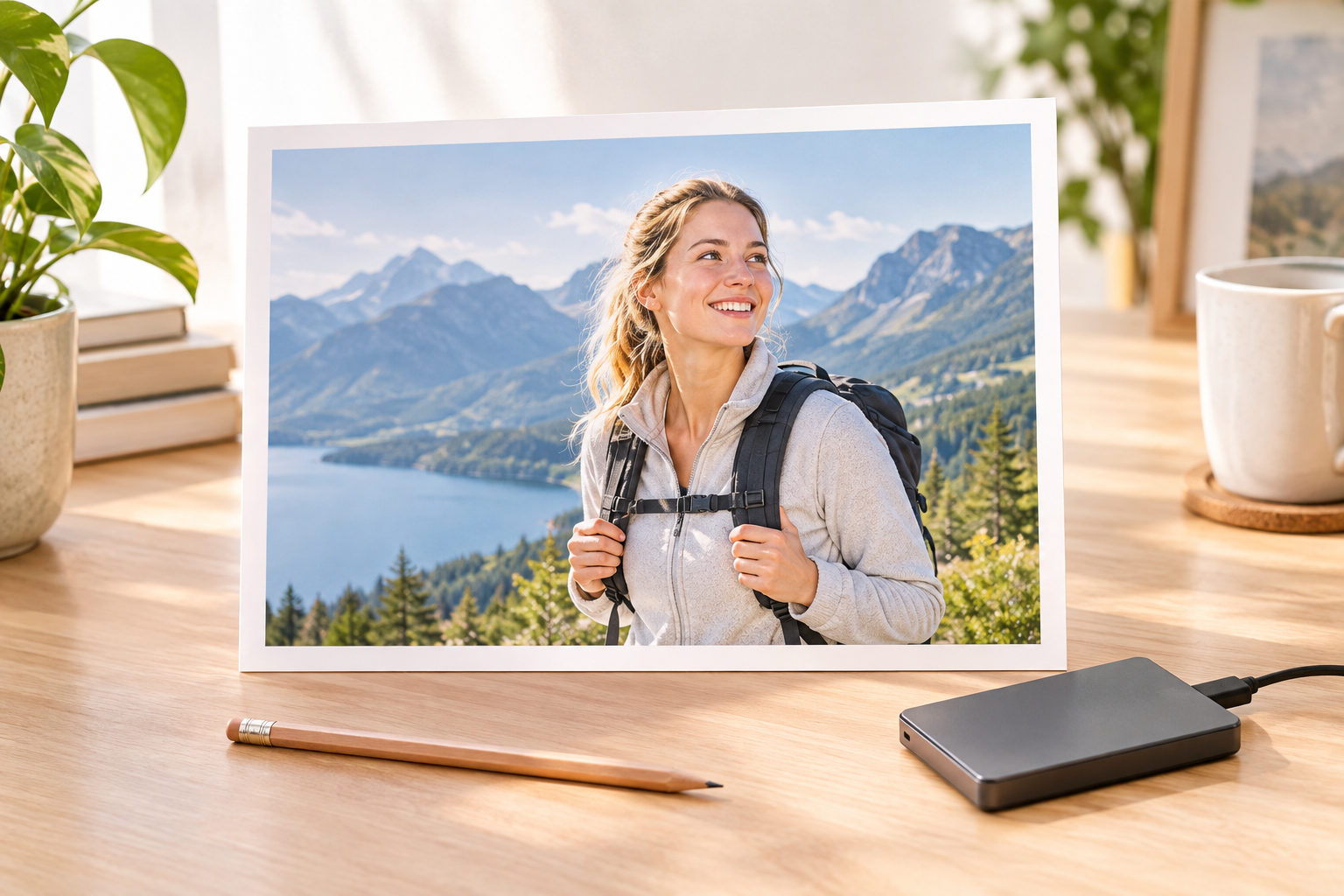
Step 03
Generate the video, review the first cut, and ask for changes with text instructions. When the greeting is ready, download the finished MP4 from VideoAI.

Open the Eid video maker, enter the greeting, assign any references with @, and shape the preview until the Eid video is ready to download.
Get Started