Menu Maker

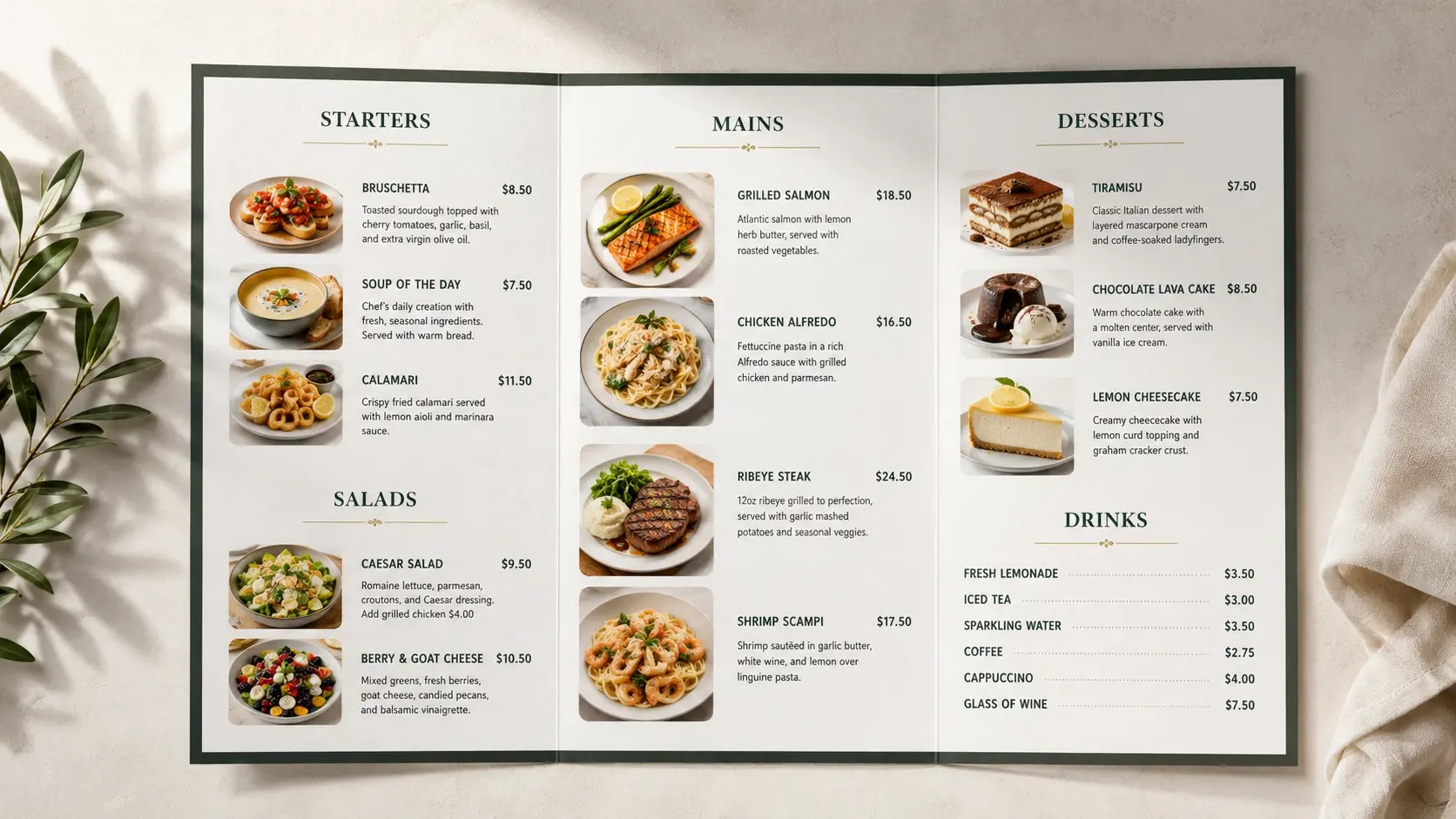
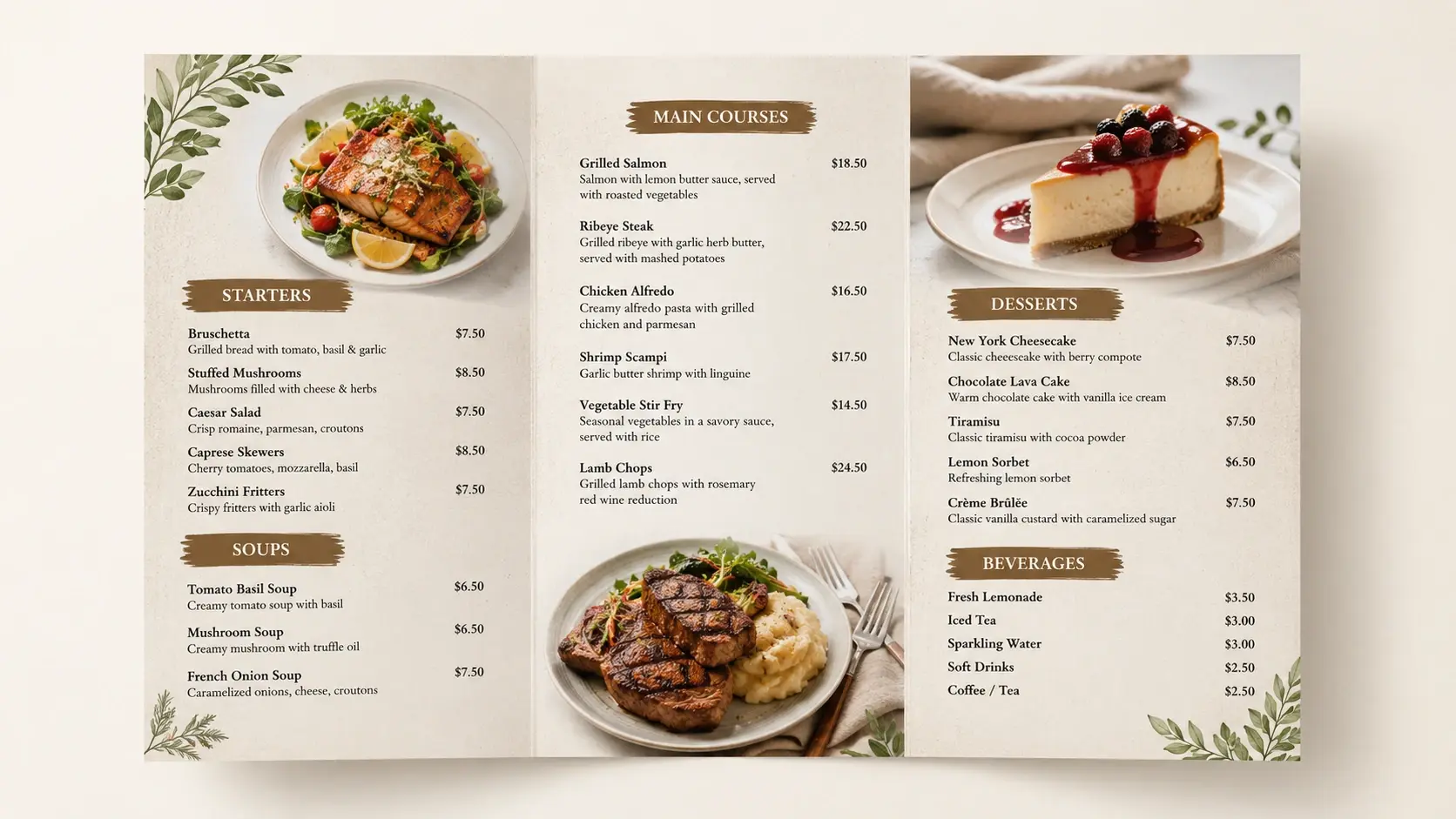
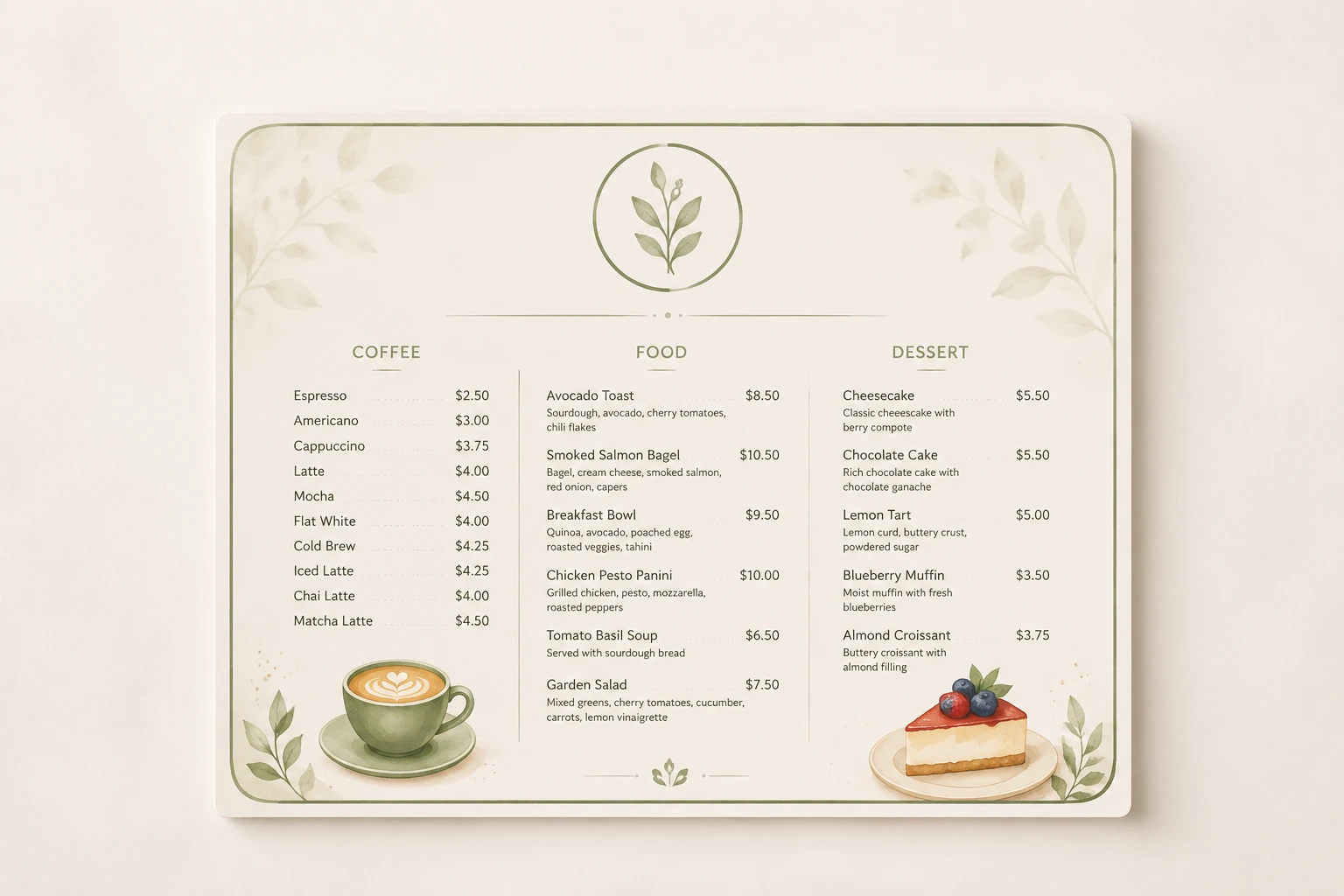
Describe your restaurant, the style, and the dishes you have in mind, and VideoAI works as an online menu maker that renders a print ready design with your dish names and prices in place.

Print ready restaurant menu design with dish names and prices from an online menu maker

Make Your Menu in Three Steps

You describe the result you want, this menu maker generates the design, and you download a print ready file.

Prompt box describing a cafe menu with dish names, prices, and an uploaded logo reference

Step 01

Describe Your Menu

Write a short description of your venue, the style and colors you want, and the dishes and prices to include. If you have a restaurant logo, add it as a reference so VideoAI works it into the design and pulls your brand colors into the palette.
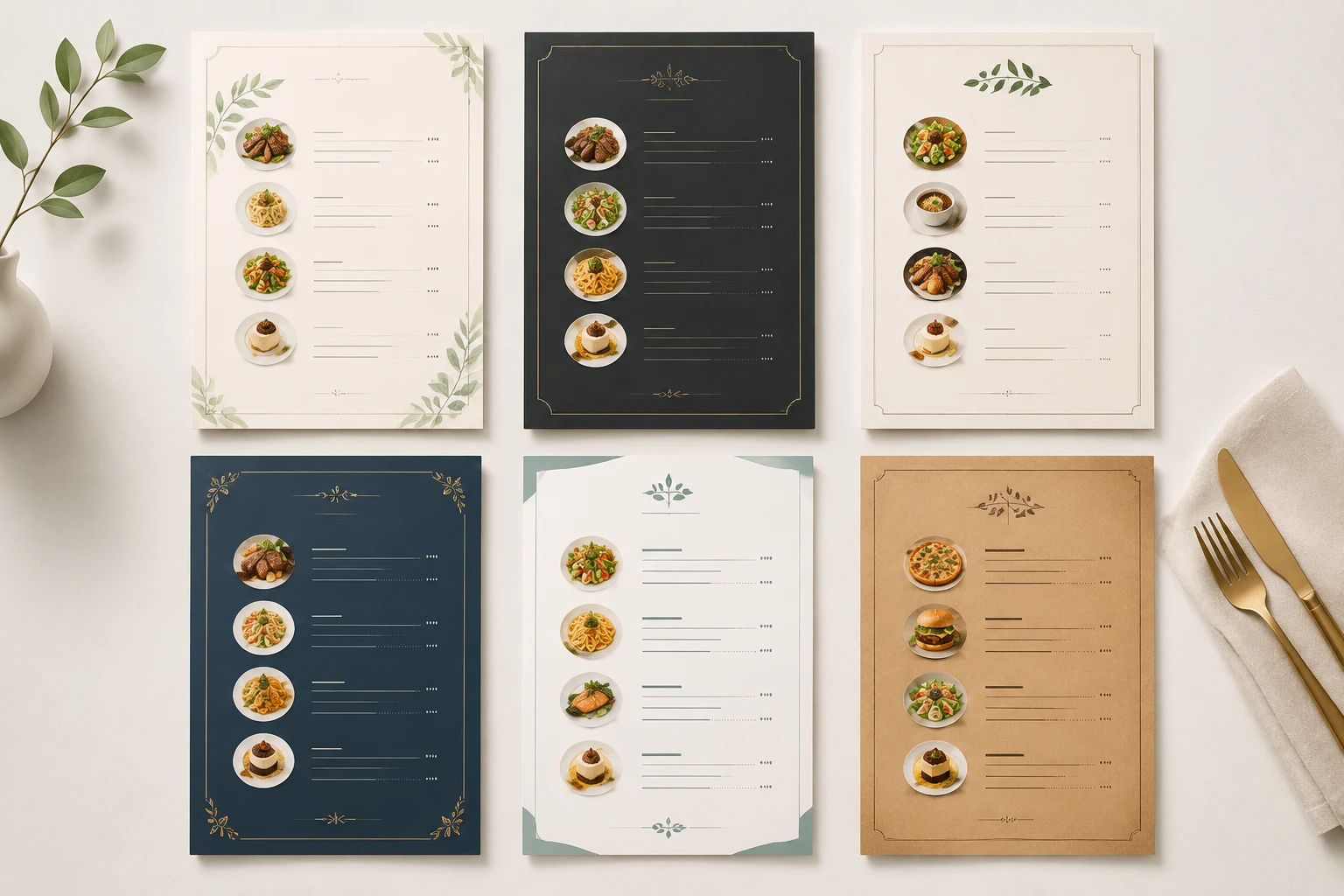
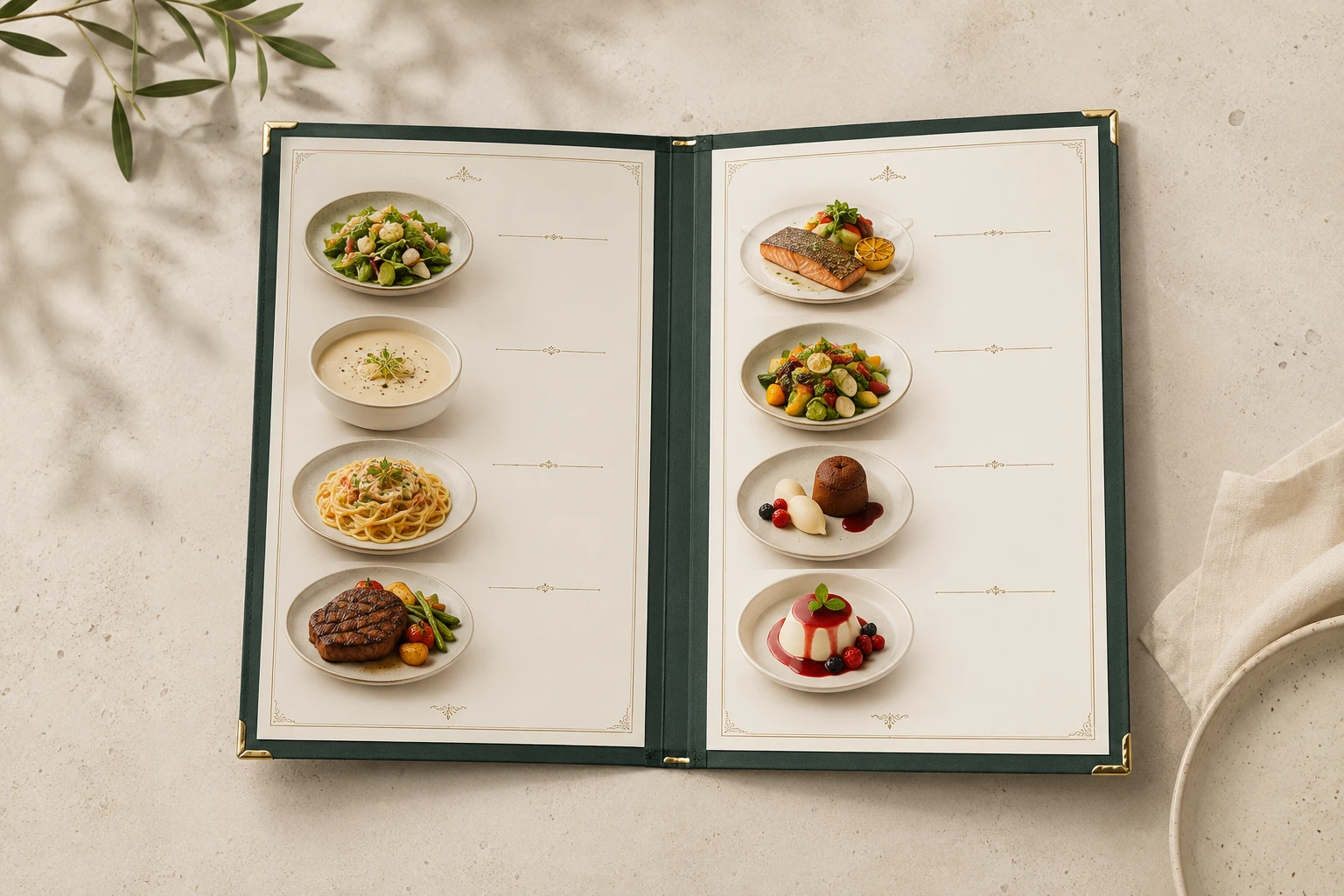
VideoAI generating several restaurant menu design options from one text prompt for comparison

Step 02

Generate and Refine

Click generate and this menu maker produces menu designs from your description. If the layout or the wording is not right, adjust your prompt and generate again, or keep refining a version you already like.

High resolution restaurant menu design exported as a print ready PDF at 4K quality

Step 03

Download Print Ready Files

Pick the version that fits, then download a high resolution menu design that supports 4K output. You can export it as a PDF, so the file is ready to send straight to a printer.

Where a Menu Maker Fits Your Business

From a new restaurant opening to a seasonal refresh, here is where a food menu maker earns its place.

Restaurant Menu Maker for New Openings

Opening a new spot means you need a professional menu fast and without big costs. You describe the cuisine and the mood, and this restaurant menu maker returns polished layouts you can test in a few styles before you commit to one.

Digital Menu Maker for Screens and Social

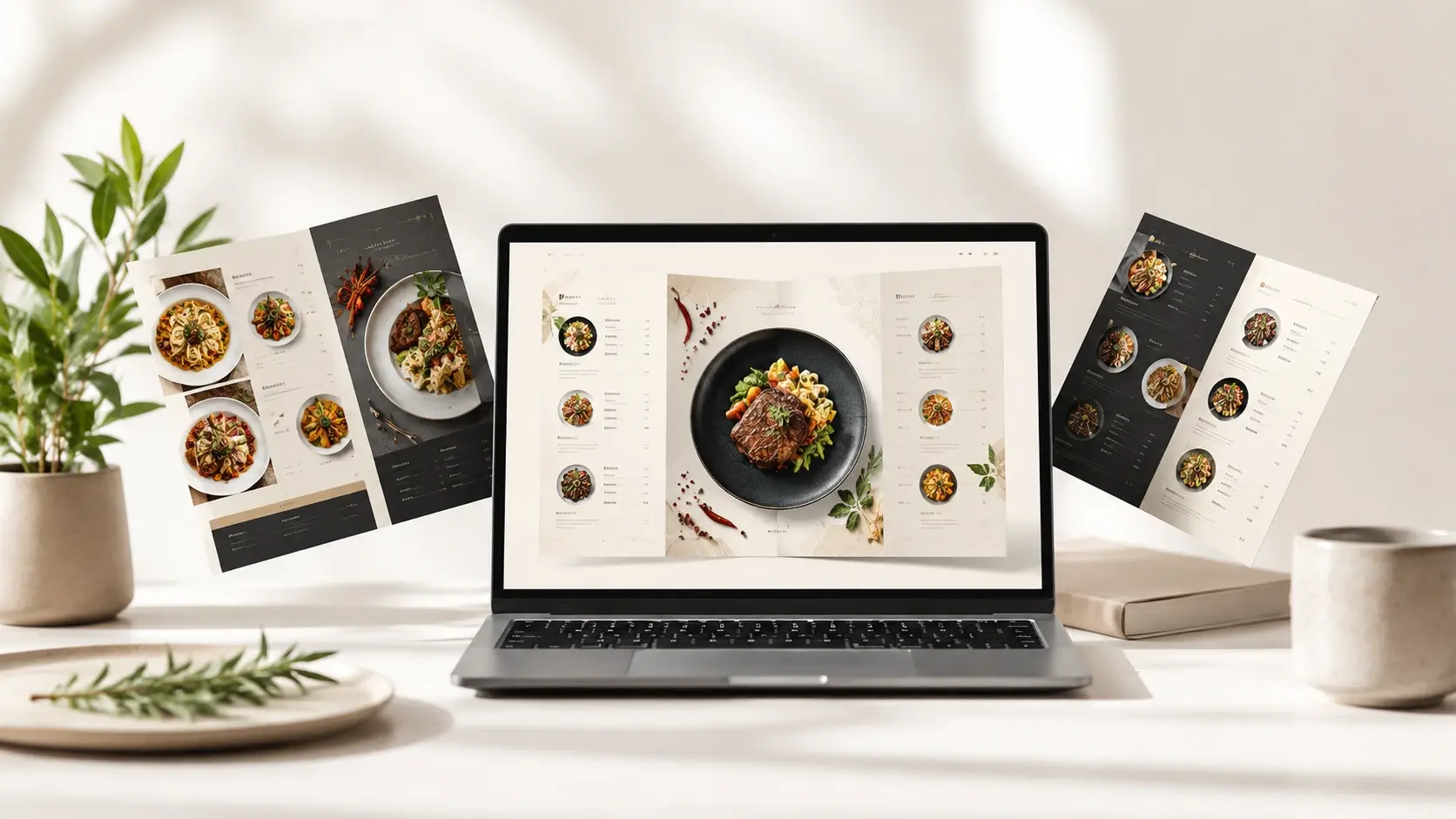
Need a menu image for your website, a social feed, or an in store screen? Feed the dishes and the look you want into this digital menu maker and it renders a clean design image you can place on a website, in social feeds, or on a screen, rather than a live ordering system.

Cafe and Tea Shop Drink Lists

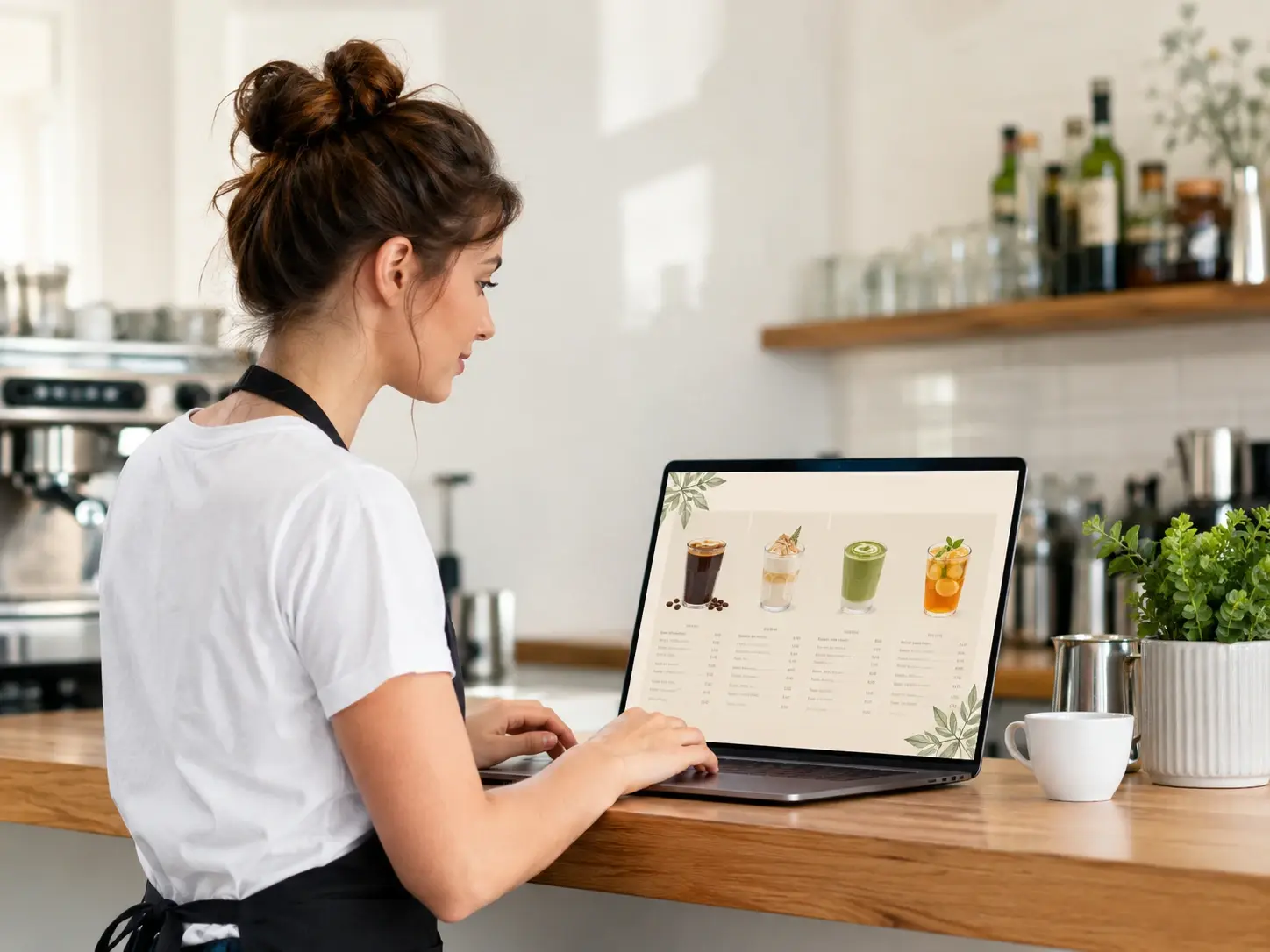
A cafe rolling out a new drink lineup wants a warm, handwritten feel. Describe the beverages and the palette, and the menu maker returns with your prices set into a style that matches the room.

Pop Up and Food Truck Boards

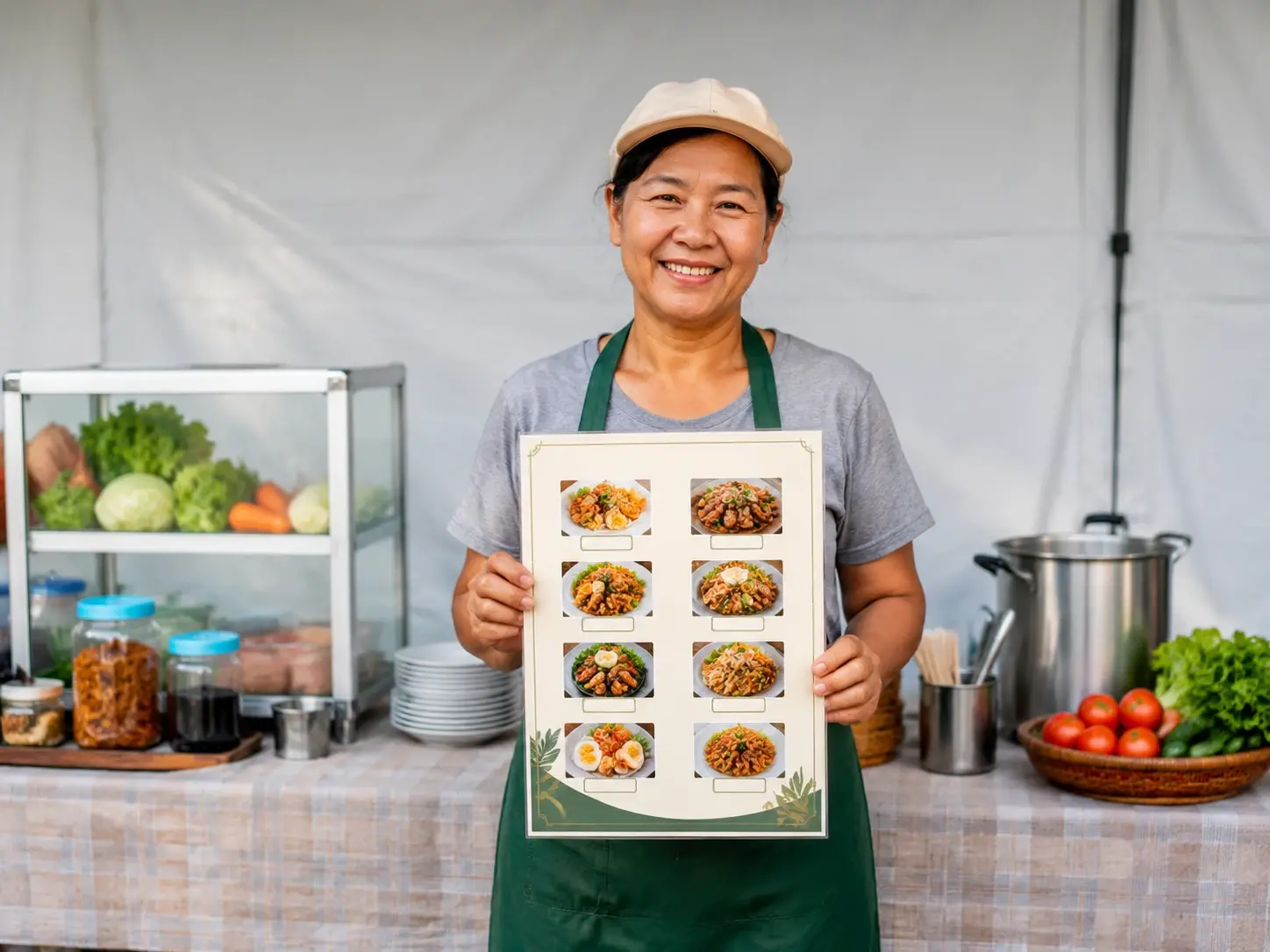
Running a food truck or a market stall, you need a compact board you can print the same day. A quick description of your short menu turns into a design ready to print, so the stall looks sharp by opening time.

Made for Restaurant Owners and Staff

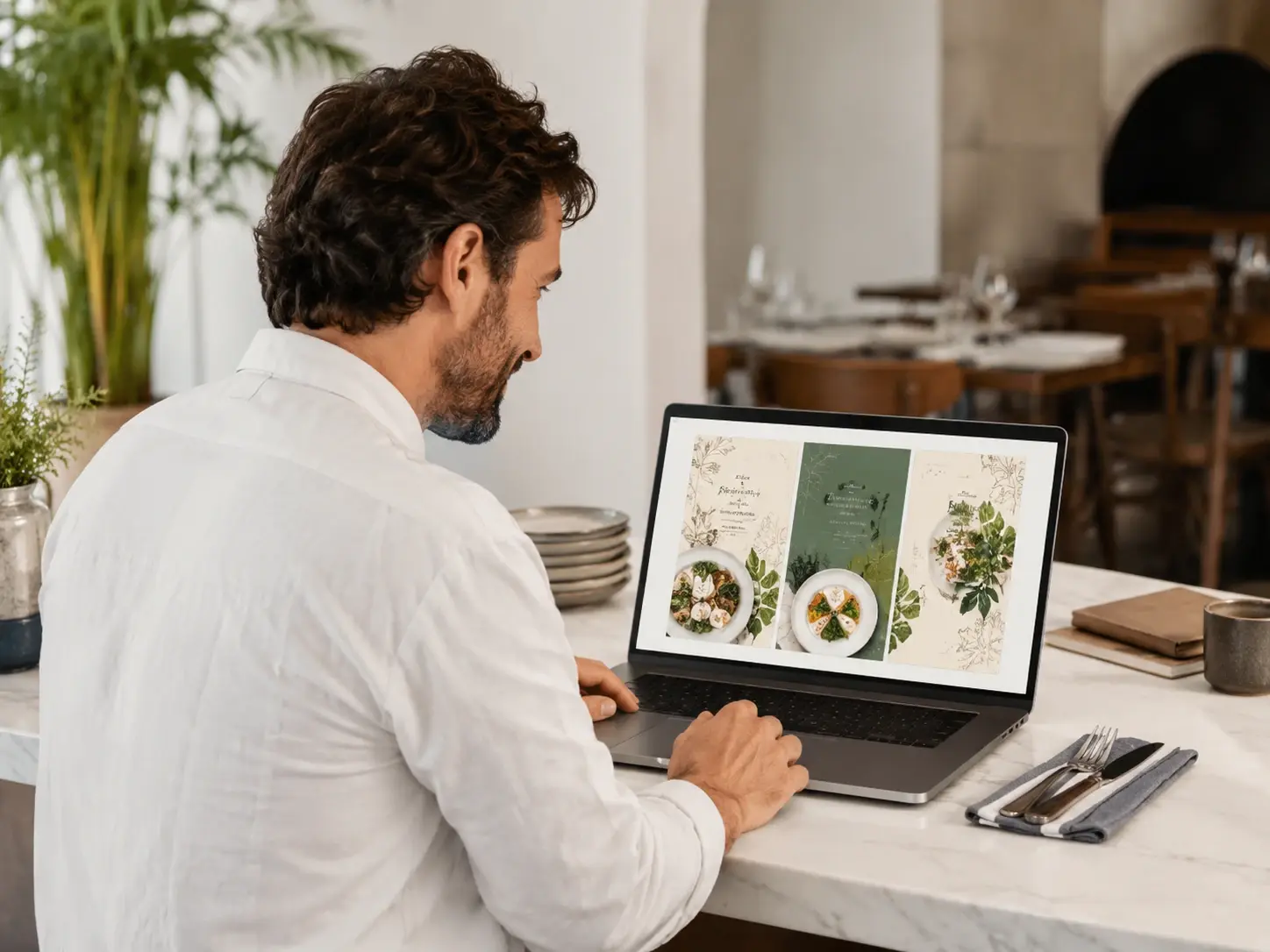
Restaurant owner reviewing a print ready menu design made with VideoAI on a laptop

Owners Launching a New Venue

You are opening a restaurant and cannot wait on a design studio. This menu maker lets you describe the menu you picture and get a print ready design back, so you can try a few directions and keep the one that fits your brand.

Menu Maker Tools Built for Print

Every part of this menu maker points at one thing: a menu you can put in front of guests.

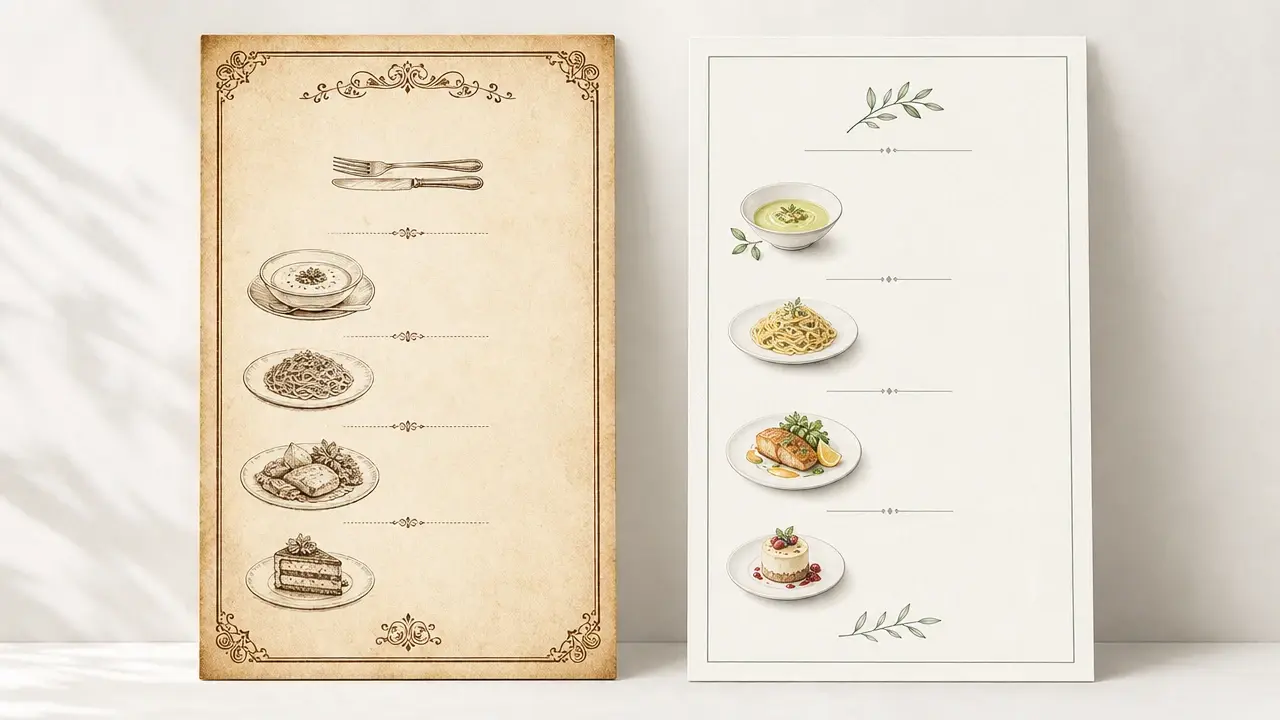
Two restaurant menu designs in vintage and minimal styles generated from text prompts

Design That Follows Your Words

Your description sets the direction. Ask for minimal, vintage, handwritten, or upscale, or pick a preset style, and the design shifts to match, rather than locking you into the fixed layouts of a basic menu card maker.

Close up of a menu design showing dish names and prices rendered clearly by VideoAI

Dish Names and Prices Rendered Clearly

Text lands where it should. Dish names, short descriptions, and prices read cleanly on the design, which answers the usual worry about garbled text from an ai menu maker.

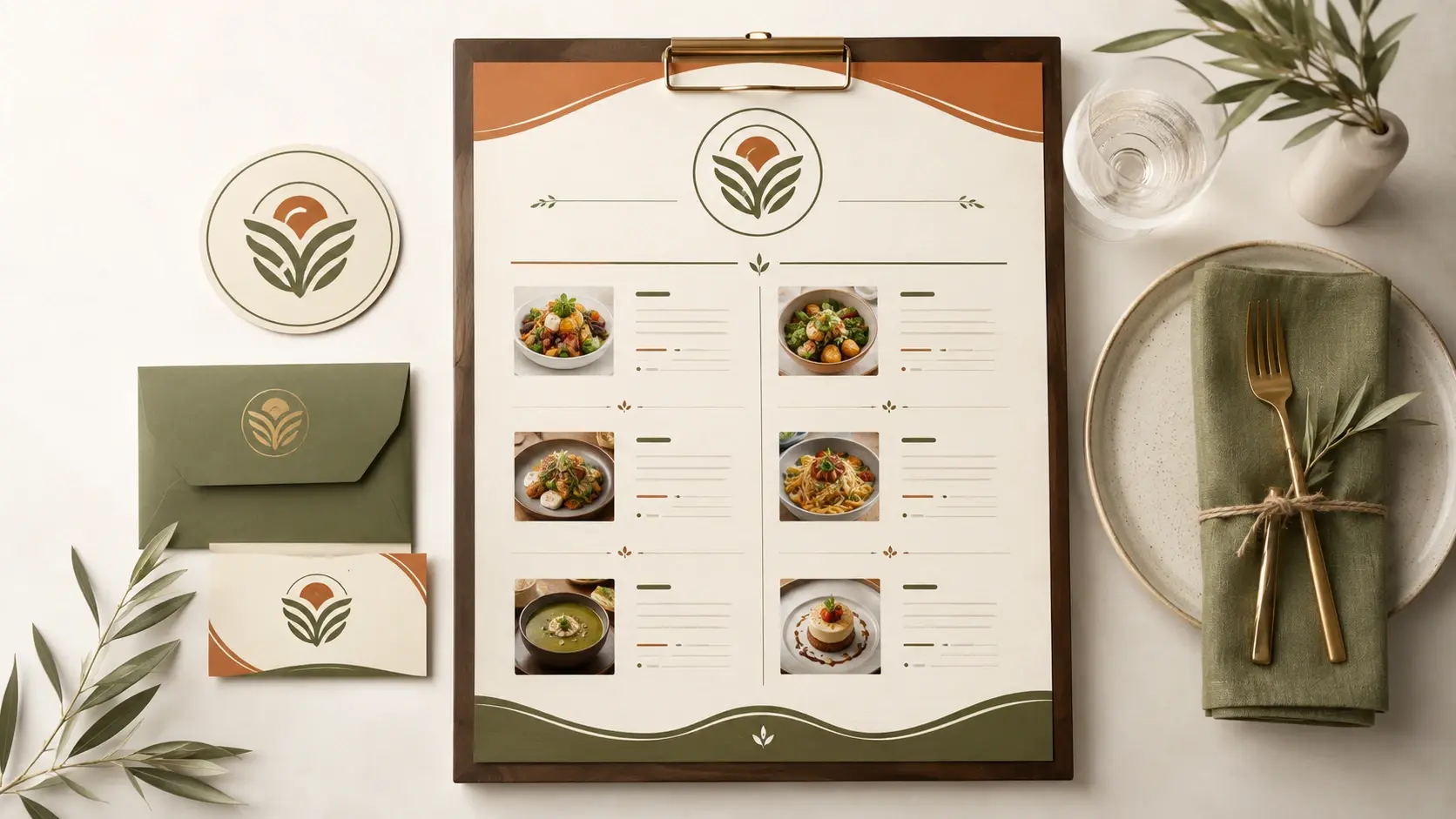
Restaurant logo blended into a menu design with matching brand colors by VideoAI

Bring In Your Logo and Colors

Upload your restaurant logo as a reference and this menu maker works it into the layout while pulling your brand colors into the palette, so the menu sits beside the rest of your branding.

Print ready menu design exported to PDF at 4K resolution with no watermark

High Resolution Output You Can Print

Downloads come at high resolution with 4K support and PDF export, and the files carry no watermark, so a design you make can go straight to a printer and be used commercially.

Common Questions Before You Start

You start with a balance of 10 credits, which is enough to try the menu maker and generate several menu designs. The credits let you see the output quality first, and your results stay saved in your workspace.

Describe your venue, the style you want, and the dishes with prices in the prompt box. VideoAI generates the design, and you refine the prompt until it looks right, then download it.

The menu maker runs online in your browser, and your starting credits let you generate designs right away. Nothing needs to be installed, so you can open it and begin describing your menu.

Give clear direction on tone, colors, and layout in your description, and add your logo so the palette matches. Strong prompts lead to cleaner designs, and you can compare a few versions before deciding.

List your dishes, sections, and prices in the prompt, mention the cuisine and the mood, and let VideoAI lay it out. If a section feels off, adjust the wording and generate again.

Yes, dish names, short descriptions, and prices are rendered into the design as written, which sets this menu maker apart from tools that scramble text. Check your prompt spelling, since the design follows it closely.

An account is required so your designs stay saved in your workspace. You download high resolution images with 4K support and PDF export, and finished menus can be used commercially.
Start Your Menu Maker Design Today result preview inspired by Describe the menu you want and download a print ready design you can use across your restaurant.

Start Your Menu Maker Design Today

Describe the menu you want and download a print ready design you can use across your restaurant.

Get Started
Menu Maker - Online Menu Design Maker - VideoAI