
Step 01
Start With Script And References
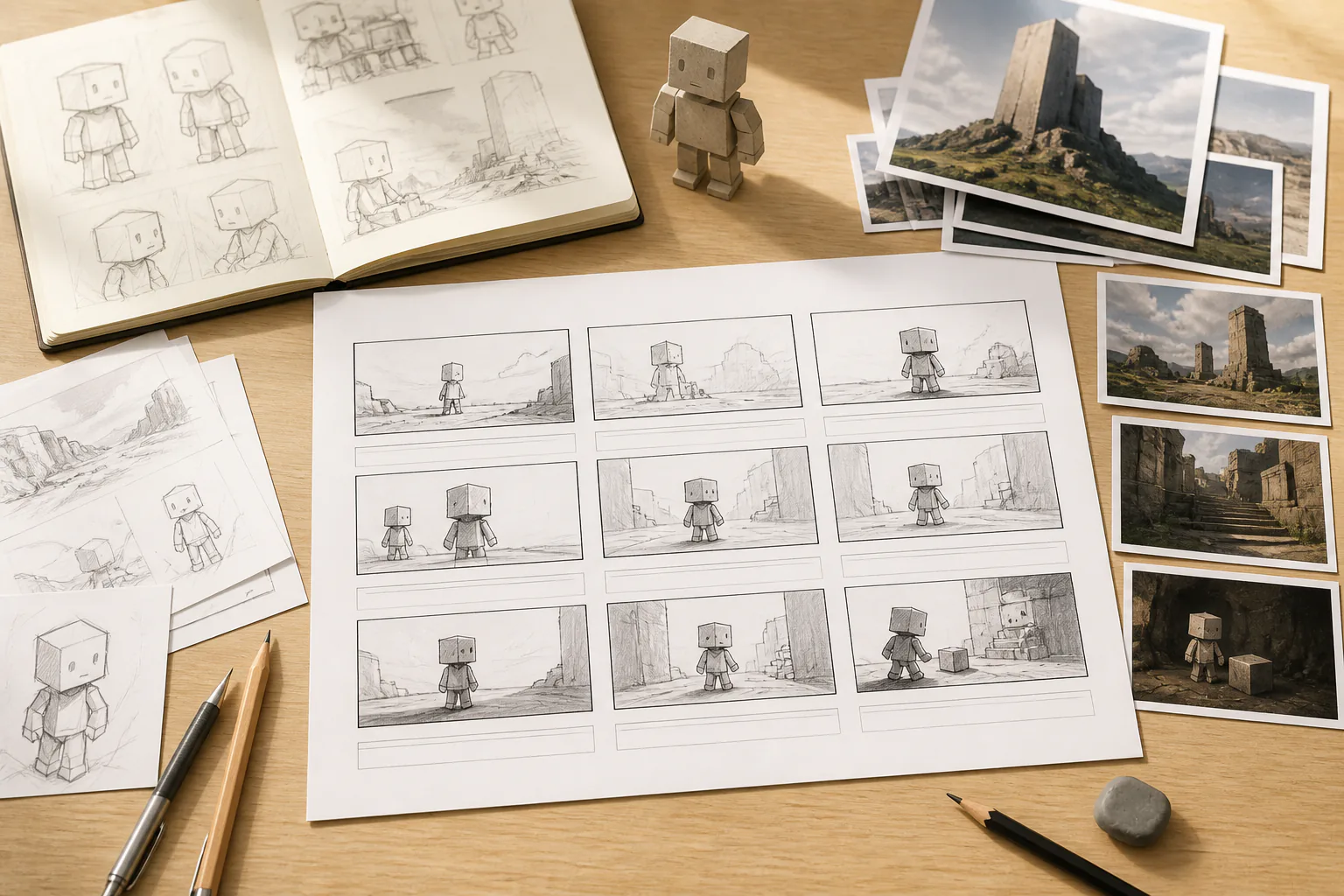
Paste a story, voiceover, or parkour scene prompt. Add image, video, or audio references when you want to define the subject, first frame, scene, motion, action, or music direction.

Turn a story or voiceover into a block world parkour short where you set each scene, jump, camera move, and sound cue while VideoAI generates the video.


VideoAI gives creators a minecraft parkour video generator built around deliberate scene choices, not a vague one line prompt.
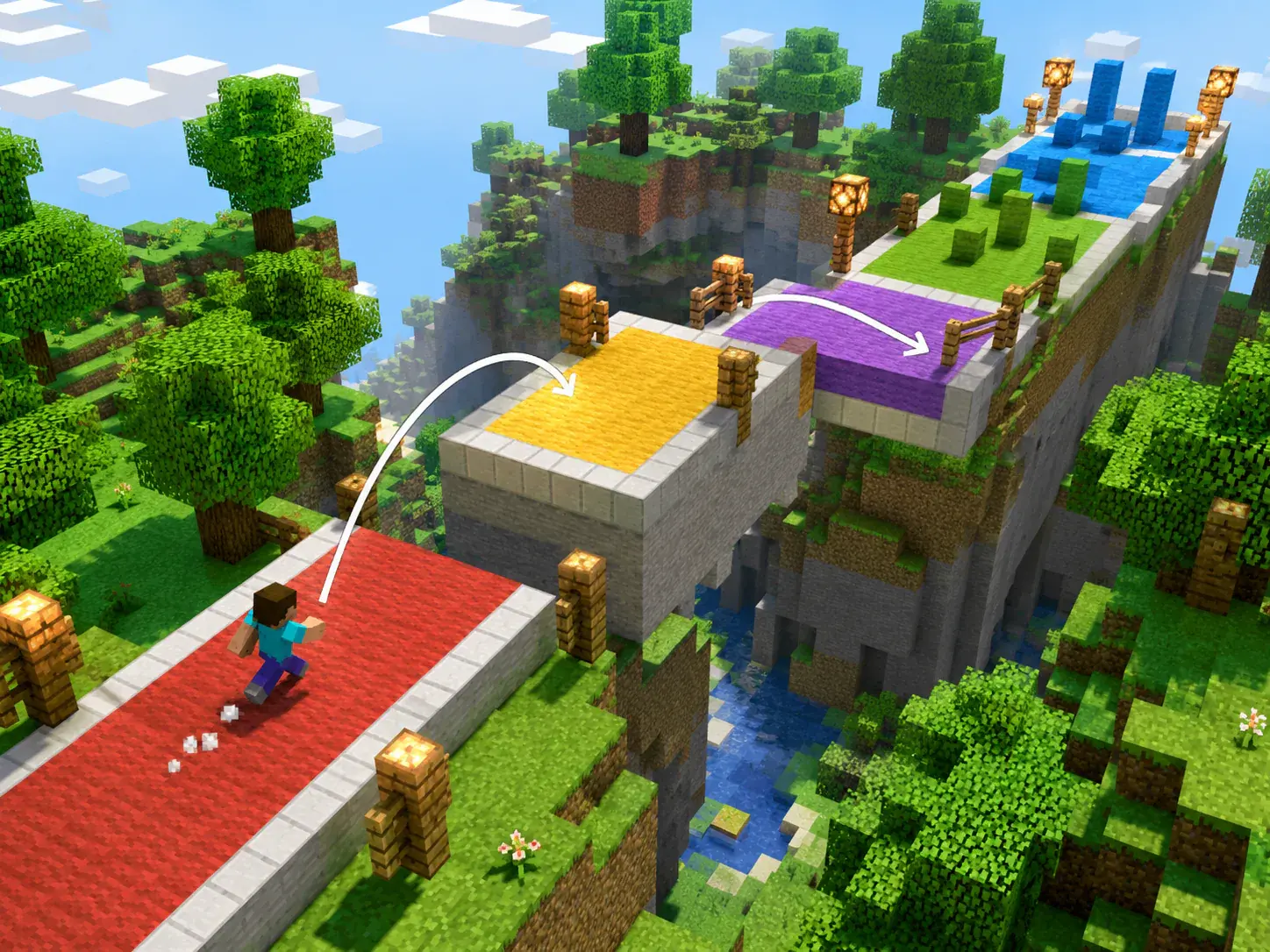
Write each sprint, jump, landing, and turn by time segment so the pace follows your script. The minecraft parkour video generator keeps you in charge of what happens on screen.
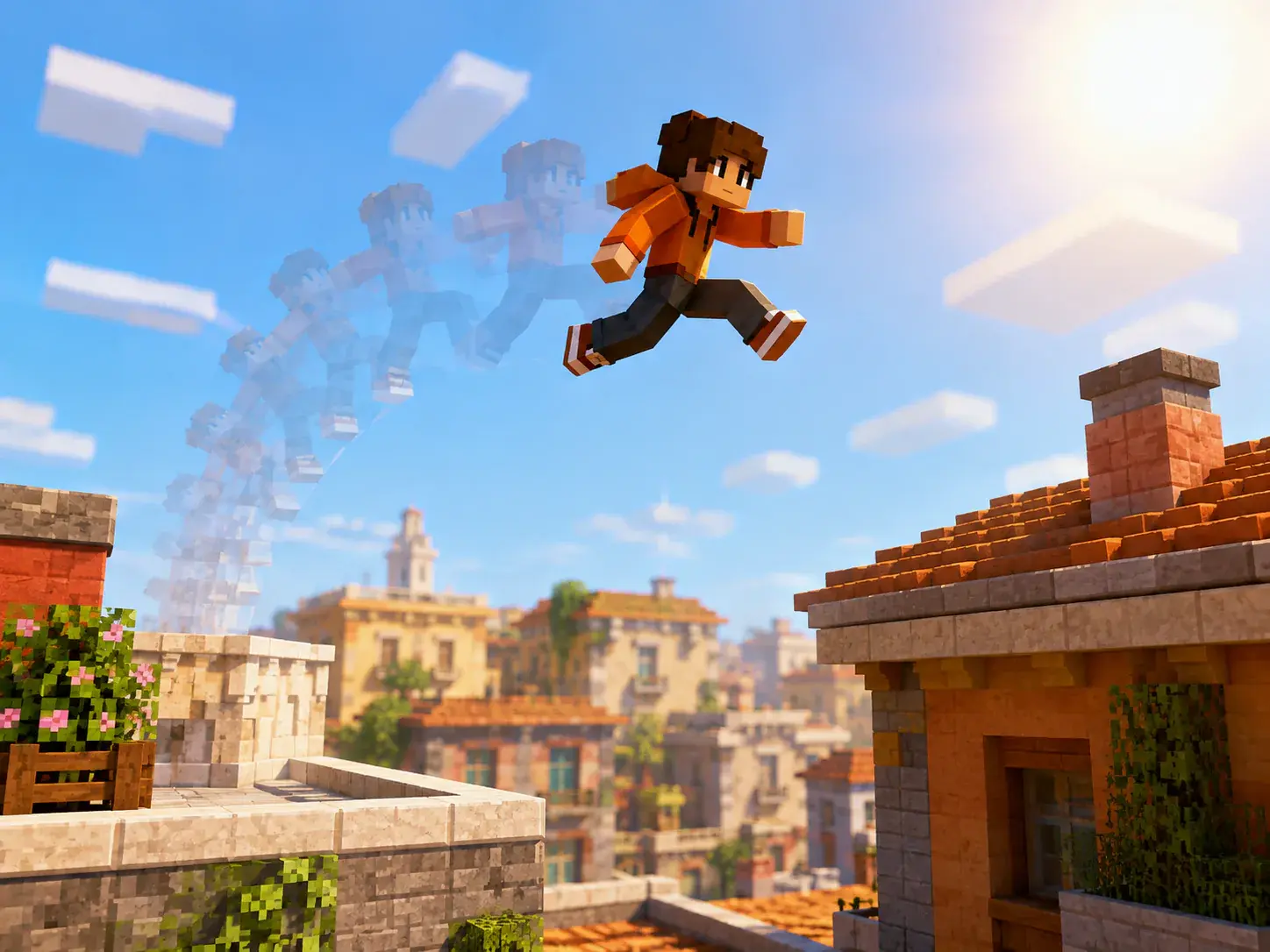
Add images for subjects or scenes, then use reference video to guide action, camera movement, or transitions. This helps an ai minecraft video generator follow a clear creative direction.
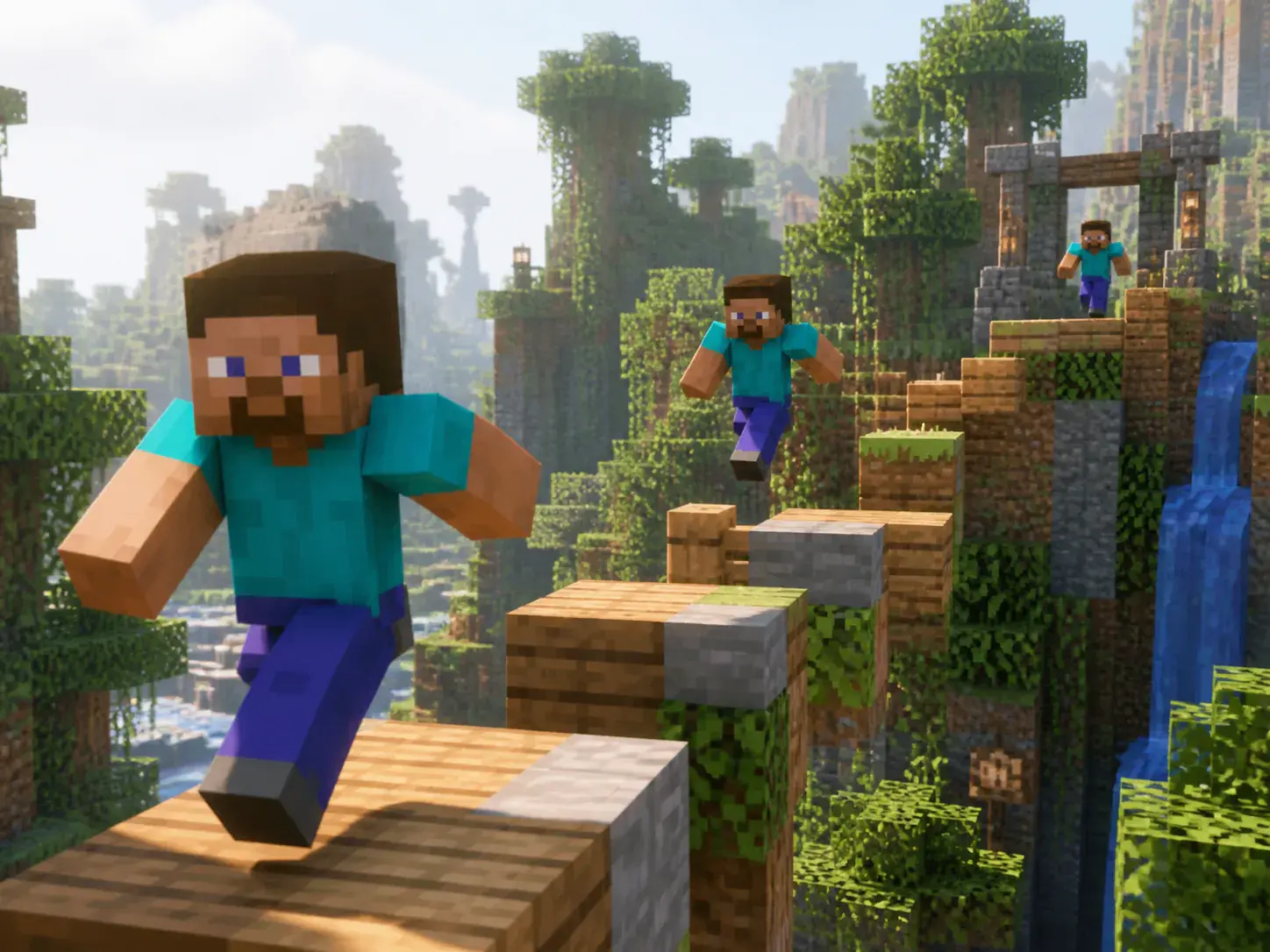
Set an animated or cartoon style with prompts and reference images so characters and block scenes stay aligned across shots. VideoAI works as a minecraft animation maker for short scripted ideas.
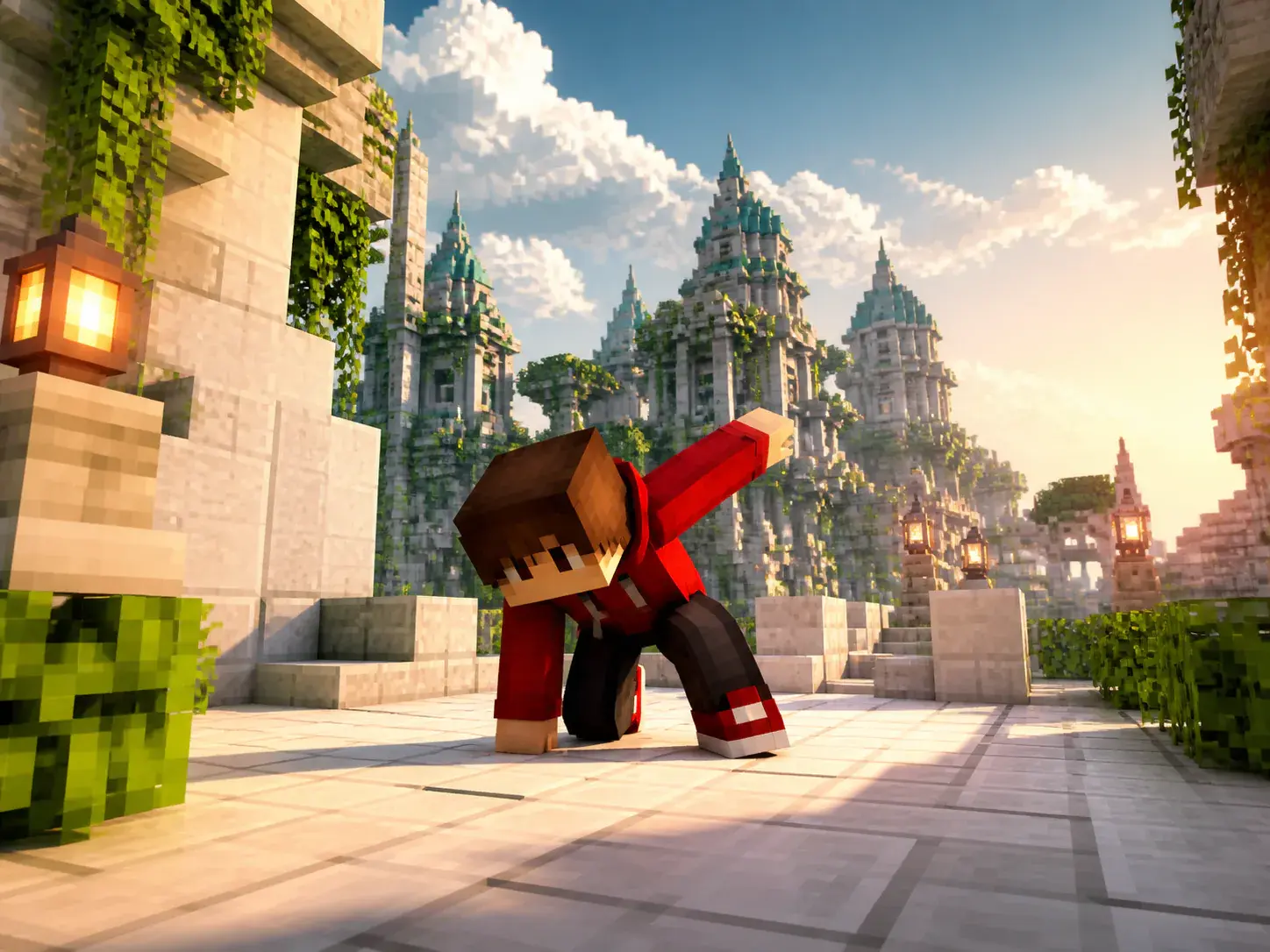
Choose 16:9, 9:16, 1:1, or 4:5 for the placement you need, then download an MP4 up to 4K with no watermark. Single generations can run up to 30 seconds.
The minecraft parkour video generator workflow starts with your script, adds references when you need control, and keeps revisions text based after preview.
Step 01
Paste a story, voiceover, or parkour scene prompt. Add image, video, or audio references when you want to define the subject, first frame, scene, motion, action, or music direction.
Step 02
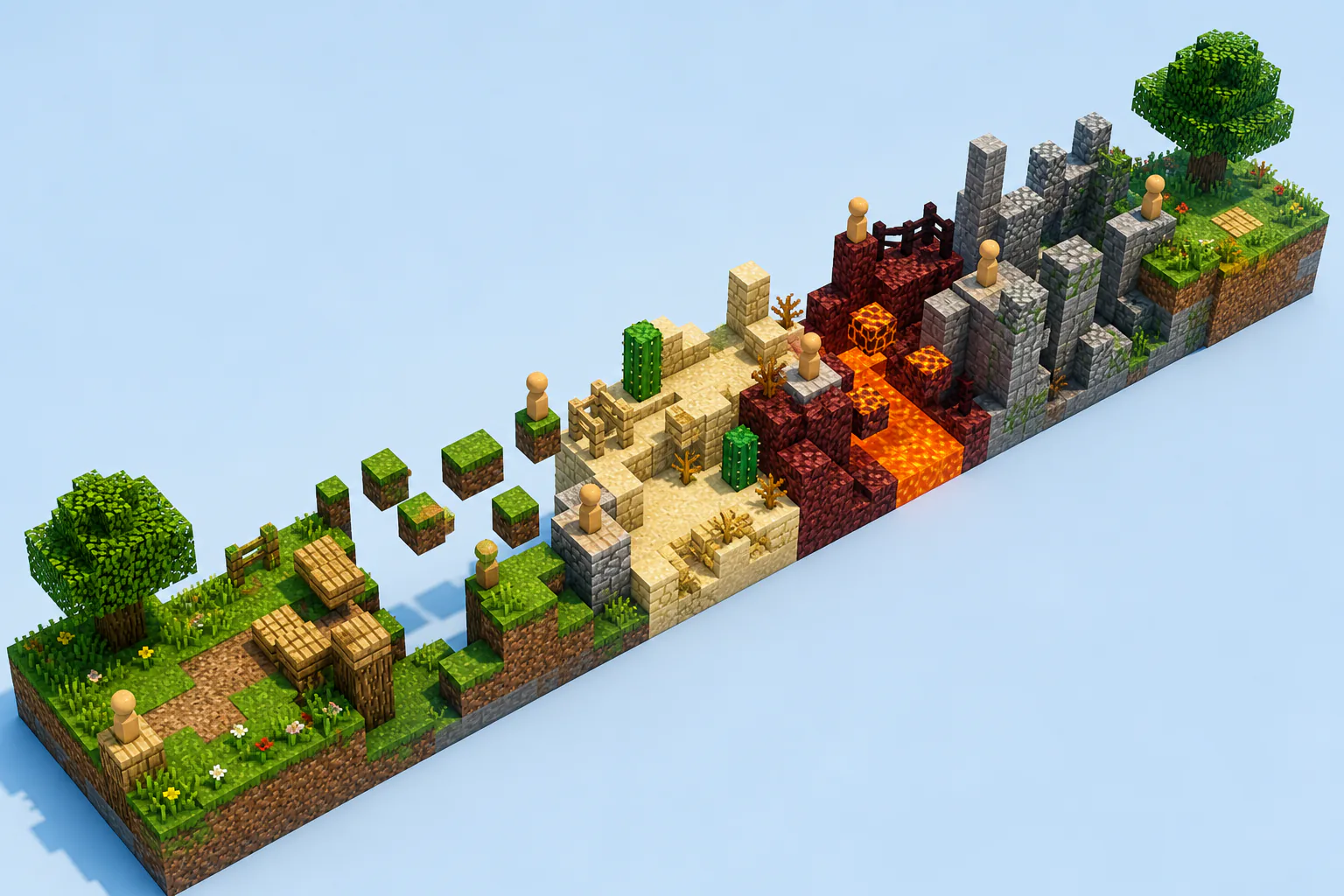
Break the script into time segments, then describe the block scene, running action, jump timing, camera move, aspect ratio, voiceover, BGM, sound effect style, and beat points for each part.
Step 03
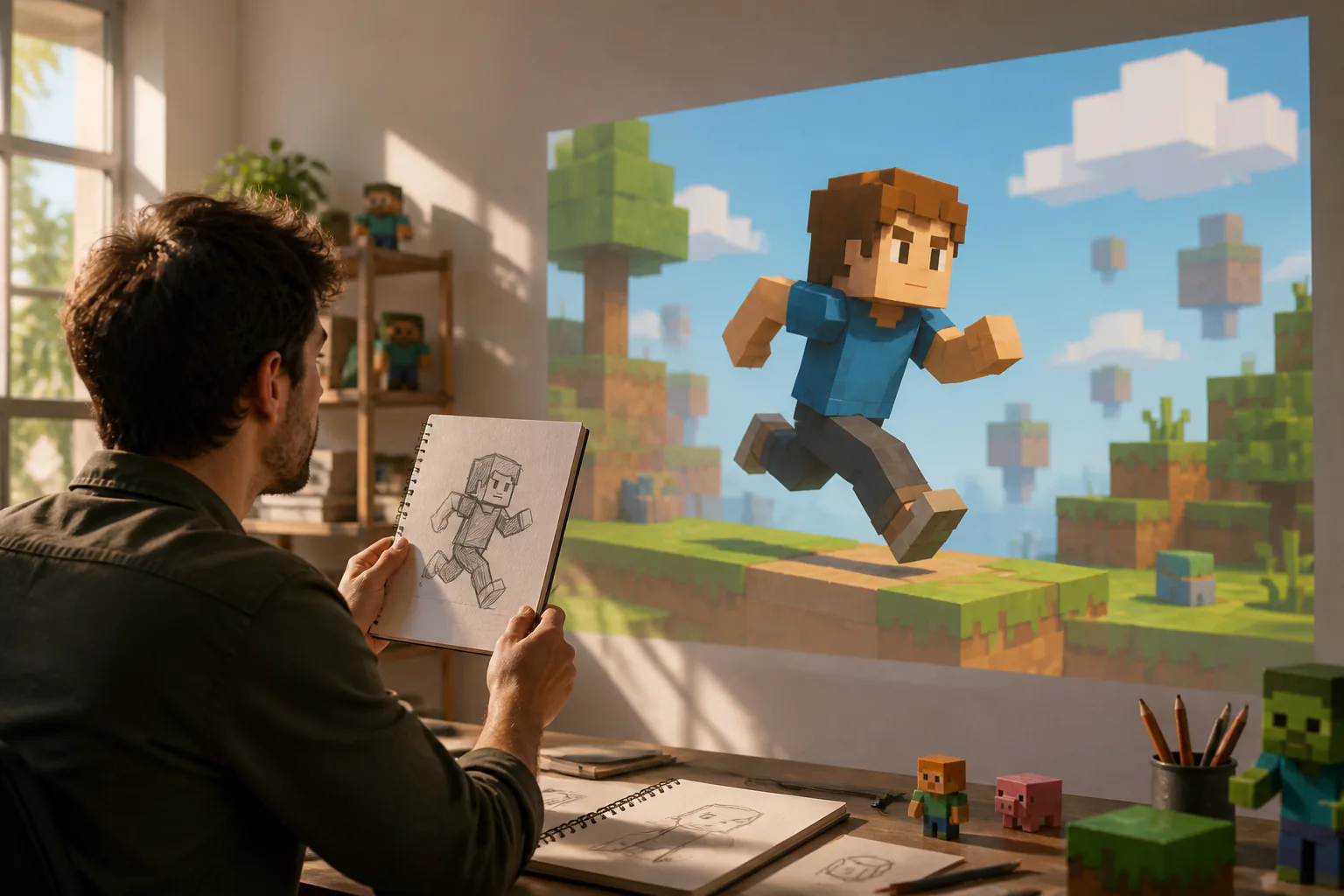
Create the video, preview the result, and type the changes you want for a specific segment. Continue the story after a 30 second generation when the next parkour stretch needs to follow.
Use the minecraft parkour video generator when motion needs to carry a script, explanation, or comment without a heavy production setup.
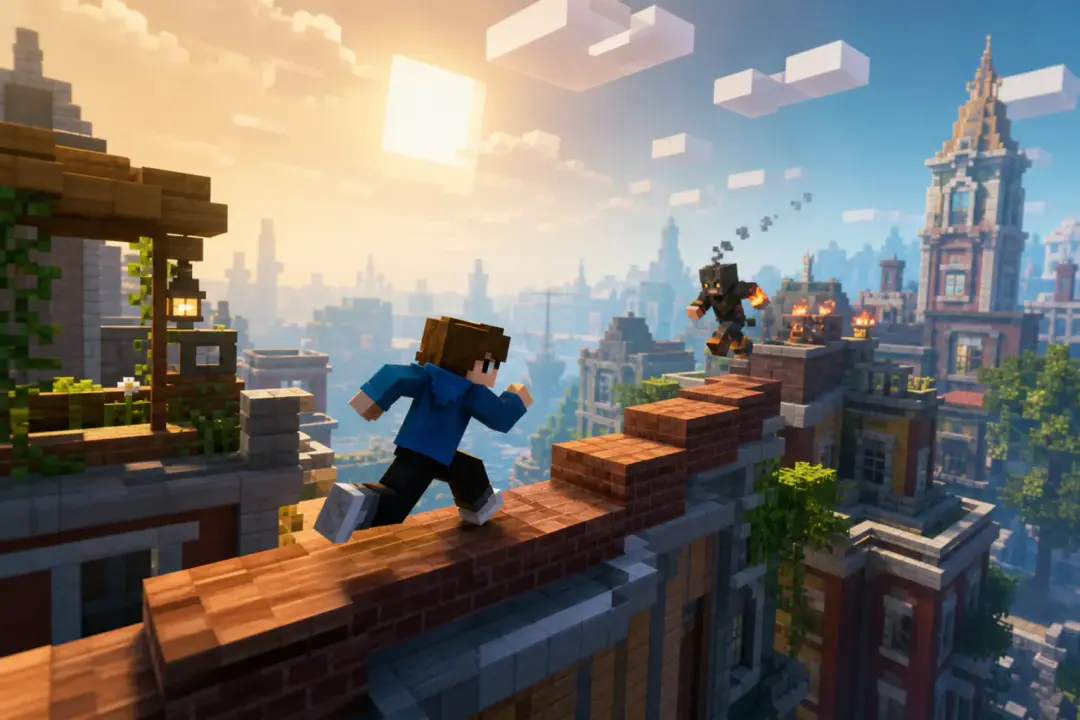
A narrated story needs steady movement behind the voice. You split the script into beats, assign parkour actions to each beat, and get a clip that follows the narration.
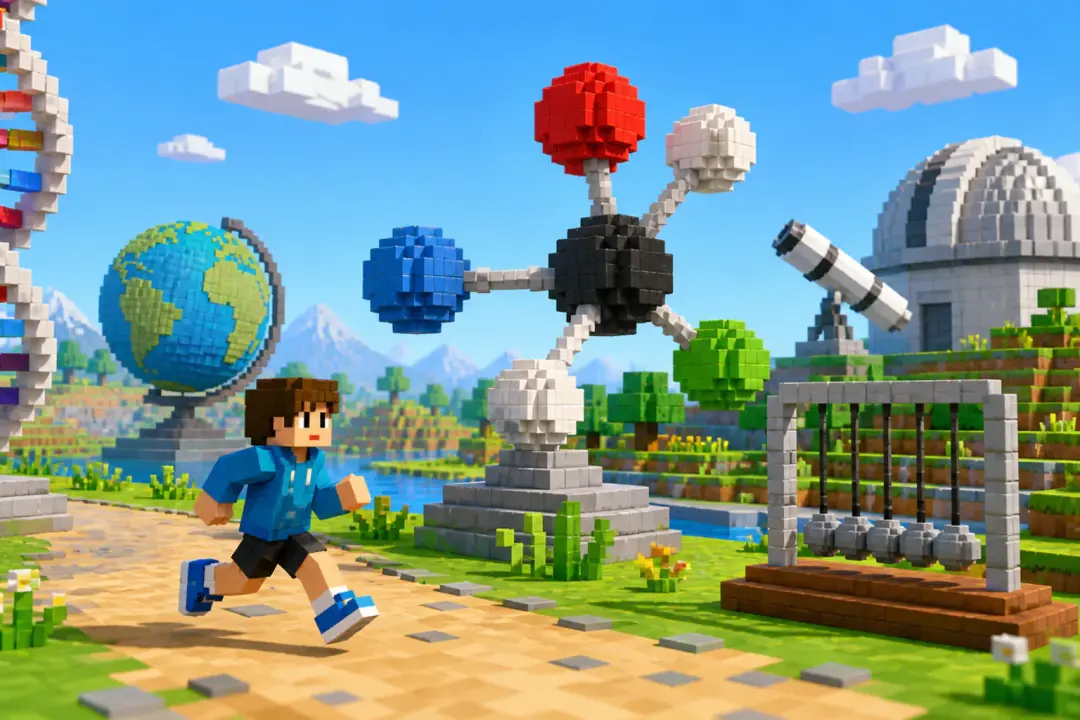
A lesson or revision note can feel static on its own. Build a short sequence where block world motion marks topic changes and keeps the explanation moving.
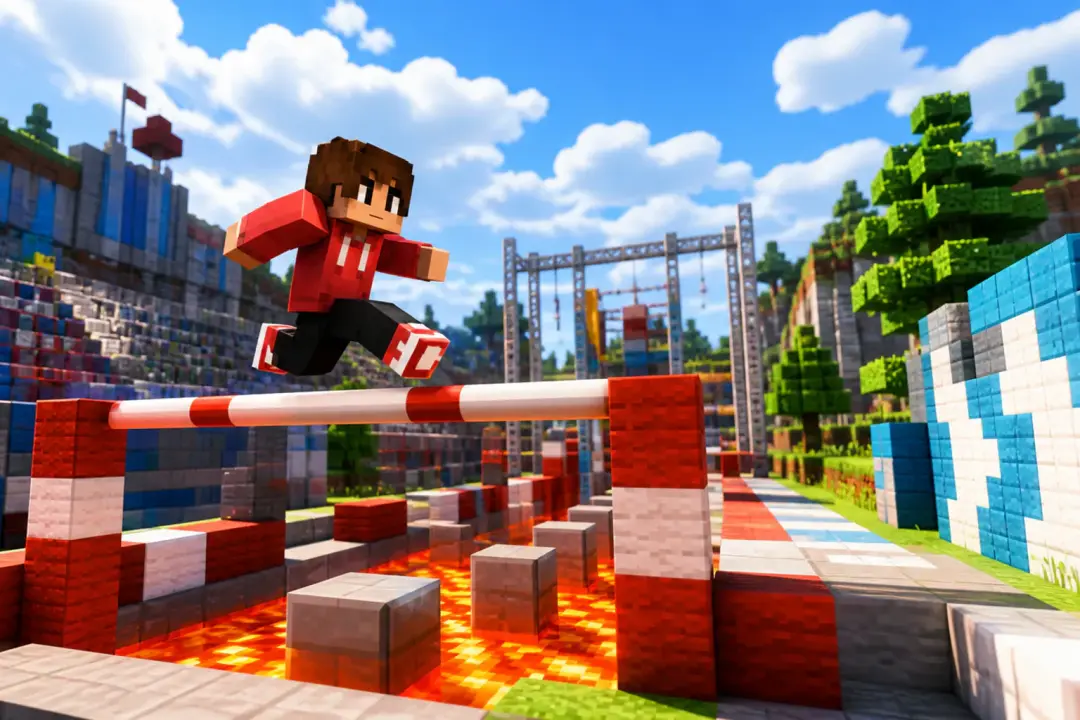
A channel update, opinion, or recap can use parkour visuals while the voice carries the point. The minecraft video generator lets you adjust camera movement and sound around key lines.
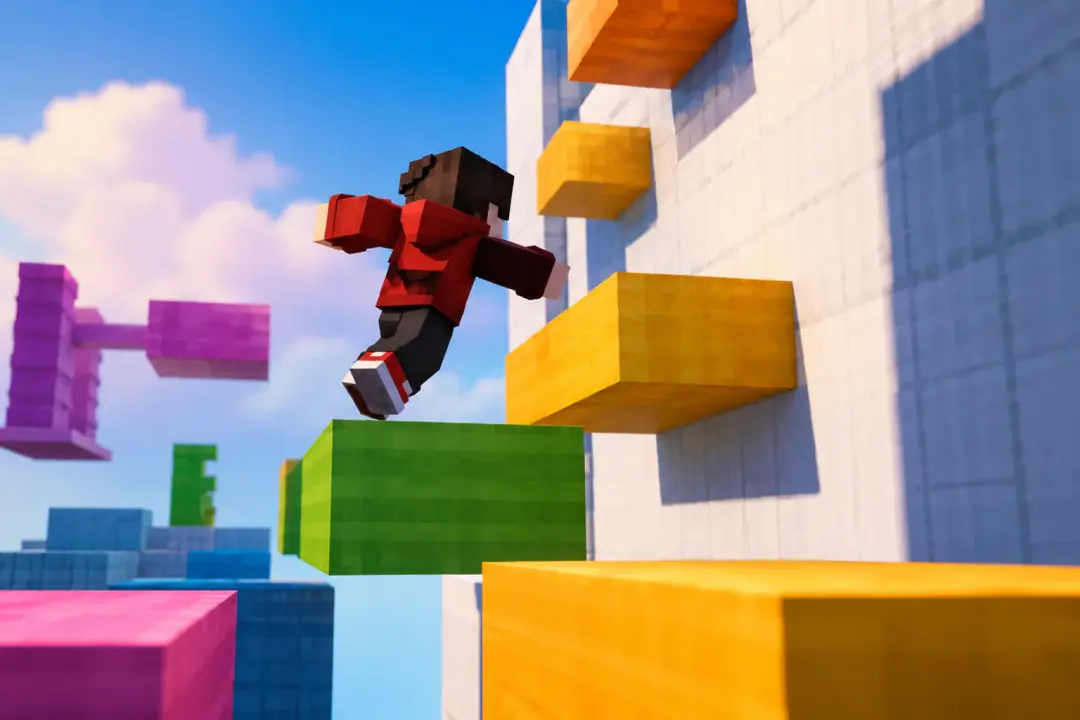
The same idea may need a vertical short, square feed post, or widescreen version. Choose 9:16, 1:1, 4:5, or 16:9 before generation so the framing matches the placement.
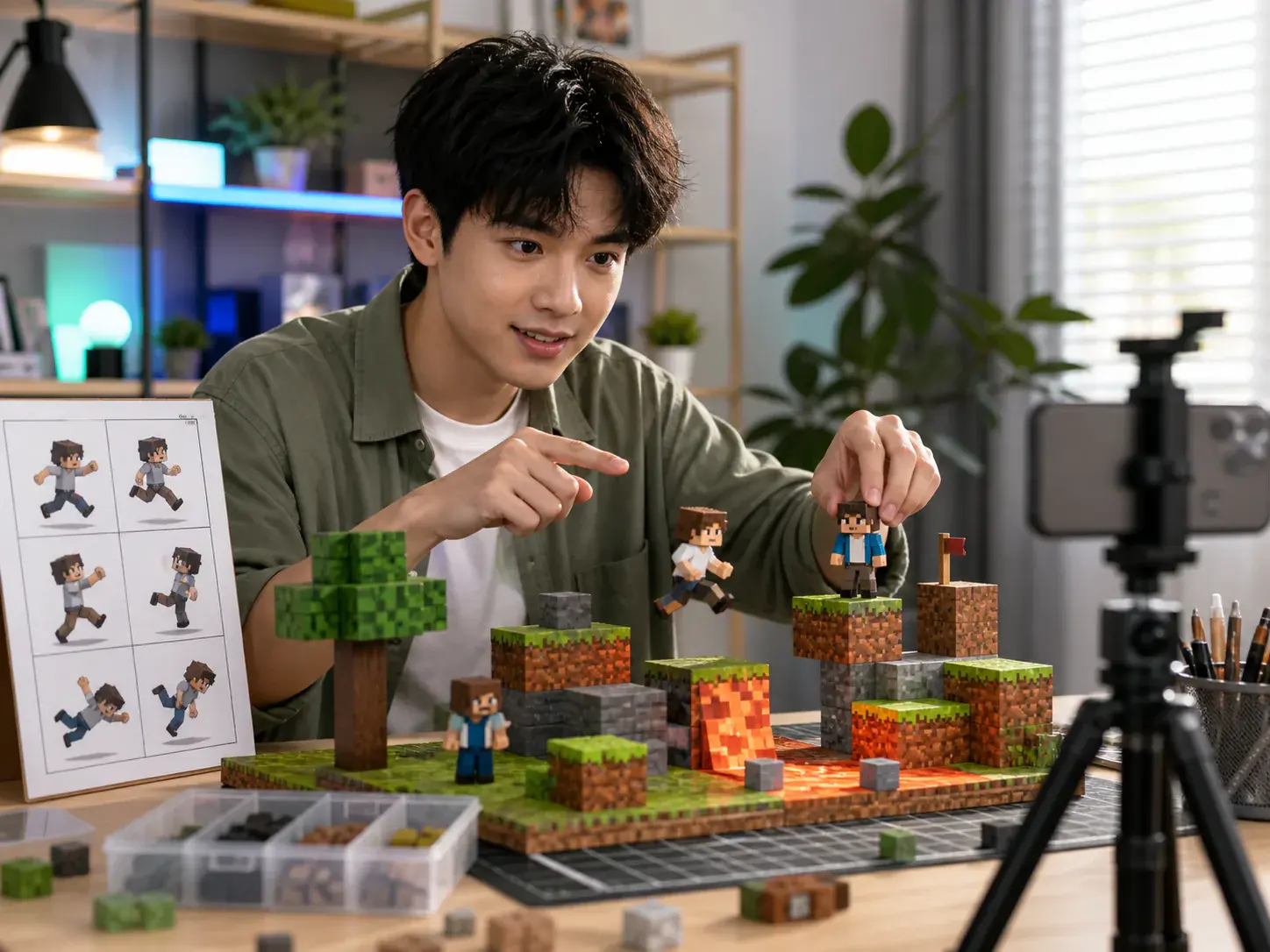
Creators with a story or voiceover can set the exact rhythm of each shot. VideoAI turns those planned beats into a generated parkour short that can be revised by text.
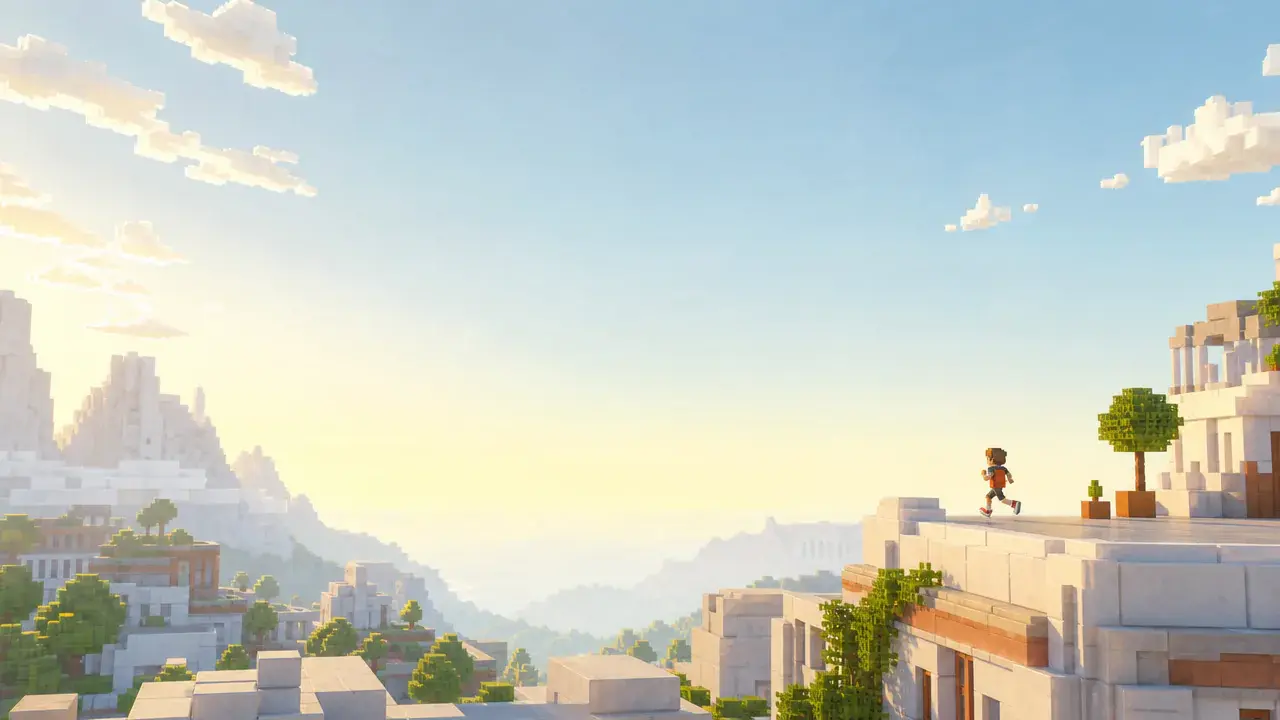
Bring a script, set the jumps and camera beats, then let VideoAI generate a block world video you can preview, revise, and export as MP4.
Get Started
