
Step 01
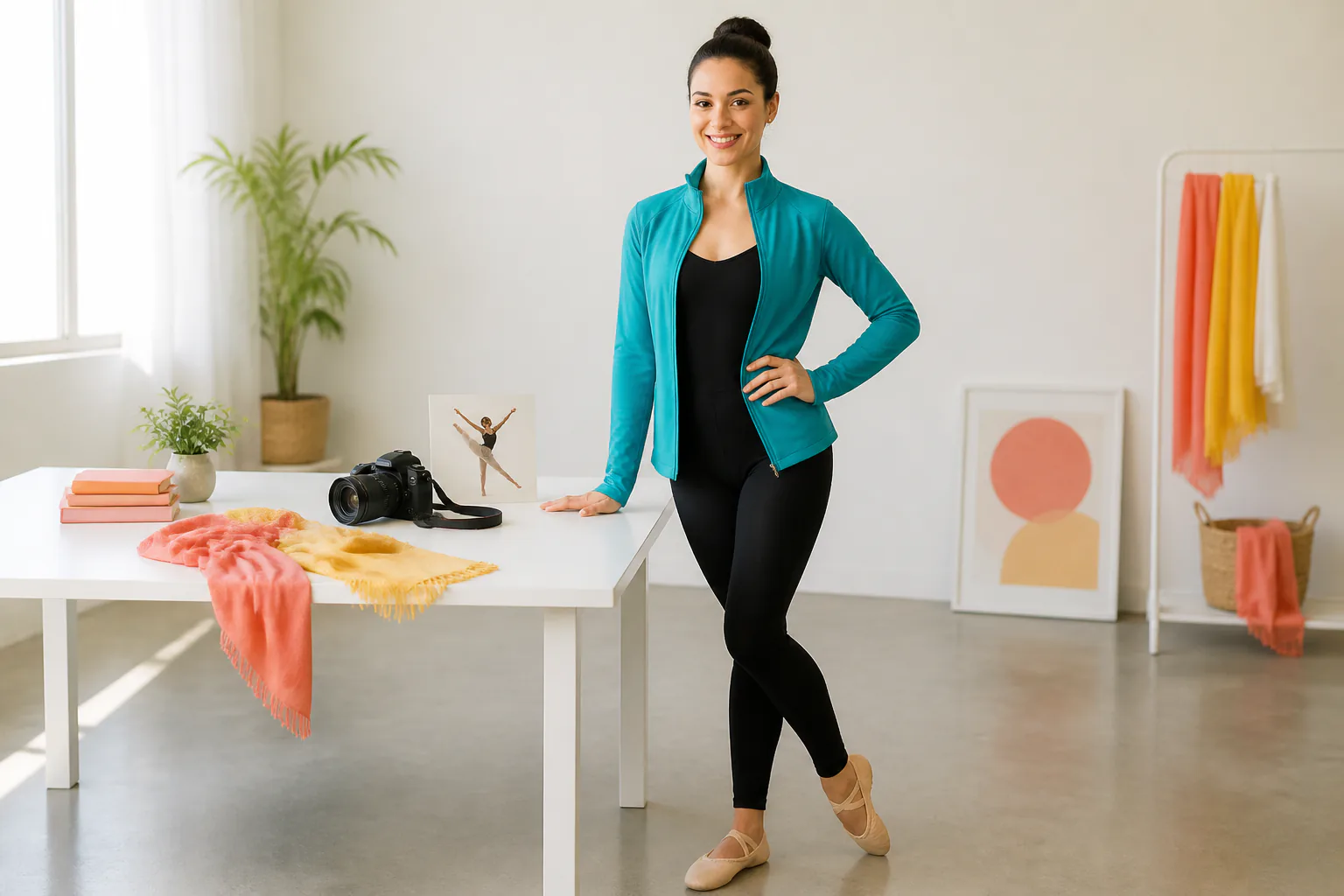
Upload the subject image
Add a clear photo or character image that should move in the final video. VideoAI keeps uploaded assets in your workspace so you can reuse them in this project or later versions.

VideoAI turns your subject image and reference action video into a motion-controlled MP4 that you can preview, adjust with text, and download.
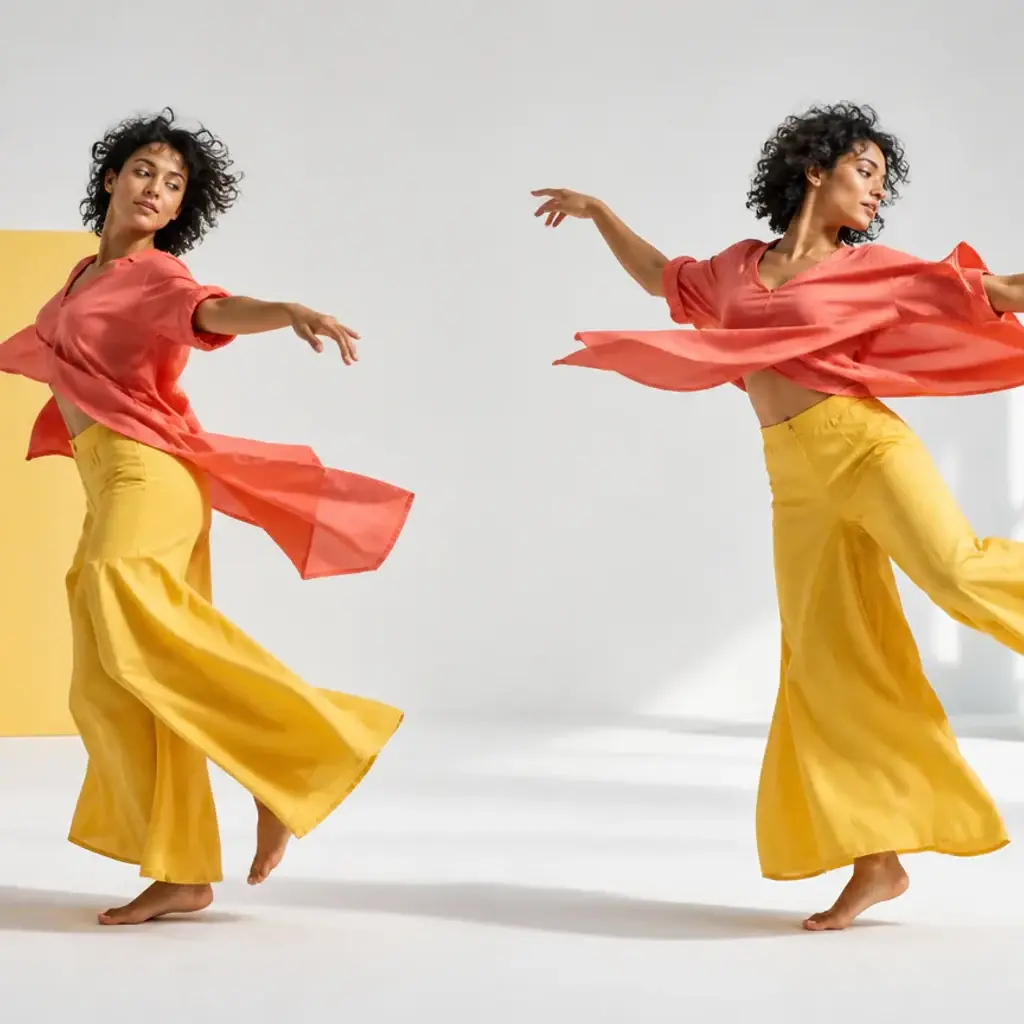
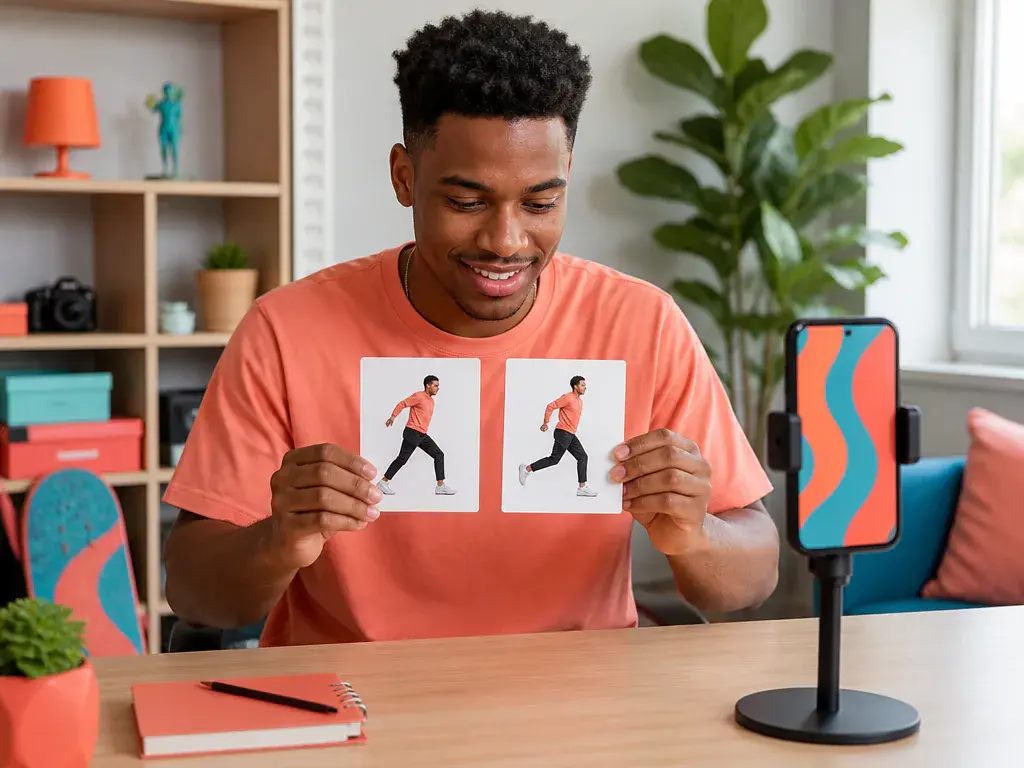
Creators with a character image and an action idea can turn the concept into a playable clip, then keep refining the result inside VideoAI instead of rebuilding the setup.
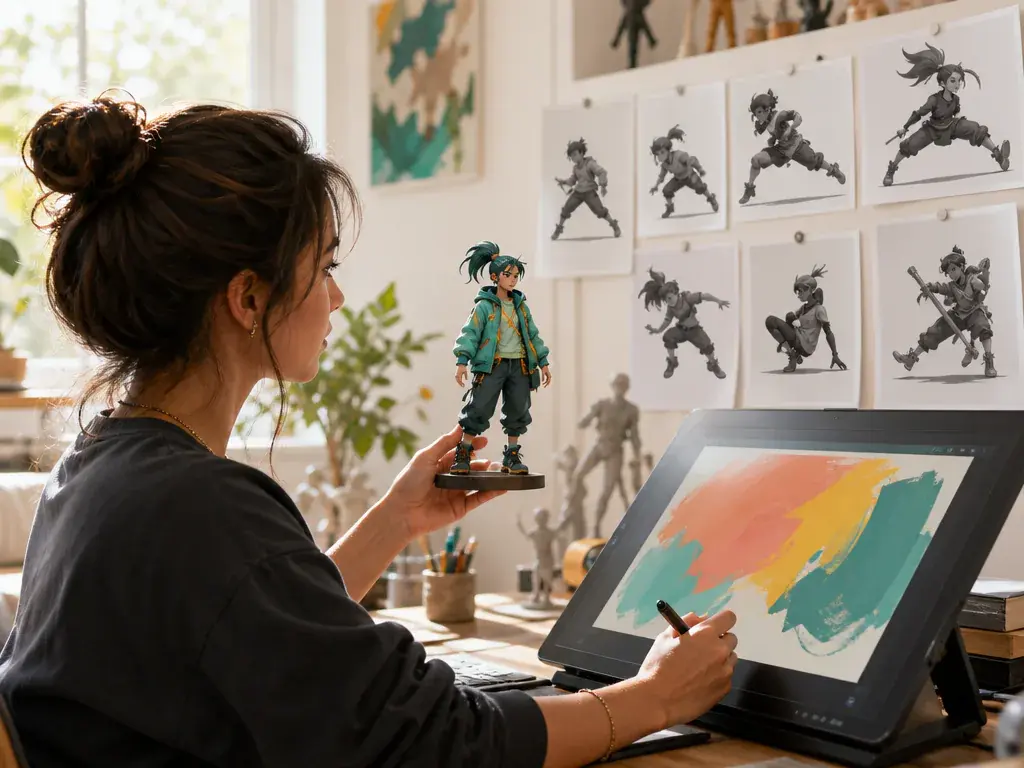
Artists can test how a finished character reads in motion. The subject keeps recognizable visual traits while the reference video guides the body movement.
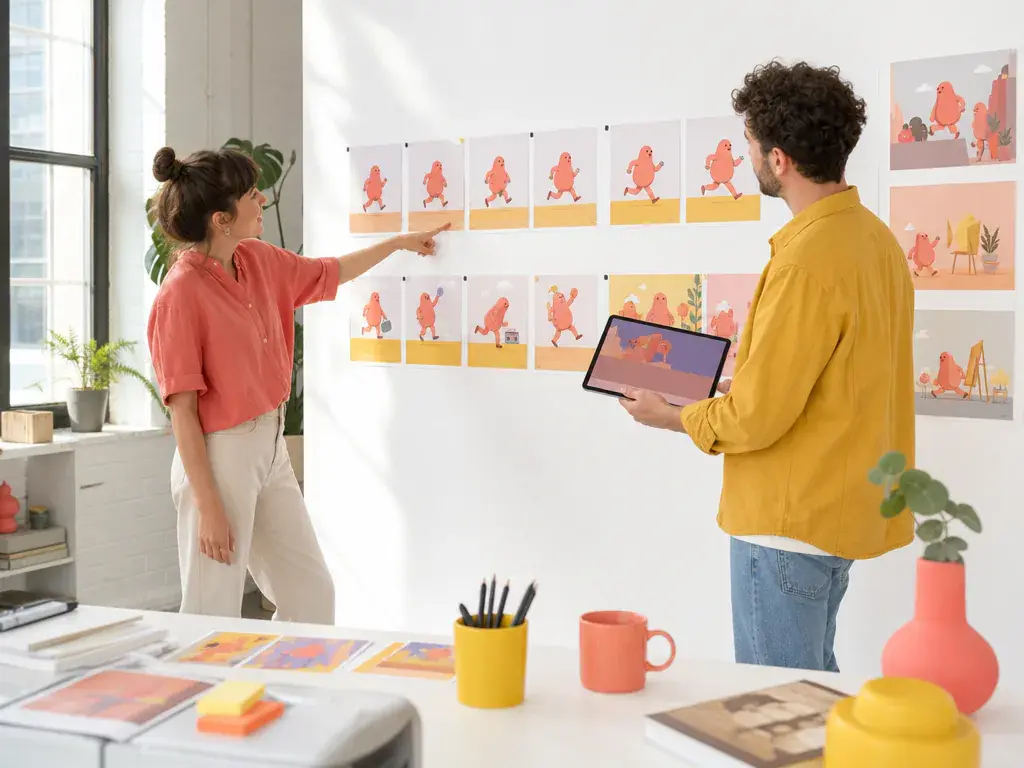
Editors can arrange action, camera notes, scene references, and sound cues before download, giving collaborators a video draft they can judge by sight.
VideoAI gives you practical decisions at each stage, from reference choice to MP4 output.
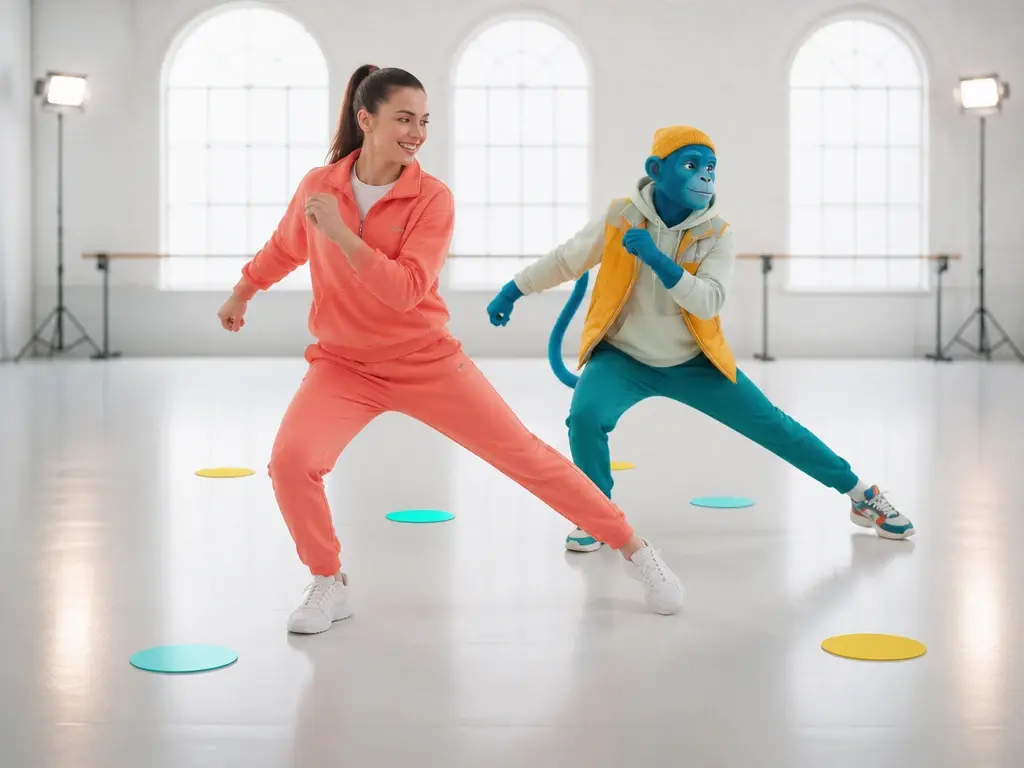
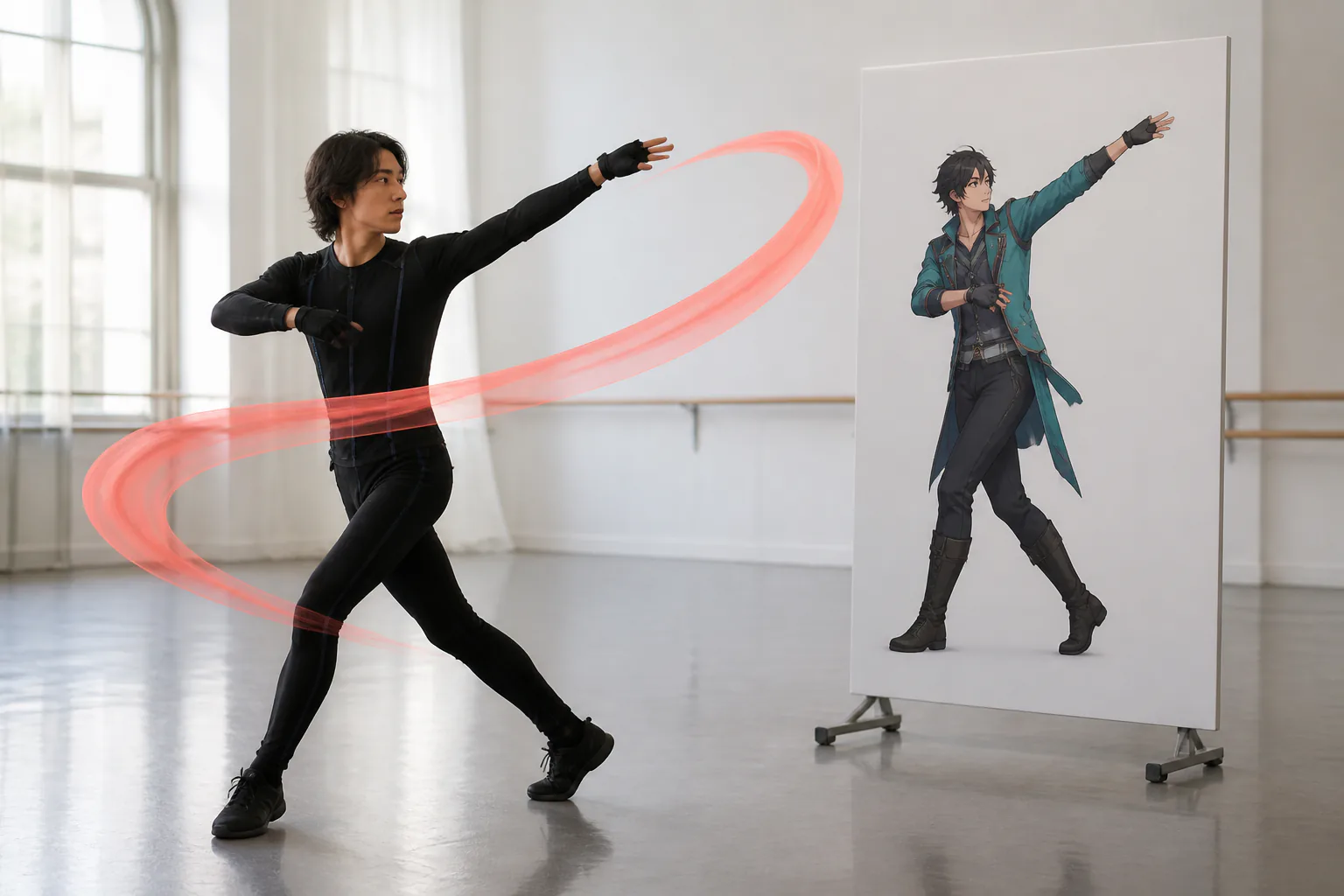
The action comes from the video you choose. That keeps motion control ai grounded in a visible performance instead of asking the system to guess a generic pose change.
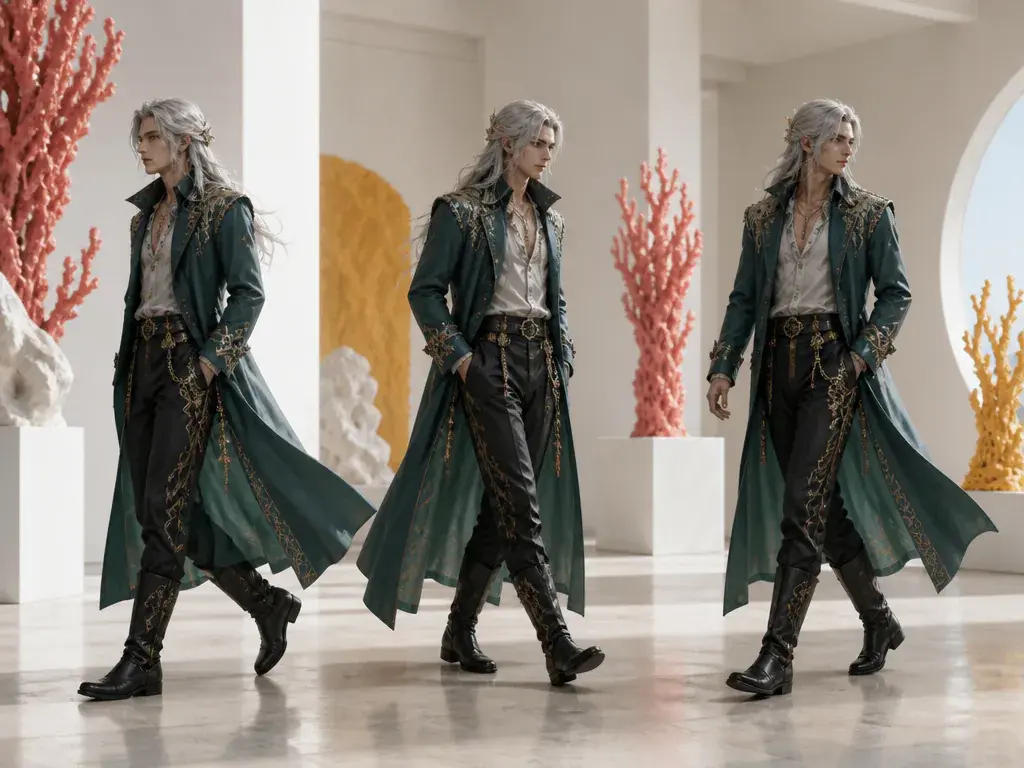
When a photo or character image becomes video, key visual traits stay identifiable through the generated movement, giving you a clip that still reads as your chosen subject.
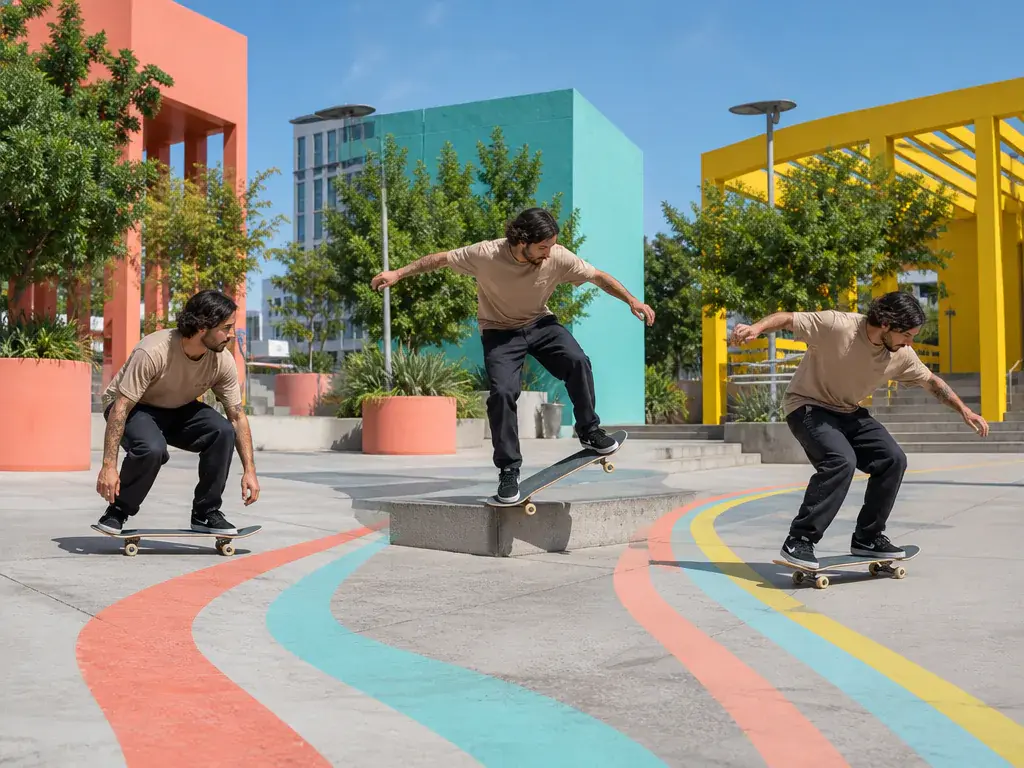
Describe what should happen by seconds, attach references to the scene, and decide how the camera or rhythm should feel. The arrangement stays in your hands.
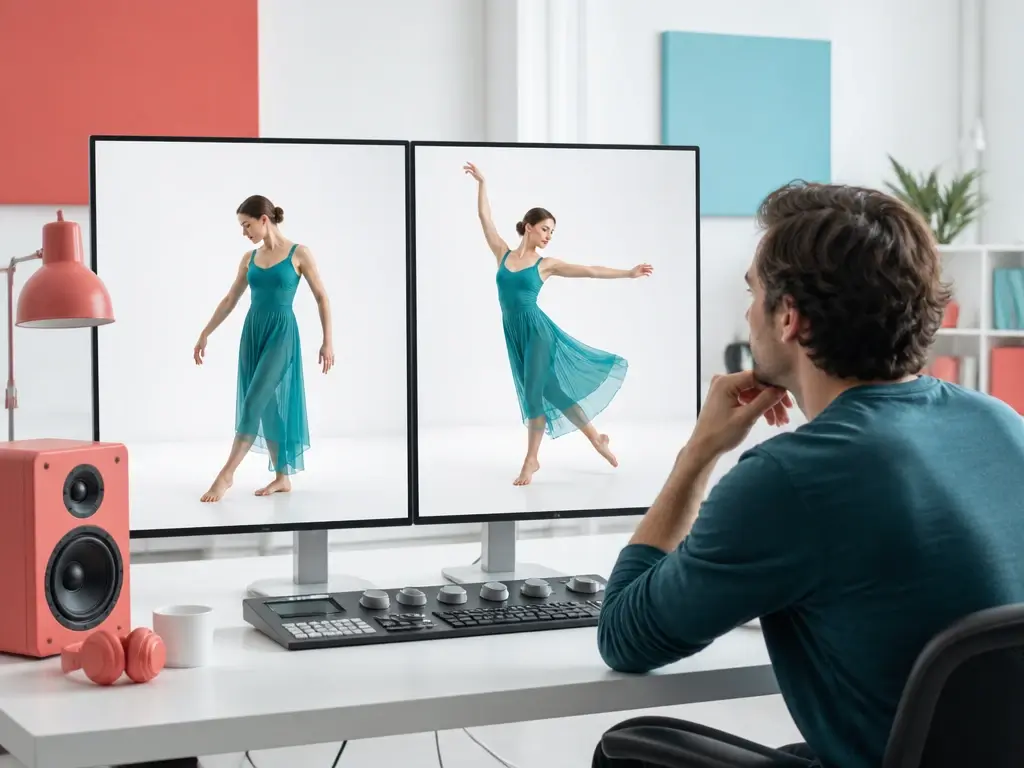
After the first result, write what should change in the action or image and generate another version. VideoAI keeps the creative thread moving from the current result.
Start with the visible subject, assign the action source, then shape the clip before export.
Step 01
Add a clear photo or character image that should move in the final video. VideoAI keeps uploaded assets in your workspace so you can reuse them in this project or later versions.
Step 02
Upload the motion video and use @ to mark it as the action reference. Add a sentence for rhythm, camera direction, or a time segment so the motion transfer follows your creative decision.
Step 03
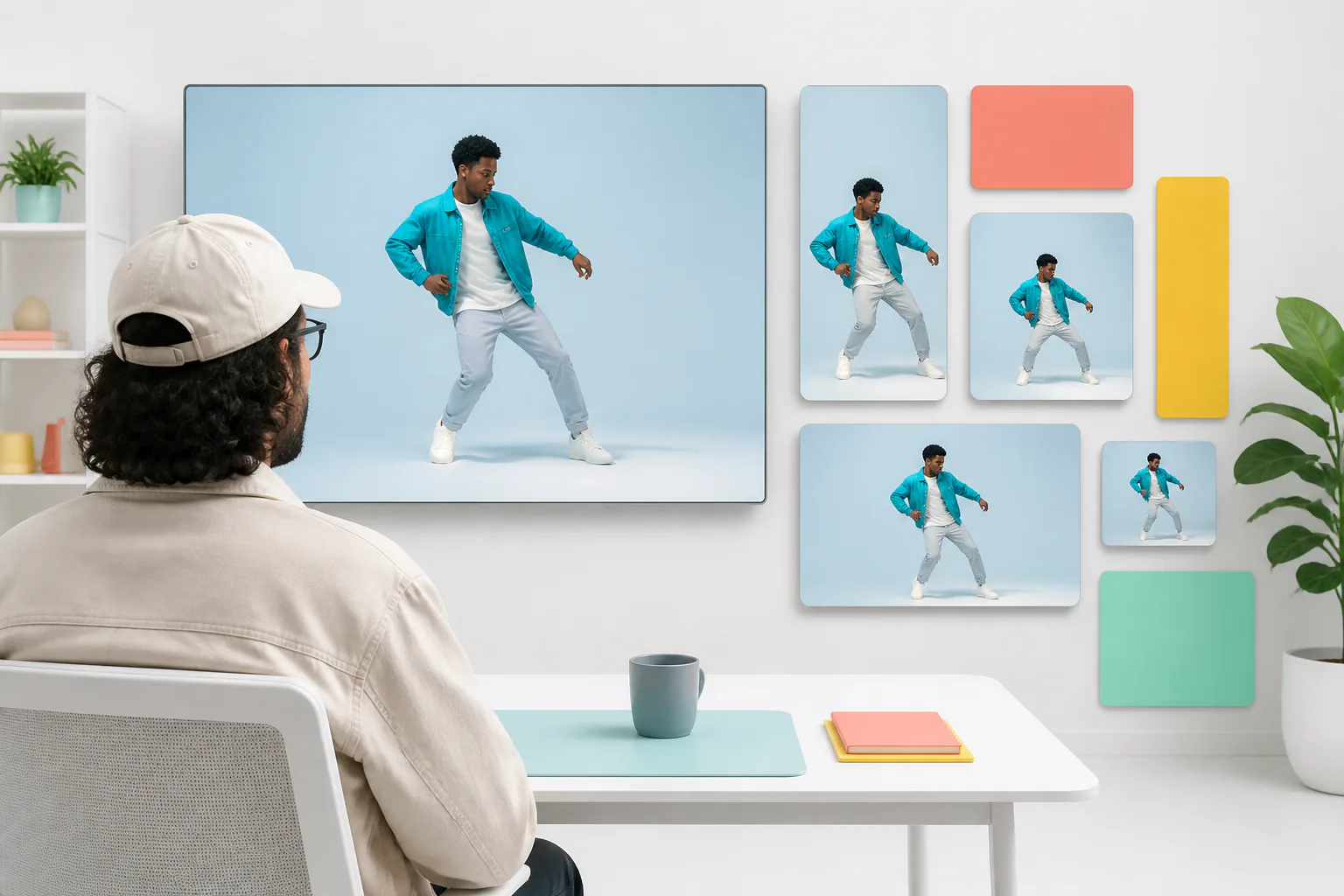
Generate the first clip, review the movement, then describe any action or visual change in text. Download an MP4 in 16:9, 9:16, 1:1, or 4:5, with support up to 4K.
Use the same subject and reference approach when the motion choice needs to be visible before production grows.
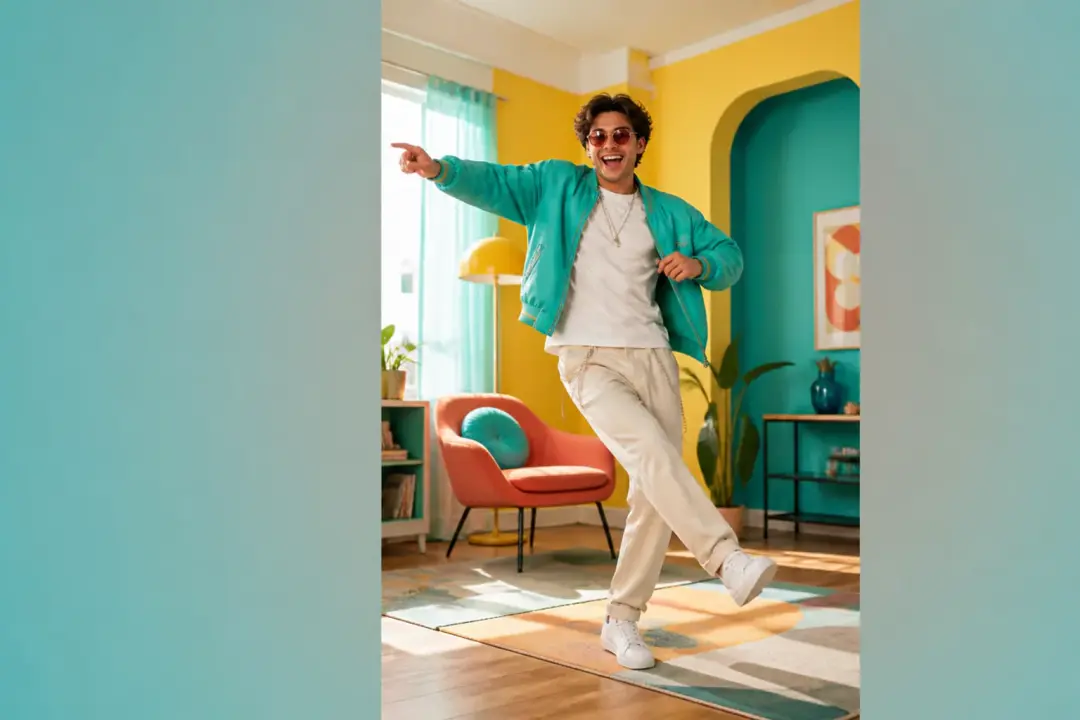
A creator has one character image and a performance reference. With motion control ai, the character follows the reference movement and becomes a playable vertical MP4 for review or posting.
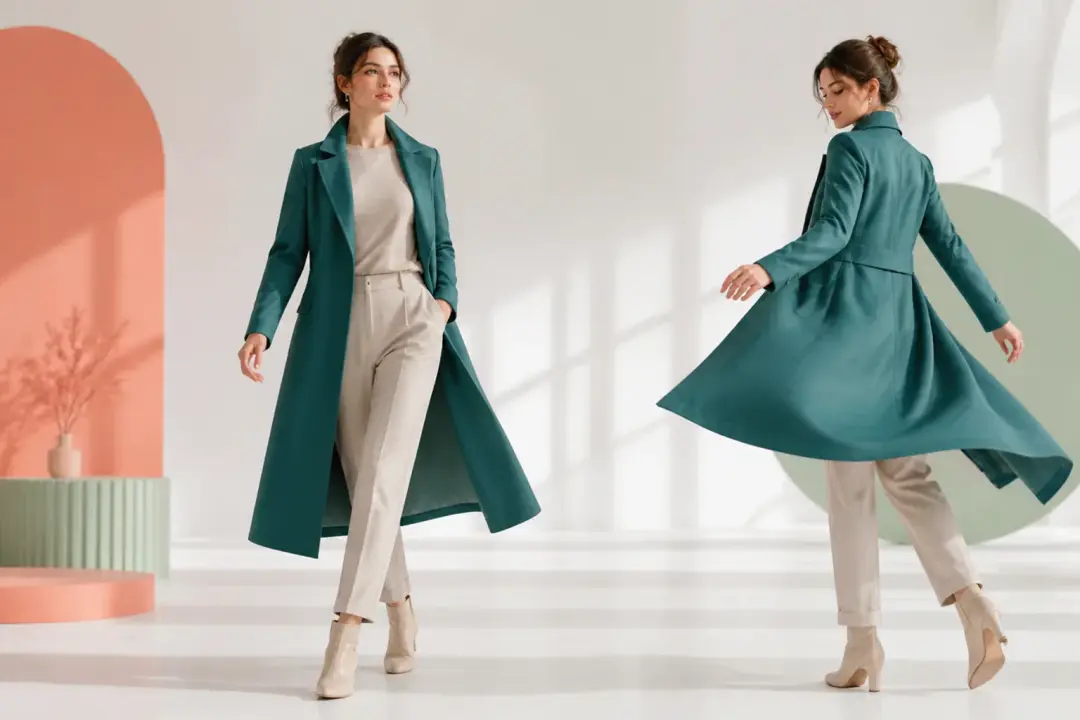
A digital character already looks right in a still image, but the movement style is still undecided. Use a human performance clip as the action source and compare the generated motion in video form.
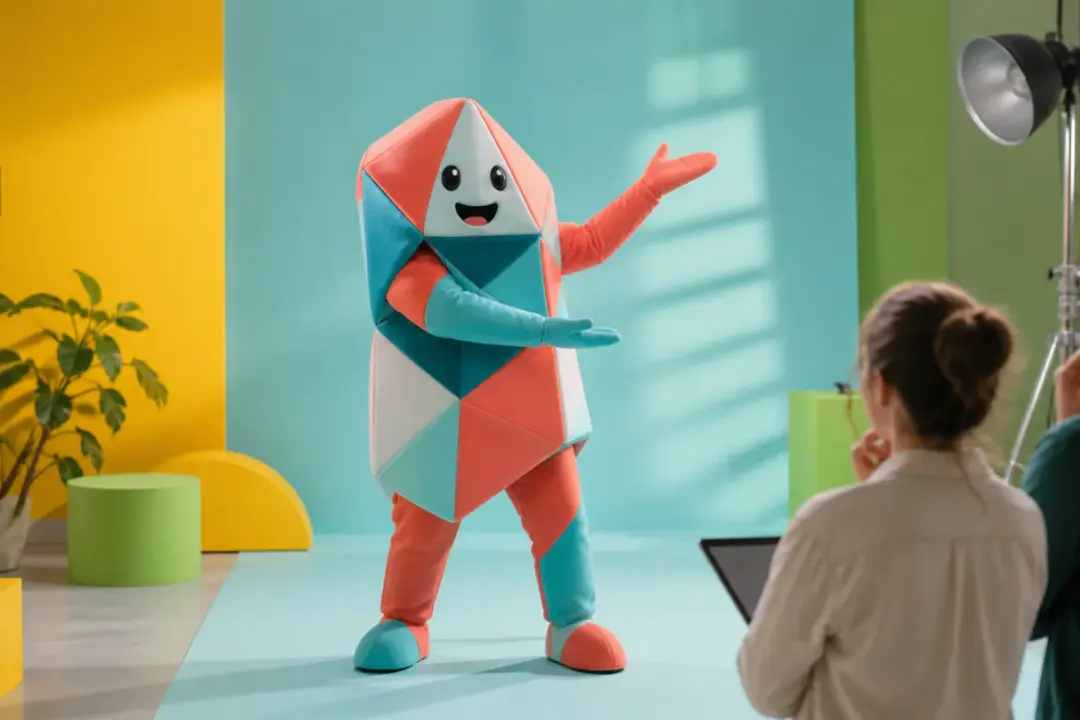
A team needs to see how a mascot or brand character handles a gesture before committing to a larger edit. VideoAI creates a discussable clip from the character image and reference action.
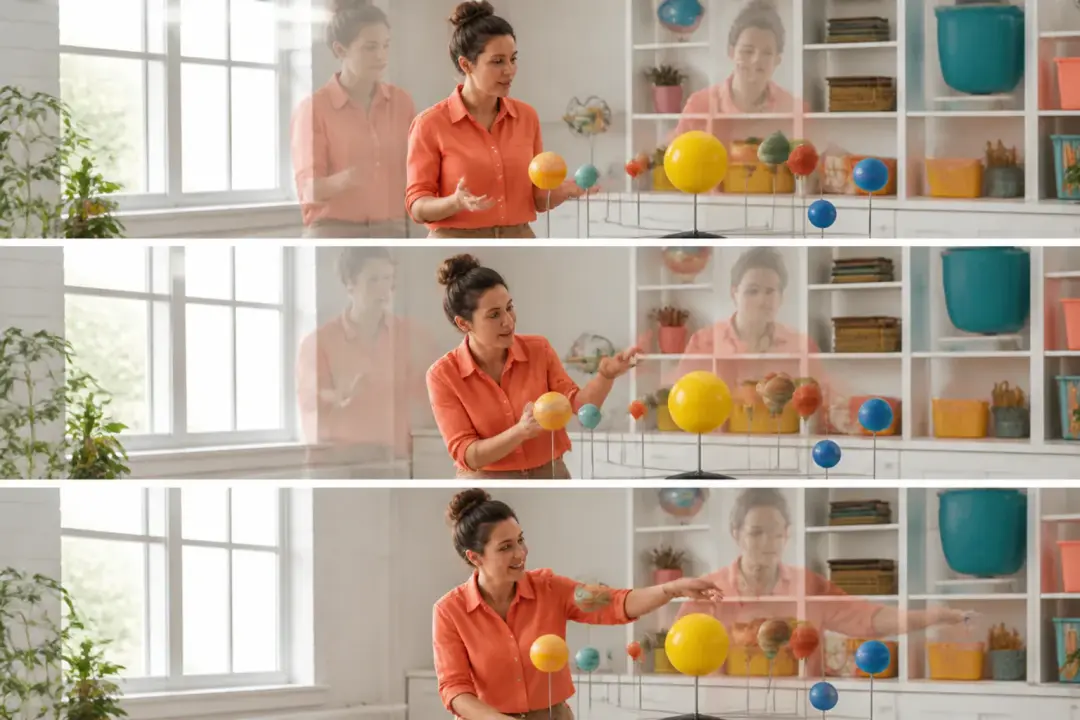
An educator or campaign maker can map action by seconds, attach references to the intended shot, and preview how the subject moves inside the planned story beat.
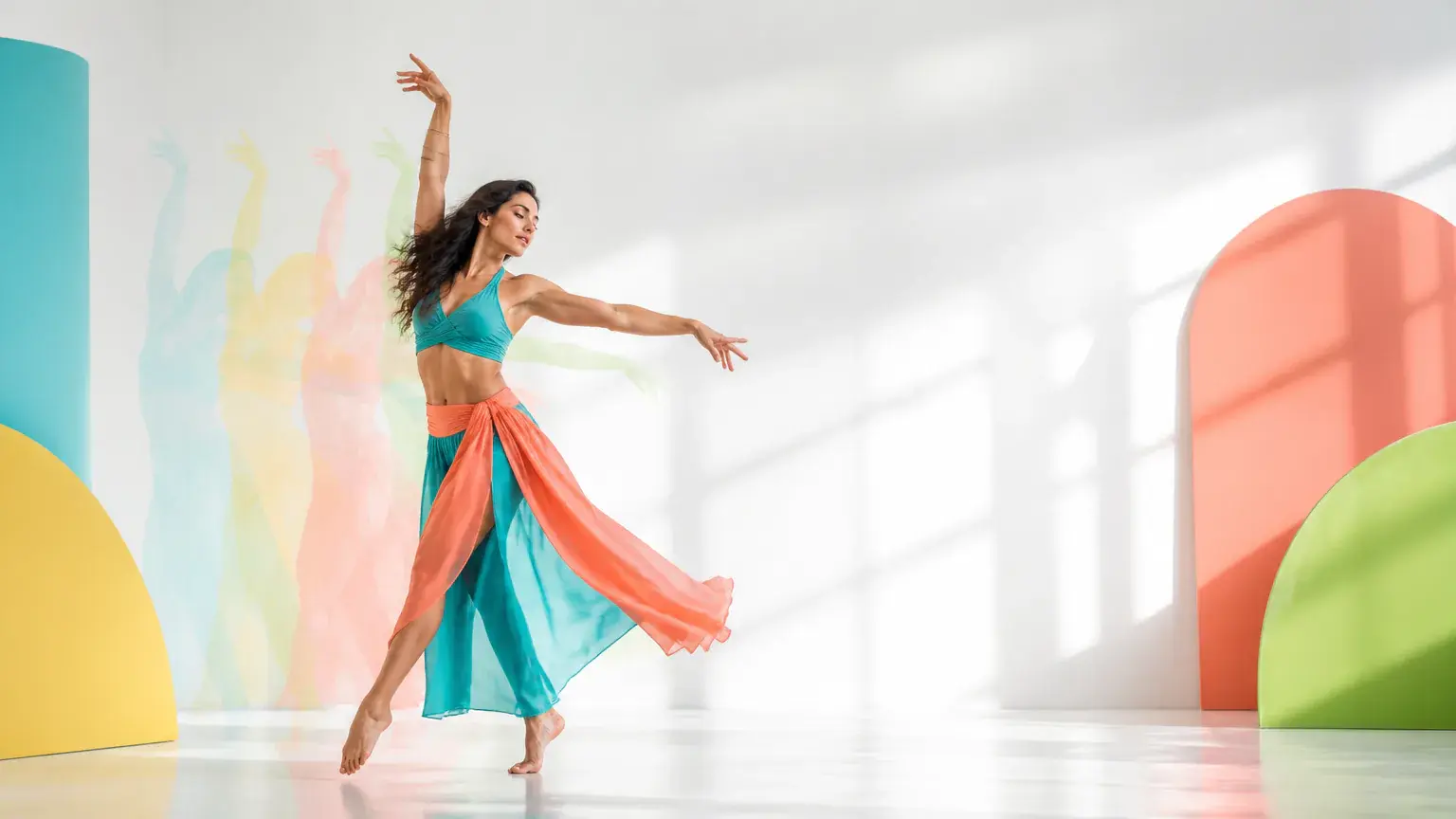
Bring a subject image and a reference action video into VideoAI, shape the movement with text, and download the MP4 version you want.
Get Started