

Step 01
Choose the source material
Upload or select the podcast audio, video, images, and references you want to use, then keep them in the workspace for this podcast video and later versions.

Creator led video direction
VideoAI turns your chosen episode material into a podcast video you can direct by segment, review, revise, extend, and export.
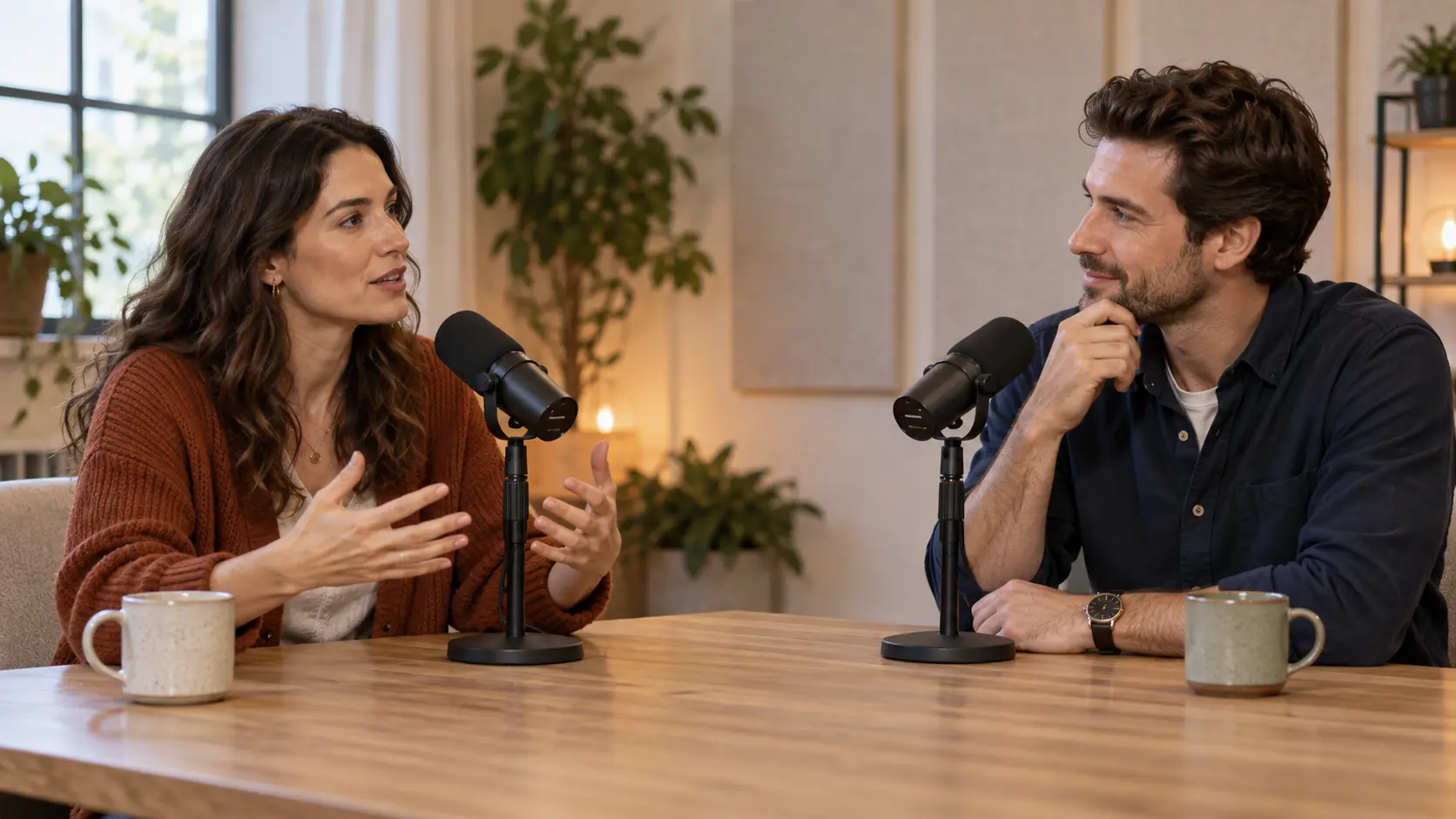
Choose the segment, aspect ratio, visual references, and sound direction before VideoAI generates a reviewable short section.

A selected quote from an episode works as podcast shorts when you plan it in 9:16, assign the speaker visuals, add a short topic line, and describe the audio cue for that moment.

An audio only discussion becomes a podcast to video project when you pair the chosen passage with images, reference video, brief text, and sound notes for each section.

A guest answer gains visual context through a host image, scene reference, movement note, and voice direction, so the generated podcast video segment gives reviewers one clear idea to assess.
A series team can reuse show cover art, speaker references, prior clips, and saved VideoAI workspace assets, then direct the next podcast video with the same starting cues.
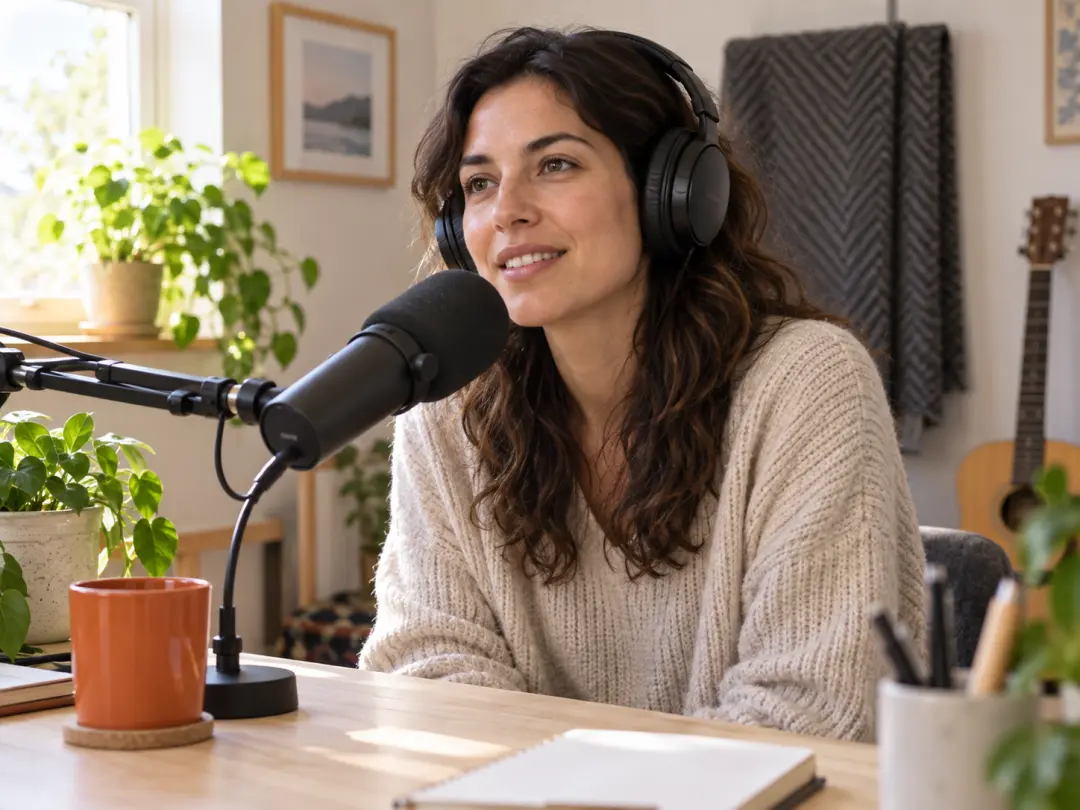
You already have episode audio or video and want a self guided version for horizontal, square, or vertical viewing. VideoAI lets you choose the passage and explain what each moment should show.
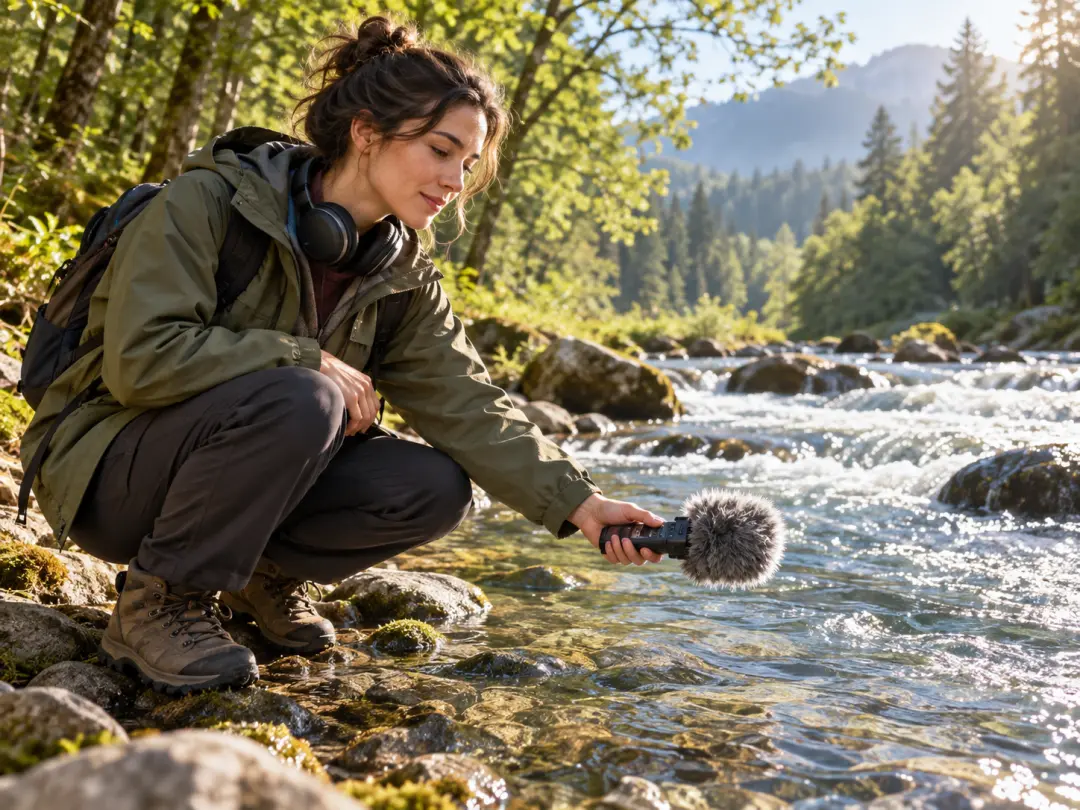
Your story depends on voice, pacing, and scene cues. Use images, short title text, narration notes, and sound direction to shape a podcast video that matches the selected passage.

Your team can start from an approved passage, shared references, and a chosen aspect ratio, then create multiple reviewable VideoAI versions for the same episode angle.
Shape the visible result first: speaker frames, topic cards, scene references, pacing notes, and sound direction before generation.
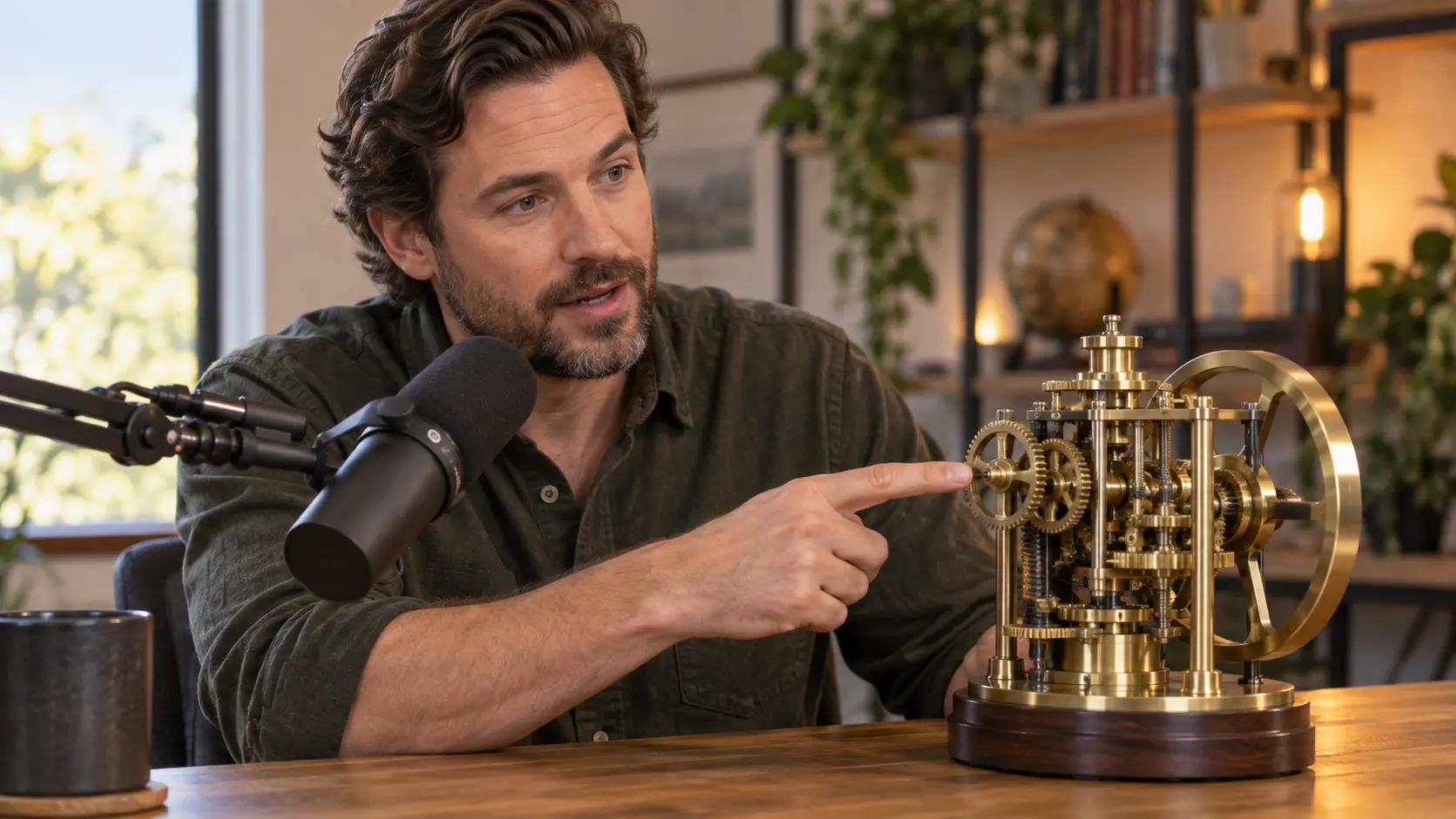
An AI podcast video project uses text, images, video, and audio references to tell VideoAI what the chosen passage should look and sound like.
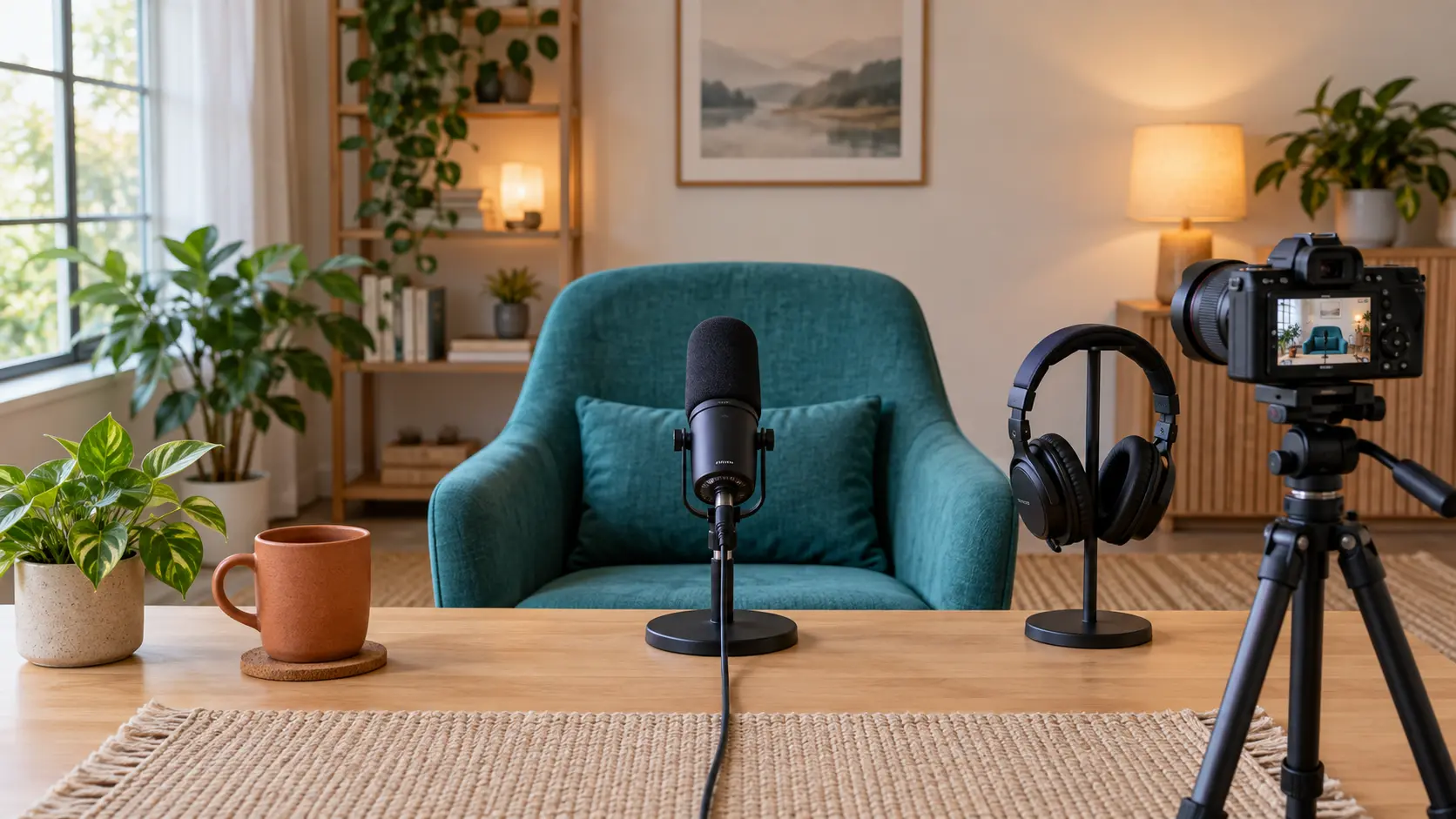
The podcast video maker workflow keeps selection, segment notes, generation, review, revision, extension, and MP4 export in one creator controlled path.

Each time block can carry one speaker action, one topic visual, one short text element, and one sound cue, which helps the podcast video stay clear during review.

Saved workspace materials let you bring back cover art, speaker photos, uploaded audio, prior clips, and earlier VideoAI outputs for the next podcast video.
The process starts with your chosen material and ends with a version you can check, extend, and download.
Step 01
Upload or select the podcast audio, video, images, and references you want to use, then keep them in the workspace for this podcast video and later versions.

Step 02
Name the passage, pick 16:9, 9:16, 1:1, or 4:5, and write the visuals, actions, short text, narration, and sound direction for each time span.

Step 03
Generate up to 30 seconds, check the podcast video against episode facts and speaker expression, revise with text prompts, extend from the saved work, and download up to 4K MP4.
Bring the episode material, choose the passage, direct the visuals and sound, then let VideoAI generate the next version for review.
Get Started