

Pose Reference Generator
Write a few lines describing the character, the action and the viewing angle, and VideoAI draws a pose image you can sketch from, with every detail still under your wording.
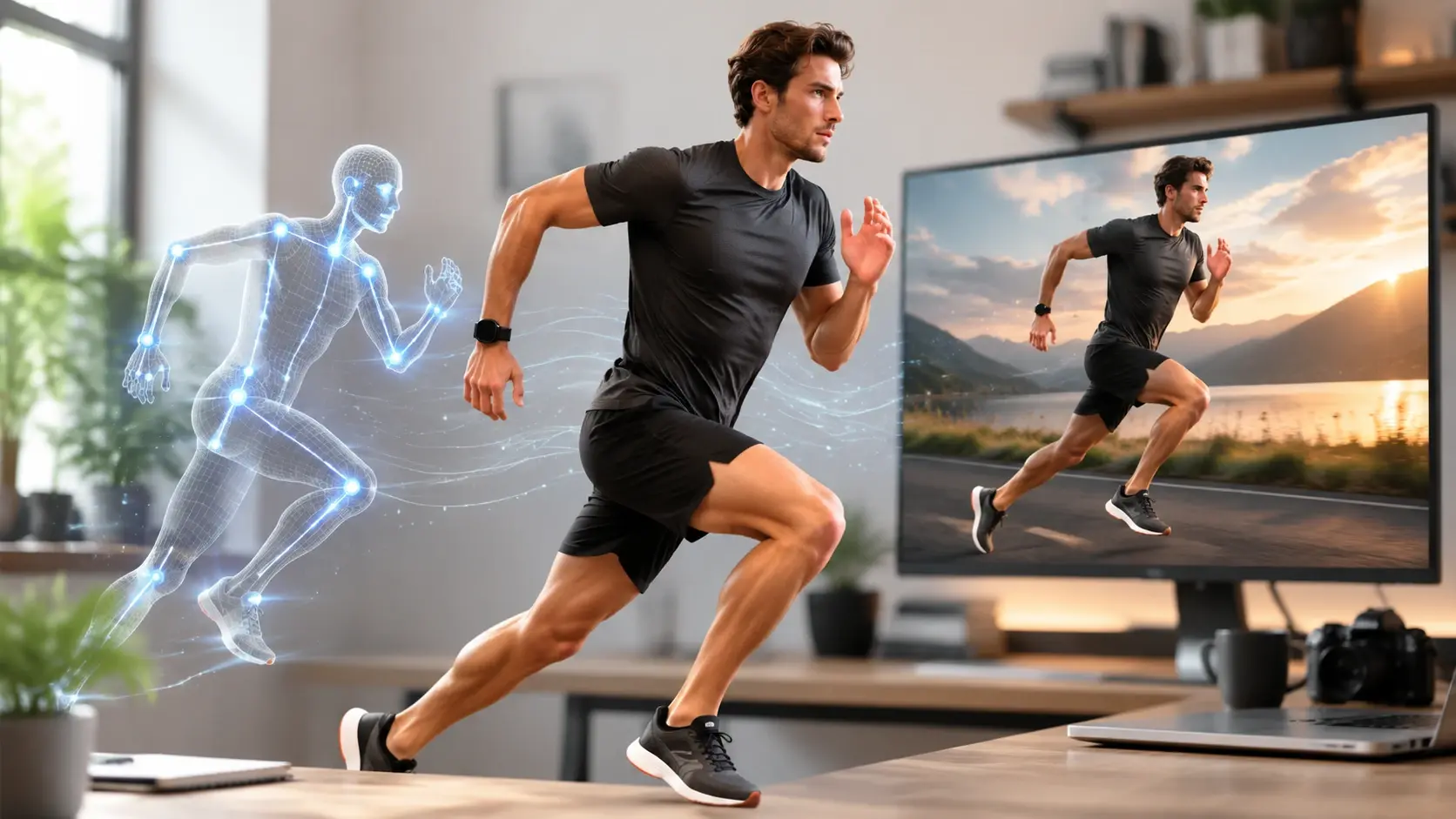
Who Sketches From The Pose Reference Generator
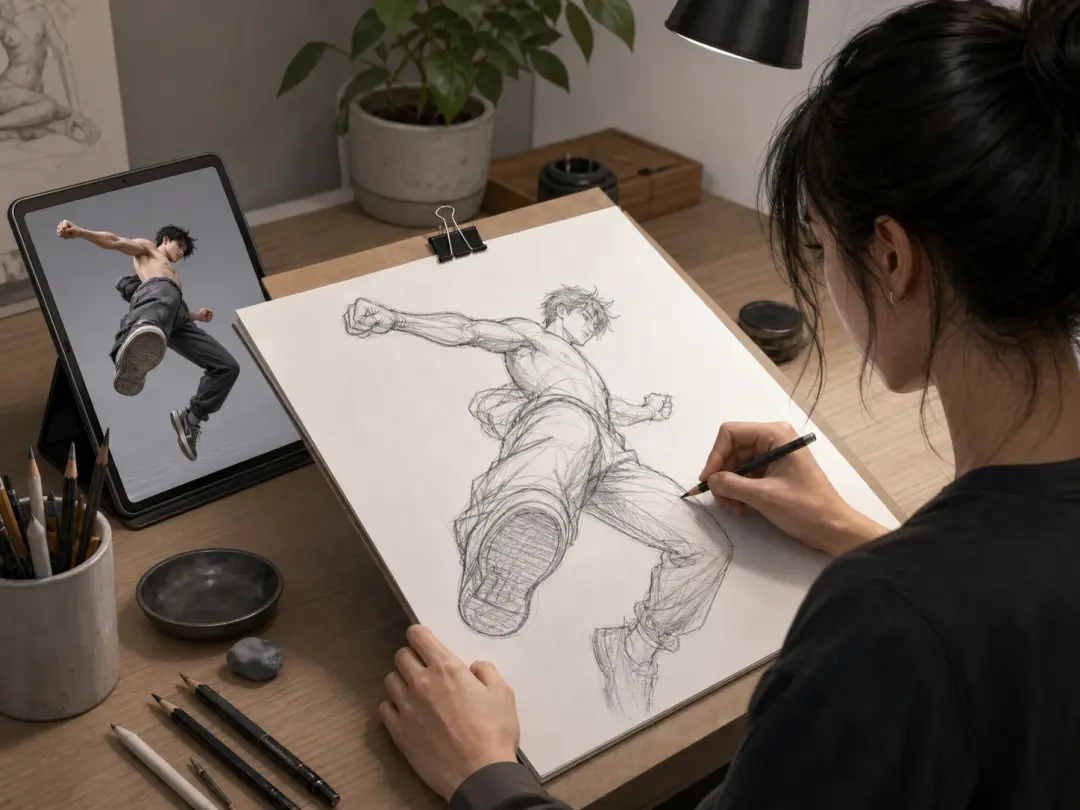
Illustrators Chasing One Exact Angle
Commission work often hinges on a single pose seen from a single angle, and stock libraries rarely hold that exact frame. Describe the figure, the action and the vantage point in the prompt box, and the pose reference generator returns a pose reference photo style image built to your description instead of the closest match someone else already shot.
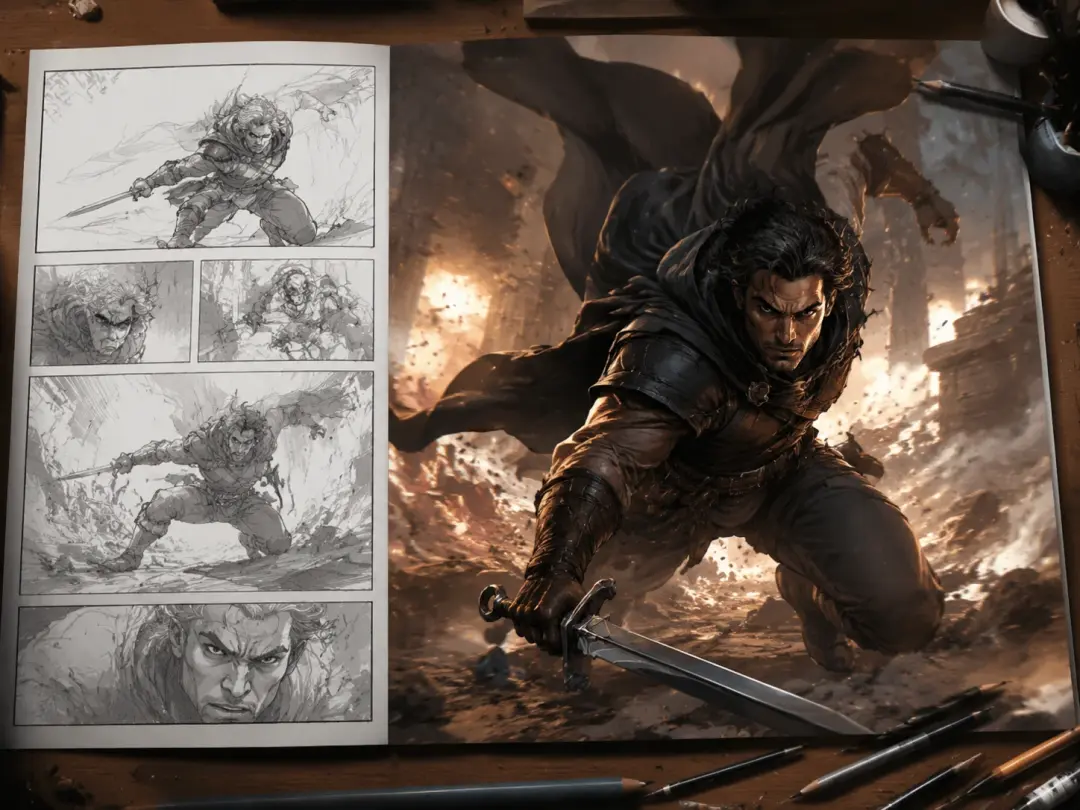
Comic And Storyboard Artists
A script calls for a three quarter view of someone lunging through a doorway, and that panel stalls until the reference exists. Typing the shot as a sentence gives the pose reference generator enough to draw a pose reference for drawing that matches the camera you already pictured, so the layout keeps moving.
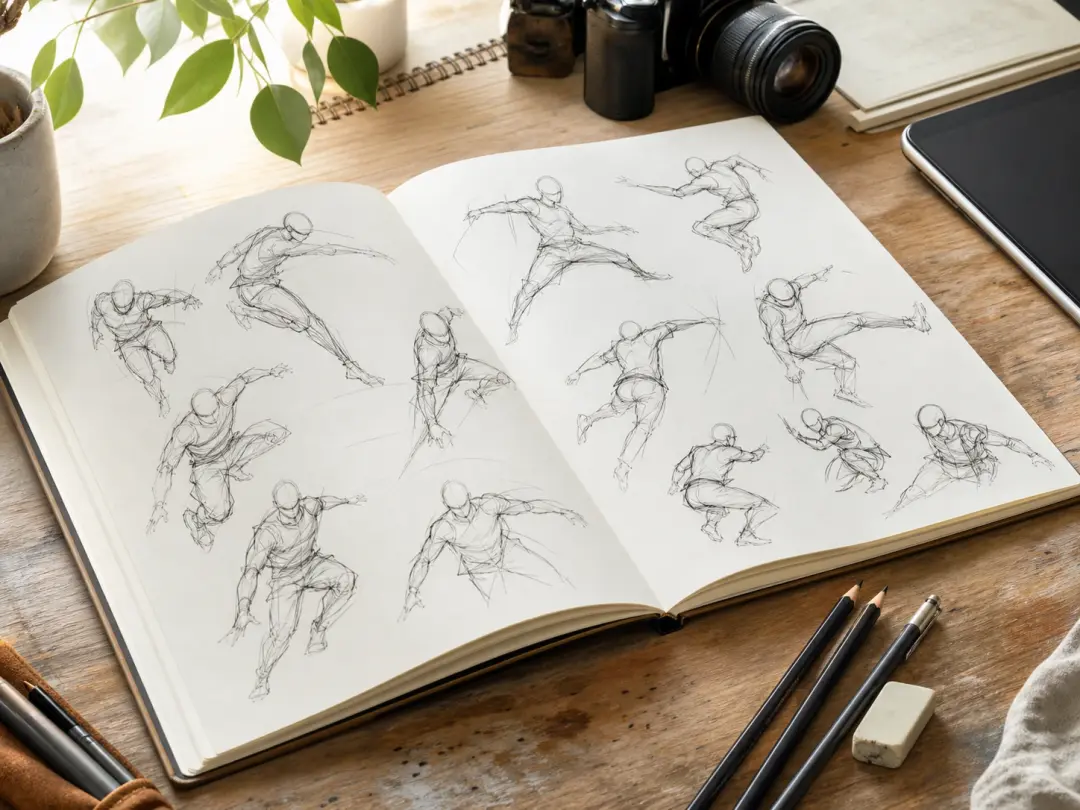
Students Drilling Figure Studies
Gesture practice needs a steady supply of fresh bodies in motion, and hunting for each one eats the study session. Change a word or two in your prompt and the pose reference generator returns a different stance, which keeps timed sketching sessions running without a search break.
What The Pose Reference Generator Gives You
Everything here is driven by what you type, so the picture follows your description rather than a menu of presets.
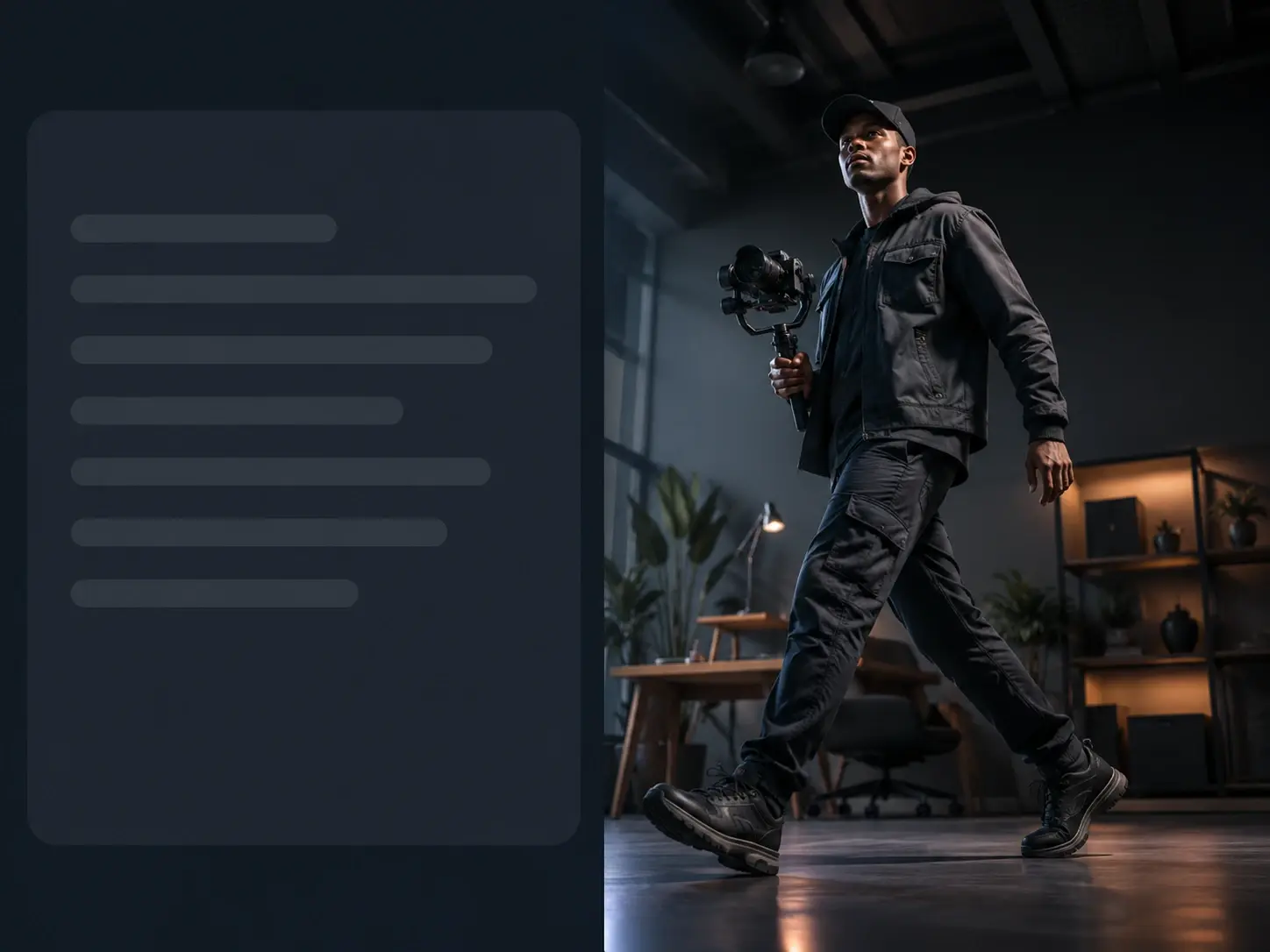
Direct The Pose In Words
Action, body weight, and the angle you are looking from all come from the sentence you write into the pose reference generator. Ask for a low angle view of a figure mid stride and that is what the image shows, which means the framing decision stays yours rather than the tool's.
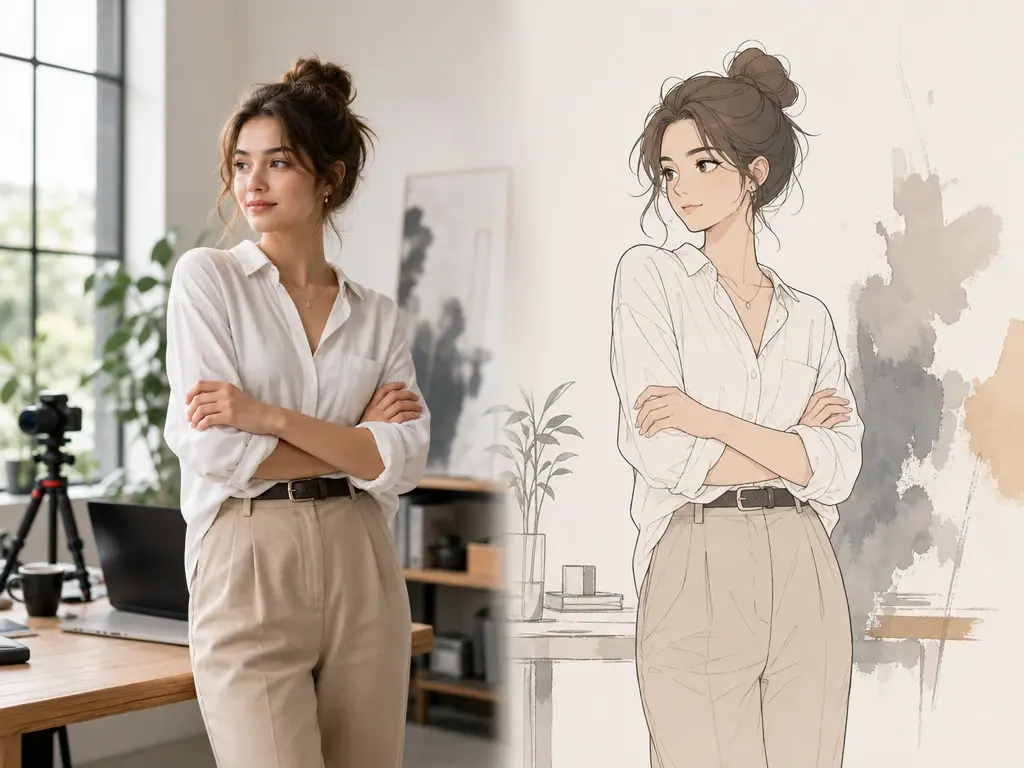
Style Follows Your Wording
Write realistic anatomy study, anime character, or rough manga linework into the same prompt and the drawing style of the pose reference generator shifts with it. There is no preset list to dig through, so an anime pose reference and a realistic one are a sentence apart.
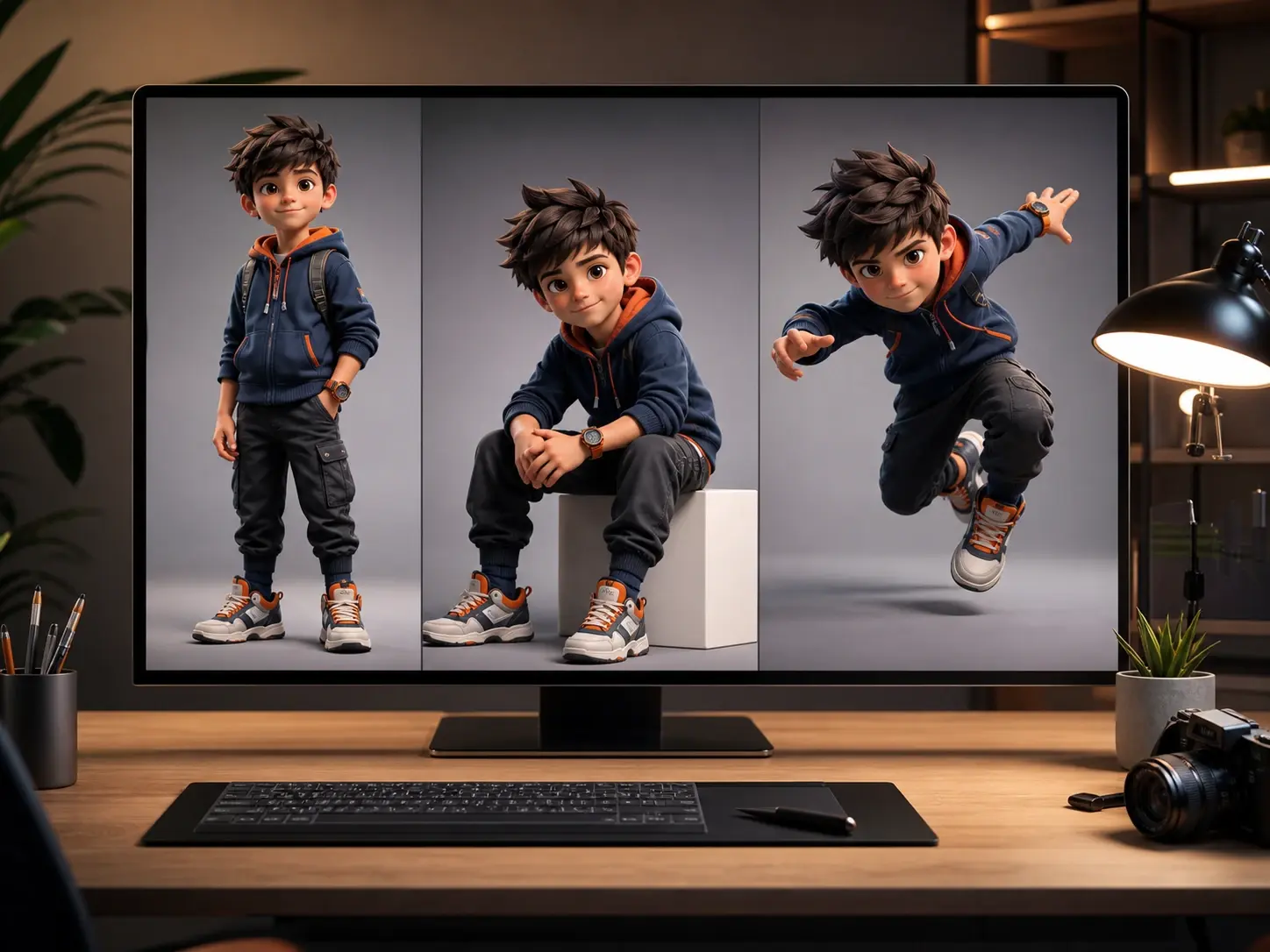
Keep One Character Consistent
Generate poses one image at a time and the same character can carry across them, so a run of pose reference generator images becomes a character poses generator for your own cast. Useful when a design needs standing, seated and action views that clearly show the same person.
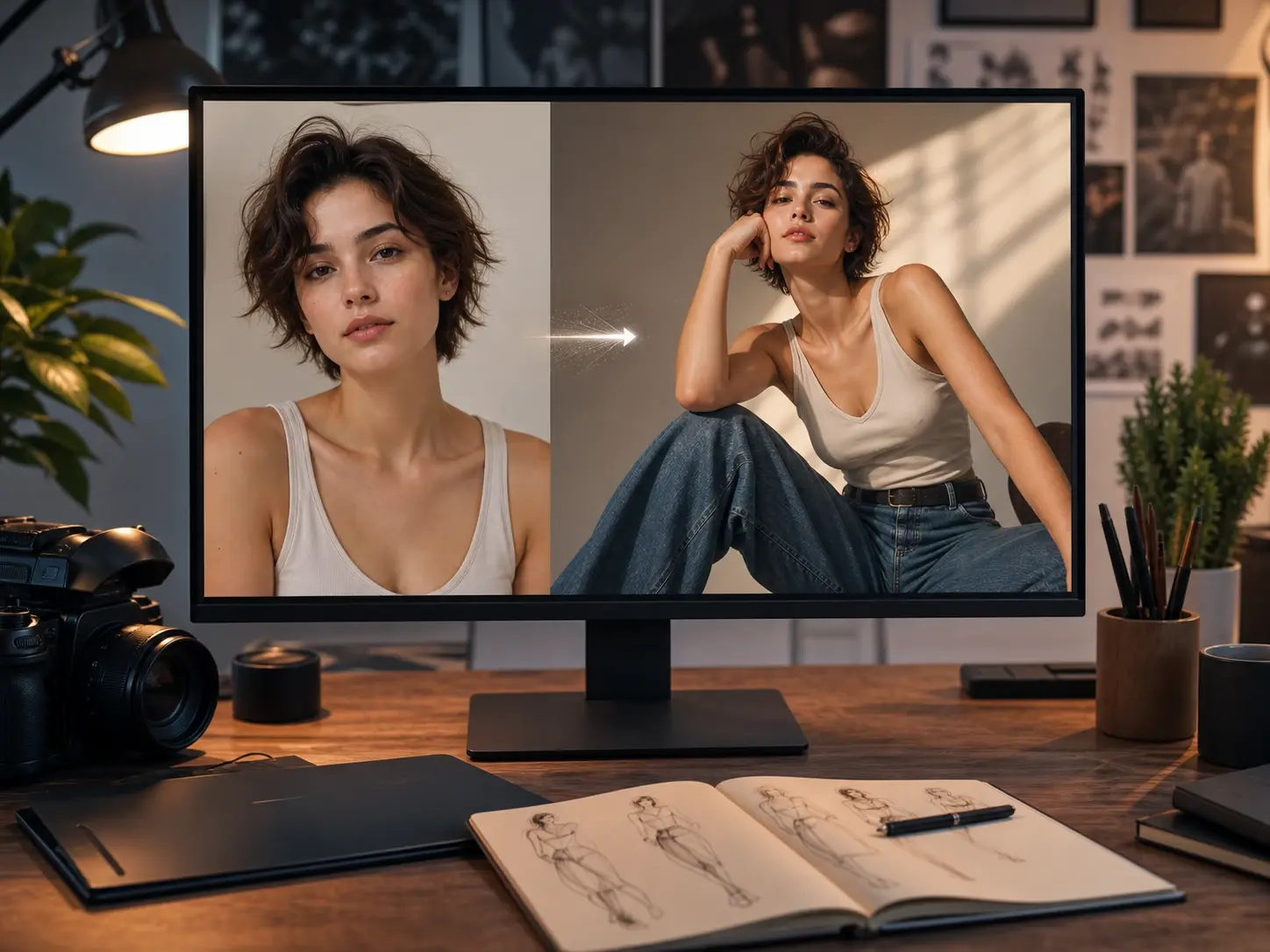
Build From A Reference Image
Upload a pose or character image and the pose reference generator draws a new picture based on it. Starting from a picture you already have narrows the result toward the body type or costume you had in mind, and you still steer the action with the prompt.
From Prompt To Sketchable Pose
You write the pose, read what the pose reference generator returns, and rewrite the wording until the figure matches the picture in your head, since the text box is where every adjustment happens.
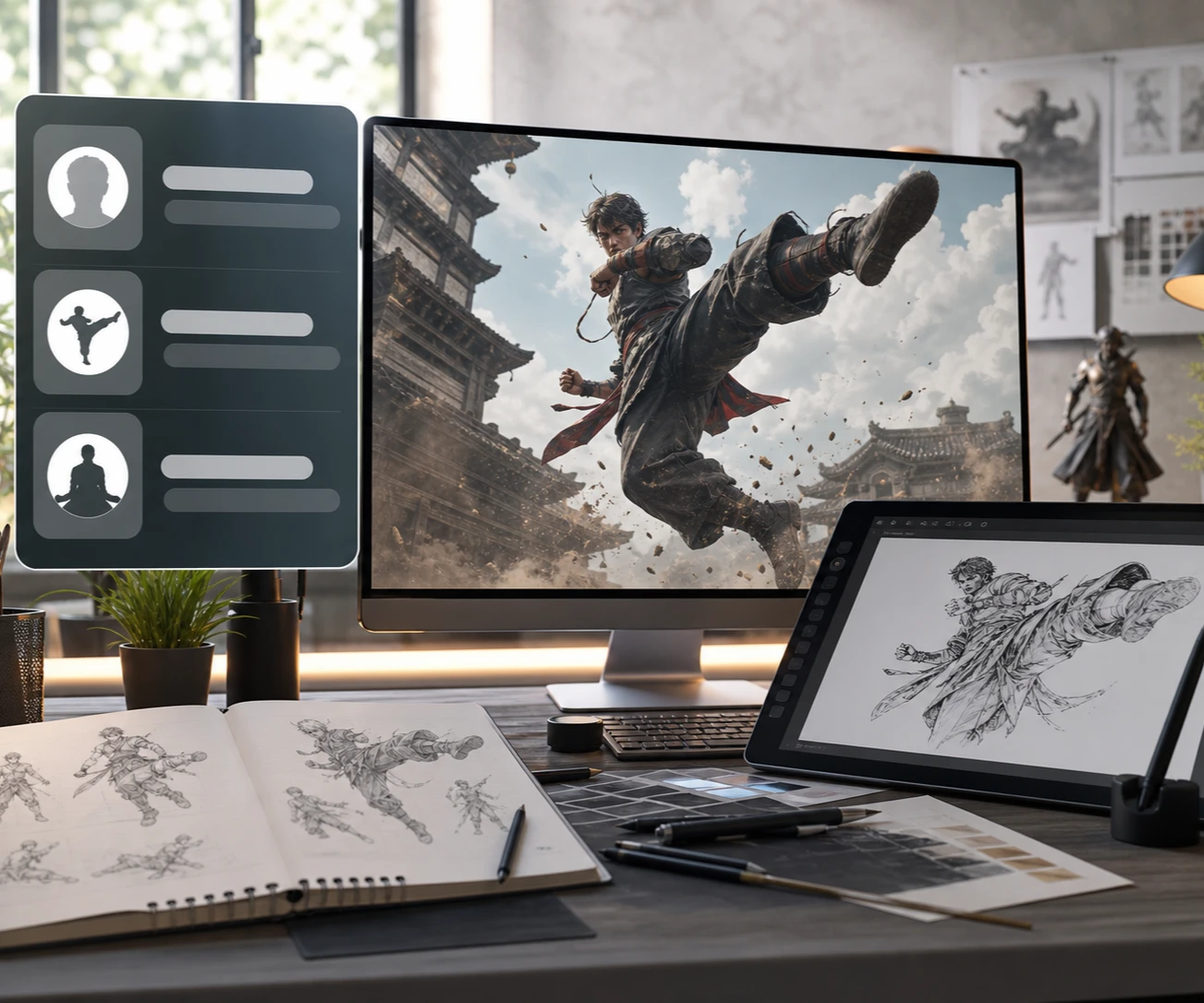
Poses Stock Libraries Rarely Cover
Four situations where searching comes up short and describing the pose to the pose reference generator gets you the picture.
Dynamic Pose Reference For Motion
Sprinting, leaping, swinging a bat: motion is exactly what photo archives handle worst, because a frozen frame rarely carries the momentum you need. Spell out the direction of travel, the trailing limb and the tilt of the torso, and the pose reference generator returns a dynamic pose reference with the line of action already visible. Reach for this when your figure looks planted and you need it to move.
Anime Pose Reference In Character Style
Working in an anime style and pulling from photographs means translating proportions in your head every time you draw. Describe the character along with the stance and ask the pose reference generator for anime linework, and the anime pose reference arrives already in the register you are drawing in. It suits character sheets and your own original designs, where the styling has to match the pose as closely as the anatomy does.
Couple Pose Reference For Two Figures
Two people leaning back to back, mid dance, or squaring off across a table are compositions almost nobody has photographed for reference. Name both figures, what each one is doing, and how their bodies relate in space, and the pose reference generator sends back a couple pose reference with that contact and spacing worked out. Pick it when the relationship between the two bodies is the drawing.
Fighting Pose Reference For Combat Beats
Combat panels live on a single frame: the punch landing, the blade raised, the block coming in late. Write out what the attacker throws and how the defender answers, and the pose reference generator gives you that fighting pose reference at the moment you chose. This is the card for action sequences where the timing of the beat carries the page.
Questions About The Pose Reference Generator
Explore
Discover our AI design tools




























Explore related tools
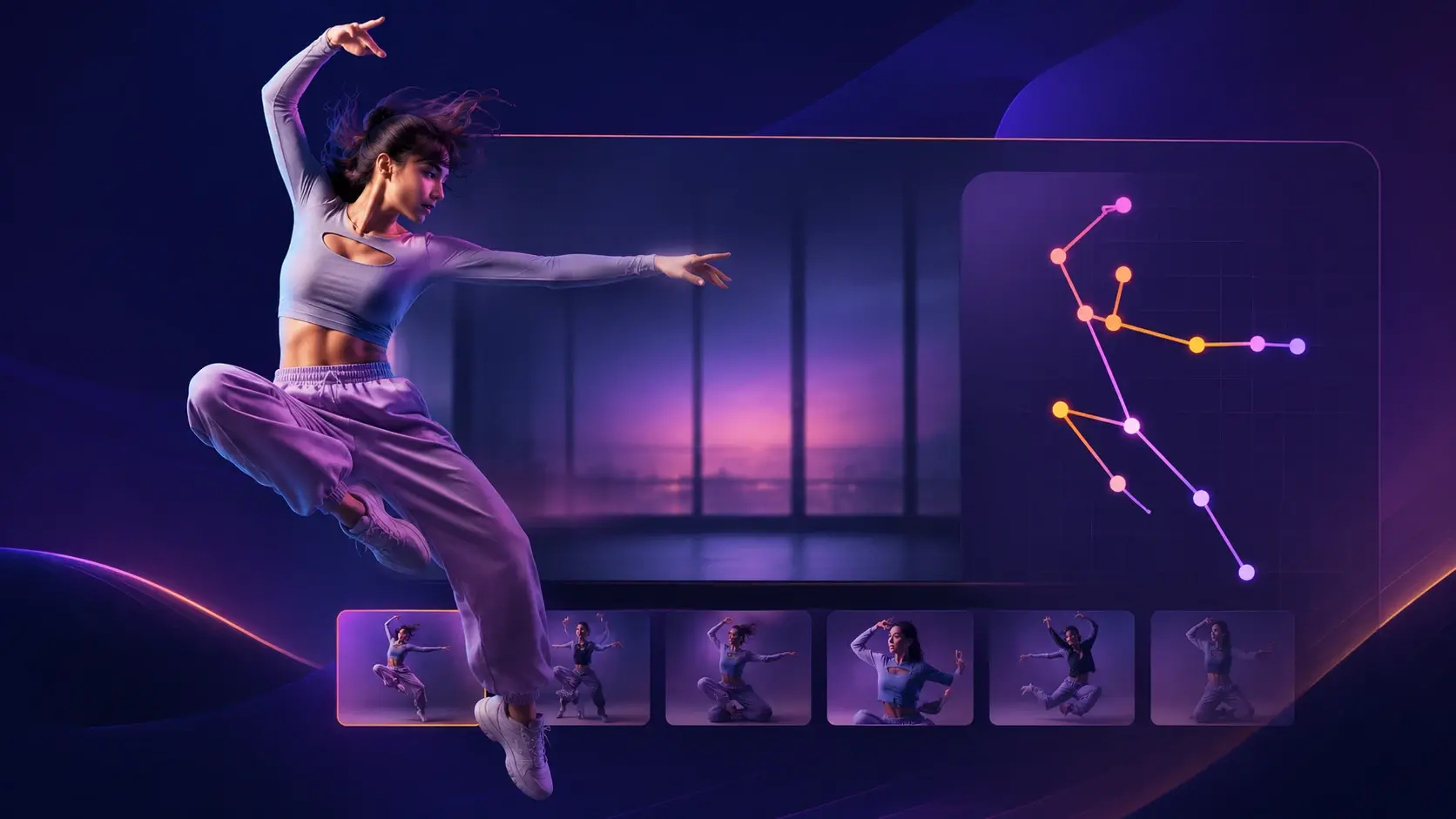
Describe Your Pose And Draw It
Open VideoAI, write the pose you have been searching for, and sketch from the image the pose reference generator draws.
Get Started