

A Small Print With A Strong Sense Of Place
AI Postcard Design
Use this postcard design workflow to turn a place, occasion, or message into a focused custom postcard. Start with a written brief or reference image, then define the sense of place, focal image, colour, and clean space for the message before you generate. The final artwork should work for travel notes, a Mother's Day postcard, event invitations, and real estate postcard mailers.
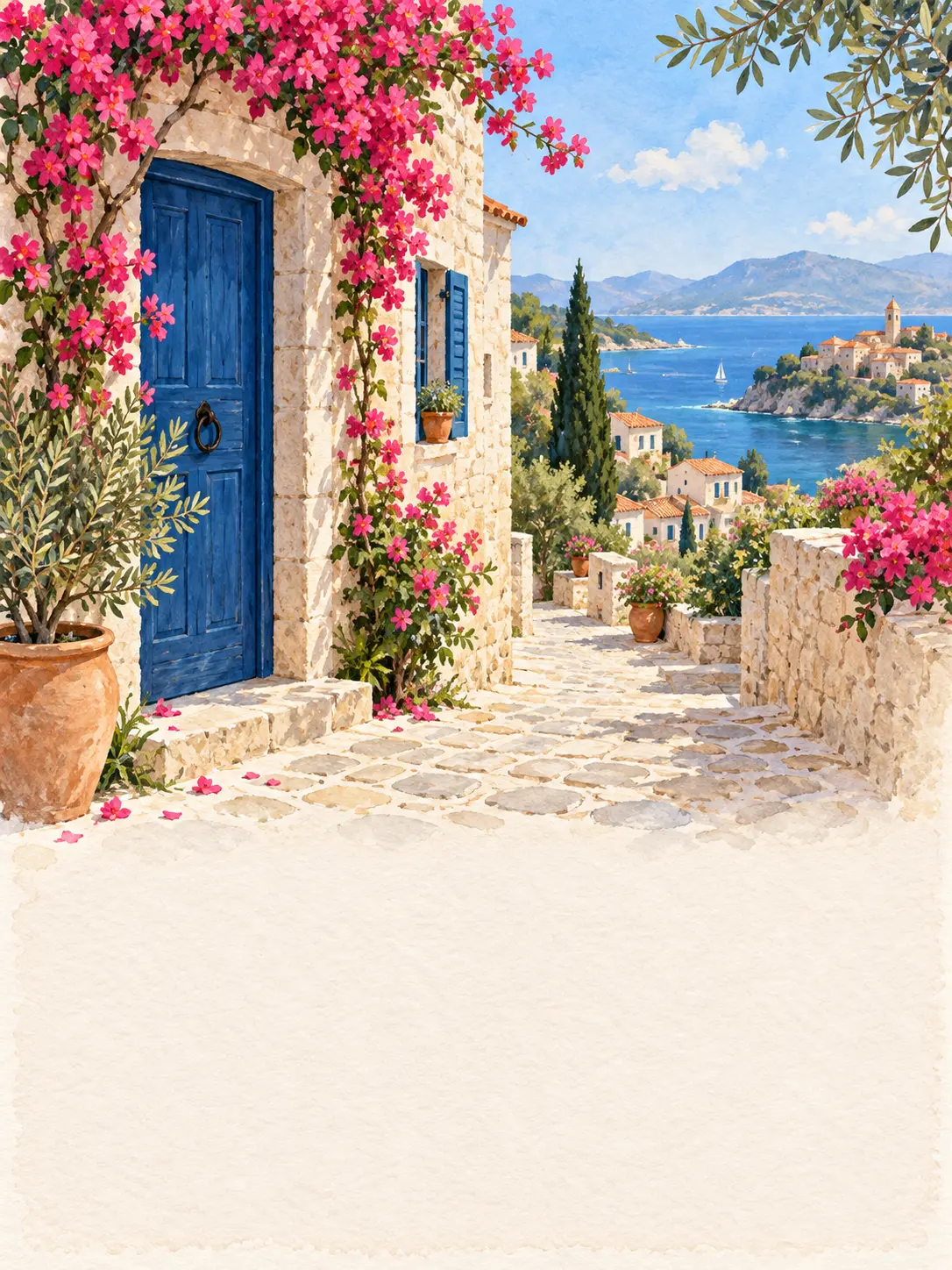
Design a Postcard Around Its Final Journey
A postcard design has to work when it is handled, mailed, displayed, or kept as a small print. The composition needs a clear image and enough space for the message at that scale.
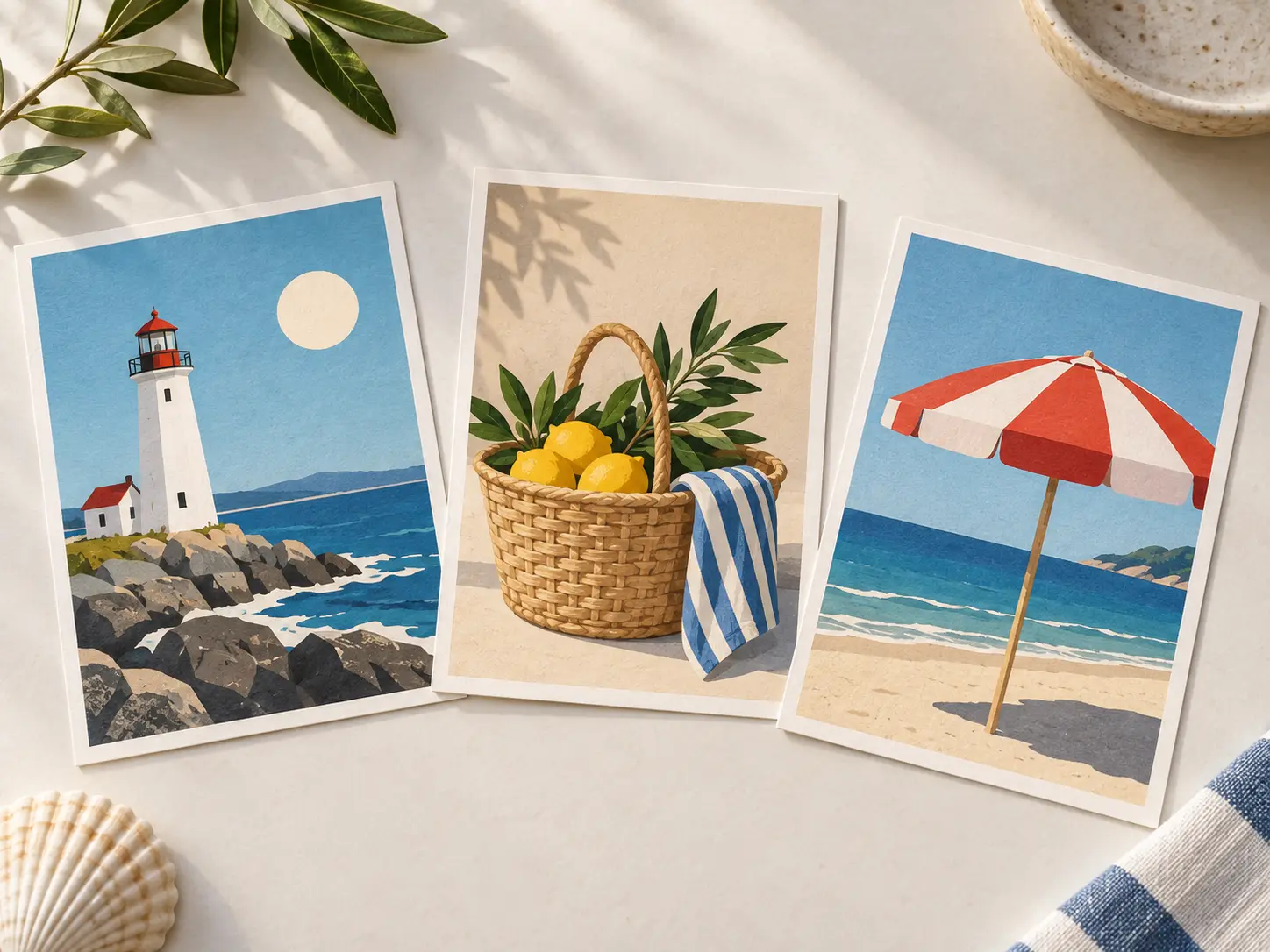
Build the Image for a Small Format
Use one clear focal idea rather than a crowded scene. At postcard size, strong shapes, simple contrast, and a readable subject travel better than fine details that disappear in print. If the first attempt misses the mark, describe the exact part of the postcard design to change and leave the rest of the direction fixed.
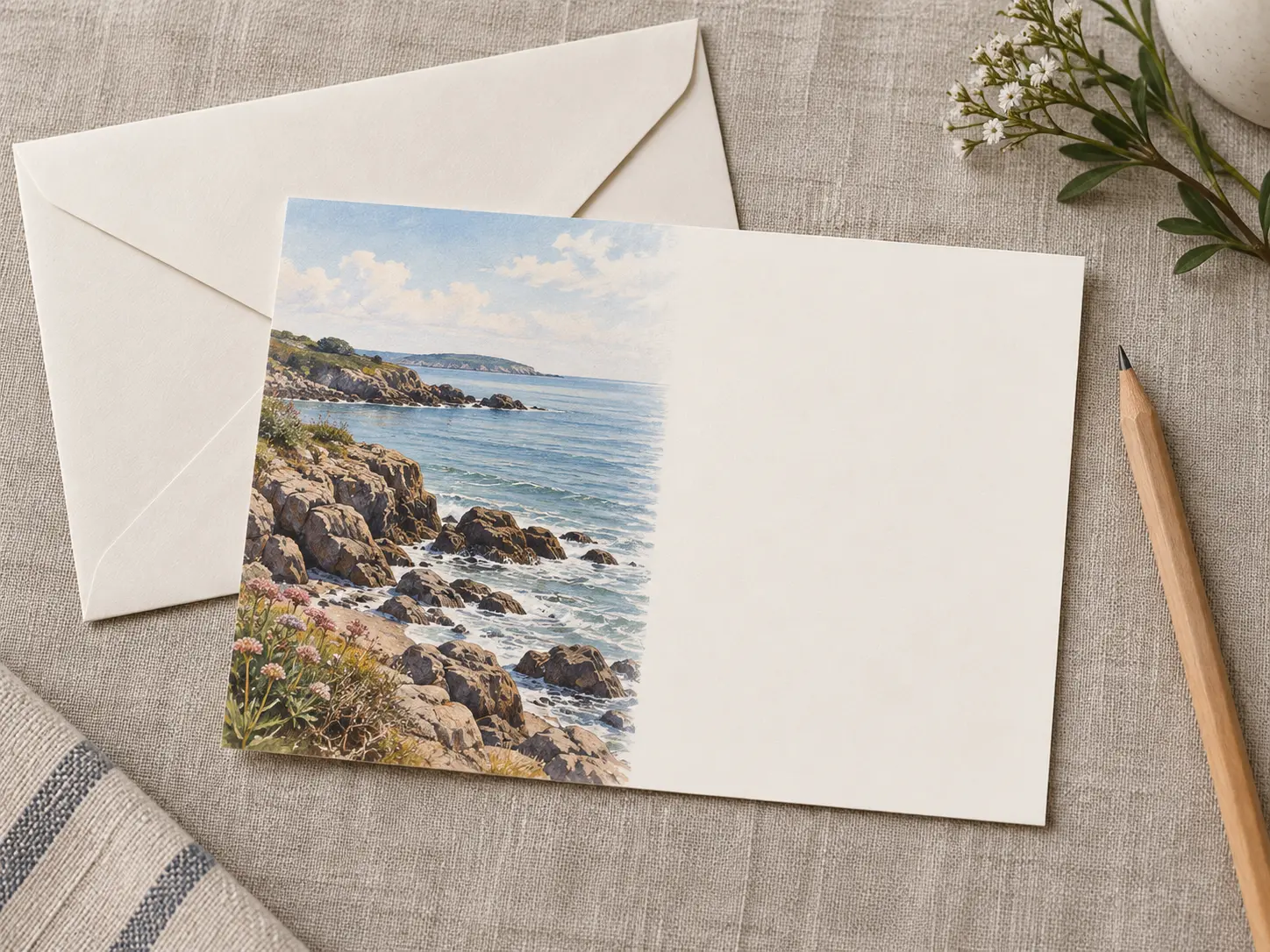
Leave Space for the Message
Decide whether the final layout needs an open area, a side panel, or a visual border for handwriting. Keep that space simple so the artwork supports the message instead of competing with it. This feature is most useful when the postcard design has to communicate clearly to travelers, event hosts, realtors, small businesses, and personal senders without extra explanation. Generated lettering may need correction, and the printed card still needs exact size, paper, and mailing details before the asset moves into standard landscape proportions or custom print dimensions.
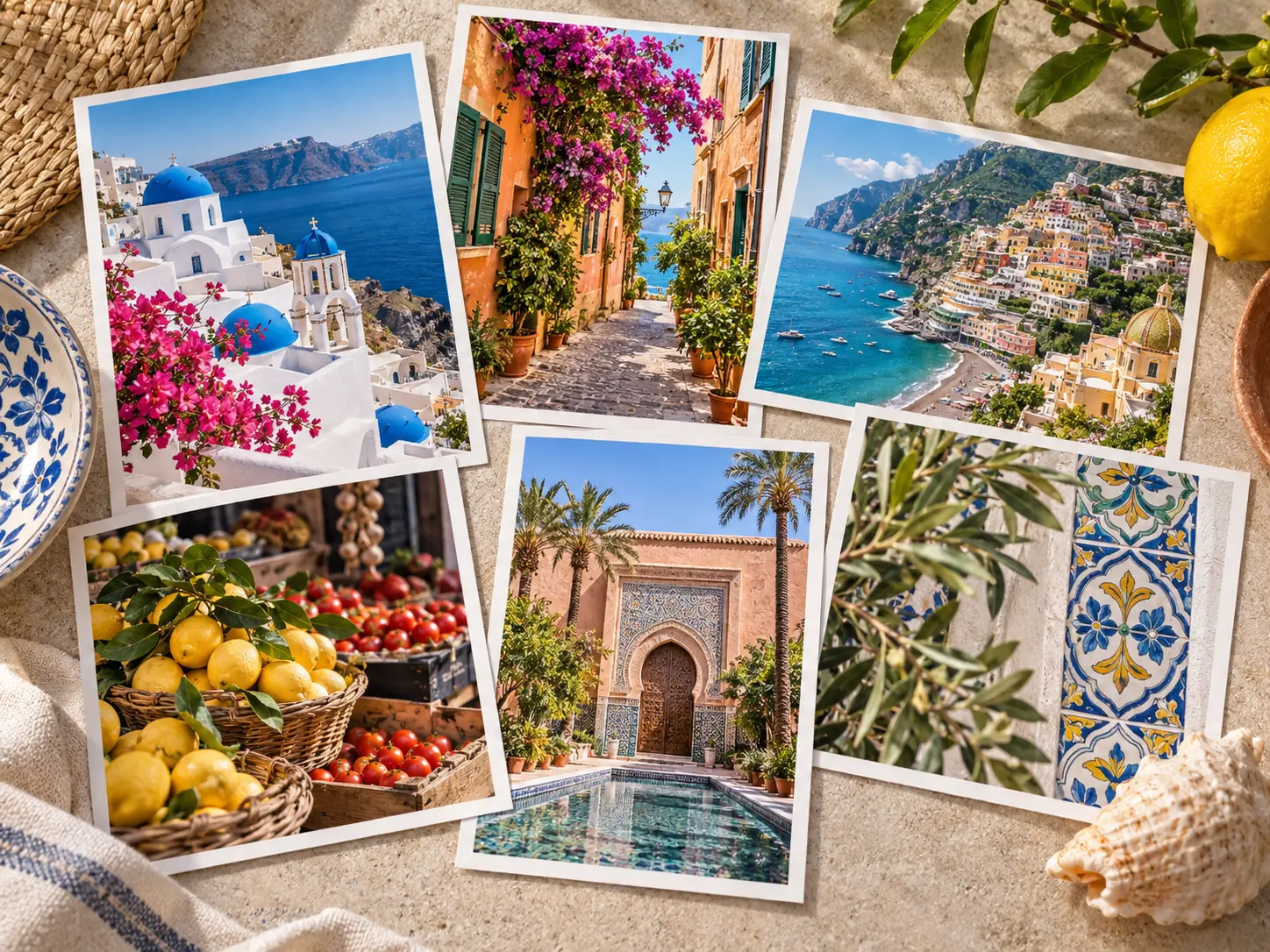
Set a Distinct Sense of Place
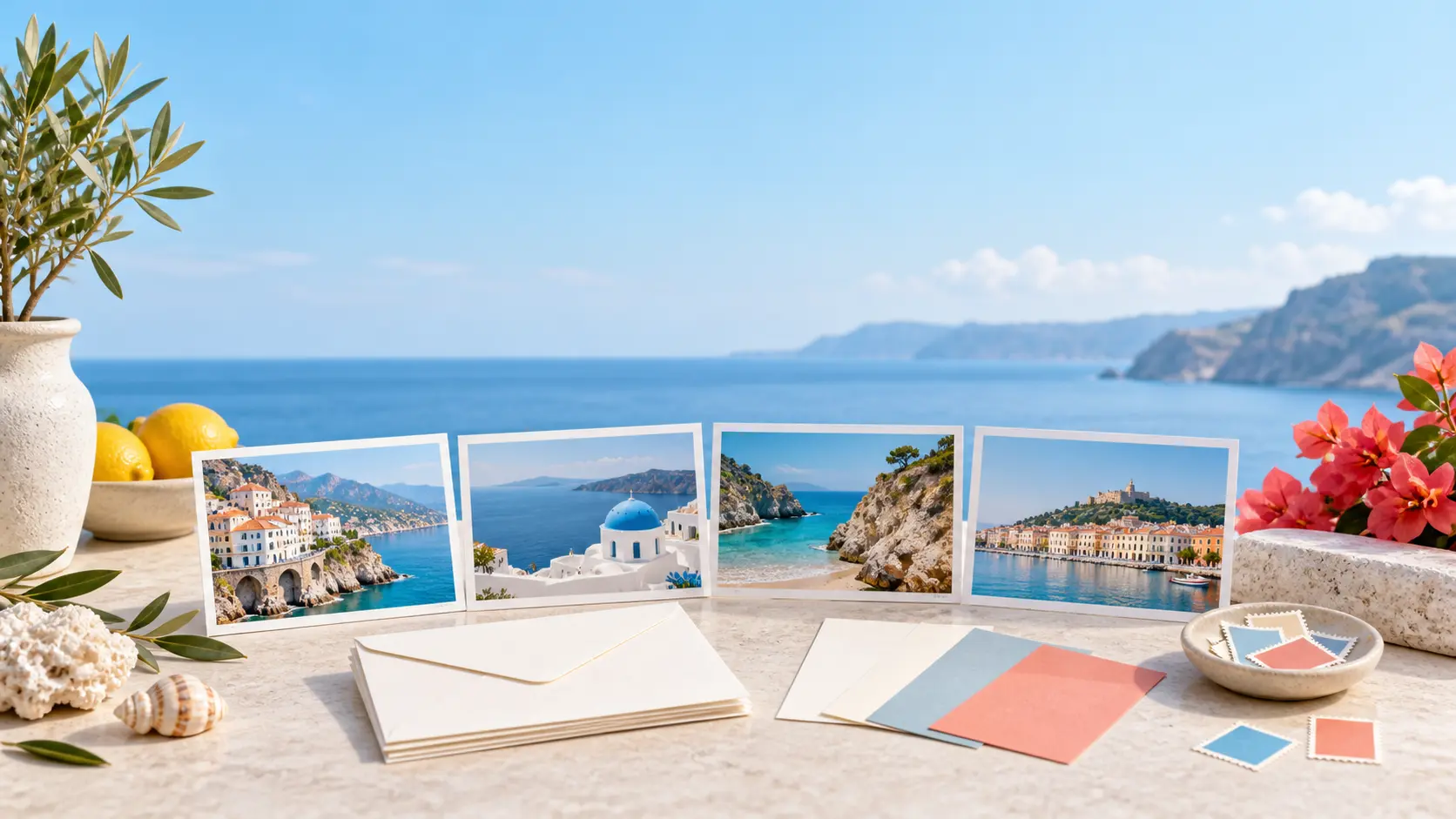
Use architecture, landscape, materials, food, or seasonal details to make a travel postcard feel specific. A named location may still need careful factual review before the final print. Keep the prompt and any reference available so you can revise one visual instruction without rebuilding a postcard design that already works. Generated lettering may need correction, and the printed card still needs exact size, paper, and mailing details before production.
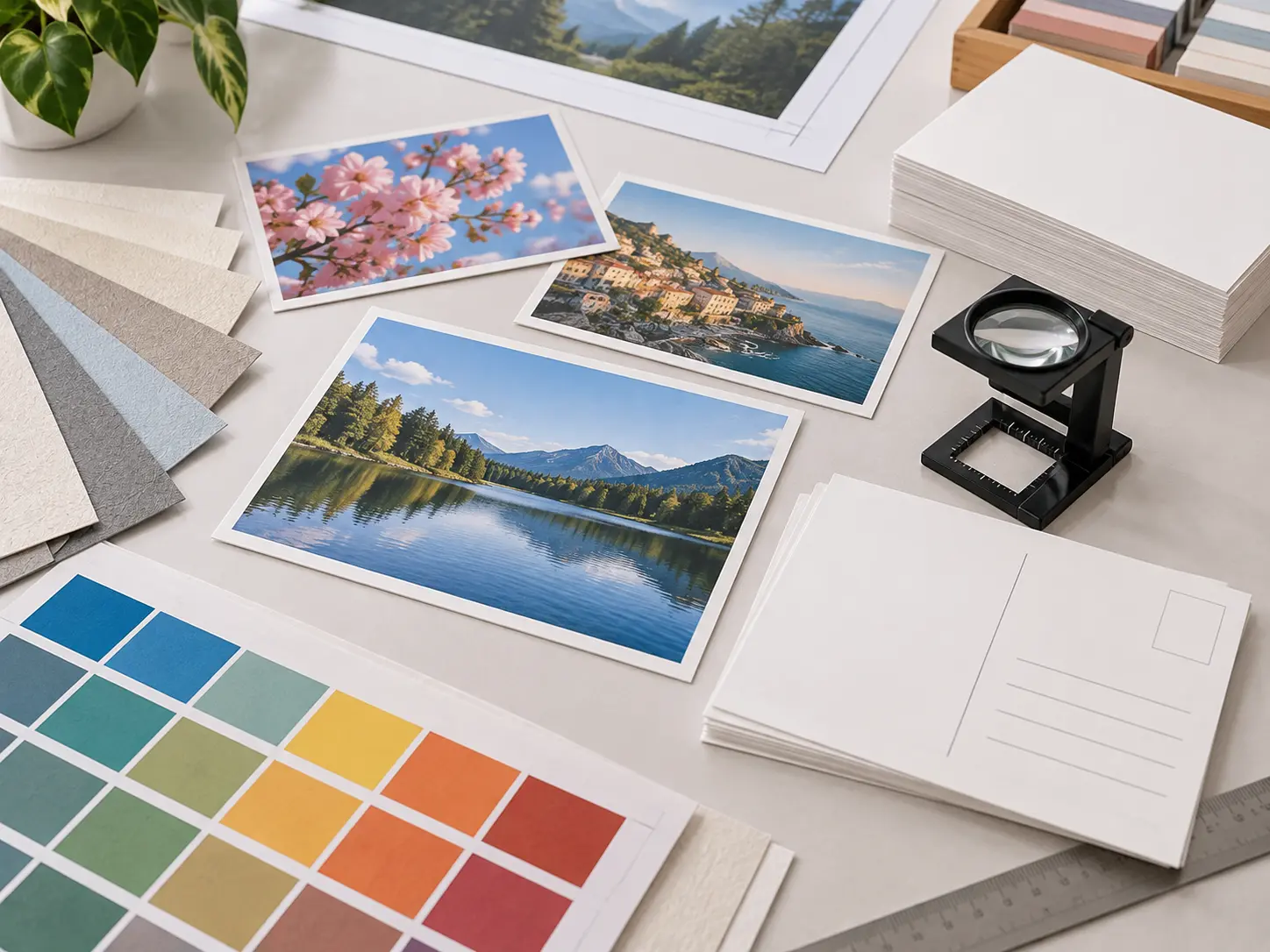
Prepare Artwork for Print Production
Choose the intended orientation and size, then finish wording, margins, bleed, resolution, and color settings in a production file. Review a physical proof before a full print run. Use the postcard design for the front image, then add the message, address, and production details in the final layout. Check whether the subject reads at postcard size and whether margins, bleed, and type will survive printing before treating the result as finished.
How To Create a Postcard Design
Three steps take the brief from a visual idea to artwork that is ready for final postcard layout and print preparation.
Describe the Place or Occasion
State what the postcard design is for, who will receive it, the visual mood, the main subject, the palette, and any location details that should feel specific. Mention whether the design needs open space for a handwritten note.
Generate and Compare the Artwork
Use the postcard design workflow to make several front-image directions, then compare focal point, contrast, texture, and scale. Regenerate a route that becomes crowded, generic, or difficult to read at the size of a real postcard.
Finish the Layout for Printing
Add exact wording, contact information, and any required postal details in a layout tool. Confirm trim size, bleed, safe margins, resolution, paper, and printer requirements before producing the final card.
Postcard Design Projects That Fit the Workflow
Use the postcard design as the visual foundation, then complete the address side, final wording, and print specification separately.
Travel and Place-Based Cards
Create a postcard for a trip, city, hotel, destination brand, or local memory. Use one recognizable visual idea, and verify names, landmarks, and claims before printing.
Invitations and Event Keepsakes
Build a postcard-style invitation for an opening, workshop, wedding, or community event. Add dates, addresses, and response details with reliable typography during production.
Promotional Mailers
Give a product, studio, or service a tactile mailer that feels more personal than a standard flyer. Confirm postal requirements, brand approvals, and data rules before sending.
Personal Notes and Gifts
Make a custom postcard for a message, memory, or small gift. Review faces, names, and personal details carefully, then choose a paper and print finish that suits the image.
Who Uses This Postcard Design Workflow
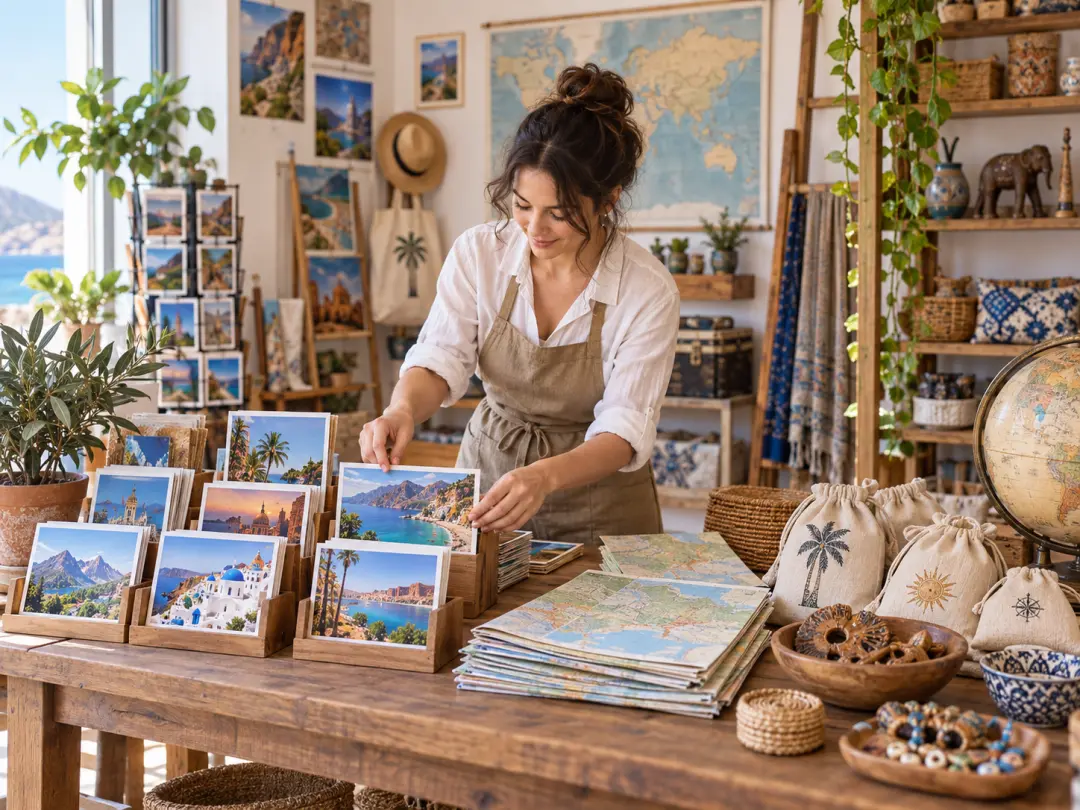
Travel Brands and Local Businesses
You want a postcard design that carries a sense of place without a full custom illustration commission. Generate a visual direction, then add exact destination names, contact details, and print specifications in the final layout.
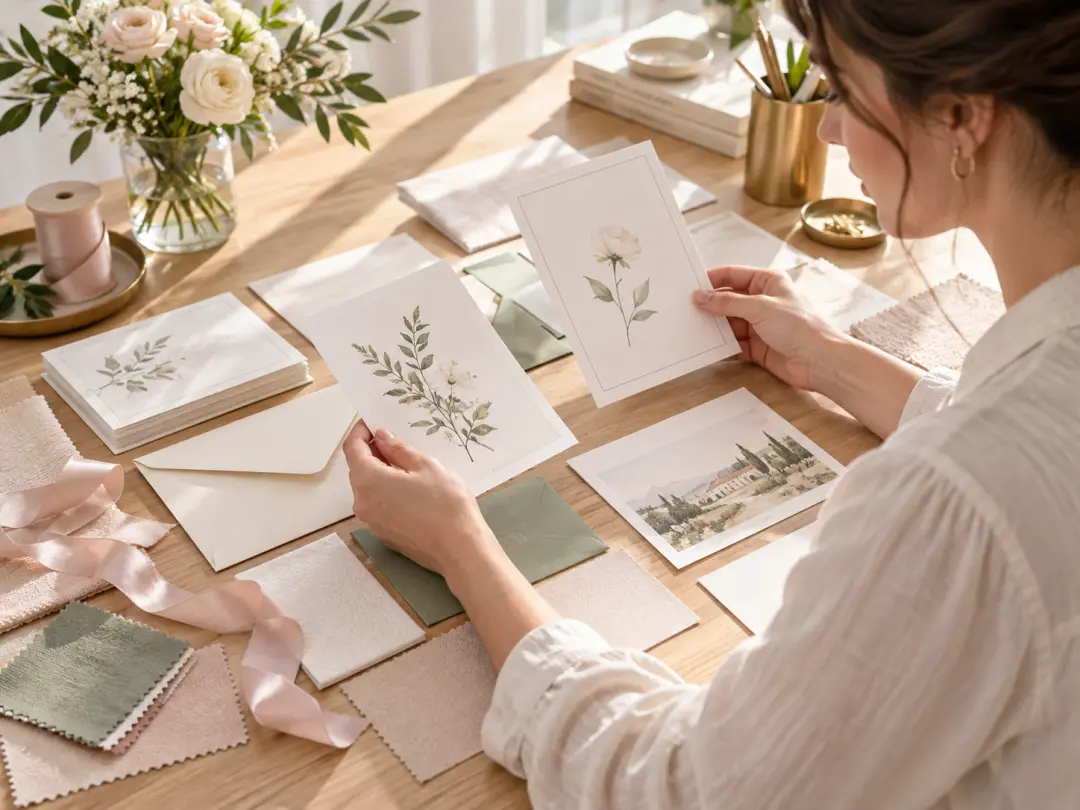
Event Planners and Creative Teams
A postcard design can invite, thank, or extend an event experience. Brief the occasion and visual tone, compare directions, and complete dates, addresses, and response details with accurate production text.
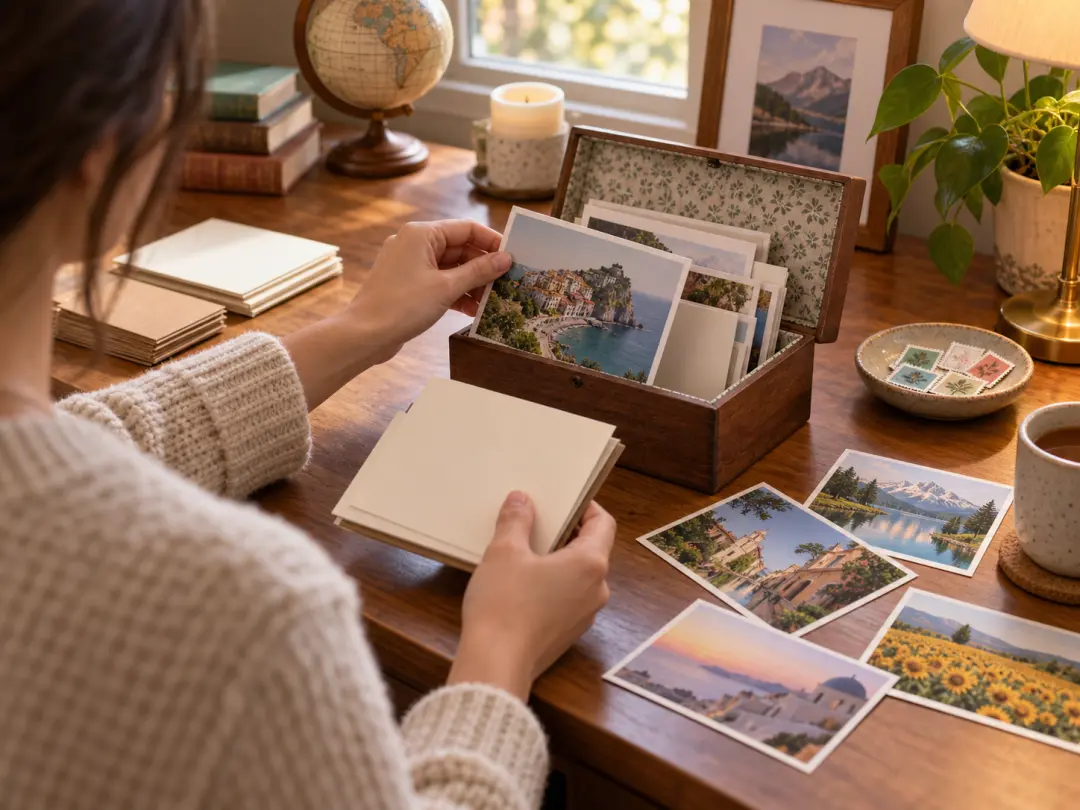
Personal Senders and Creators
You need a postcard design for a trip, note, or small gift but do not want the same generic design everyone else uses. Start with a specific memory or place and review the result before printing or mailing it.
Postcard Design Questions
Start Creating Worth Keeping
Start with a place, occasion, or message, then generate a focused postcard design that is ready for final print preparation.
Get Started