Build the Artwork Before the Headline

AI Poster Maker

Turn a mood, subject, and visual reference into a poster-ready image. This ai poster maker helps you define the composition, palette, and focal area first, then leave deliberate room for the title and final typography. A focused brief should cover composition, focal area, typography space, and final ratio. Review whether the composition holds at full size and whether the title space or subject needs adjustment before making a final choice.

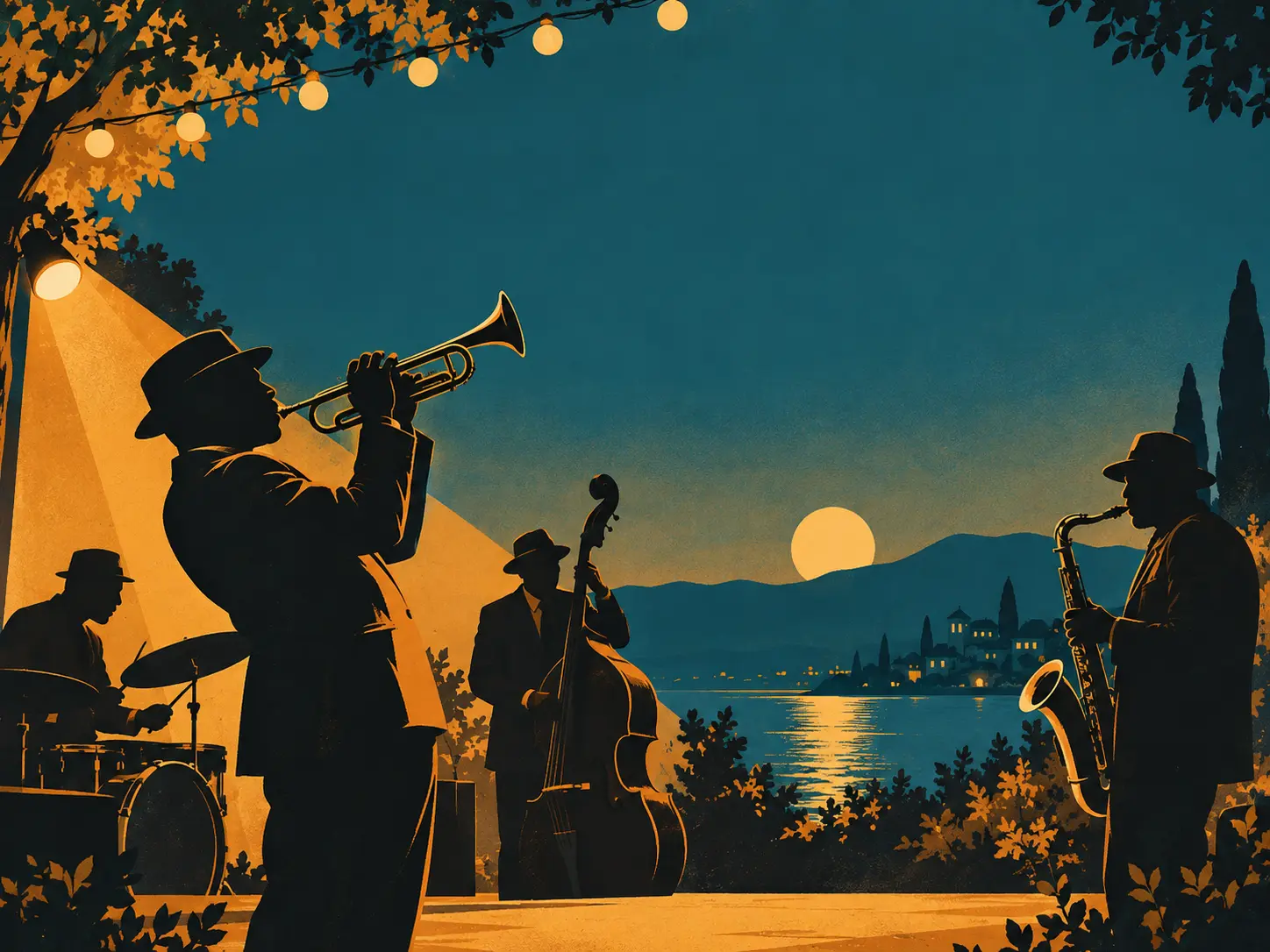
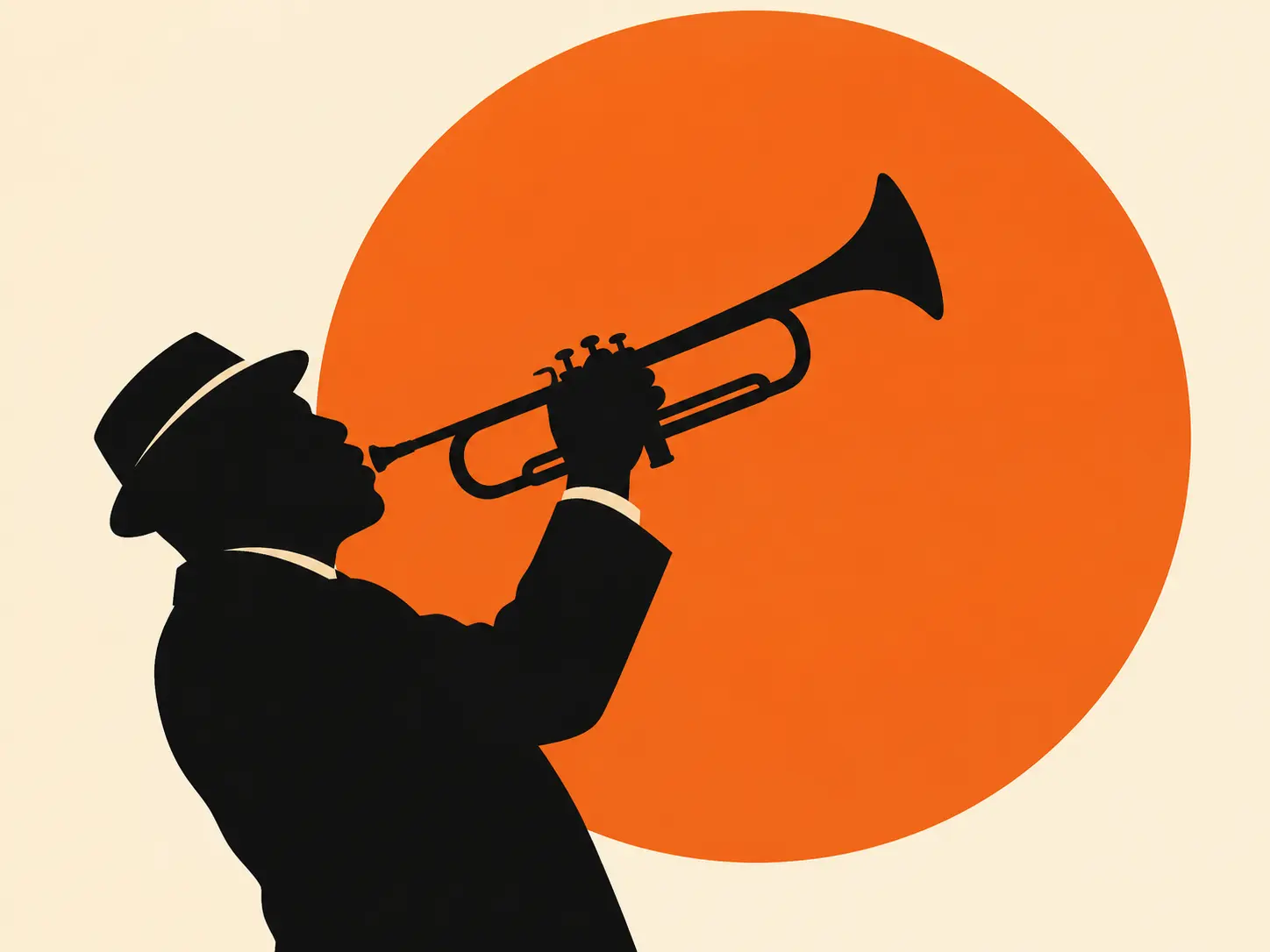
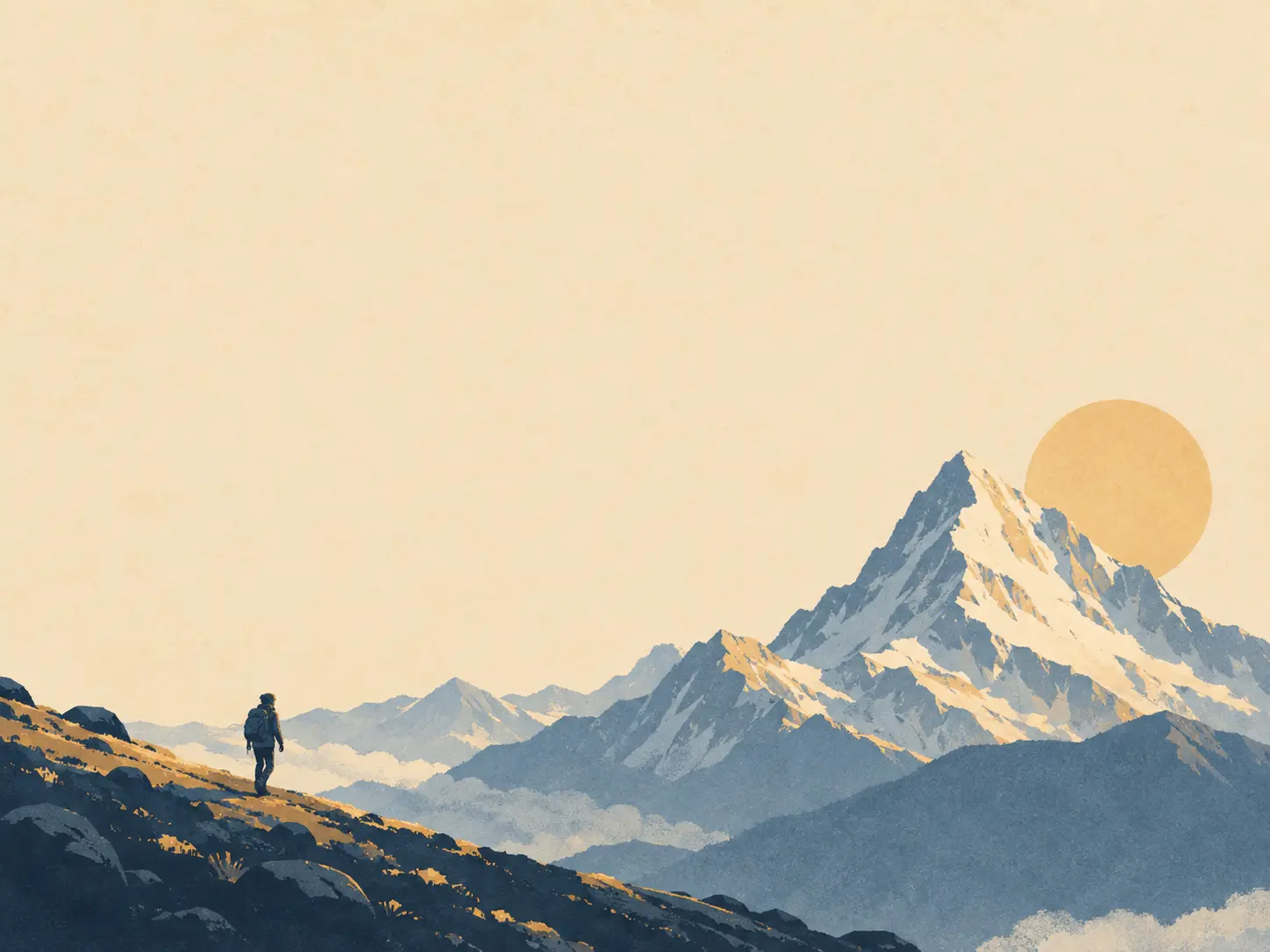
Jazz night poster artwork with a saxophone silhouette, ochre and teal shapes, paper grain, and open title space

Create a Poster With a Clear Visual Job

A useful ai poster maker gives you more than a pretty image. Each decision should support the event, product, message, or space the poster is made for.

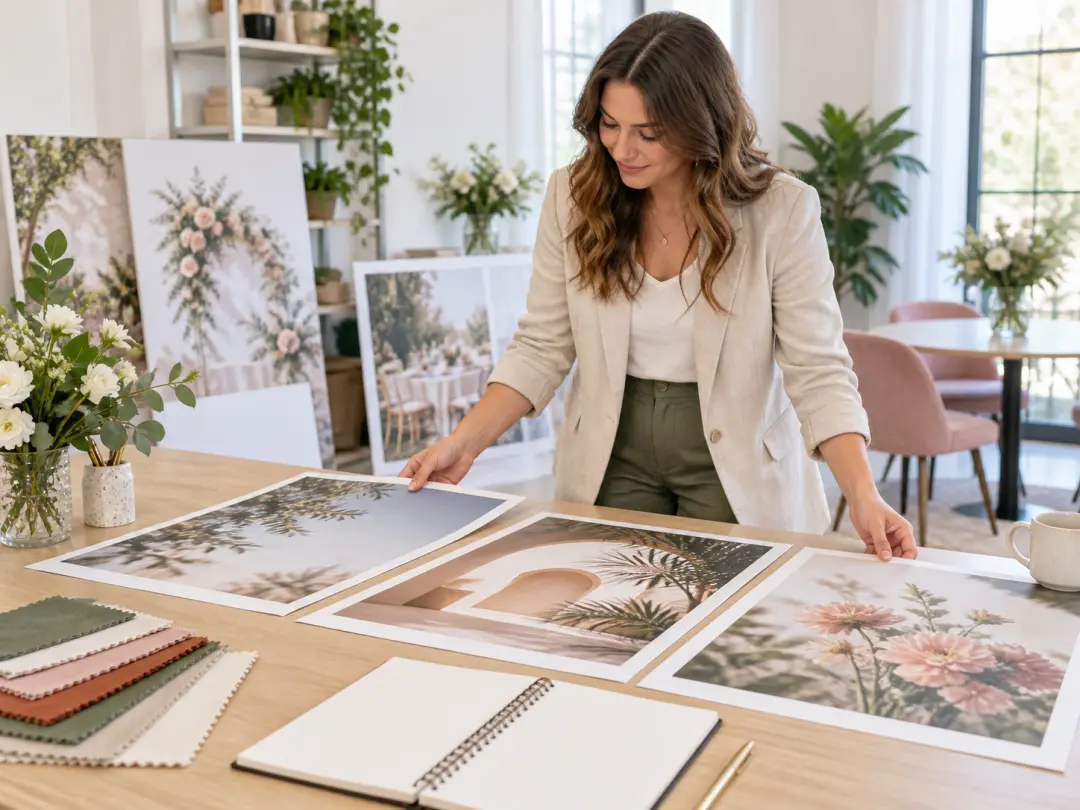
Poster brief notes, color swatches, and small composition studies arranged on a pale studio table

Start From the Poster Brief

Name the purpose, audience, venue, viewing distance, and mood before describing decorative details. An event poster, product launch, and exhibition print need different amounts of information and visual intensity even when they share a format. Use the ai poster maker for an initial composition, then check the title area, crop, and hierarchy before final design work. The strongest use of this feature is to make a poster-ready image work for events, launches, exhibitions, music shows, and social campaigns, not merely to create an attractive preview.

Editorial poster artwork with a quiet upper area reserved for a headline and a strong lower focal subject

Compose Around the Headline

Ask for open space where the title, date, or call to action will go. Keep the strongest visual element away from that area so the final typography remains legible instead of fighting the artwork for attention. If the first attempt misses the mark, describe the exact part of composition, focal area, typography space, and final ratio to change and leave the rest of the direction fixed.

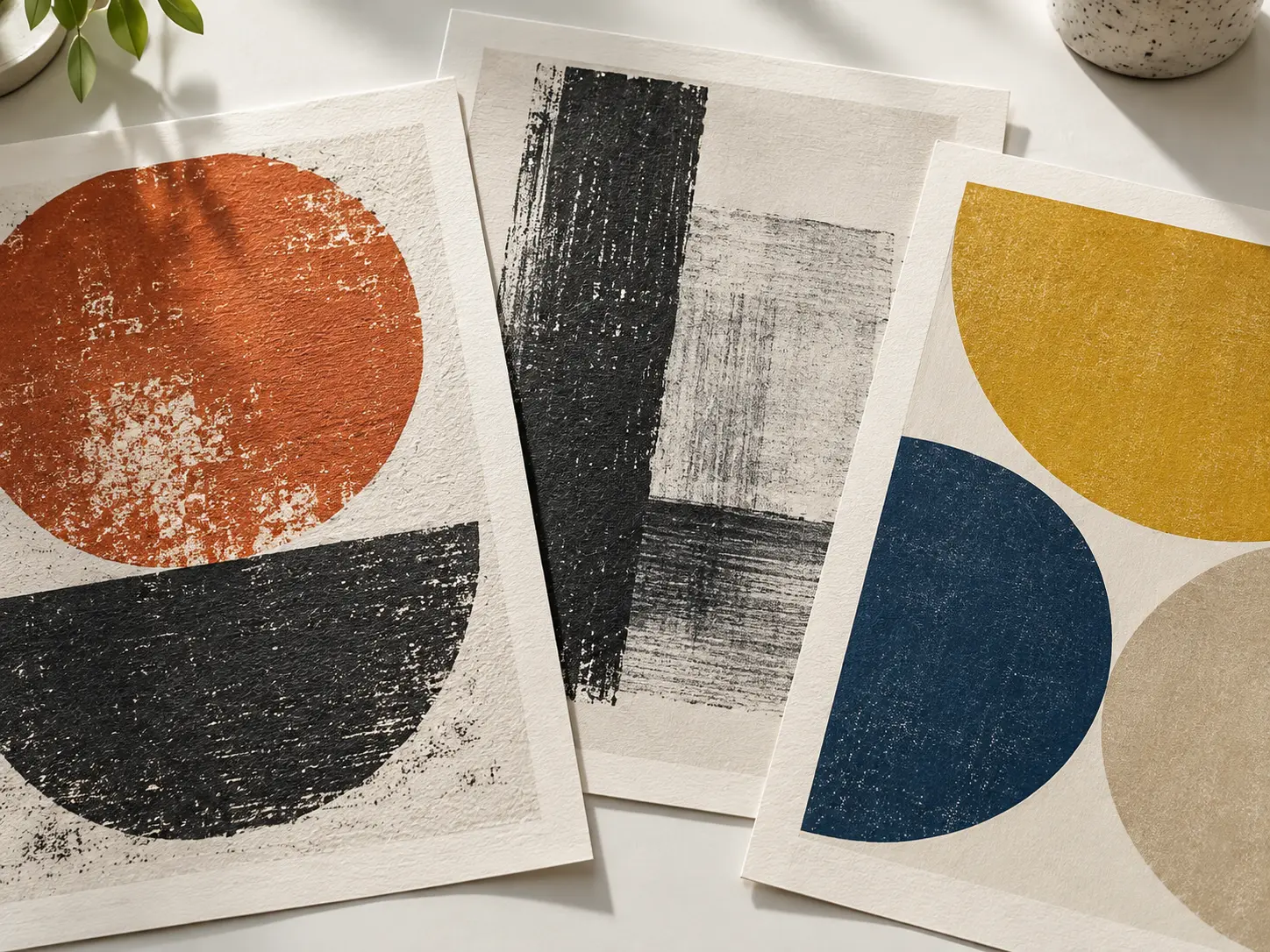
Printed poster proofs showing paper grain, ink texture, and geometric screen-print details

Choose a Style With Material Weight

Use paper grain, screen-print edges, photographic depth, ink texture, or geometric construction as part of the art direction. A specific material cue makes the AI poster maker result feel like a designed poster rather than a generic image. This feature is most useful when the result has to communicate clearly to event hosts, musicians, marketers, artists, and small businesses without extra explanation.

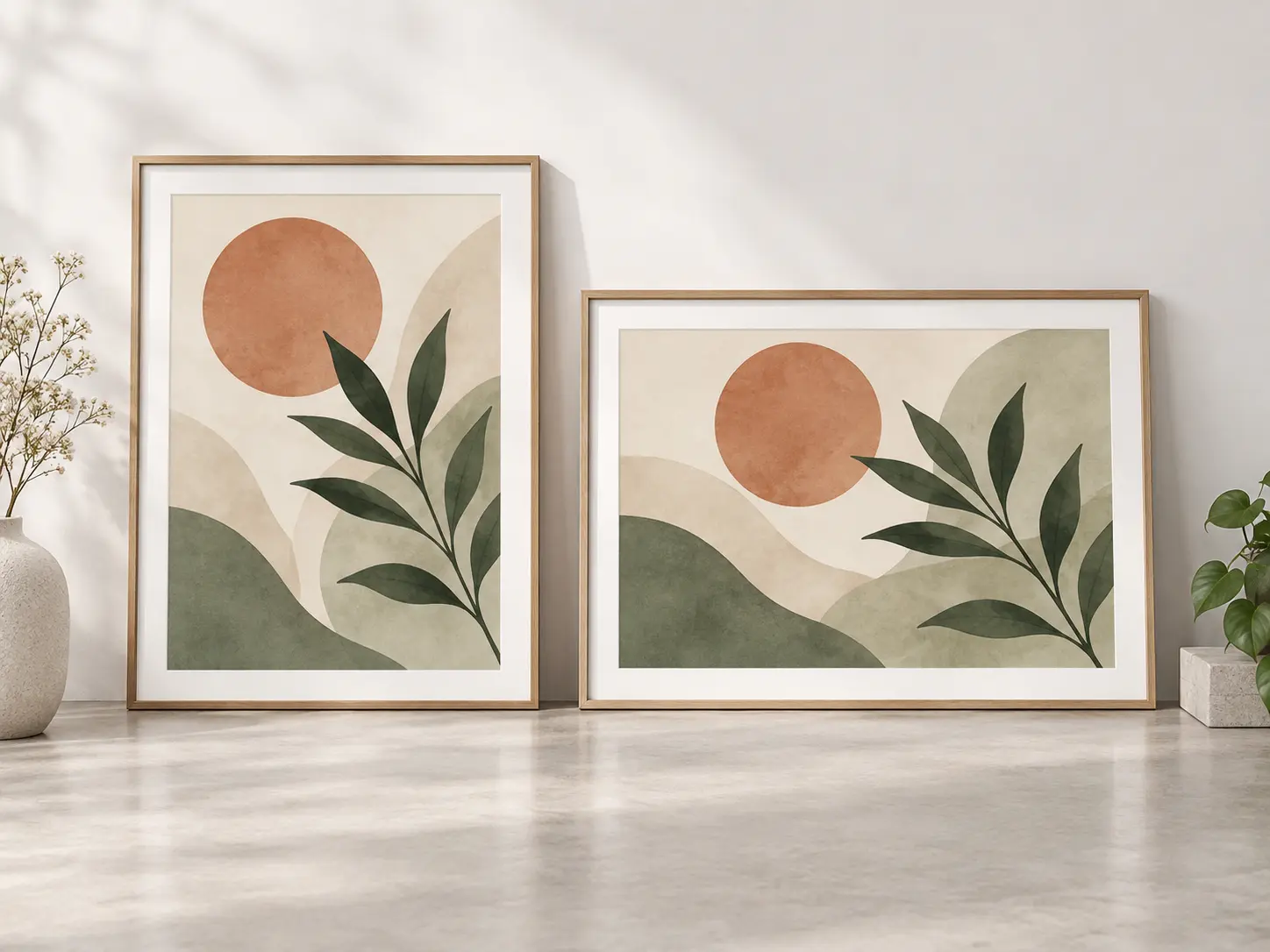
Portrait and landscape poster mockups arranged side by side with intact compositions and safe margins

Generate for the Final Ratio

Decide whether the artwork is portrait, landscape, or square before generating, then check the crop at the intended size. The right ratio prevents important subjects from being cut when the image moves into a print or display layout. Keep AI lettering is not reliable for final typography, and a small social preview may not reveal print problems. That check matters before the asset moves into portrait, square, and custom poster ratios for print or screen.

How To Make a Poster With AI

Three stages take you from a written direction to artwork that is ready for final title and print preparation.

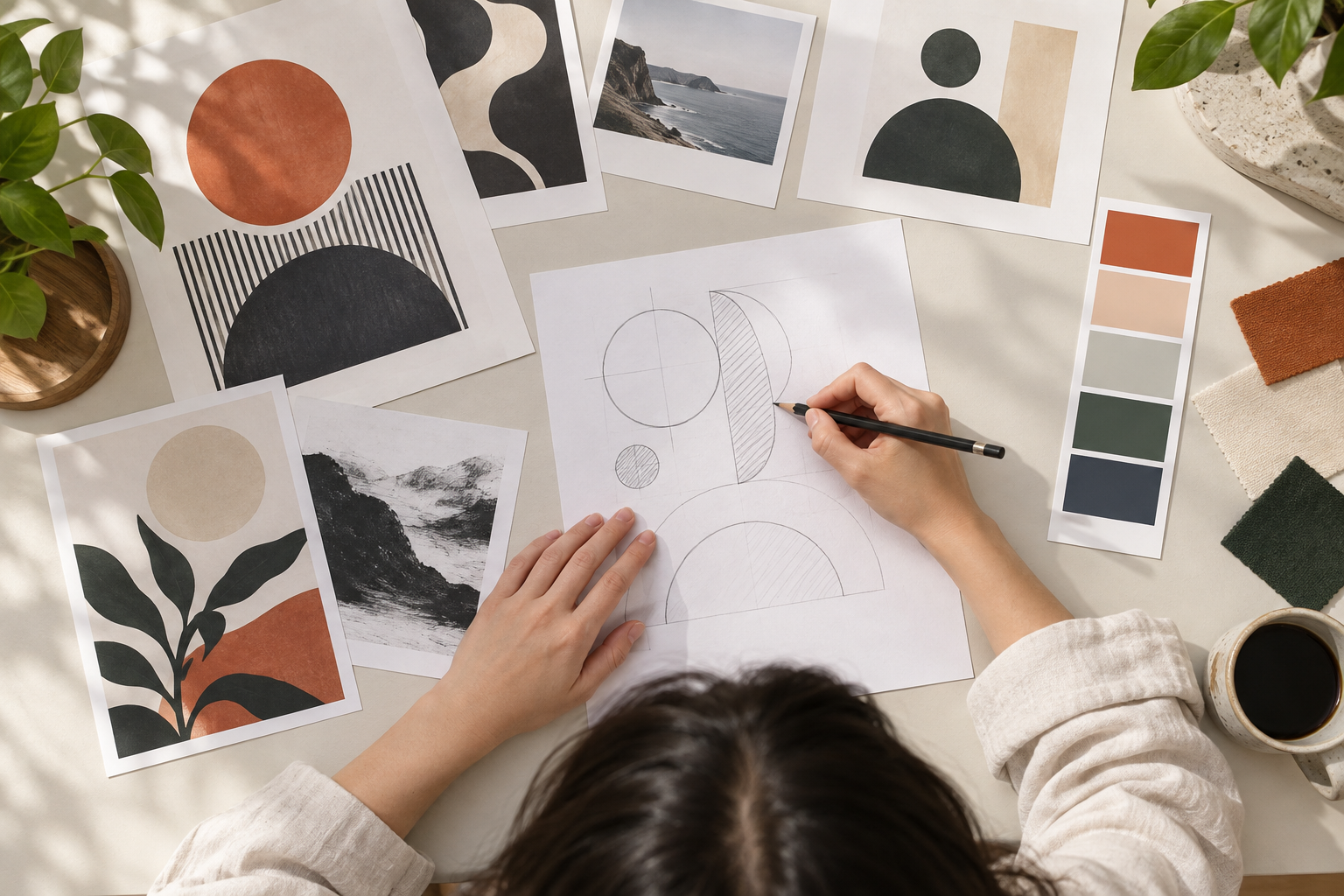
Designer writing a poster concept beside reference swatches and a rough composition sketch

Step 01

Describe the Poster Concept

State the theme, intended audience, main subject, visual style, palette, and viewing context. Mention where the headline will sit and which details should stay prominent so the first composition has a practical job.
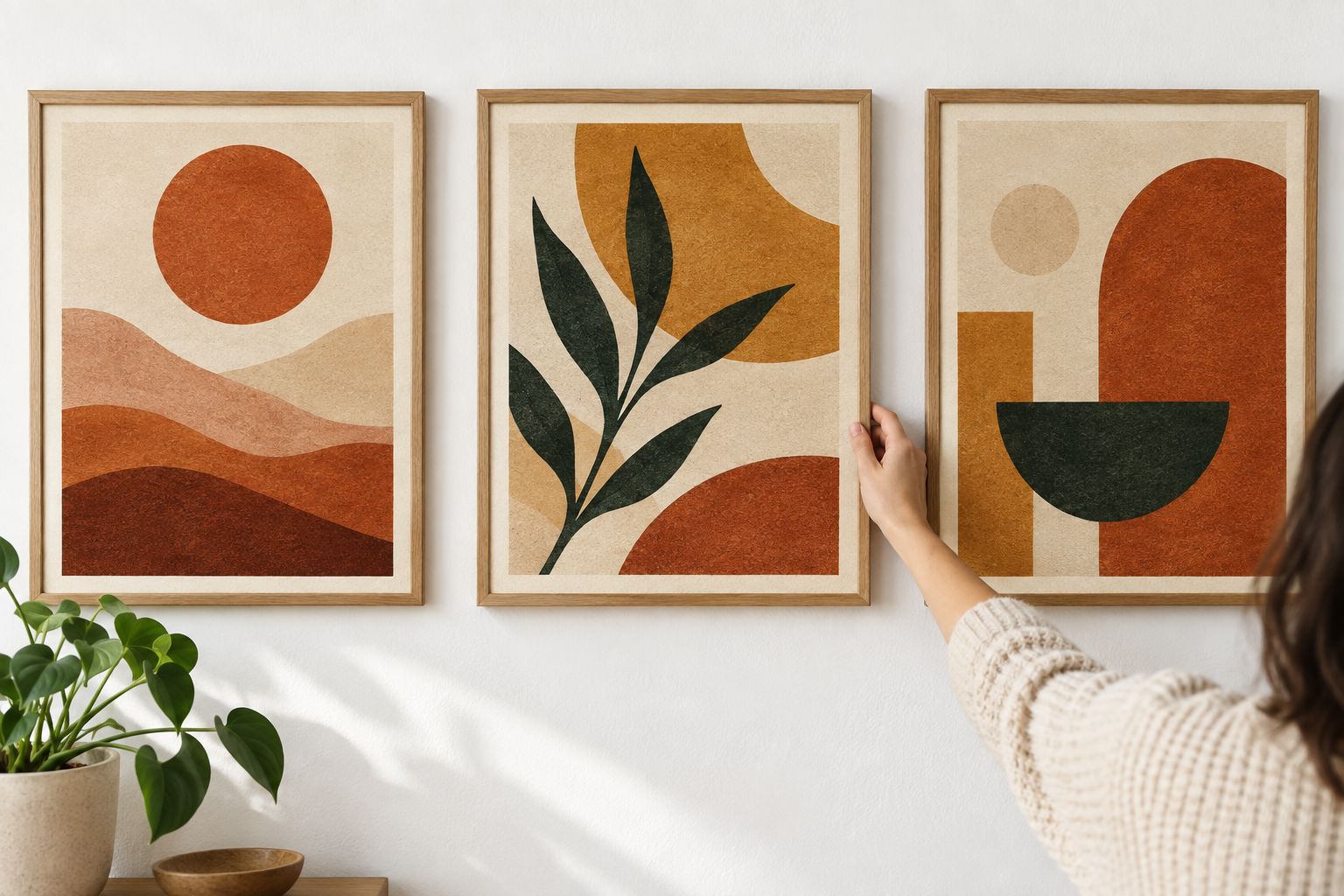
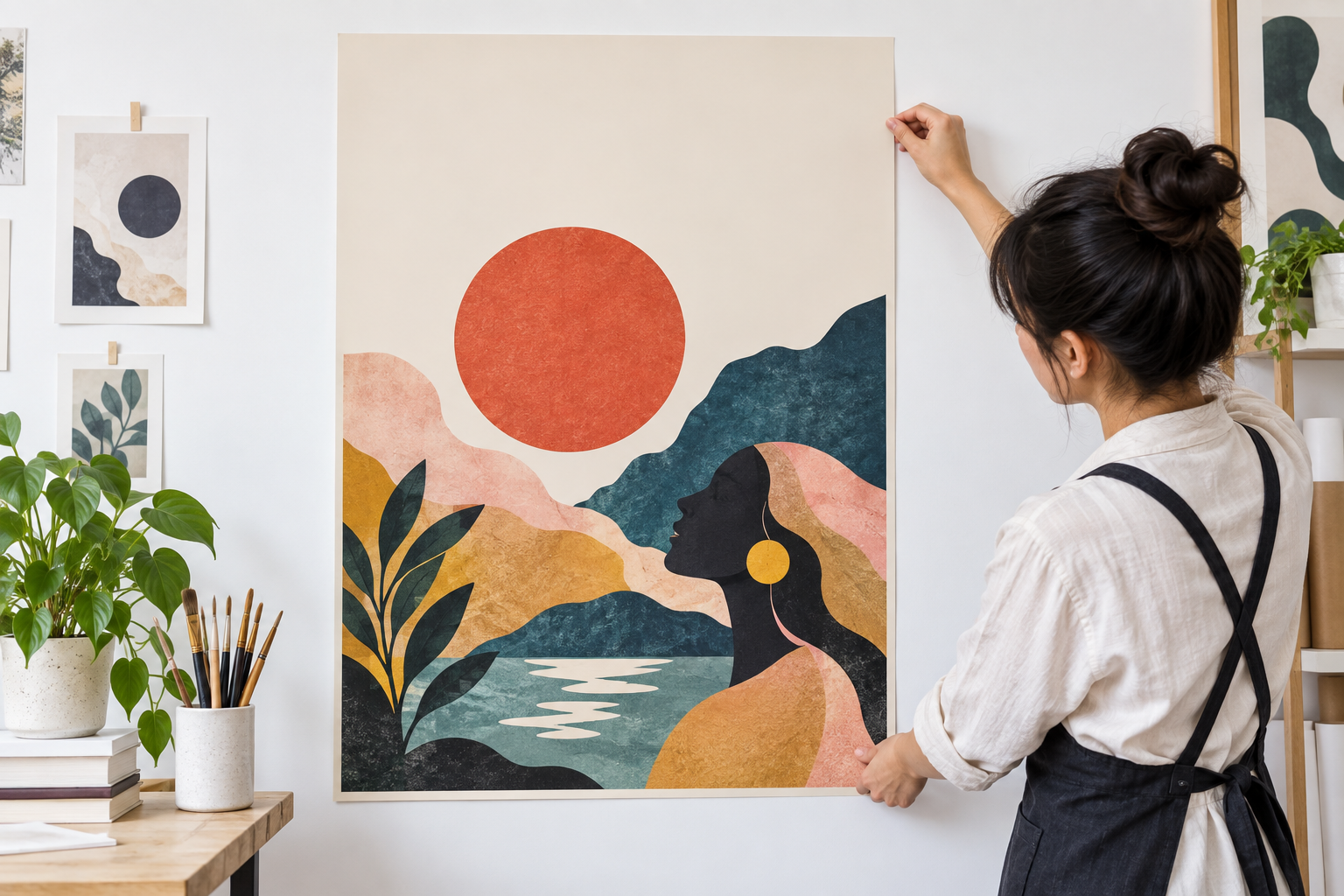
Several poster art prints arranged for comparison on a clean studio wall

Step 02

Generate the Poster Artwork

Create one or more visual directions and compare their focal points, texture, contrast, and open space. Regenerate with a more specific prompt when the composition is crowded or the style lacks the material character you asked for.

Finished poster print mounted on a studio wall with clear title space and balanced visual hierarchy

Step 03

Add Type and Prepare the File

Choose the strongest AI poster maker artwork, place the exact headline and details in a layout editor, and check hierarchy at a distance. Confirm final dimensions, resolution, bleed, color, and printer requirements before producing the poster.

Poster Projects the AI Workflow Can Support

Use generated artwork as the visual foundation, then complete typography and production details for the actual placement.

Music and Cultural Events

Create a strong visual world for a concert, film screening, exhibition, or neighborhood event. Keep the date, venue, performers, and sponsor marks as separate production text so every detail stays accurate.

Product and Campaign Launches

Build a campaign image around a product category, season, or mood, then adapt the composition for posters, social crops, and in-store displays. Confirm brand assets and usage rights before adding logos.

Public Information Posters

Use imagery and open layout space to support a clear message for a workplace, school, or community notice. Final wording, accessibility contrast, and required disclosures belong in the layout stage.

Personal Art and Gifts

Make a decorative print for a room, a creative gift, or a portfolio concept. Review the artwork carefully, choose a print size that preserves the composition, and use a qualified printer for the final output.

Who Uses an AI Poster Maker

Event organizer reviewing poster proofs beside venue notes and a color reference board

Event Organizers and Promoters

You need a visual direction before the lineup, venue details, and sponsor assets are finalized. Use the AI poster maker to generate a flexible poster world, then place confirmed information and exact dates in the production layout.

Shop owner arranging a seasonal poster print among product packaging and fabric samples

Small Businesses and Local Teams

You want campaign artwork that feels specific to the offer instead of using the same stock template every season. Brief the mood and focal product, then add final pricing and calls to action with reliable typography.

Graphic designer comparing several large poster concepts on a bright studio floor

Designers Exploring Directions

Use generated compositions to test a visual route before investing in final illustration or retouching. The result can guide discussion, but typography, grid, print setup, originality review, and client approval remain part of your process.

AI Poster Maker Questions

It creates a still image from your poster brief. You can use that artwork as the foundation for an event, campaign, decorative, or informational poster, then finish exact lettering and print production in a layout tool. This matters for event hosts, musicians, marketers, artists, and small businesses, especially when the result will appear in events, launches, exhibitions, music shows, and social campaigns.

Short wording may appear, but reliable spelling and hierarchy are not guaranteed. Ask for open space and add the final headline, date, venue, price, or disclaimer yourself so the production file contains exact copy. Keep the decision practical: AI lettering is not reliable for final typography, and a small social preview may not reveal print problems. Reserve a quiet area in the composition before generation when a long headline must be added later.

Describe the purpose, audience, main subject, style, palette, material texture, aspect ratio, and where the title should sit. Mentioning the viewing context helps the composition suit a wall, window, feed, or printed handout. In practice, define the poster brief and headline area first, then generate the image around that structure. Review whether the composition holds at full size and whether the title space or subject needs adjustment before relying on the result. Tell the AI poster maker the audience, venue, viewing distance, headline space, and final ratio before generating.

Choose the closest composition ratio first. Pixel dimensions, print resolution, bleed, safe margins, and color profile are production settings that should be confirmed with the printer or destination platform before output. For accurate expectations, test the workflow with your own file or brief and inspect the result rather than assuming a particular output format. The useful check is whether the composition holds at full size and whether the title space or subject needs adjustment. portrait, square, and custom poster ratios for print or screen. Use the AI poster maker for artwork, then set the exact print size, bleed, and margins in a layout tool.

Use one specific visual idea, describe real materials and lighting, and avoid stacking every possible style word. A restrained palette and a clear focal point often feel more designed than a busy collection of effects. For this workflow, portrait, square, and custom poster ratios for print or screen. The final choice should also fit portrait, square, and custom poster ratios for print or screen. A specific art direction helps the AI poster maker avoid a generic stock-photo look.

A reference can guide composition, mood, or visual language when you have the right to use it. It may not be reproduced exactly, so review the result for unintended logos, people, or protected design elements. Start with a mood, subject, reference, and planned title space, then compare the output with that source. a mood, subject, reference, and planned title space. A reference can guide the AI poster maker, but check that you have permission to adapt the source material.

Review the current product terms and verify every uploaded image, logo, product, or person has the necessary permission. This matters for event hosts, musicians, marketers, artists, and small businesses, especially when the result will appear in events, launches, exhibitions, music shows, and social campaigns. Keep proof of permission for every source image, logo, likeness, venue photo, and artwork used in the final poster. Before commercial use, review the AI poster maker result for originality, likeness rights, and third-party marks.
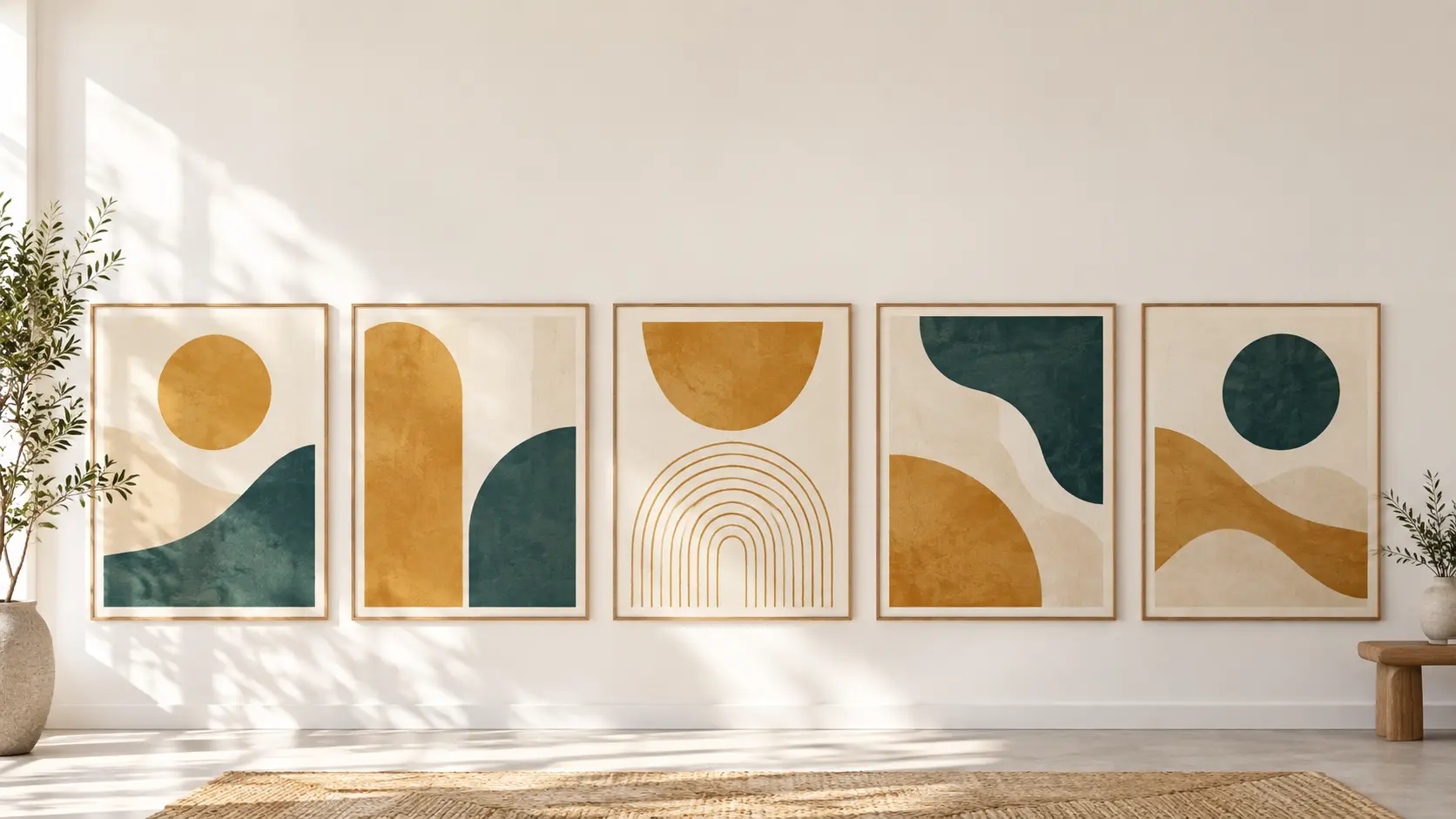
Wide studio wall with warm abstract poster prints and a calm open area for call-to-action copy

Give Your Next Poster a Strong Visual Start

Describe the concept and the space for your headline, then generate a focused ai poster maker direction for the final layout.

Get Started
AI Poster Maker - Create Custom Poster Designs - VideoAI