
Step 01
Define The Launch Decision
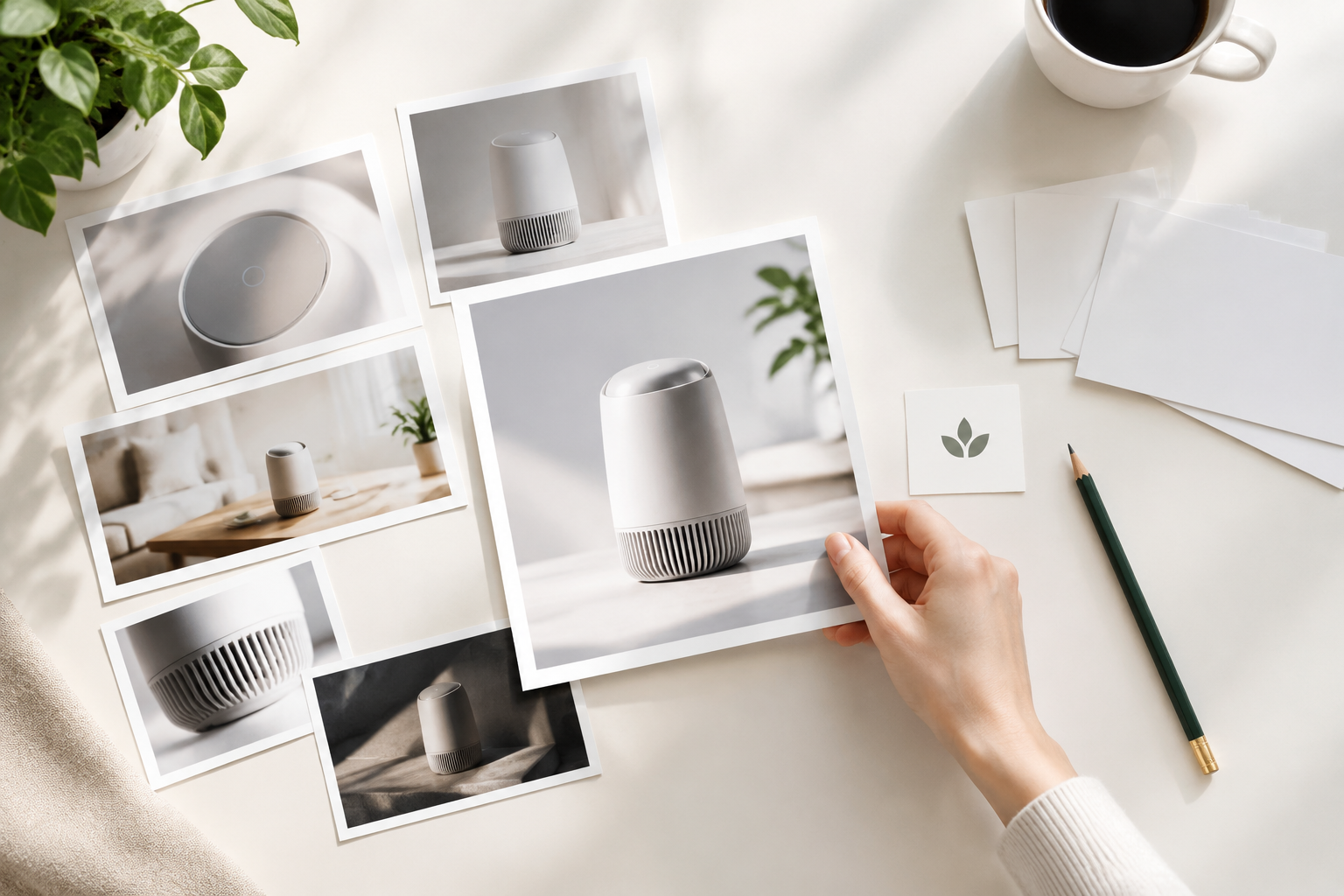
Write the product name, audience, launch message and feature priority, then add product images, clips, logo, voice or music references.

Creator-Led Launch Videos
Use the product launch video maker in VideoAI to turn product references, scene choices and launch wording into a product launch video you can download as an MP4.
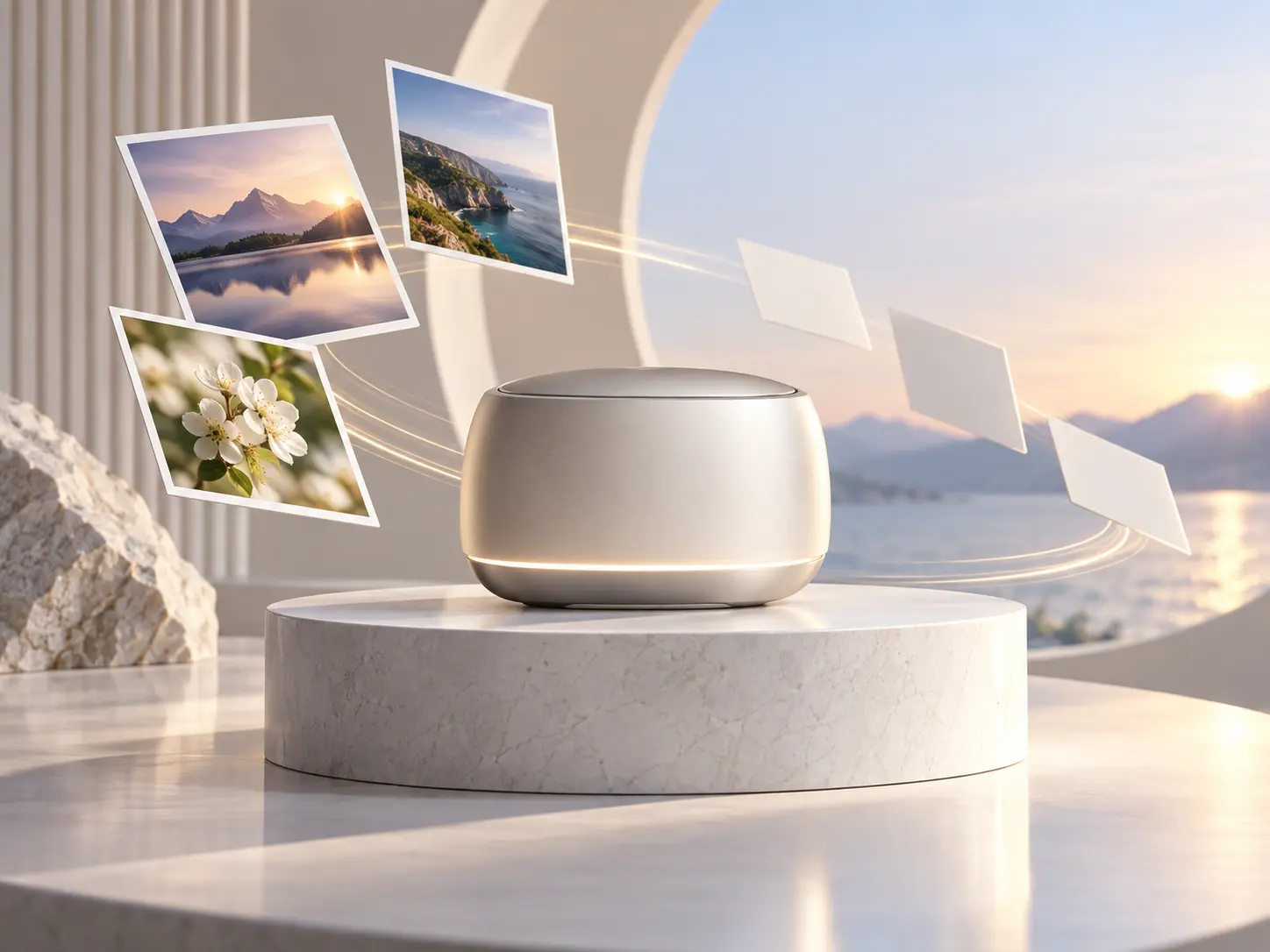

Bring a product name, launch message, images and logo into VideoAI, then decide which product moment opens the story and which feature deserves focus.

Set the audience, feature priority and closing action so each timed scene supports a clear launch video rather than a loose product montage.

Use VideoAI to combine supplied clips, product details and music direction into product launch videos that stay guided by your storyboard.
Shape the visible product story first, then use VideoAI as a product launch video generator to direct scenes from your references.
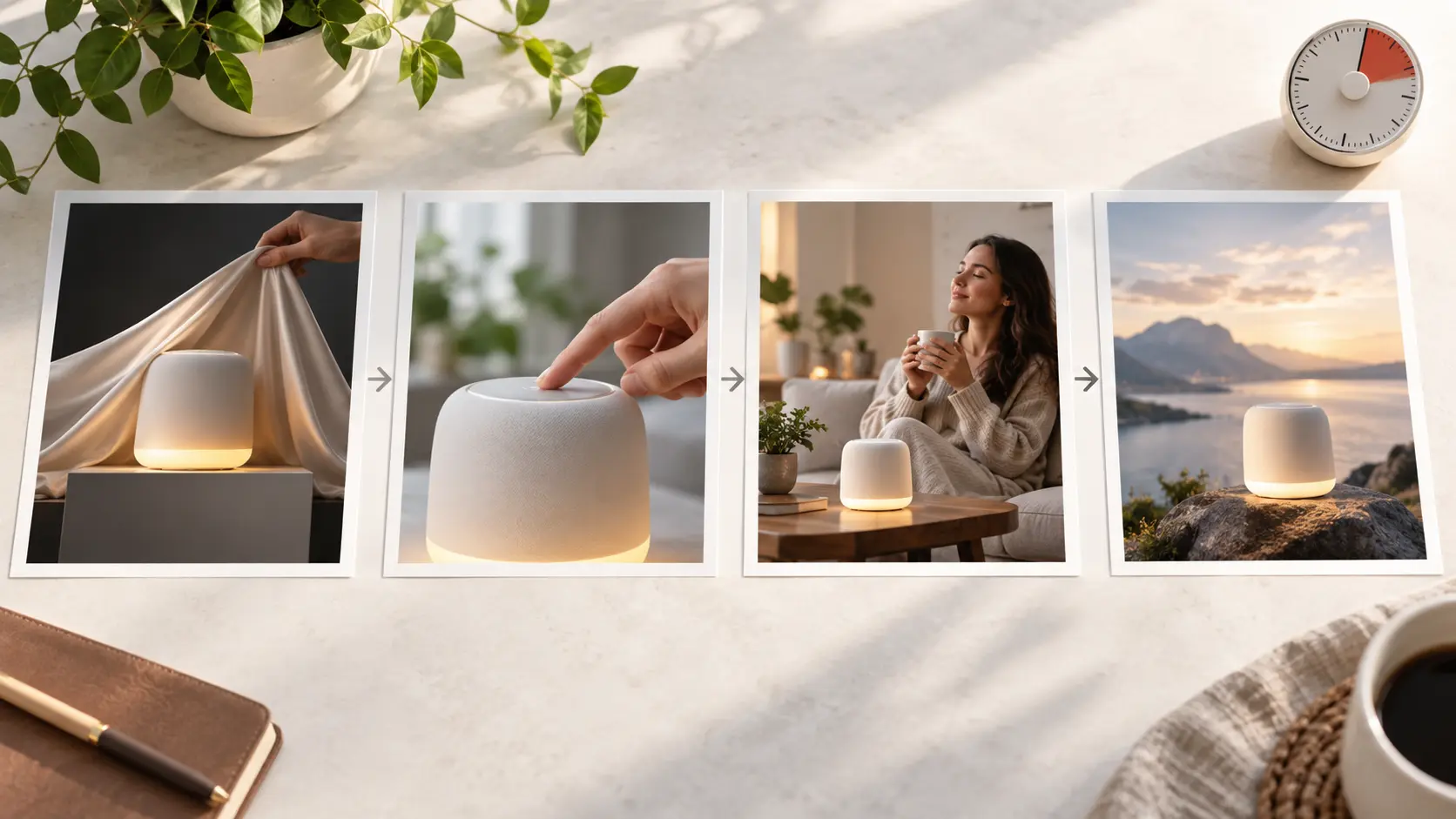
Choose the opening product moment, feature sequence and launch close in timed scenes so the product launch video follows your intended order.
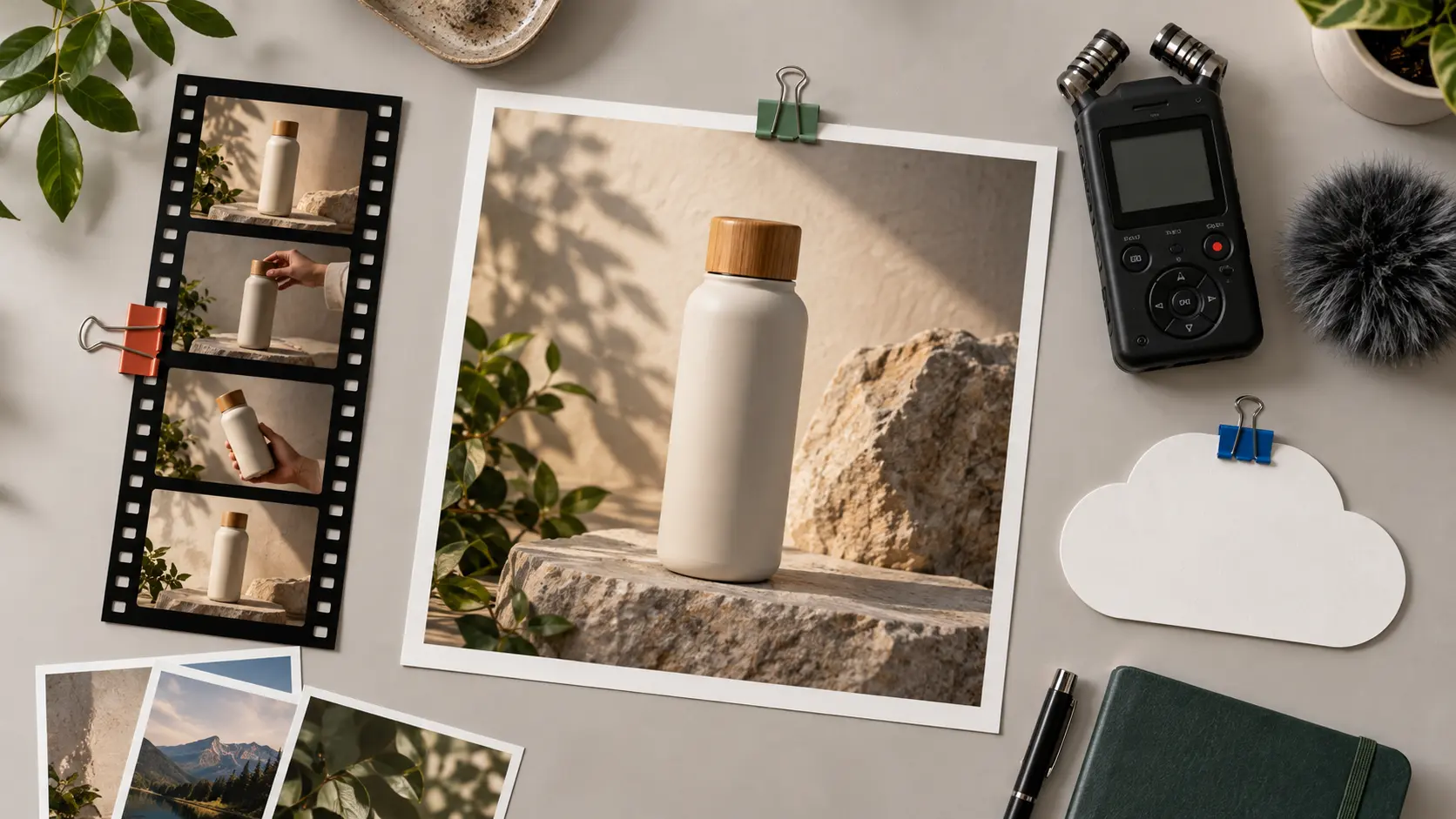
Assign product images, screen clips, audio and logo references to scene roles with @ directions, giving VideoAI clear context for each visual decision.
Add short product names, feature labels, launch messages, narration, voice reference, background music and sound effect direction where they support the scene.
Download a no watermark product launch video as an MP4 in 16:9, 9:16, 1:1 or 4:5, with one generation up to 30 seconds.
Move from product intent to generated MP4 through a controlled scene workflow.
Step 01
Write the product name, audience, launch message and feature priority, then add product images, clips, logo, voice or music references.
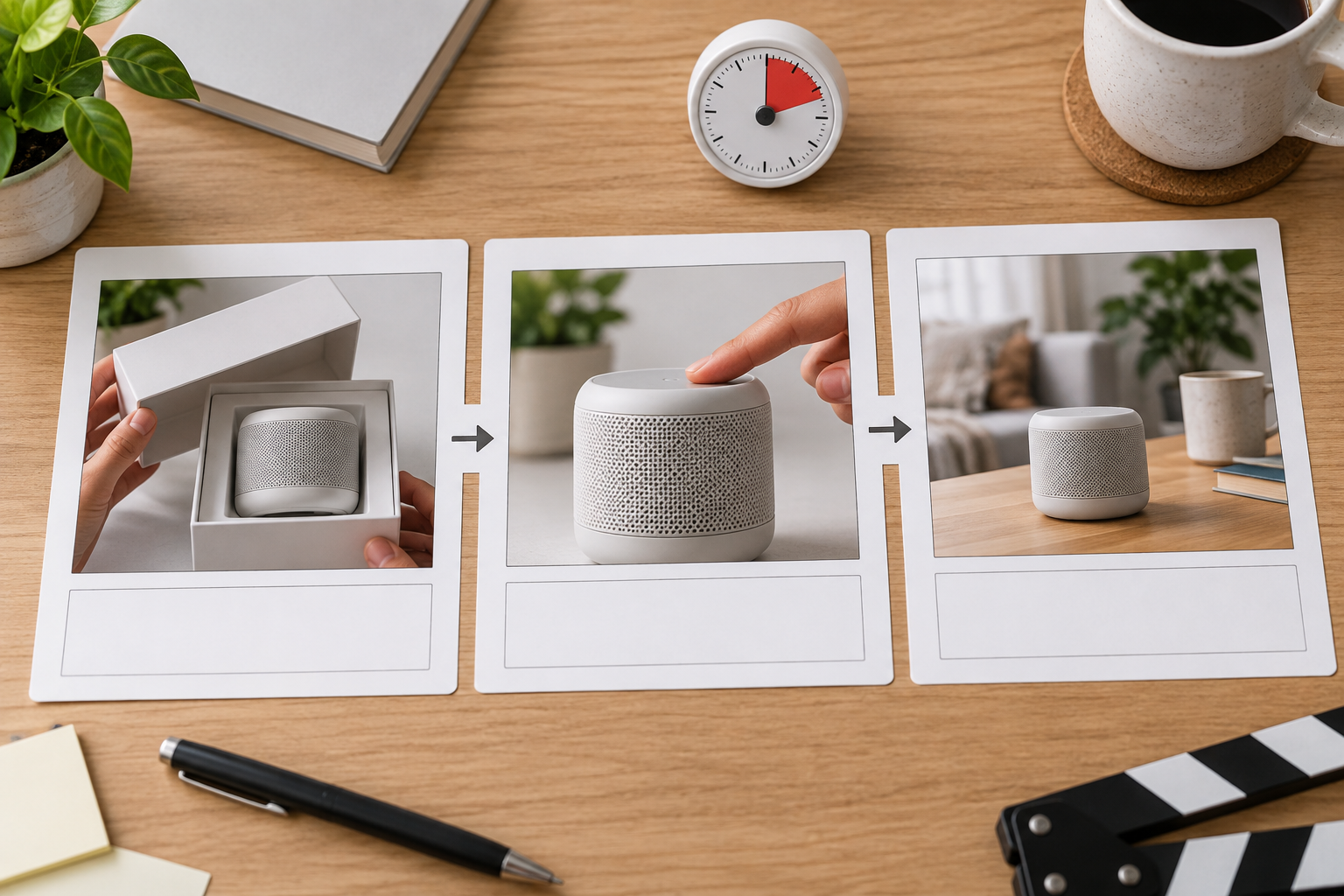
Step 02
Start from a short concept, script draft, template or from scratch style, then set ratio, duration, product action and short text for each scene.
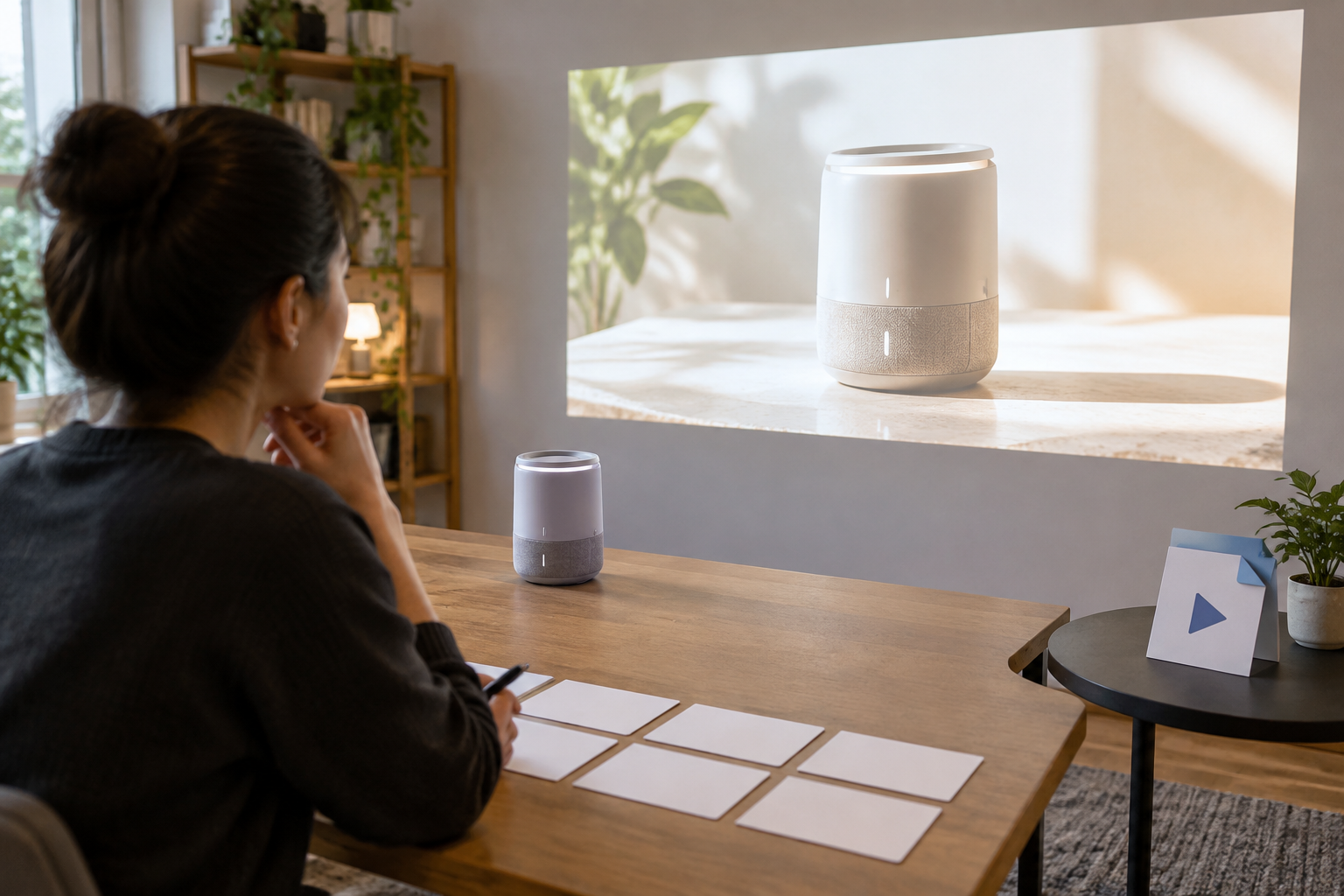
Step 03
Generate the product launch video, inspect product details, labels and logo use, then request another version with text instructions before MP4 download.
Pick the scenario that matches the product story you need to present.
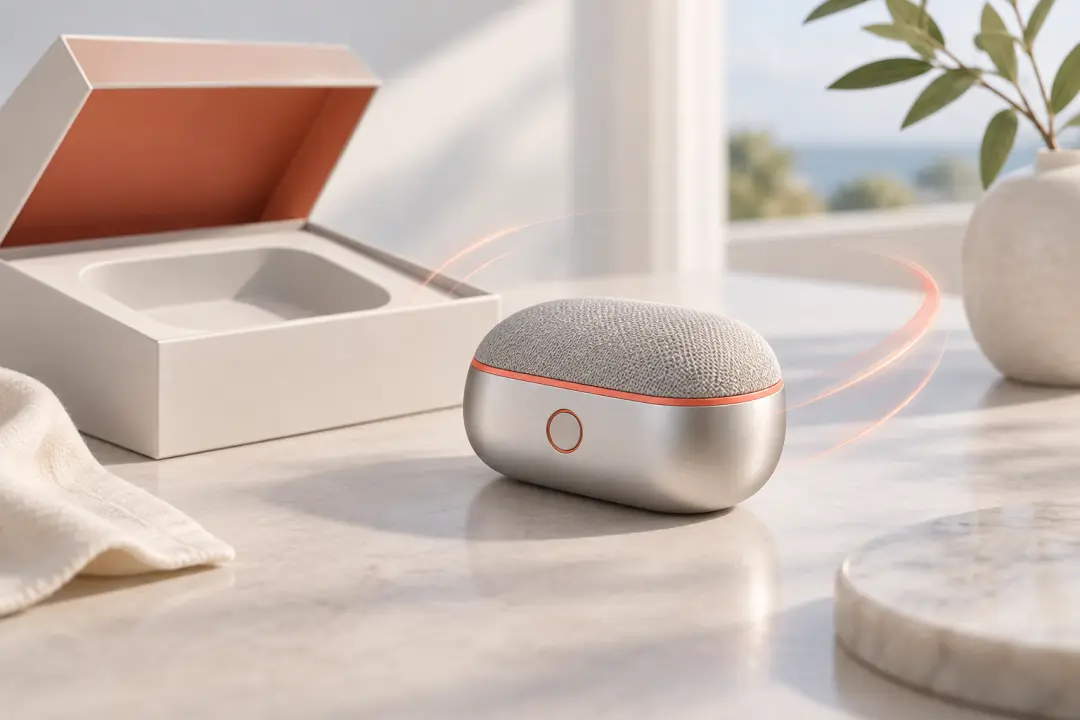
Use the product launch video maker for a clear first impression: combine product visuals, a launch message and one key feature for the first reveal.
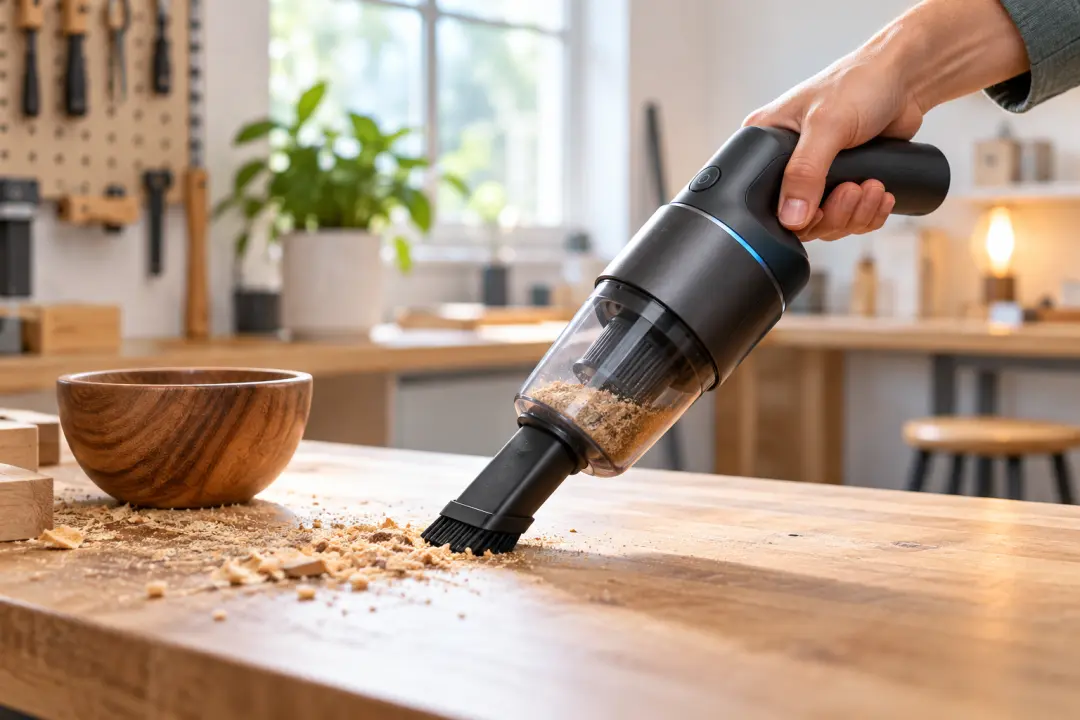
When a feature deserves its own moment, arrange a focused demonstration with concise labels, narration direction and the use context that explains why it matters.
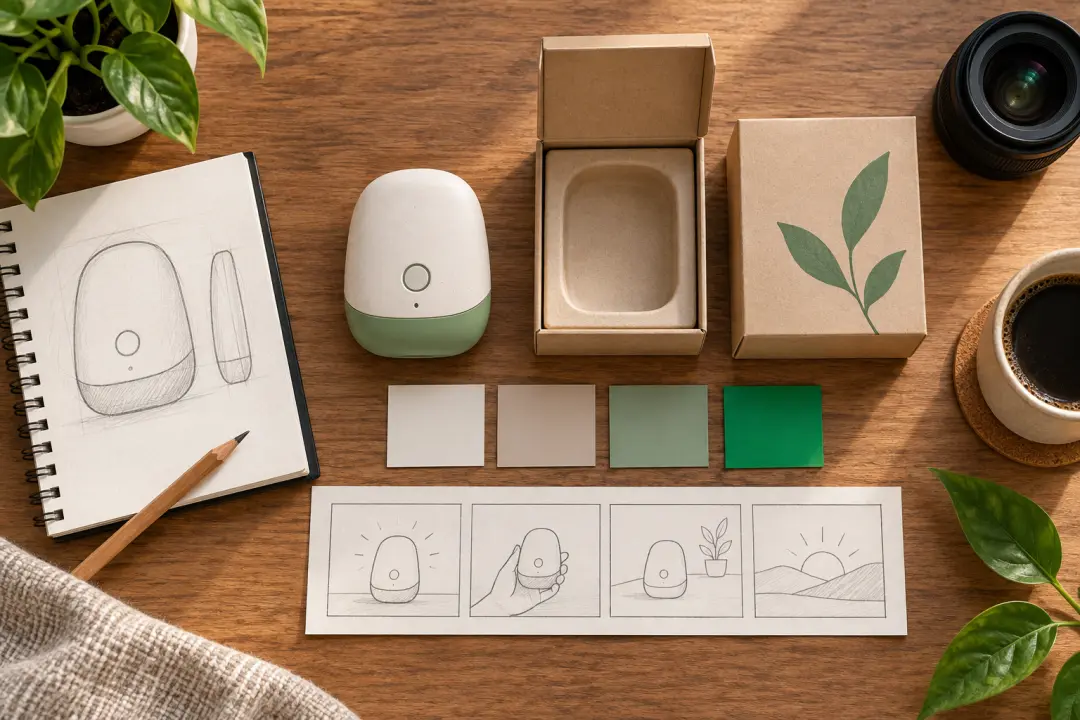
For a small launch kit, turn a product concept and a few references into a product launch video that can be reviewed, revised and downloaded as MP4.
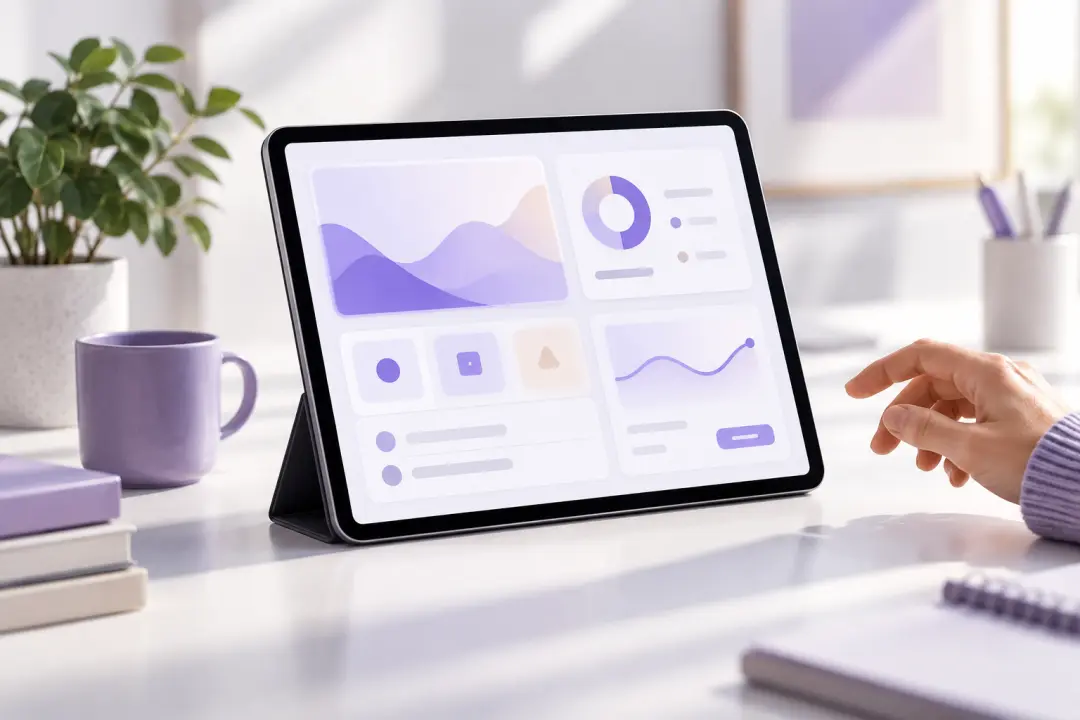
Interface clips, product labels and a guided scene order help a product launch show the screen action, the feature point and the closing message together.
Bring the product, references and message into VideoAI, then direct the scenes and download the MP4 result.
Get Started