

Realistic AI Photo Generator
Write a shot the way a photographer would describe it and VideoAI generates realistic AI images from those words, with the light, lens and texture set entirely by what you type.
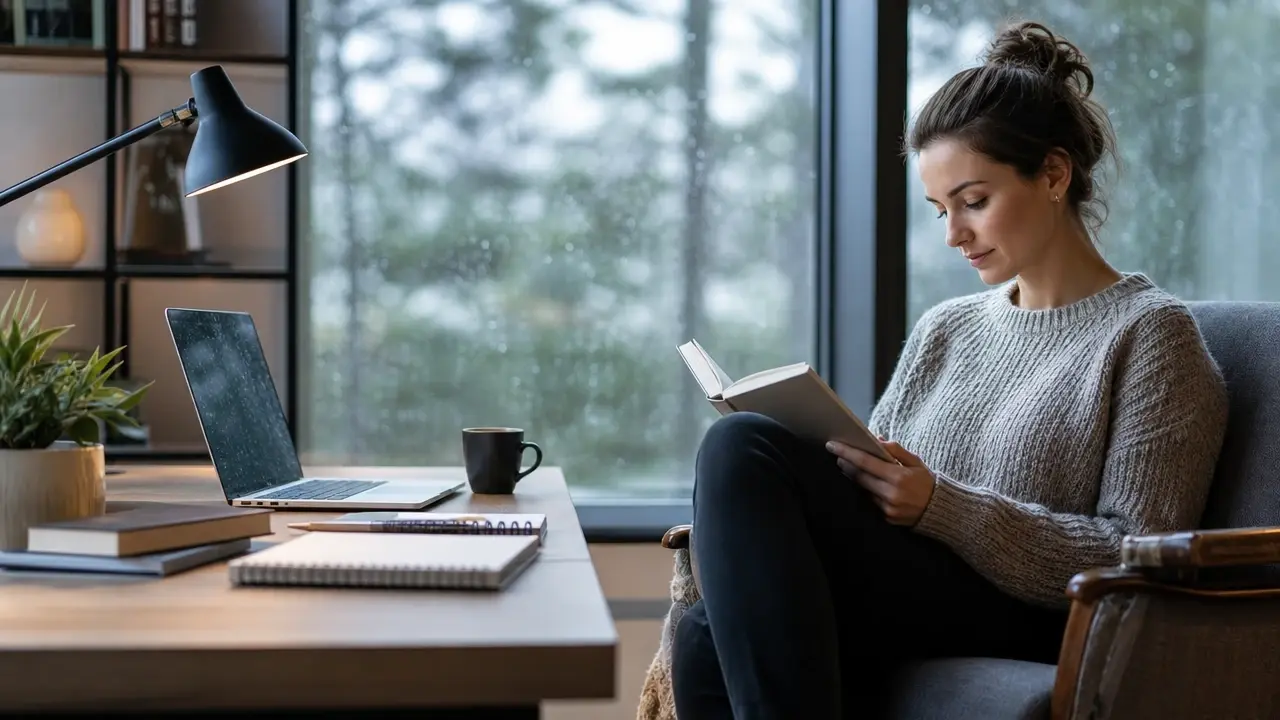
Where a Realistic AI Photo Generator Helps
Four jobs people bring to a realistic AI photo generator, and what each prompt has to carry to land them.
AI Person Generator Full Body Shots for Campaigns
A campaign layout needs a model standing head to toe, and booking one plus a location is a shoot you do not have time for. Write the person, the wardrobe, the pose, the street and the light into the generator, and what comes back is a full length photo of an invented person rather than a licensed portrait of someone real. Pick this card when the outfit and the stance both have to read at a glance, and name the camera distance so the frame keeps the whole figure in view.
Realistic AI Person Generator for Brand Faces
Ad sets and brand pages want a human face, but every real face brings a release form, a usage window and a privacy question with it. Character consistency answers that: generate one fictional person, then keep the same face across new outfits, rooms and hours of the day. You end up with a recurring character the tool can keep photographing, and not a single frame shows someone whose likeness you would have to clear.
Realistic AI Portrait Generator for Profile Shots
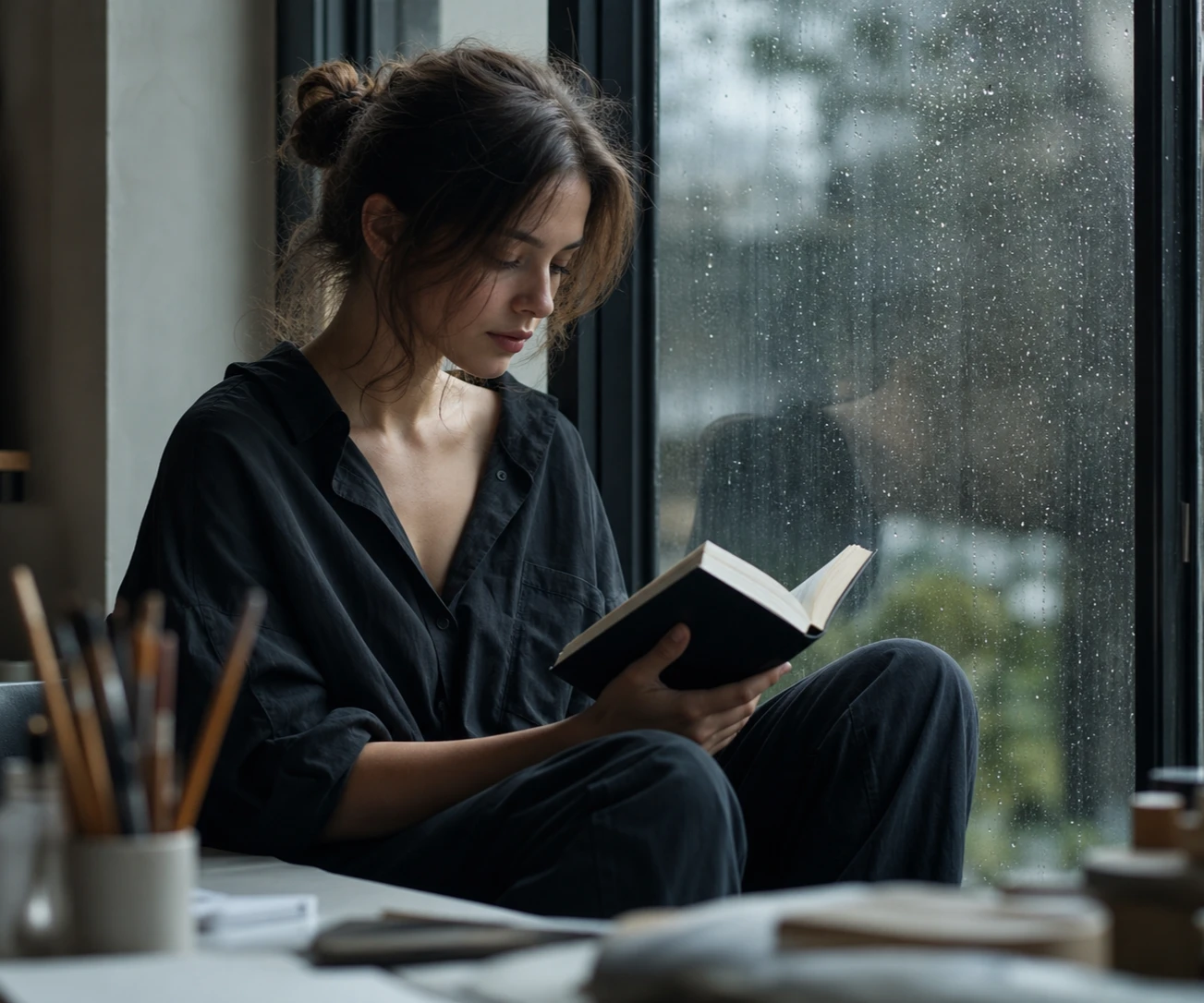
Profile art and character sheets live or die at close range, where catchlights, skin texture and a background that falls away are the whole job. Spell out the lens, the direction of the light and the mood, and the realistic AI photo generator returns a studio grade portrait of an invented person. When the mood misses, change the light note and generate again while the face itself stays the same.
Product Scenes in Rooms You Never Rented
Stock libraries hand every brand the same kitchen and the same smiling hands, which is exactly why the imagery stops working. Upload a reference image of your product or the scene in your head, describe where it sits and how the afternoon light reaches it, and the tool builds a new lifestyle frame from that reference. The payoff is imagery less likely to look like the catalog everyone else licensed, and it is yours to use commercially.
Creators Who Need Photos Without a Shoot
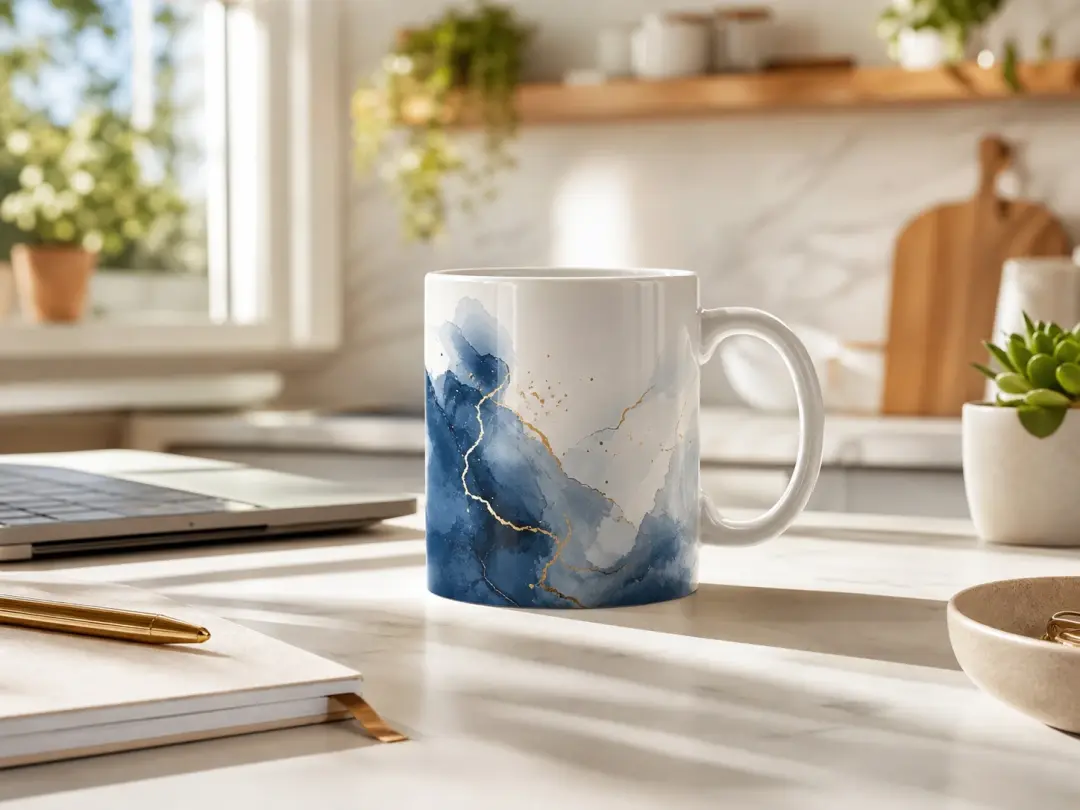
Campaign Imagery Without a Studio Day
Marketing teams spend budget every time a new SKU or a new season needs pictures. Describing the product, its setting and the mood of the light turns a realistic AI photo generator into the studio day they never booked. Output carries no watermark and may be used commercially, so a frame can go straight into a paid placement.
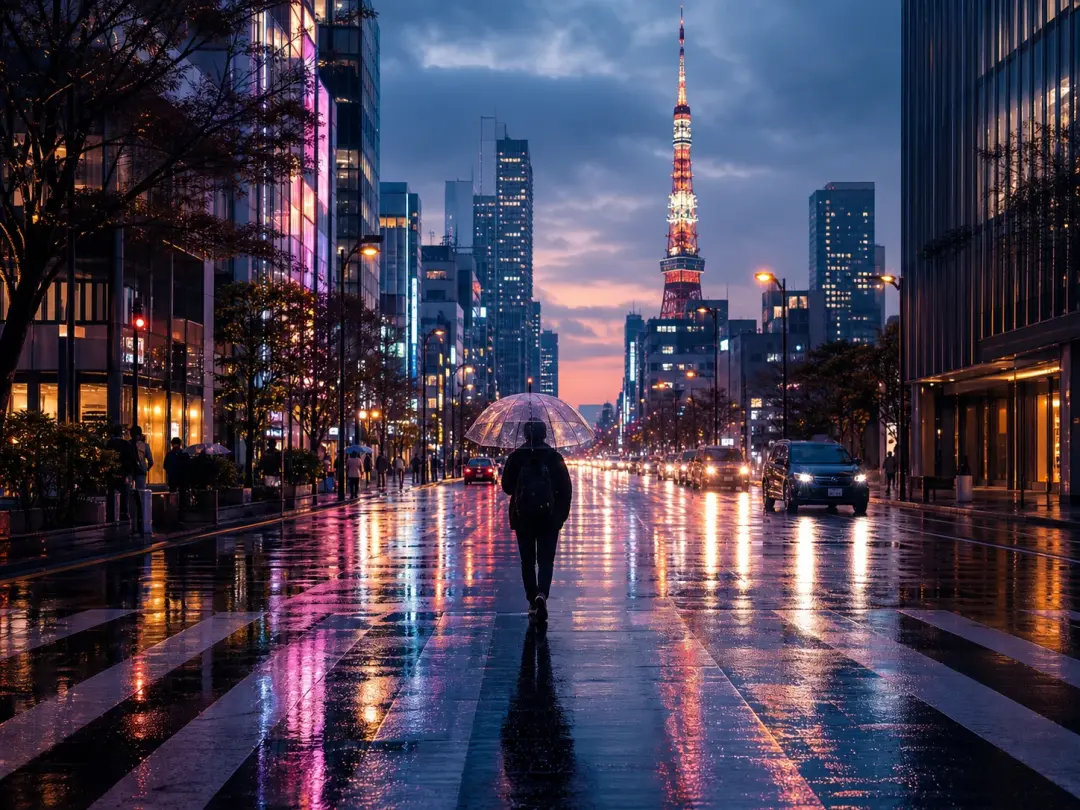
Article Images Stock Sites Never Had
Bloggers and social creators keep hitting the same wall: the exact scene in the piece does not exist in any library. Used as a realistic picture generator, VideoAI builds the scene you just wrote about, so the image matches the paragraph beside it instead of approximating it. Headers, thumbnails and carousel slides all come out of the same realistic AI photo generator prompt box.
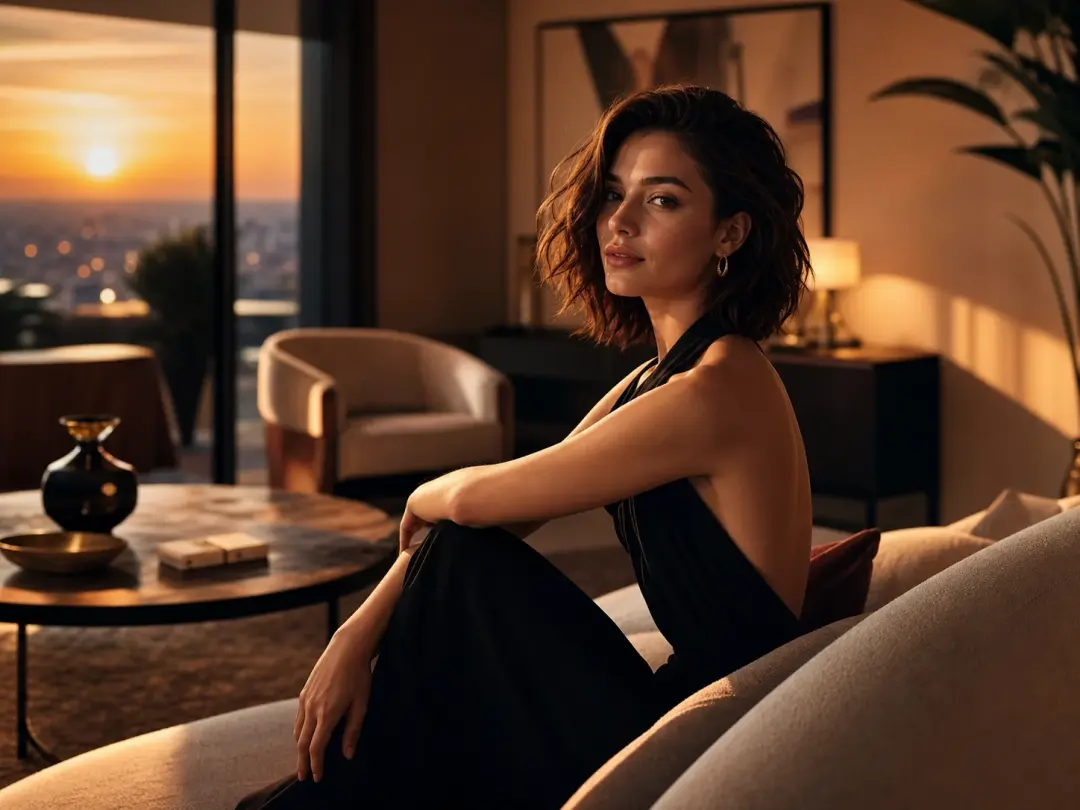
Concept Frames for Pitch Decks
Designers pitching a direction need more than a grey box and a mood board of borrowed photos. A few sentences about the setting, the palette and the light turn a realistic AI photo generator into the reference frame the deck was missing, and the same fictional character can carry across every slide. If the client asks to see it in evening light, you change one clause and run it again.
What Makes These AI Photos Look Real
Every control in the realistic AI photo generator is a word you type, so the picture changes the moment the description does.
Prompts That Read Like Camera Notes
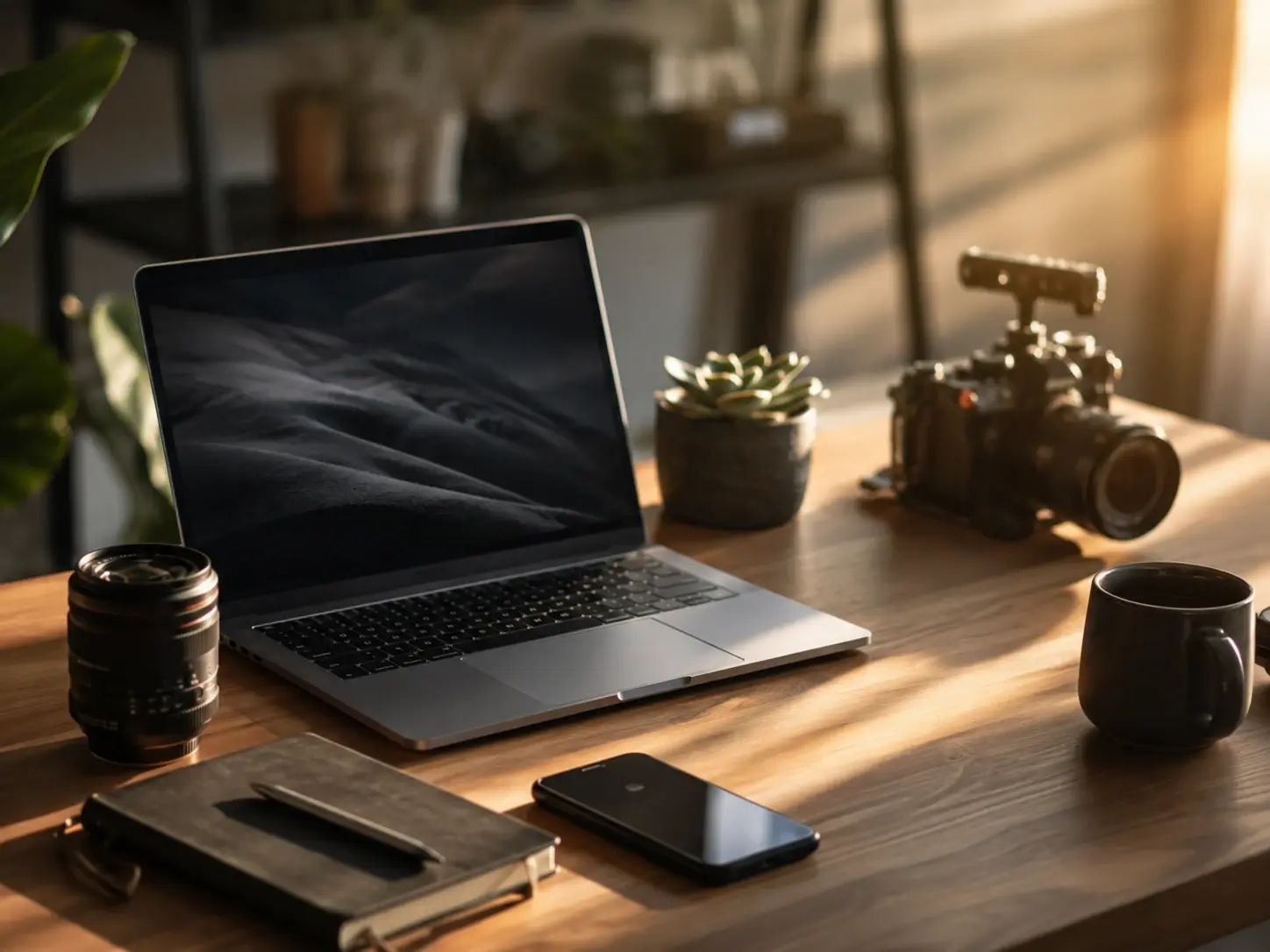
Light, lens, depth of field and material all go into the realistic AI photo generator as plain sentences: golden side light, a wide street framing, wool that still reads as wool. There are no sliders and no style menus here, which is why precision in the writing is what lifts the realism. A vague prompt returns a vague picture.
One Face Across Many Photos
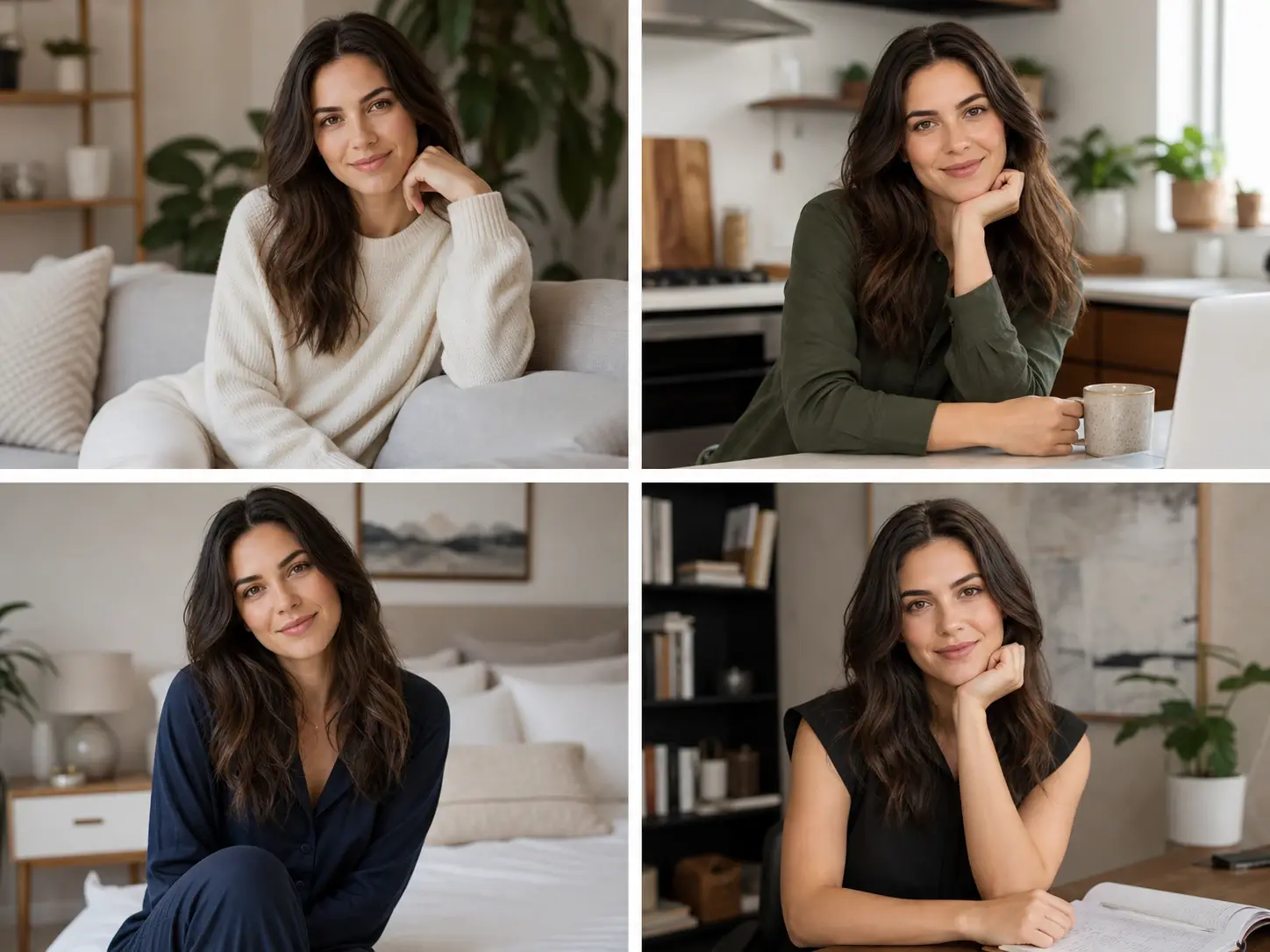
Character consistency keeps an invented person recognizable from frame to frame, so a change of outfit, room or hour does not quietly hand you a different human. Generate the character once in the realistic AI photo generator, then build the set around them: office, street, dusk, studio. That is what turns loose realistic AI photos into a body of work that holds together.
Reference Images as a Starting Point
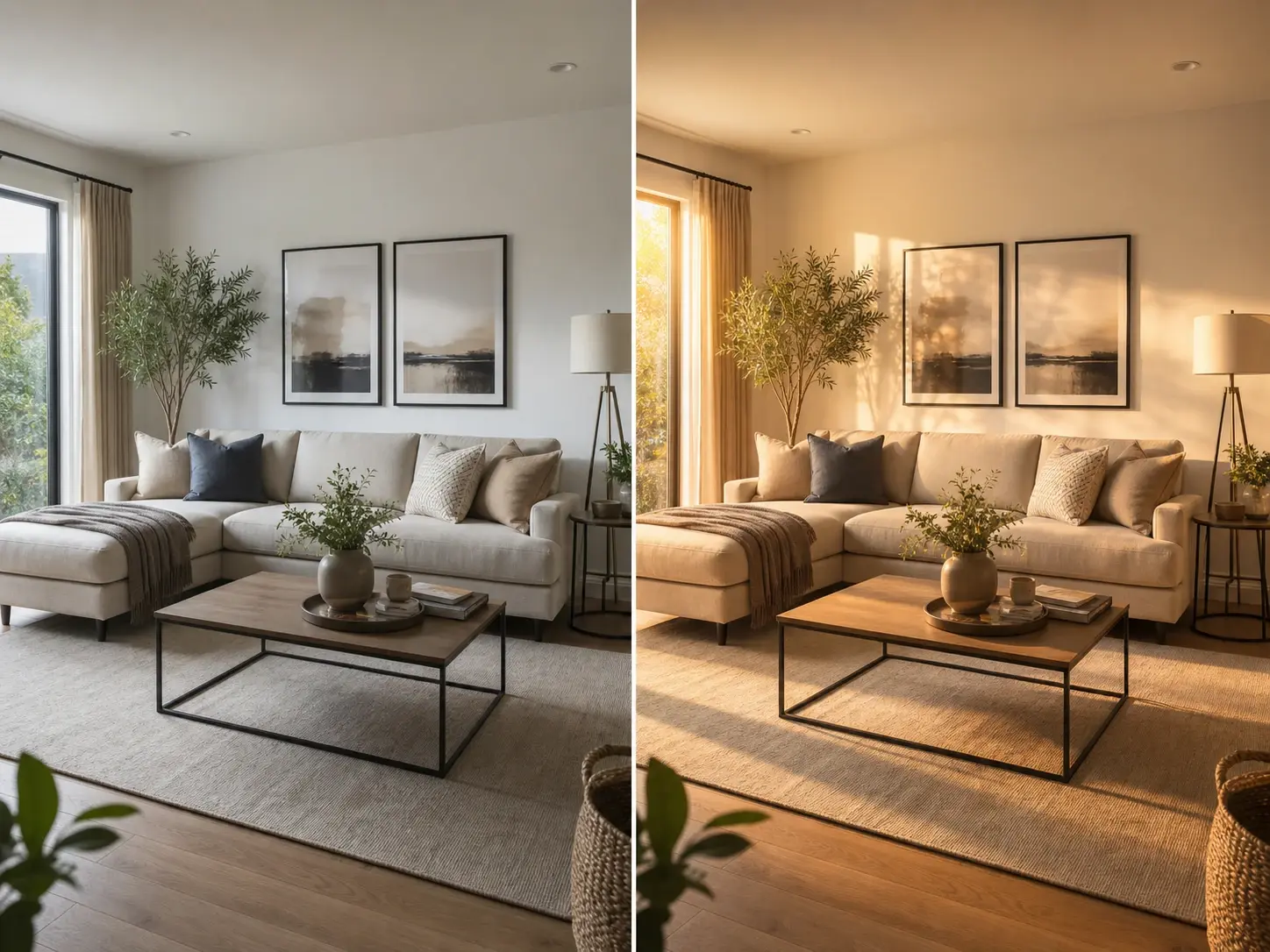
Upload a person or a scene you already have and the realistic AI photo generator builds new photographs based on it rather than starting from an empty box. It earns its place when the look in your head is easier to show than to spell out. Your written description still steers the outcome, so the reference sets the ground and the prompt does the directing.
From Still Photo to Moving Video
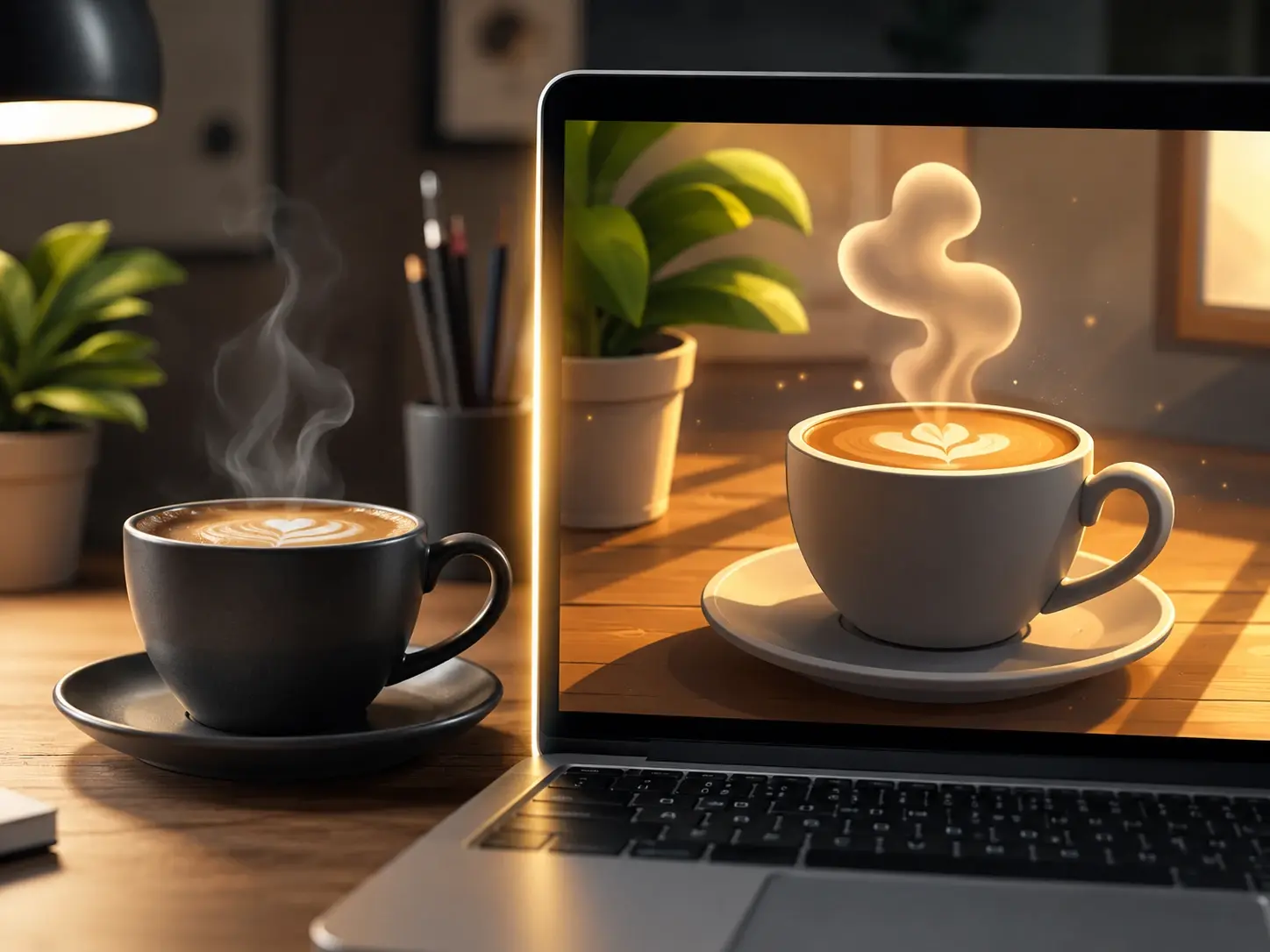
Every image lands in your workspace, where a finished still can become the input for video generation and start moving. A product frame becomes a short clip and a portrait gains a slow push in, and the whole workflow stays inside VideoAI. As a realistic photo generator sitting inside a video platform, VideoAI treats the photo as a first frame, not a final step.
Your First Realistic AI Photo Generator Run
Three steps in the realistic AI photo generator, and the only real skill is describing what a camera would have seen.
Questions Before Your First Generator Run
Explore
Discover our AI design tools




























Explore related tools
Open the Realistic AI Photo Generator
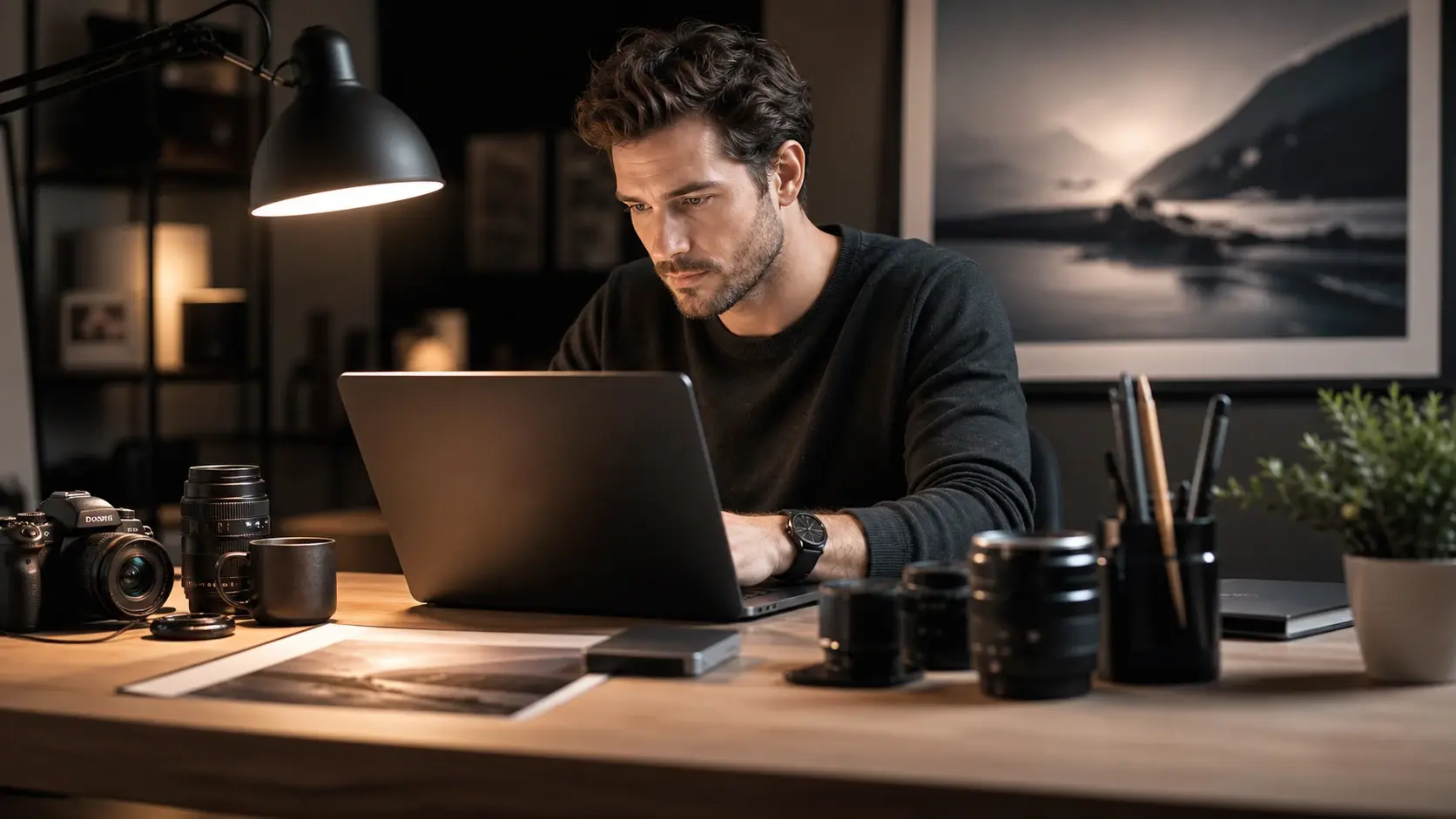
Describe one photograph you wish existed, then see how close the realistic AI photo generator lands the light, the skin and the depth of field.
Get Started