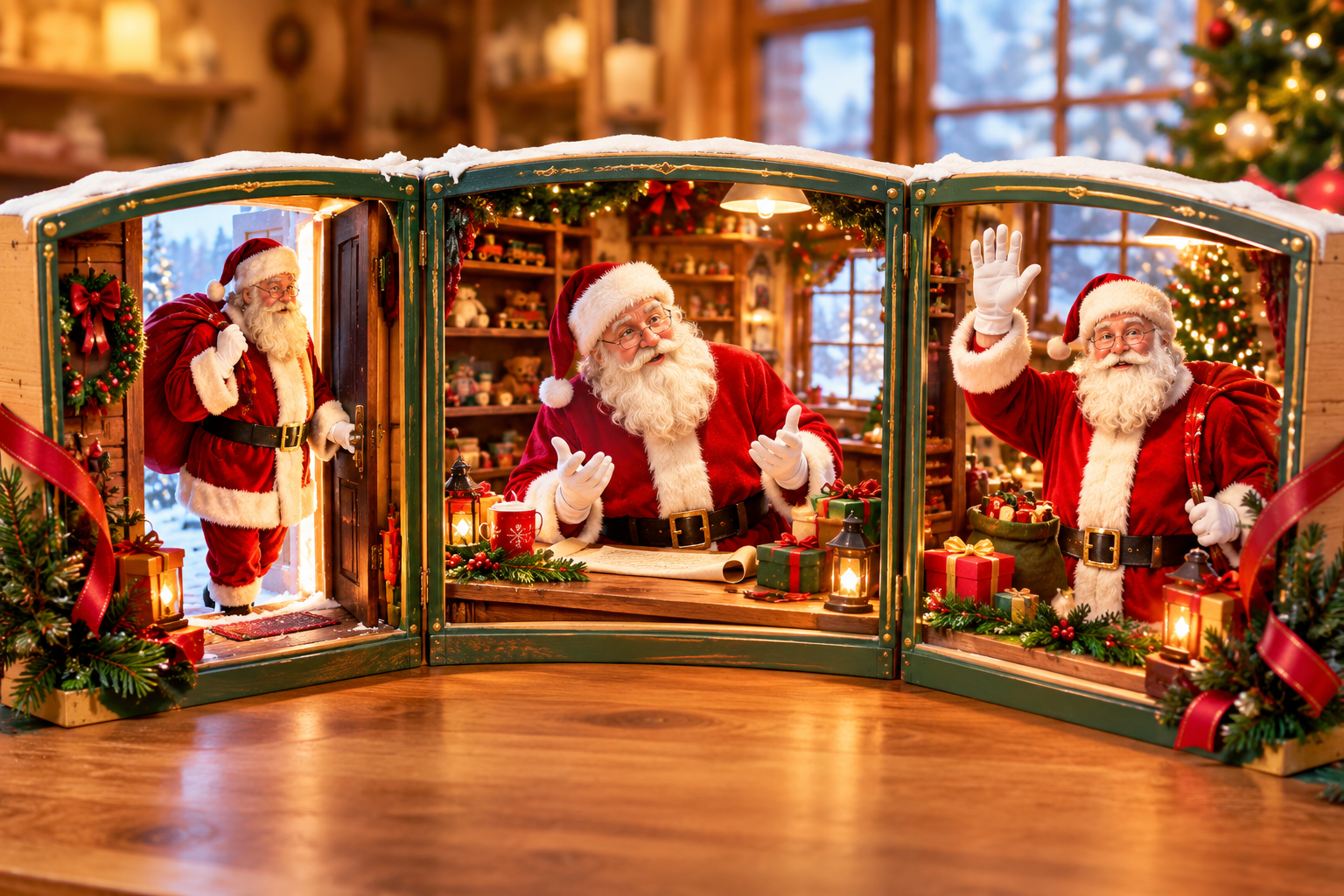
Santa Video Maker

VideoAI turns your Santa idea, reference media, voice direction, and music choices into a shaped holiday MP4.

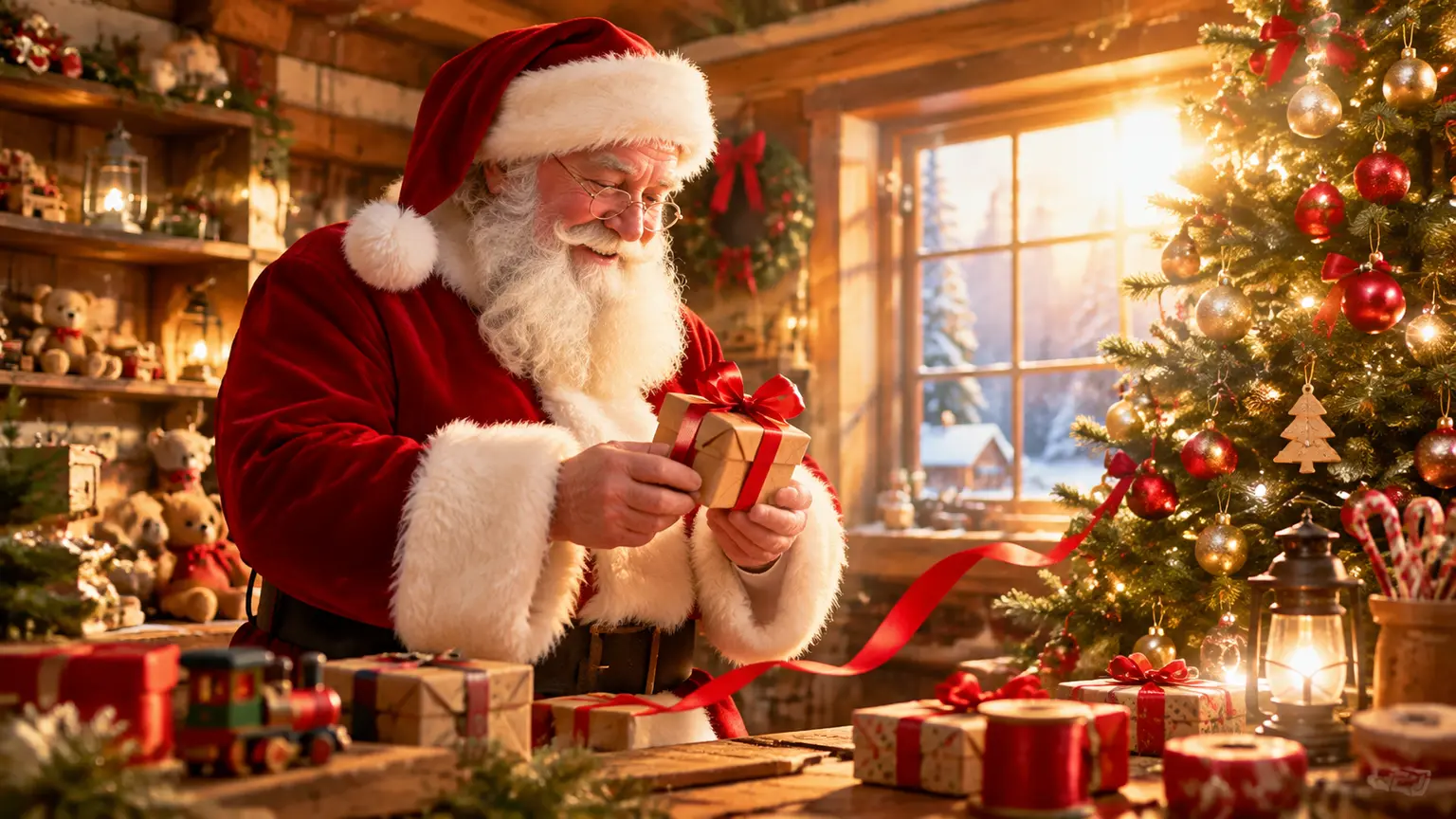
Warm Santa greeting scene in a candlelit workshop with a glowing tree and gift table

Try an example

Shape A Santa Video Maker Result

VideoAI gives creators practical controls for scene, sound, timing, format, and revision.

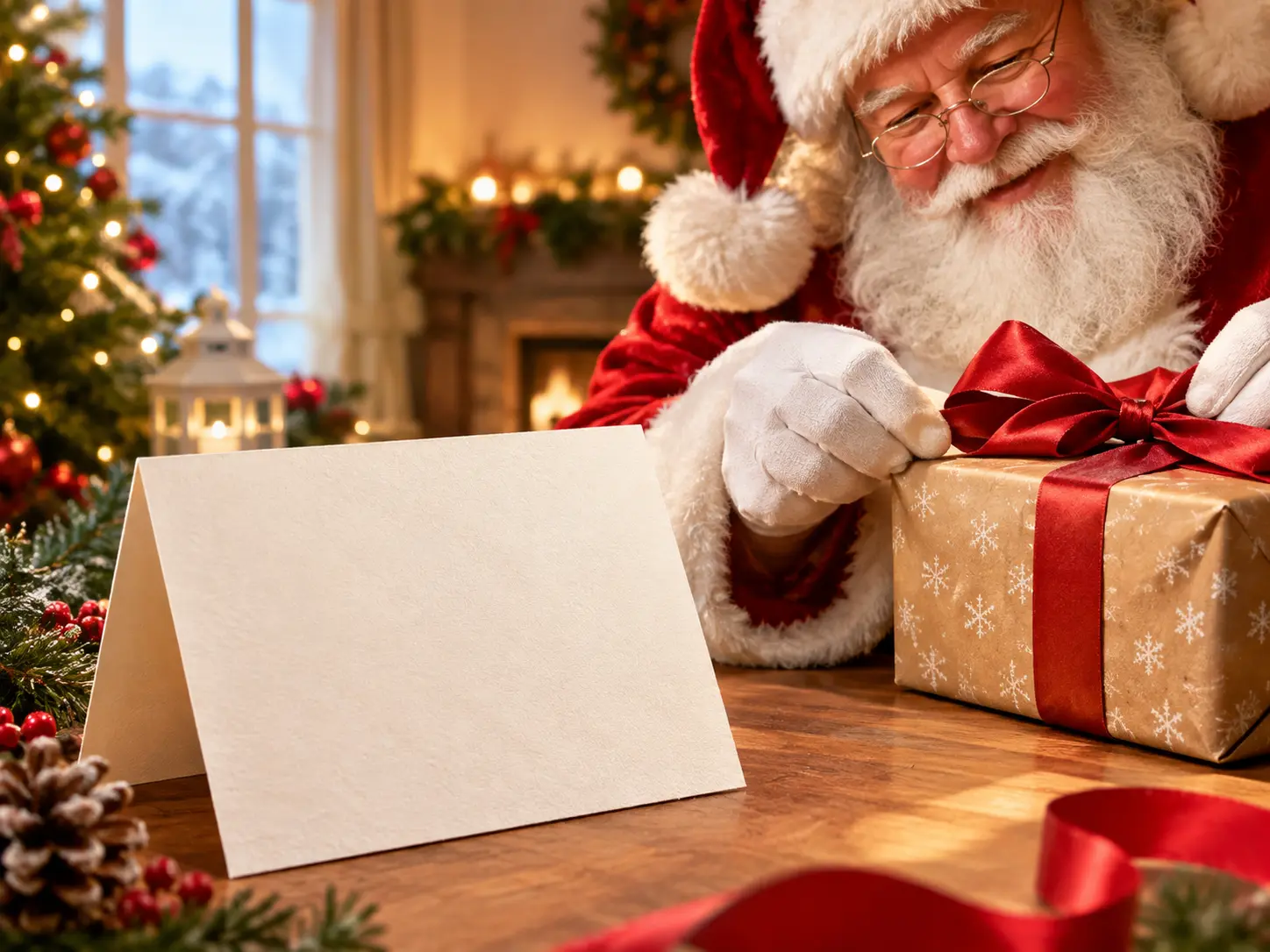
Prompt field describing a Santa greeting, recipient tone, setting, and ending action

Start with the greeting

Describe the Santa theme, recipient tone, setting, and ending action so the santa video generator begins from the message you actually need.

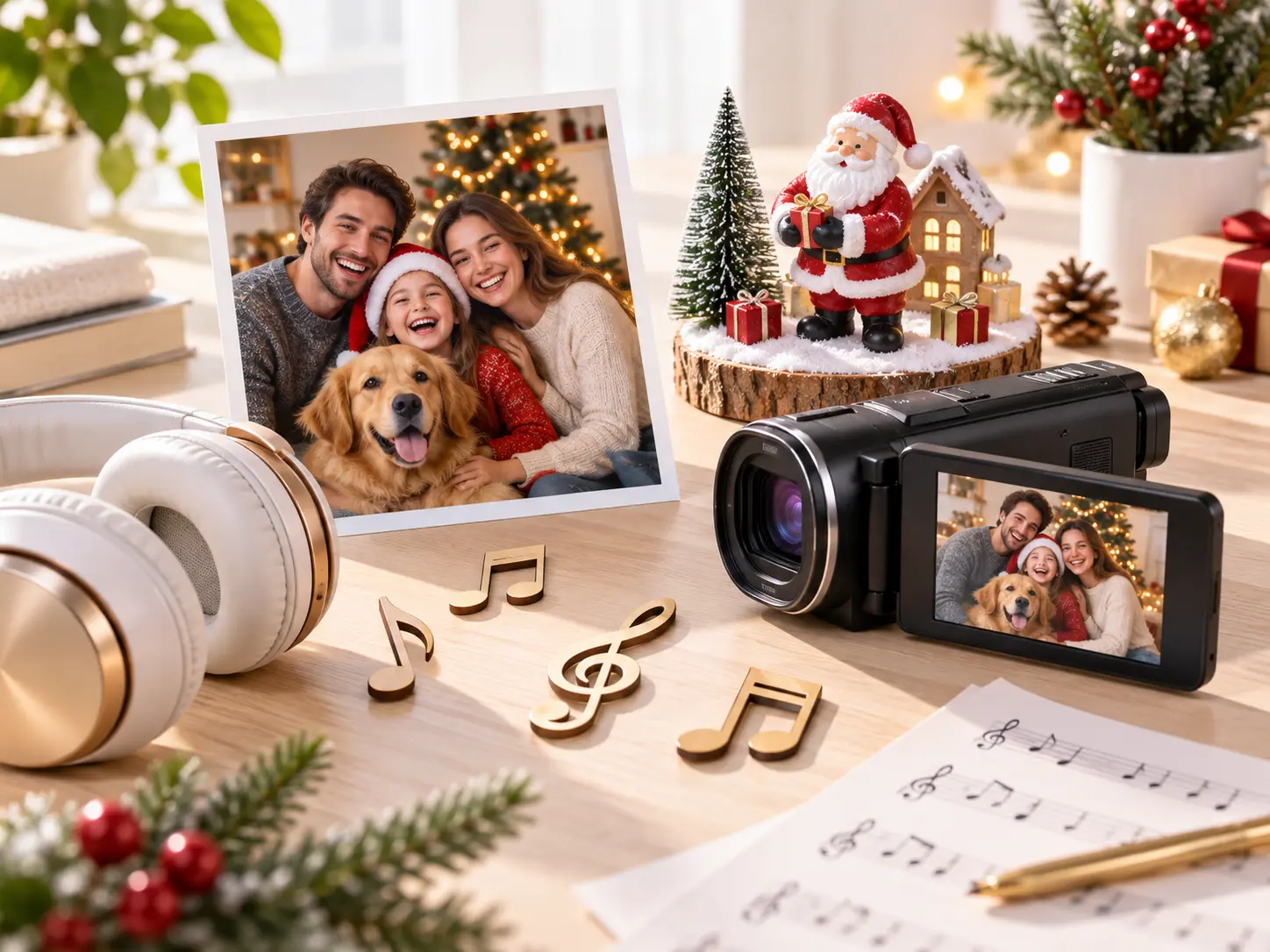
Uploaded image, video, and audio references assigned to Santa video scenes

Guide with references

Upload images, video, or audio, then use @ to assign each reference to a scene, voice, music, camera move, or transition.

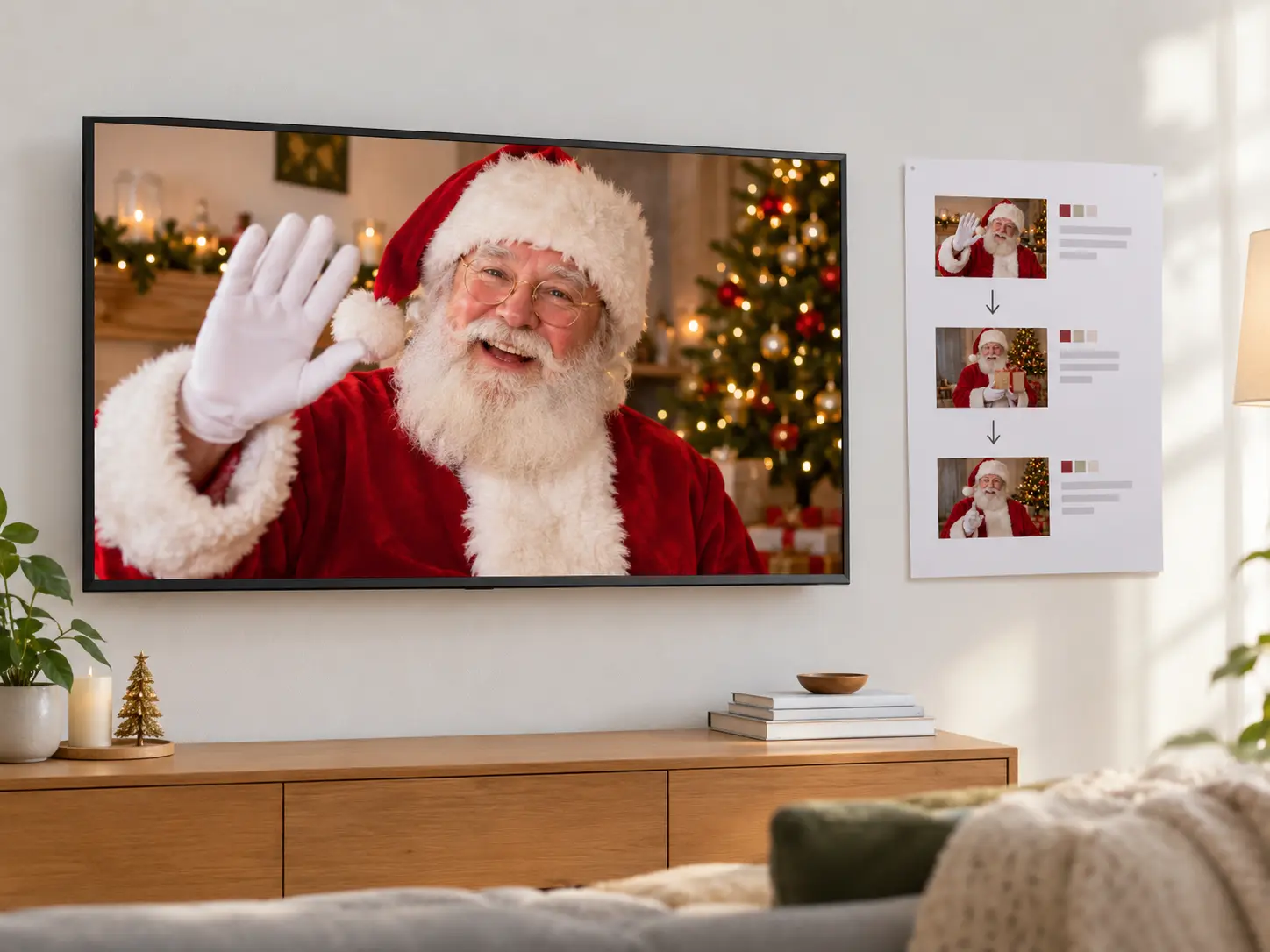
Timeline segments showing Santa actions, voice direction, and background music

Direct each segment

Write the Santa action by time segment, pairing each moment with voice and music choices so the santa video maker keeps the pacing aligned with the greeting.

MP4 preview with no watermark export options and text revision notes

Export and refine

Generate a no watermark MP4 up to 4K, preview the mood and rhythm, then ask VideoAI to revise the part that needs a cleaner pass.

Build With Santa Video Maker Control

Move from idea to revised MP4 without restarting the whole concept.

Holiday brief with recipient, tone, Santa setting, and reference media

Step 01

Write the holiday brief

Name the recipient, greeting tone, Santa setting, and final action, then add reference images, clips, or audio when they help define the result.

Timed Santa scenes with selected references, voice, music, and transitions

Step 02

Arrange the timed scenes

Set each segment in order, choose the relevant references, and direct the voice, music, camera movement, and transition for that moment.
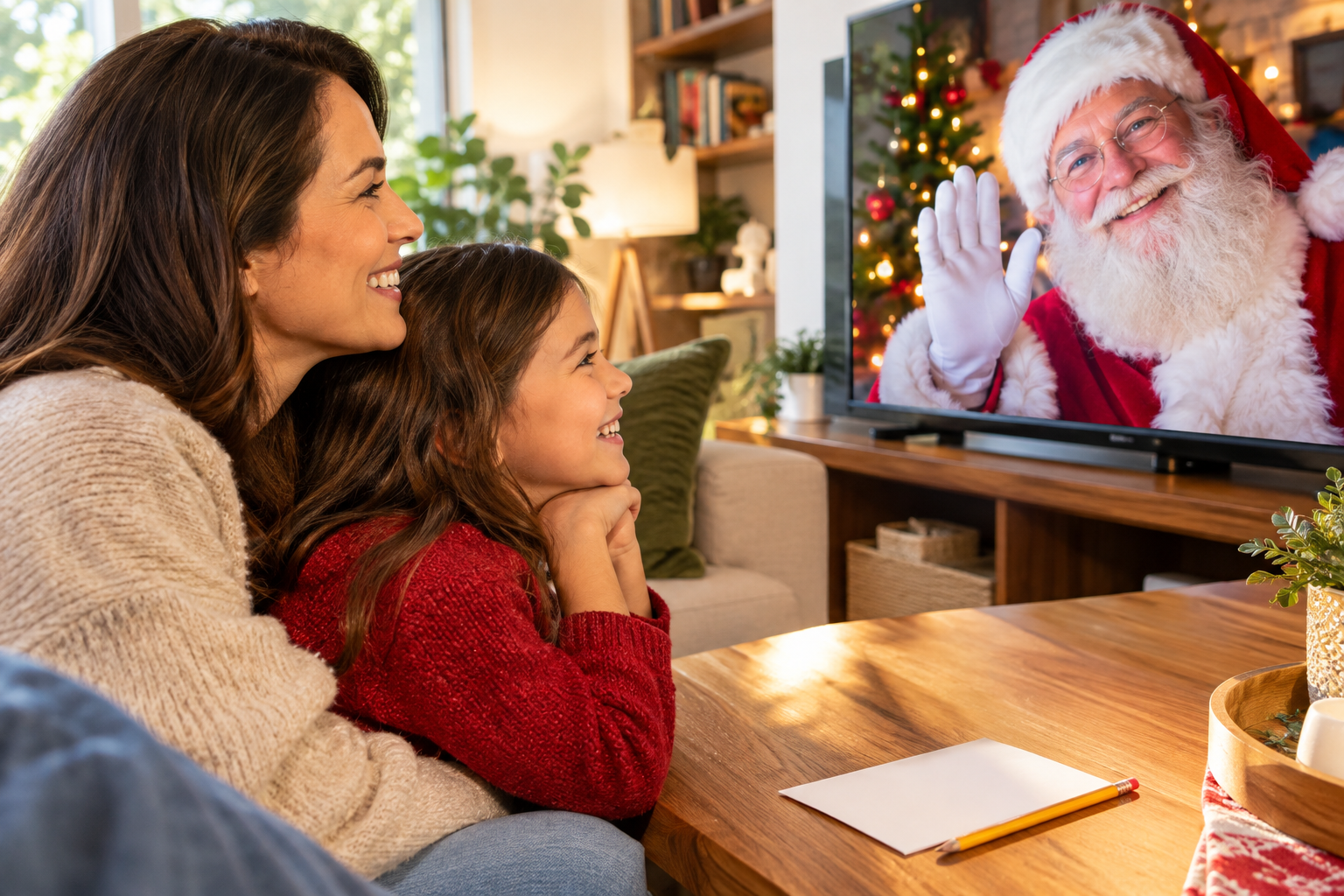
Generated Santa message video preview with text notes for scene revision

Step 03

Generate and revise

Create the MP4, check the Santa message video for atmosphere and pace, then type the exact scene or line you want VideoAI to adjust.

Where Santa Videos Fit

Use the santa video maker when a written greeting needs motion, sound, and a shareable format.
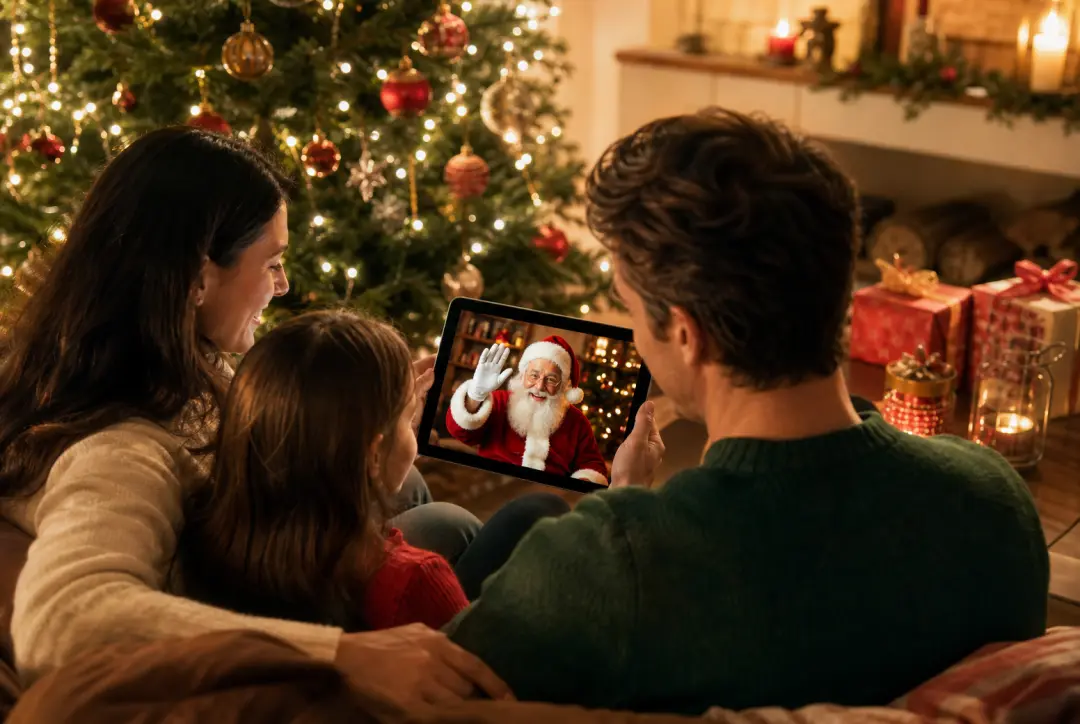
Family holiday greetings shown as a finished Santa holiday video scene

Family holiday greetings

A simple message can feel thin on its own. Add a Santa scene, voice direction, and music so the greeting lands as a short video keepsake.

Social holiday posts shown as a finished Santa holiday video scene

Social holiday posts

When a seasonal post needs a clear format, choose a vertical, square, or portrait ratio and build the Santa moment around that feed placement.
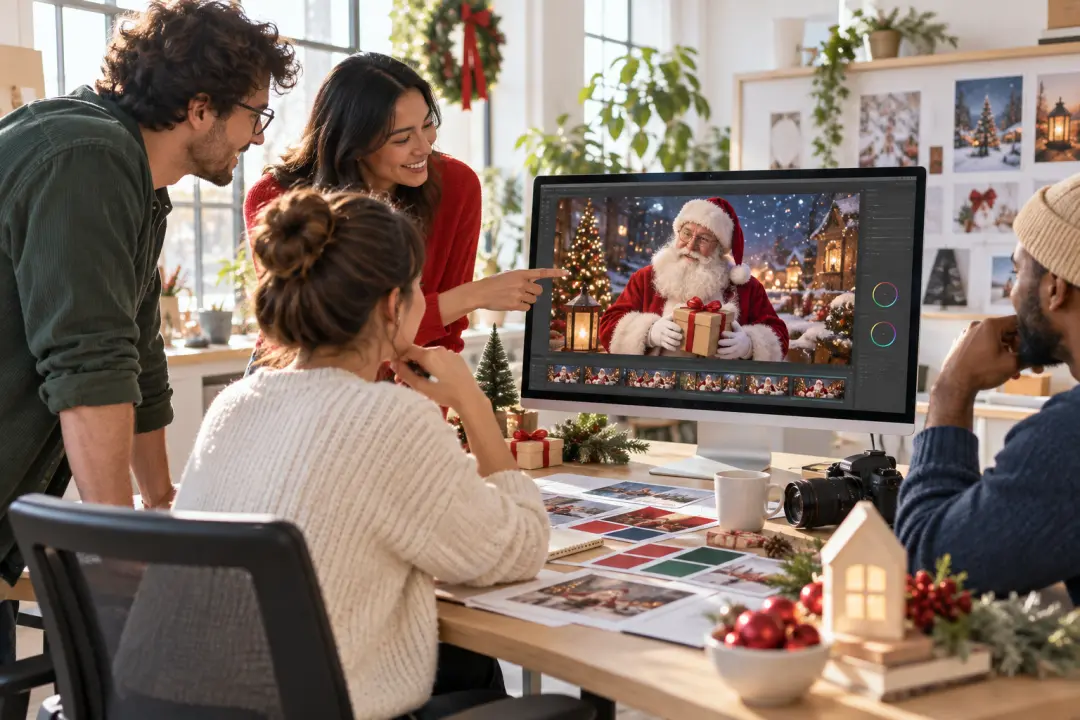
Client greeting videos shown as a finished Santa holiday video scene

Client greeting videos

A small team can prepare a polished holiday note with shared scene references and a steady narration style for client outreach.

Campaign message variants shown as a finished Santa holiday video scene

Campaign message variants

For multiple holiday concepts, use VideoAI batch generation to create Santa themed videos that follow the same creative direction.

Who Uses This Santa Video Maker

Family creator planning a Santa message video with greeting text and music notes

Family creators

Turn a written holiday greeting into a Santa message video with a clear scene, warm voice direction, and a finish that feels ready to share.
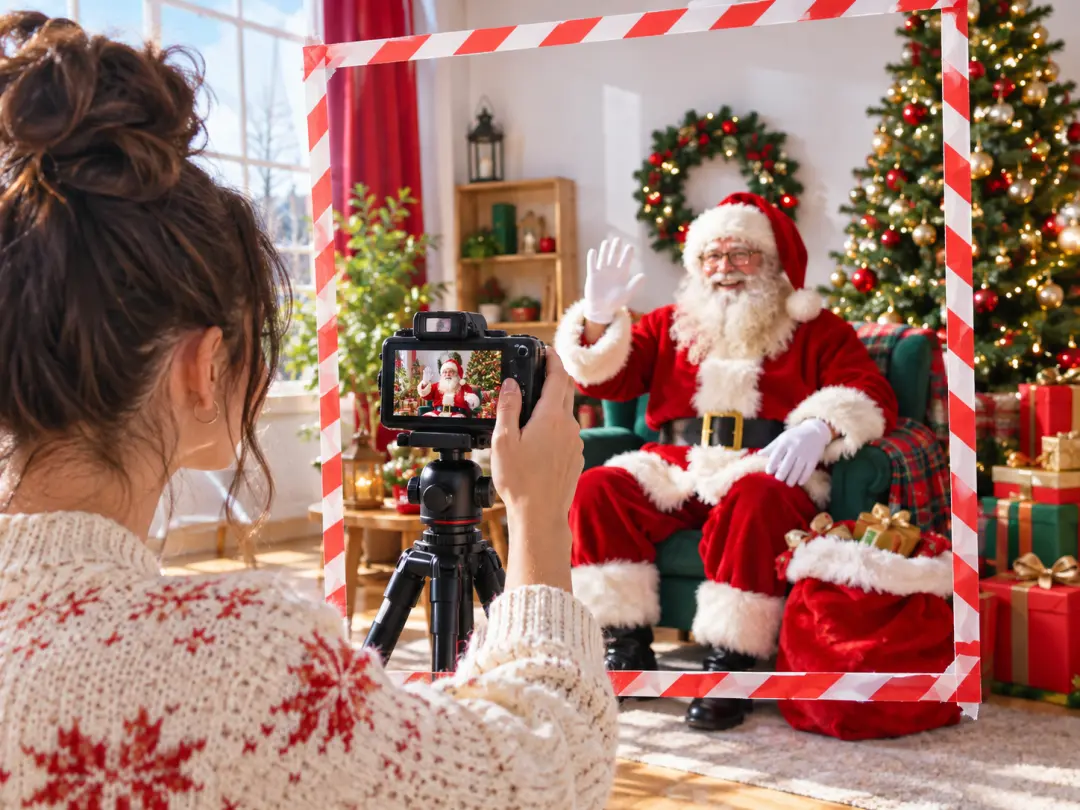
Social creator arranging Santa holiday video ratios for vertical and square posts

Social creators

Use the santa video maker to frame a short holiday post in 9:16, 1:1, or 4:5 so the greeting fits the channel before export.

Brand marketer shaping a Santa campaign video with scene references and narration

Brand marketers

Build a seasonal greeting with consistent scene references, narration, and background music so VideoAI keeps the campaign message focused.
Santa Video Maker Questions

Start with the recipient, the greeting tone, the Santa setting, and the ending action. Add any voice or music direction that should shape the scene.

Yes, you can upload images, video, or audio and use @ to tell VideoAI how each reference should guide the Santa video.

VideoAI can generate MP4 video up to 4K with 16:9, 9:16, 1:1, and 4:5 ratio options for different sharing placements.

After previewing the result, type the scene, voice line, mood, or pacing change you want, and VideoAI can generate a revised version.

Each generation can be up to 30 seconds, which suits short greetings, seasonal posts, and compact campaign messages.

You can add up to 12 assets for one creation, and each video reference can be up to 50MB so useful clips can guide the output.

Yes, include audio references or describe the background music mood, then assign it to the parts of the video where it should matter.

For campaign work, VideoAI supports commercial video outputs and batch generation, so teams can create multiple Santa themed variations.

Begin with 10 free credits and make a quick test using one Santa prompt, a short scene plan, and any references that clarify the direction.
Wide candlelit Santa workshop with gifts and a softly glowing tree

Create Your Santa Video

Open VideoAI, write the greeting, add the references that matter, and generate a Santa video you can refine in words.

Get Started
Santa Video Maker - Personalized Santa Video - VideoAI