Put your product story in motion

Shoppable Video Maker

Create downloadable shoppable video footage in VideoAI from your product idea and optional photos, with control over scene timing and product framing.

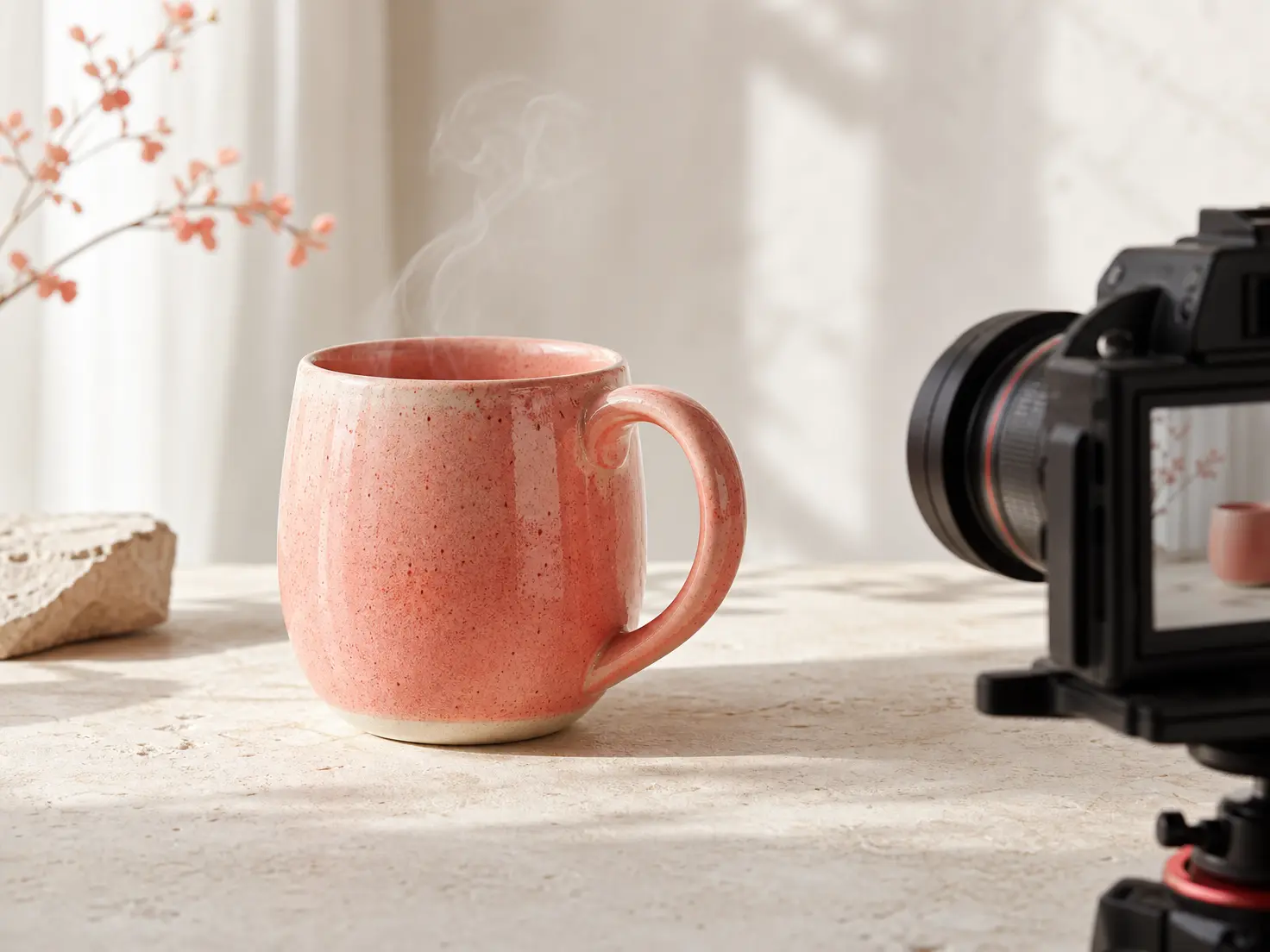
Ceramic mug shown in a close product shot and a wider scene with open space

Give your shoppable video maker a clear focus

Choose the product moment that matters, then build the scenes around what viewers need to see.

Ceramic mug product video shot composed for a bright shoppable campaign advertisement

Shoppable Video Ads

Campaign footage for shoppable video ads needs a product moment that reads quickly. Supply product photos and a short offer, then direct tight framing with open space around the subject.

New ceramic mug product reveal in a polished launch video scene with deliberate camera framing

Launch a New Product

New product launches can start with stills, a supplied logo, and one offer. Arrange an opening reveal and a closing brand frame to give your shoppable video a clear visual story.

Ceramic mug shown in use during a close product demonstration video shot

Show a Product in Use

Product demonstrations need the action in view. Describe how the product should move and request close framing. Add voiceover when an explanation helps viewers follow the scene.

Ceramic mug in a refreshed seasonal product video scene with bright natural styling

Refresh a Seasonal Offer

Seasonal promotions give existing product references another use: change the opening hook, offer wording, and music direction for a shoppable video that fits the occasion.

Match the footage to your role

Product stills of a ceramic mug beside a generated close view of its handle

Ecommerce Sellers

Give shoppers a closer look at the item behind your listing. Use product stills to guide shoppable video scenes, then review the generated appearance before exporting.

A business owner's product photo beside scenes showing the offer and product

Independent Business Owners

Build a product story from your offer and optional reference media. VideoAI lets you direct the camera, wording, and sound through text as you develop the footage.

Campaign product footage arranged in vertical and square frames for review

Campaign Content Designers

Prepare a reviewed MP4 for a campaign handoff. Choose the framing and aspect ratio with your destination shoppable video platform in mind.

Shape each shoppable video scene

Decide what appears, how long it stays in view, and what changes after your first review.

A ceramic mug photo and brand reference guiding the product scene and colors

Product References With Clear Roles

Keep the product and visual direction explicit. Assign a product photo to guide the subject and a brand reference to guide the treatment of your shoppable video.

Product reveal, close detail, and offer scenes arranged in a timed sequence

Scene Timing You Direct

Let viewers see the detail before the offer appears. In VideoAI, describe the scene order, timing, camera movement, and framing to shape your shoppable video story.

Two product scene versions showing revised framing and shorter offer wording

Revisions From Your Review

Bring the next version closer to your intent. Review product appearance, wording, pacing, and visual artifacts, then describe the change you want in text.

The same product direction shown in landscape, vertical, and square video frames

MP4 Exports in Your Chosen Ratio

Take a reviewed shoppable video into your next workflow. Download an MP4 in 16:9, 9:16, 1:1, or 4:5 to suit the space you are designing for.

Build your shoppable video around the product

Move from product direction to a reviewed MP4, with a chance to refine the scenes before export.

Product photos, a supplied logo, and a written offer ready to guide video scenes

Step 01

Describe the Product and Offer

Start your shoppable video with the product, offer, and main message. Add optional product photos, a logo, or video references, and assign each reference a role.

Scene directions specifying a product close shot, camera movement, and open space

Step 02

Direct the Scenes You Want

Write the hook, product action, camera movement, and scene timing. Specify concise wording and keep the composition open where your destination needs visual space.

A generated product scene reviewed beside revision notes and the selected MP4

Step 03

Review, Refine, and Export

Generate your shoppable video in VideoAI and inspect the product, wording, and pacing. Describe revisions, then export the selected MP4 and upload it to your chosen commerce platform.

Make confident choices before you create

VideoAI supplies the product footage for the next stage of your project. Generate and review your video, download the MP4, and bring it into your chosen platform.

Product photos can guide the subject and appearance of generated scenes. Assign each image a role, describe the desired action, and review the resulting footage.

You direct scene order, timing, product focus, movement, framing, and short offer wording. Describe these choices in text before generating, then refine them after reviewing the result.

A supplied logo and requested short wording can appear within generated scenes. Keep the offer concise and inspect the wording and logo treatment during review.

Describe the next change in text after reviewing the generated version. You can refine the product appearance, pacing, wording, or composition while continuing the same concept.

MP4 downloads are available up to 4K in 16:9, 9:16, 1:1, and 4:5. Choose the ratio and quality to match the destination requirements.

Guide the sound with voiceover instructions, a voice reference, uploaded audio, or background music. Match the sound direction to the product action and the mood you want.

Batch generation supports several video directions for a product or campaign. Review each result for product appearance, wording, pacing, and visual artifacts before selecting your exports.

VideoAI requires an account and provides 10 starting credits for video generation. Begin with your product, offer, and message; reference media is optional.

Yes. VideoAI works as a shoppable video maker for shaping product scenes, offers, camera direction, and framing before you download an MP4 for your commerce workflow.
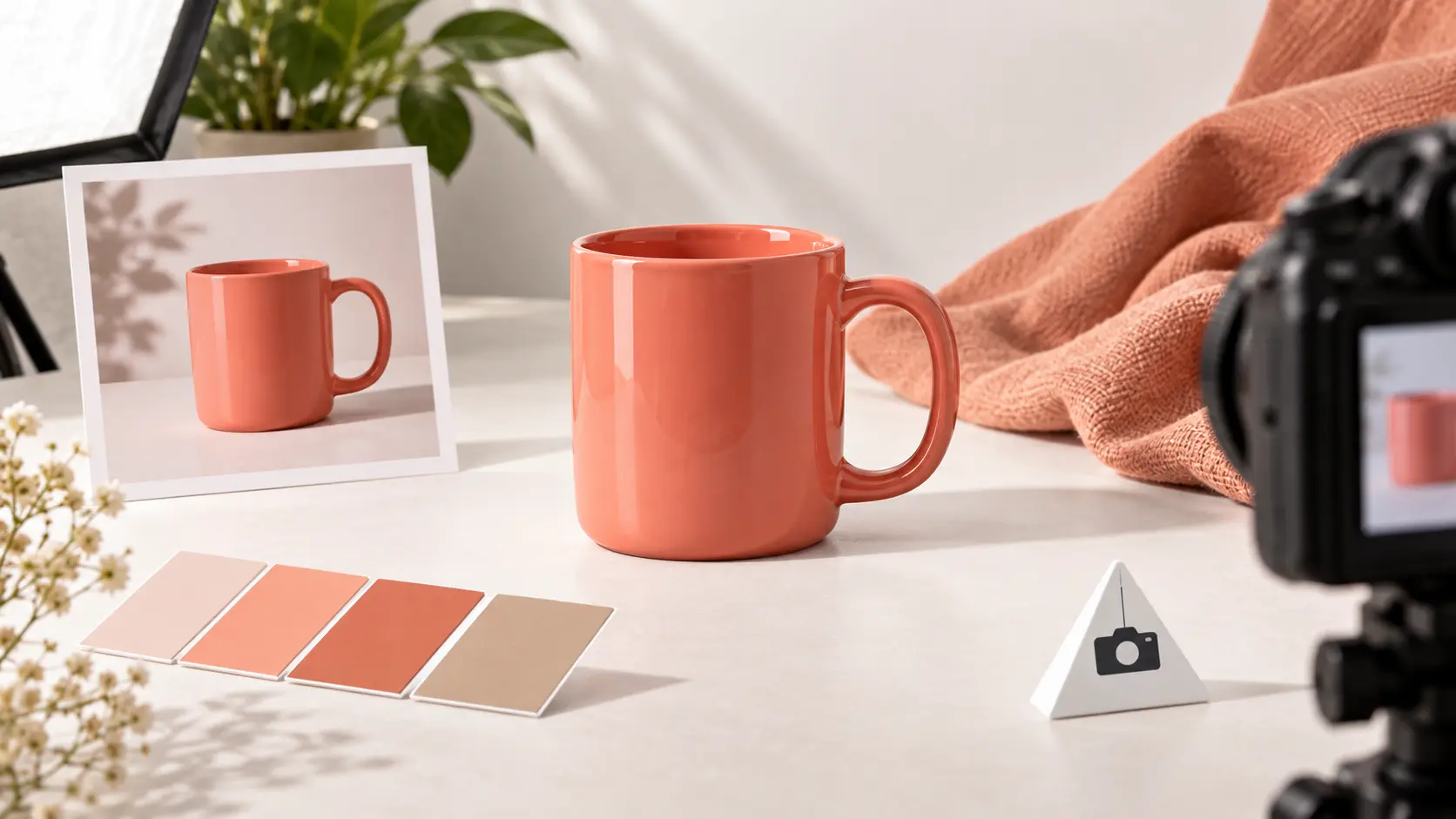
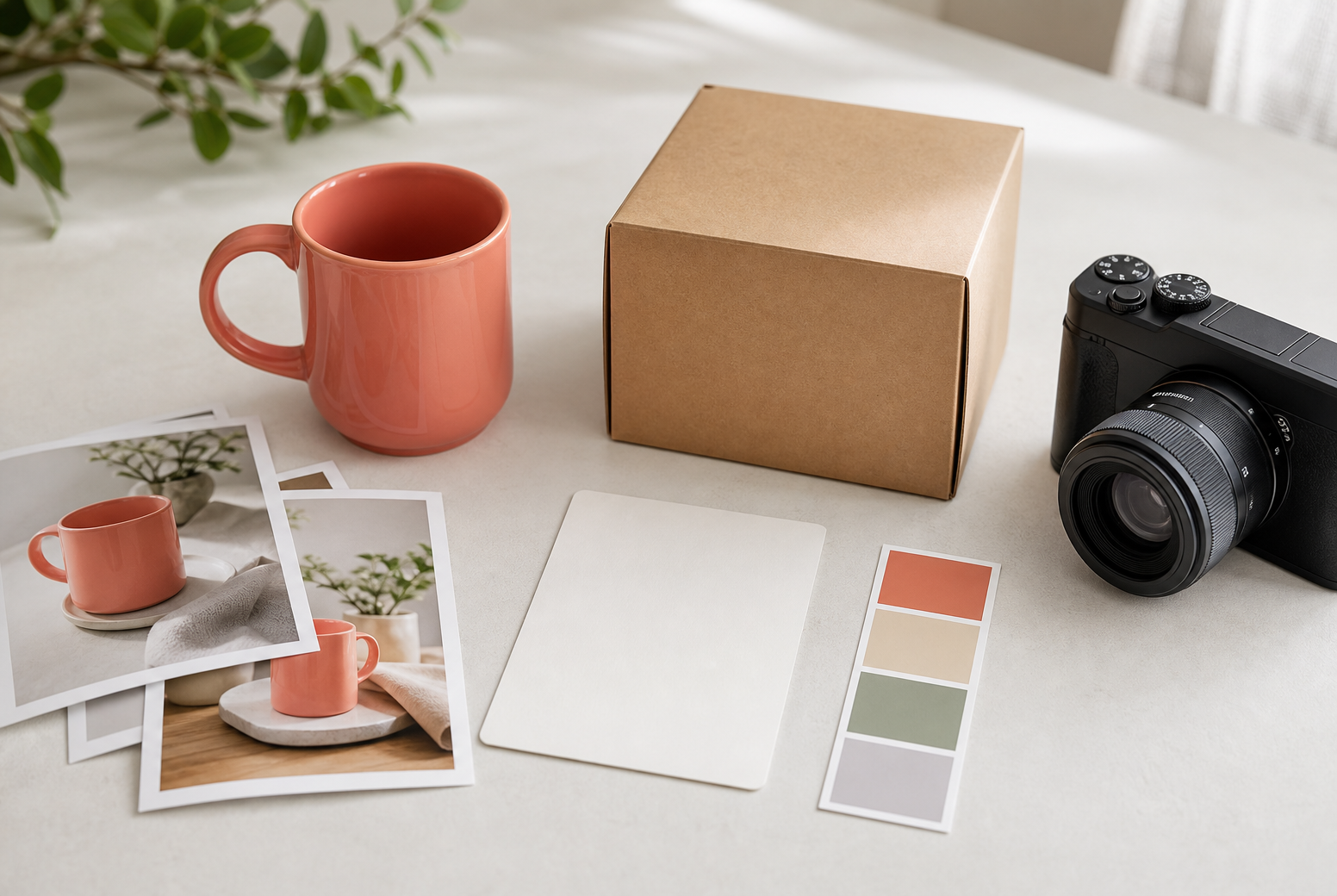
Shoppable video product set with a ceramic mug, camera framing guides, and a finished campaign scene

Start your next shoppable video

Bring your product, offer, and references to VideoAI, then shape the scenes into footage you can review, refine, and download.

Get Started
Shoppable Video - Shoppable Video Maker - VideoAI