
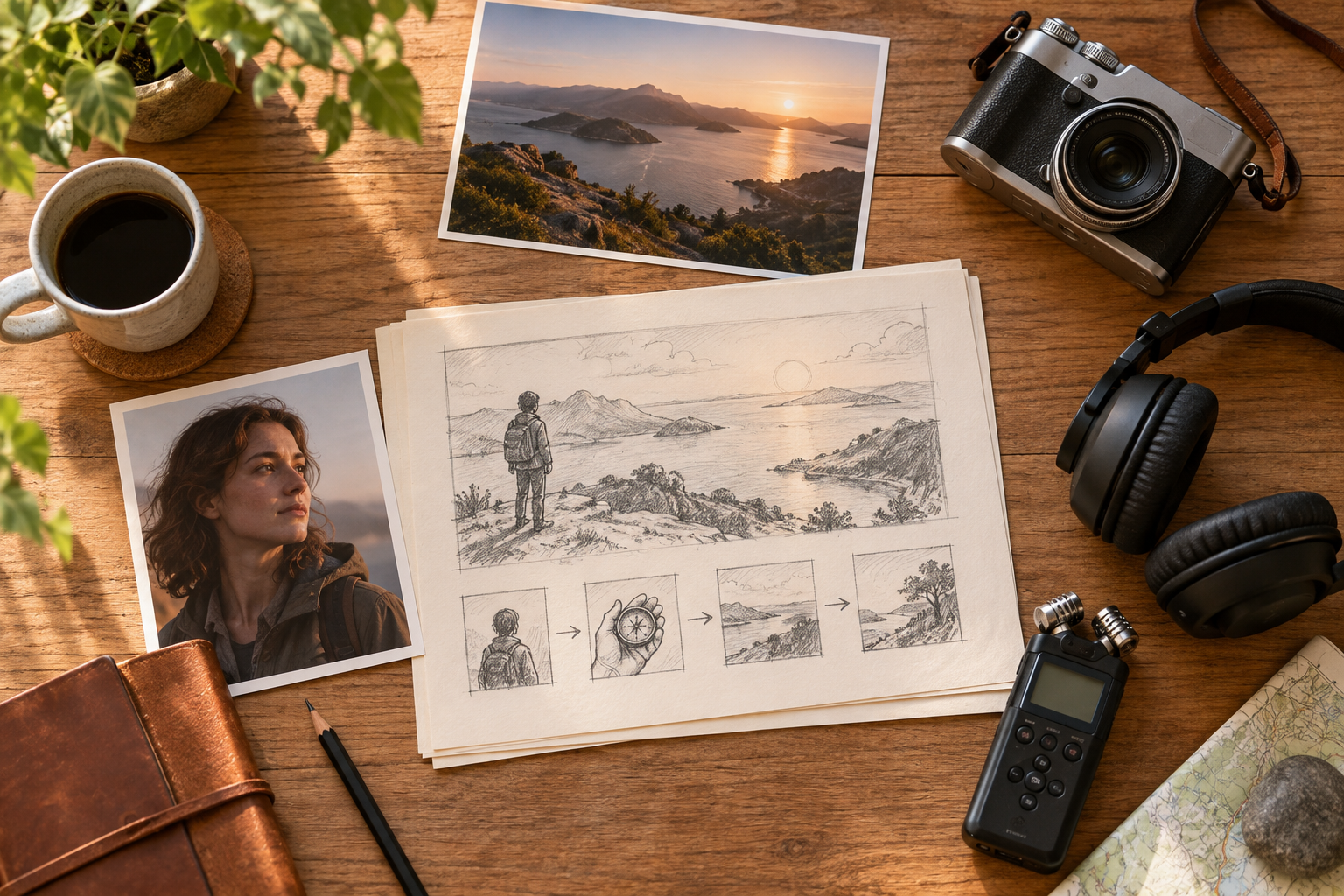
Step 01
Start With An Idea Or References
Write a short film idea, then add text, image, video, or audio references. Use @ to assign each source to a subject, scene, camera, motion, or sound purpose, and keep the sources in your VideoAI workspace.


VideoAI turns a short film idea or reference set into a creator directed sequence, so you choose the scenes, visual direction, pacing, and sound.
Partnering with global industry leaders to power your creativity output


Move from a first idea to a reviewable sequence by deciding what each timed scene should show and sound like.
Step 01
Write a short film idea, then add text, image, video, or audio references. Use @ to assign each source to a subject, scene, camera, motion, or sound purpose, and keep the sources in your VideoAI workspace.
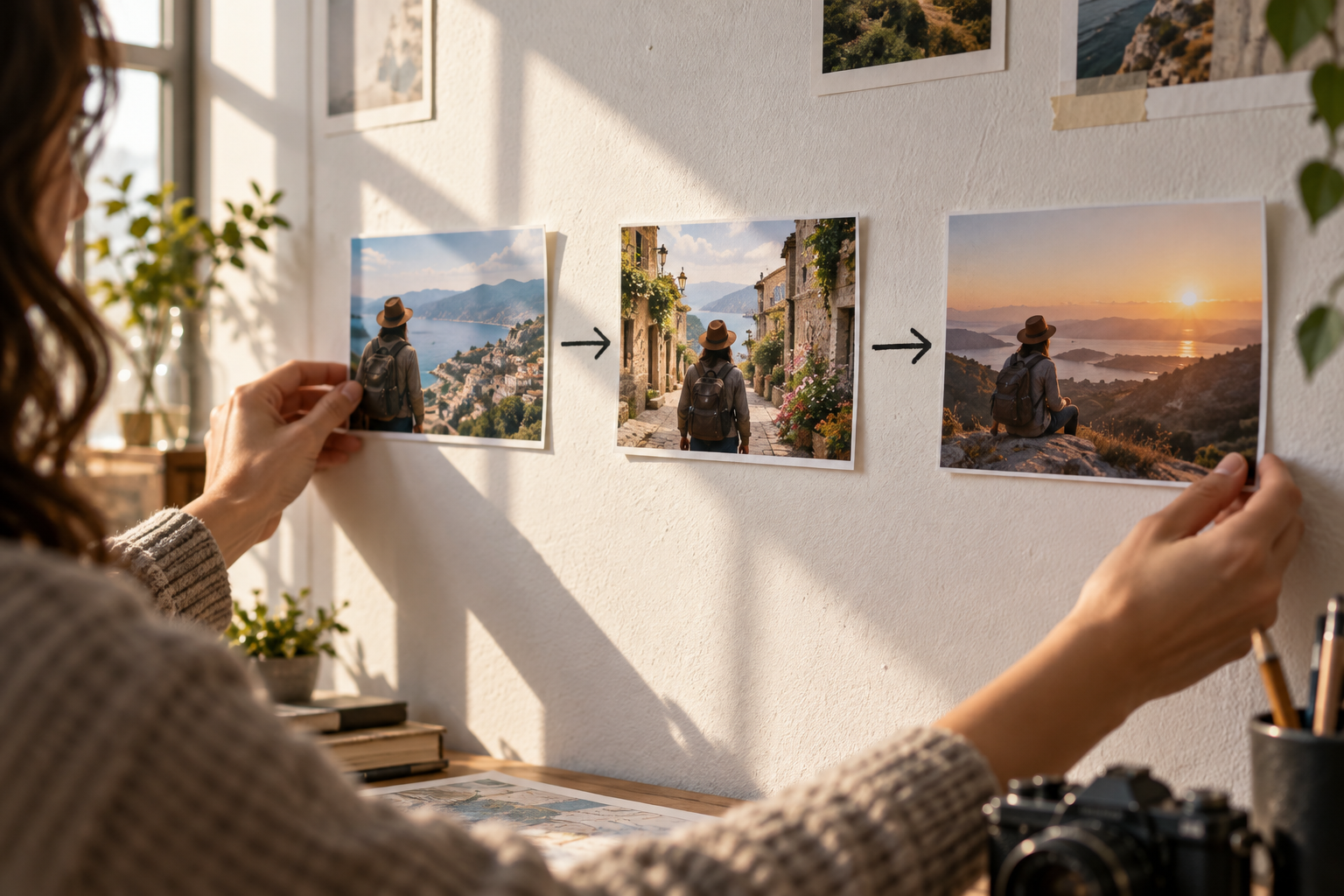
Step 02
Ask AI to draft story text when it helps, then decide the final story yourself. Write each time segment with the action, camera direction, transition, and sound direction, adding a reference image where the visual anchor matters.
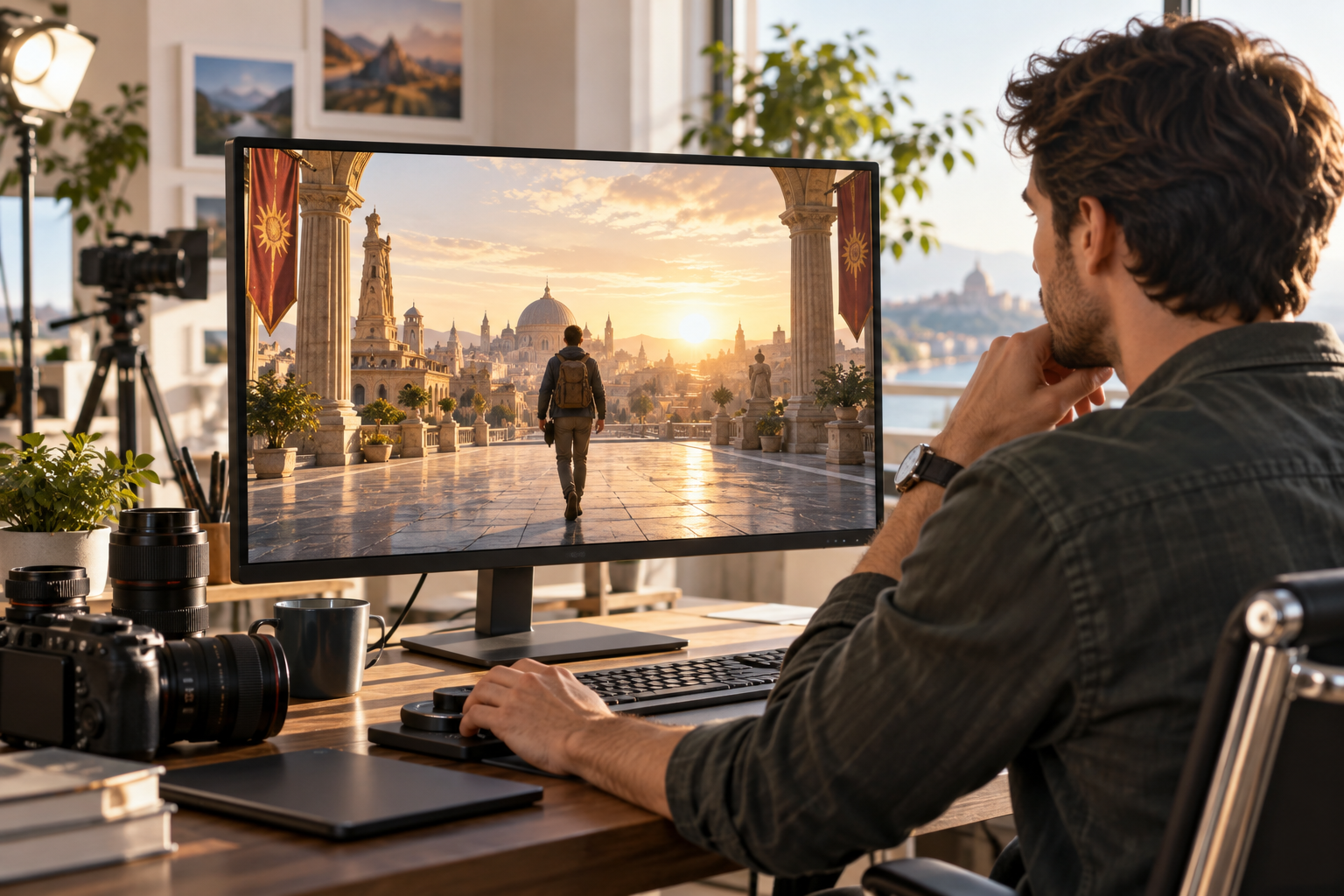
Step 03
Generate one segment up to 30 seconds, inspect the result, and give a text instruction when the scene, pace, or sound needs another pass. Continue from the generated ending and download the finished MP4 in a confirmed ratio.
Choose the scenario that matches your next creative decision, from testing a narrative to shaping sound around a beat.
A story may work on paper but lose its shape across connected scenes. Use VideoAI to draft a few segments, arrange their order, and inspect how the characters and camera direction carry the idea forward. This short film maker helps you test the structure before a larger production.
You have a clear premise but need to see its rhythm before a larger production. With a short film maker, keep the story order, character references, and pacing in your hands, then review a first visual version.
A campaign team needs a reviewable concept before committing to a larger production. VideoAI lets the team arrange scenes, choose a visual direction, and guide voice, music, or sound so the short film maker output reflects the intended message.
A music video idea depends on when the image changes and how the sound leads the moment. A short film maker ai workflow keeps audio references, beat timing, and scene prompts together so you can review the sequence before production.

Narrative creators use VideoAI to turn an idea into timed scenes, keep character references close at hand, and refine a visual draft while they decide the story order.

Campaign teams can shape a cinematic concept by choosing the visual direction, arranging scenes, and building a reviewable sequence with voiceover, music, or sound direction.

Music video creators can match visual changes to audio references and beat timing, then use VideoAI to revise a scene when the pace or sound direction needs a new pass.
Each capability keeps a creative decision visible, from the first reference to the final MP4.
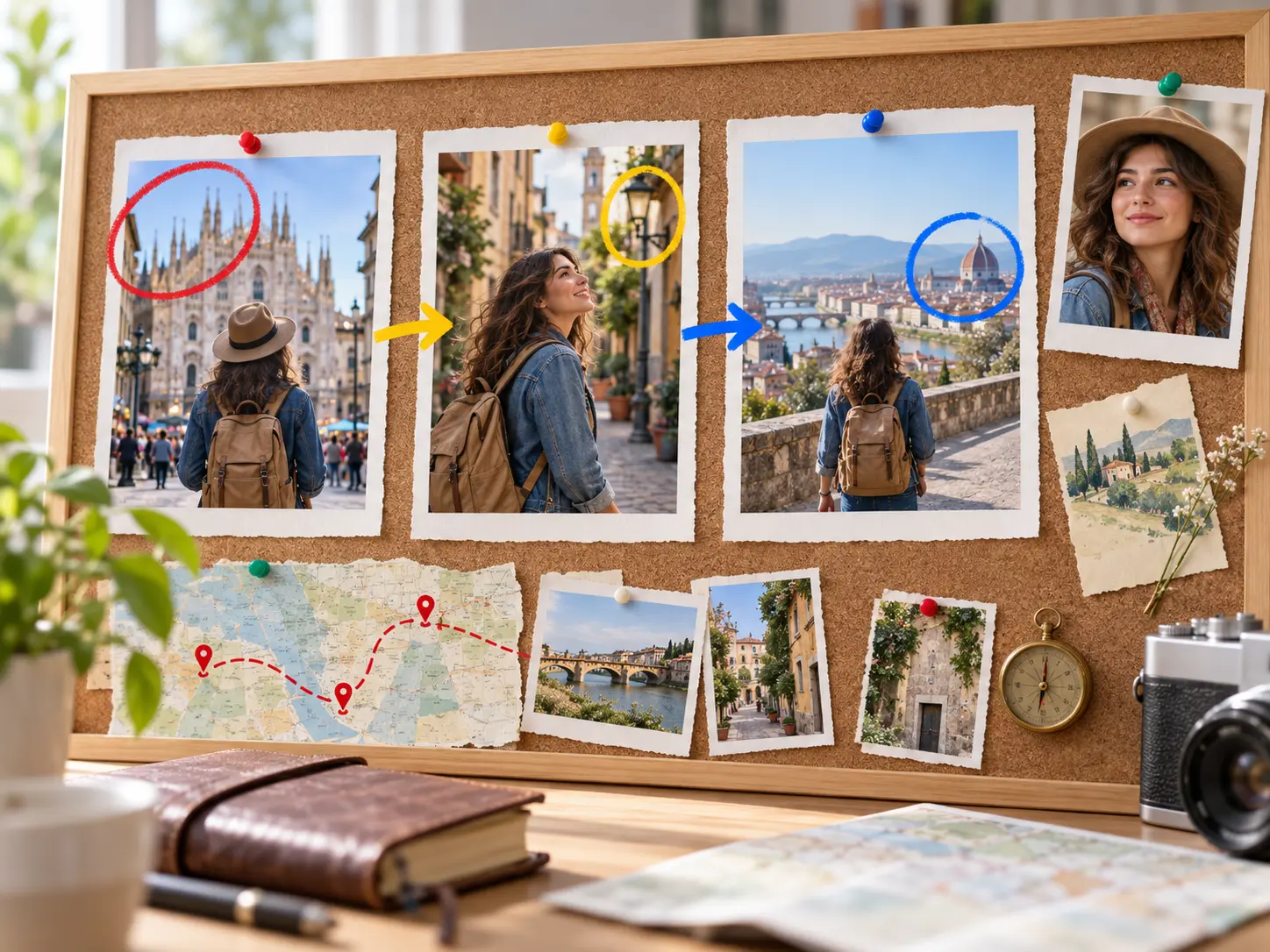
Write the action and camera direction by time segment, attach a reference image when a visual anchor matters, and refine the scene with prompts. This short film maker keeps your choices visible as the sequence develops.
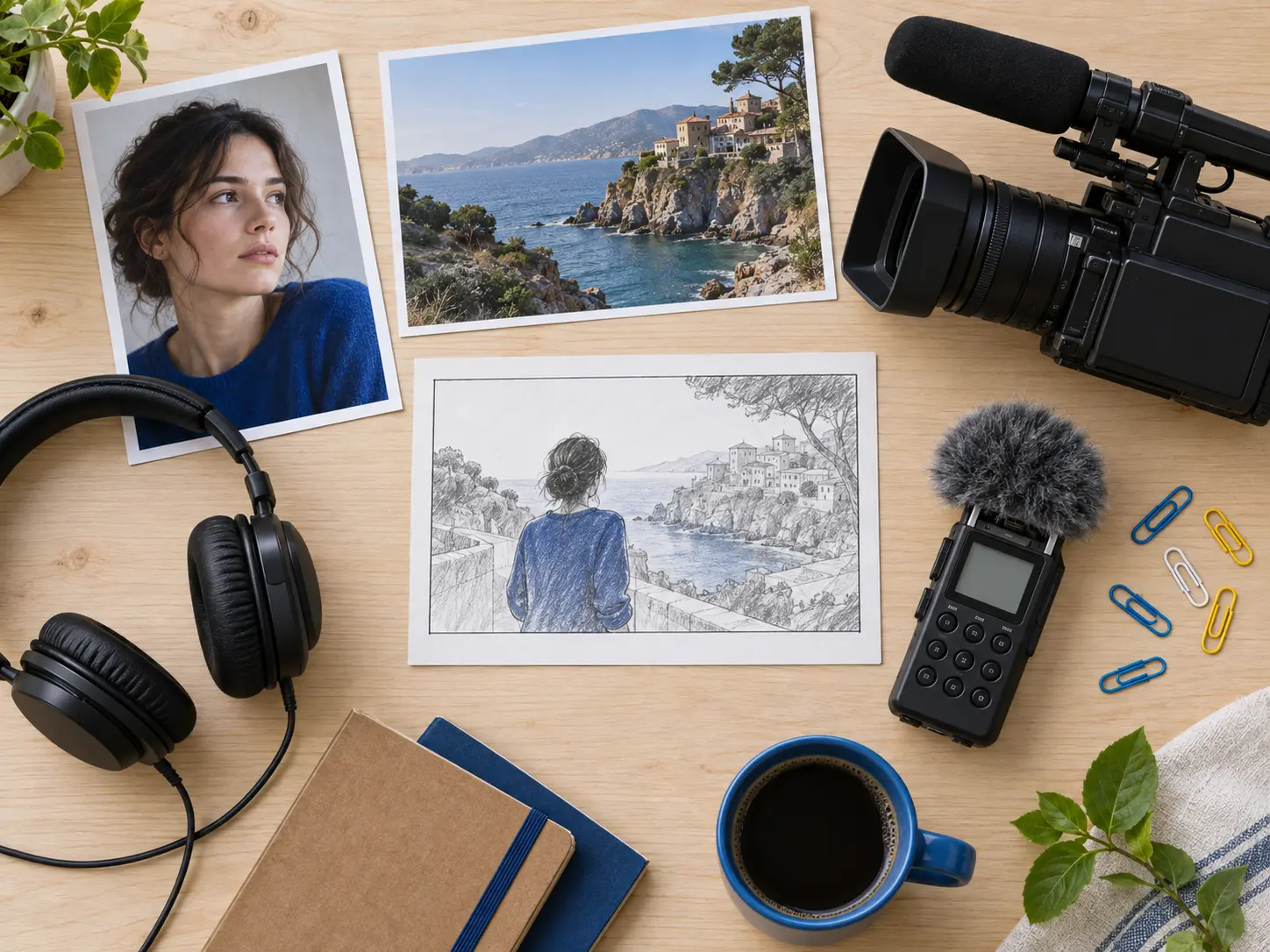
Bring text, images, video, and audio into one plan, then use @ to assign each source to a subject, scene, camera, motion, or sound purpose. That gives a short film creator a clear starting point.
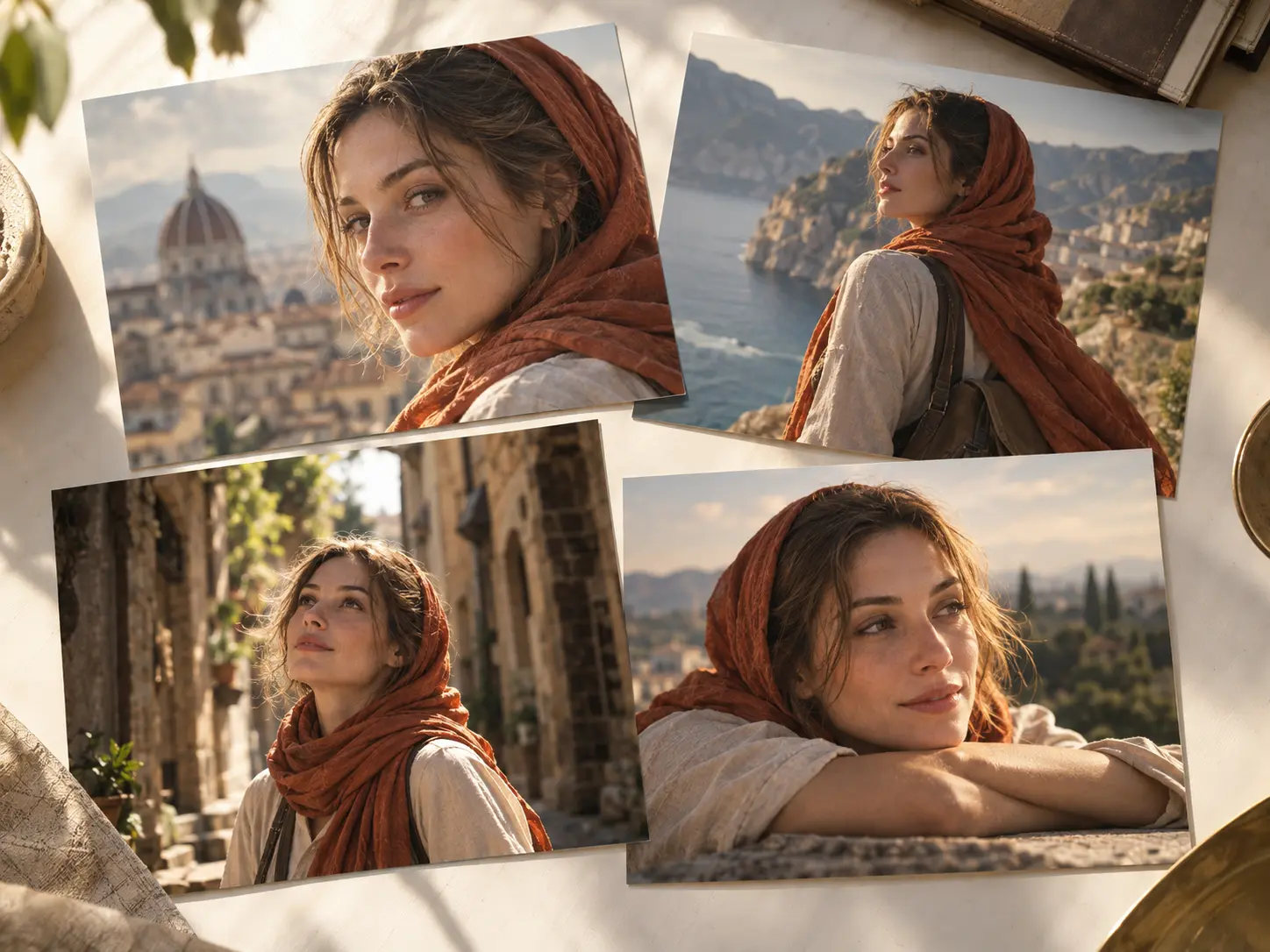
Use multiple references for the same character across shots so the generated sequence has a stronger visual throughline. The result is a more consistent cast for an ai short film maker workflow.
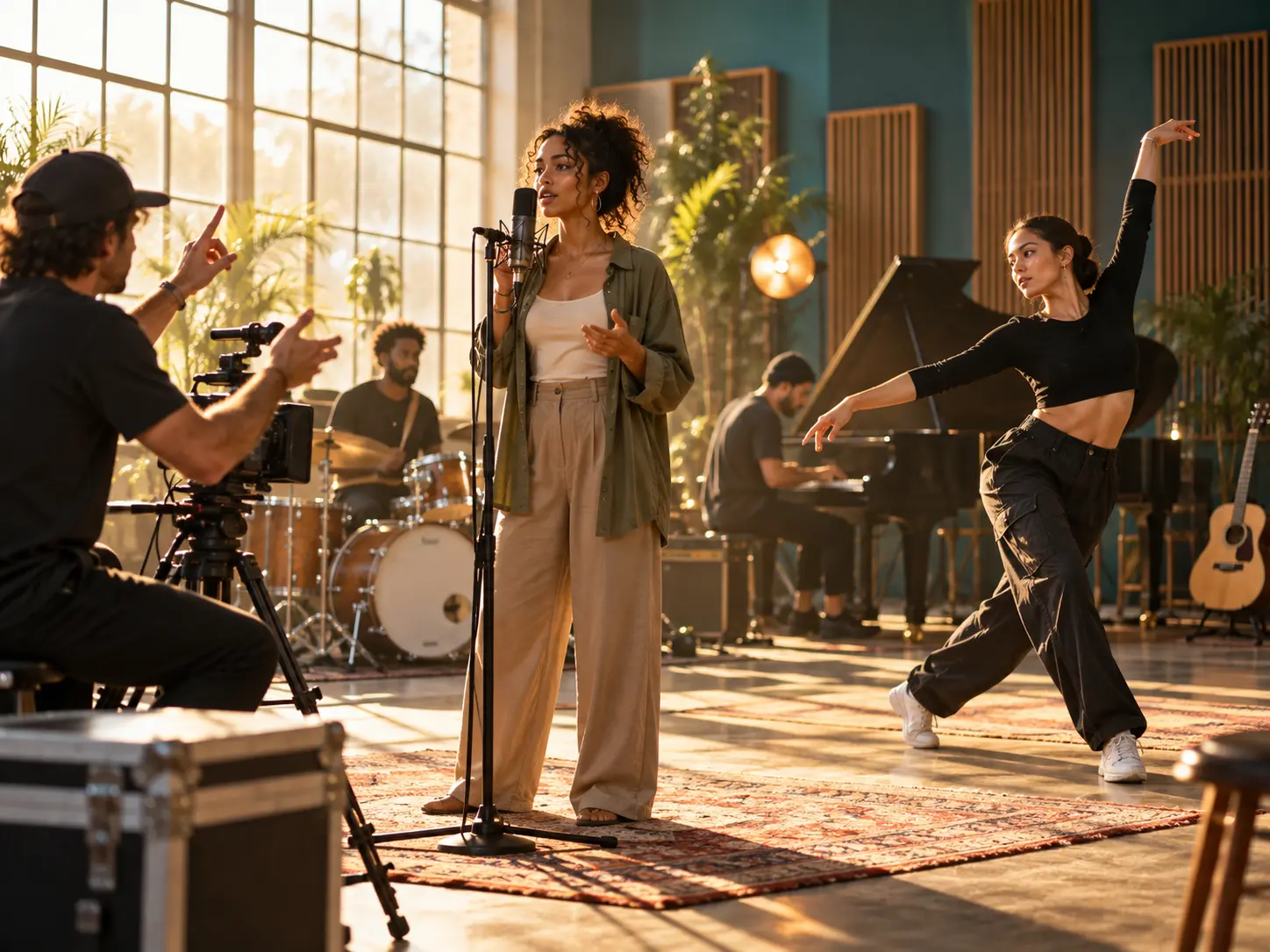
Add voiceover, a voice reference, background music, uploaded audio, sound direction, and beat timing to shape the generative plan. VideoAI turns those decisions into part of the short film generator workflow.

Bring an idea or reference set to VideoAI, direct each timed scene, and shape the next version from what you see.
Get Started