


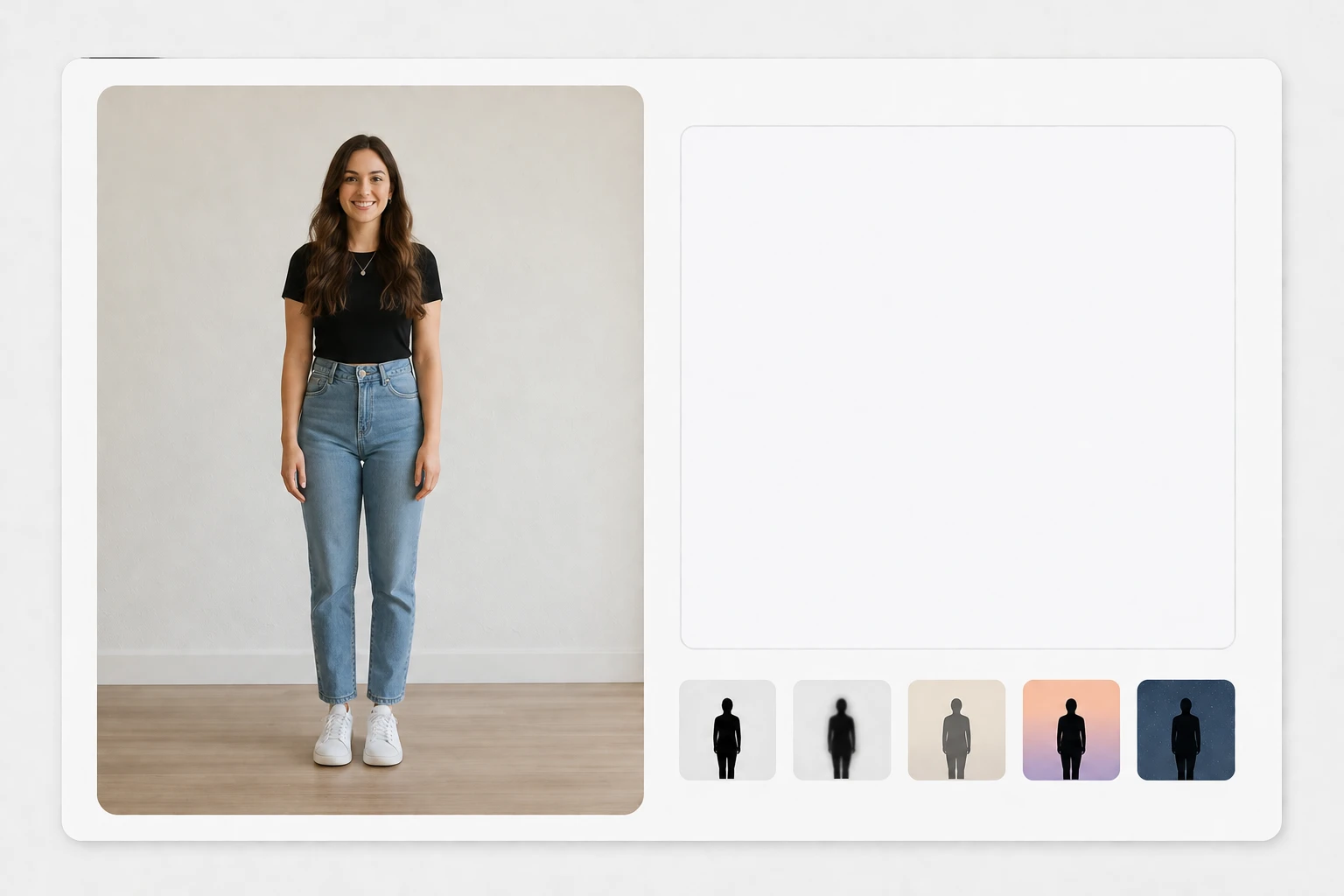
Step 01
Add a photo or write a prompt
Start by uploading one photo of your subject, or skip the upload and type a prompt describing the silhouette you want. A preset style is there too if you would rather pick a look than write one out.

Upload a photo and the VideoAI silhouette maker builds a clean black silhouette, or describe the scene in a prompt when you have no photo to use.
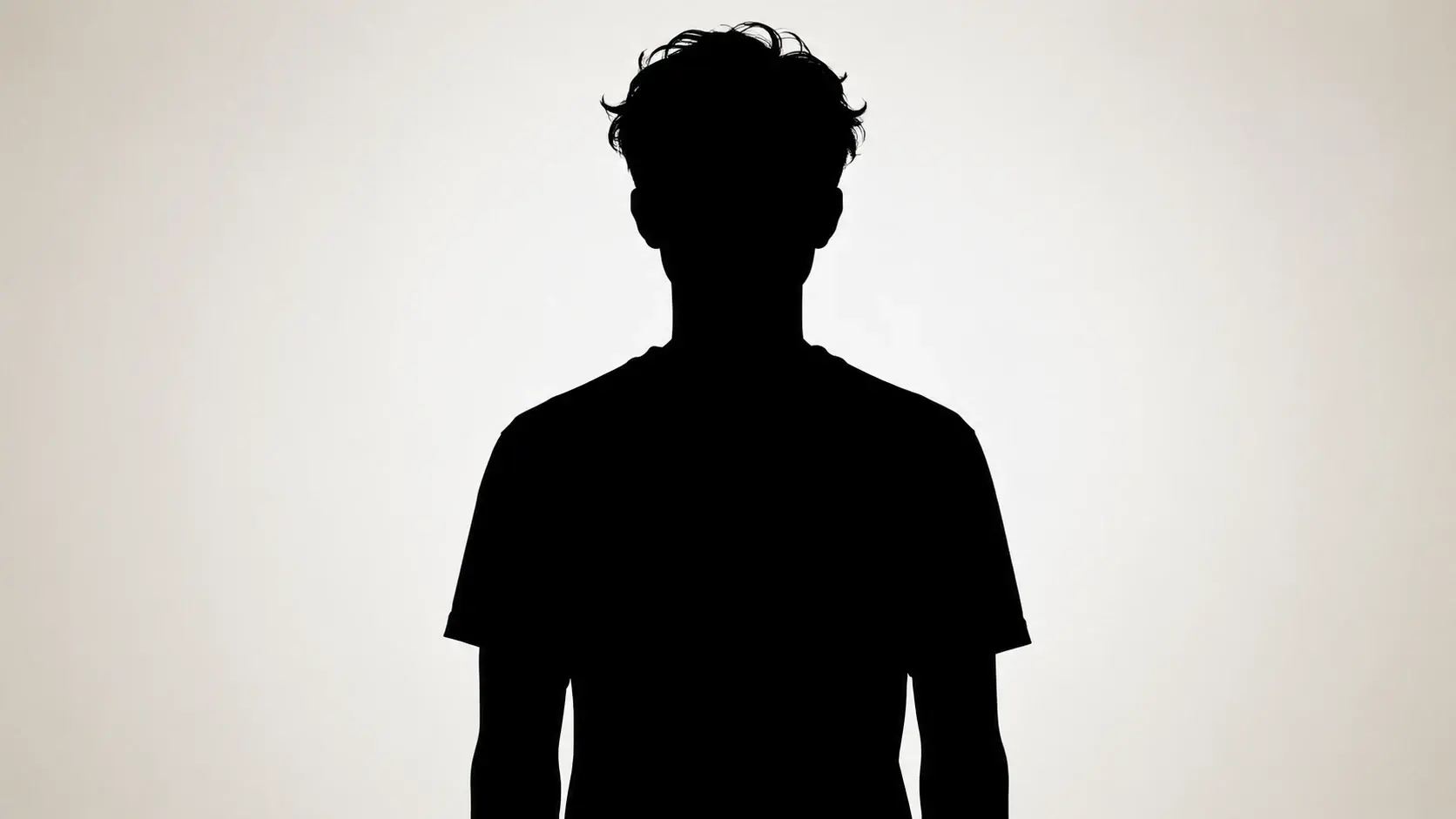
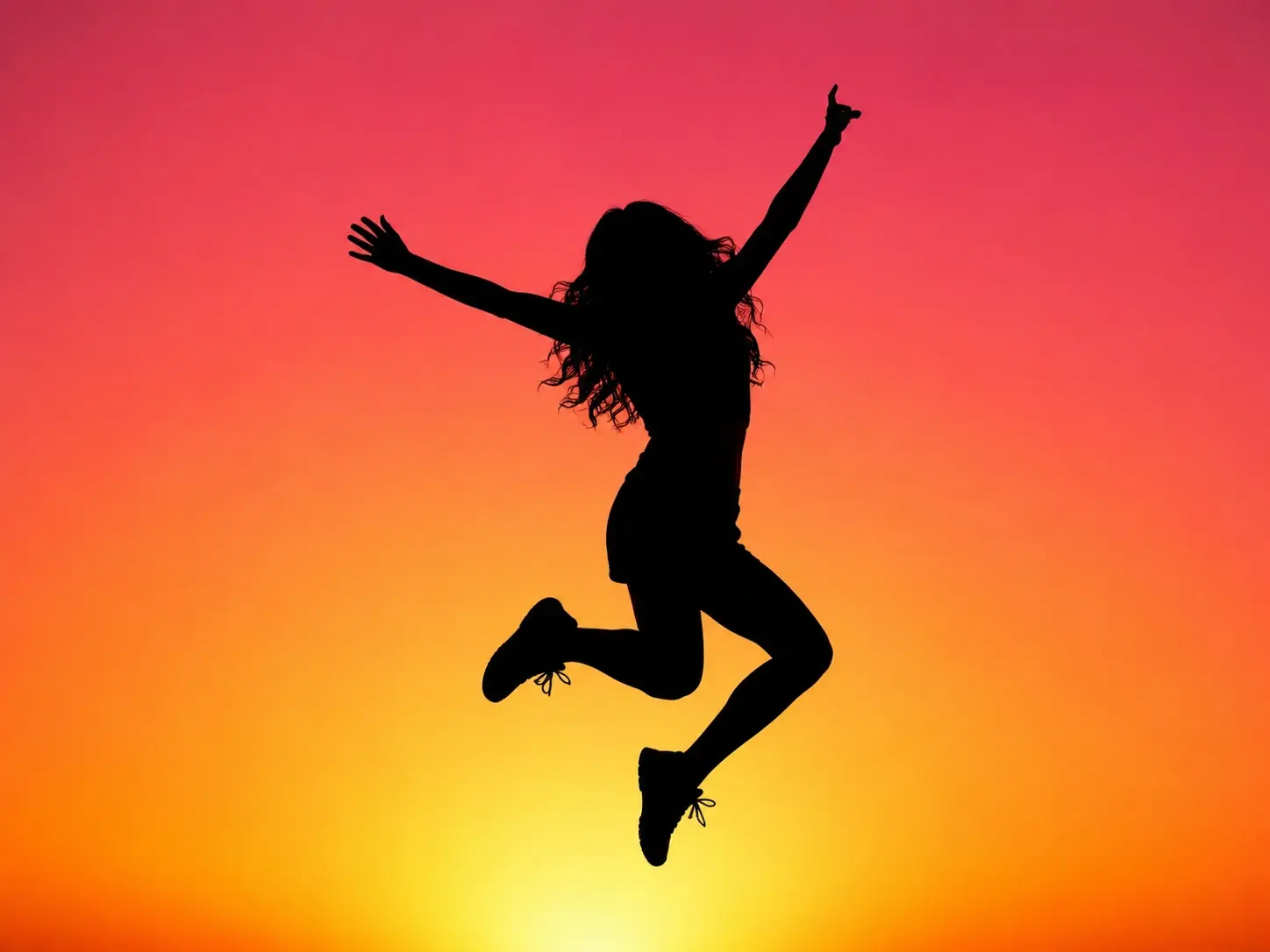
Social feeds reward high contrast art that reads at thumbnail size. Drop in a photo and the silhouette maker returns a bold black silhouette effect that holds up in a post or story.
Each result from the silhouette maker comes back with clean edges, high-resolution detail, and no watermark.
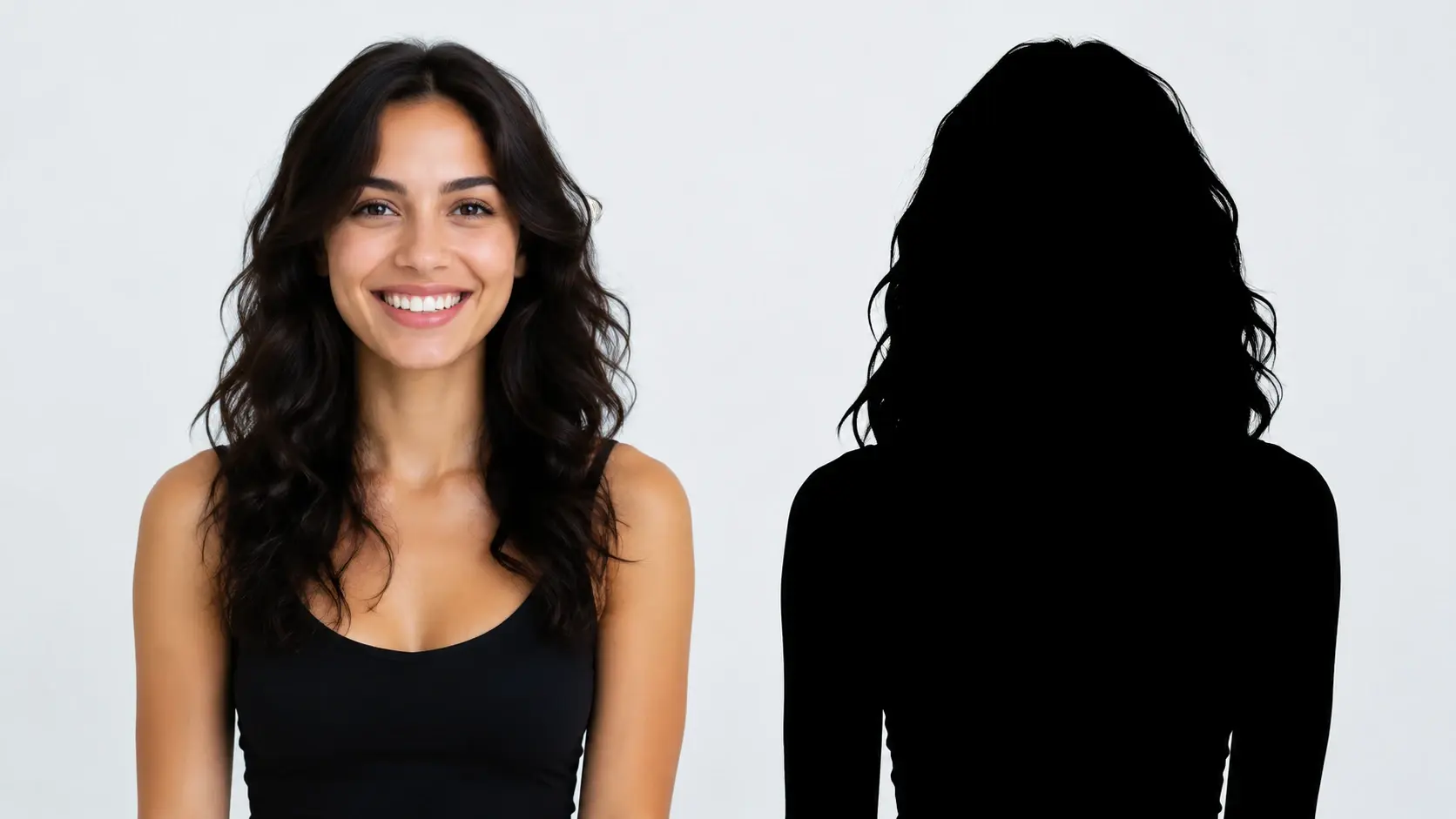
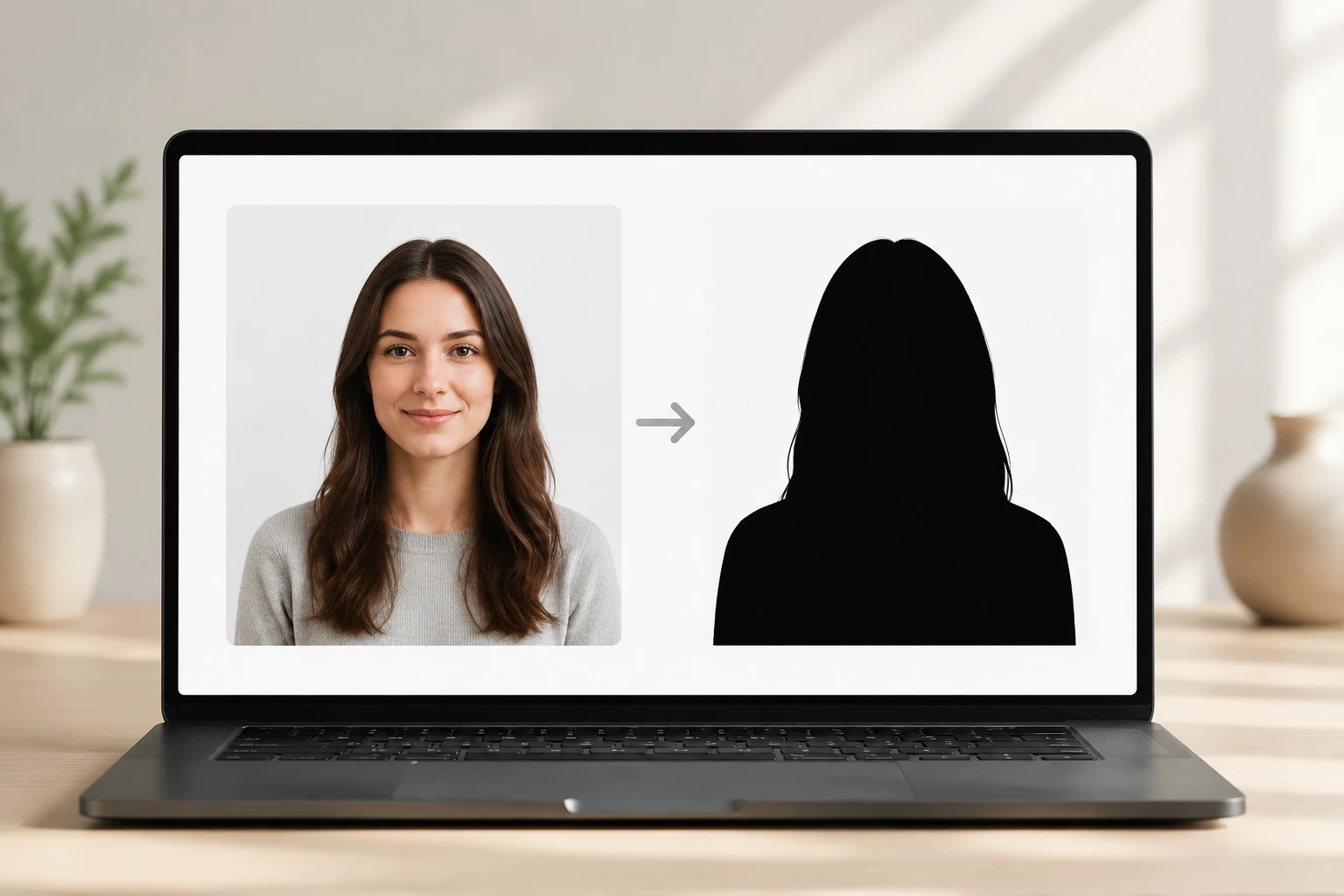
Upload a portrait and the silhouette maker fills the subject as a solid black shape with clean edges, keeping the outline and key features of the original. It rebuilds the form instead of copying every pixel, so you get a recognizable silhouette from photo input.
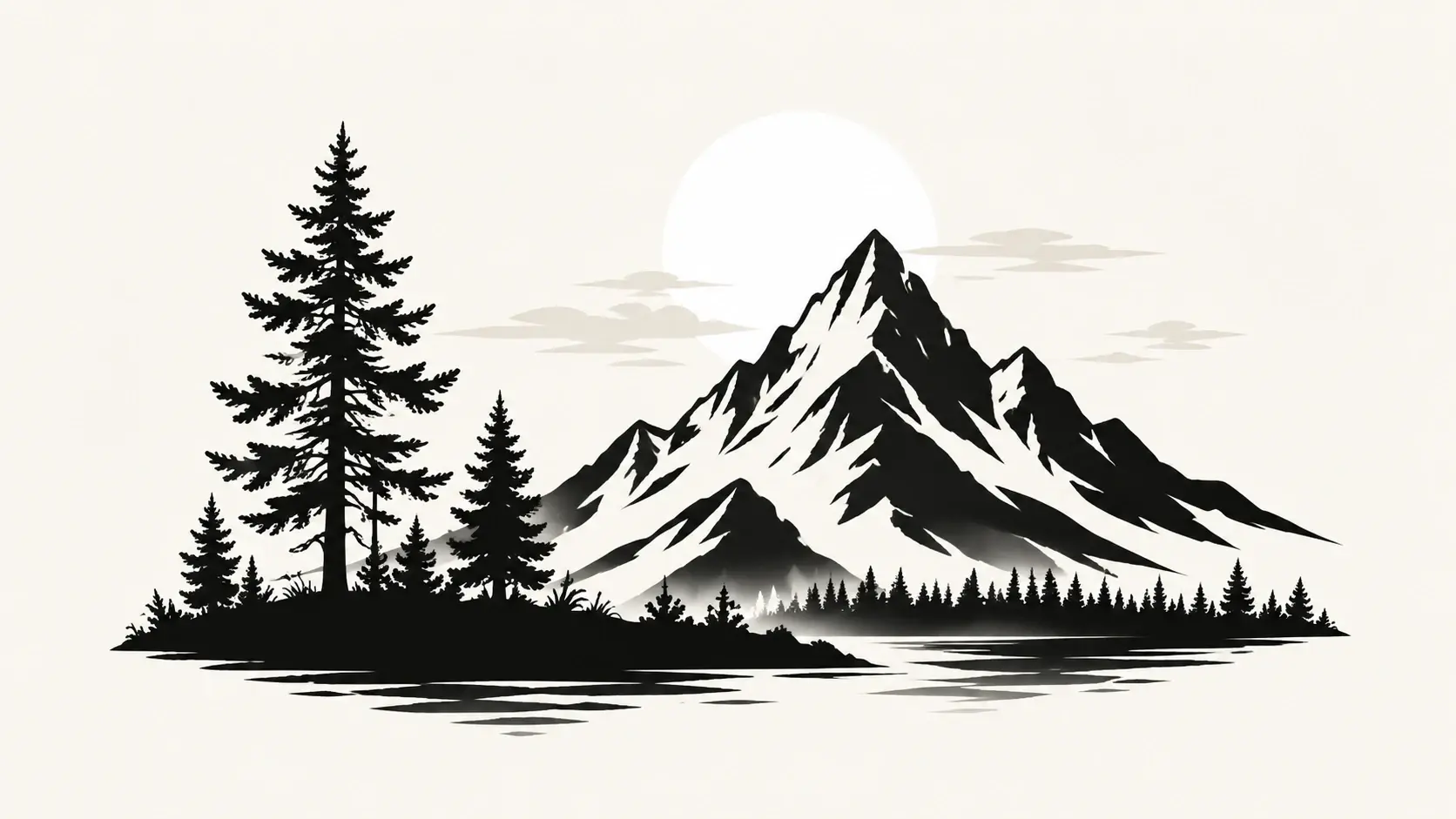
No photo on hand? Describe the subject and scene in words and this silhouette generator builds a silhouette style image from scratch. Pick a preset style, generate right away, and produce several at once when you need a matching set.
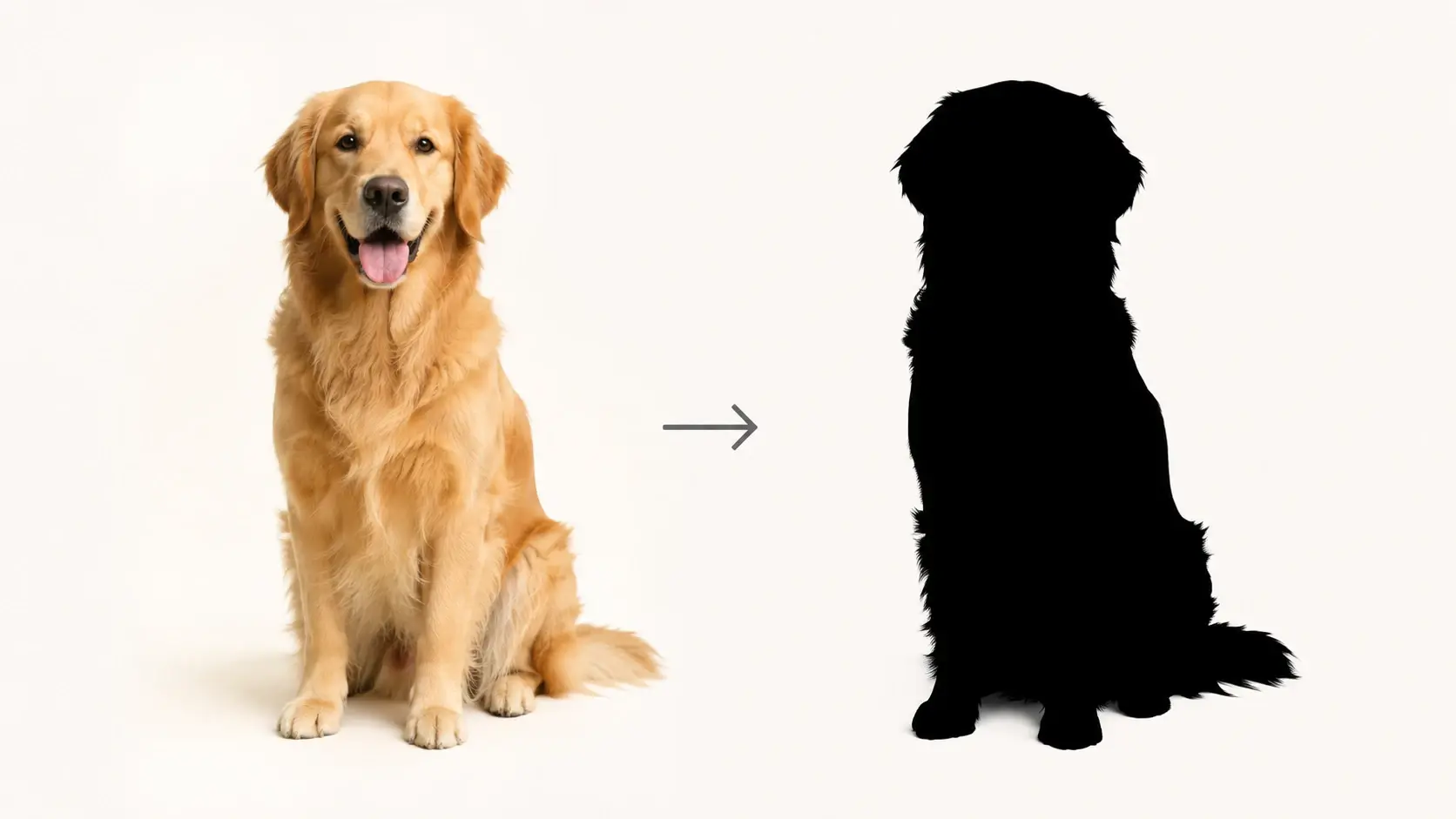
There is no tracing by hand and no manual masking in the silhouette maker. The AI handles the whole conversion, so going from picture to silhouette takes one upload or a short description instead of slow outline work.
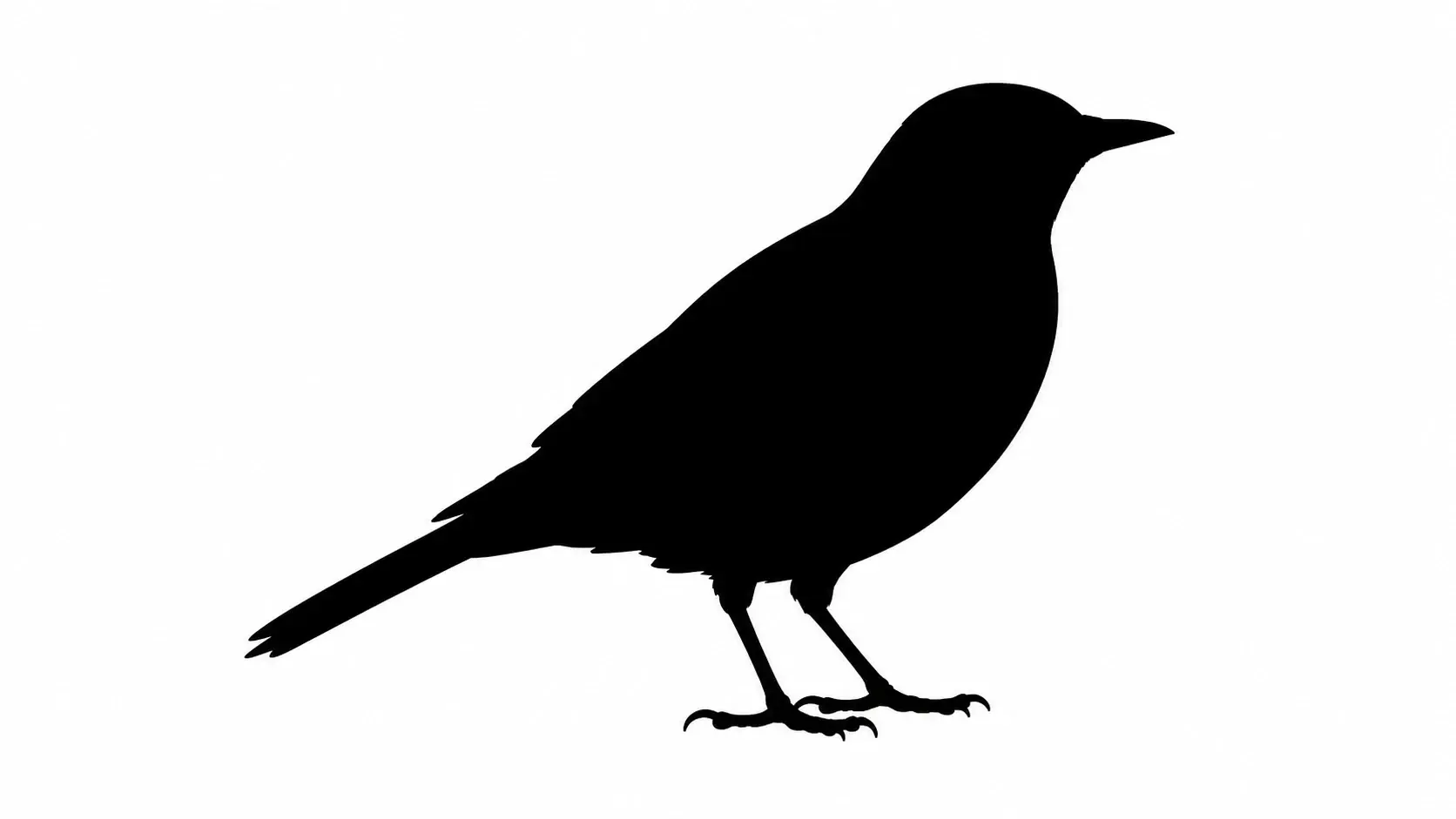
The look most people want is a solid black subject on a plain field, and the black and white silhouette maker delivers exactly that. Download at up to 4K so the shape stays sharp when you scale it for a large poster.
The silhouette maker runs online from your first upload to the final download.
Step 01
Start by uploading one photo of your subject, or skip the upload and type a prompt describing the silhouette you want. A preset style is there too if you would rather pick a look than write one out.
Step 02
The silhouette maker runs the conversion for you, filling the subject as a solid black shape with clean edges. Since there is no manual editor, you are never tracing or erasing by hand.
Step 03
Check the preview, and if the shape is not what you pictured, adjust the prompt or swap in another photo and generate again. Once it looks right, download the silhouette at up to 4K and reopen it in the gallery for a fresh edit.
A few of the projects people build once the silhouette maker returns their shape.
You want a memento from an engagement or family photo that feels more like art than a snapshot. Convert photo to silhouette and print the couple silhouette on invitations or framed decor. The silhouette maker keeps the outline, so the pose still reads as yours.
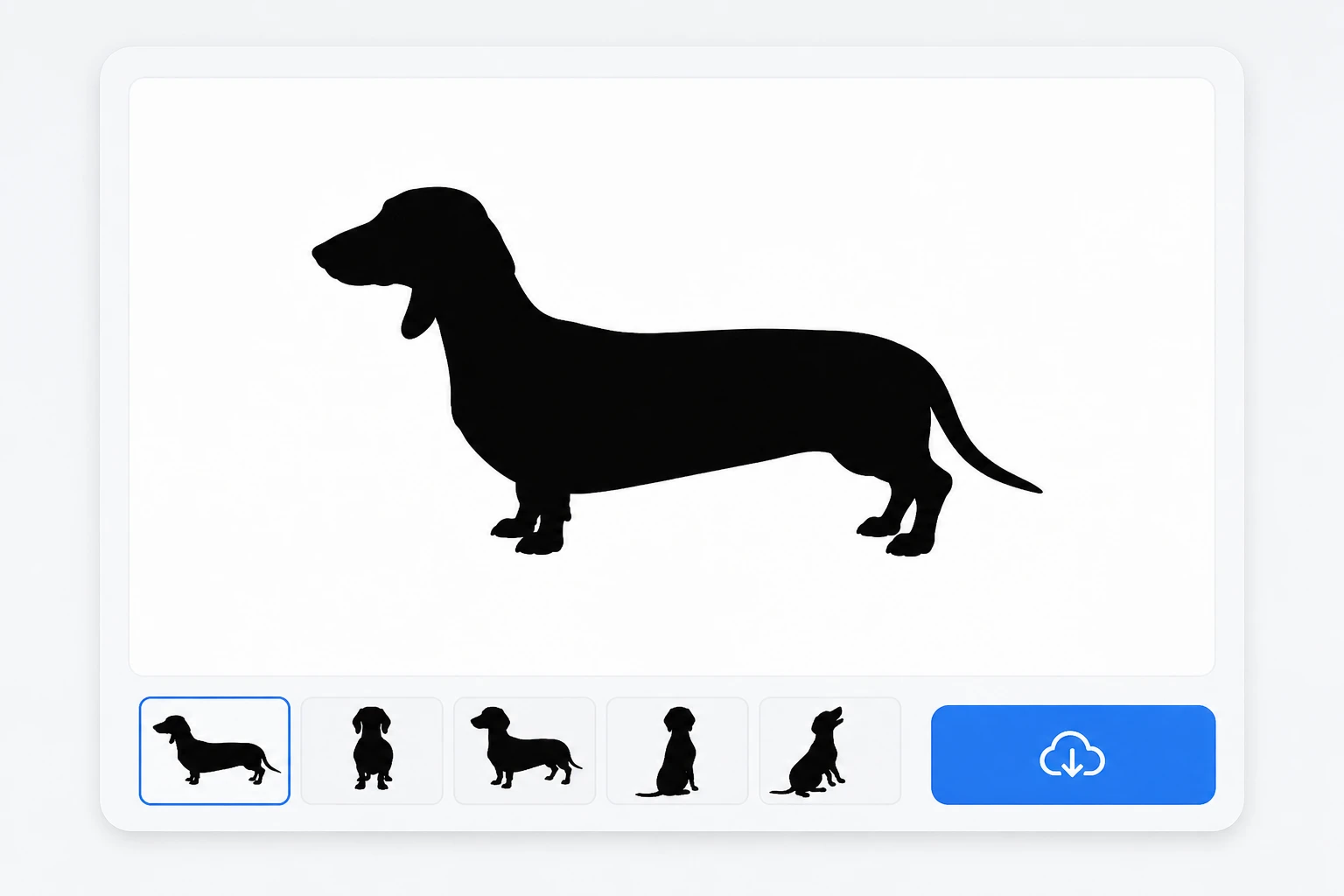
A friend adores their dog and you need a gift that feels personal. Turn a favorite pet photo into a crisp black silhouette, then put it on a mug, card, or wall piece. The animal stays recognizable by its shape alone.
A plain travel shot of a mountain or a lone tree at sunset can carry a whole poster once it goes graphic. Make a silhouette from the scene and let the high contrast do the work on social or in print.
You need a bold visual element for a brand deck or social kit. Generate a high contrast silhouette to use as an icon style graphic across your designs, and the finished image is free to use in commercial work.
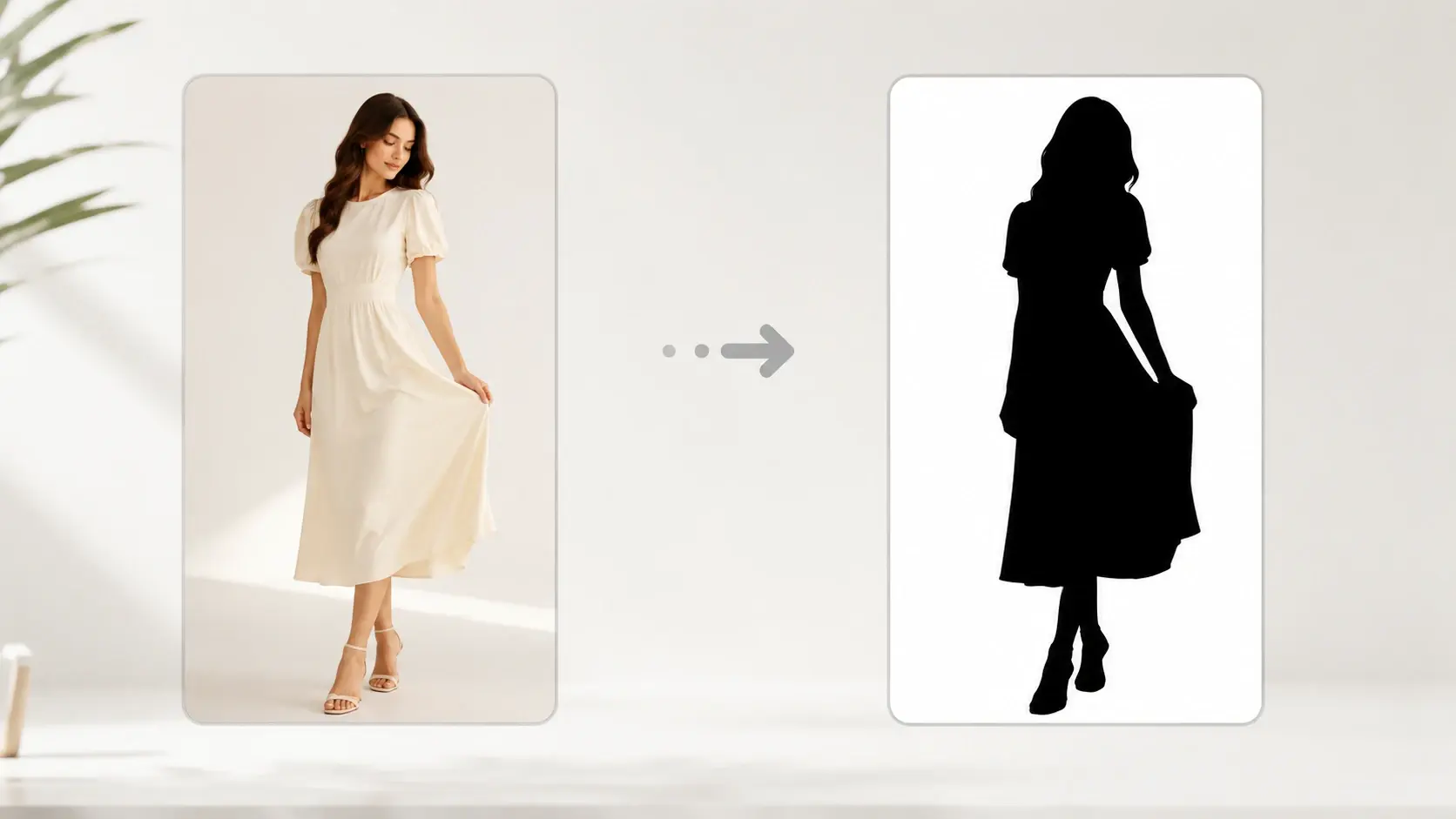
Upload a photo or start from a prompt, and this silhouette creator hands back a clean black silhouette in a few clicks.
Get Started