

Step 01
Bring A Prompt Or Reference Media
Describe the social animation you want, or upload images, a logo, video, or audio reference. Your source material stays available in the workspace as you build.


Create Motion For Every Feed
VideoAI turns your prompt and reference media into a social video you can shape by scene, format, and text instructions.
Partnering with global industry leaders to power your creativity output


Take an idea from first prompt to finished MP4 while keeping the creative decisions visible at each stage.
Step 01
Describe the social animation you want, or upload images, a logo, video, or audio reference. Your source material stays available in the workspace as you build.

Step 02
Choose a template or preset style, then describe the action, pacing, on screen text, and reference use. Arrange the storyboard scene by scene and by the second.
Step 03
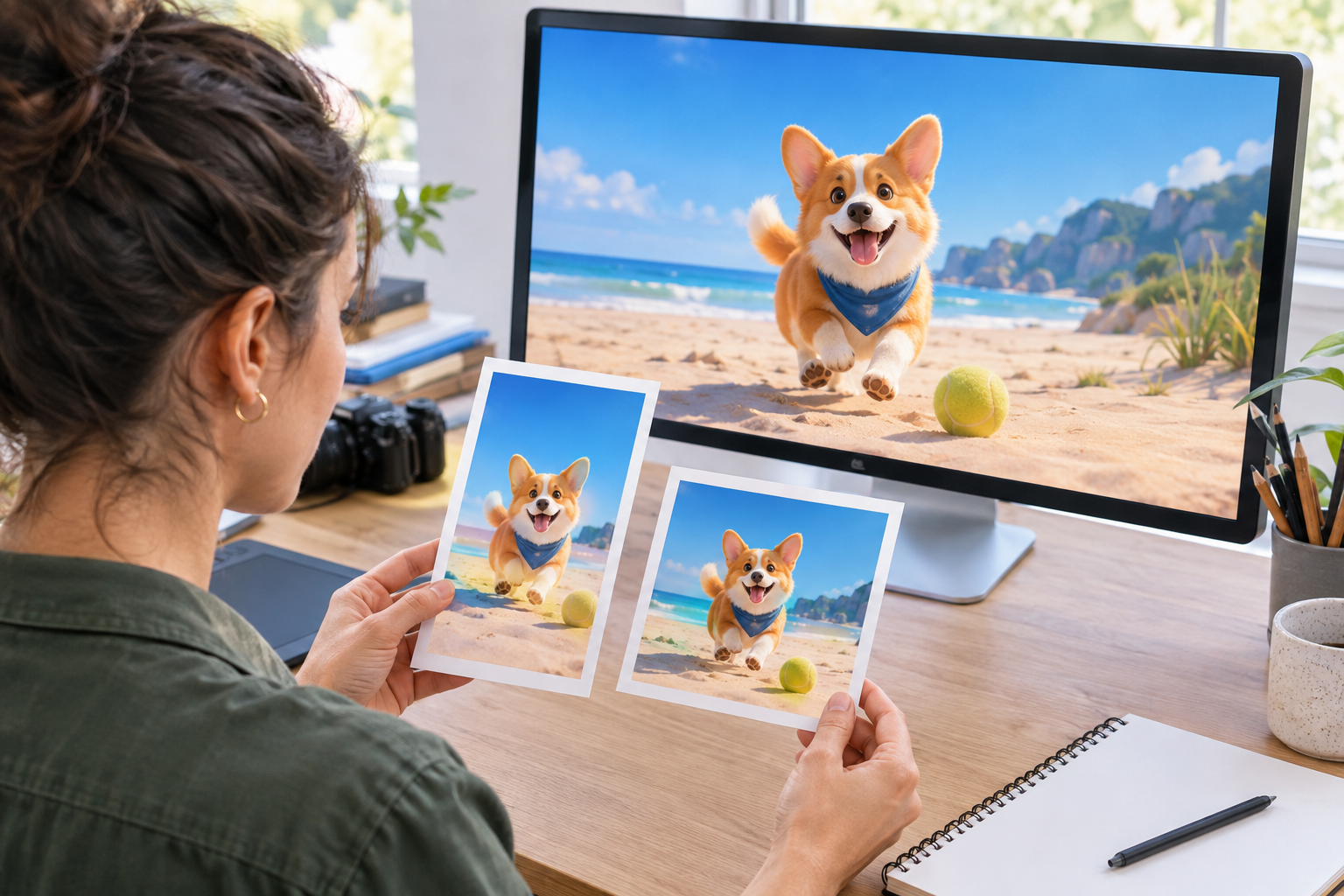
Generate the social video, review the result, and send text instructions for another pass. When the direction is ready, download a 4K MP4 in your chosen ratio.
From animation for social media to campaign explainers, start with the visual decision in front of you and build toward a publishable result.

A campaign team has a product image, logo, and audio cue but needs a clear feed concept. Combine those references, set the motion and pacing, and choose a social ratio for a focused short video.

When a new product needs several visual directions, begin with a template or stock media and add the brand logo. Pick this route for concise launch clips with a defined visual starting point.

A complex idea becomes easier to present when you can describe the scene, action, and message before production begins. Write the concept directly, then shape the generated explainer around the intended audience.
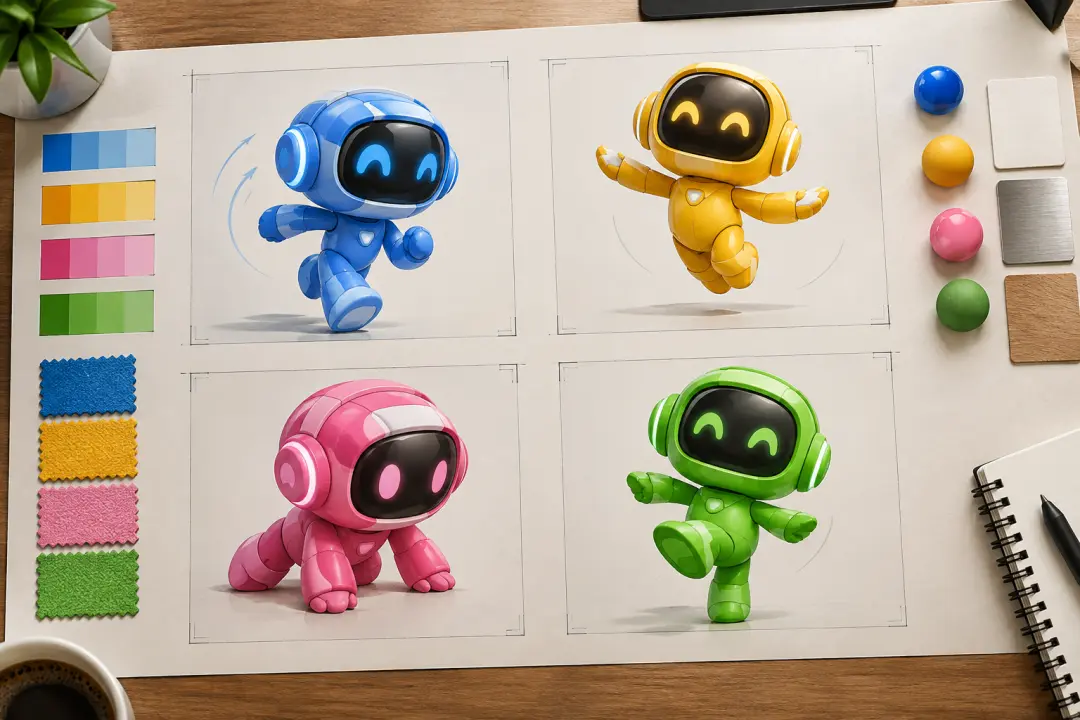
A freelance creator can combine client video, images, and audio references, then generate multiple versions for review. Use text instructions to adjust each direction and prepare the selected formats for delivery.

Build motion design posts from a prompt, a template, or visual references, then decide how the action, pacing, and text should appear in the feed.

Keep campaign visuals aligned by bringing in the logo, brand references, and reusable templates. VideoAI helps the team turn a chosen direction into social video formats for review and publishing.

Move from mixed client assets to a polished draft with a prompt, then refine the result through text instructions and prepare versions for different social placements.
Choose the starting point, define the visual direction, and keep the final format aligned with where the video will appear.

A clear starting frame helps when the campaign direction is still forming. Pick a video template or stock asset, then shape the social animation around your idea.

The visual direction can reflect more than one source. Give VideoAI text, images, video, or audio references, then choose a preset style to guide the generated look.

Readable copy and a visible logo keep the message connected to the brand. Describe where they belong and how they should work with the motion and scene direction.

Prepare the same concept for 16:9, 9:16, 1:1, or 4:5 placements, then download a 4K MP4 without a watermark for commercial video use.

Upload a reference or write the idea, then use VideoAI to shape a social video you can refine and export.
Get Started