

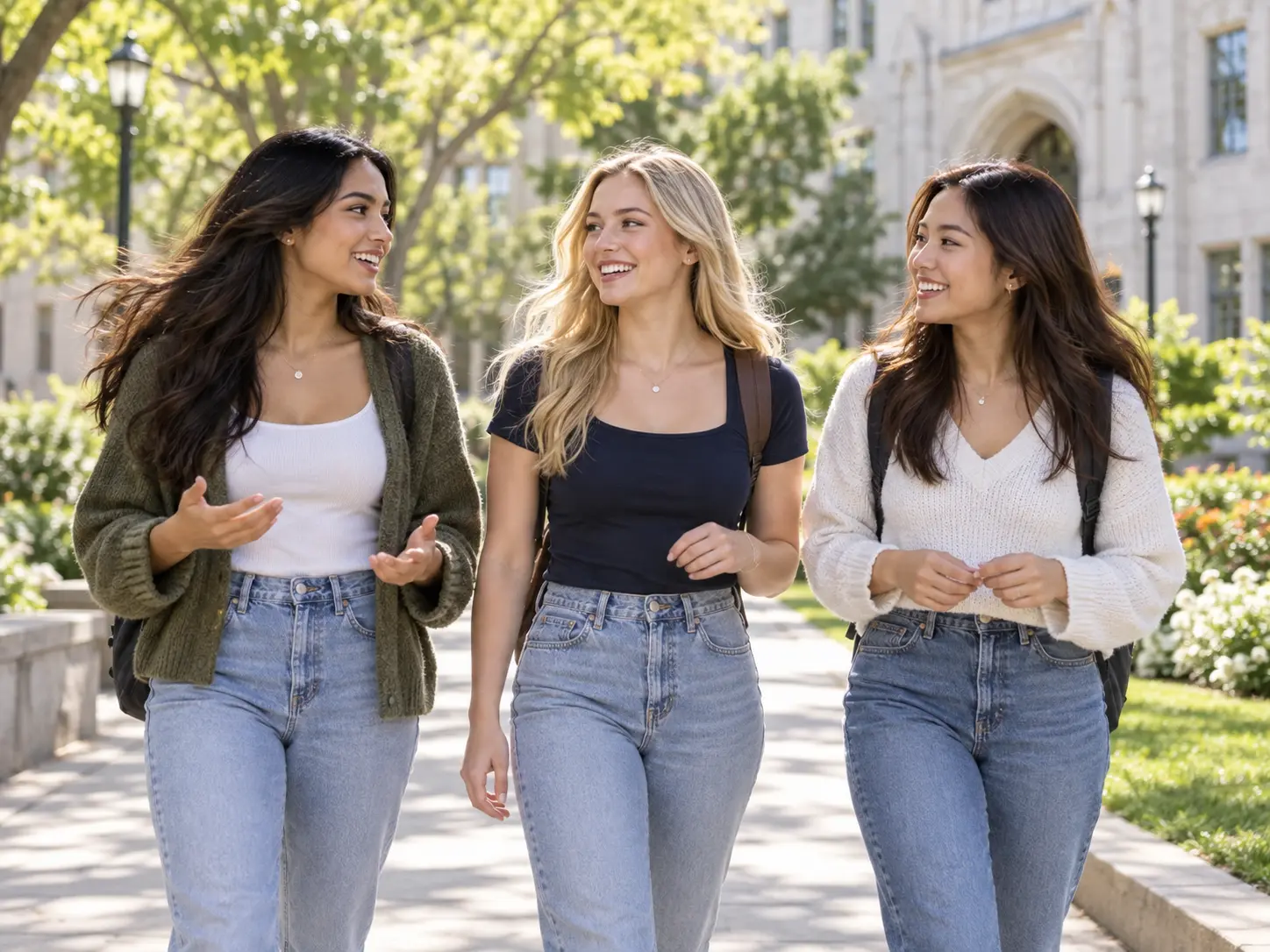

Plan Every Recruitment Scene

Sorority Recruitment Video Maker

With VideoAI, create a sorority recruitment video from real chapter or personal footage while choosing what each scene shows, says, and sounds like.

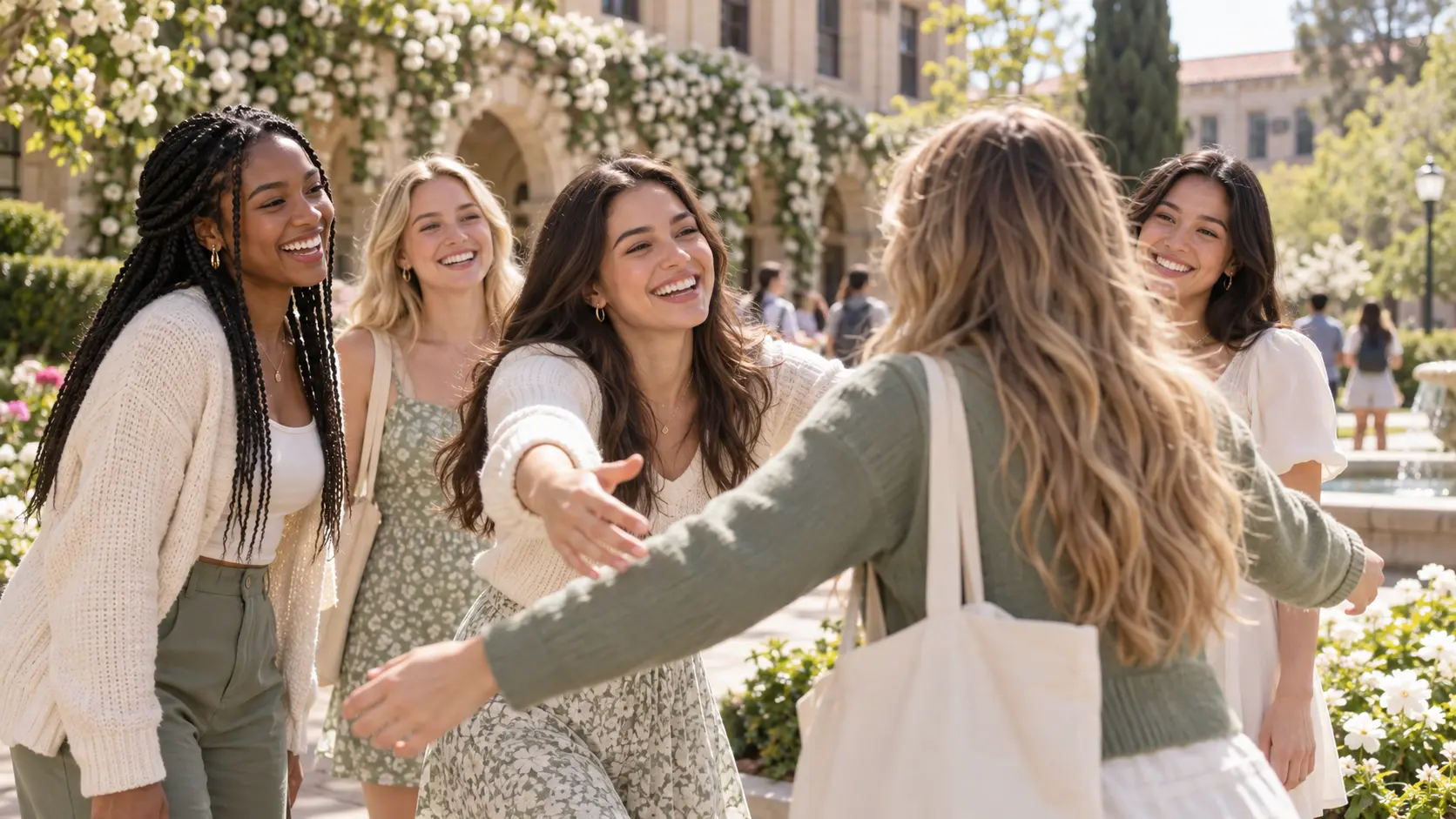
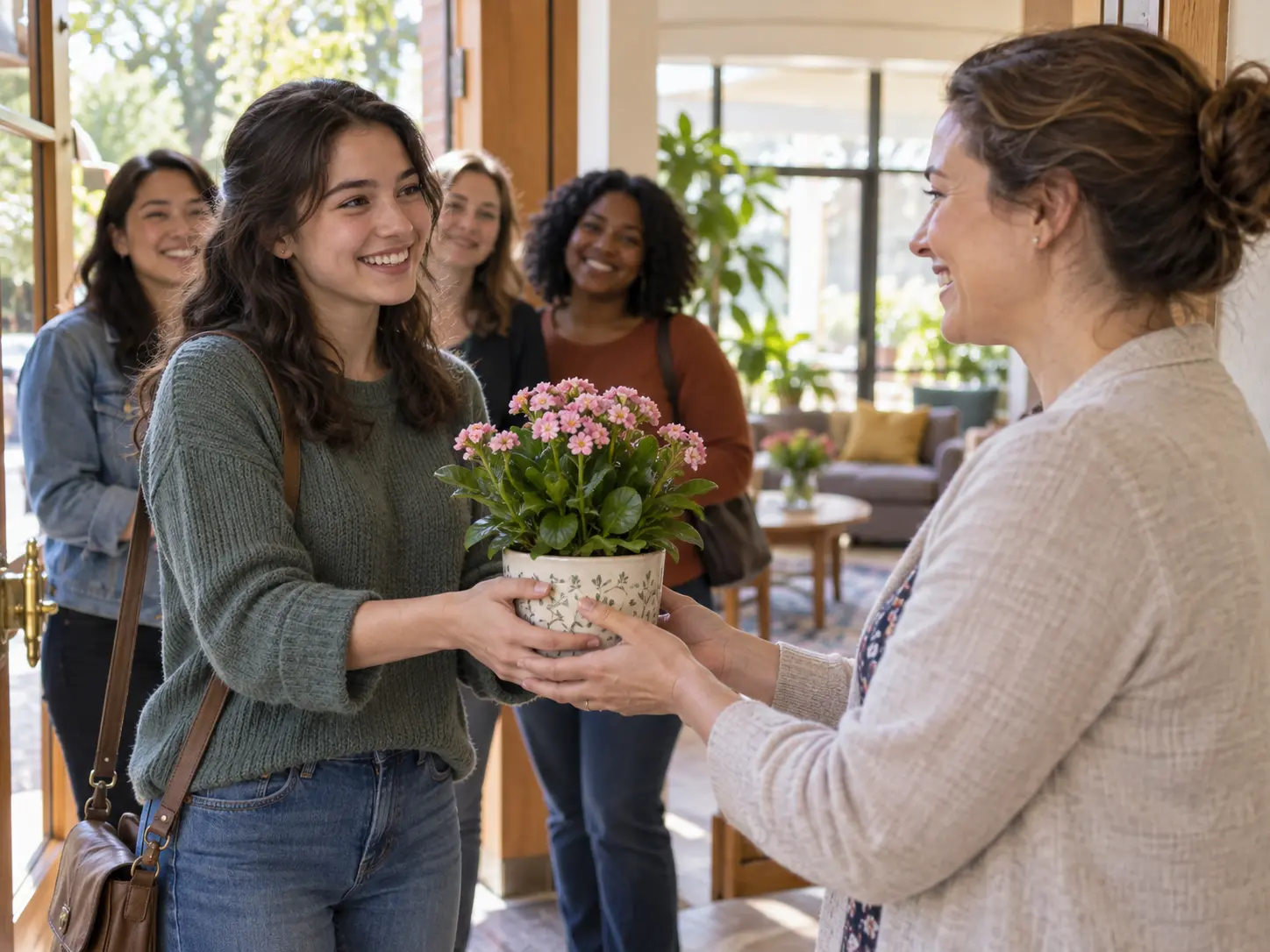
Adult sorority members welcome another student in a sunny campus recruitment scene

Shape A Sorority Recruitment Video

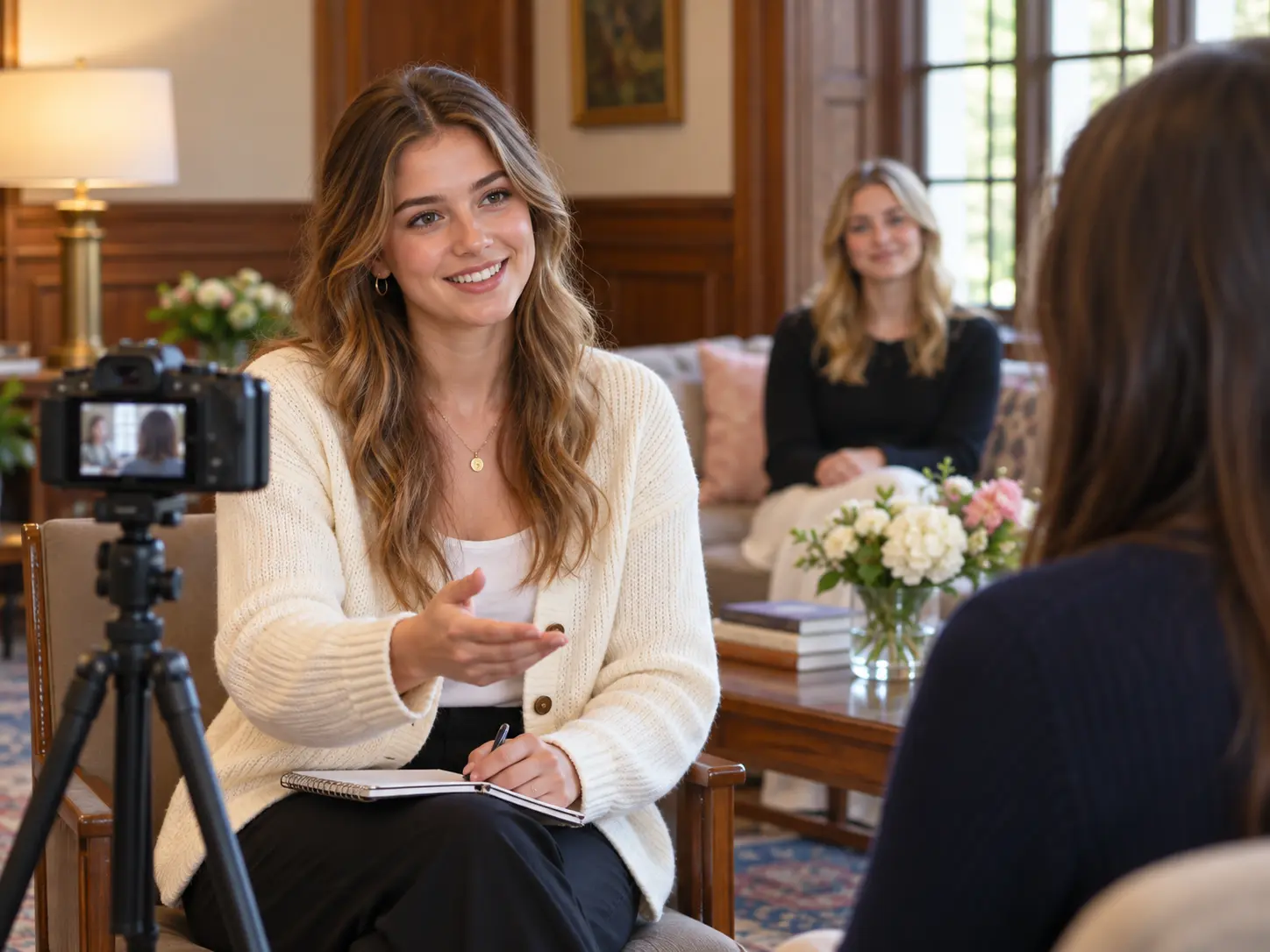
Adult recruitment chair directs a member interview in a bright campus common room

Recruitment Chair

Turn member interviews, sisterhood moments, values, and event details into a clear sorority recruitment video. VideoAI lets you choose the audience, arrange each scene, and keep the message grounded in your chapter's real story.

Make A Sorority Recruitment Video Your Own

Use real references, scene level direction, and text led revisions to shape the result you need.

Adult chapter member delivers a focused interview answer in a recruitment video scene

Plan Each Time Segment

Every member interview, activity, and answer lands in the place you chose, with a clear sequence from opening to closing. In VideoAI, arrange scenes by time segment, assign a reference image to each part, and describe the action, camera, or subject with @.

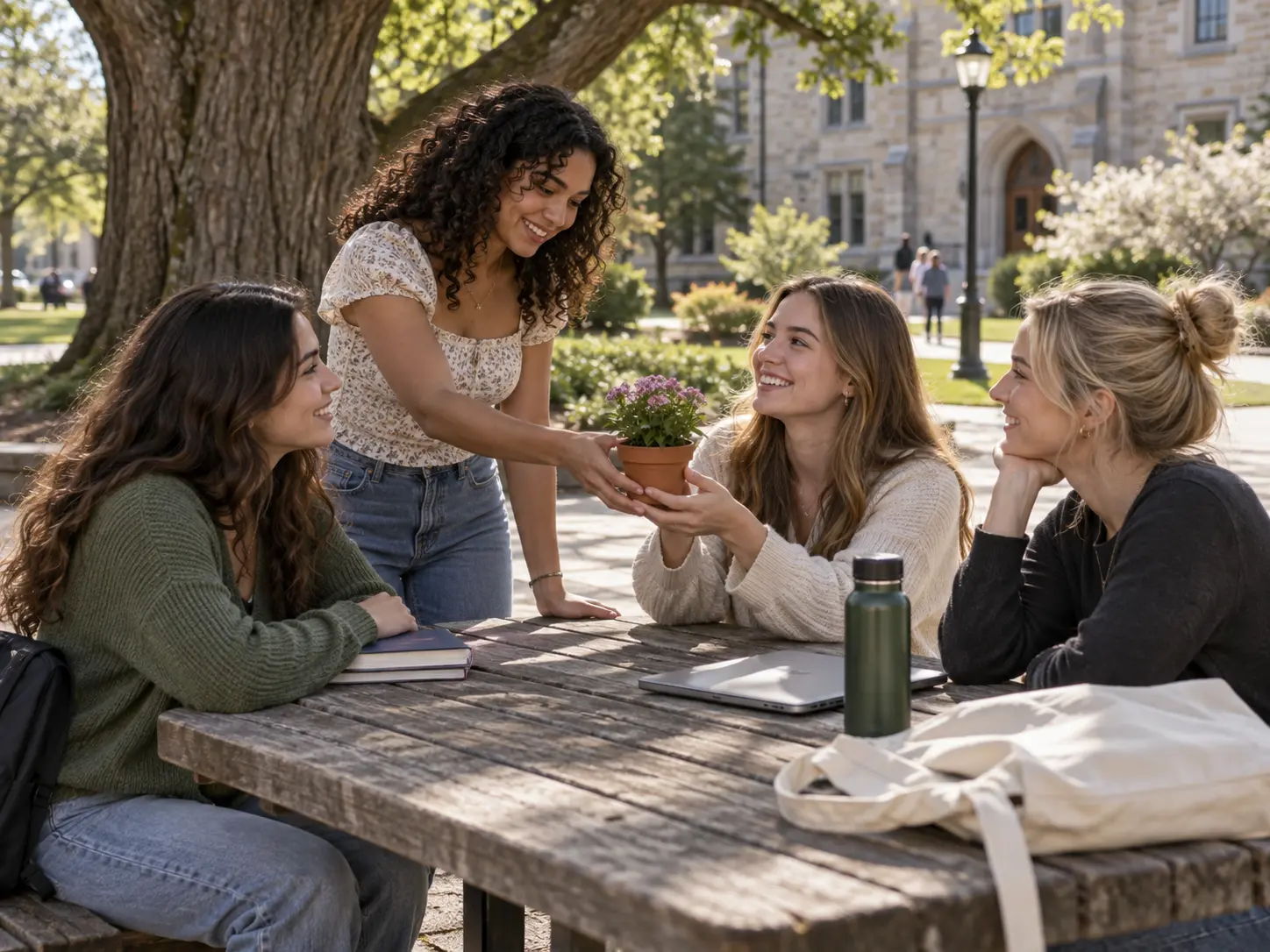
Adult chapter members gather at a familiar campus picnic table in a candid video scene

Combine Your Real References

Member clips, activity photos, personal introduction footage, audio references, and a chapter logo can inform one creative task. VideoAI uses the materials you assign so the sorority recruitment video reflects the people, places, and sounds you selected.

An adult member welcomes a newcomer with a small plant in a recruitment story scene

Draft The Story From One Idea

A clear starting thought can become editable story text before you decide the exact shots. Choose the values, experiences, and activities that matter, then place each one into the timing and scene plan for your sorority recruitment video.

Adult members walk together along a bright campus path in a polished recruitment video closing shot

Download The Finished MP4

The finished result is an MP4 you can download in 16:9, 9:16, 1:1, or 4:5, with output up to 4K. Add short titles, Greek letters, names, dates, voiceover, music direction, and sound cues, then check them before the final download.

Bring Your Sorority Recruitment Video Together

Move from a clear audience and real references to a checked MP4, with each scene directed by you.

Adult recruitment coordinator selects a member photograph beside a camera in the common room

Step 01

Set The Audience And Facts

Choose chapter showcase or PNM introduction first. Name the audience, central message, real member voices, activities, personal experiences, and receiving party requirements you need to cover. Add photos, video, audio, or logo references, then use @ to state each material's purpose.

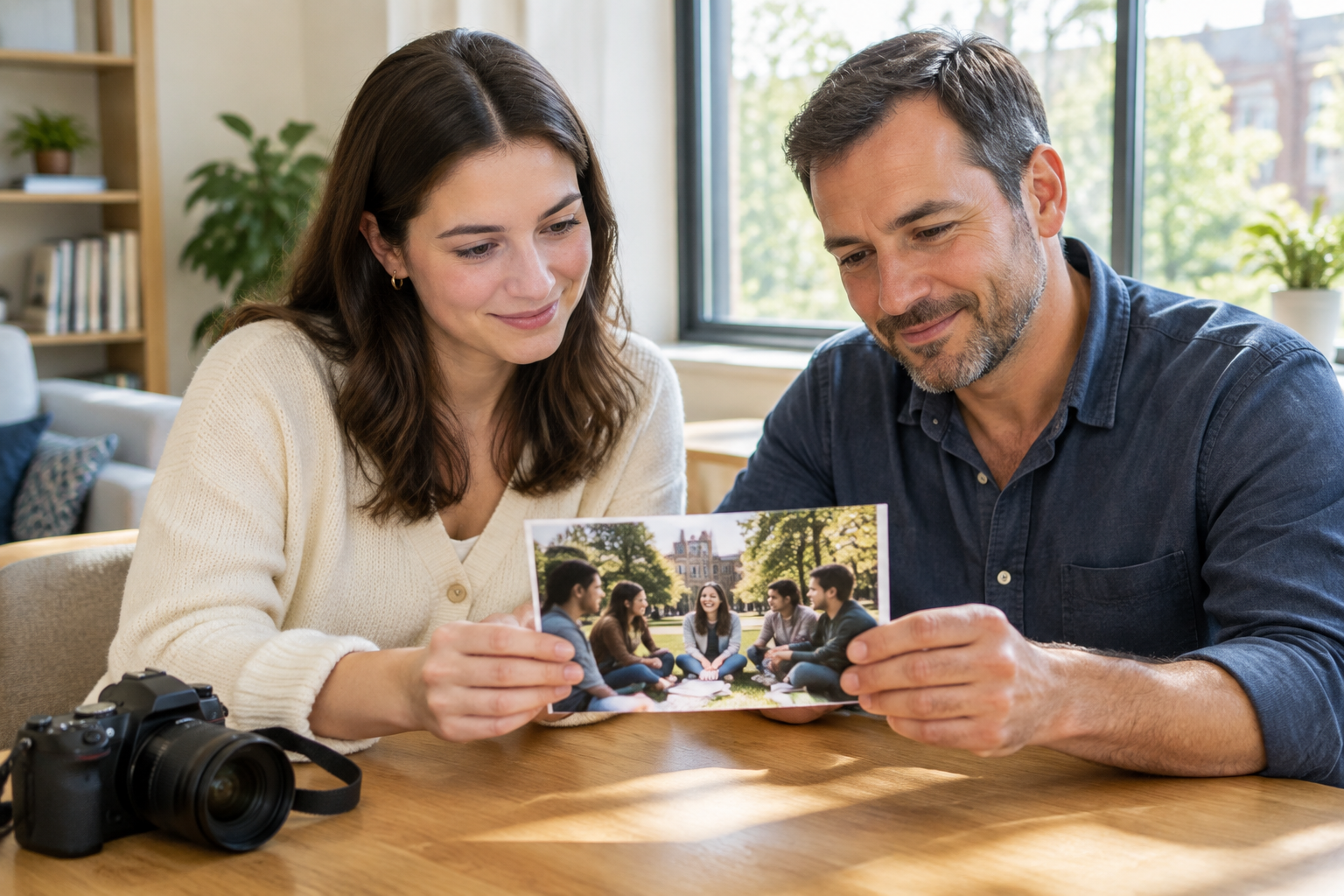
Adult coordinator guides a member interview position beside a campus video camera

Step 02

Direct Each Time Segment

Start with a general template or a blank description, then select the aspect ratio, duration, and visual style. Arrange member interviews, sisterhood, philanthropy, traditions, personal answers, short text, narration, and music direction by time segment before generating the sorority recruitment video.

Adult coordinator and member check a selected recruitment still after recording

Step 03

Review, Revise, And Download

Check Greek letters, names, dates, places, personal answers, and receiving party requirements in the result. Describe any change in a text instruction and generate again, then download the MP4 or continue extending the story when a longer narrative needs more room.

Recruitment Stories With A Clear Purpose

Choose a real situation, direct the scenes around it, and leave with a video your audience can follow.

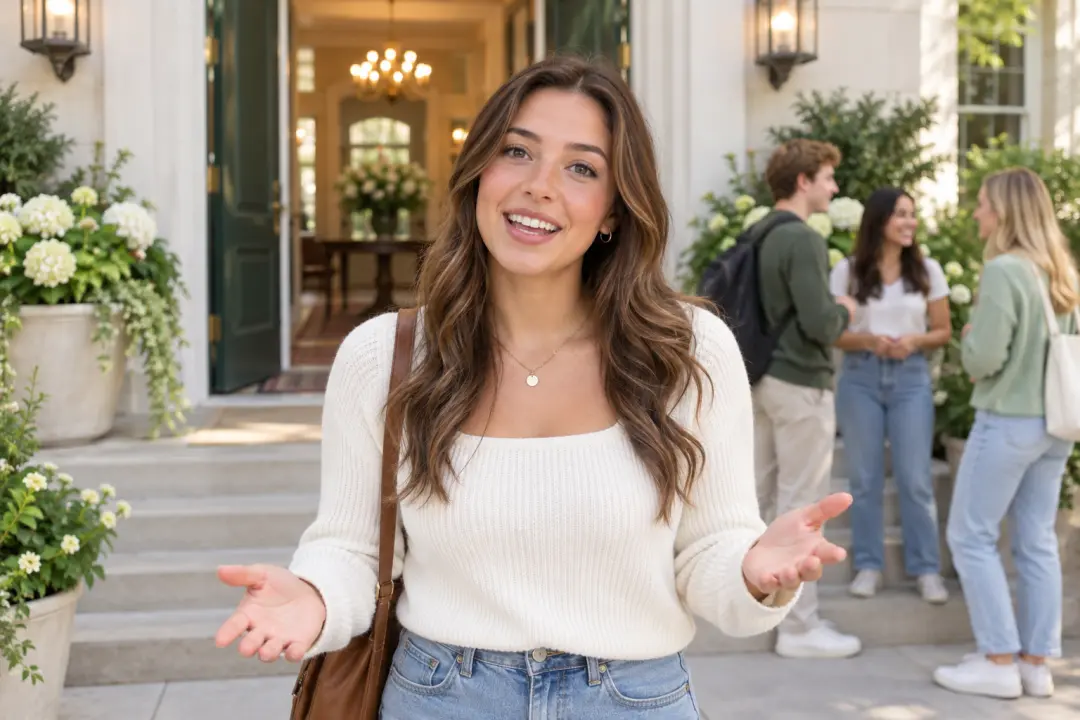
An adult member introduces her chapter at a welcoming campus entrance

Chapter Recruitment Showcase

A chapter needs to introduce its members, sisterhood, values, and welcome atmosphere in one focused story. Arrange interviews, activity footage, and short text by time segment in VideoAI. The finished sorority recruitment video gives viewers a clear sense of the chapter's voice.

Adult sorority members share a relaxed study break in a sunny campus video scene

Sisterhood Day In The Life

A collection of study sessions, events, service, and time together can feel disconnected. Place those moments in the order a day unfolds, add voice direction and music cues, and shape a sorority recruitment video that feels specific to how members spend time together.

Adult chapter members plant seedlings in a community garden service video scene

Philanthropy And Community Work

A service project deserves more than a single line about values. Combine real activity clips, member words, and brief context, then check names and dates before download. The result shows what the chapter does and why the work matters.

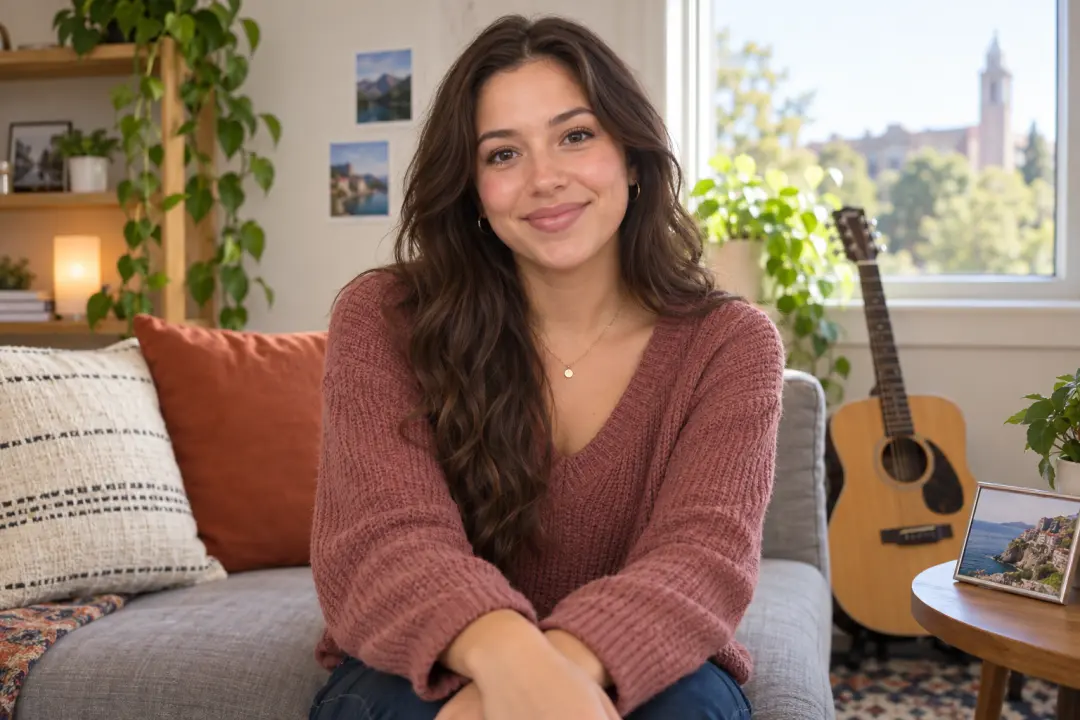
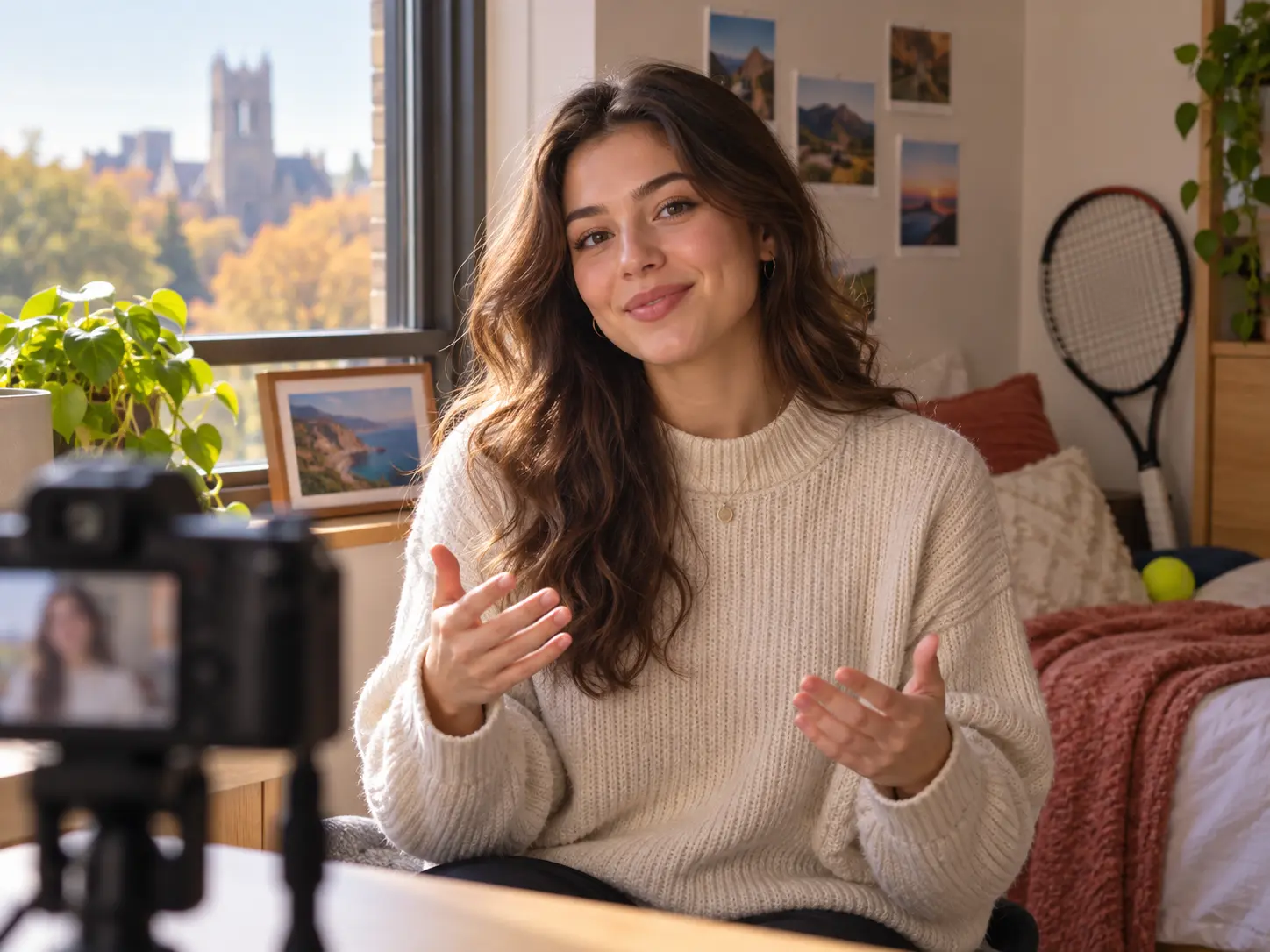
An adult applicant shares a personal recruitment introduction beside a guitar and travel photo

Personal Recruitment Introduction

A PNM has a prompt to answer and experiences that need detail. Start with the required points, expand one idea into editable story text, and assign personal footage, narration, and short titles to each segment. The result keeps the introduction clear and led by the applicant's own content.

Questions Before Your Video

Start with the audience and purpose, then list the real facts, voices, and scenes you want included. Build the plan by time segment in VideoAI, generate a sorority recruitment video, check the result, and download the MP4 after reviewing key details.

Member interviews, sisterhood, values, philanthropy, traditions, campus life, activities, and any needed dates can all have a place. Choose the facts that fit your audience, then arrange them into a sorority recruitment video with a clear order.

Both paths are supported. Choose a chapter showcase when the audience needs a view of member life and values, or choose PNM introduction when the video should organize your own experiences and required answers. VideoAI follows the path and scene plan you select.

Your own photos, video clips, audio references, and logo can guide the generation. Assign each material a purpose with @, then set the scene, voice, music, and text direction for your sorority recruitment video.

Read the receiving party's prompt first and write down every point it requires. Turn your chosen experiences into editable story text, then decide which personal footage, answer, narration, or short title belongs in each segment.

Describe the change in a text instruction, such as a different scene order, visual detail, short title, voice direction, or music mood. Generate the revised sorority recruitment video and review the names, dates, and other key text again.

Each generation can run up to 30 seconds. When the story needs more room, continue extending the video and keep arranging later scenes around the same audience and message.

Short on screen text can include Greek letters, member names, chapter names, and recruitment dates. A sorority recruitment video can carry these details, but you should check spelling, dates, locations, and longer answers before downloading the MP4.
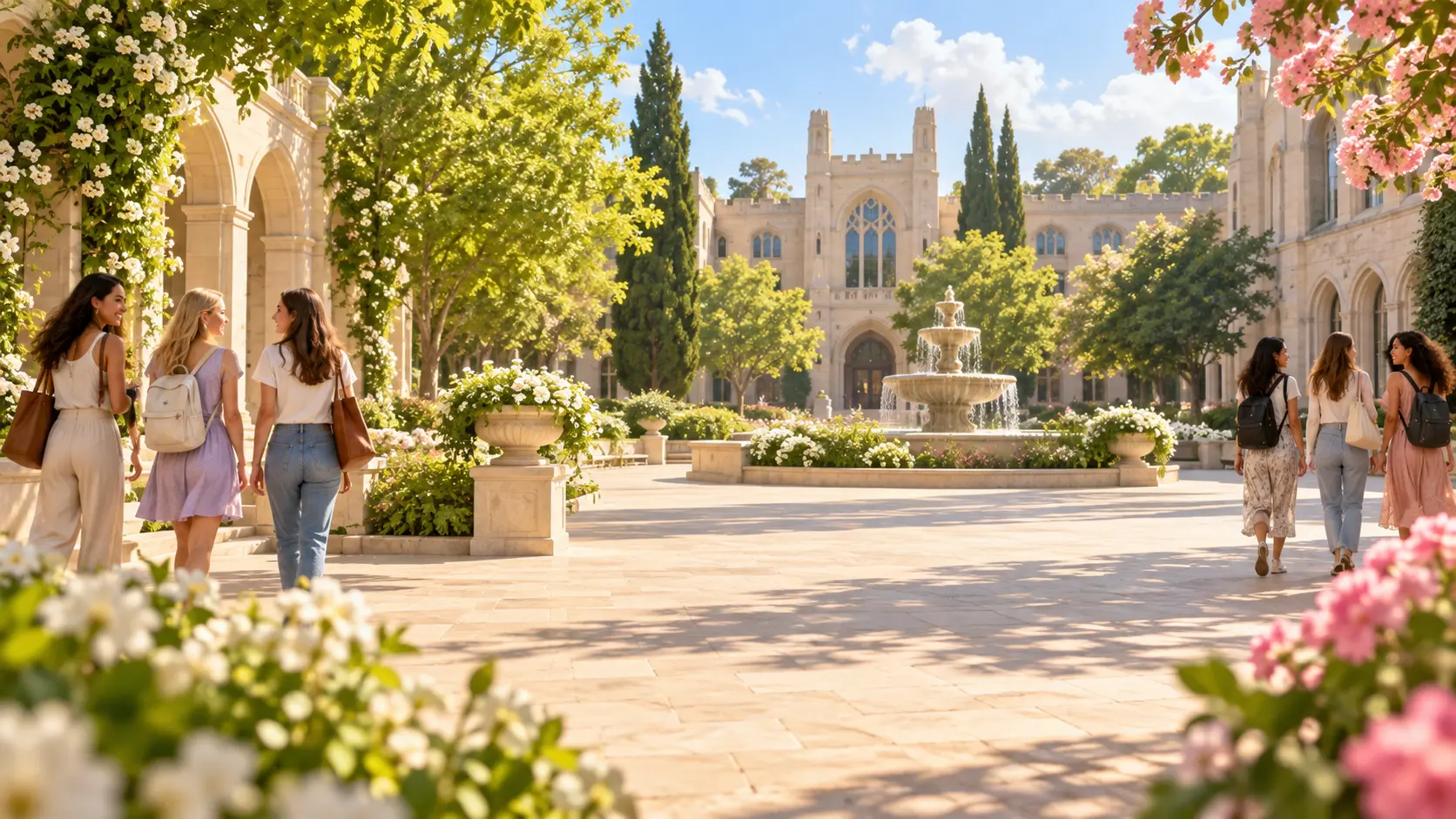
Bright recruitment campus courtyard with adult members near the edges and a calm open center

Create Your Sorority Recruitment Video

Bring your real references and a clear scene plan to VideoAI, then shape and download the next version of your story.

Get Started
Sorority Recruitment Video - Make a Good Video - VideoAI