
Step 01
Describe The Sticker Idea
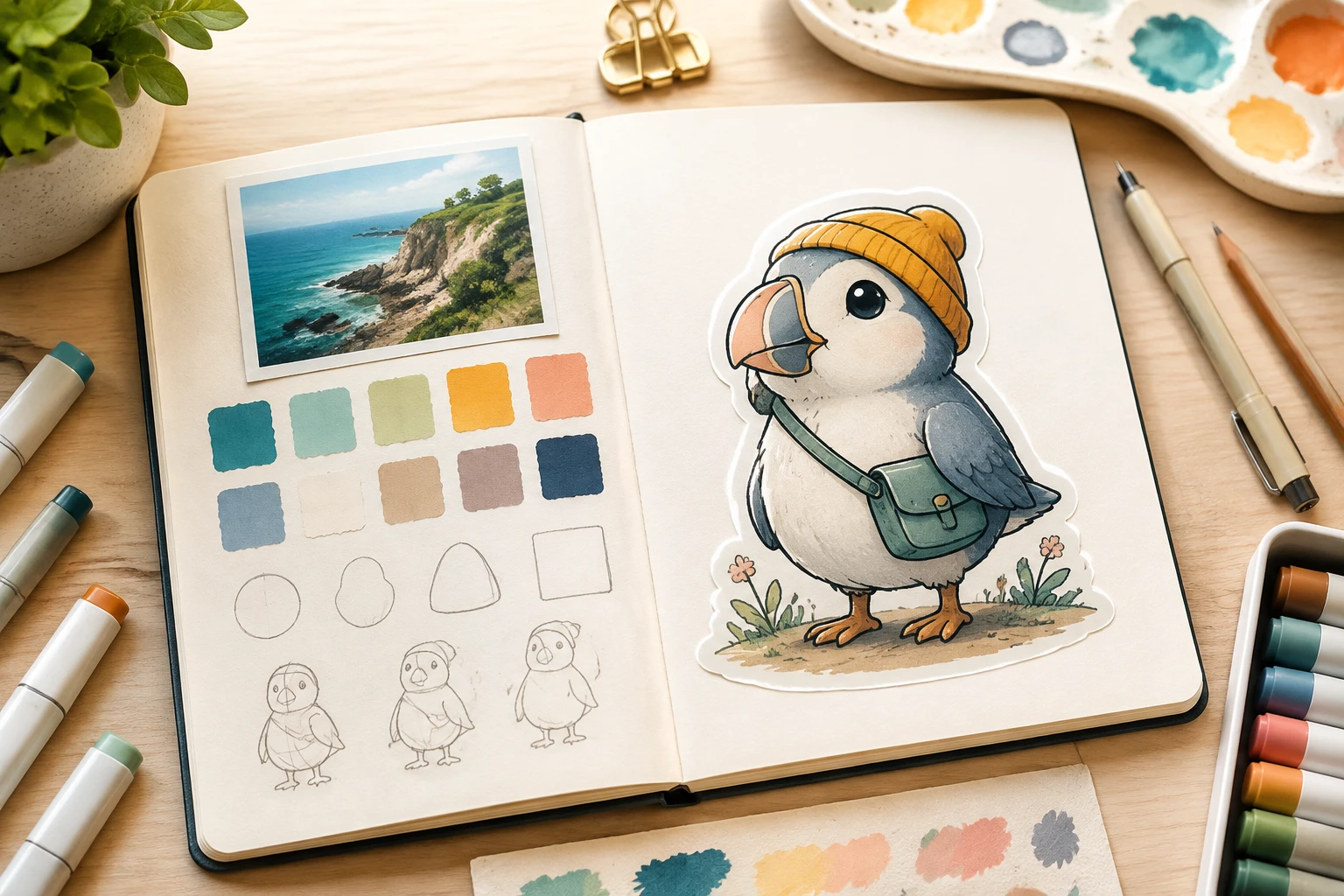
Write the subject, color, style, and intended use in English, or upload a common image file as a reference for style and composition.

VideoAI turns your prompt or reference image into editable sticker designs, so you can choose the look, refine details, and download the result.
Start with a clear idea, choose the visual direction, then use the sticker maker to shape the output before download.
Step 01
Write the subject, color, style, and intended use in English, or upload a common image file as a reference for style and composition.
Step 02
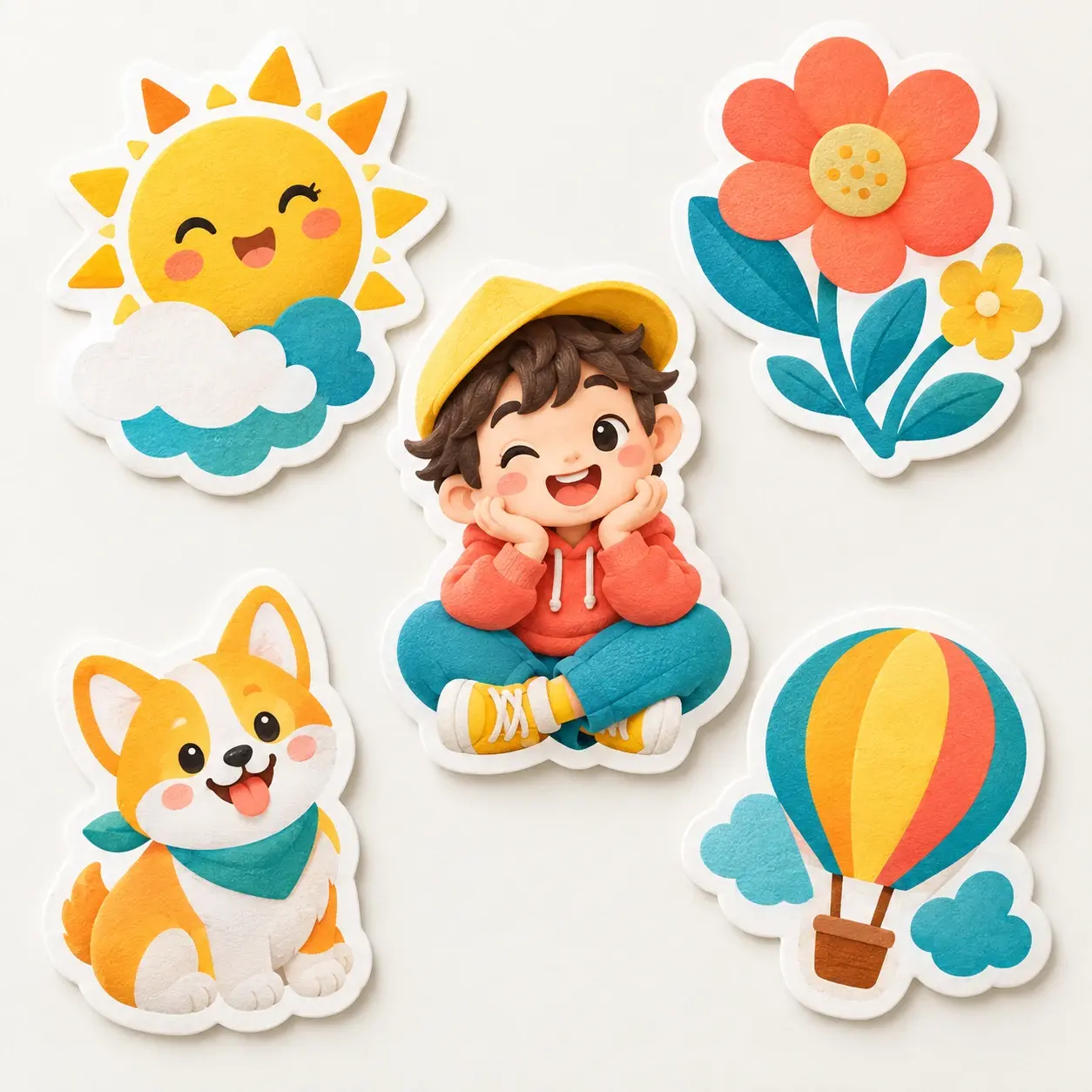
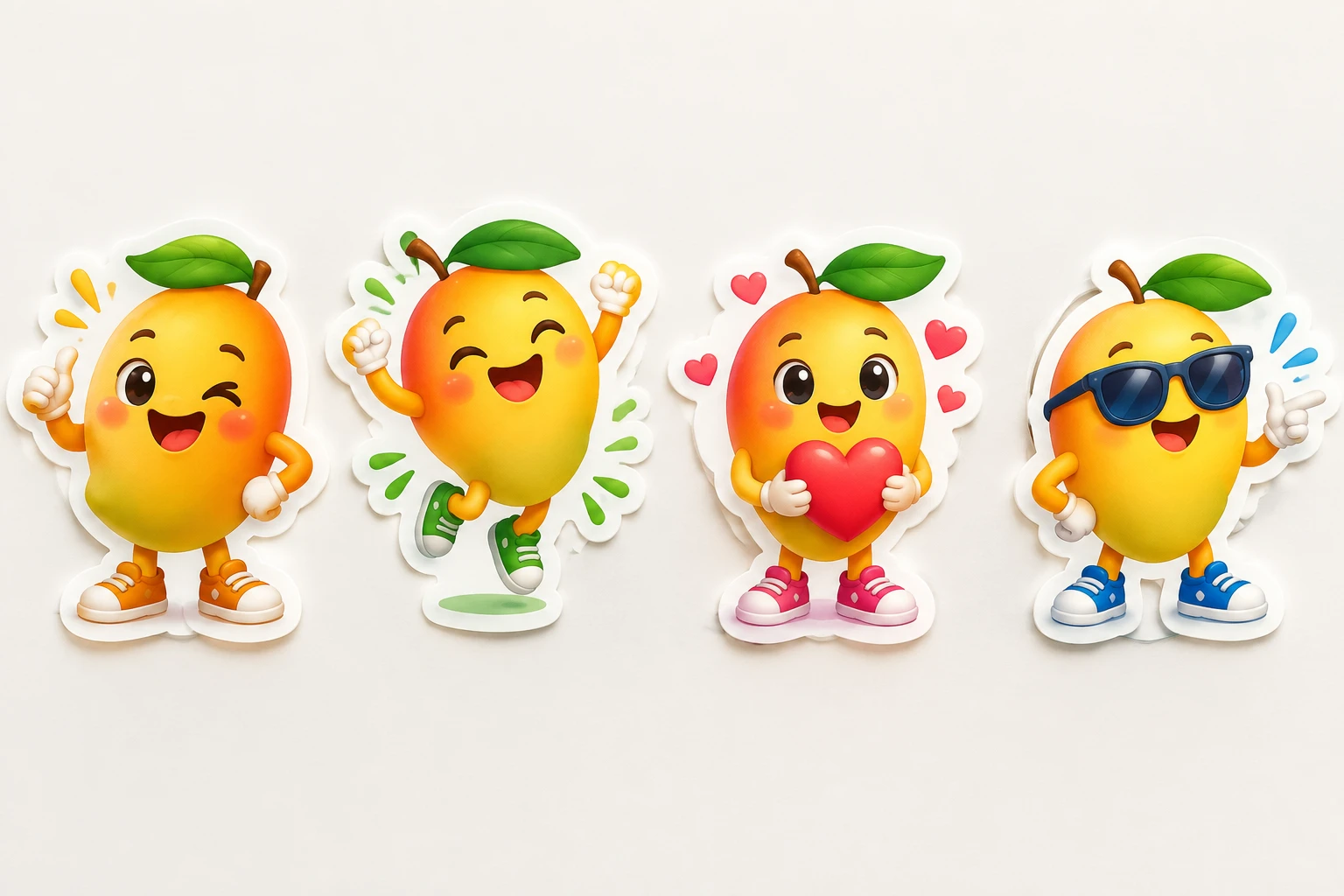
Pick a preset style when you want a starting point, then let VideoAI produce four candidates from the same direction for easier comparison.
Step 03
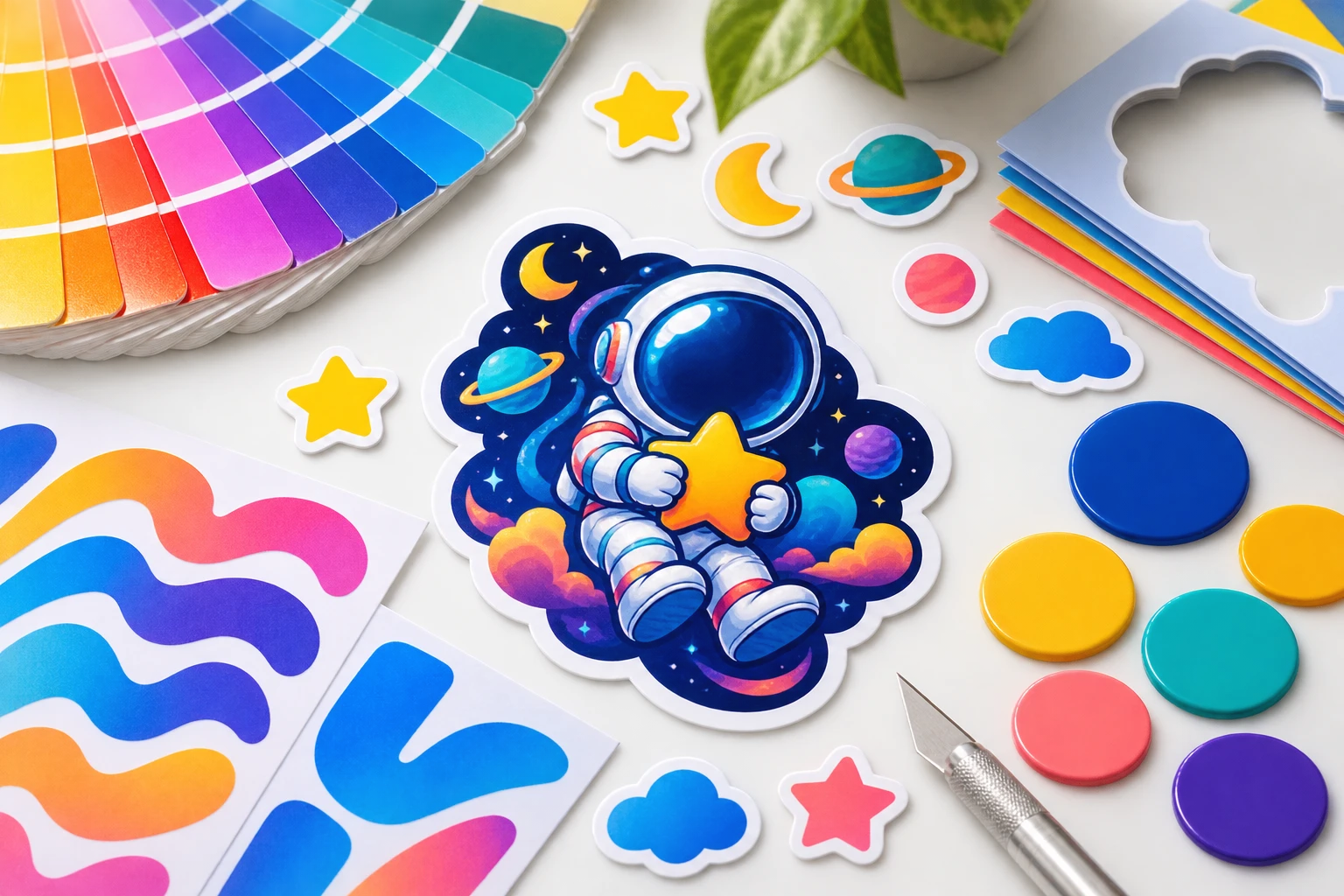
Choose one result, adjust text, fonts, icons, colors, and layout in the visual editor, then download a 4K image or transparent PNG.
Use the sticker maker when a campaign, post, note, or video needs a small visual asset with a clear mood.
Small brands can create a matching set of digital sticker graphics from one reference style, then use the strongest candidate across campaign visuals.
Creators can turn a phrase, expression, or character idea into a reusable visual, then add text in the editor so the message lands clearly.
When you have a theme but no finished art, a preset style helps you make your own sticker direction and export a transparent PNG.
Video makers can generate clean sticker graphics in VideoAI, download transparent PNGs, and place them into later creative projects.

Use the sticker creator to move from a rough visual idea to several editable drafts while keeping control over wording, color, and layout.

Teams can keep a campaign set visually consistent by reusing the same preset style or reference image across multiple sticker candidates.
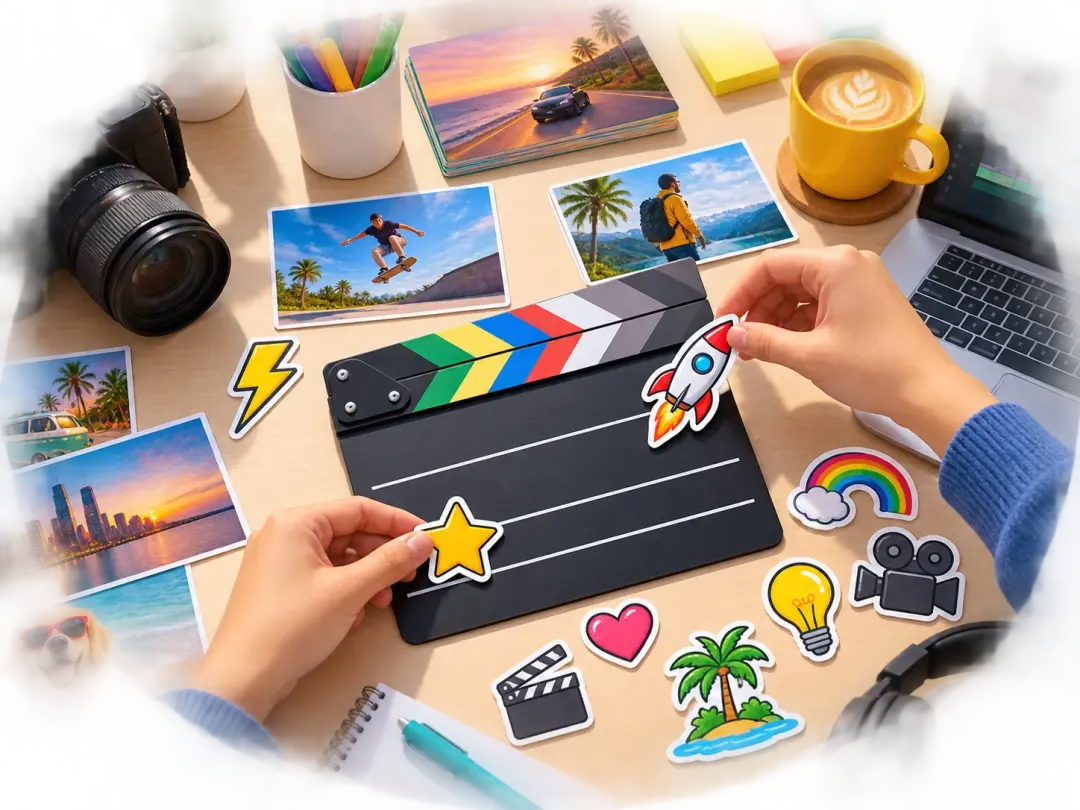
Video creators can prepare transparent sticker elements for intros, labels, and scene accents without building each graphic from scratch.
VideoAI gives you prompt control, reference guidance, editable details, and downloadable outputs in one sticker maker workflow.
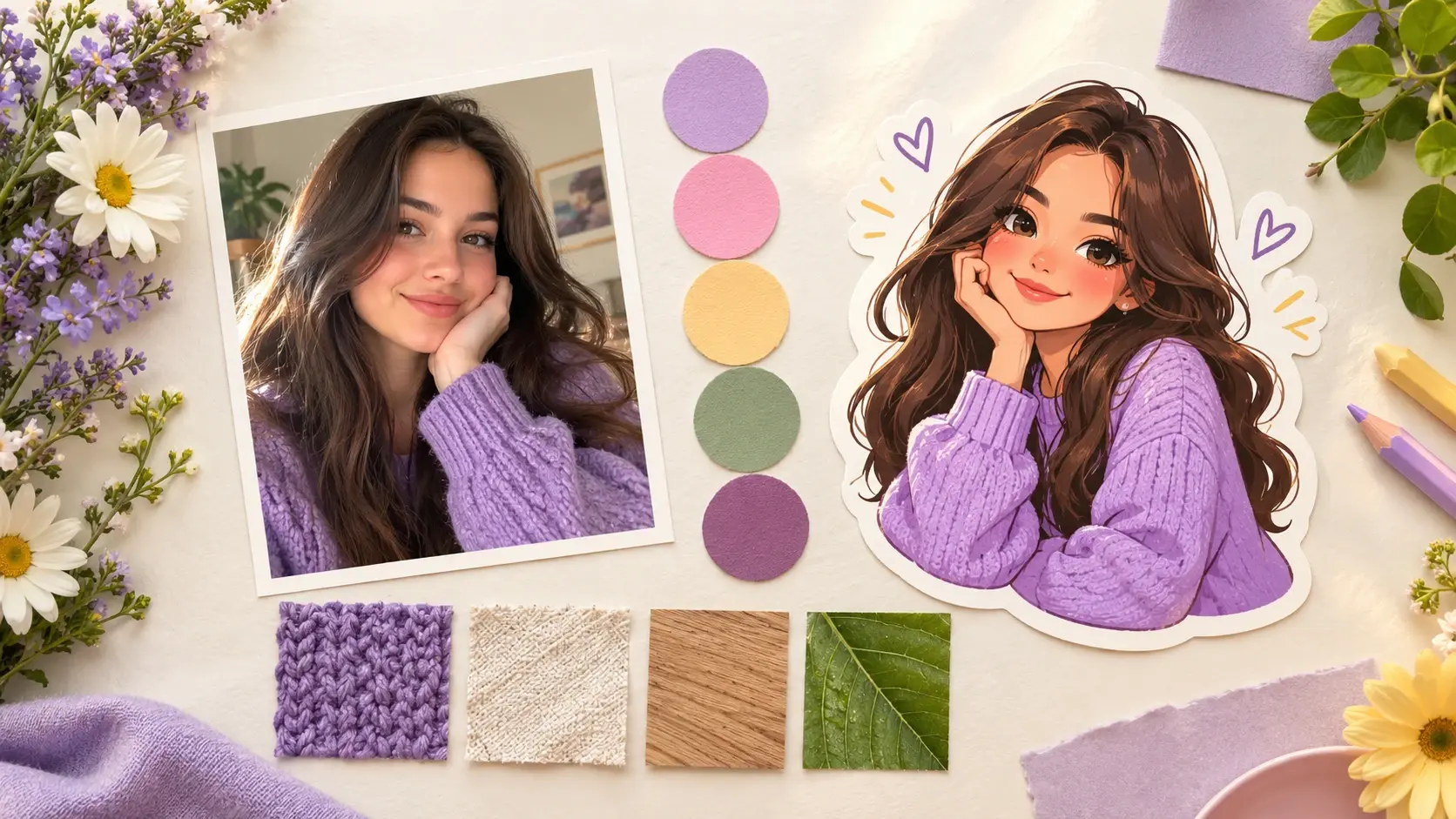
Begin with a written description of the subject, color, and style, or guide the sticker generator with an uploaded reference image.

Sharper subject edges and clean placement come from automatic background removal on the photo path, with transparent PNG export for reuse.
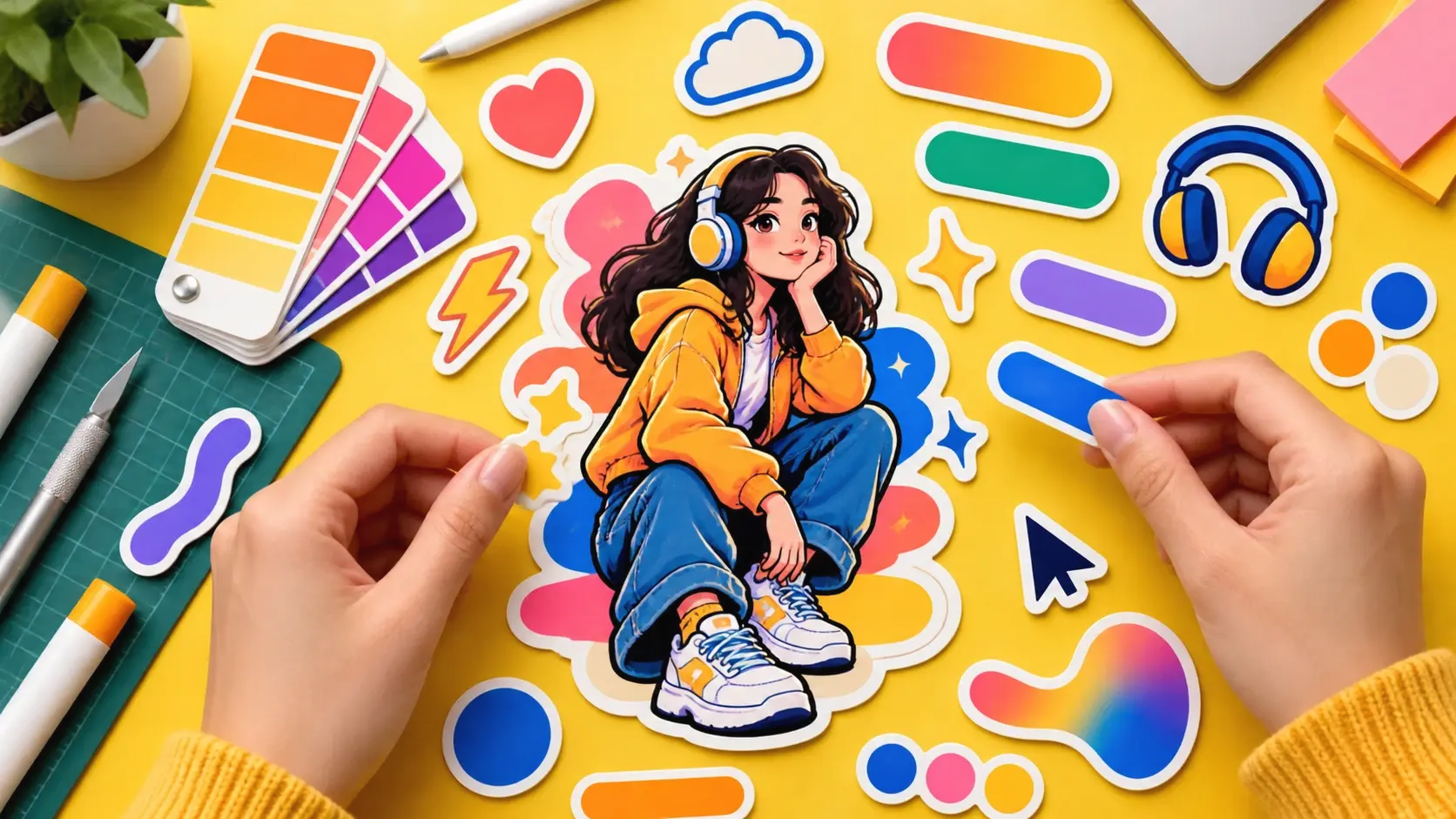
Change text, fonts, icons, colors, and layout after generation, or revise the description when the sticker maker needs a new direction.
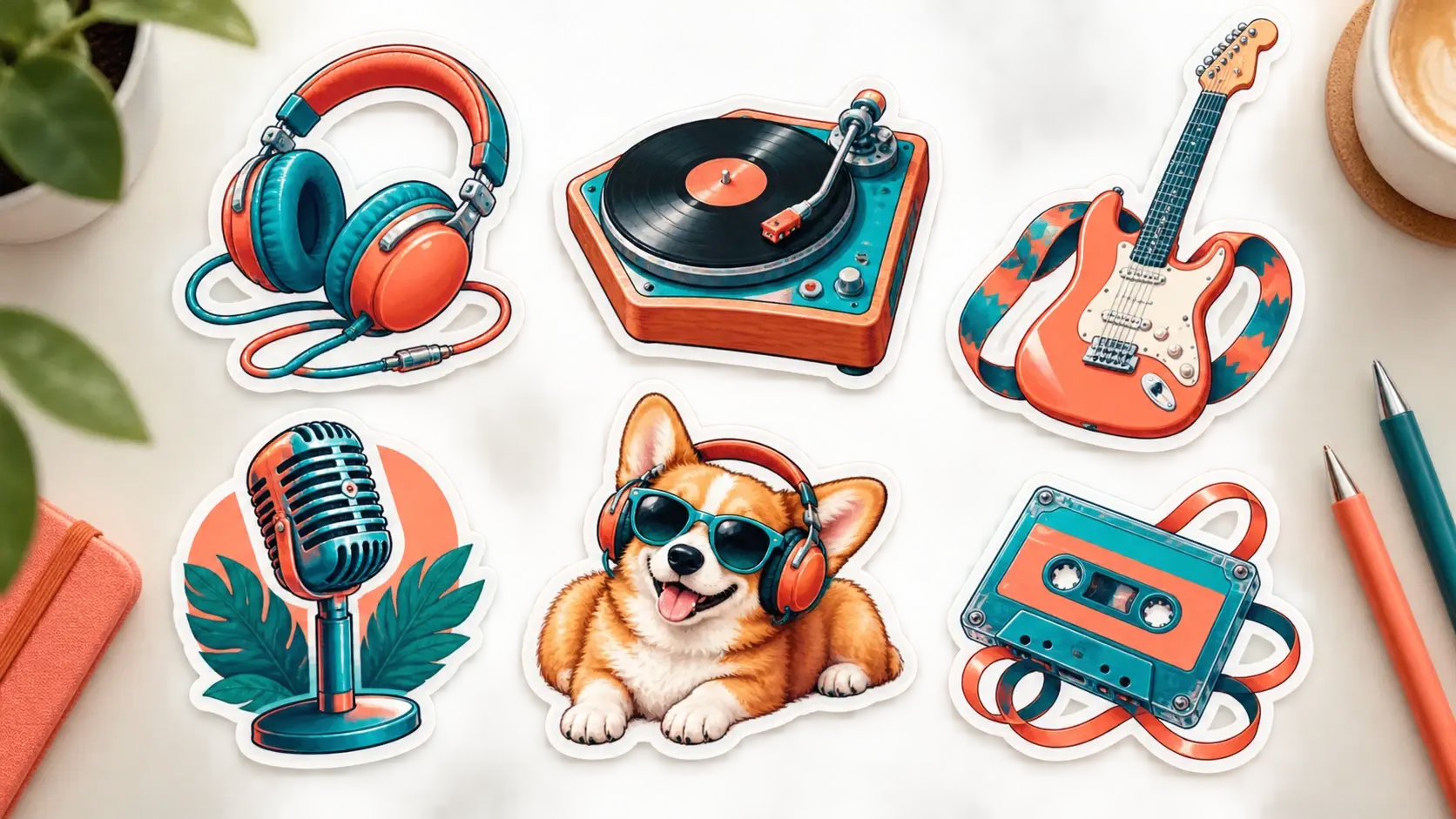
A shared preset style or reference image helps a group of sticker designs keep the same visual tone across multiple candidates.
Start with a prompt or reference image, choose the best candidate, refine the design, and download a clean sticker asset.
Get Started