Symbol Generator

Describe the meaning, shape, and mood you want, and this AI symbol generator creates original emblems, badges, and abstract marks you can compare and refine. Start with a meaning, shape, mood, and optional reference, then use geometry, symmetry, contrast, negative space, and silhouette to keep the direction clear before you generate. The finished result should work for insignias, badges, logos, icons, faction marks, and abstract emblems.

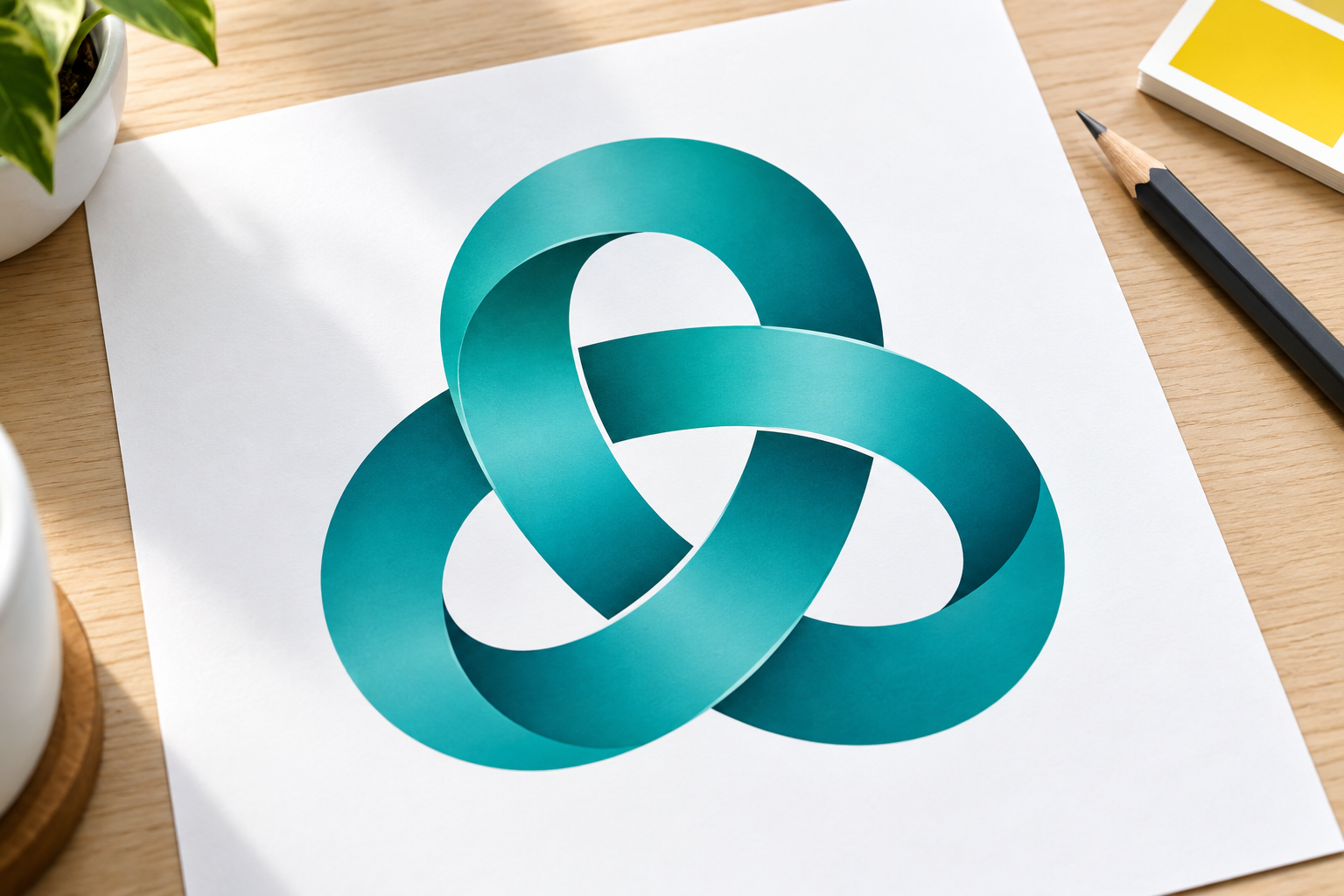
  • Original teal infinity emblem with balanced negative space
  • Bold electrical plug symbol in a circular orange badge
  • Original geometric arrow symbol in coral and charcoal
  • Original fictional shield insignia with a green lightning motif

Build a Symbol Around Meaning

A useful symbol starts with a readable idea. Use the generator to explore shape, contrast, and visual language before you polish a final mark.

Interlocking geometric symbol communicating connection

Describe the Meaning First

Tell the symbol generator what the mark should communicate, such as connection, direction, protection, energy, or curiosity. Add the audience and context so the first concepts have a clear purpose instead of becoming random decoration. Keep the brief focused on one main idea and one supporting detail. Keep output may be a raster image rather than a vector or SVG, and trademark clearance is still required. That check matters before the asset moves into square icon, badge, and horizontal lockup layouts.

High contrast arrow and wheel motif with clean geometric edges

Control Geometry and Contrast

Specify circles, arrows, shields, rays, loops, or angular forms and name the colors that should dominate. A strong logo with arrow or logo wheel needs a silhouette that still reads at small sizes. Ask for high contrast and limited detail when the symbol will become an avatar, badge, or app icon. For control geometry and contrast, describe the meaning first, then refine the strongest symbol direction instead of starting over. Check whether the mark communicates the idea at both icon size and large display size before treating the result as finished.

Original fictional crest with a strong shield silhouette

Explore Emblems and Insignia

The same idea can become a round badge, a crest, a seal, or a standalone icon. Use the insignia generator direction for teams, fictional factions, clubs, and events, then compare which frame gives the symbol the clearest hierarchy. Keep references original and avoid copying protected marks. Test the design as an embroidered patch, a sign, a profile icon, and a one-color print before choosing the final frame.

Refined simple symbol with balanced spacing and negative space

Refine the Strongest Direction

Generate several options, choose the clearest silhouette, and revise the prompt to simplify crowded details or adjust the palette. You can use the output as a concept for a designer, social profile image, presentation, or further editing in the workspace. Keep a record of the selected prompt, reference notes, and final file so the mark can be explained or revised later. Test the symbol at small and large sizes before sharing it.

How the Symbol Generator Works

Move from a short visual brief to a symbol concept you can evaluate at a glance.

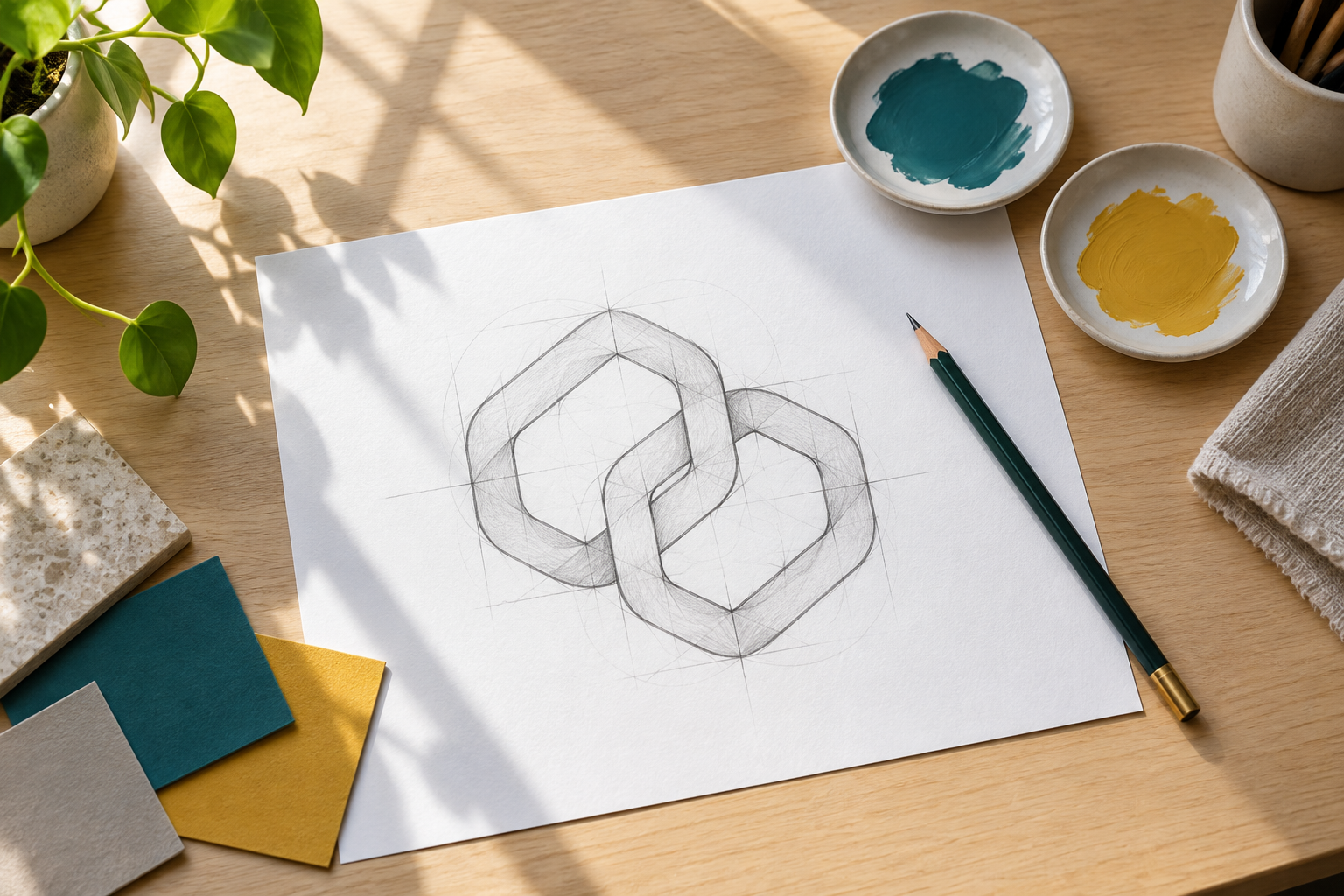
Geometric emblem sketch and color samples on a design desk

Step 01

Write the Symbol Brief

Name the meaning, central shape, colors, mood, and intended use. Mention whether you need a badge, crest, abstract icon, or fictional mark, and keep the main subject singular so the composition stays focused.

Freshly rendered teal geometric emblem printed for review

Step 02

Generate Several Directions

Let the AI symbol generator interpret the brief in multiple ways. Compare silhouette, balance, contrast, and whether the mark still reads when it is viewed as a small thumbnail.
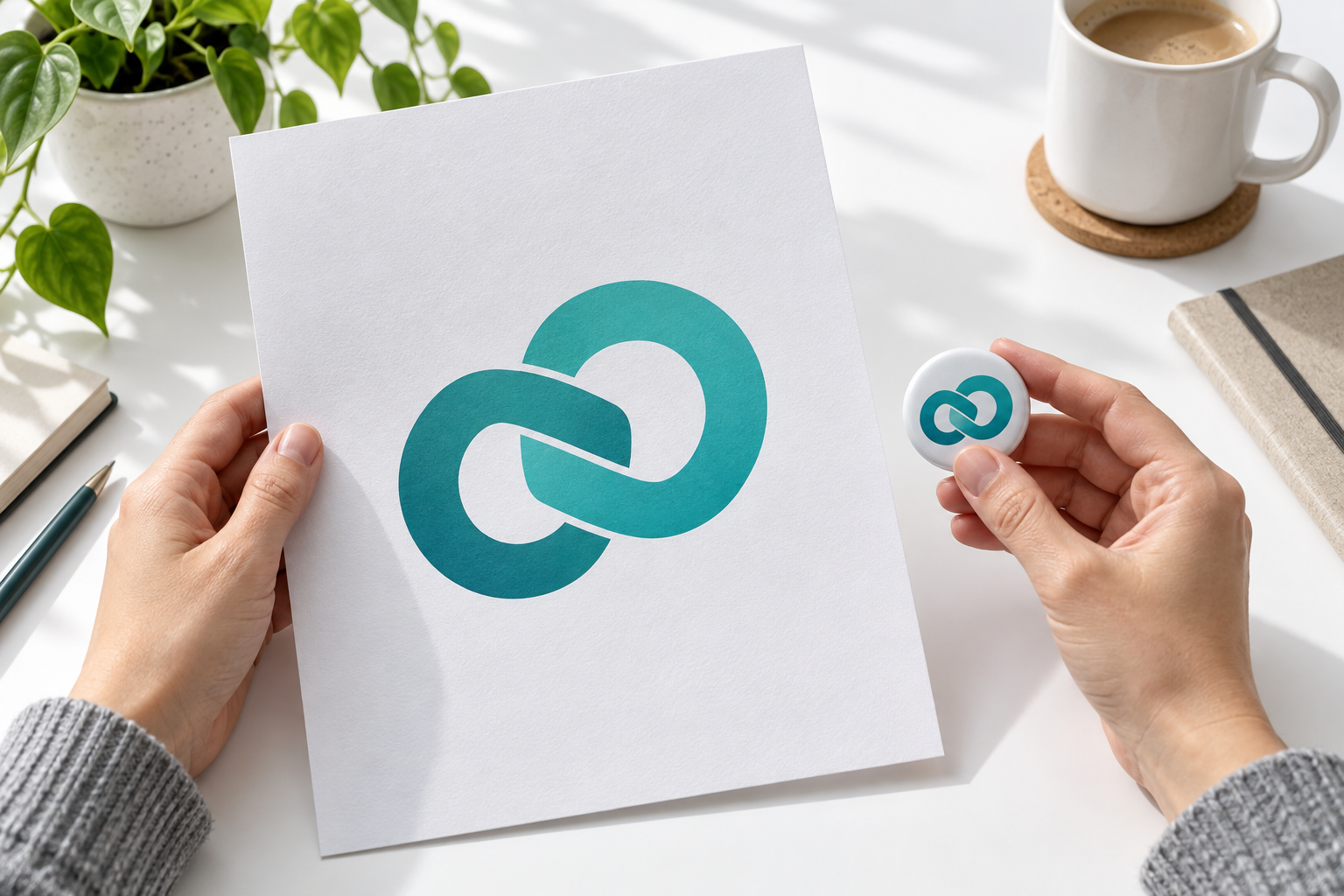
Designer inspecting a clean symbol print and its small badge version

Step 03

Choose and Refine

Pick the strongest direction, simplify any distracting details, and run another variation when needed. Download the finished raster image for a concept deck, social profile, event, game, or later vector redraw.

Symbol Generator Use Cases

Explore original visual identities for creative projects, communities, and fictional worlds.
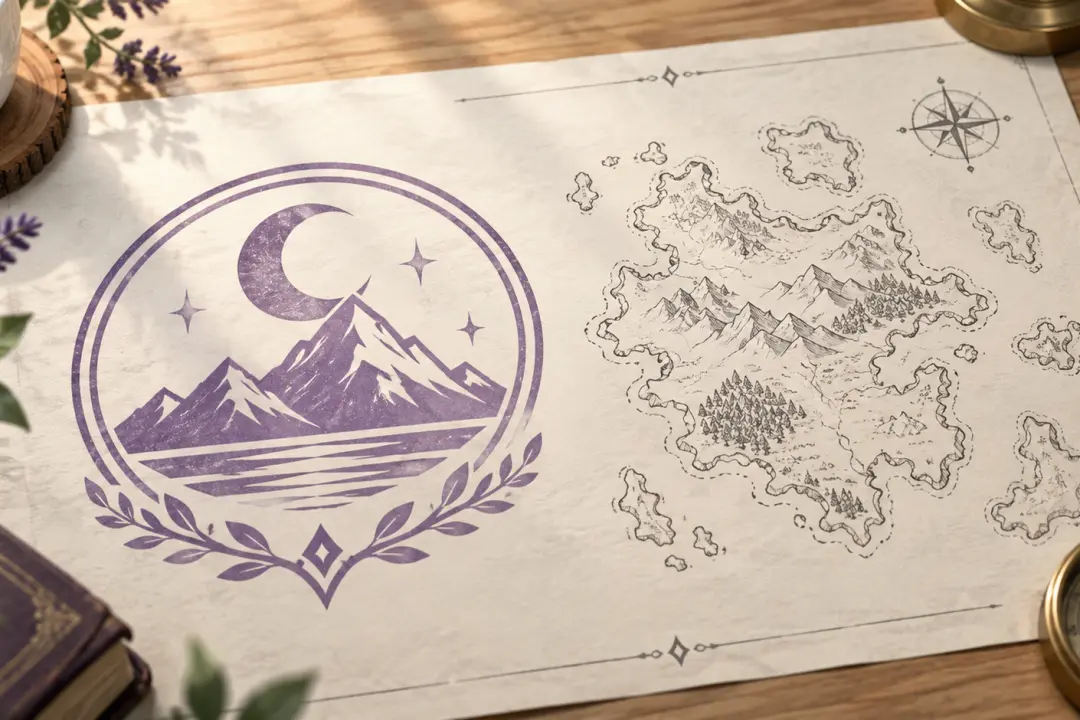
Original fictional faction seal printed on a worldbuilding sheet

Fictional Worlds

Create an original faction seal or superhero symbol for a story, game, or character sheet. Describe its values and a simple motif; avoid copying existing emblems.
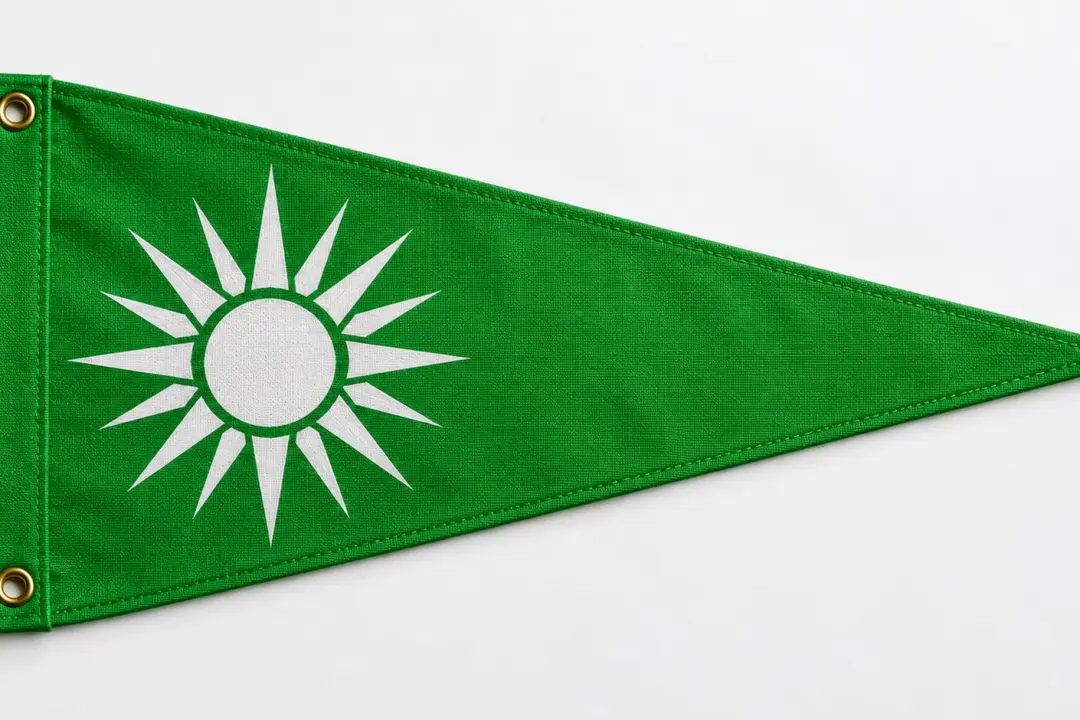
Custom team insignia on a bright green fabric pennant

Teams and Clubs

Design a badge for a club, event, or creator community. Keep its silhouette and contrast clear for banners, shirts, and small profile images.
Original abstract infinity mark on a project identity card

Brand Concepts

Explore an infinity logo brand direction, logo wheel, or abstract mark. Compare concepts before refining a complete visual identity.
Simple paper airplane icon with a clear silhouette

Product Icons

Try a plug logo, paper airplane logo, or question logo for a product concept. Use simple shapes that remain recognizable at small sizes.

Common Questions About the Symbol Generator

You can create original abstract marks, emblems, badges, crests, insignia, faction symbols, and simple icon concepts. Describe the meaning, geometry, palette, and intended use so the result has a clear visual direction. This matters for teams, game creators, event organizers, brands, and personal projects, especially when the result will appear in insignias, badges, logos, icons, faction marks, and abstract emblems. Use the symbol generator for original marks, then check meaning, silhouette, and contrast at icon size.

Yes. The AI symbol generator turns a written brief into image concepts. You can compare several interpretations, revise the wording, and generate another direction when the first result is not close enough. Keep the decision practical: describe the meaning first, then refine the strongest symbol direction instead of starting over. The result is a visual concept, so check uniqueness and refine the strongest direction rather than treating the first render as final.

Yes. Use those phrases as a starting point, then add the shape language, colors, and context you want. For example, ask for a simple infinity logo brand mark or a high-contrast plug logo emblem with no text. In practice, describe the meaning first, then refine the strongest symbol direction instead of starting over. Review whether the mark communicates the idea at both icon size and large display size before relying on the result.

It can create original insignia and fictional faction concepts. Avoid asking it to reproduce an official, protected, or extremist emblem. Treat the result as a design concept and review it before public use. Review the result on more than one screen size when possible, and check the details that matter most on the final platform. Keep faction names, symbols, and visual references original, then check the concept for accidental similarity before publishing it.

The generator returns raster image concepts, including high-definition output. It does not replace a final vector redraw when you need infinitely scalable artwork or production-ready logo paths. For this workflow, square icon, badge, and horizontal lockup layouts. The final choice should also fit square icon, badge, and horizontal lockup layouts. If you need an SVG, redraw the selected concept with clean paths, consistent corners, and editable text in vector software.

You can use generated results in commercial projects under the platform’s applicable usage terms. Check the mark for accidental similarity to existing trademarks and obtain a professional identity review before registering or launching a brand. Start with a meaning, shape, mood, and optional reference, then compare the output with that source. check uniqueness, trademark risk, and usage rights before commercial adoption. Before commercial adoption, review a symbol generator result for similarity, trademark risk, and usage terms.

You can start with the platform’s available free credits to test the workflow. Sign in to generate and keep results in your workspace; continued use follows the current plan and credit terms. This matters for teams, game creators, event organizers, brands, and personal projects, especially when the result will appear in insignias, badges, logos, icons, faction marks, and abstract emblems. The symbol generator may offer free test credits, but current plan limits and export costs still apply.
Bright design studio tabletop with a finished original symbol print

Turn an Idea Into a Clear Symbol

Describe the meaning and shape you have in mind, compare original directions, and refine the mark that fits.

Get Started
Symbol Generator - Create Custom Symbols | VideoAI