




Recurring Title Sequences

Tv Show Intro Maker

Arrange your show's titles, people, scenes, Logo, and sound by time, then shape the result in VideoAI and download a 4K MP4 opening.

Recurring TV show opening with episode title, cast, Logo, scenes, and music direction

Make Episodes With tv show intro maker

Showrunner planning a recurring title sequence with episode names and scene references

Independent Show Creators

A showrunner can turn a series concept into a repeatable opening, placing the program name, episode title, character focus, and scene direction where each beat should land. VideoAI keeps the creative decision with the person shaping the show.

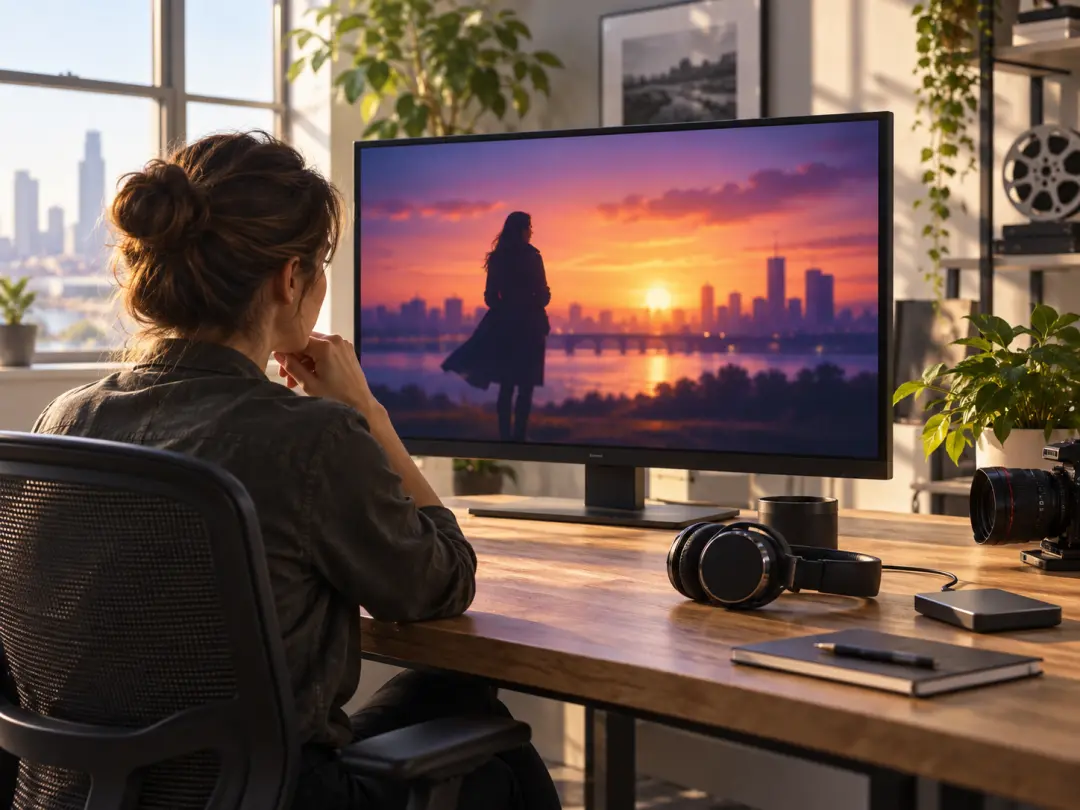
Video editor reviewing an independent 4K MP4 opening for a larger program edit

Video Editors

For an editor preparing a larger program, an independent opening arrives as a focused 4K MP4 sequence with its own visual and sound direction. Place that result into your surrounding edit while keeping the main program workflow intact.

Web series team shaping recurring episode openings with visual and sound references

Web Series Teams

When episodes change subject or mood, the team can reuse a visual direction, reference material, and sound plan, then adjust the next version with text. The result gives an episodic channel a recurring opening that can adapt from one episode to the next.

Control Your tv show intro maker

Decide what viewers see, when each beat arrives, and which references shape the scene.

Timed TV opening with episode title and character scenes across planned title beats

Timed Title Sequence

A title sequence follows your chosen time segments. Describe the image, action, and title for each part, attach a reference image when useful, and let VideoAI generate the opening around the order you set.

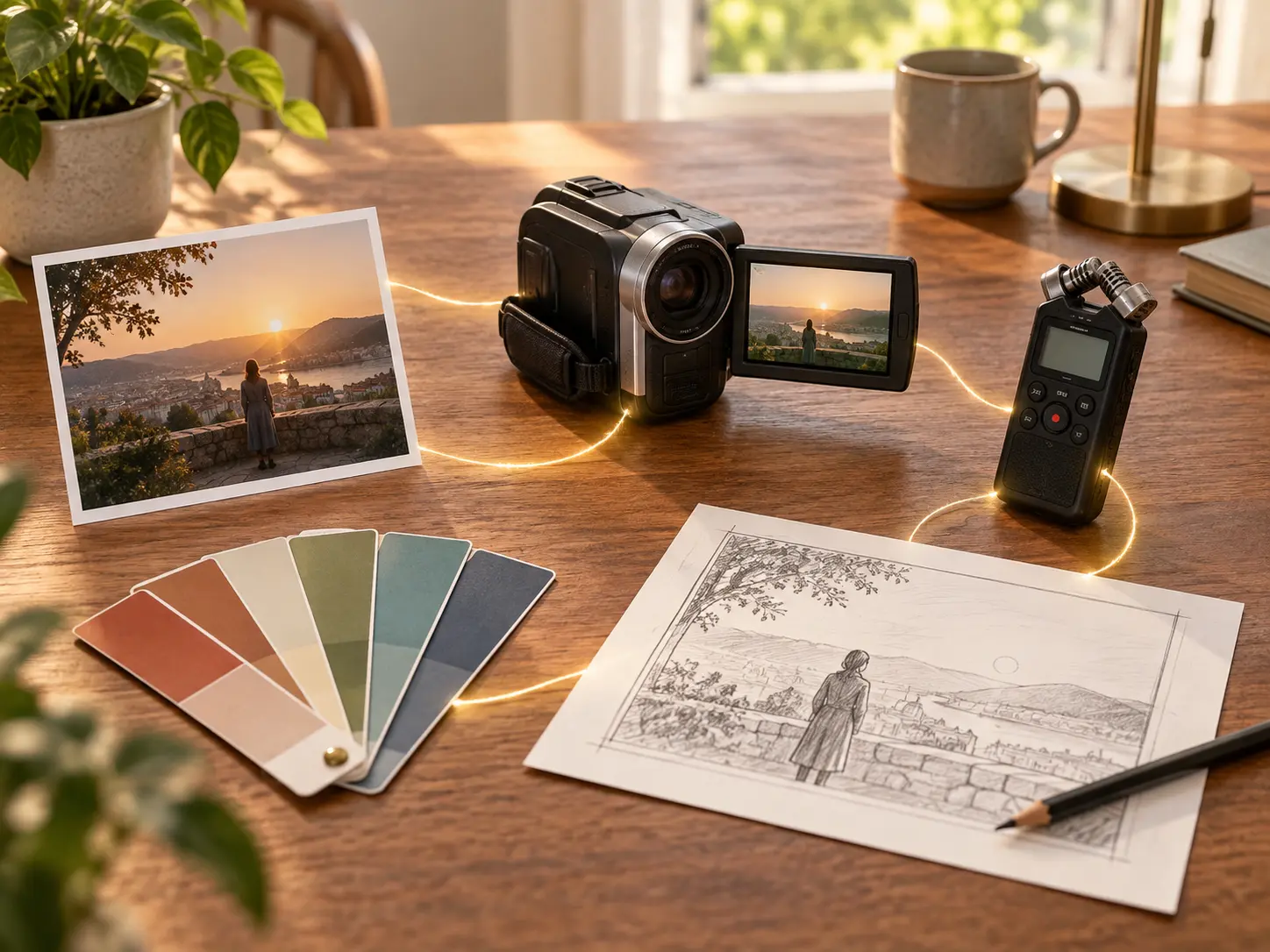
Text, image, video, and audio references assigned to a TV opening sequence

Multimodal Show References

Bring text, images, video, and audio into one brief, then use @ to assign each item as a first frame, subject, scene, camera reference, music cue, or another clear role. This gives the tv intro maker a grounded visual and sound direction.

Program name, episode title, and uploaded Logo appearing within generated scenes

Show Titles And Logo

Program names, episode titles, character names, short lines, and an uploaded Logo can appear with the generated scenes when you call them out in the prompt. Use this route when the opening must identify the show while keeping the words tied to the picture.

Voiceover, background music, and sound effects directed for a show opening

Voice Music And Sound

Describe the voiceover, preferred voice reference, background music, uploaded or specified BGM, sound effect style, and musical timing alongside the visuals. The generated opening carries one directed audio mood from the first scene to the last.

Shape Openings With tv show intro maker

Move from a show idea to a reusable opening, with each creative choice made in order.

Show concept, intro template, uploaded media, and Logo gathered for a title sequence

Step 01

Bring The Show Direction

Write the program concept, opening script, or title sequence direction. Start from a preset intro template or a blank description, then add your images, videos, audio, and Logo references. You can add up to 3 videos and 3 audio files, with 12 total assets and videos up to 50MB each.
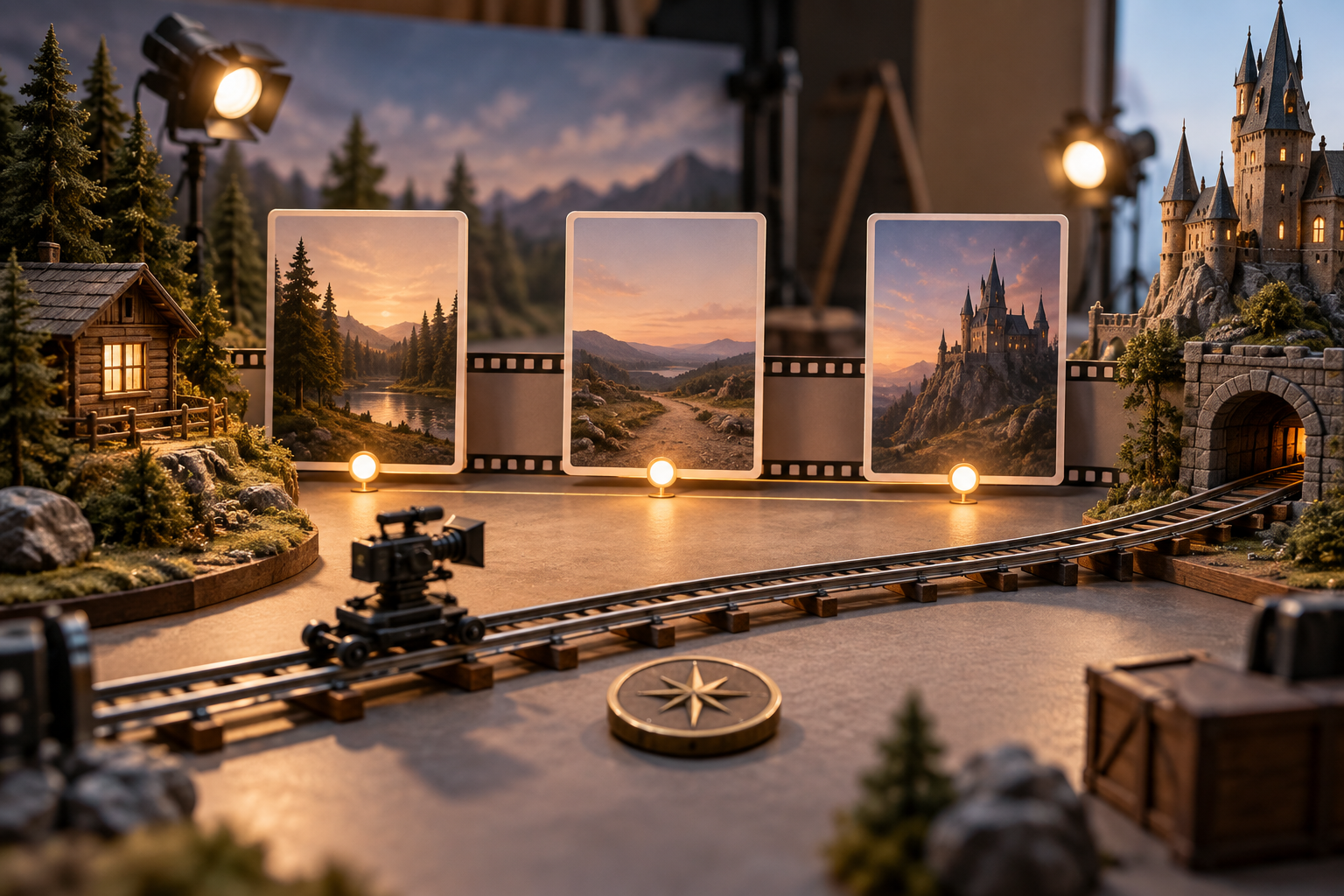
16:9 title sequence with timed scenes, episode text, Logo, and sound cues

Step 02

Assign Each Beat

Choose the duration, 16:9 frame, and visual style, then describe each time segment with its image, action, program name, episode title, people, scenes, Logo, voice, music, or sound effect direction. Use @ to tell VideoAI what each uploaded reference is for.

Preview of an independent 4K MP4 opening ready for a full program edit

Step 03

Preview And Refine

Generate the opening, review the preview, and write a focused instruction for the part you want to change. When the direction is ready, download the independent 4K MP4 and place it in your full program edit.

Shape Stories With tv show intro maker

Give each recurring format its own opening structure, references, and episode level direction.

Finished episodic TV show intro with a recurring title sequence and changing episode mood

Tv Show Intro

A scripted web series needs a recognizable opening while each episode keeps its own title and mood. Use a timed sequence with recurring references and episode specific text, then export a standalone result that can lead the next story.

Interview series opening with host and guest imagery, program title, and consistent visual rhythm

Interview Series

A host and guest change from episode to episode, while the program name, music direction, and visual rhythm need a shared identity. Build the recurring structure from reference media and sound cues, then adjust the guest or topic for each new version.

Documentary chapter opening with a location, archival imagery, title, and measured sound direction

Documentary Chapters

A documentary chapter opens with a place, archival image, title, and sound direction that establish its subject quickly. Combine those references in VideoAI and arrange their arrival by time when the series needs a new chapter tone.

Energetic entertainment segment opening with show identity, quick motion, and a sound cue

Entertainment Segments

A comedy or entertainment segment benefits from a clear show name, quick movement, and a recognizable sound cue. Start with a template or your own concept, then shape a focused opening so each recurring segment begins with its own identity.

FAQ

Get More From tv show intro maker

Start with a show concept, opening script, preset intro template, or reference media. In VideoAI, arrange titles and actions by time, generate a preview, refine it with text, and download the 4K MP4.

Add your program name, episode title, short text, images, videos, audio, and uploaded Logo as prompt content or reference assets, then use @ to assign each purpose.

Write each time segment with its scene, action, and text order, so you decide when a title or character enters the sequence.

Reuse the same visual references, selected style, camera or transition references, and sound direction, then continue refining versions in your workspace and creations area.

Choose a preset intro template for a quick starting point, or describe the opening from a blank concept when the show needs a more specific direction.

Each generation can run up to 30 seconds, and you can continue extending the opening as the sequence develops.

Download a 4K MP4 opening in 16:9, 9:16, 1:1, or 4:5, with 16:9 suited to a complete program frame.

VideoAI creates an independent opening for you to place in your own full program editing workflow, while the sequence itself remains focused on the show introduction.
Bright production set prepared for a recurring TV show opening with title and motion cues

Bring Your Next Opening Together

Choose a starting point, set the sequence, and leave with a 4K MP4 opening shaped for your show.

Get Started
Tv Show Intro Maker - Tv Intro Maker - VideoAI