


Step 01
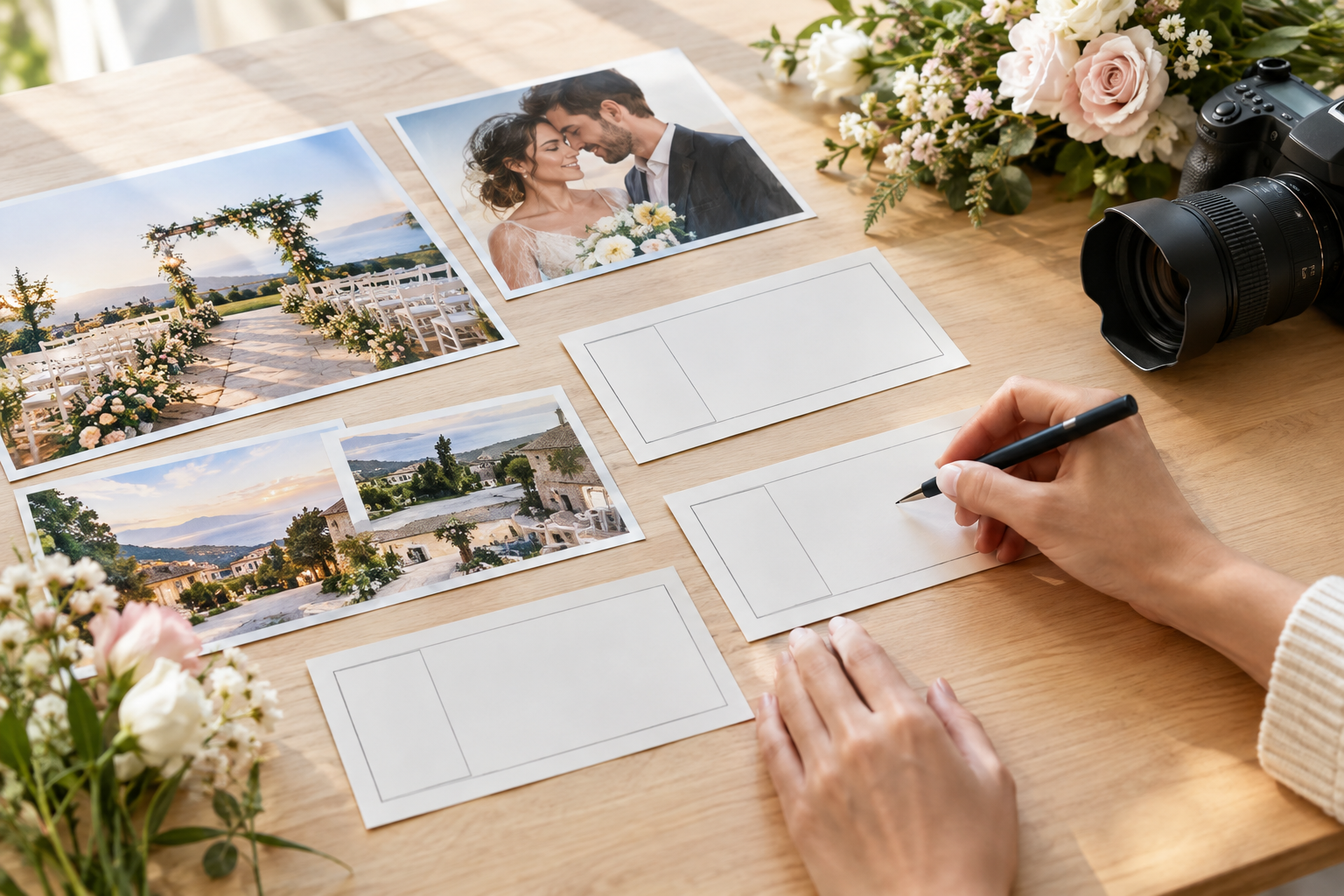
Write The Event Brief
Start with the event type, guest message, time, place, and tone. Add the short line you want viewers to read, because the invitation video maker follows your written direction when shaping the first draft.

Personal video invitations
Invitation Video Maker helps you turn event details, personal media, and scene direction into an MP4 invitation video while you choose the message, timing, aspect ratio, and tone.
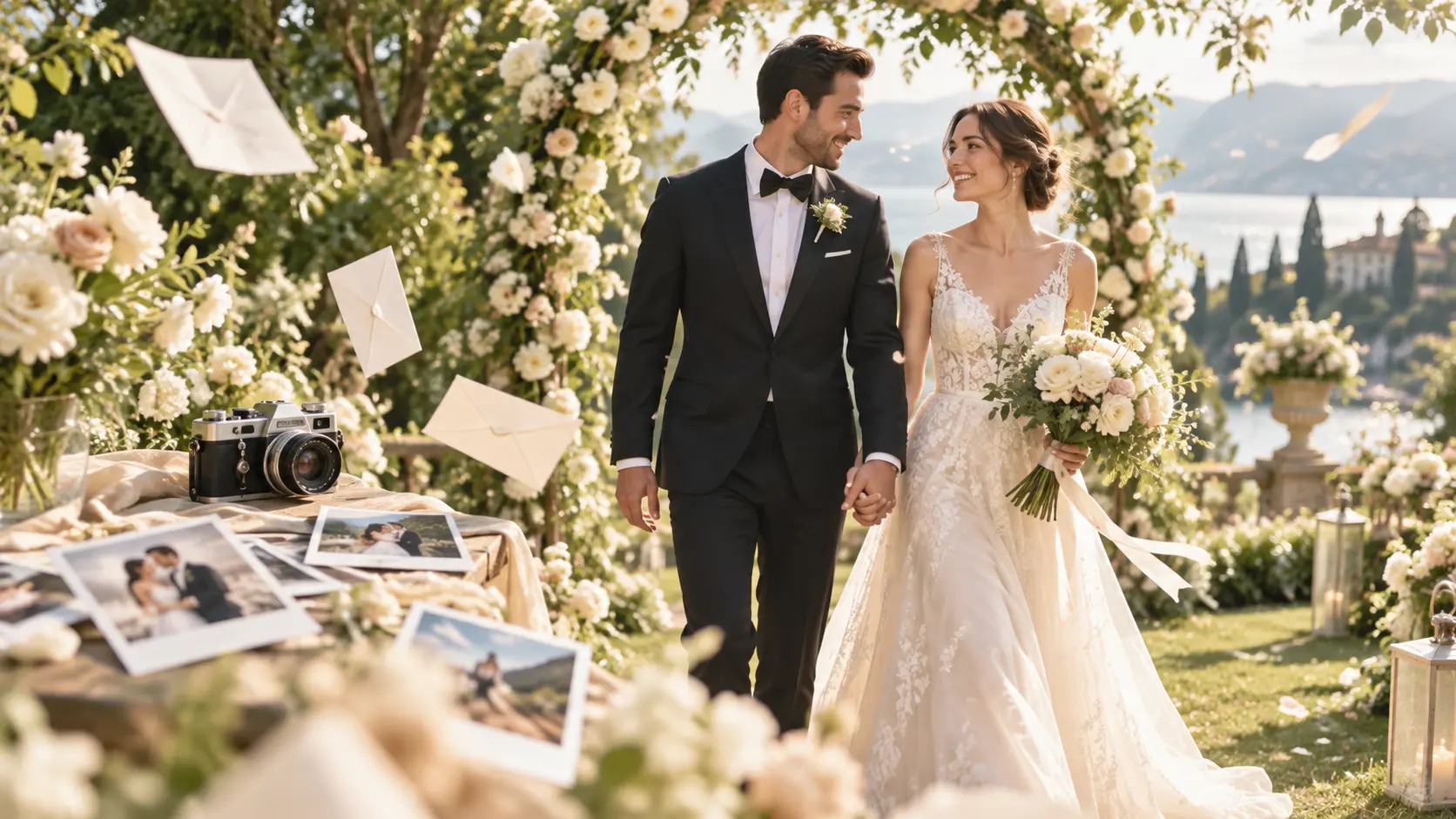
Choose the people, date, and setting to show in each scene, then describe the music or voice direction you want to hear.

A wedding date announcement can start with one couple photo, a short date line, and a calm music direction. Use VideoAI to arrange the opening shot, date reveal, and closing invite as a save the date video that feels personal before the full event details are ready.
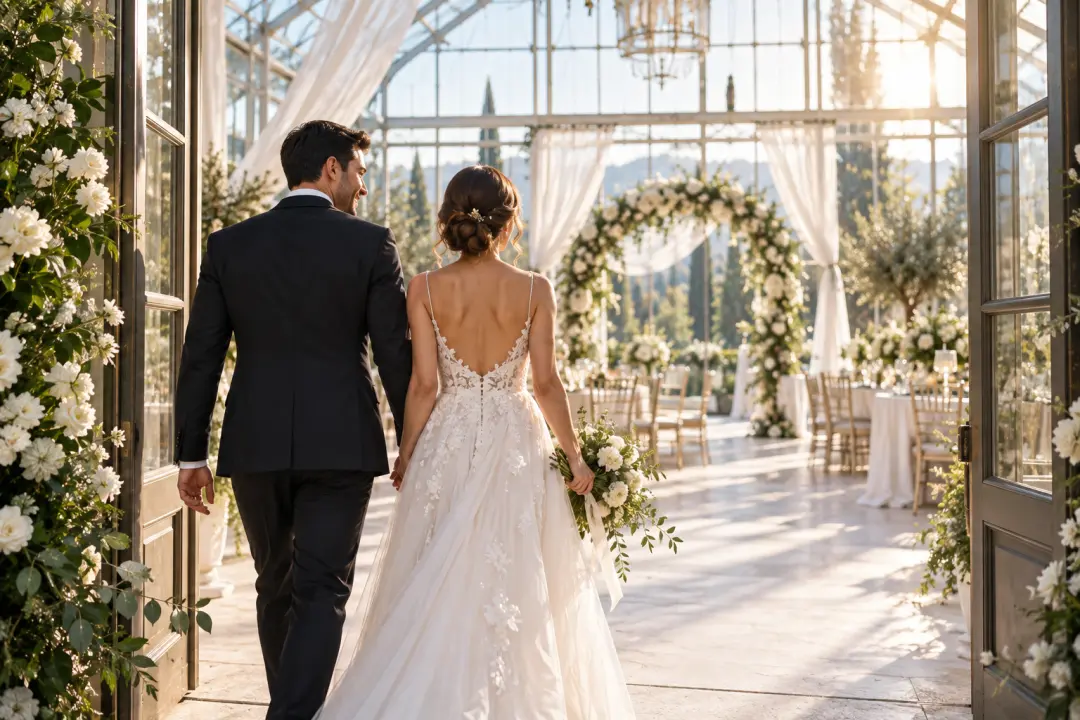
When the couple and venue mood need to fit one shareable file, combine photos, scene notes, brief on screen text, and audio references. The invitation video maker helps shape a digital wedding invitation video with a clear beginning and ending.

If a milestone birthday should open with the guest of honor, add a favorite photo or clip, write the party time and short invite, then guide the music tone so the video birthday invitation matches the celebration.

Try a birthday invitation first draft with the 10 credits starter allowance. Add the host photo, party time, place, and a short invite line, then review the generated video before refining the wording or scene notes.

Family parties usually need warmer pacing than formal events. Place the guest of honor in the first scene, add a short title or date, and let VideoAI follow your scene order for a birthday invitation video with familiar faces and a clear invite.

When the date is the main message, keep the copy brief and make the movement do more of the work. Build a save the date video invitation around one date card, one personal image, and one closing line, then download the MP4 for your own sharing flow.

Wedding planners can use VideoAI to turn couple photos, venue mood, dates, and short wording into digital video invitations. The invitation video maker keeps the focus on scene order, tone, and the key details guests need to see.
VideoAI gives creators practical controls for picture, sound, text, and delivery, so each video invitation follows the event rather than a fixed card format.
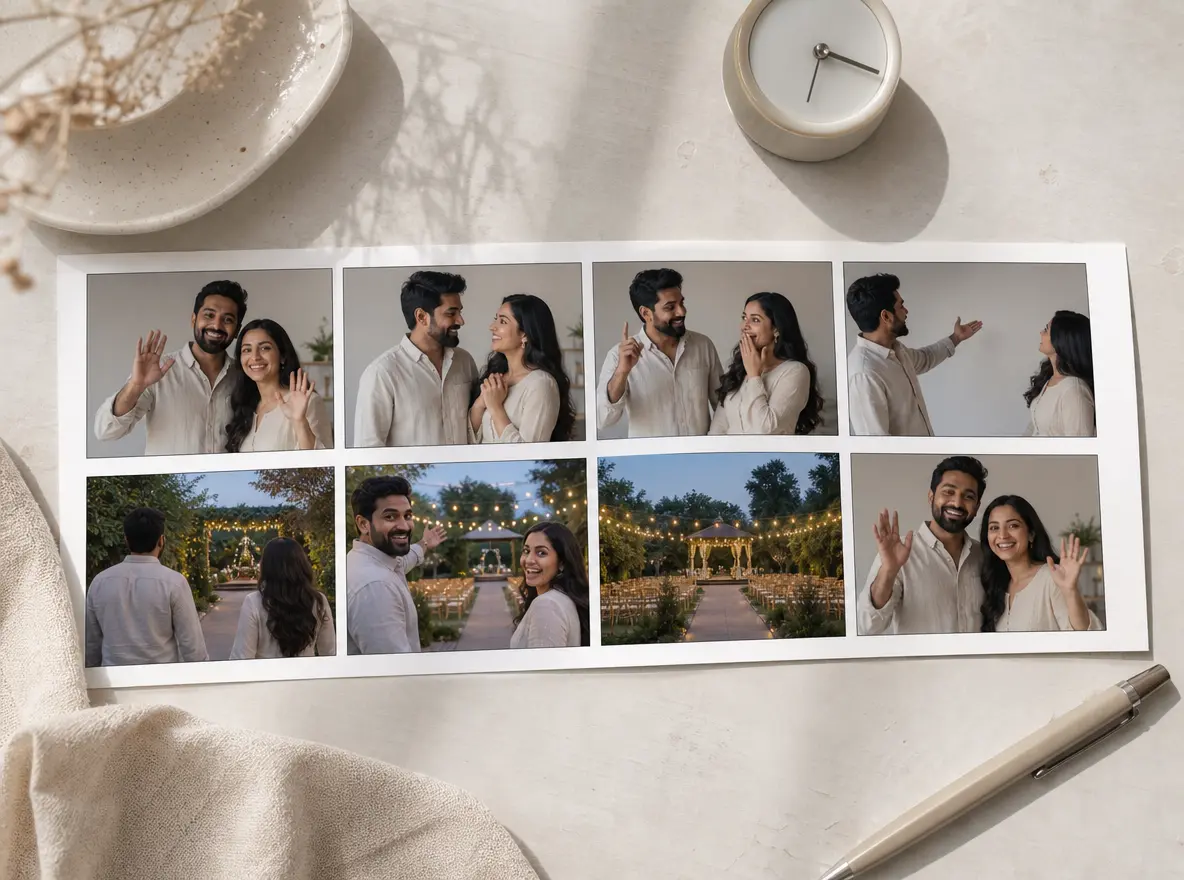
Clear scene order, visible action, and short text beats come from your timing notes. In VideoAI, you can arrange sections by seconds, attach reference images to different moments, and guide how the invitation video maker moves from greeting to event detail.
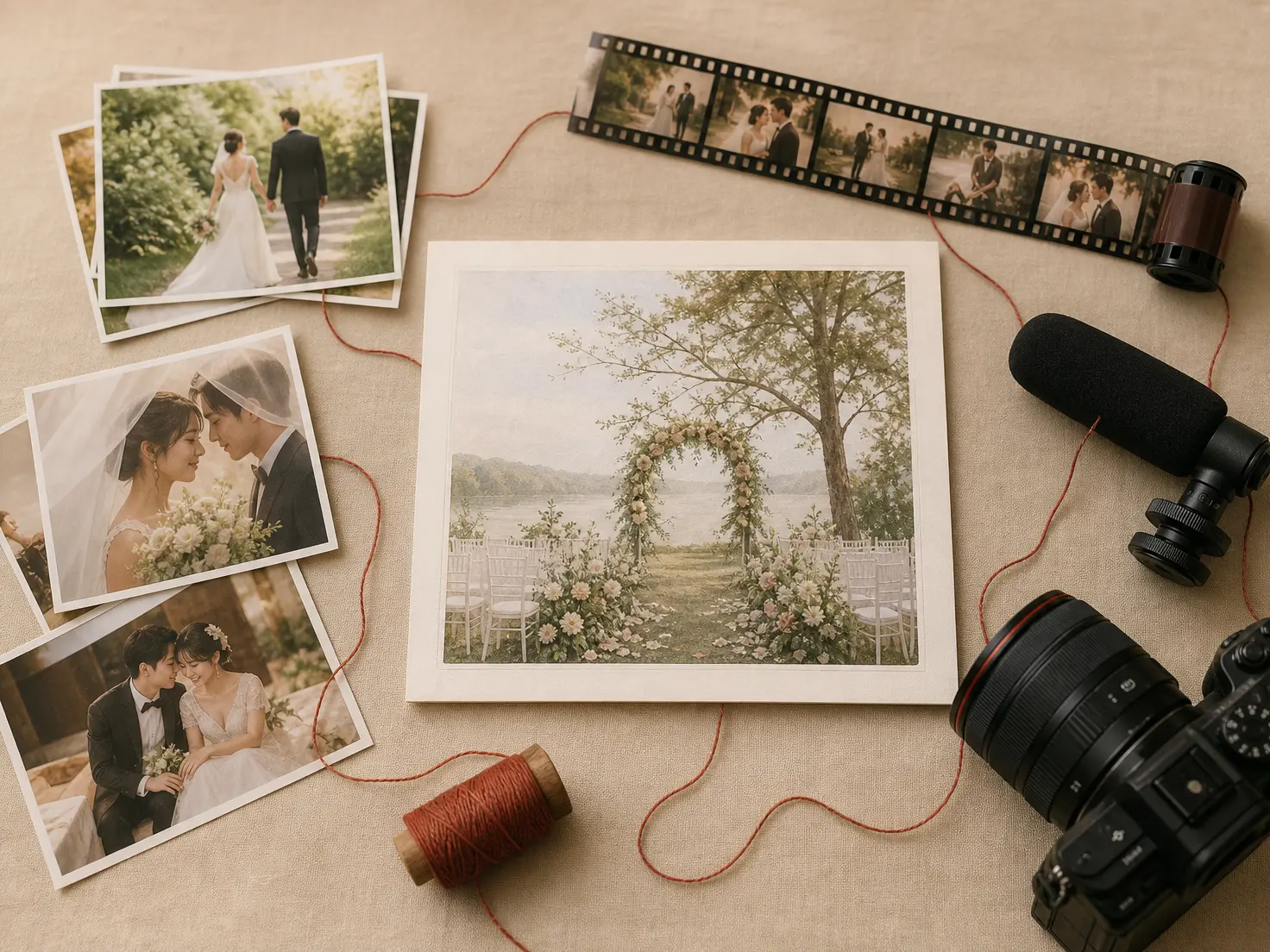
Recognizable faces, places, and voices start with the photos, videos, and audio you provide. Use @ references to point VideoAI toward the subject, setting, camera direction, or music purpose for a more specific video invitation.

Names, dates, brief titles, and a concise invitation line can appear in the picture when you describe them. The invitation video maker is best for short on screen wording that you can check before downloading the MP4.

A finished MP4, no watermark, selected aspect ratio, and up to 4K output give creators a practical result for social posts, messages, or event pages. Choose 16:9, 9:16, 1:1, or 4:5 before generating.
Move from event message to finished file by giving VideoAI the details, media, and scene choices a creator would normally brief to a video editor.
Step 01
Start with the event type, guest message, time, place, and tone. Add the short line you want viewers to read, because the invitation video maker follows your written direction when shaping the first draft.
Step 02
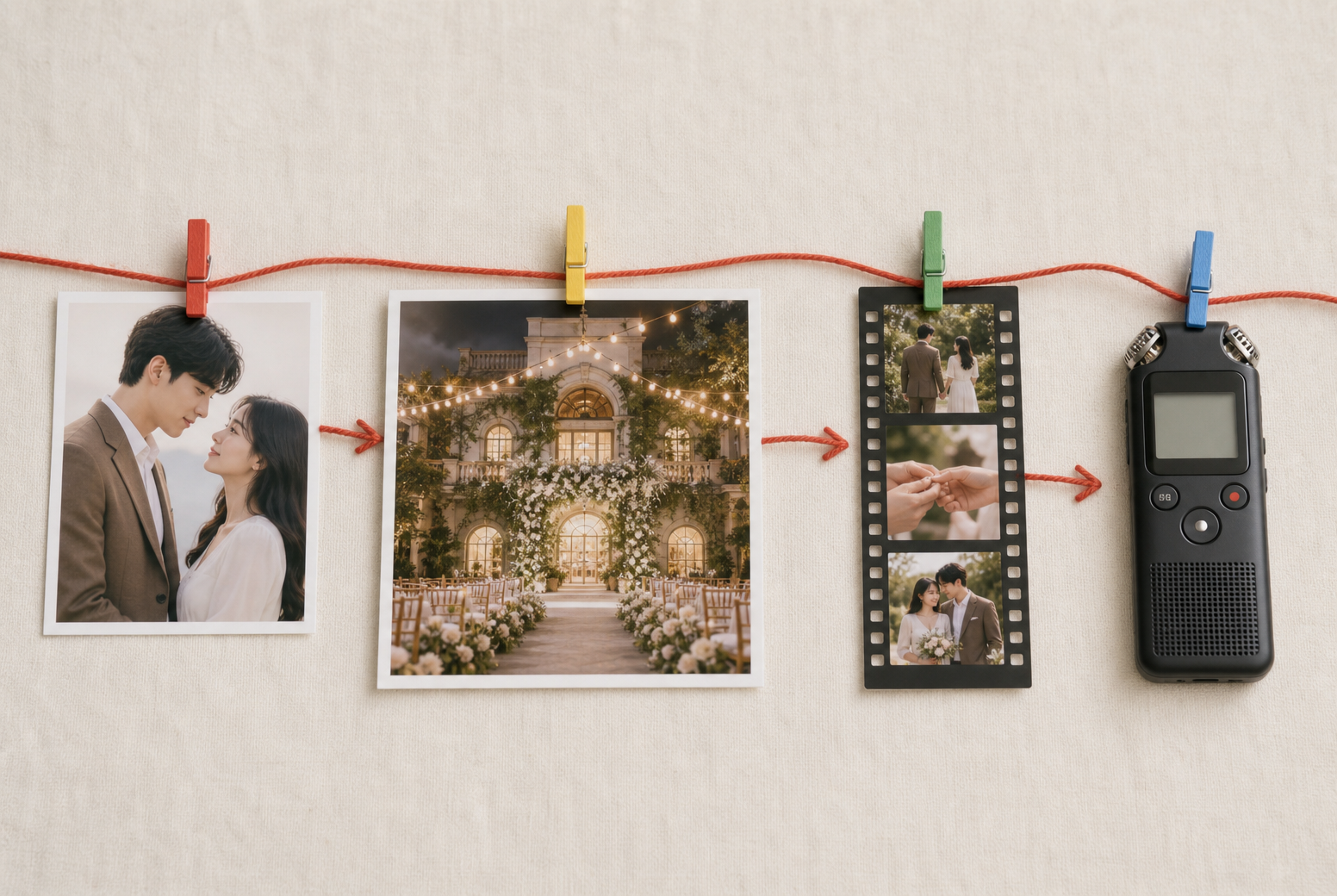
Upload photos, video, or audio references, then use @ notes to say which subject, scene, camera movement, or music purpose each one supports. Select the aspect ratio, duration, visual style, or a general template as the starting point.
Step 03
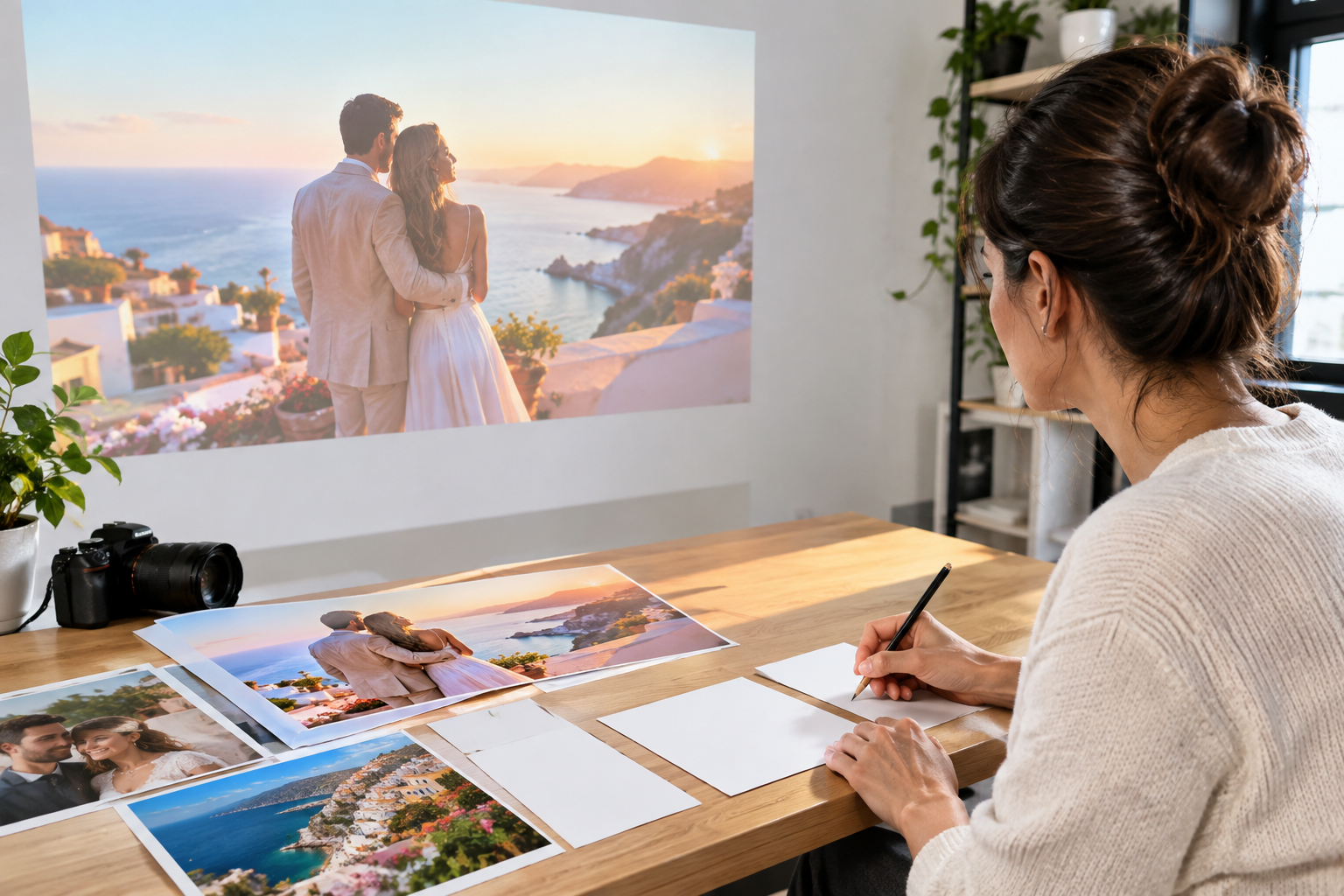
After VideoAI generates the invitation video, review names, dates, places, and any short screen text. Describe the changes you want, regenerate a new version, then download the MP4 when the result matches your plan.

Use the VideoAI invitation video maker to turn your event details and chosen media into an invitation video. Set each scene, generate a version, refine it with text instructions, and download the finished MP4.
Get Started