



Step 01
Start with intent and references
Enter one sentence for the video idea, or add text, image, video, and audio references that define the message and sound direction.


Voice led video creation
VideoAI lets you place your idea, visual references, and voice over direction into one controlled video generation flow.
Partnering with global industry leaders to power your creativity output


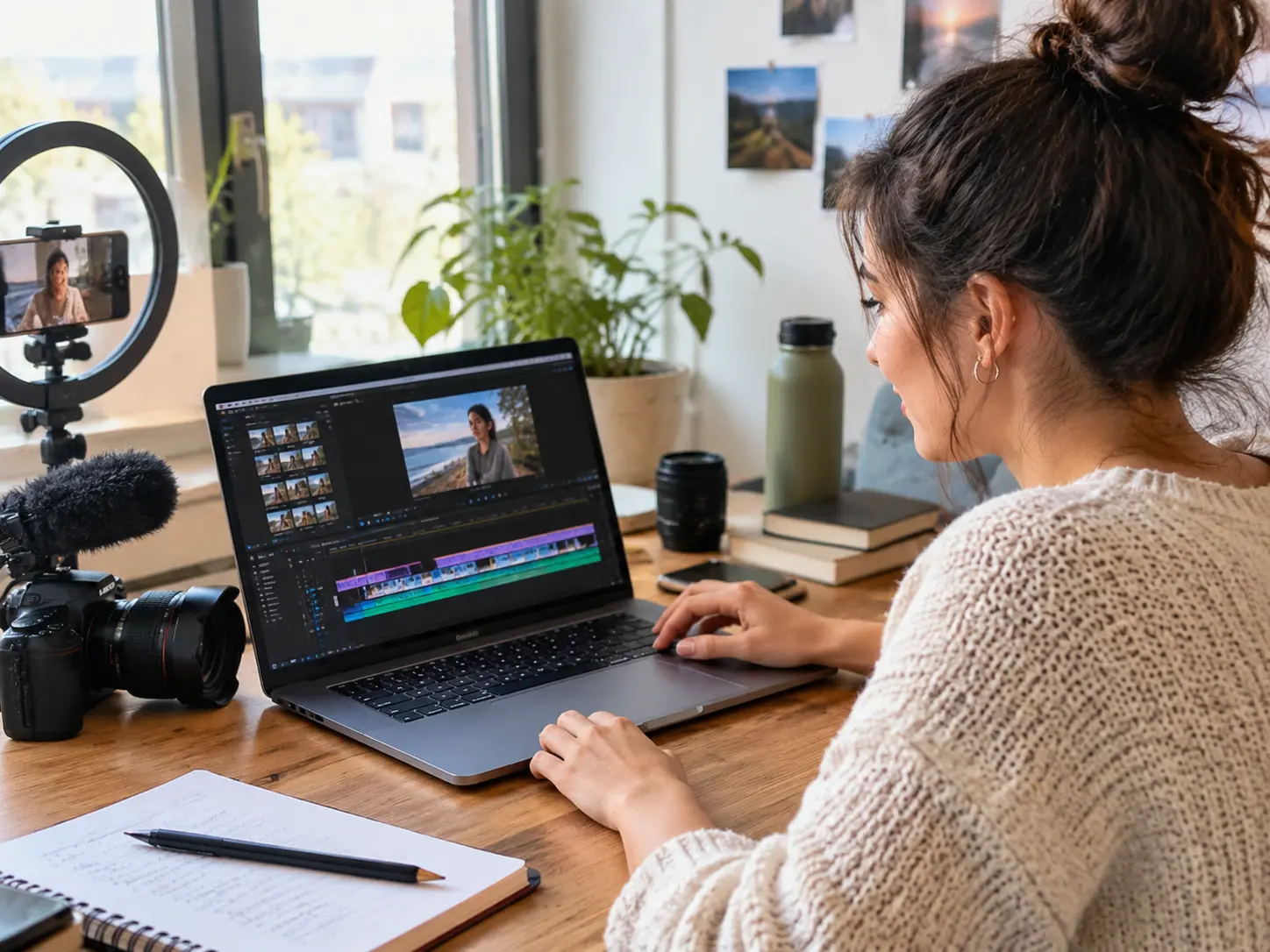
Turn a post idea, reference visuals, and a spoken angle into a short video where the sound supports the scene instead of sitting apart from it.
Choose the voice direction, visual references, timing, and output settings that fit the video you need to publish.
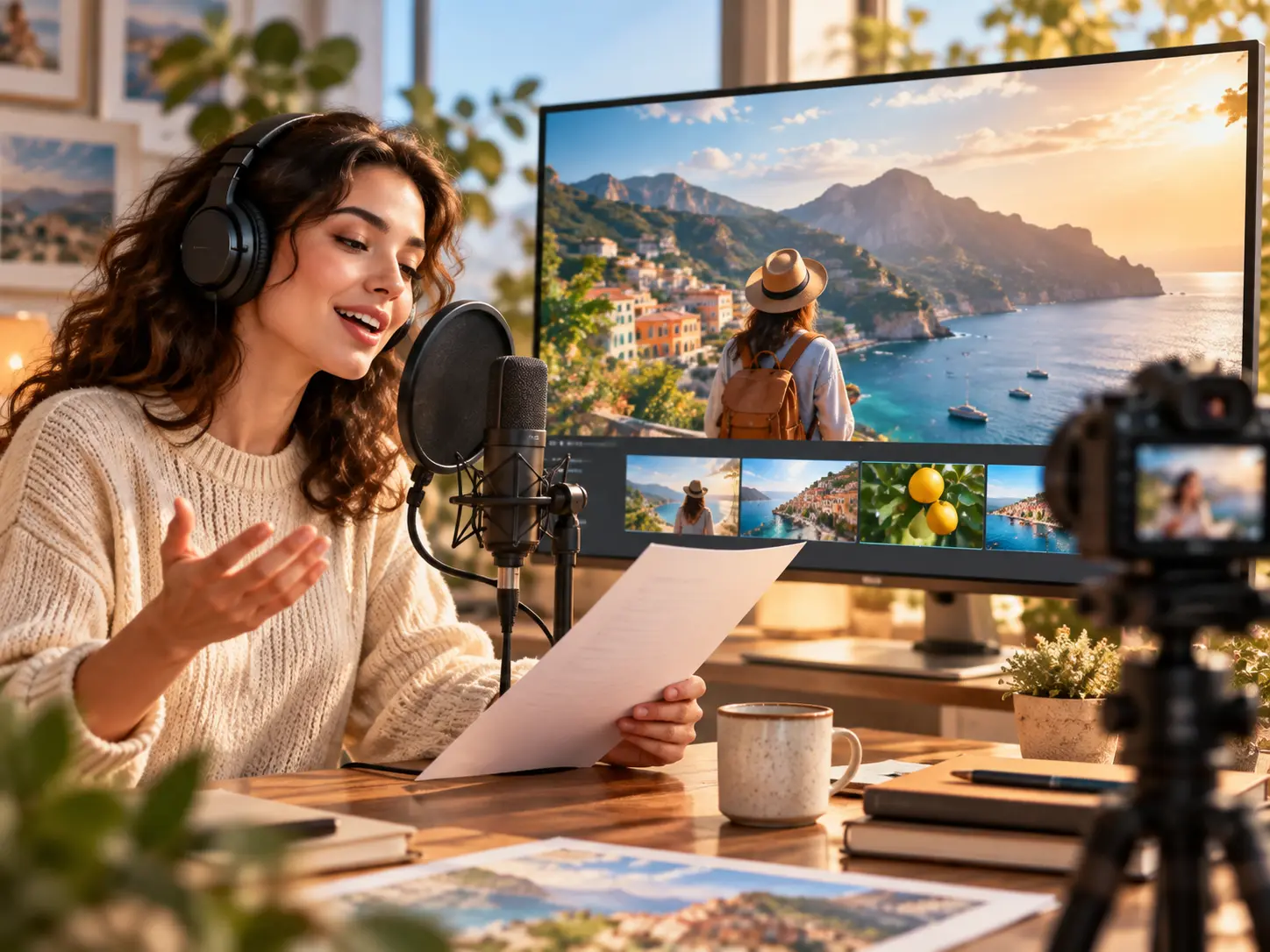
Use VideoAI as a voiceover video maker by adding audio as a reference inside the same generation flow as your images, video clips, and scene notes.
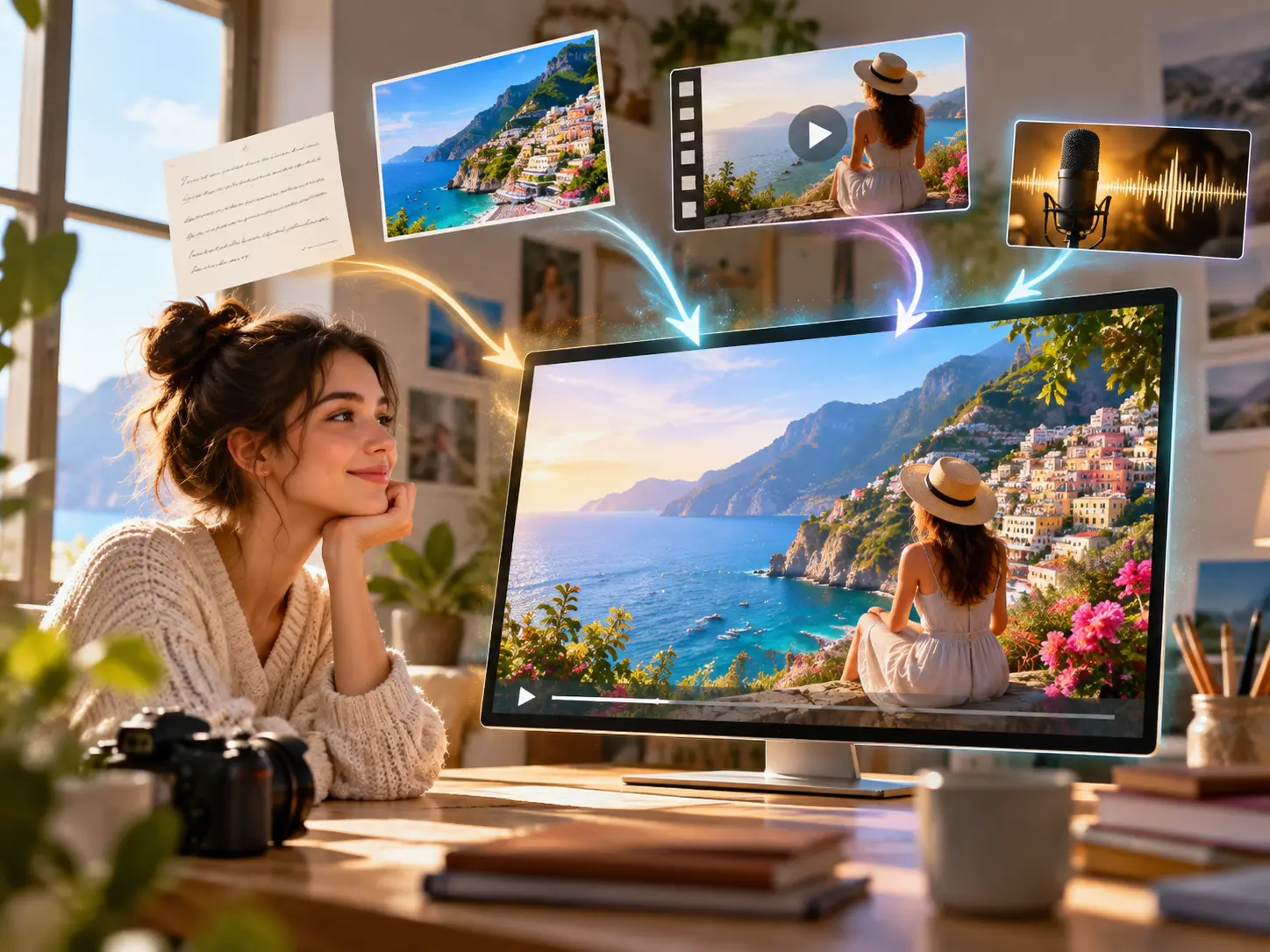
Combine text, images, video, and audio, then assign each material with @ so VideoAI understands what role it should play in the result.
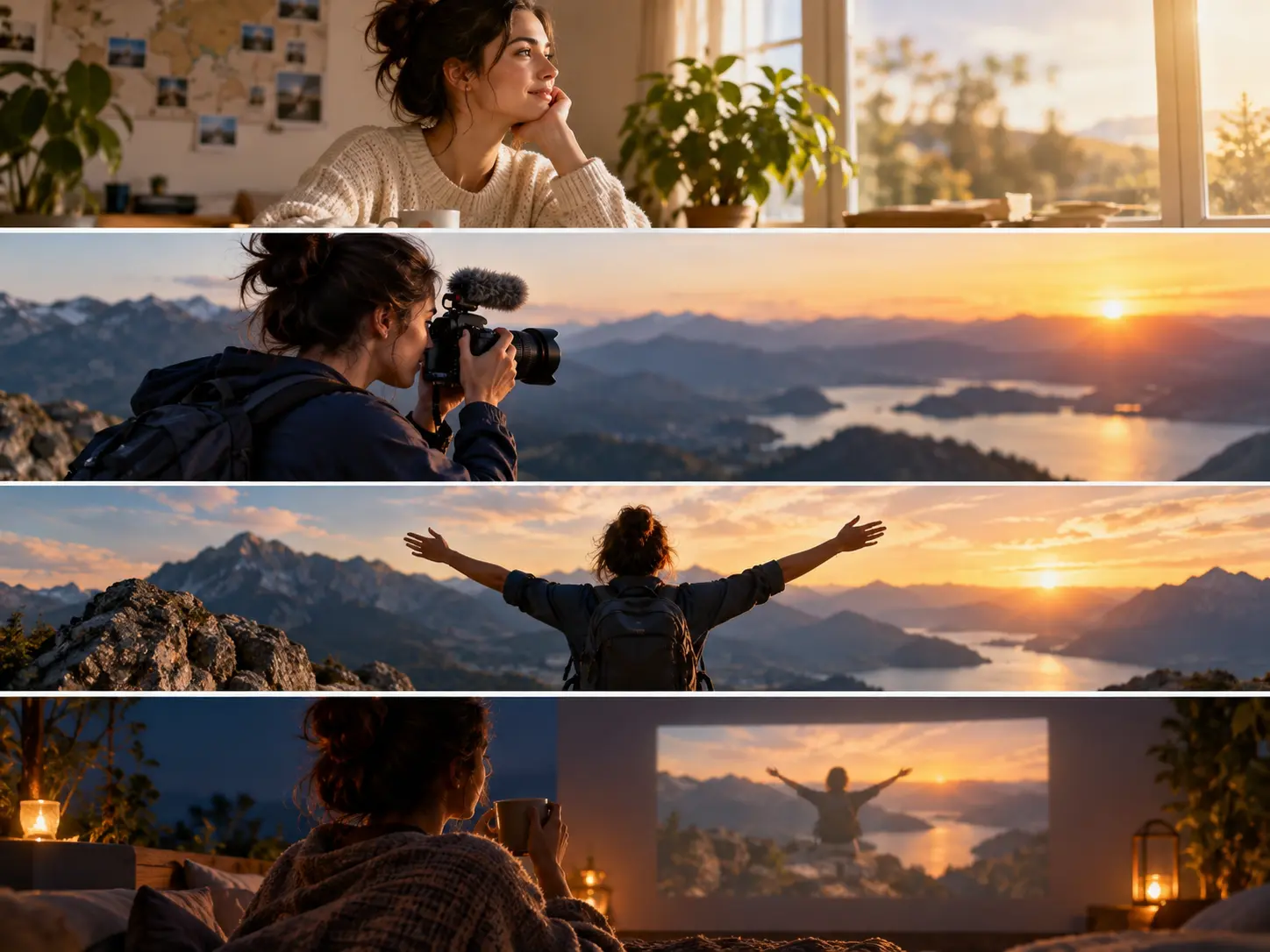
Write what should happen by time segment, including the action on screen and the voice over intention that should guide the scene.
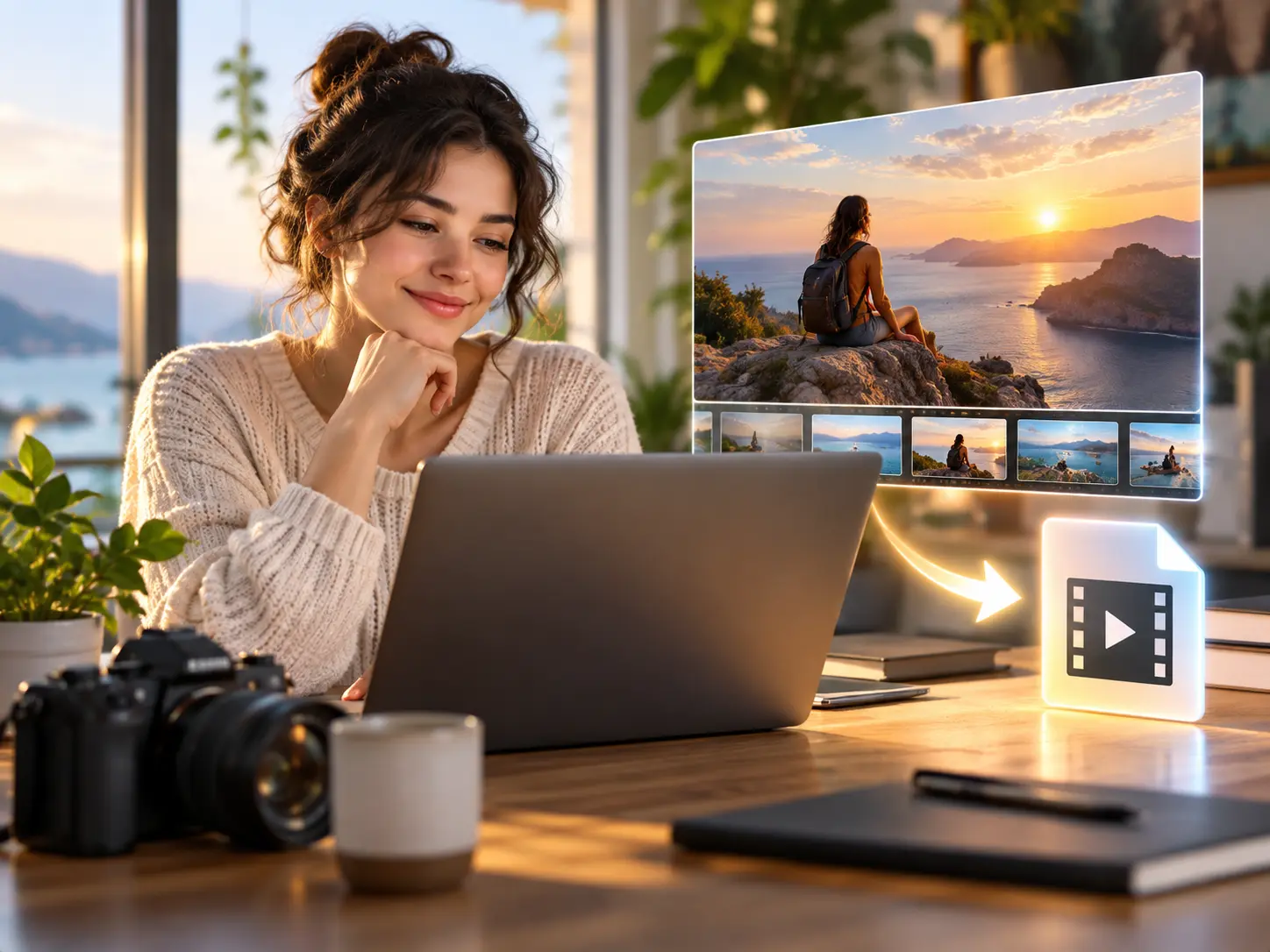
Review the generated video, revise it with text instructions, and export an MP4 in supported ratios up to 4K with no watermark.
The workflow keeps the creative decision in your hands from the first idea to the exported MP4.
Step 01
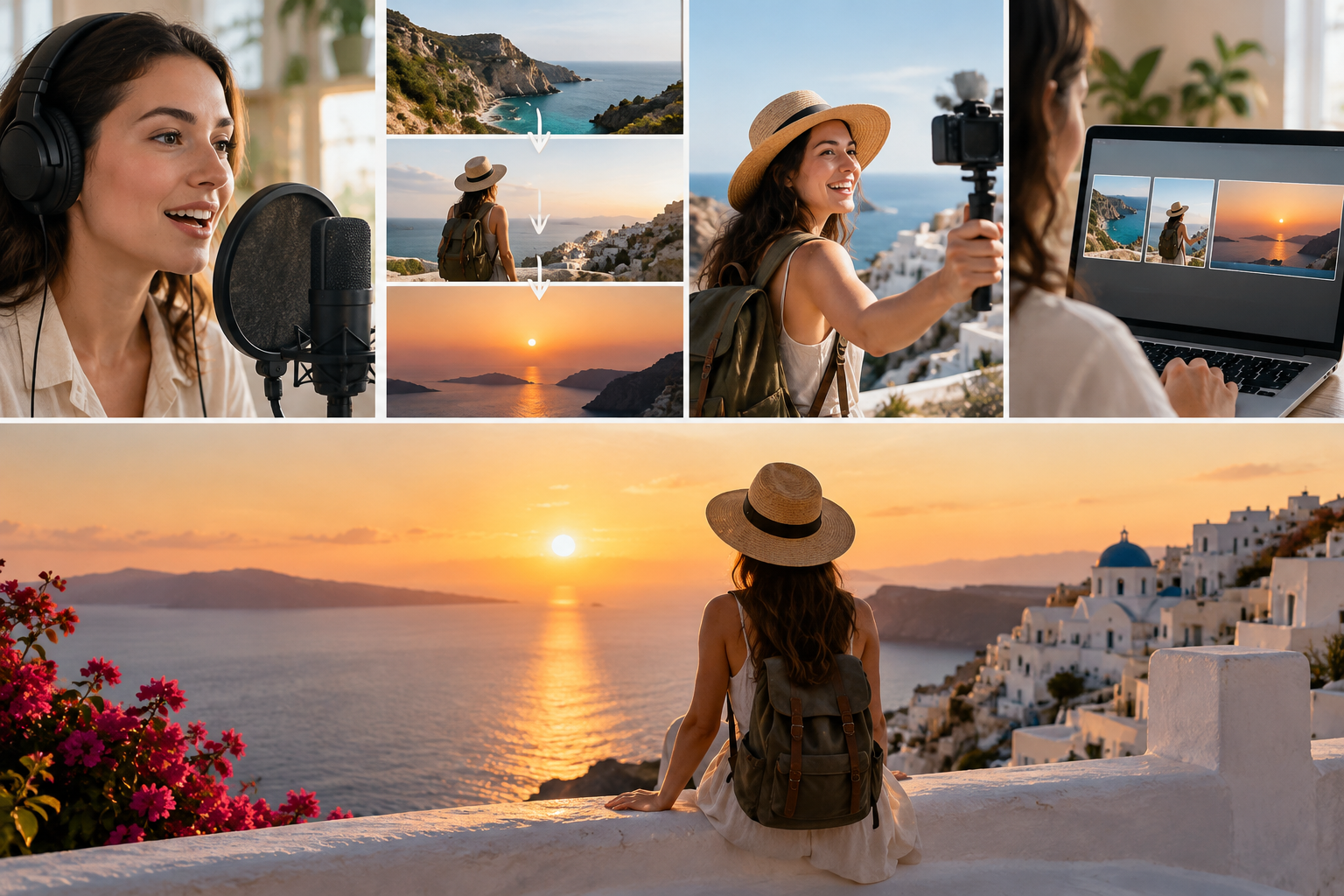
Enter one sentence for the video idea, or add text, image, video, and audio references that define the message and sound direction.
Step 02
Use @ to mark which material is the voice reference, then describe each scene by time segment so the image and action follow your pacing.

Step 03
Create the video, check the result, adjust the scene or sound direction with text, then download the MP4 when it matches the brief.
These scenarios start with a clear message, then use sound and visuals to make that message easier to follow.

A creator has a spoken hook and a visual idea for a post. VideoAI combines the references into a short video where the motion supports the voice.

A product team needs a clear walk through for a feature. They write the explanation beat by beat, add visual references, and generate a video that follows the planned rhythm.

A studio needs to show how a campaign line could sound and look. The team adds voice direction, brand visuals, and scene notes, then reviews an MP4 draft with the client.
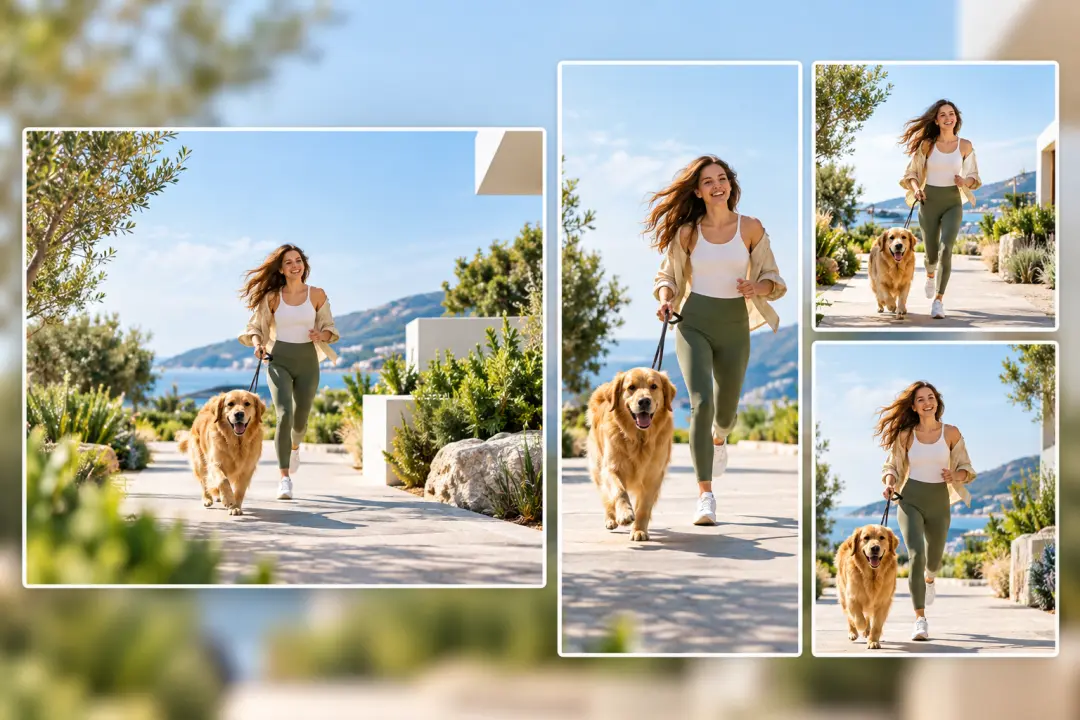
A marketer needs the same idea shaped for different placements. Supported ratios let the video fit 16:9, 9:16, 1:1, and 4:5 outputs.

Start with your idea, add the voice and visual references, then shape the result in VideoAI before exporting MP4.
Get Started