


Step 01
Upload your photo
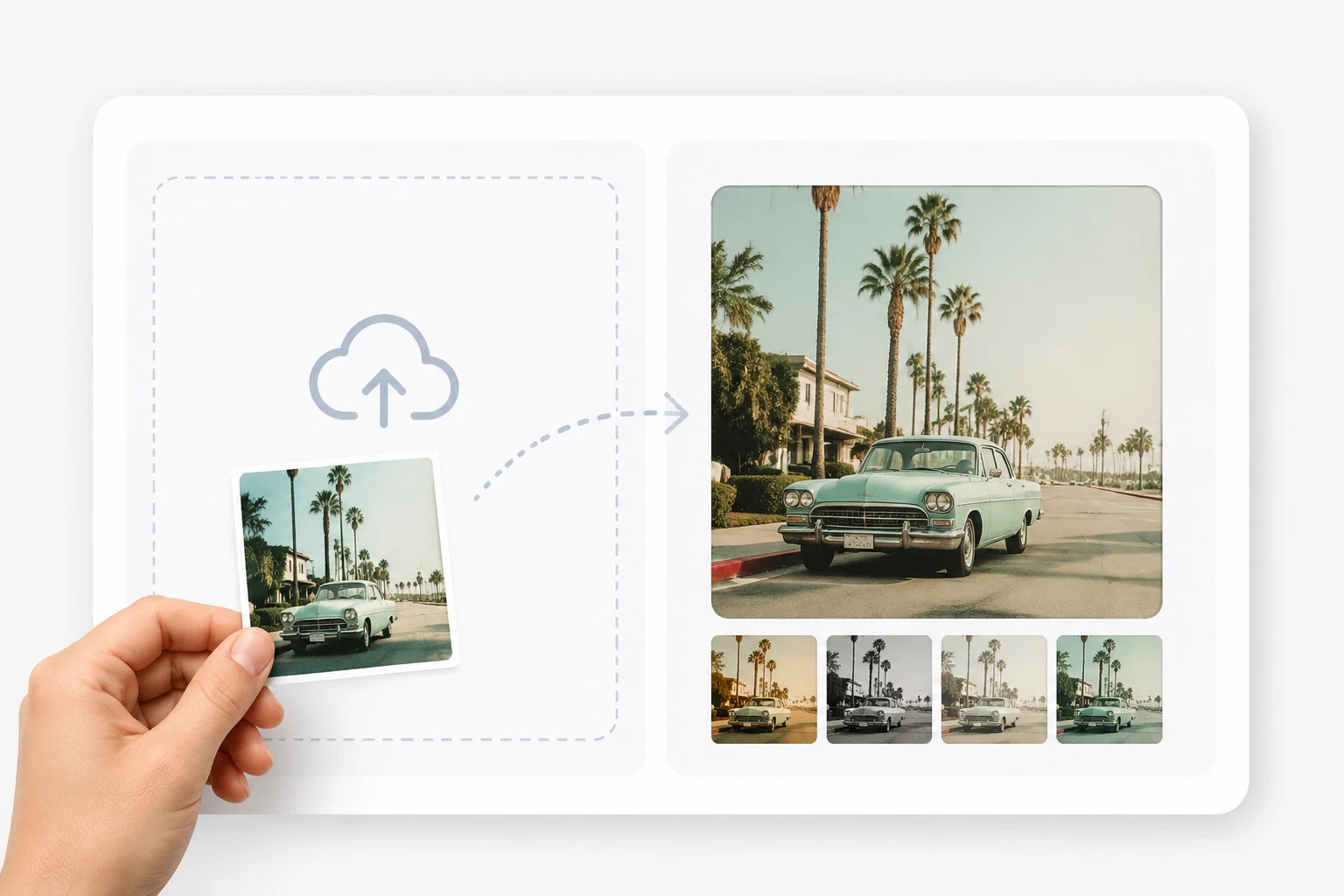
Add a photo in a common format like JPG or PNG so the vintage filter has a clear source to work from. It lands in your workspace, where it stays available so you can restyle it more than once or reuse it later.

Turn any photo into grainy, faded film imagery with VideoAI, using a vintage filter that lets you pick a preset era or write your own prompt.
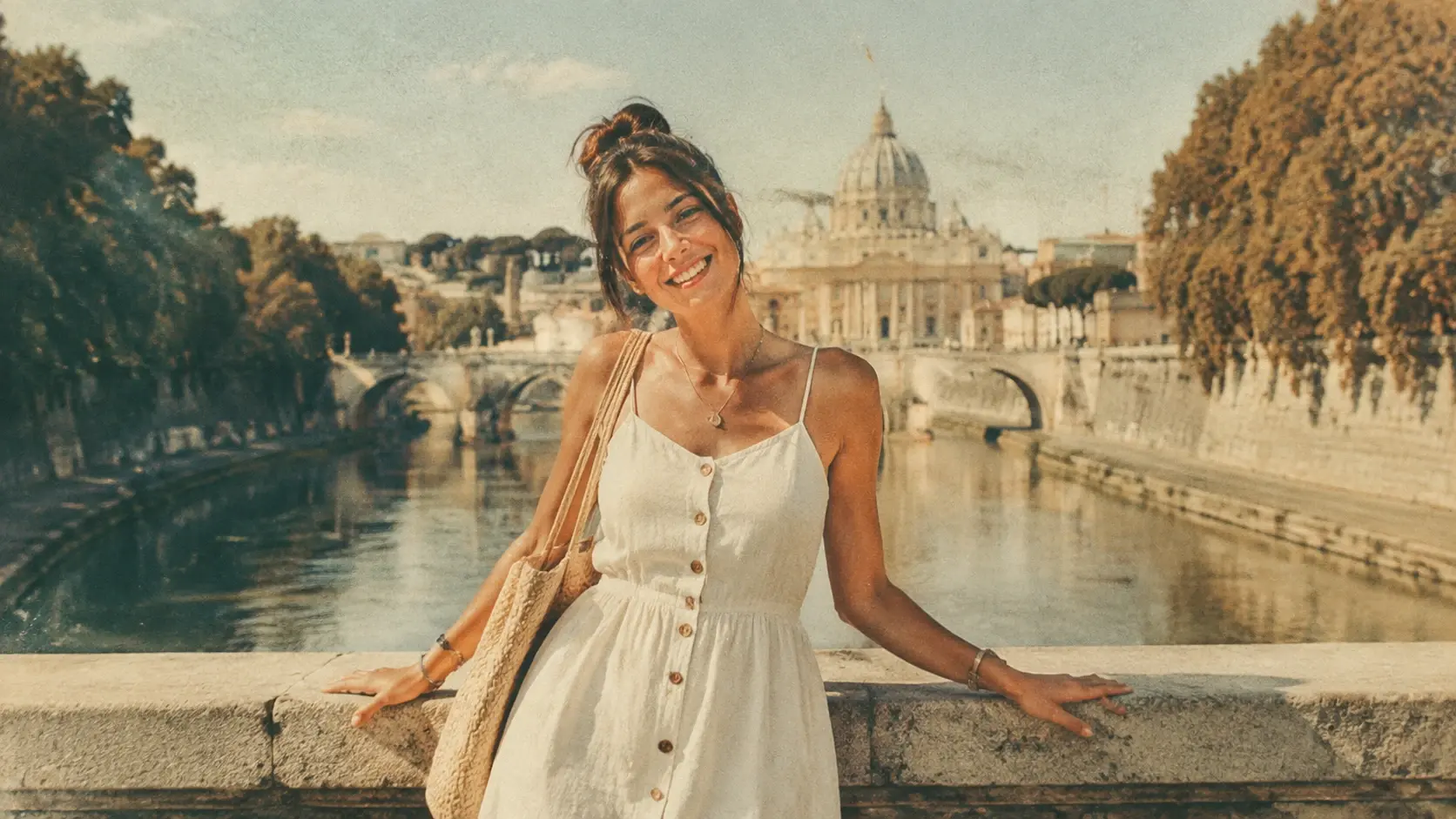

You post to Instagram and want every shot to share one nostalgic mood. Feed a photo to VideoAI, pick a retro style, and get a faded film look that ties your grid together without long hours in an editor.
Everything a vintage filter should give you, from resolution to reuse.
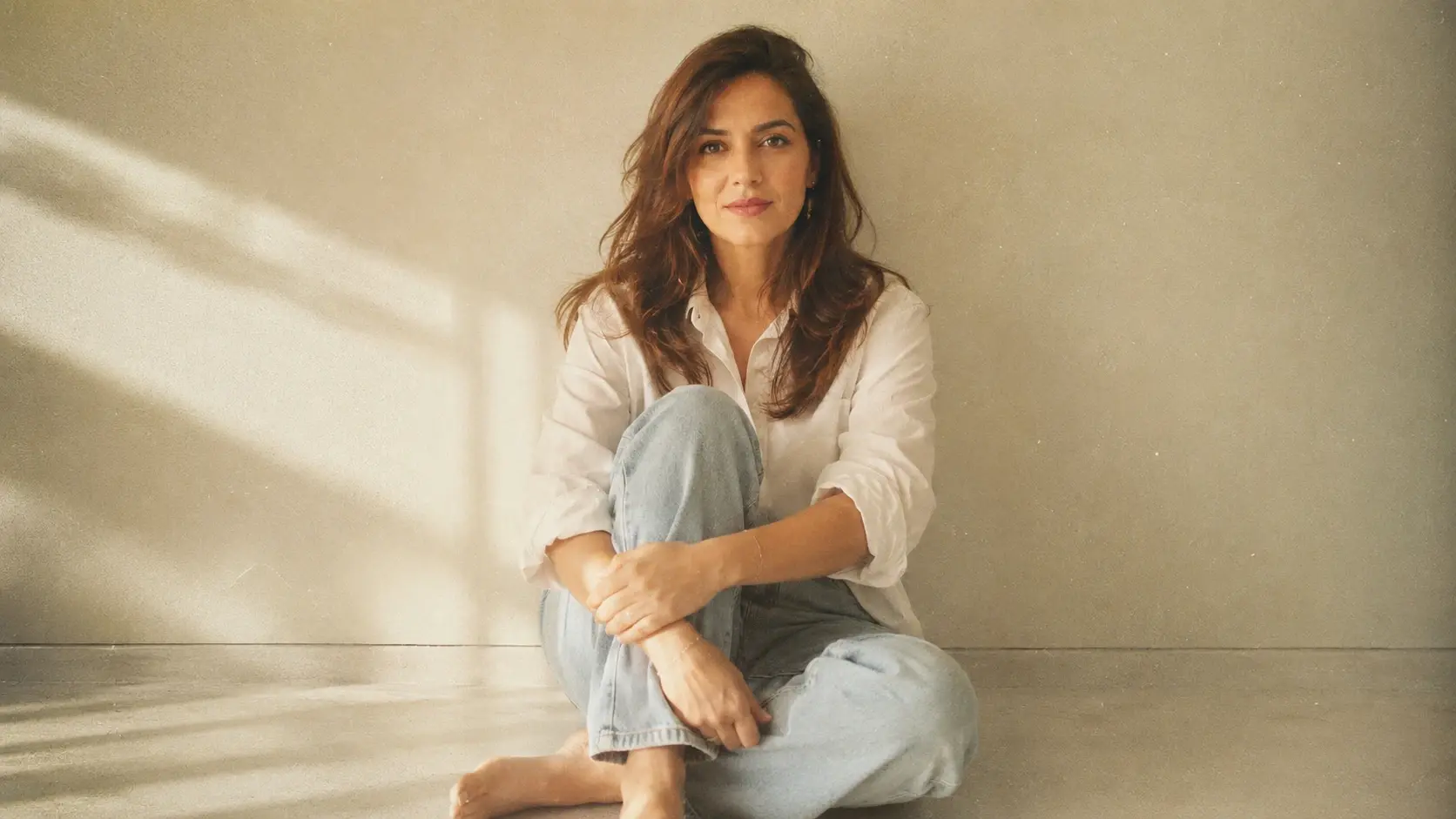
VideoAI redraws your photo into a retro photo filter style rather than laying a single tint over it, so grain, faded tone, and film color read as if the shot were captured on real stock, which is what sets this vintage filter apart from a flat overlay.
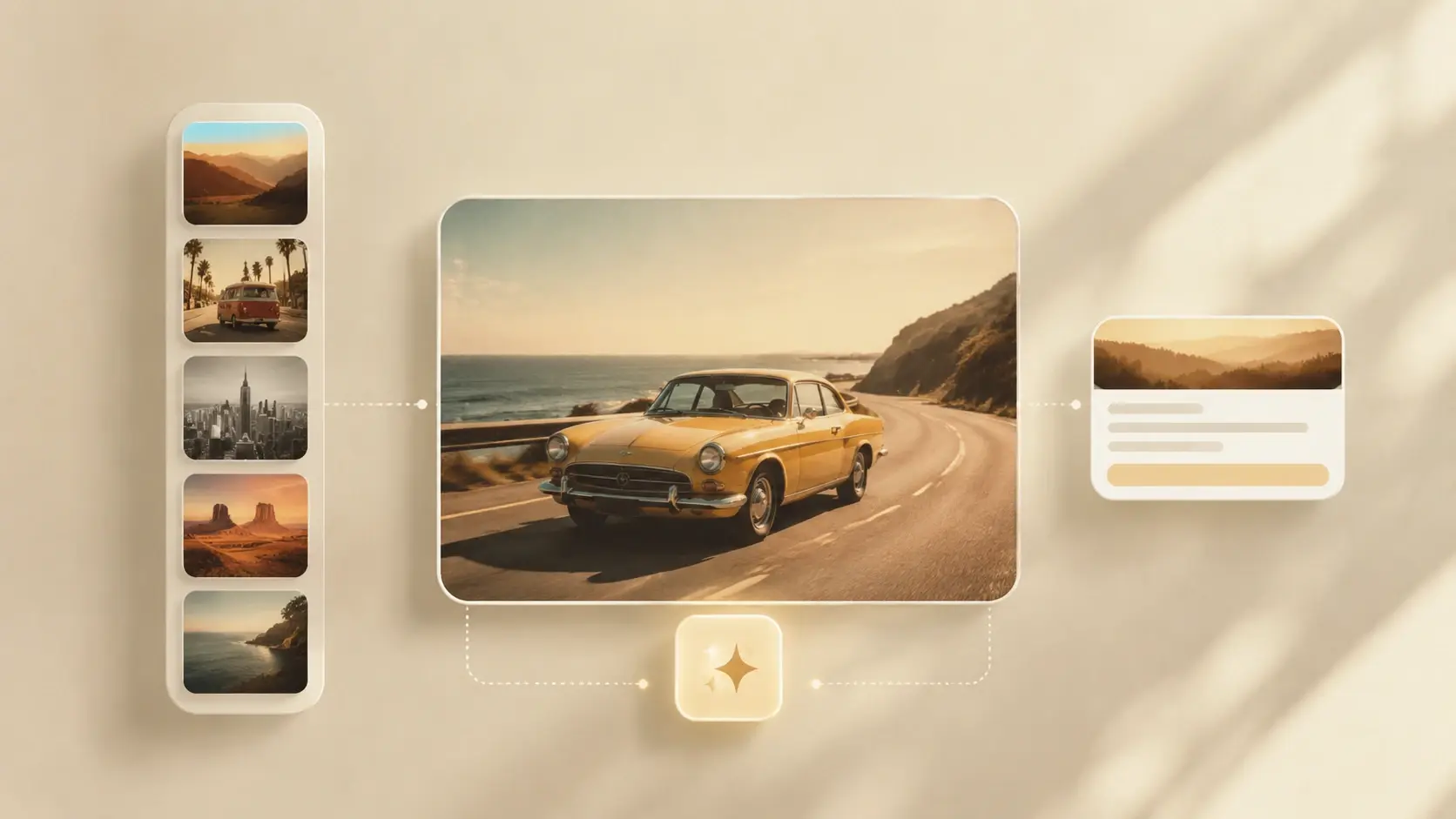
Choose a preset vintage style with one tap, or describe the era you want in a prompt like 70s film or faded warm tone. Both paths steer the same generator, so you decide how strong the vintage picture filter reads on your image.

Export every result at up to 4K and clean of any watermark, so a poster crop or a full screen banner stays crisp. The high resolution means a film filter still holds fine detail when you print it large.
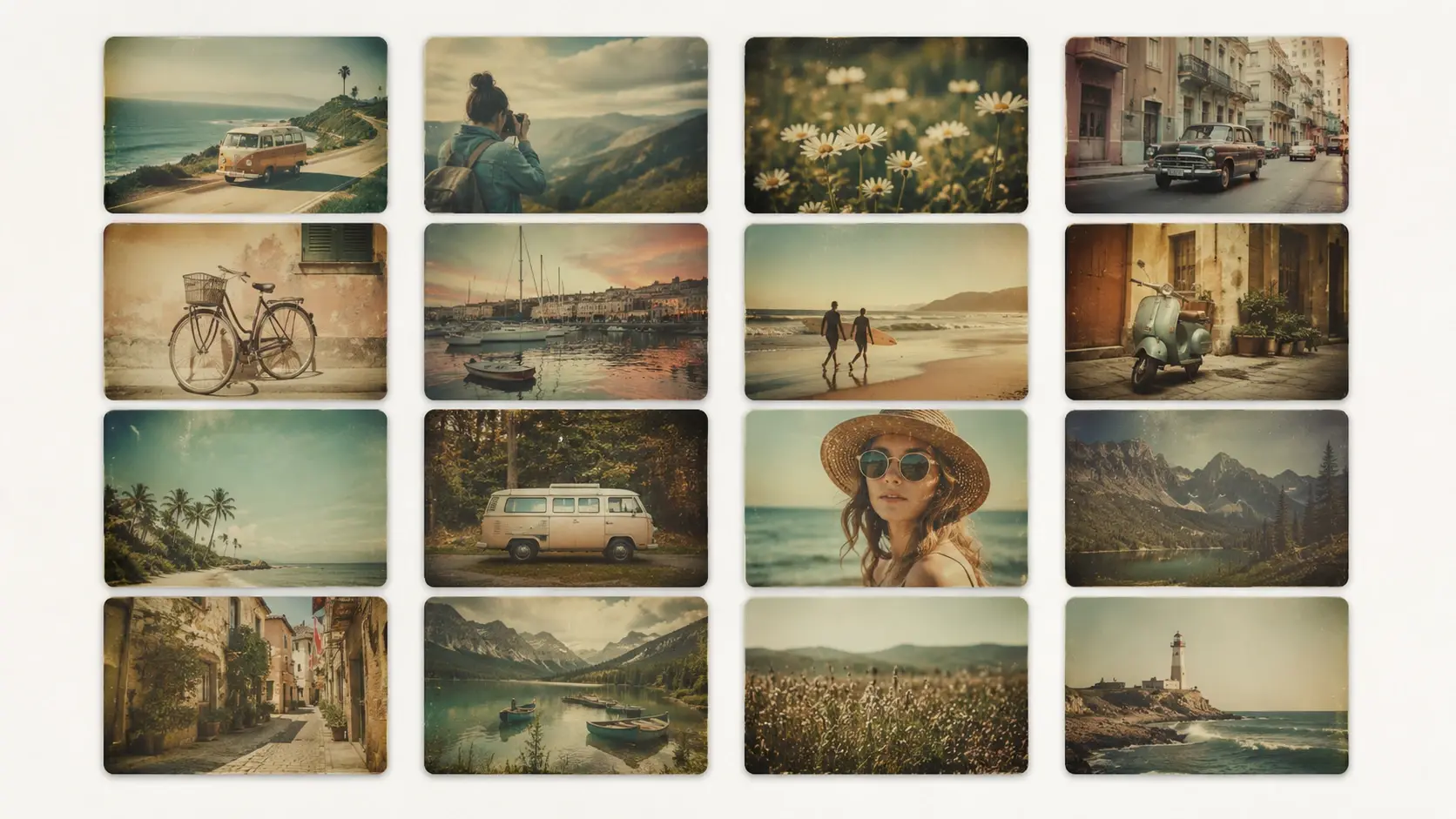
Generate a set of images together and keep them in your workspace, where you can delete drafts or send a favorite into a video project. Finished pieces are cleared for commercial use, so a client campaign built on a vintage camera filter ships without worry.
The whole flow runs in your browser, with nothing to install.
Step 01
Add a photo in a common format like JPG or PNG so the vintage filter has a clear source to work from. It lands in your workspace, where it stays available so you can restyle it more than once or reuse it later.
Step 02
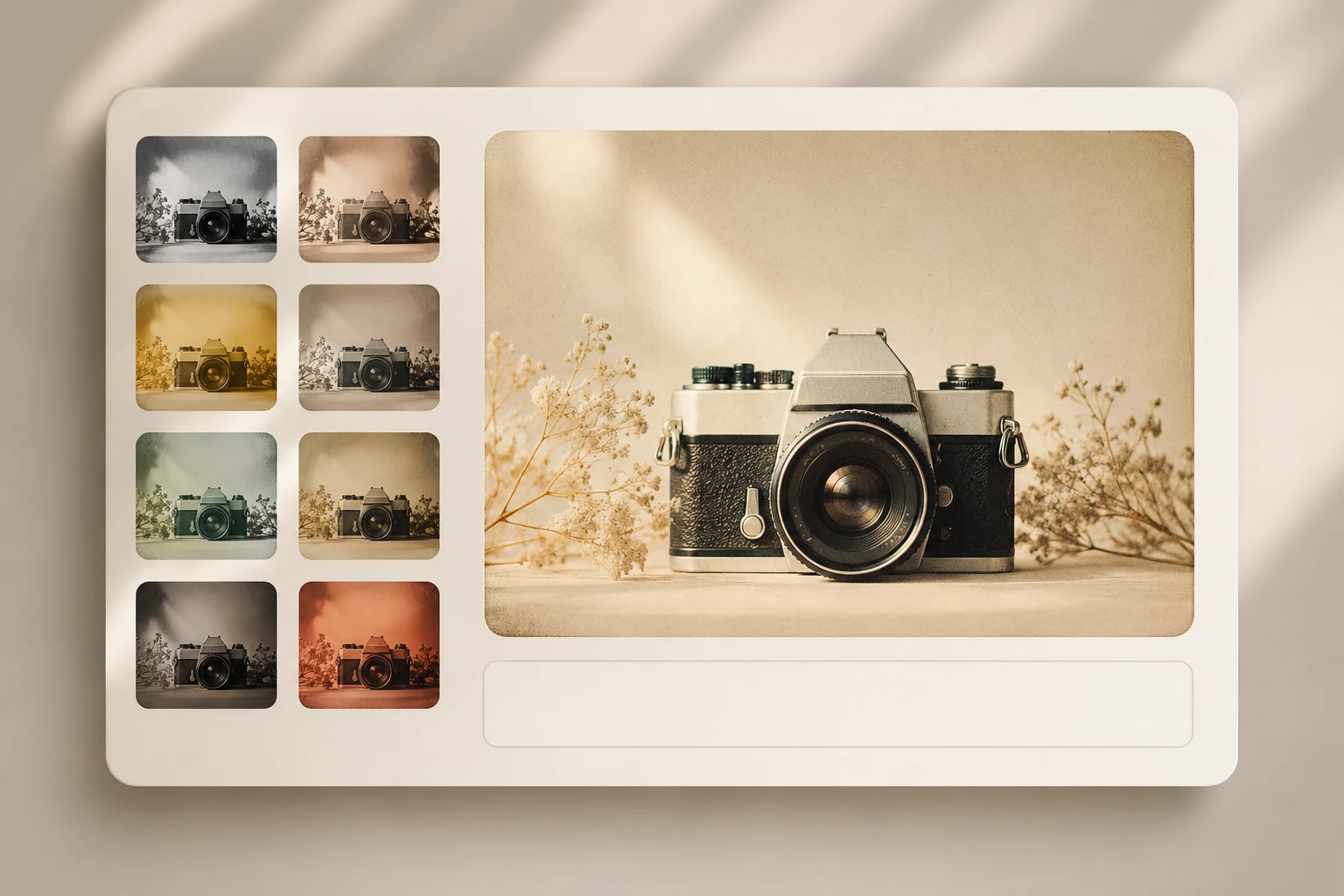
Select a retro or film preset, or type the era and texture you want, such as film grain or a faded warm tone from the 70s. The more specific your prompt, the closer the vintage filter matches the mood in your head.
Step 03
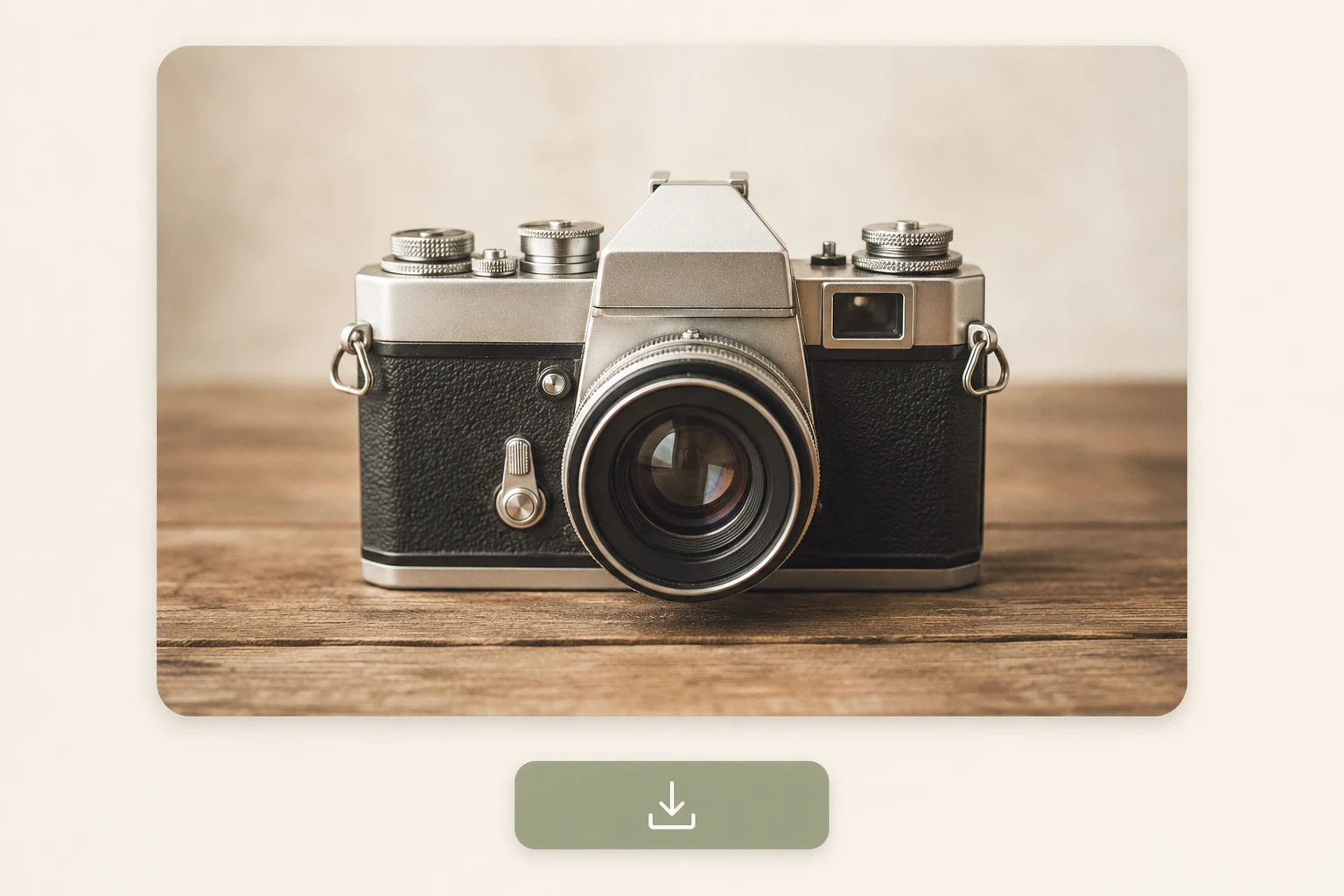
Press generate and VideoAI redraws the shot into your chosen vintage look. Preview it, run it again for a different read, then download at up to 4K or keep it in your workspace for a later video edit.
Real moments where a vintage filter earns its place.
Your Instagram grid looks scattered because each photo was shot in different light. Run them through one vintage filter preset so every post shares a faded film mood, and your feed reads as a single planned story instead of random uploads.
A flat headshot on your profile page does little for your personal brand. Restyle it with a vintage filter into a warm, grainy portrait, and your avatar sets a clear aesthetic the moment someone lands on your page.
Launching a themed campaign means producing many images that must feel related. Generate them in one batch under the same retro filter treatment, and every banner, ad, and post carries a matching look from day one.
A phone full of vacation photos can feel disposable and forgettable. Give them a disposable camera filter finish, or a softer polaroid filter tone, and ordinary street shots turn into warm keepsakes that look printed from an old holiday roll.
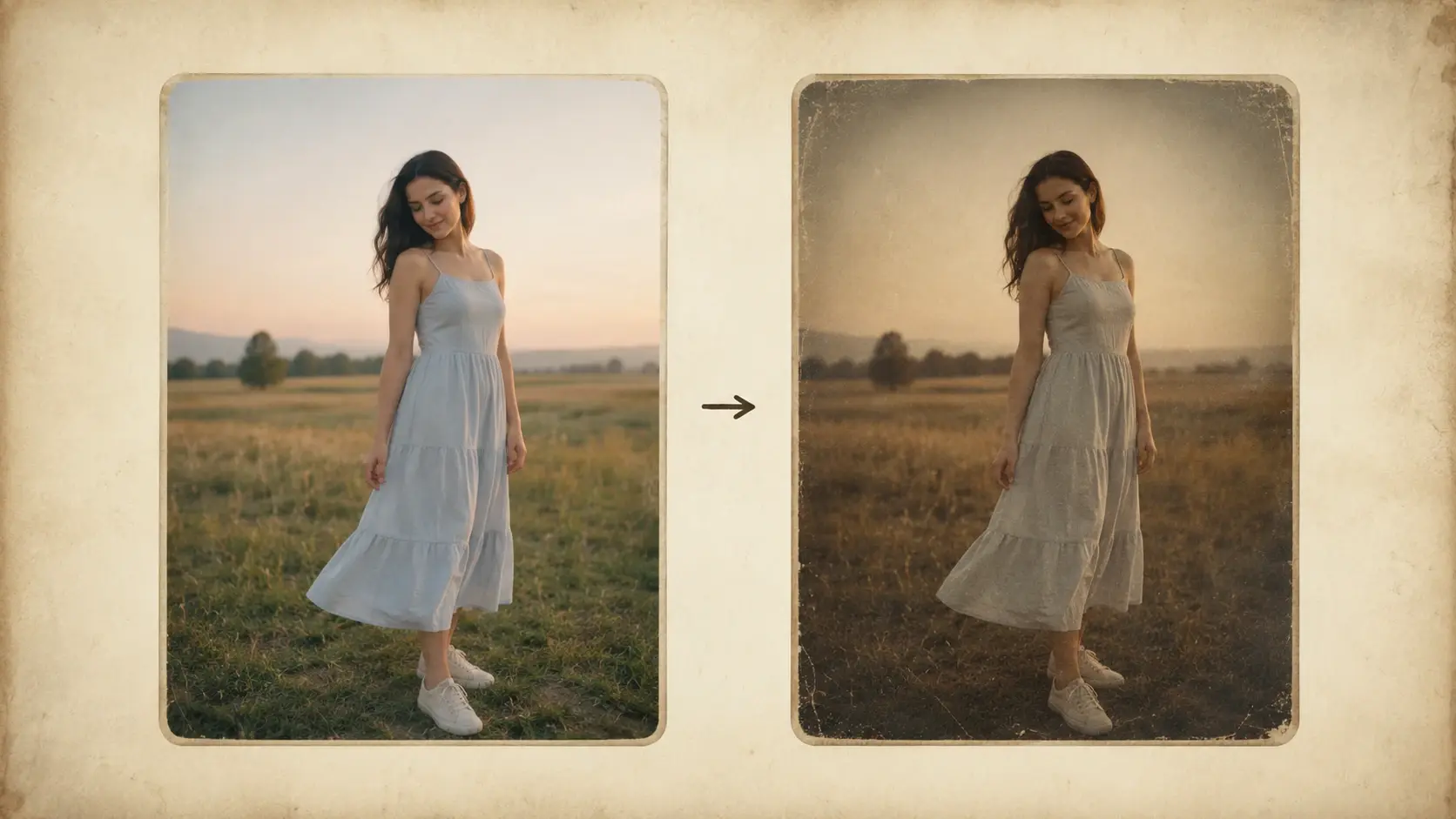
Upload a shot, choose your era, and watch VideoAI redraw it with a vintage filter into real film imagery.
Get Started