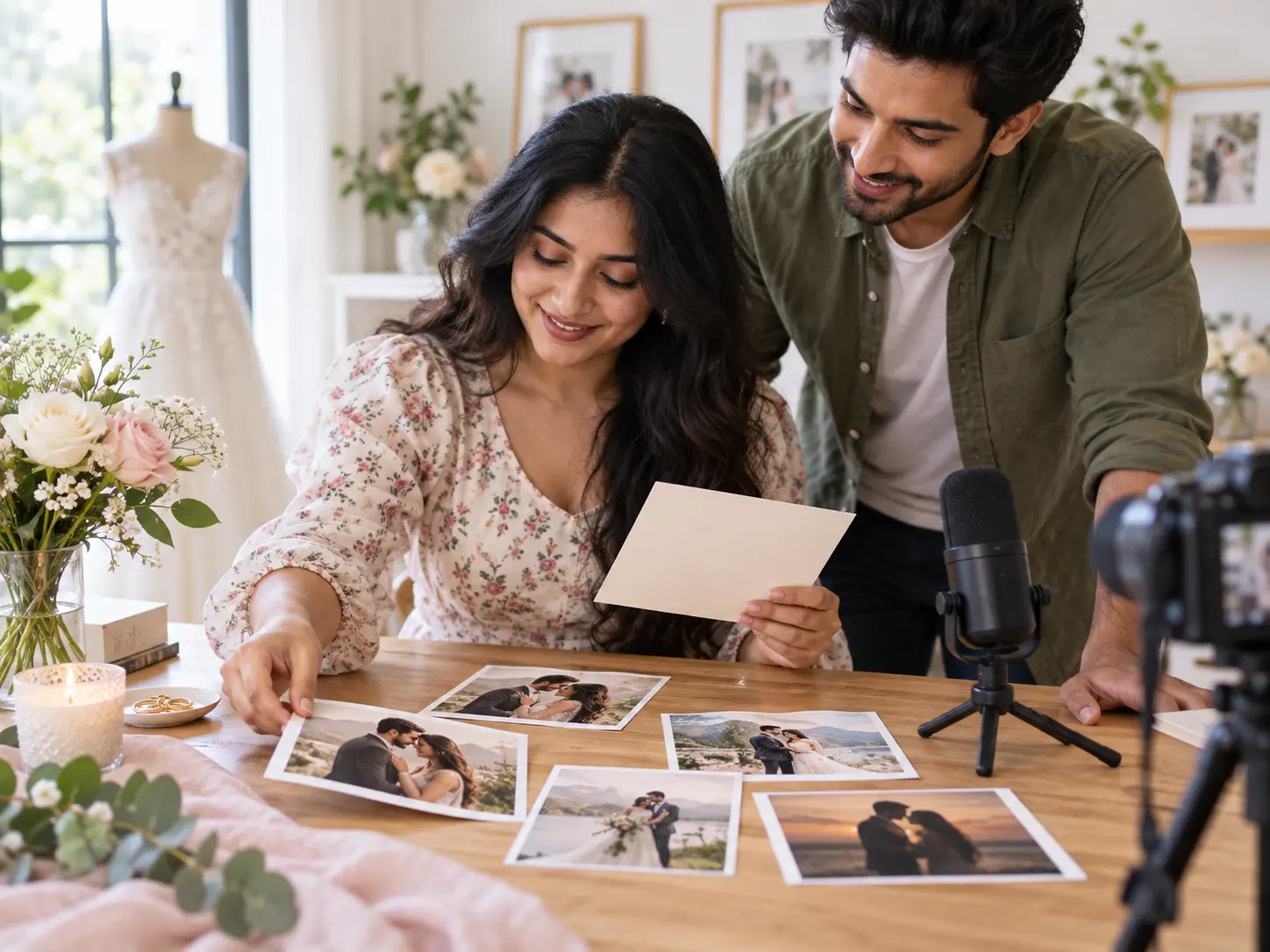
Step 01
Write the Invitation Brief
Enter the couple or hosts, occasion, date, location and one short message. Add photos, clips or audio references, then use @ to mark each as subject, scene, camera movement or music direction.

Wedding Invitation Video Maker
Use the wedding invitation video maker in VideoAI to turn your names, date, photos, scene order and music direction into a short MP4 invitation.
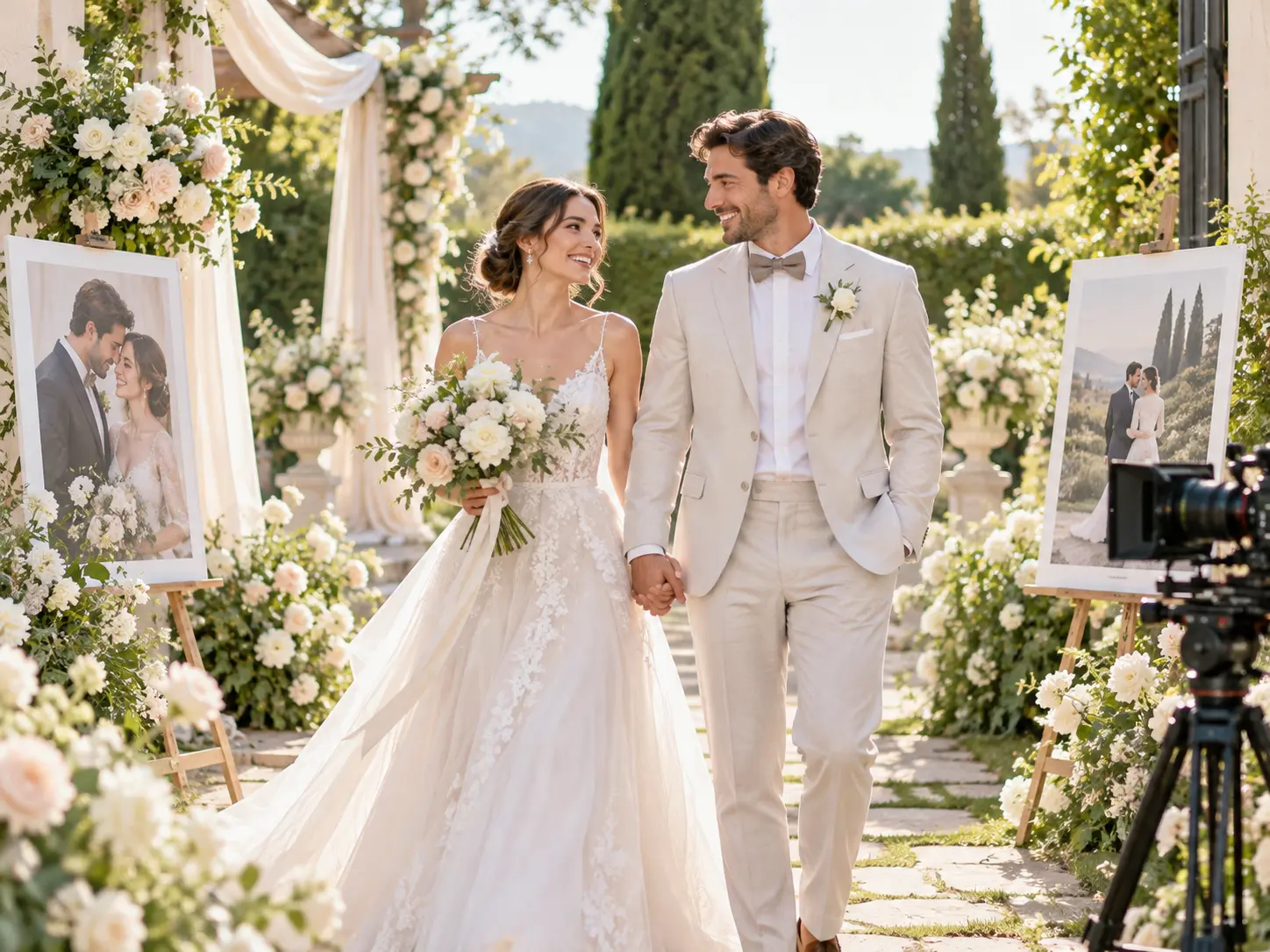
Move from details to download with a wedding invitation video generator: write the brief yourself, then let VideoAI generate from the timed plan.
Step 01
Enter the couple or hosts, occasion, date, location and one short message. Add photos, clips or audio references, then use @ to mark each as subject, scene, camera movement or music direction.
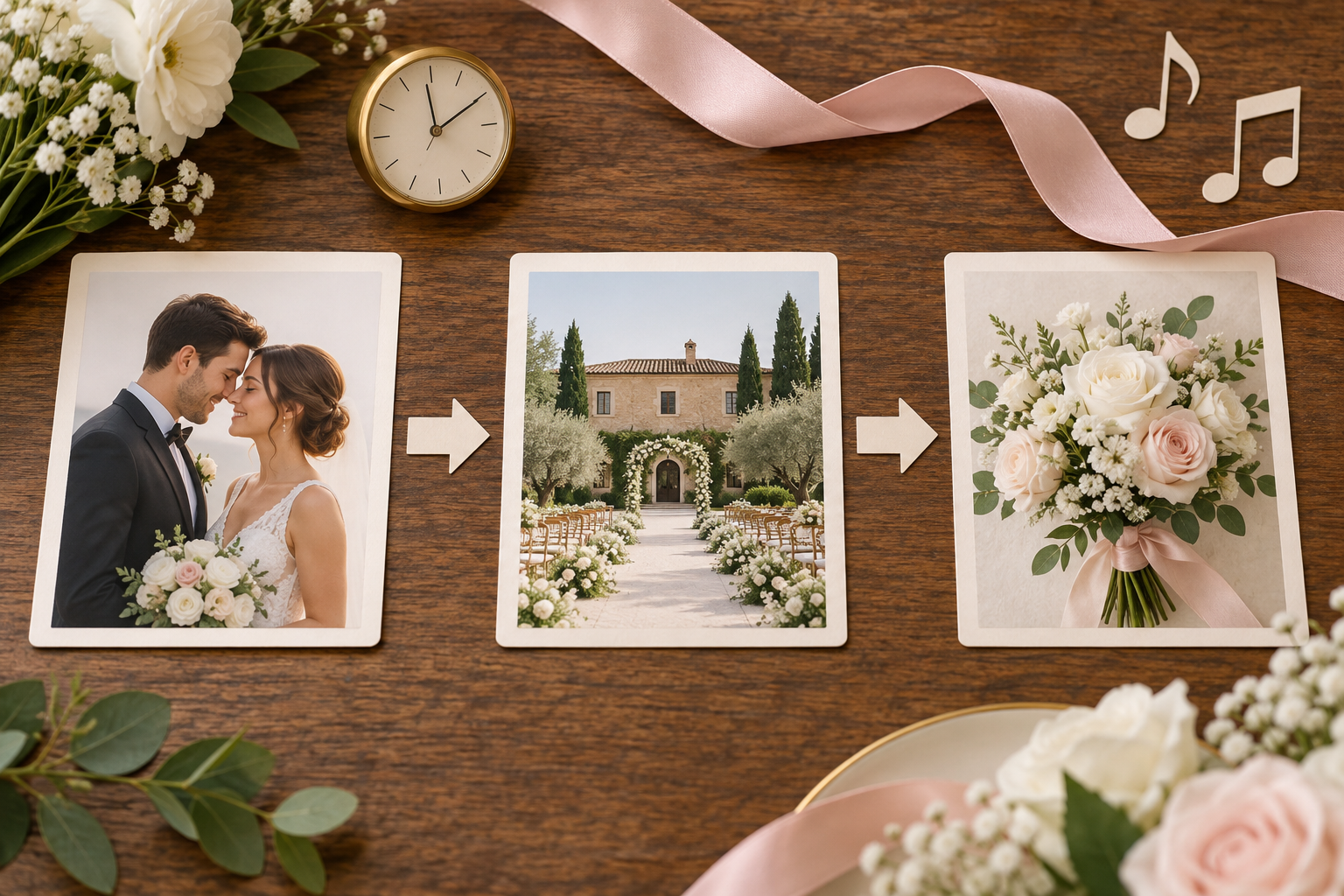
Step 02
Choose a general template, preset or starting style, then set ratio and a duration up to 30 seconds for one generation, which keeps the first invite ready for review before any extension. Arrange each time segment with the scene, action, short on screen wording, narration and soundtrack direction.
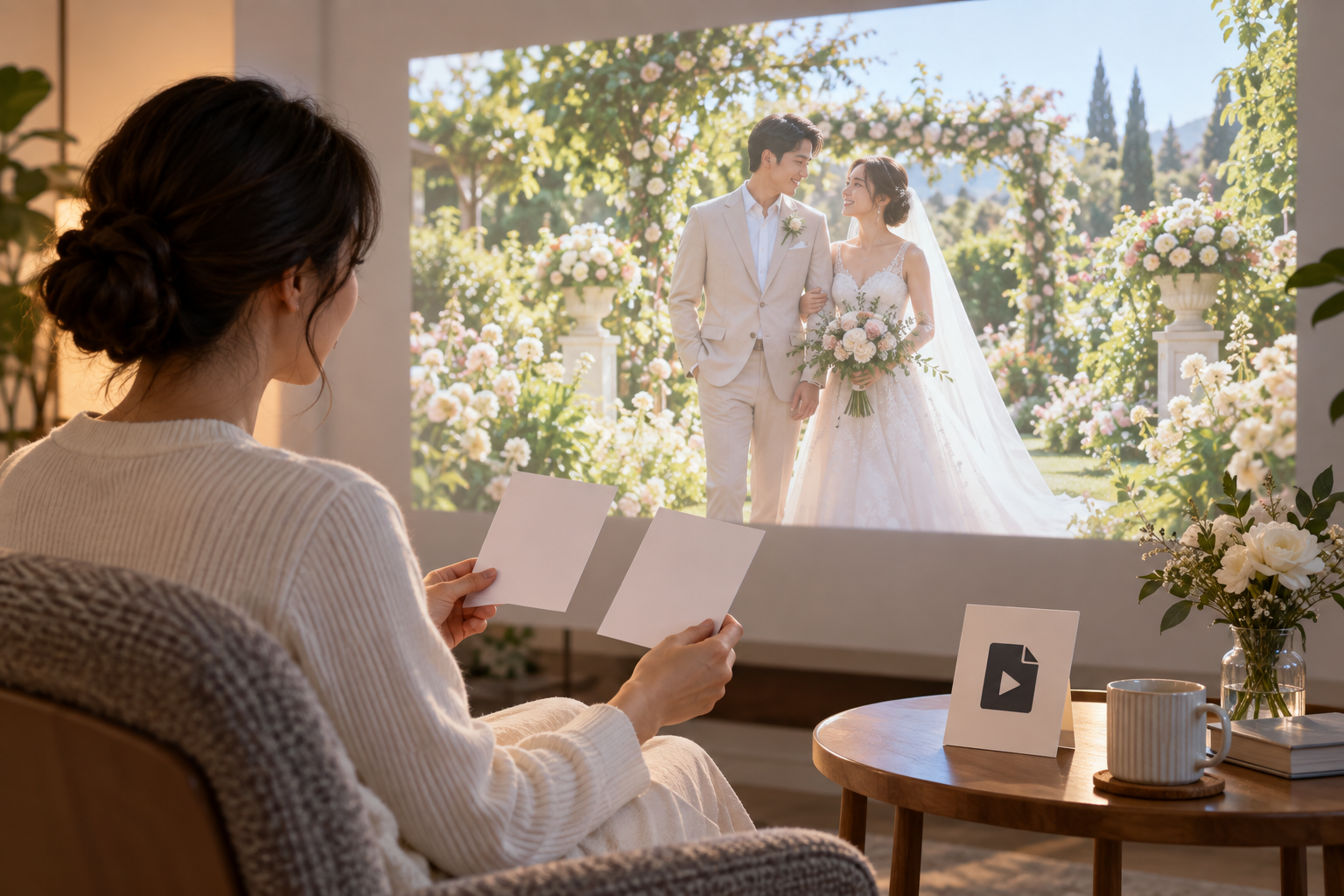
Step 03
Create the video in VideoAI, review names, dates and location wording, and revise with a text instruction when needed. Download an MP4 up to 4K in 16:9, 9:16, 1:1 or 4:5 so the same storyboard can fit common placements.
Pick the path that matches the invite you need, then write the scenes and references with that result in mind.
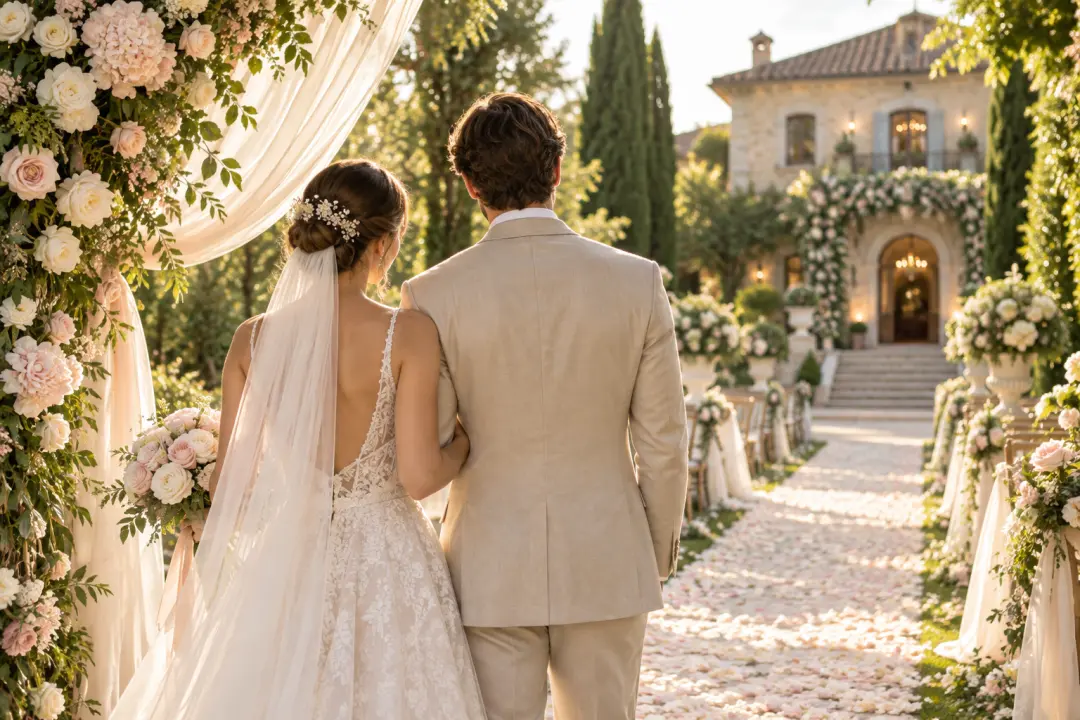
Use the wedding invitation video maker for a ceremony announcement with names, location and a warm closing note. Build the opening, event detail moment and final message as an intentional MP4.

A card style idea works best when the text is brief and the motion carries the mood. Describe the layout, date line and music direction so the wedding card video becomes a moving invitation rather than a print file.
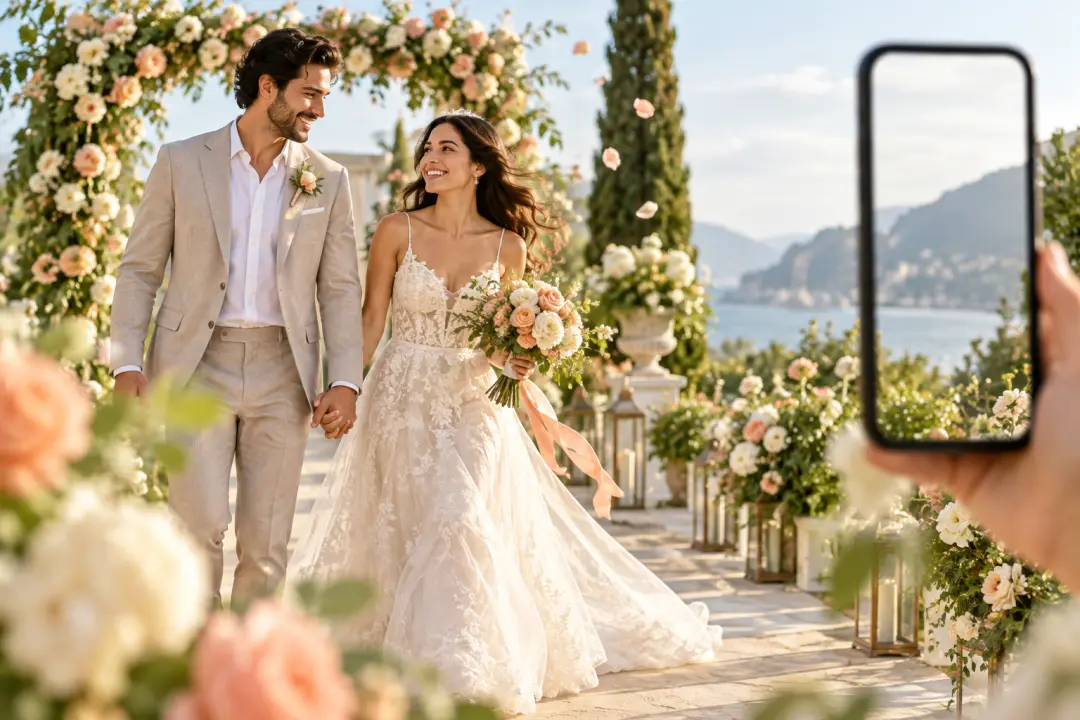
A shareable announcement for your own channel needs a clear ratio and concise copy. Choose 9:16, 1:1, 4:5 or 16:9, add personal references, and download the wedding video invitation as MP4.

A creator testing a first look may search for wedding invitation video maker online free while deciding on style and ratio. In VideoAI, the confirmed 10 credit allowance supports a short MP4 draft that can be checked and revised.

Couples can bring names, date wording, photos and a mood reference into VideoAI, then direct wedding invitation video templates with their own scene order and soundtrack notes.
Each control shapes the visible result first, while the wedding invitation video generator handles scene flow through MP4 delivery.
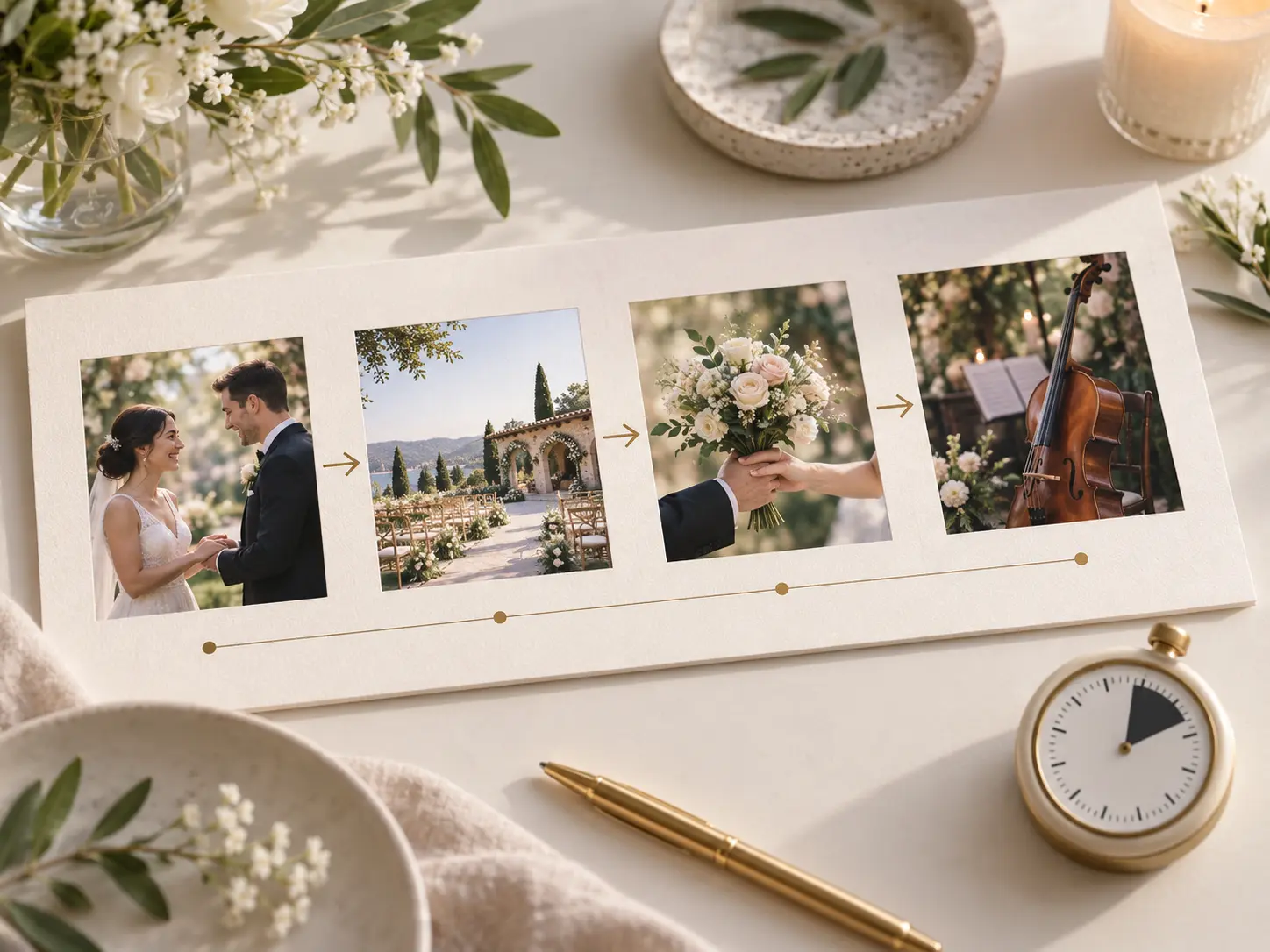
Opening image, event detail, closing line and music cue can each sit in a chosen time segment. VideoAI follows the scene and action notes you write, so the pacing matches the invitation purpose.
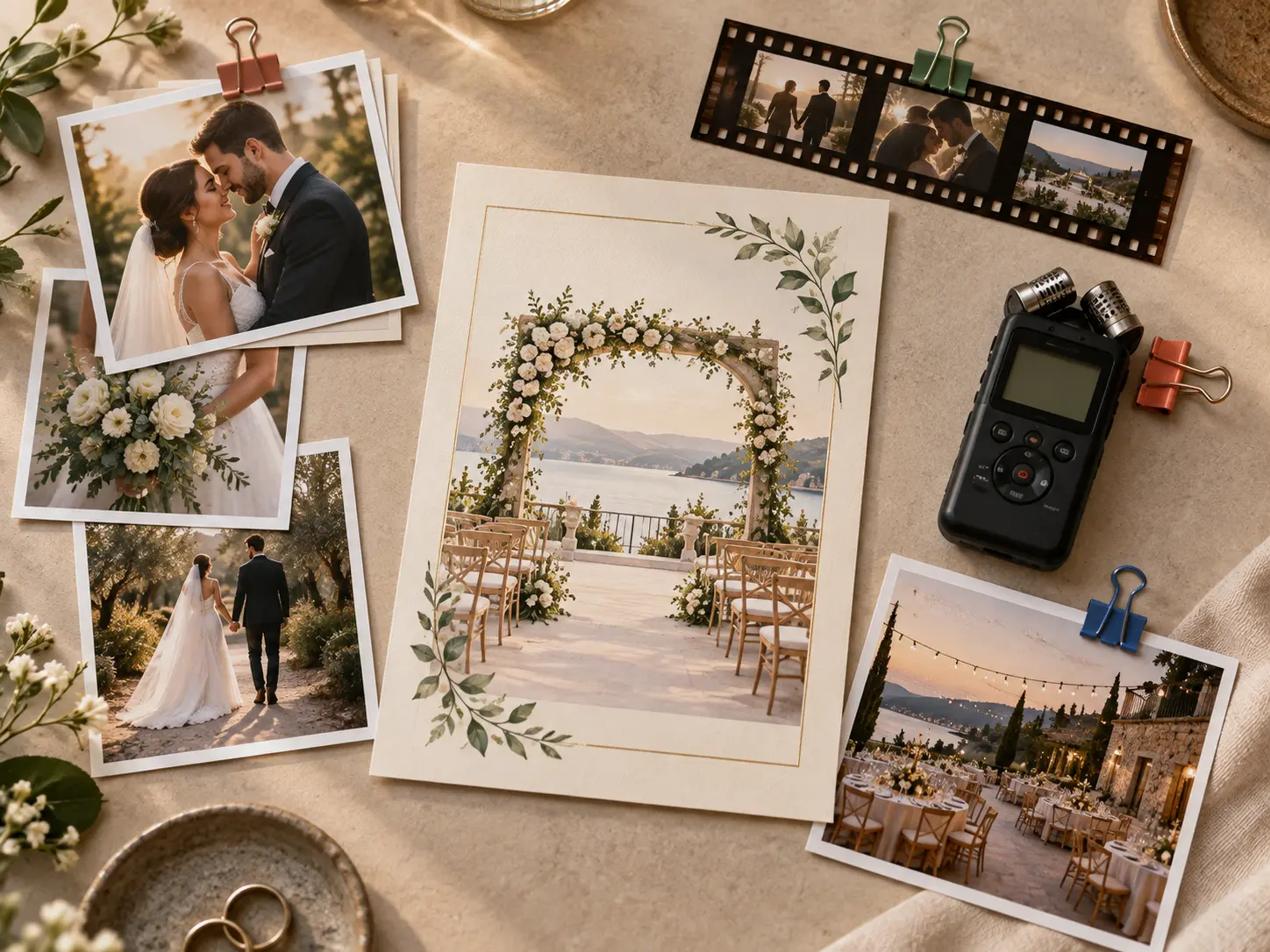
Faces, venue clips and audio cues have clearer roles when you mark them with @. Assign a photo as subject, a clip as scene context or audio as music direction before generation.
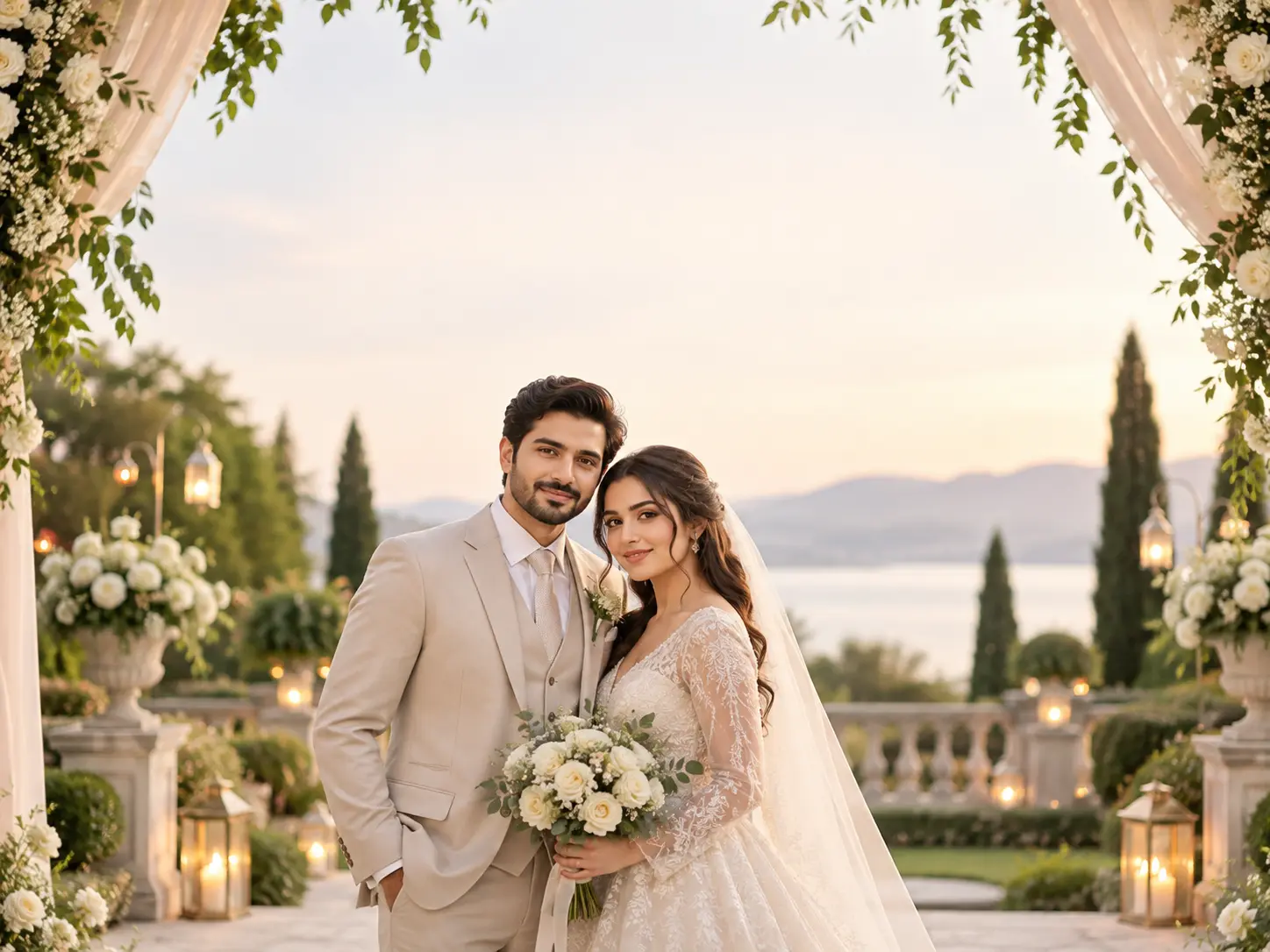
Names, dates, titles and a concise invitation line can appear as generated text in the video image. Review important wording after generation, then ask VideoAI for another version with a text instruction.
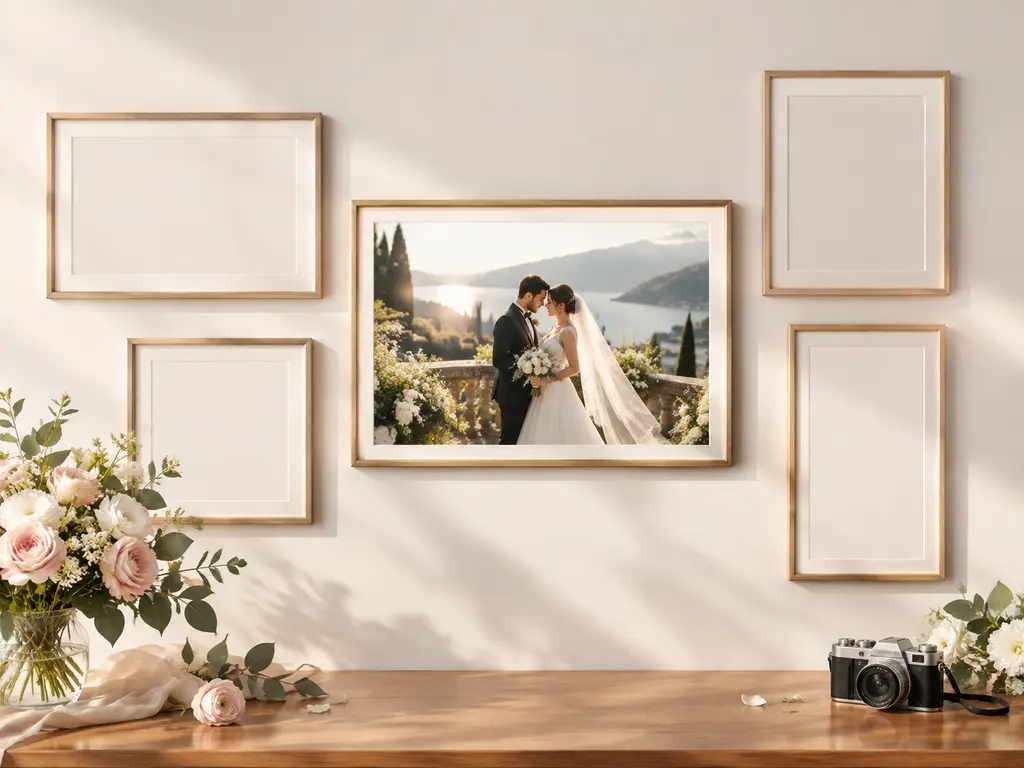
Download the finished invitation as a no watermark MP4 up to 4K when it needs a larger display. Choose 16:9, 9:16, 1:1 or 4:5 so the same storyboard fits horizontal, vertical, square or portrait placements.

Bring the wedding details, references and timed scene notes, then create a short MP4 invitation you can revise before download.
Get Started