

White Background Remover
This white background remover isolates products, signatures, artwork, and other subjects from flat white backdrops, then returns a clean transparent PNG with the important white details still intact. A focused brief should cover edges, fine lines, hair, pale interiors, and clean transparency. Review whether white interiors stayed visible and whether the edges are clean enough for ecommerce or design use before making a final choice.
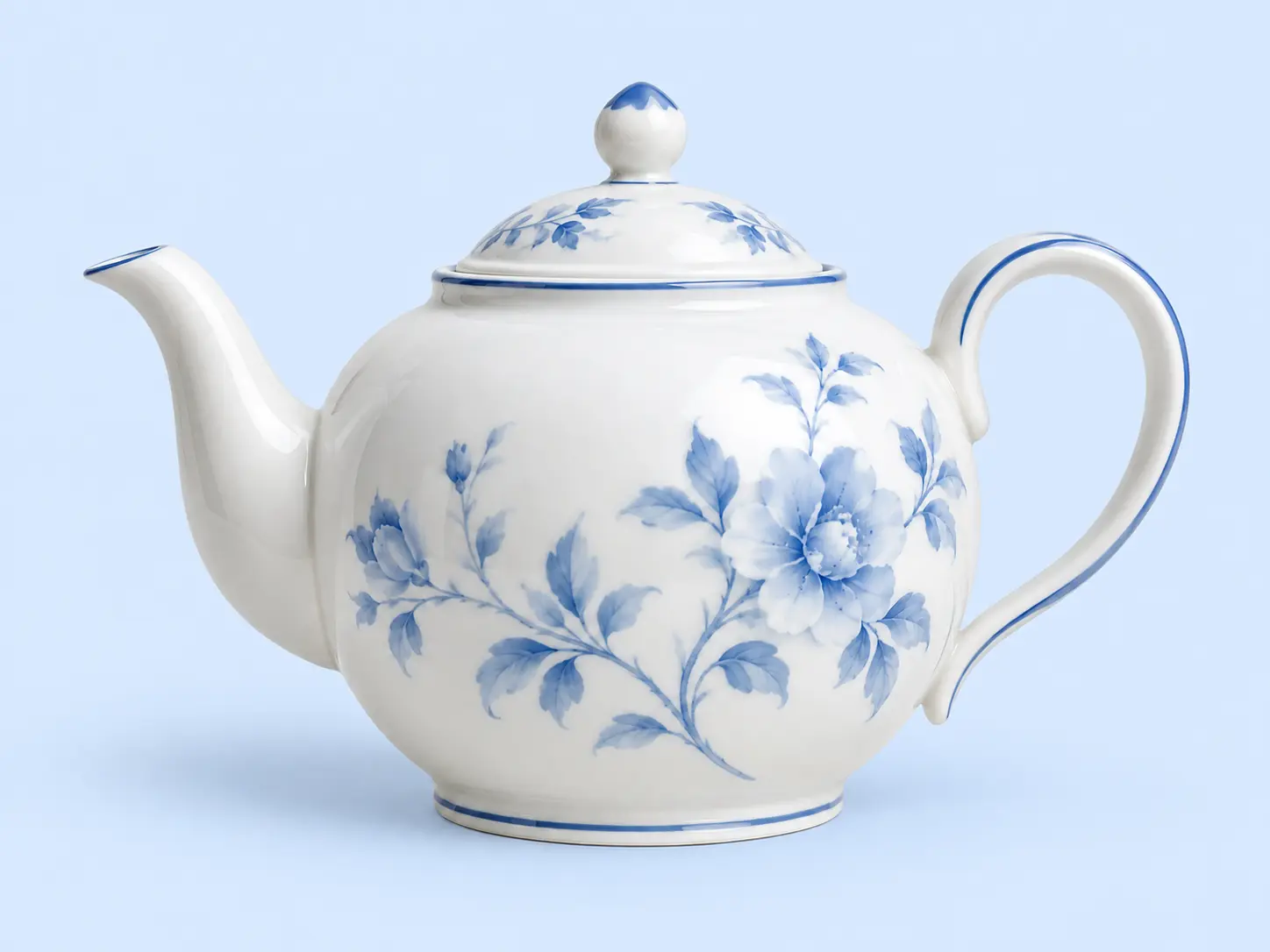
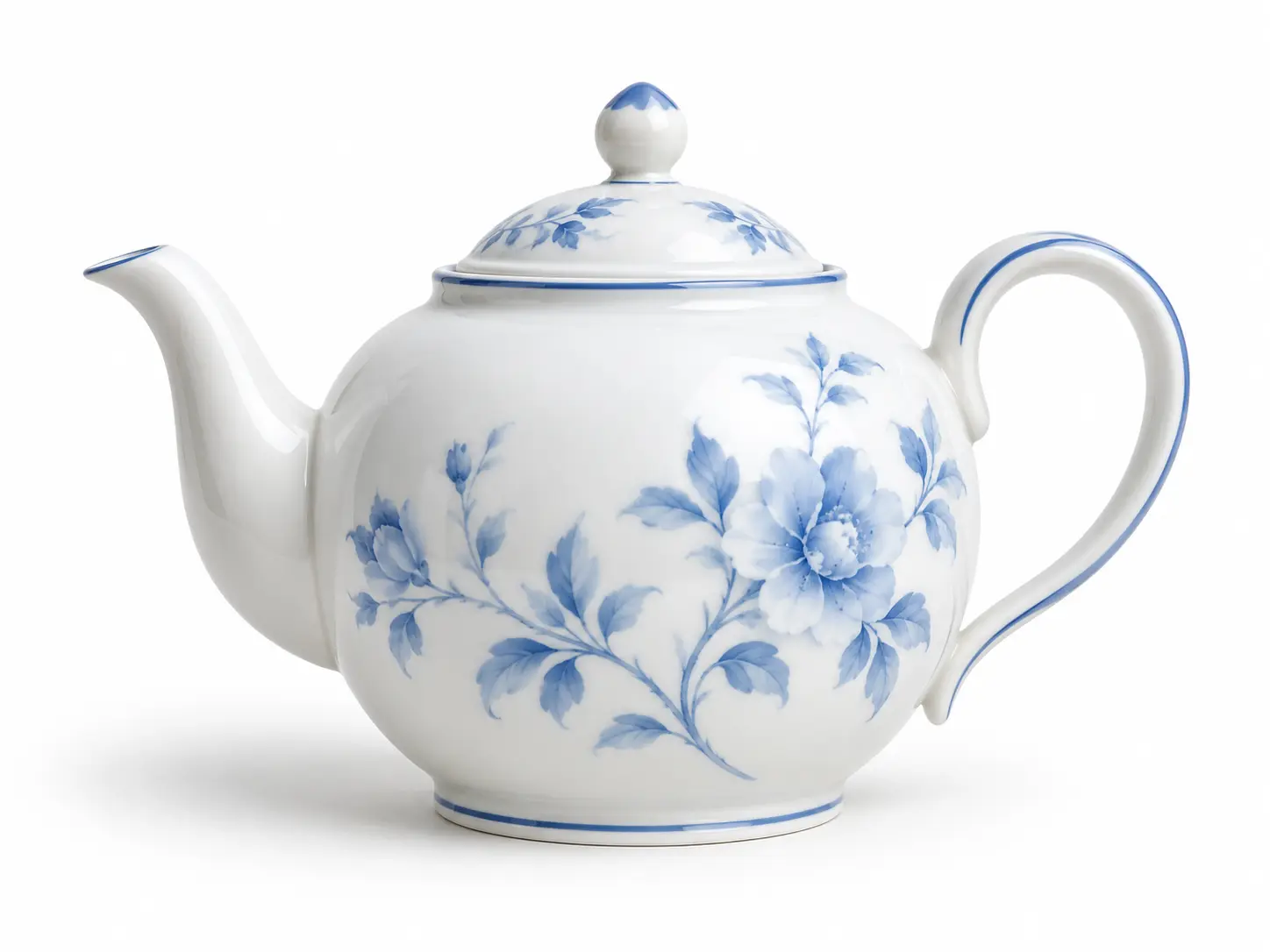
No picture on hand? Try with one of these
Who Needs A White Background Remover

Marketplace And Catalog Teams
Sellers often receive product photos shot on white but need transparent assets for listings, ads, bundles, and channel-specific layouts. A white background remover saves the repeated manual selection work while keeping white packaging, pale labels, and product highlights intact.


What This White Background Remover Handles
The tool separates the outside white backdrop from white details inside the subject, then gives you a transparent export that is ready for another layer.
Separates Background From White Details
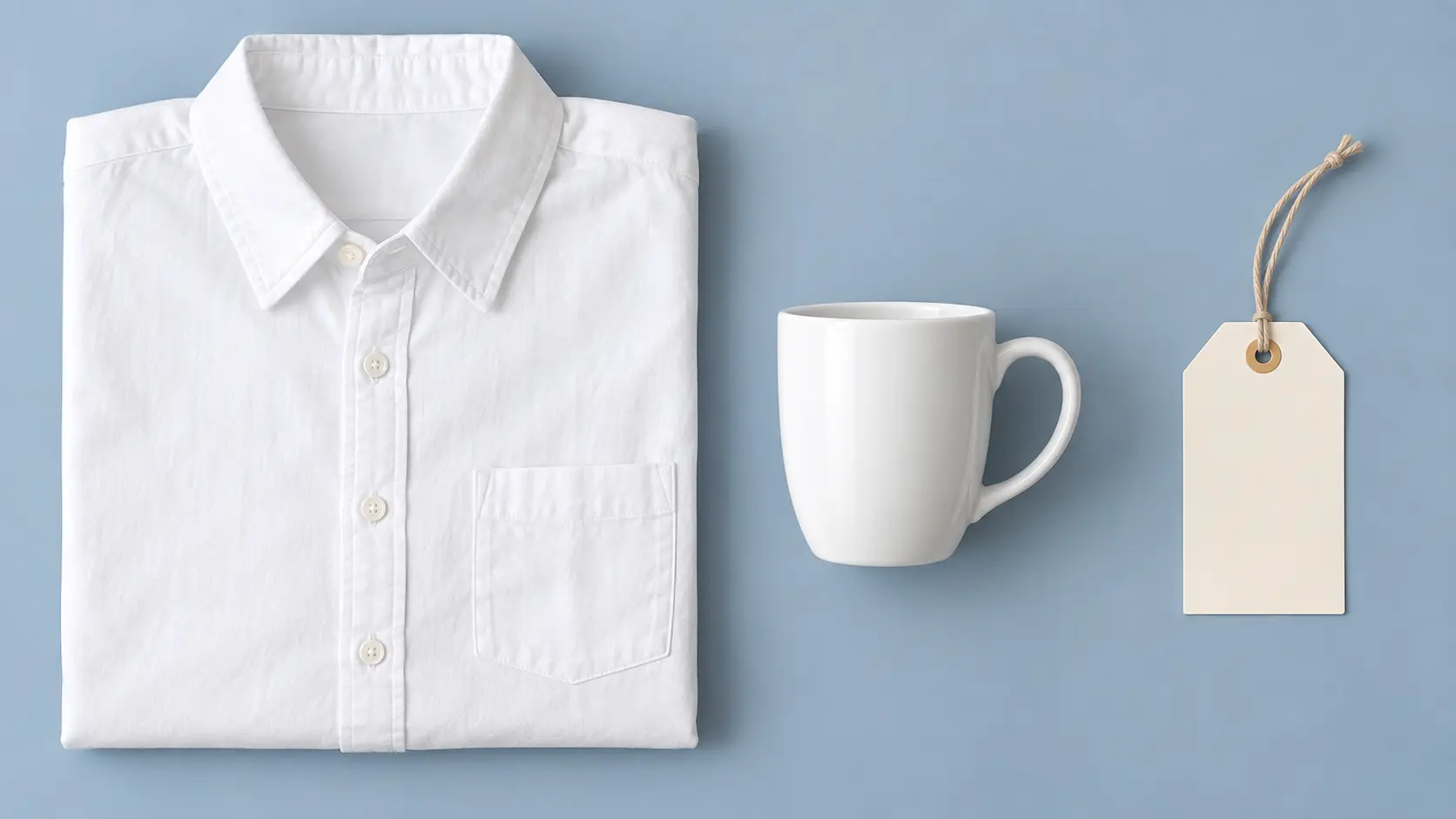
A white shirt, ceramic cup, pale label, or bright highlight should not disappear with the backdrop. A white background remover keeps internal white shapes while removing the surrounding sheet or studio surface. Start with a product, signature, artwork, or document on a flat white backdrop, then keep edges, fine lines, hair, pale interiors, and clean transparency consistent while you compare directions. The final test is whether white interiors stayed visible and whether the edges are clean enough for ecommerce or design use.

Clean Edges For Fine Details
Thin handles, loose hair, brush bristles, lace, and small cutouts need more than a rough selection. A white background remover uses edge cleanup to reduce white halos and keep narrow shapes readable at full size. The strongest use of this feature is to make a transparent PNG with important white details preserved work for ecommerce listings, artwork, signatures, logos, documents, and composite images, not merely to create an attractive preview.
Transparent PNG And New Backgrounds
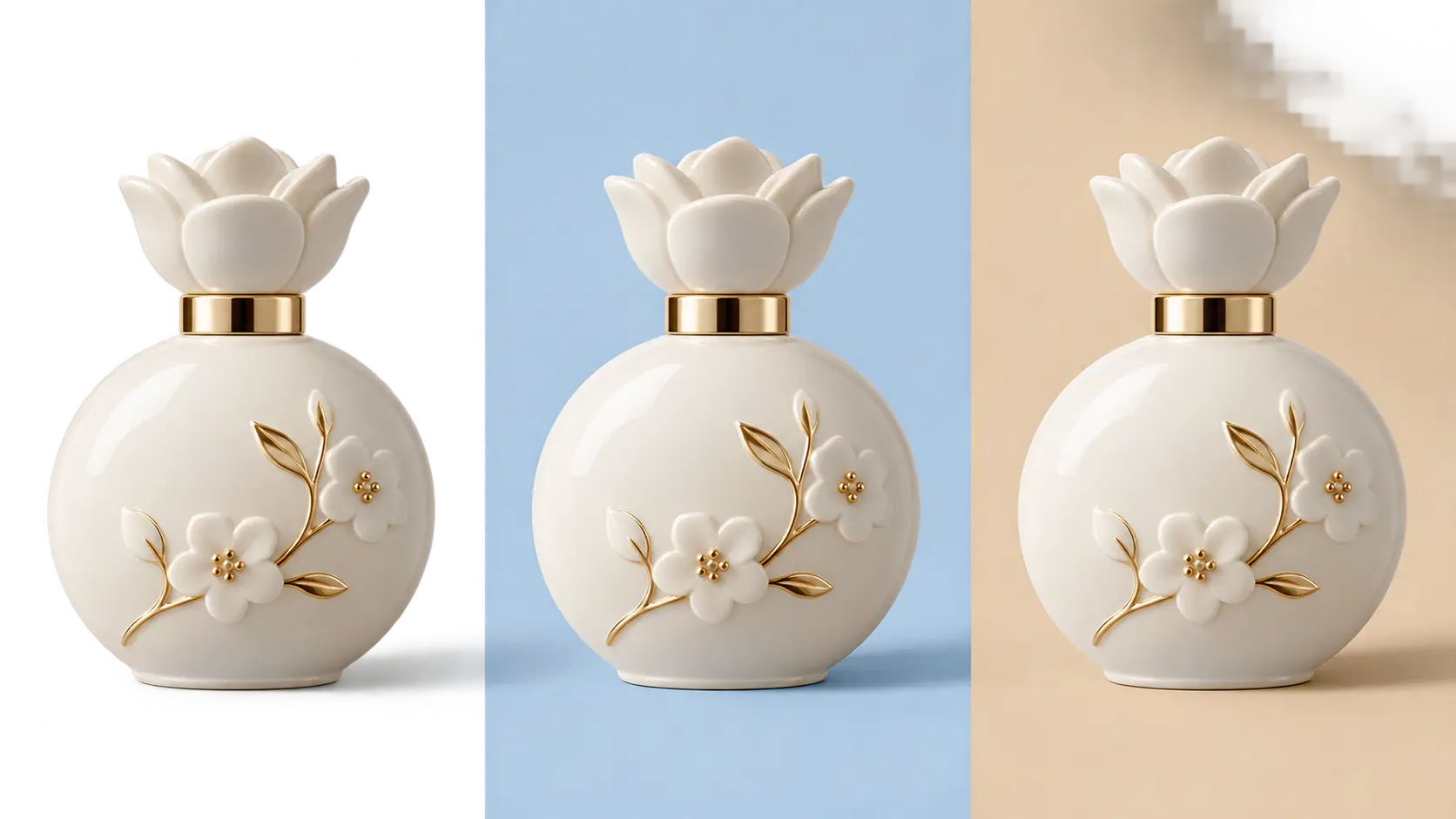
Download the cleared subject by itself or place it on a chosen color for a listing, social post, or presentation. A white background remover returns a transparent result that is reusable instead of locked to one canvas. If the first attempt misses the mark, describe the exact part of edges, fine lines, hair, pale interiors, and clean transparency to change and leave the rest of the direction fixed.

Consistent Product And Document Sets
Prepare a group of product shots, signatures, or sketches with a similar cutout treatment. A white background remover helps keep outputs consistent, so catalogs, stores, decks, and batch layouts are easier to assemble. This feature is most useful when the result has to communicate clearly to sellers, designers, archivists, and businesses preparing product or document images without extra explanation. Keep white-on-white areas, fur, glass, and soft shadows can need manual cleanup. That check matters before the asset moves into JPG, PNG, or WebP input and transparent PNG output.
How To Remove A White Background
Three direct steps take the image from upload to a reusable transparent file.
Upload The White-Backed Image
Choose a JPG, PNG, or WebP file from your device. Product photos, scans, screenshots, signatures, and artwork with a mostly white surrounding area all fit the white background remover workflow.
Review The Cutout
Check thin edges, pale internal details, and any area where the subject color is close to white. If something needs attention, adjust the source or regenerate the cutout before export.
Export A Transparent PNG
Download the isolated result, then place it on a listing background, slide, package mockup, or new color. A transparent PNG keeps the subject portable across layouts.
White Background Removal Use Cases
Use the same workflow for commercial assets, scanned paperwork, and personal projects.
Ecommerce Listing Shots
Turn supplier photos or studio shots into clean product cutouts for marketplaces, comparison pages, bundle graphics, and paid campaigns.
Signatures And Documents
Lift a handwritten signature, stamp, or sketch from white paper so it can be placed into contracts, invitations, letterheads, and digital forms.
Product Mockups And Catalogs
Place the same product on multiple colors, textures, or scenes without reselecting it each time, keeping a catalog or pitch deck visually consistent.
Social Graphics And Thumbnails
Create transparent cutouts for thumbnails, stickers, announcement posts, and collage layouts where the subject needs to sit over a designed background.
White Background Remover FAQ

Turn A White-Backed Image Into A Clean Cutout
Upload the file, preserve the details that matter, and export a transparent result ready for the next layout.
Get Started