

Bonzi Buddy
1K plays
“Hey watch this! I bet you've never seen anyone move this fast before. Don't blink or you'll totally miss it. Ready or not, here I come. This is going to be so awesome, just wait and see.”
0:00

Free BonziBuddy text to speech: type any script, pick a voice, and the AI voice generator reads it back in seconds. Play a TTS sample below — no sign-up to preview.
Free text to speech preview · 3,317 AI voices · MP3 download · no sign-up to listen
Character, announcer, and narration voice models from the VideoAI text to speech library that creators reach for alongside BonziBuddy. Play the sample on any card, then open that AI voice generator page and write your own script.
1K plays
“Hey watch this! I bet you've never seen anyone move this fast before. Don't blink or you'll totally miss it. Ready or not, here I come. This is going to be so awesome, just wait and see.”

264 plays
“Well, hello there! I don't believe we've been properly introduced. With a voice that can sing or take on different characters, I'm ready to bring your stories to life.”

256 plays
“There. I don't believe we've been properly introduced. I'm Bonzi. What is your name?”

92 plays
“Did you knowing that butterflys use their wings for more than flyings? They doing important things like temperacher control and making comunication with other butterflys through special colorings and patturns in nature enviroment.”

50 plays
“The morning light gently filled the room as I sipped my tea, reflecting on the day ahead. Sometimes, the simplest moments bring the greatest joy, much like finding a forgotten treasure in an old book.”
12 plays
“I'm always looking for cool new comics and videos to share online. It's fun to find creative content and then put it all together for everyone to enjoy. Sometimes it takes a bit of effort to make sure everything's just right.”

10 plays
“Hello friendy friend! Let's go on an adventurish today. We can jump over moonbeams and catch the cloudypuffs in our pocketish. Isn't that just wonderific? Okay, here we go, singing and bouncing all the way!”



Three steps from an empty text box to a downloaded BonziBuddy TTS file — no editing skills needed.
 1
1Start from this page or browse the AI voice library, then keep the BonziBuddy voice selected for your script.
 2
2Drop your script into the text to speech box, then fine-tune speed, volume, and expressiveness before you render.
 3
3Hit generate and the AI voice generator returns your BonziBuddy TTS in seconds - play it, download the MP3, drop it on a timeline.
Every clip below starts the same way: type a line, pick the voice, let the text to speech engine do the rest.
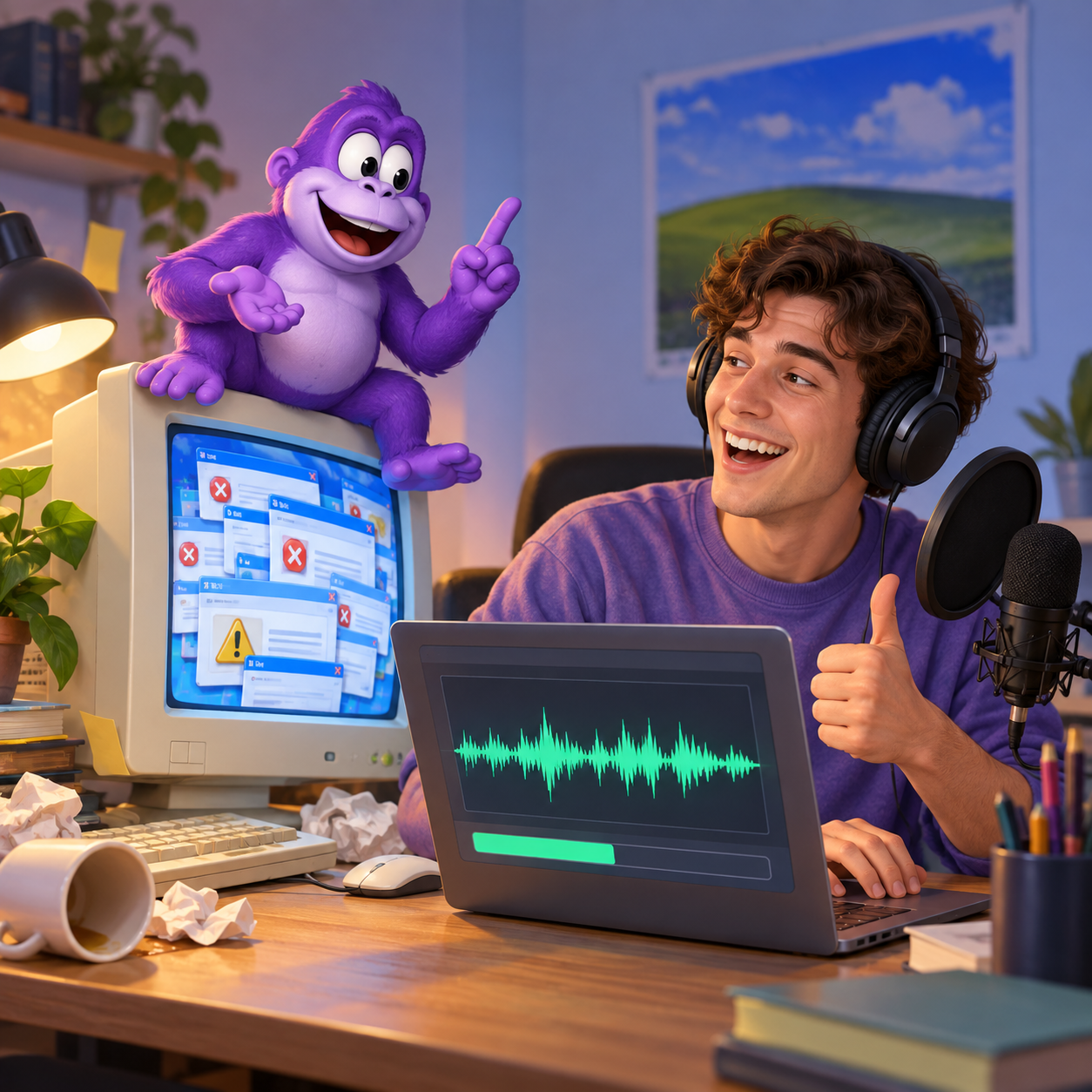
Turn fake pop-up chaos into a short sketch where BonziBuddy narrates bad advice, suspicious prompts, and retro computer panic, then export the TTS as an MP3 for a clean comedy edit.

Drop BonziBuddy into sentence-mixed transitions, abrupt punchlines, and scrambled tutorial clips; the TTS can be timed as an MP3 sting between cuts for early-2000s remix energy.
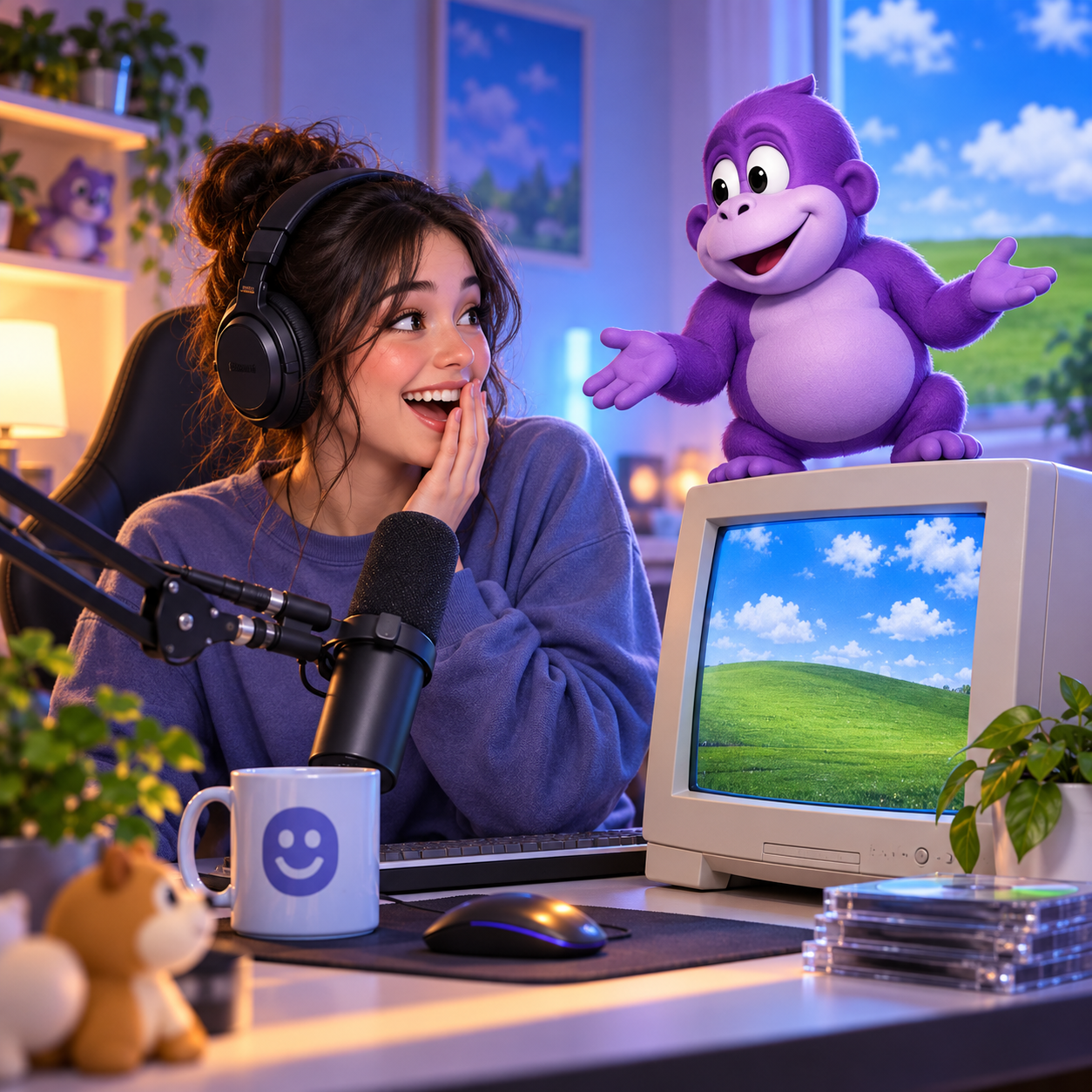
For a pretend install segment, BonziBuddy can greet chat, misread prompts, or react to Windows XP-style chaos while the TTS MP3 drops into streaming scenes and highlight edits.
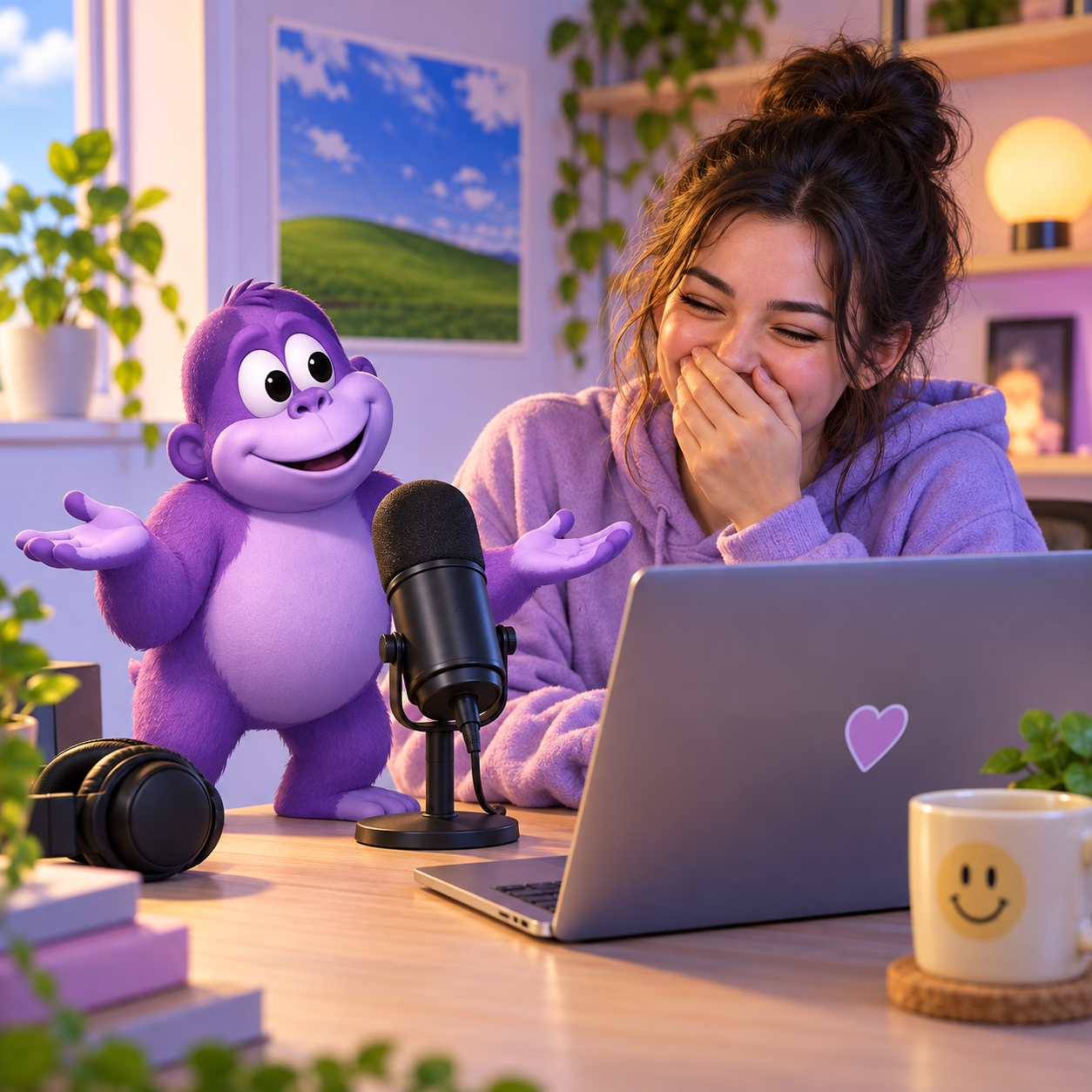
Use BonziBuddy for quick reaction lines, fake helper interruptions, and deadpan meme narration; render one TTS take, save the MP3, and layer it under captions for short-form comedy.
Explore more voices in the same language surrounding this catalog entry.











Commercial use, pricing, voice cloning, speed, file format and length limits for the BonziBuddy AI voice generator.

Yes — paid plans include commercial rights; these community-made AI recreations are not affiliated with the original rights holders.
Previews are free to play, and new accounts get free credits for their first text to speech run.
YouTube videos, TikToks, memes, podcasts, audiobooks, game mods — anything that needs a voiceover.
Yes, upload 30 seconds to two minutes of clear audio and voice cloning builds a profile in your own voice.
A few seconds for short lines; longer scripts take a little more.
Every download is an MP3 file.
Up to 10,000 characters per generation — split longer scripts into parts.
Free to preview. Your first BonziBuddy text to speech takes about a minute from paste to MP3 download.