

Hatsune Miku (Text To Speech)
798K plays
“¡Hola! Estoy lista para cantar contigo y llenar todo de alegría. Vamos a crear melodías mágicas que brillen con mucha luz hoy mismo.”
0:00

Free Hatsune Miku text to speech: type any script, pick a voice, and the AI voice generator reads it back in seconds. Play a TTS sample below — no sign-up to preview.
Free text to speech preview · 3,317 AI voices · MP3 download · no sign-up to listen
Character, announcer, and narration voice models from the VideoAI text to speech library that creators reach for alongside Hatsune Miku. Play the sample on any card, then open that AI voice generator page and write your own script.
798K plays
“¡Hola! Estoy lista para cantar contigo y llenar todo de alegría. Vamos a crear melodías mágicas que brillen con mucha luz hoy mismo.”

194K plays
“ねえ、知ってる?誰も語らない禁断の物語。闇に消えた古の記憶を、今夜は特別に教えてあげる。覚悟はいい?”

43K plays
“Oh hello everyone! I try singing new song today, but English words still little difficult for me. But I practice very hard! Maybe you can help teaching me? I want become better singer for all my friends who supporting me!”

21K plays
“Hatsune Miku is here! With an energetic and playful voice, I can bring any character to life. Whether it's for animation, gaming, or just fun, let's create something amazing together. Thank you!”

16K plays
“こんにちは、初音ミク(H-M)です!私はTTSやSYNTH-Vソフトウェアのマスコットキャラクターです!皆さんのWi-Fiの仲間入りができるのを楽しみにしています!!”

12K plays
“Hi everyone! This is Miku here, ready to sing for you all! Can't wait to share my new song with everyone. The melody is super fun and bouncy - just like me! Let's make some amazing memories together, okay?”

11K plays
“If you're feeling down and spending too much time online and you keep comparing yourself to others and you don't feel good about yourself you need to take a break from social media and focus on your mental health and remember you're worth more than likes.”

10K plays
“Miku-miku-beam!!! I'm lowkey just doing this for a tik tok account but y'all are free to use this.”

10K plays
“ねえねえ聞いて!今日のコーデ、すっごく可愛くない?お気に入りの服を着ると世界中がキラキラして見えるよね!さあ、最高の気分で一緒にお出かけしちゃおう!”

7K plays
“Hi there! This is a message from Hatsune Miku. The person you called might be busy, or something else. Leave a message after the beep! Just kidding, I'm still here, ready for our next adventure!”

6K plays
“わーい!みんなに会えて超うれしいです!今日もステージで精一杯歌いますよ!えへへ、私の歌声で皆さんを笑顔にできたら嬉しいな~!頑張っちゃいます!いっしょに楽しもうね!”



Three steps from an empty text box to a downloaded Hatsune Miku TTS file — no editing skills needed.
 1
1Start from this page or browse the AI voice library, then keep the Hatsune Miku voice selected for your script.
 2
2Drop your script into the text to speech box, then fine-tune speed, volume, and expressiveness before you render.
 3
3Hit generate and the AI voice generator returns your Hatsune Miku TTS in seconds - play it, download the MP3, drop it on a timeline.
Every clip below starts the same way: type a line, pick the voice, let the text to speech engine do the rest.
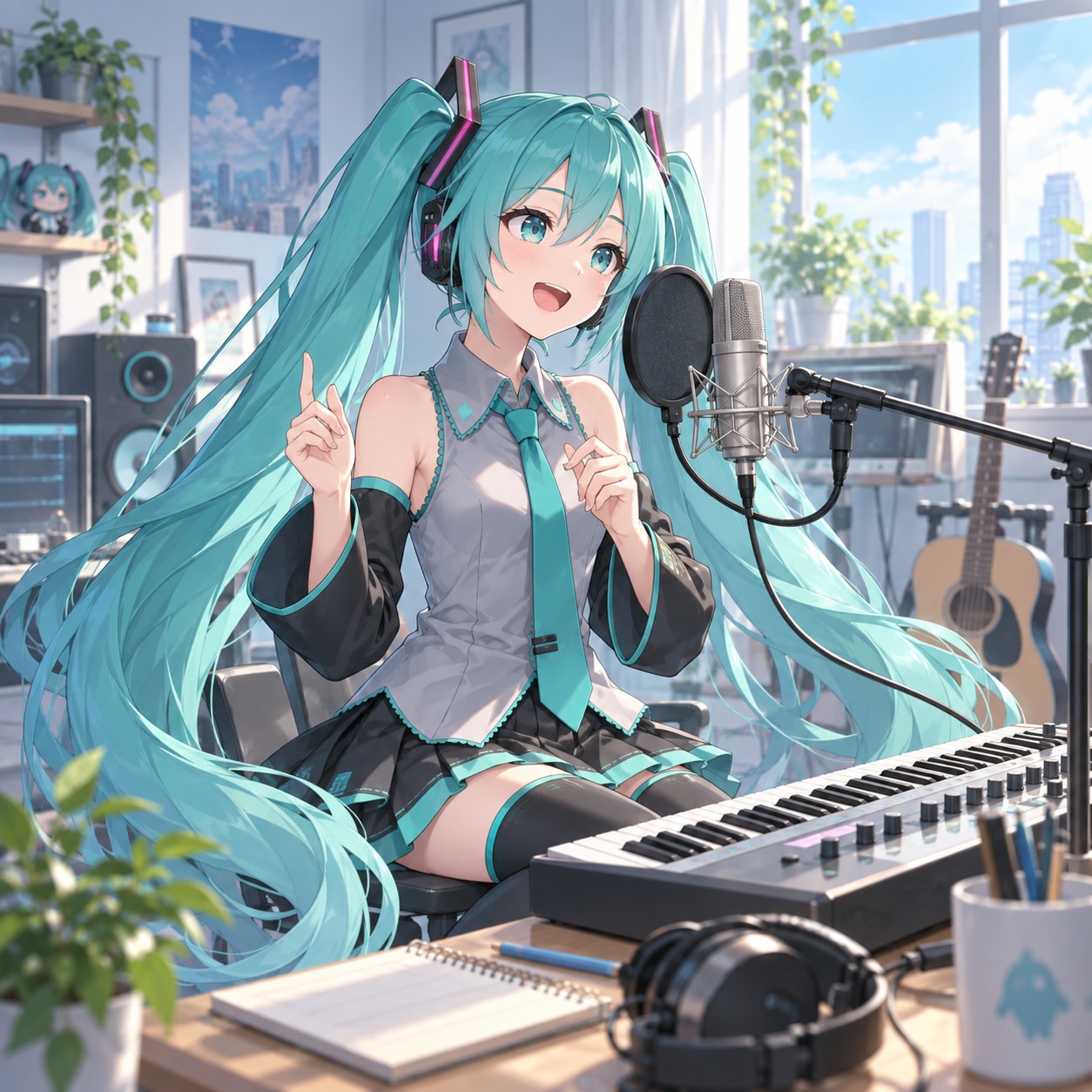
Draft fan-song verses in Hatsune Miku style with TTS, then export an MP3 to test melodies, harmonies, and call-and-response ideas before building a full music edit.
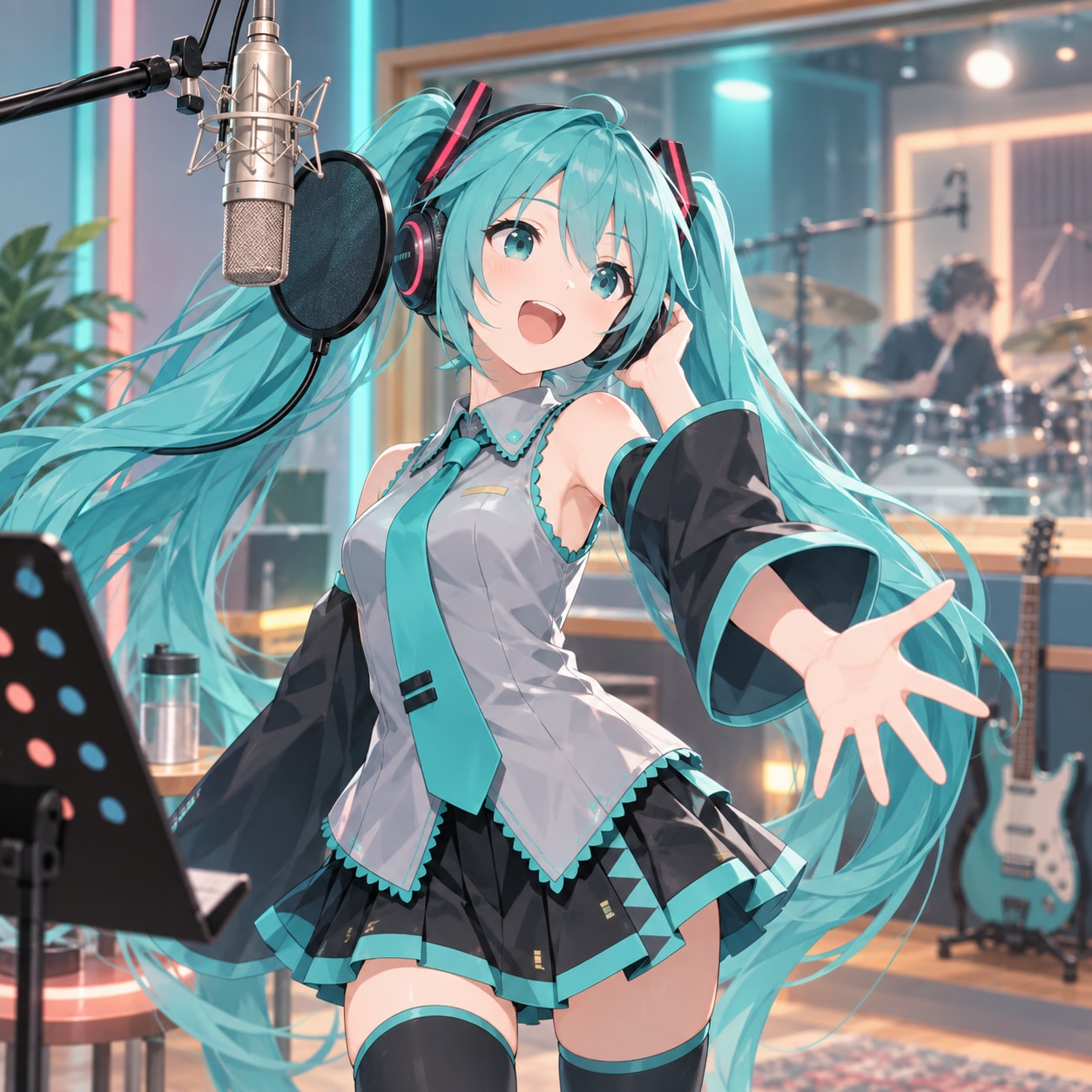
For cover concepts, Hatsune Miku TTS can shape a short chorus guide, giving creators an MP3 reference for timing, phrasing, and synthetic-pop energy before they arrange the track.

Pair Hatsune Miku with captions, beat cuts, and virtual-idol visuals by using TTS for spoken tags or sung-style snippets, then place the MP3 into YouTube edits.

Build quick TikTok meme hooks where Hatsune Miku delivers a punchy intro, reaction, or loopable phrase through TTS, with an MP3 ready for short-form edits.
Explore more voices in the same language surrounding this catalog entry.











Commercial use, pricing, voice cloning, speed, file format and length limits for the Hatsune Miku AI voice generator.

Yes — paid plans include commercial rights; these community-made AI recreations are not affiliated with the original rights holders.
Previews are free to play, and new accounts get free credits for their first text to speech run.
YouTube videos, TikToks, memes, podcasts, audiobooks, game mods — anything that needs a voiceover.
Yes, upload 30 seconds to two minutes of clear audio and voice cloning builds a profile in your own voice.
A few seconds for short lines; longer scripts take a little more.
Every download is an MP3 file.
Up to 10,000 characters per generation — split longer scripts into parts.
Free to preview. Your first Hatsune Miku text to speech takes about a minute from paste to MP3 download.