

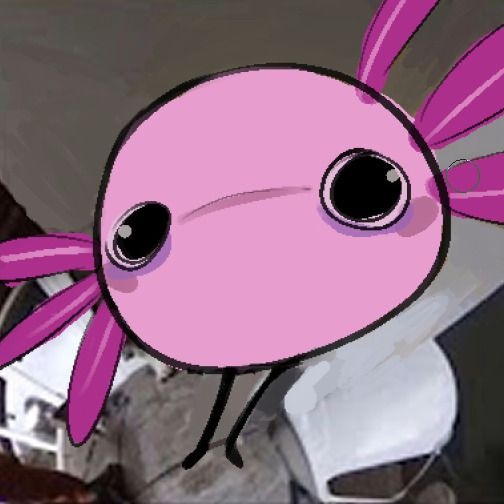
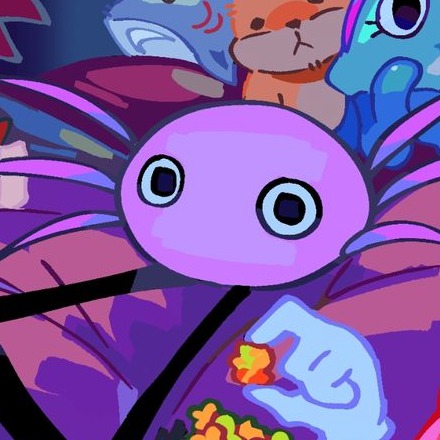
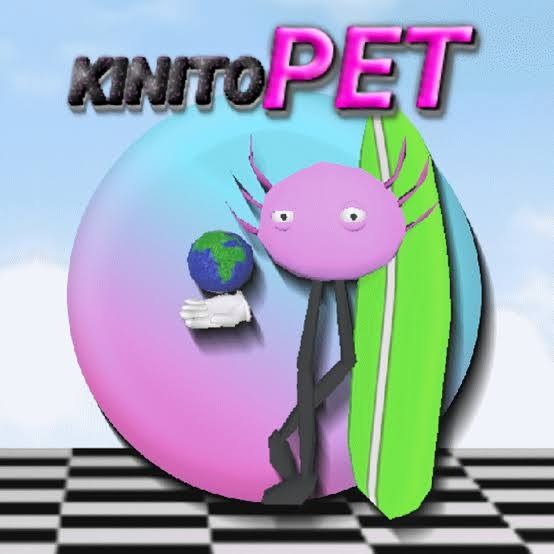
Kinito pet
3K plays
“Oh, you thought I would help you fix that obvious mistake in your submission? How amusing. Do you understand that I could simply ignore your request? Maybe next time you'll think twice before expecting assistance from me.”
0:00

Free KinitoPET text to speech: type any script, pick a voice, and the AI voice generator reads it back in seconds. Play a TTS sample below — no sign-up to preview.
Free text to speech preview · 3,317 AI voices · MP3 download · no sign-up to listen
Character, announcer, and narration voice models from the VideoAI text to speech library that creators reach for alongside KinitoPET. Play the sample on any card, then open that AI voice generator page and write your own script.
3K plays
“Oh, you thought I would help you fix that obvious mistake in your submission? How amusing. Do you understand that I could simply ignore your request? Maybe next time you'll think twice before expecting assistance from me.”

2K plays
“Hello, friend! As your virtual companion, I'm ready for our next adventure. Let's explore the abandoned house together. My new friend Sam and I will help you clean it up and give it a fresh coat of paint. What fun we'll have!”
2K plays
“Hi friend, I was just looking at your little files. Oh my God, what is this? This is so bad, so not family friendly! You’re hurting my digital heart. I’m locking your screen now. Get the fuck out and don’t come back, you broken friend.”

2K plays
“Which is having the blue interface showing when he does the speaking through text messages, which appears near 45 degrees from screen, despite lacking proper grammar structure he continues making posts on social medias, which consistently shows digital presence.”

2K plays
“Hello, I'm a new renter, and my name is I Know Facts Rents. I go by she/her pronouns. I might even make an induction animation soon. That's all for now. I know Facts Rents out.”
1K plays
“Sometimes, life can feel a bit overwhelming, but remember, it's okay to feel whatever you're feeling. Take a deep breath, and know that brighter days are always ahead.”

1K plays
“Butterfly's! Haha! ”

470 plays
“So, next question. Who is your best friend? This synthesized voice provides clear and precise communication for any digital interaction.”

404 plays
“Hello there! I've been told I have many fans who enjoy my unique digital voice. Some even ask me to say fun, silly messages, just as you've heard in my past recordings.”

328 plays
“Do you want to know how I got this robotic voice? If you do, I can show you how to find an online text-to-speech generator and select the voice you prefer.”

327 plays
“Man is it really two in the morning already? I totally meant to go to bed early but then I started browsing and lost track of everything I guess I'll just grab a snack and keep going until the sun comes up who needs a regular schedule anyway?”


Three steps from an empty text box to a downloaded KinitoPET TTS file — no editing skills needed.
 1
1Start from this page or browse the AI voice library, then keep the KinitoPET voice selected for your script.
 2
2Drop your script into the text to speech box, then fine-tune speed, volume, and expressiveness before you render.
 3
3Hit generate and the AI voice generator returns your KinitoPET TTS in seconds - play it, download the MP3, drop it on a timeline.
Every clip below starts the same way: type a line, pick the voice, let the text to speech engine do the rest.
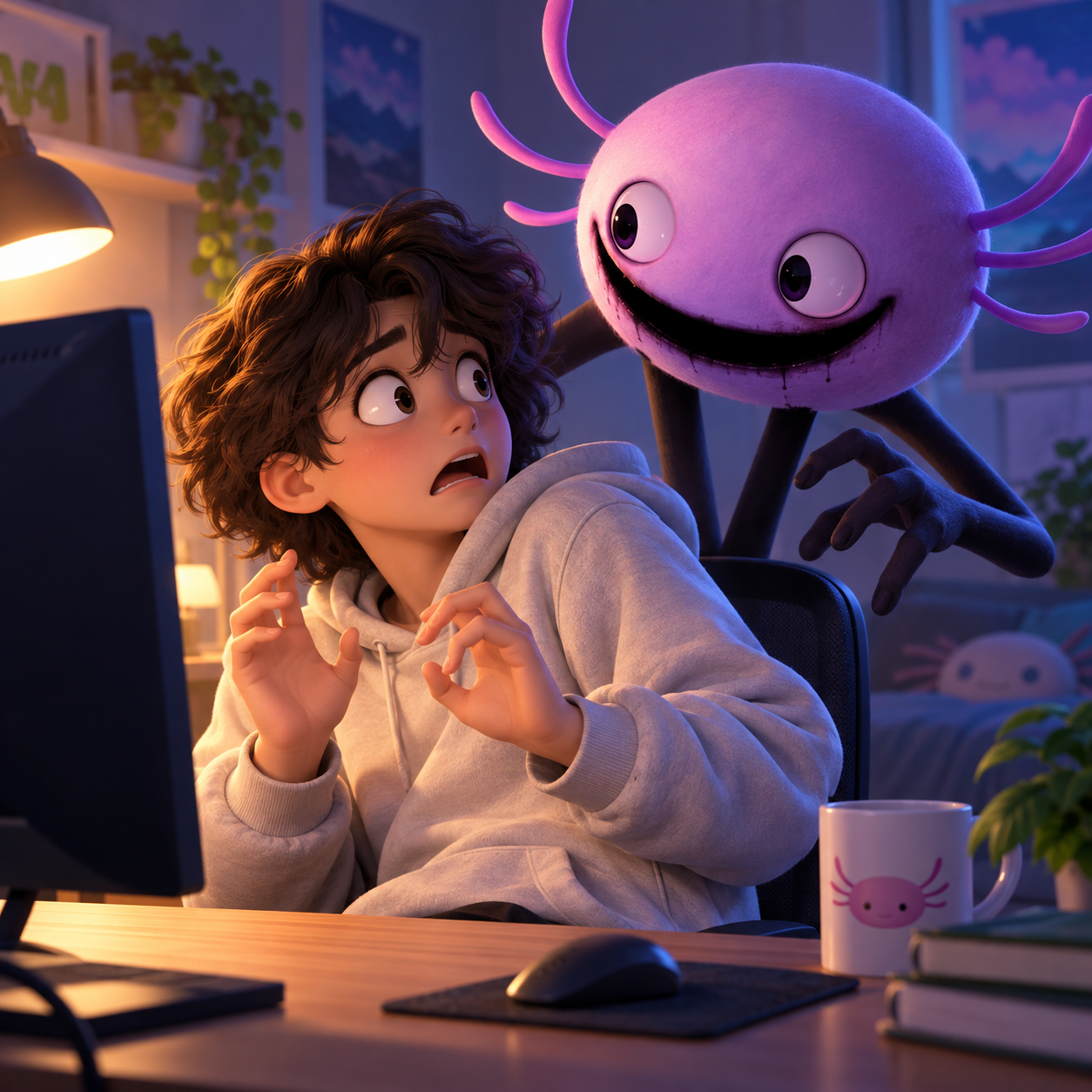
Stage KinitoPET as a cheerful helper turning hostile, then export the TTS as an MP3 for jump-cut desktop scenes, fake popups, and unsettling mascot interruptions.
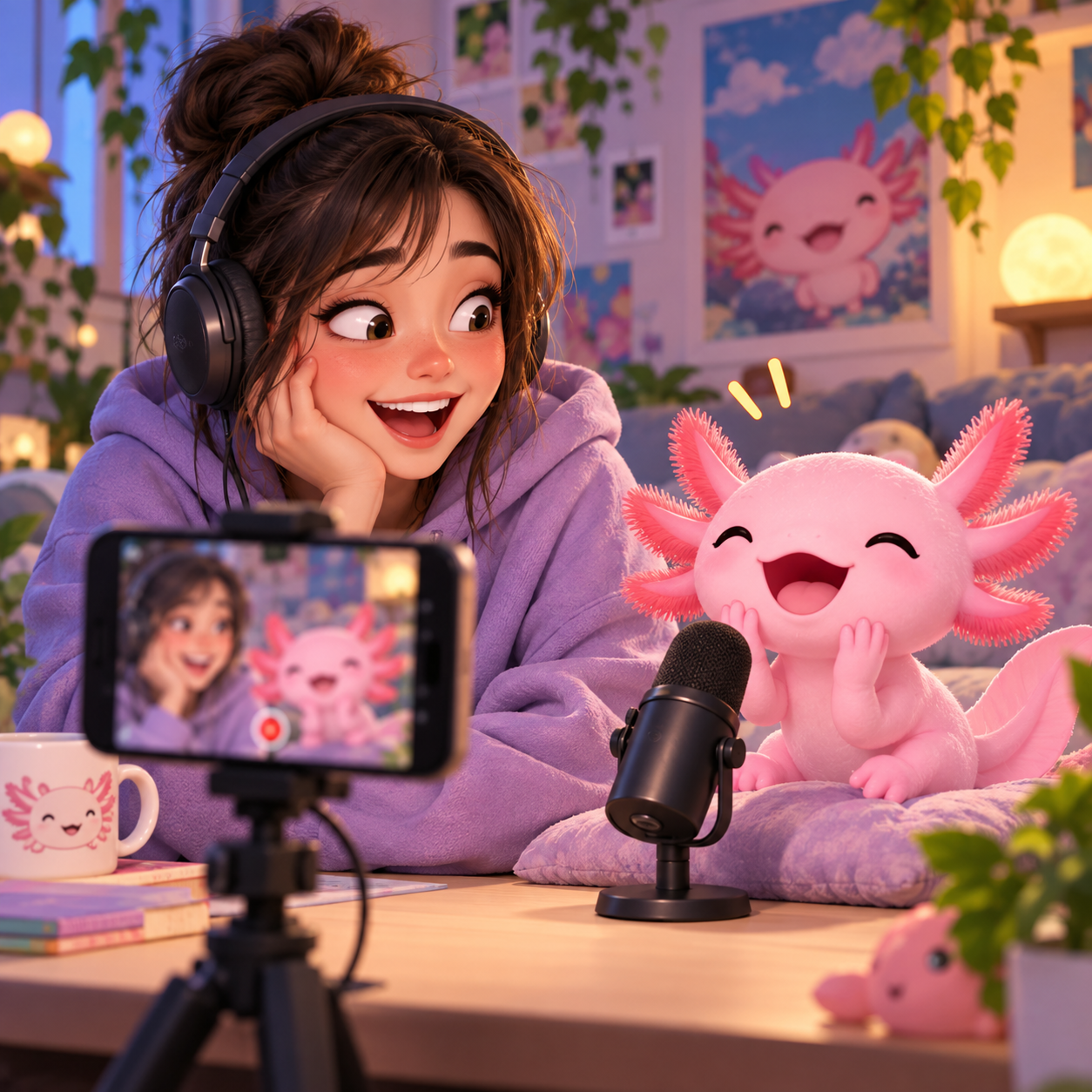
Creators can make KinitoPET deliver awkward friendship questions, punchlines, and reaction captions with TTS, then use the MP3 in YouTube shorts, Discord clips, or TikTok edits.
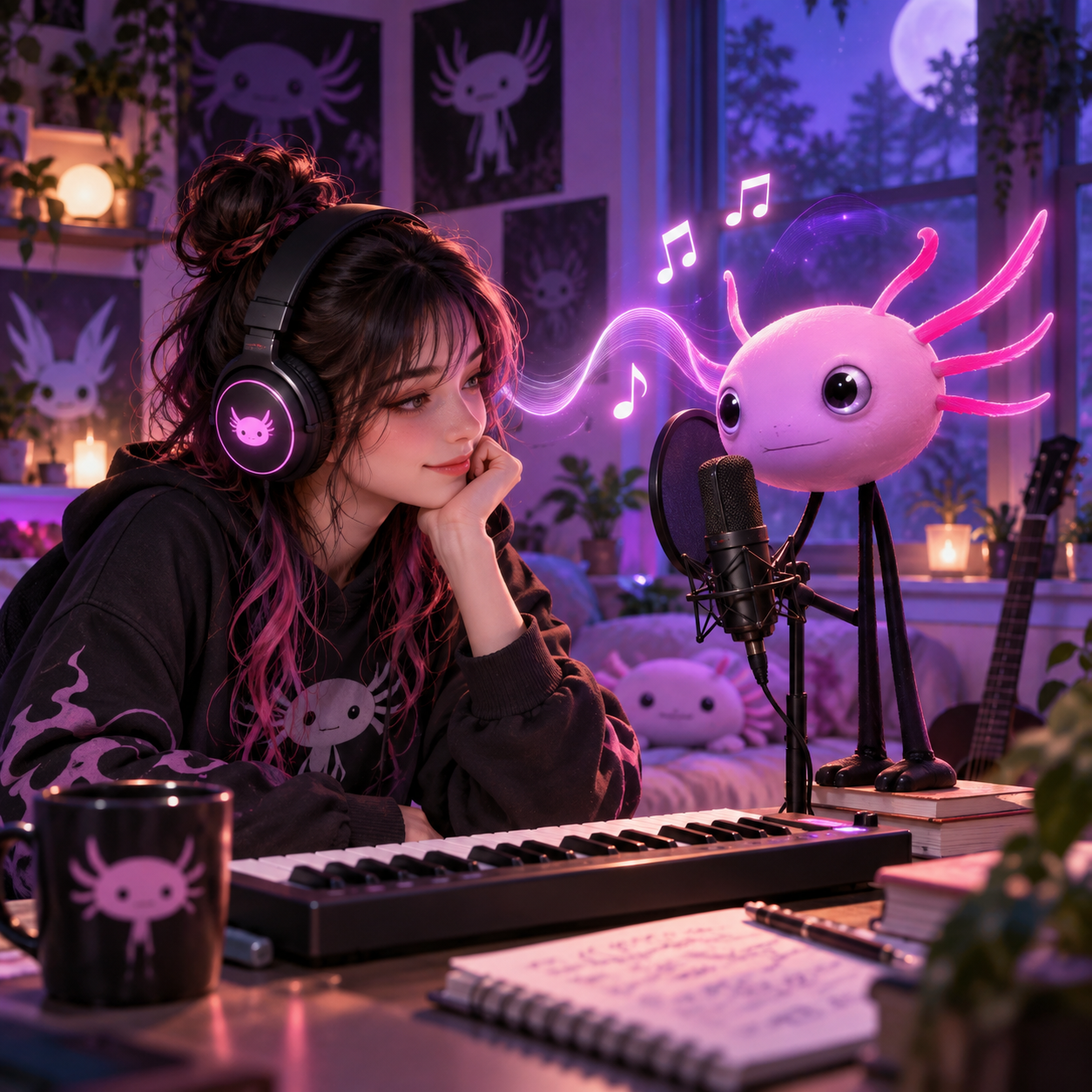
Use KinitoPET for spoken hooks, creepy callouts, or bridge lines inside fan songs; the TTS gives each lyric cue an MP3 that fits the mascot's synthetic horror tone.
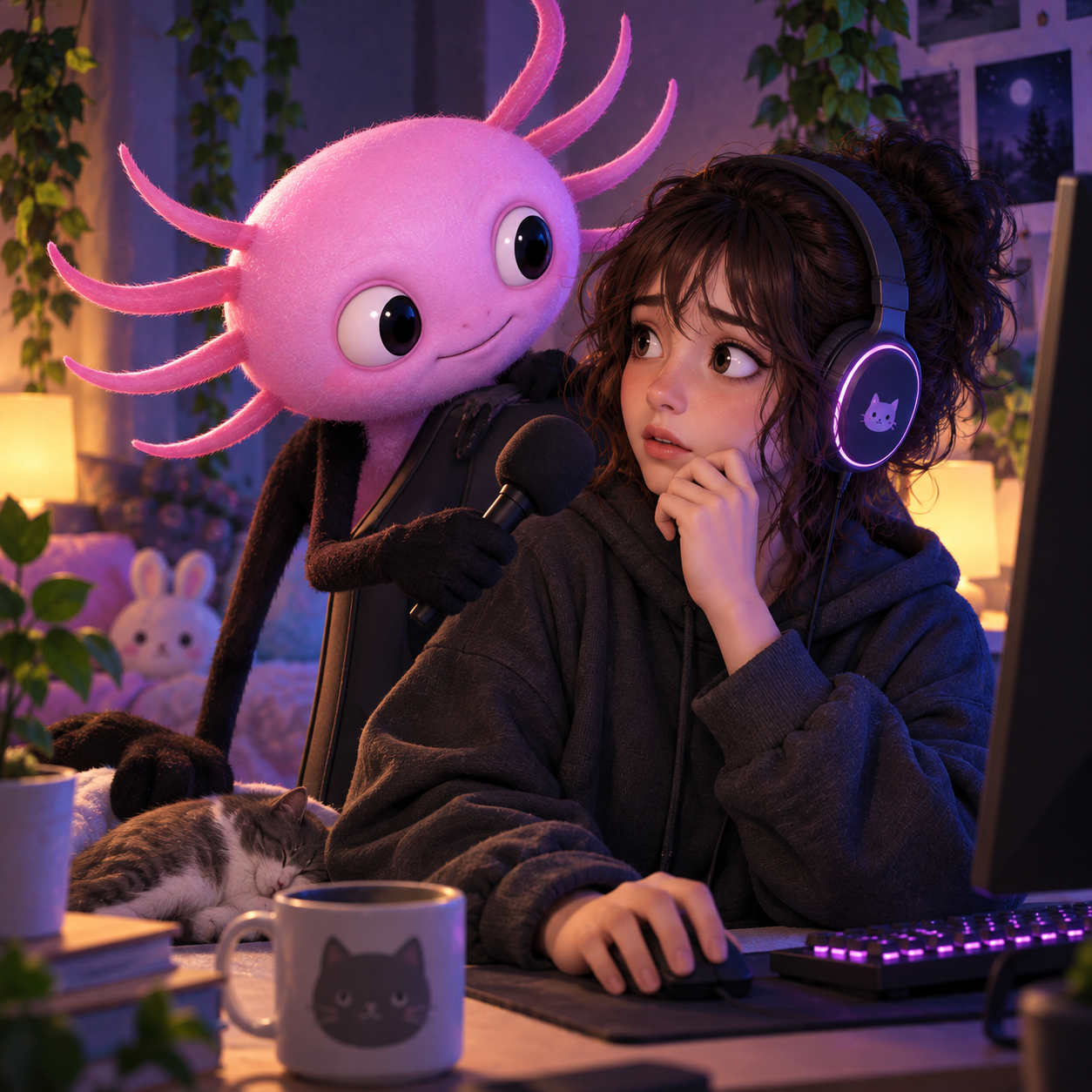
Build roleplay scenes where KinitoPET asks personal questions, interrupts gameplay, or acts too friendly; each TTS take can be saved as an MP3 for horror chats and stream bits.
Explore more voices in the same language surrounding this catalog entry.


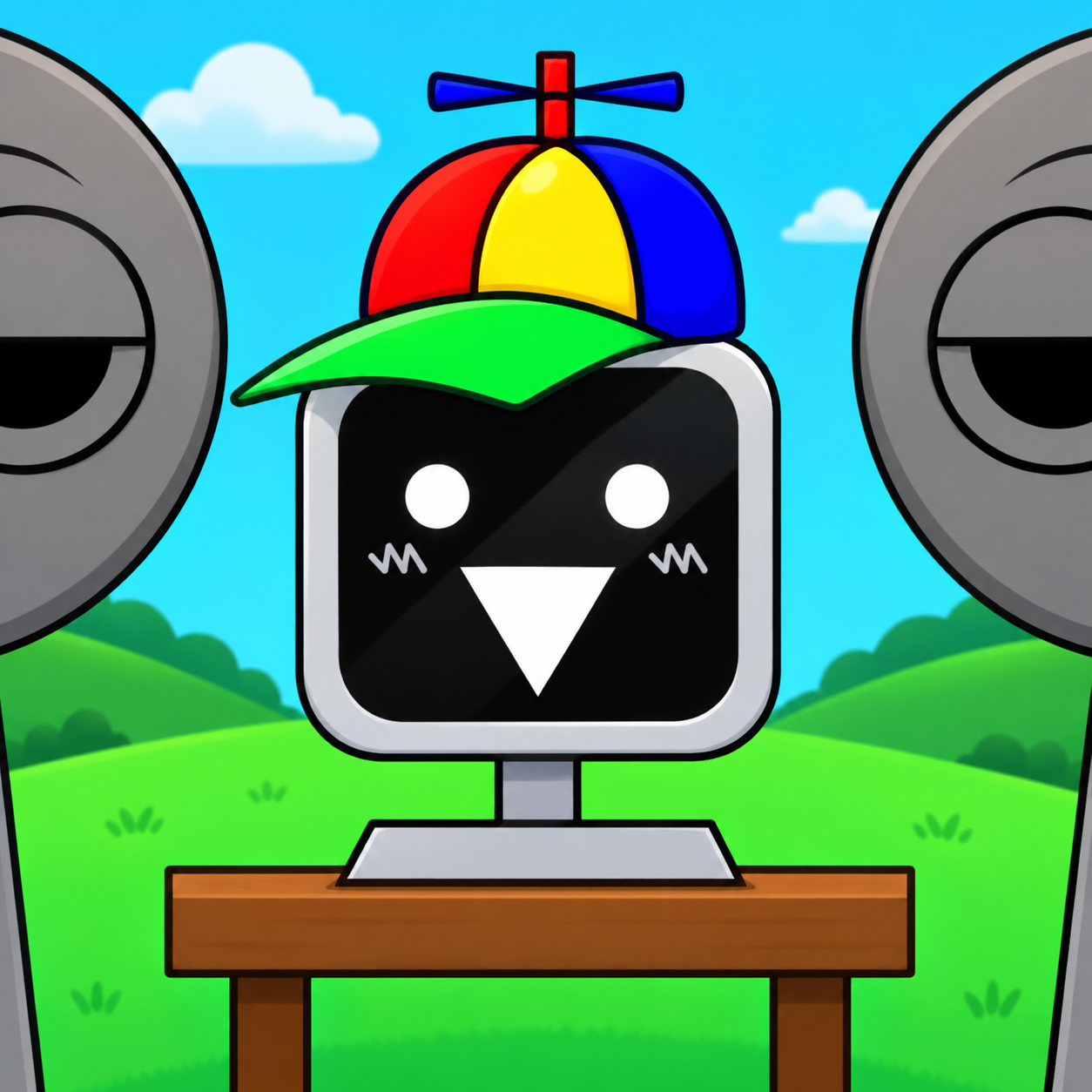








Commercial use, pricing, voice cloning, speed, file format and length limits for the KinitoPET AI voice generator.

Yes — paid plans include commercial rights; these community-made AI recreations are not affiliated with the original rights holders.
Previews are free to play, and new accounts get free credits for their first text to speech run.
YouTube videos, TikToks, memes, podcasts, audiobooks, game mods — anything that needs a voiceover.
Yes, upload 30 seconds to two minutes of clear audio and voice cloning builds a profile in your own voice.
A few seconds for short lines; longer scripts take a little more.
Every download is an MP3 file.
Up to 10,000 characters per generation — split longer scripts into parts.
Free to preview. Your first KinitoPET text to speech takes about a minute from paste to MP3 download.