Free Pico text to speech: type any script, pick a voice, and the AI voice generator reads it back in seconds. Play a TTS sample below — no sign-up to preview.
Free text to speech preview · 3,317 AI voices · MP3 download · no sign-up to listen
More AI Voice Models Similar to Pico
Character, announcer, and narration voice models from the VideoAI text to speech library that creators reach for alongside Pico. Play the sample on any card, then open that AI voice generator page and write your own script.
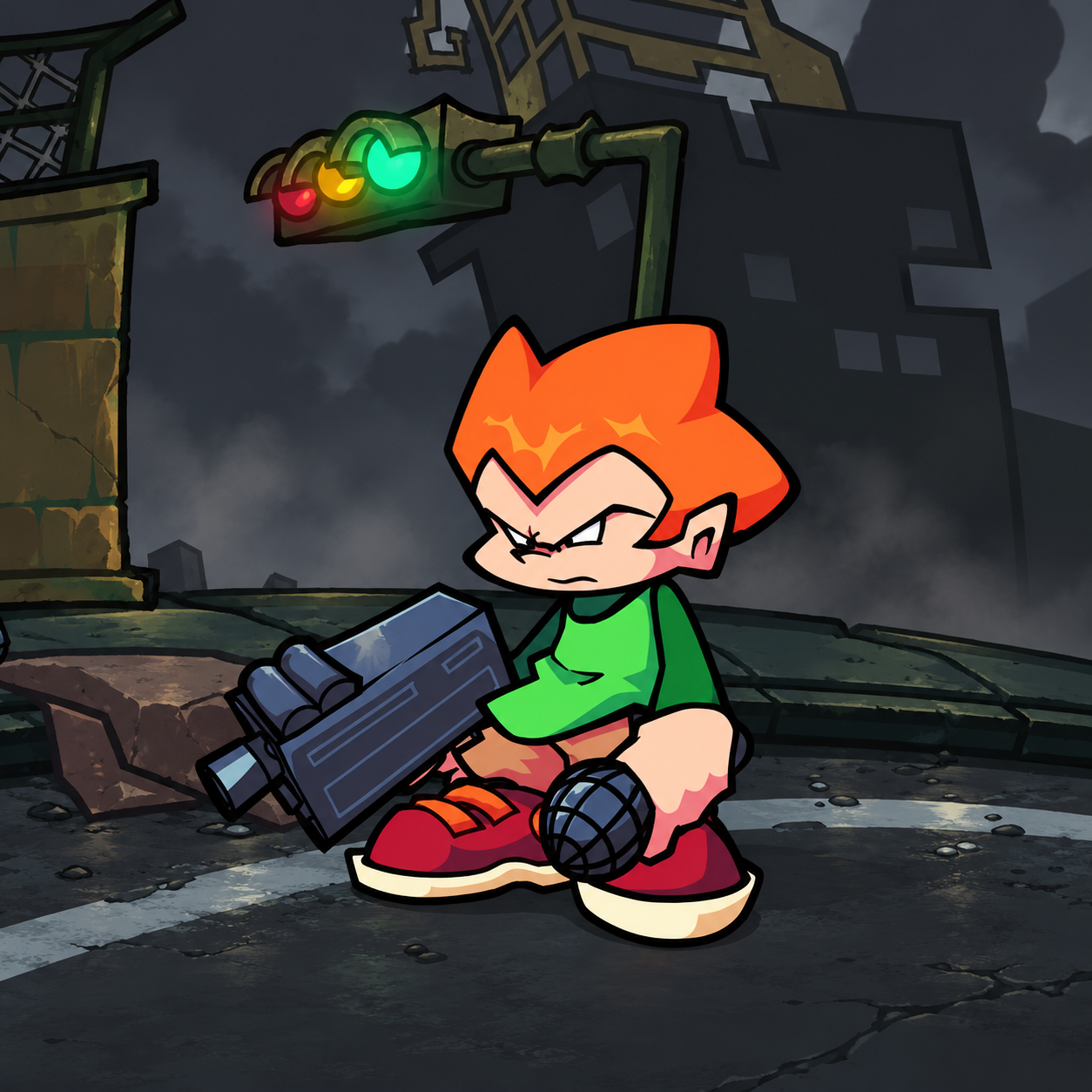
Pico
2K plays
NeutralYoung
“Man, what a chaotic afternoon. I was just trying to get across town and pick up some fries, but everyone’s rushing around like it’s a race. I’m keeping my cool, though. Give me a little space, and we can all get where we’re going just fine.”
“Hey, keep your eyes open. I’ve got places to be, and I’m not letting a little obstacle slow me down. Take a breath, stay focused, and make room. The next part starts now, so let’s see what we can do.”
“Drop into the beat and let the rhythm take shape. A tight kick, a bright snare, and a little buzzing synth can turn a quiet room into a whole new world. Find your own flow, keep it loose, and let the groove do the talking.”
“Catch the beat, let the whole room move, one bright sound with a little groove. Step by step, we find our way; bring your own rhythm into the day. Voices join and the tempo grows, making new music wherever it flows.”
“You think everything’s going to change overnight? Not a chance. I’ve got my own plans, and I’m not taking on everyone else’s problems today. There’s a beat in my head, a goal up ahead, and I’m moving at my pace, so don’t expect me to slow down.”
“Yo, we’re on the scene, and the day’s just getting started. I’ve got my headphones ready and a fresh beat in mind. Keep your focus, find your own rhythm, and make some room to move. No need to rush—let’s see what kind of moment we can create.”
“The beat is building, and I’m ready to jump right in. I’ve got a quick rhythm, a clear idea, and plenty of energy to keep things moving. Every line lands with a little bounce, every pause sets up the next one. Come on, let’s make some noise!”
“Chicka-chicka, here we go! The beat is rolling and the lights are shining, so bring your best rhythm to the floor. Keep your eyes open, catch the next little twist, and let the music carry you through the whole show. This moment belongs to the groove!”
Three steps from an empty text box to a downloaded Pico TTS file — no editing skills needed.
1
Select the Pico AI voice
Start from this page or browse the AI voice library, then keep the Pico voice selected for your script.
2
Type or Paste Your Text
Drop your script into the text to speech box, then fine-tune speed, volume, and expressiveness before you render.
3
Text to Speech
Hit generate and the AI voice generator returns your Pico TTS in seconds - play it, download the MP3, drop it on a timeline.
What Creators Make with the Pico AI Voice
Every clip below starts the same way: type a line, pick the voice, let the text to speech engine do the rest.
Flash Adventure Redubs
Creators rebuilding point-and-click scenes can give Pico a quick, animated read with TTS, then export an MP3 for tight cuts, jumpy replies, and playful menu-style exchanges.
Newgrounds Meme Replies
For short Newgrounds edits, Pico works best in fast back-and-forth jokes; use TTS to test sharp timing, save an MP3, and match the restless energy of old Flash culture.
Point-And-Click Scene Tests
When drafting fan dialogue for schoolyard-style game moments, Pico can sound playful without slowing down; TTS helps compare takes, while an MP3 keeps each expressive line ready for video edits.
Fast Flash Era Shorts
TikTok and YouTube creators can script Pico for animated reaction beats, run TTS for snappy pacing, and drop the MP3 into late-1990s and 2000s Flash game throwback clips.
Discover More Male, Young, and Social Media Voices
Explore more voices in the same language surrounding this catalog entry.